

Delivery note READY IN 2 MINUTES
Free delivery note generator
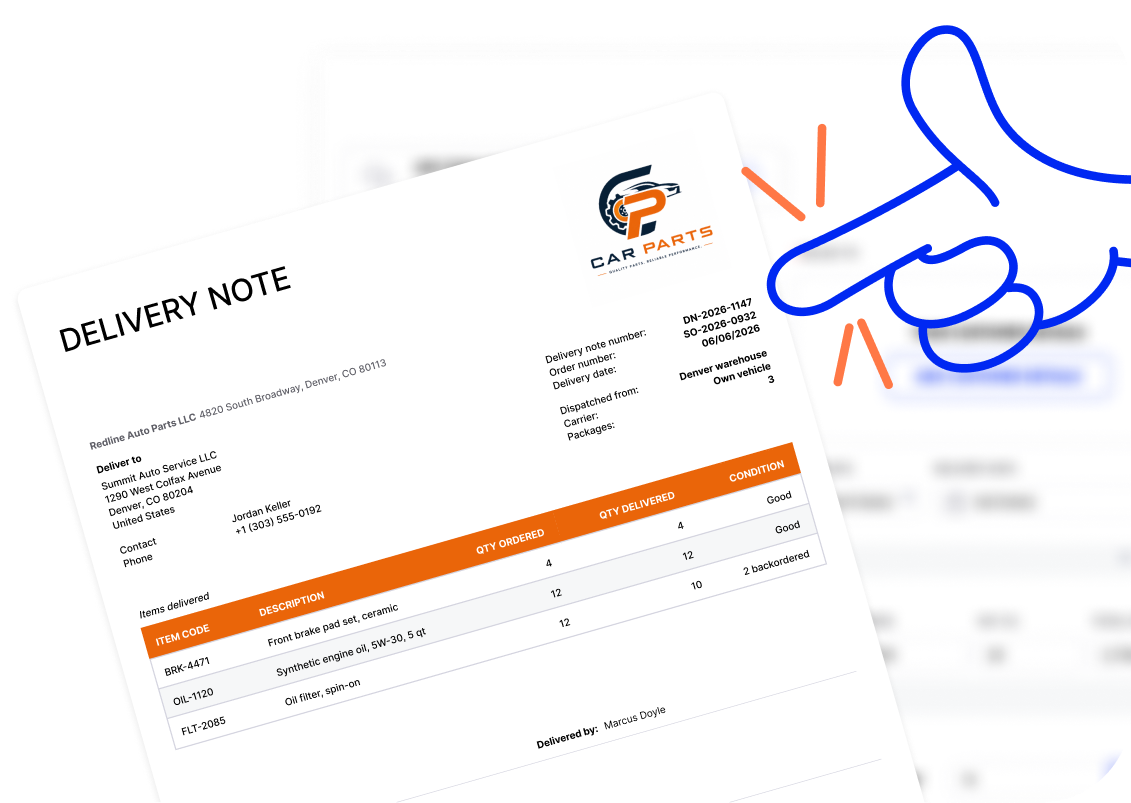
It’s important that you have proof of delivery for everything you ship as a business, and this is where a delivery note or proof of delivery template comes in. A delivery note is a document that you’ll send with a shipment of goods. Once your customer gets the shipment, they’ll sign it and return a copy to you.
Using software to generate delivery notes with a template and then sending the notes online is a fast way for your customers to receive the delivery note and return it to you. You want to send uniform and complete delivery notes with every shipment, and Billdu’s delivery note maker app is an easy way to create and send them.
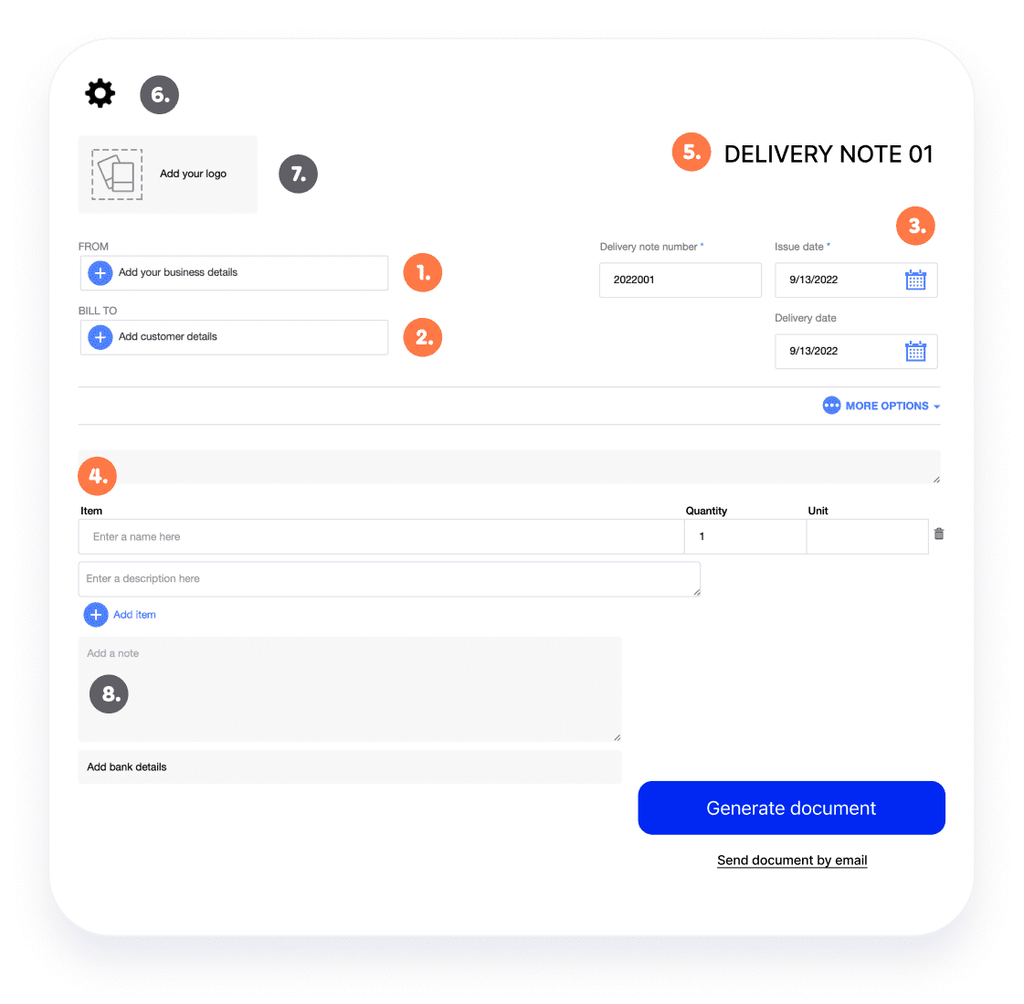
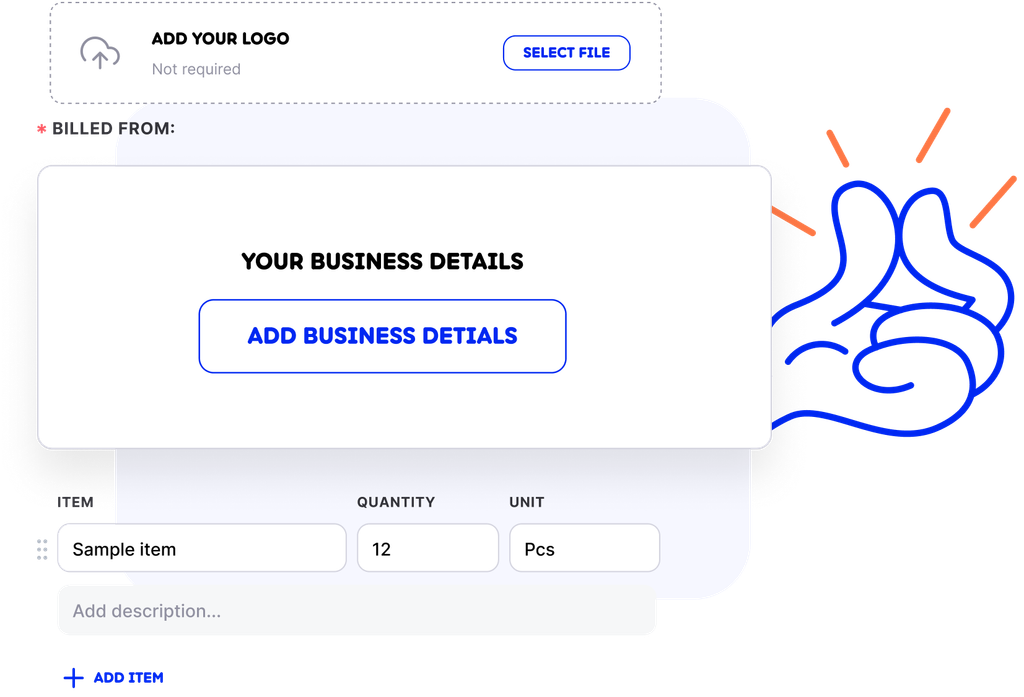
Start here by entering your business details
- Address:
- Business ID:
- Tax/VAT ID:
- VAT ID:
Continue with entering your customer details
- Address:
- Business ID:
- Tax/VAT ID:
- VAT ID:
Click to see more options
Enter your first item here
Fast & simple
HOW TO MAKE A CUSTOM DELIVERY NOTE USING BILLDU ONLINE GENERATOR
Generating a custom delivery note with Billdu takes mere moments. Just fill in the required fields, including your and your client’s business details, the issue and delivery date, the items, quantity and unit, and delivery note number. Then, spice up the delivery note with a logo or colourful template, and email it to a client straightaway or download the PDF completely free.
1. Your Business Details: Clarify who’s issuing the delivery note.
2. Client’s Business Details: Clarify who the delivery note is addressed to.
3. Issue Date & Delivery date: Clarify when the delivery note was issued and when the items were delivered.
4. Item, quantity and unit: Detail the item, quantity, and unit.
5. Delivery note number: Helps with cataloging delivery notes for both you and your customer.
Optional:
6. Delivery note template & colour: Customise your delivery note to create a professional and unique design your clients can automatically associate with you.
7. Logo: Add your company logo to add to your delivery note’s professionalism and boost brand recognition.
8. Note: Attach any relevant notes regarding the items, the delivery, or the delivery note itself.
Templates you can create with free online delivery note generator
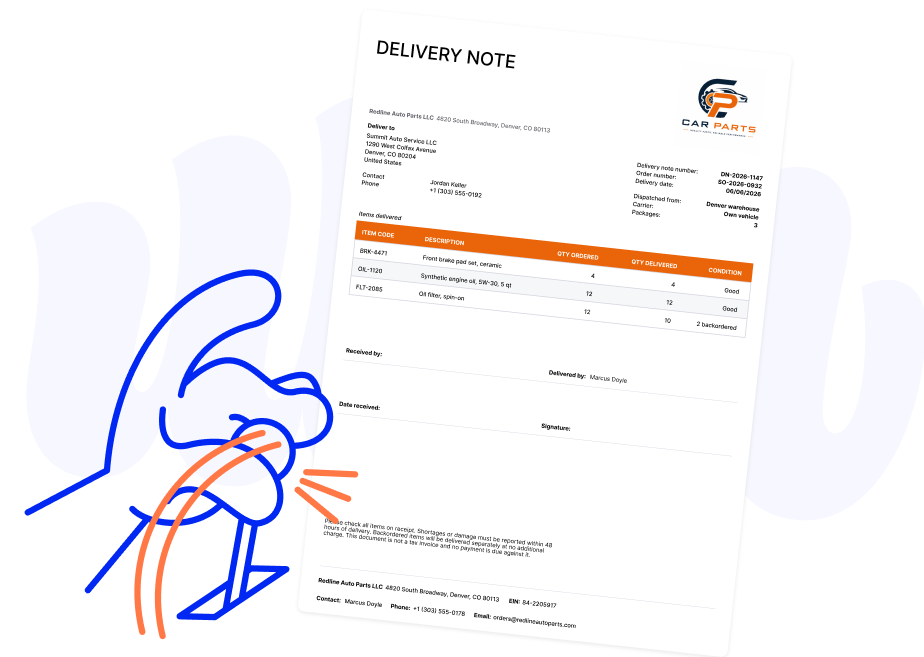
Are you tired of the simple old black-on-white delivery notes? Take advantage of Billdu’s delivery note maker, automatically generate professional delivery notes and dazzle your clients with 5 stunning templates in every colour of the rainbow. You can create your custom design directly in our delivery note maker by choosing a template and colour in the top bar.
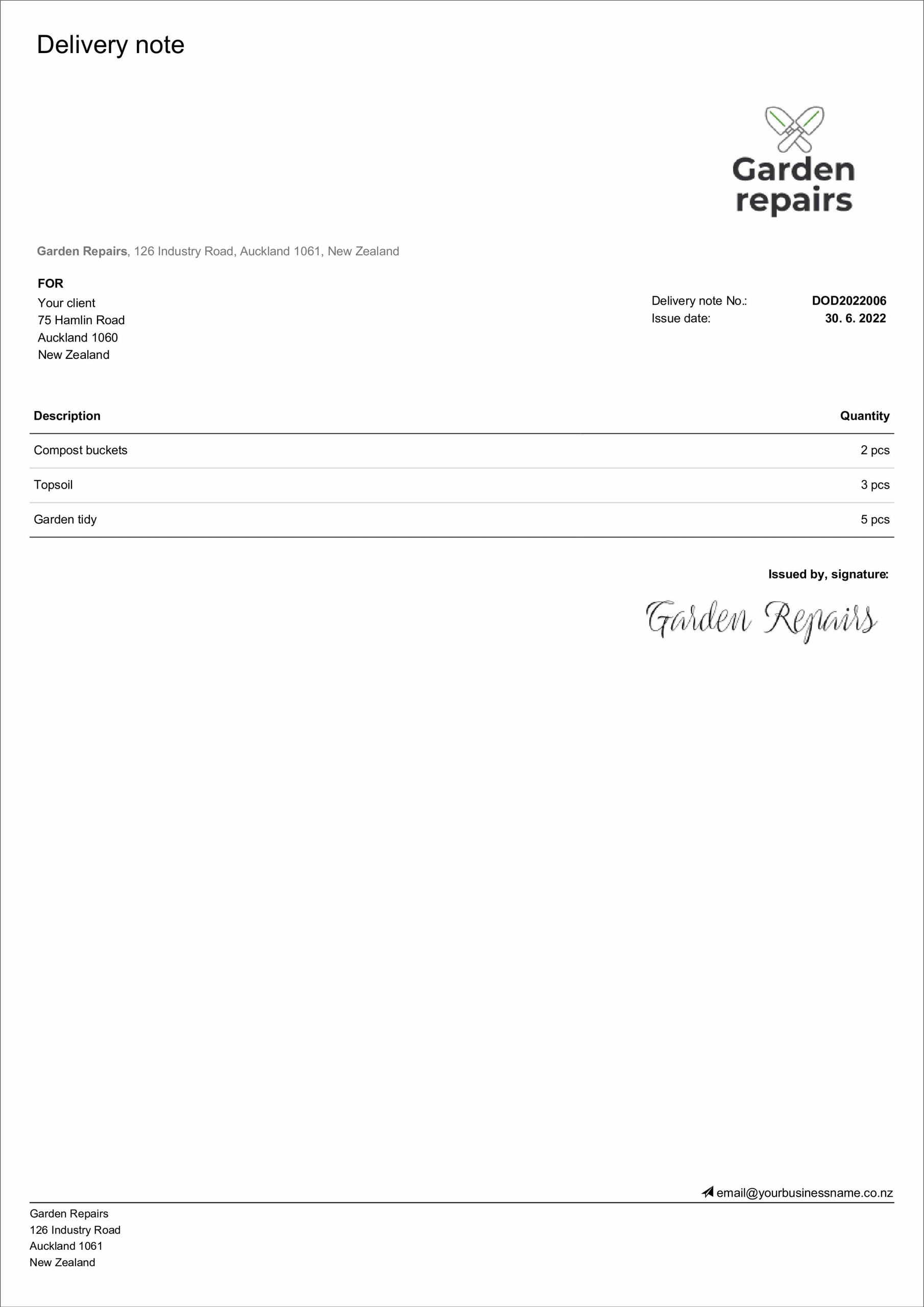
Stripe Template
Download the template example in:
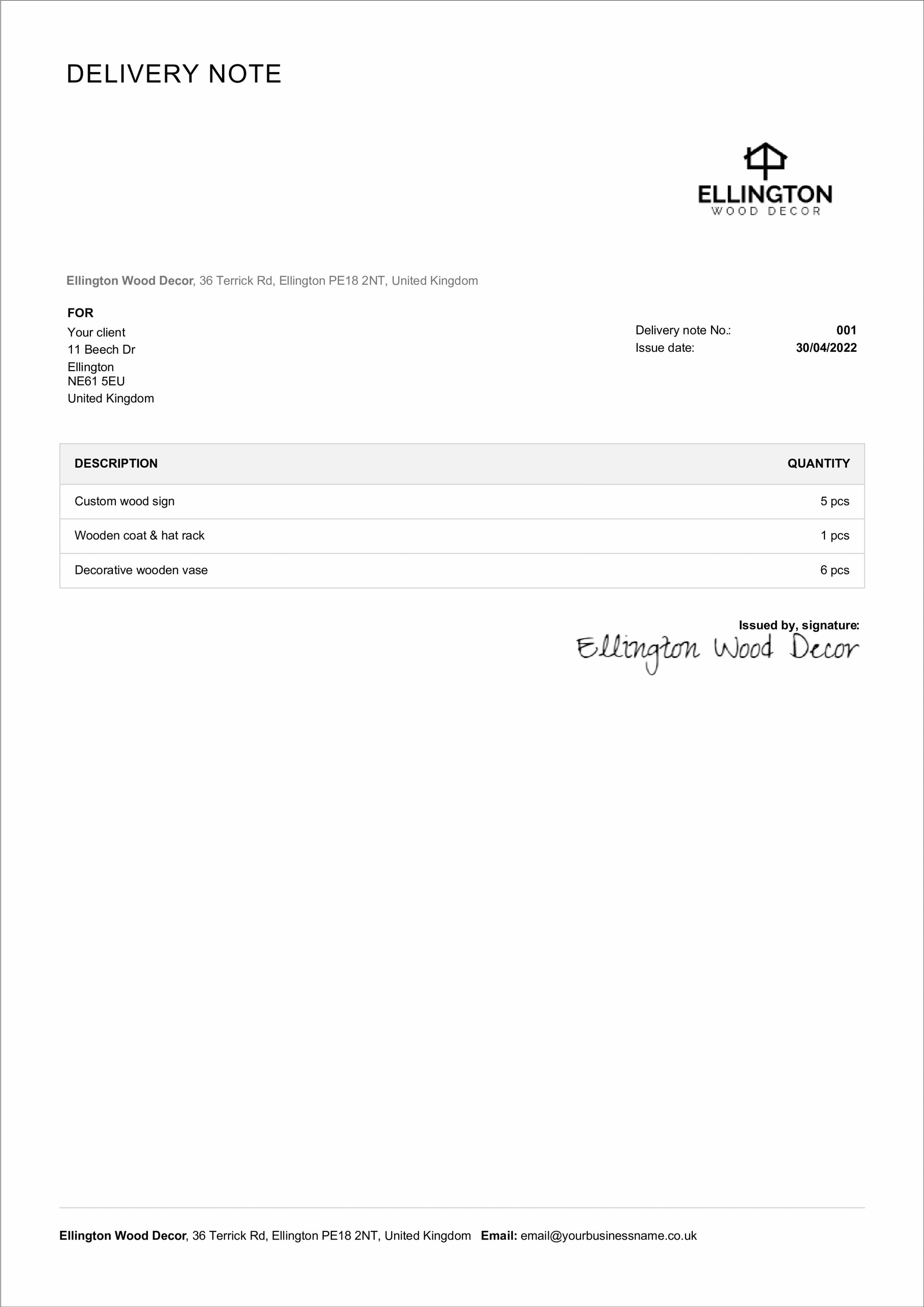
Classic Template
Download the template example in:
BENEFITS OF USING A DELIVERY NOTE GENERATOR
There are several benefits to using a delivery note generator to create your custom notes. We’ve picked out the biggest ones below.
Consistency – You’ll be able to create consistent delivery notes using a template. With a free Billdu account, it’ll even save your settings for every delivery note you send out with your business information, preferred colours, and logo.
Saves time: Generating delivery notes using other programs can be a time-consuming process. With Billdu’s delivery note maker, you follow a few simple steps to fill out the delivery note fields. It guides you step-by-step through the process to ensure you don’t miss anything.
Convenience – The cloud-based software suite will save your delivery notes to a centralised database that makes tracking and checking them easy. You can check that you sent them out, keep your customers separate, and monitor your shipment values.
Lowers the Chance of Mistakes – A template keeps your details, items and quantities in the same place on every delivery note. This reduces your chances of mistakes and lowers the possibility of discrepancies later down the line.
FEATURES YOUR DELIVERY NOTE HAS TO HAVE
No matter how you choose to create your delivery notes, there are several important features you want to have. These things include:
Description of the Goods – Everything you send should have a description that includes the item name, quantity and unit.
Customer Details – The customer’s name and relevant contact details.
Date – The issue date should be very prominent. The day you deliver the goods should also be very clear.
Seller Details – Your name, address, and other contact information.
Signature – While this is optional, it’s a good idea to have the buyer sign a copy of the delivery note and return it to you confirming they received the order and it was complete.
Consider
UPGRADE TO BILLDU’S MOBILE APP TO GENERATE DELIVERY NOTES ONLINE
When you create your first delivery note, consider registering for a Billdu account and getting the mobile app. When you upgrade, it gets even easier because the platform will save all of your relevant business details, customisation options, and your client’s information. This makes generating delivery notes easier. The app lets you access your delivery notes at any time. The cloud-based software, which can be used with iOS and Android devices, lets you generate, check, and send delivery notes on the go. You’ll also see when the customer opens your delivery note.
Got questions?
A delivery note is a document that accompanies a shipment of goods and provides detailed information about the products being delivered. It typically includes the name and contact information of the sender and recipient, a list of the items being delivered, their quantities, and any special instructions for handling the shipment.
A delivery note is typically used whenever goods are shipped from one location to another. It is a common practice in both commercial and consumer shipping situations, and is often used in conjunction with a bill of lading or other shipping documents. The delivery note serves as an important tool for both the sender and the recipient, as it helps to ensure that the correct goods are delivered and that they are in good condition upon arrival.
A delivery note should contain several key pieces of information, including the names and contact information of the sender and the recipient, the date of the shipment, a detailed list of the goods being delivered, their quantities, and any special instructions for handling the shipment.
To write a delivery note, include the sender and recipient’s contact info, the shipment date, a detailed list of the goods being delivered, a unique identifier, and the sender’s signature. Optional information to include may be the mode of transportation, shipping method, and expected delivery date.
A delivery note is a document that accompanies a shipment of goods and provides detailed information about the products being delivered. A receipt note, on the other hand, is a document that confirms that payment has been received for the goods or services being delivered. The main difference between the two is that a delivery note focuses on the details of the goods being shipped, while a receipt note focuses on the payment for those goods.
A delivery note is a document that accompanies a shipment of goods and provides detailed information about the products being delivered. An invoice, on the other hand, is a document that requests payment for goods or services that have been provided.
Yes, this online delivery note generator is completely free of charge. You create the document in your browser, and downloading or saving it needs a free Billdu account. If you want to use all Billdu features, you can choose a paid plan, which lets you create an unlimited number of delivery notes and keeps all of them accessible online and in our mobile app.