

Free download
Free invoice templates by country
Choose an invoice template for Australia, New Zealand or Canada, then customise it with your business and customer details. Download a Word or Excel file, work in Google Sheets, or create your invoice online.
Each country section brings together the relevant designs, editing options and invoicing guidance. For the United Kingdom, use our dedicated UK invoice templates.
The designs are editable starting points. Choose the correct currency, business identifiers and tax treatment for the transaction. The guidance below covers common situations; use the linked official guidance for the rules that apply to your business.
Australian invoice templates
Looking for a free Australian invoice template? Choose a design below and add your business information, client details, products or services and payment terms. The collection can be adapted for sole traders, freelancers, self-employed people and other small businesses.
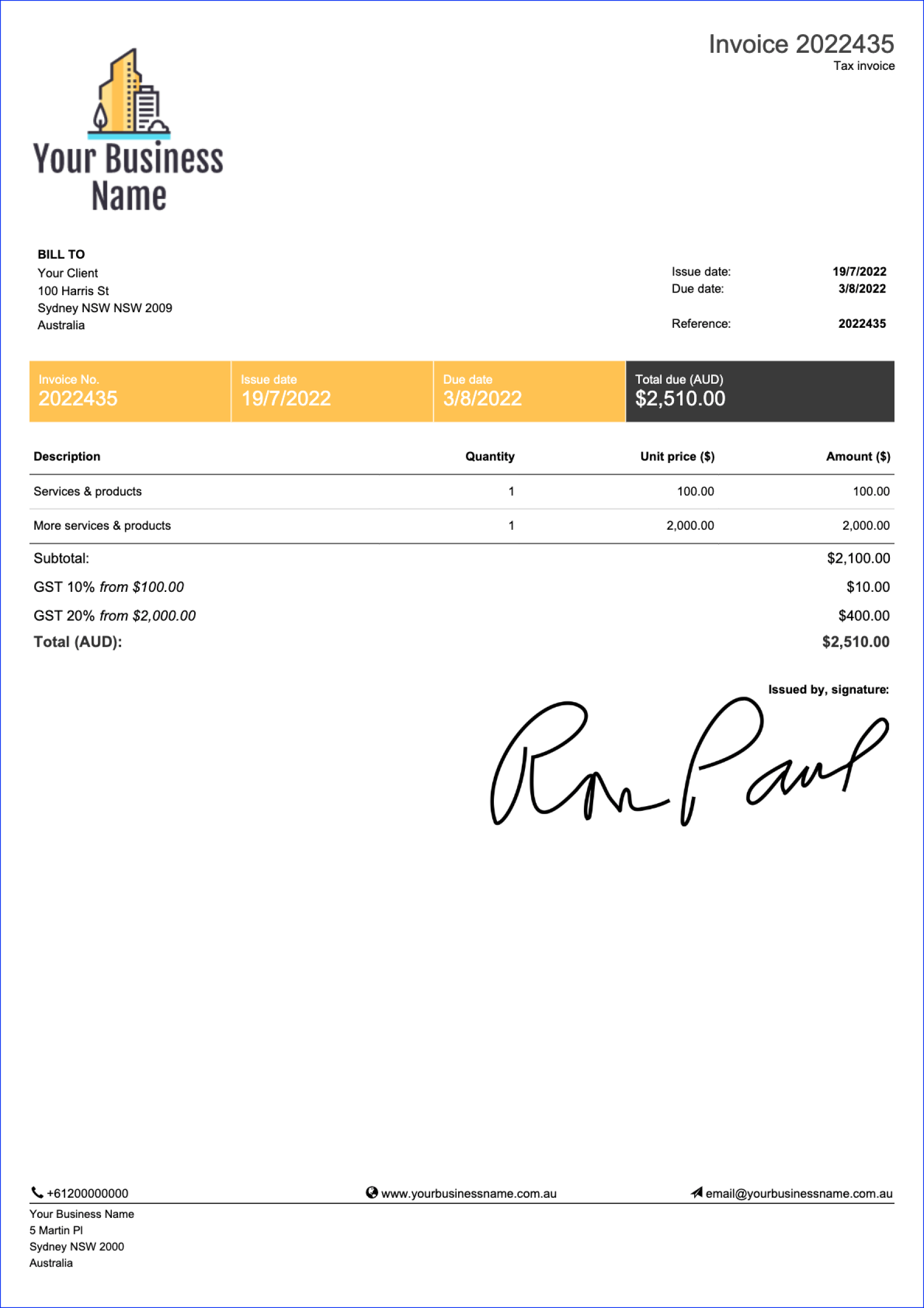
Stripe Template
Download template for free:
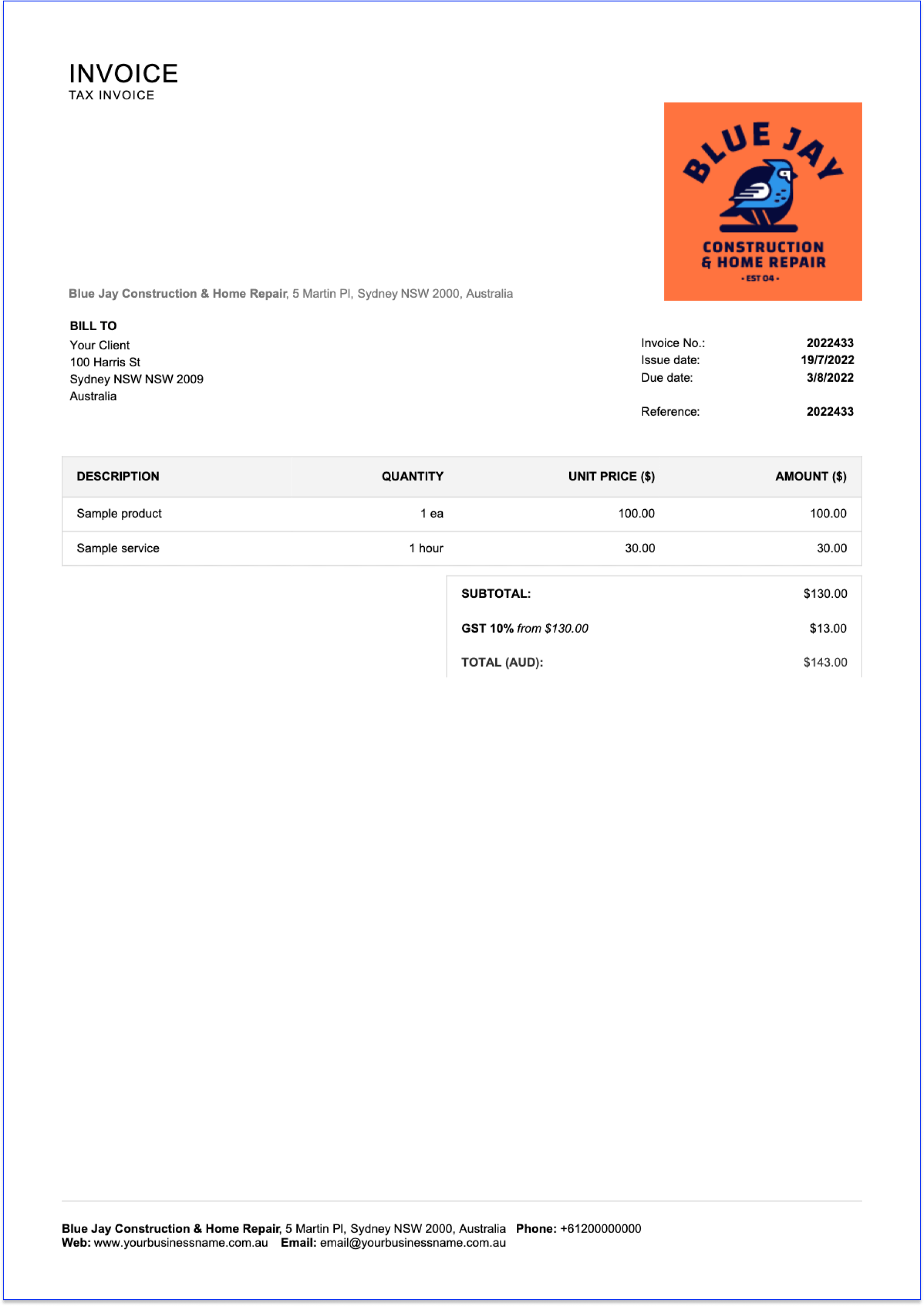
Classic Template
Download template for free:
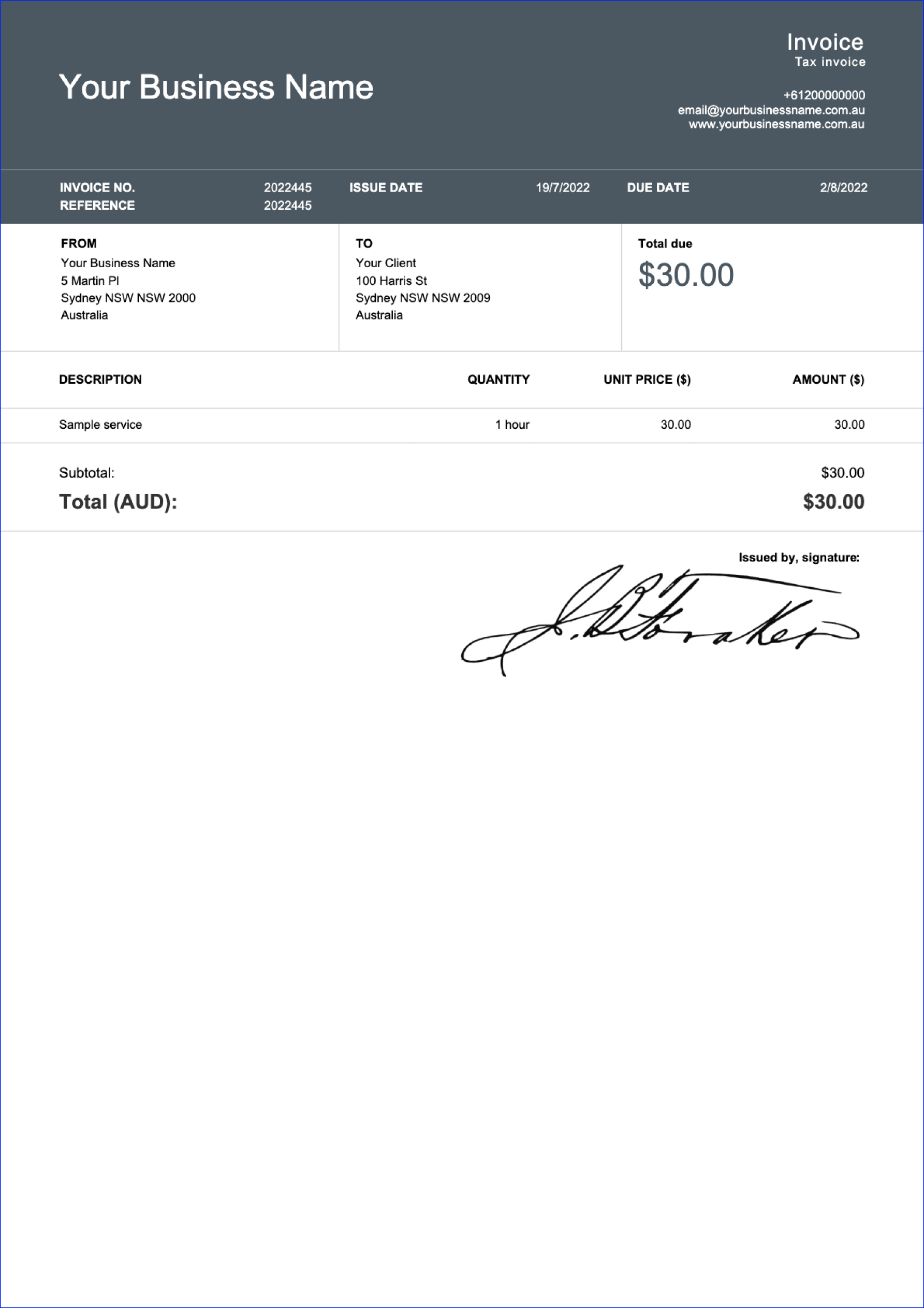
Modern Template
Download template for free:
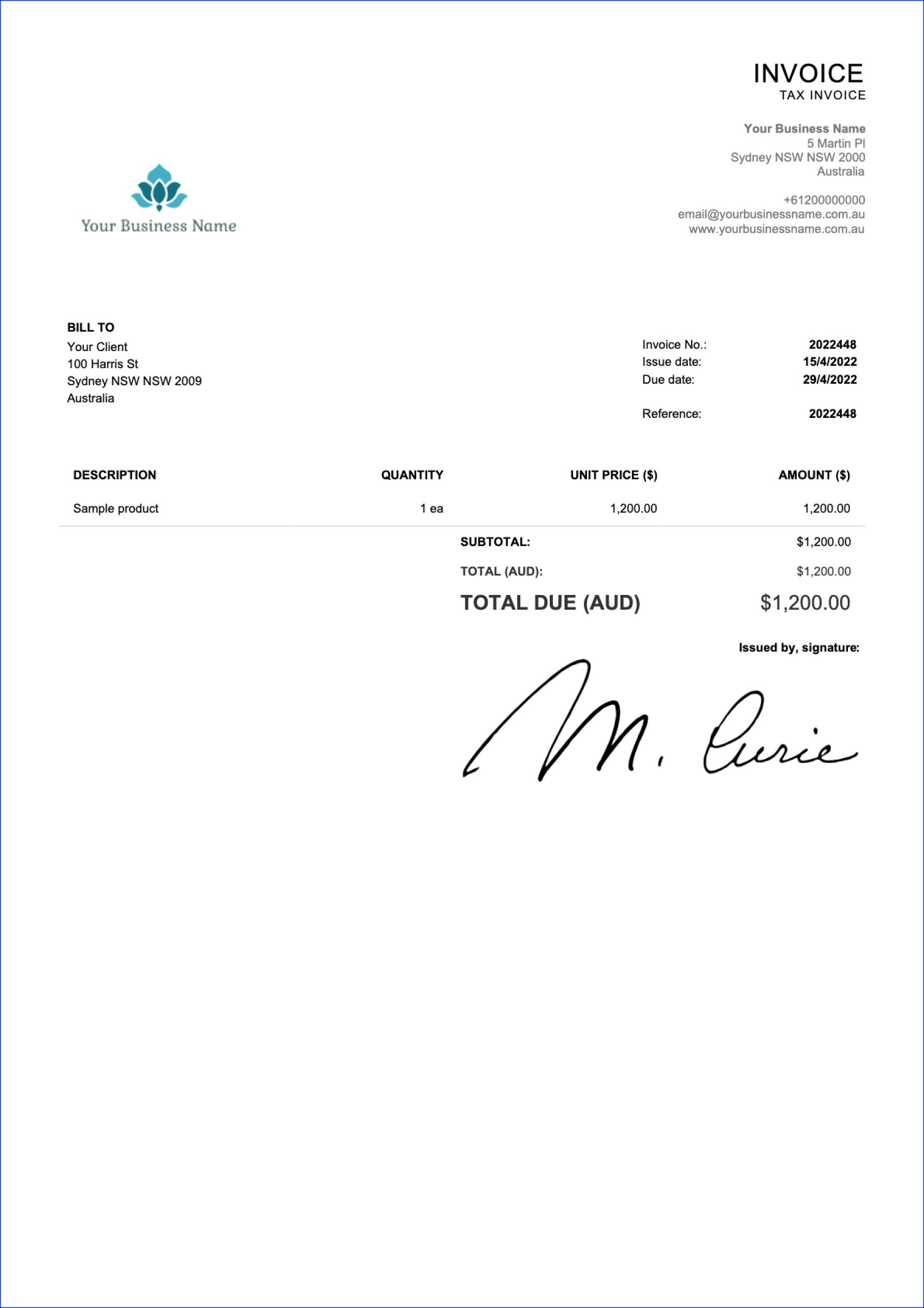
Simple Template
Download template for free:
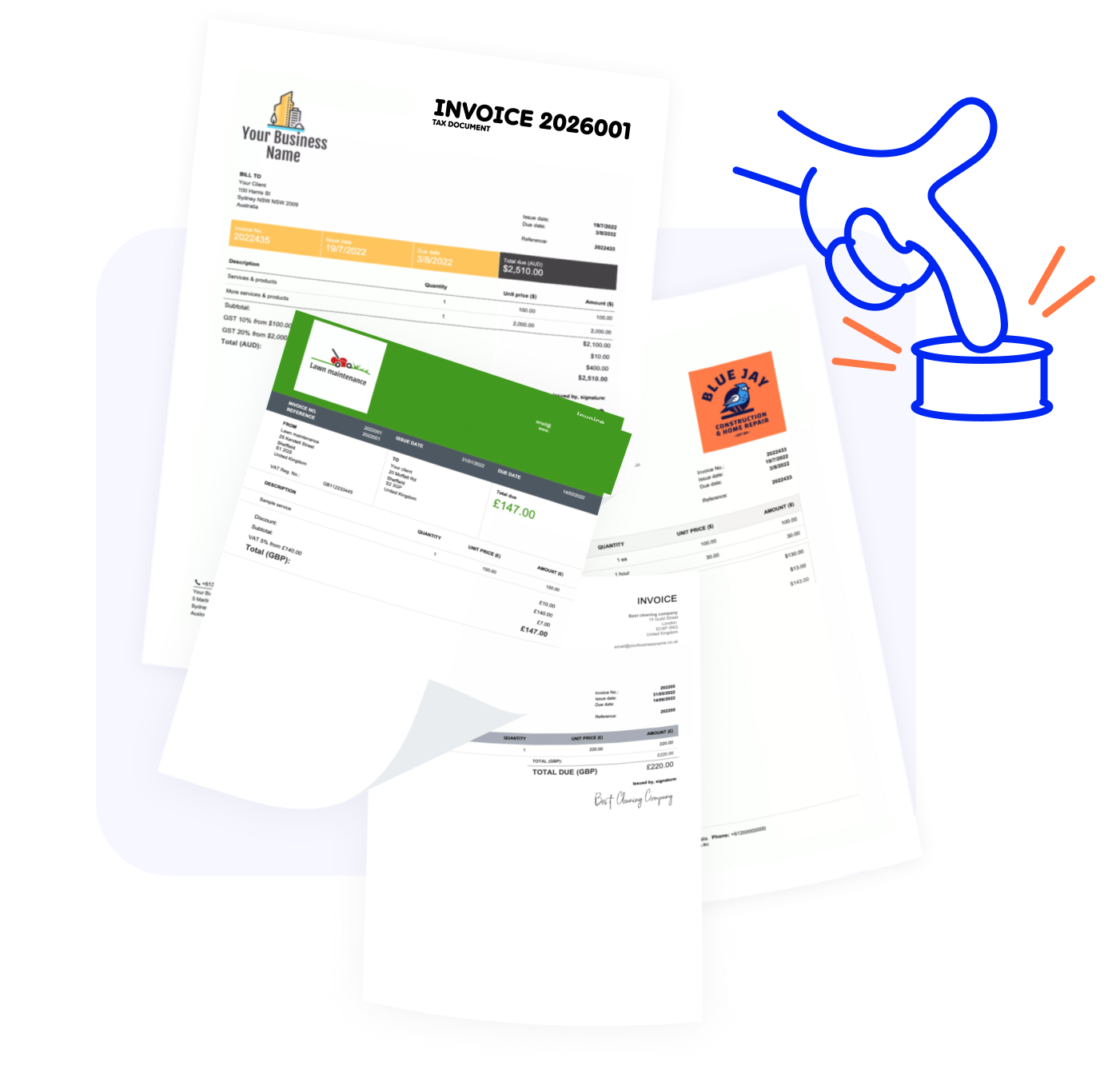
Choose an Australian invoice format
Use Word when you want to edit the wording and layout. Save a master copy, create a separate file for each invoice and export the completed document to PDF.
Use Excel or Google Sheets when you want a spreadsheet for quantities, rates and totals. Check the formulas after changing rows, and review the tax and currency settings before sending the invoice.
For a PDF invoice, create the document online or export a completed editable file. If you prefer Google Docs, visit the Google invoice templates for Australian businesses and follow the same Australian checks below.
GST-registered businesses use tax invoices for taxable sales. A business that is not GST registered should issue a regular invoice and should not add GST or label the document “Tax invoice”.
For a tax invoice, show the supplier’s name and ABN, issue date, description and price of the supply, and the GST information. Include the customer’s identity and billing details as a practical default, including where the higher-value invoice rules require them. Add a unique number, total and clear payment instructions. Check Australian Government invoice guidance for the applicable requirements and issue deadlines.
ABN means Australian Business Number. It identifies your business and is different from a tax file number. Use the correct ABN on your invoices and check that the business details match your registration. Not quoting an ABN can affect how a customer treats a business payment, so resolve that before invoicing. See the Australian Government ABN guide.
For most businesses, compulsory GST registration starts at a GST turnover of A$75,000; the threshold for non-profit organisations is A$150,000. Turnover is not profit, and special rules apply to activities such as taxi and ride-sourcing services. Registration can also be voluntary below the threshold. Check the registration rules when starting or growing your business.
GST is generally 10% on taxable sales. Some supplies have different treatment. If you are registered, show the tax correctly; if you are not, do not add a GST charge. Having an ABN alone does not mean you are GST registered.
Australian invoice checklist
Replace all example business and customer details.
Use the correct invoice heading for your GST status.
Add your ABN and relevant contact details.
Enter a unique invoice number, issue date and due date.
Describe the goods or services, including quantities, hours or rates where useful.
Check the correct GST treatment and make the tax and total easy to follow.
Show discounts, payments already received and the remaining balance separately.
Include the payment methods, account details and reference the customer needs.
Preview the document and keep the final version with your records.
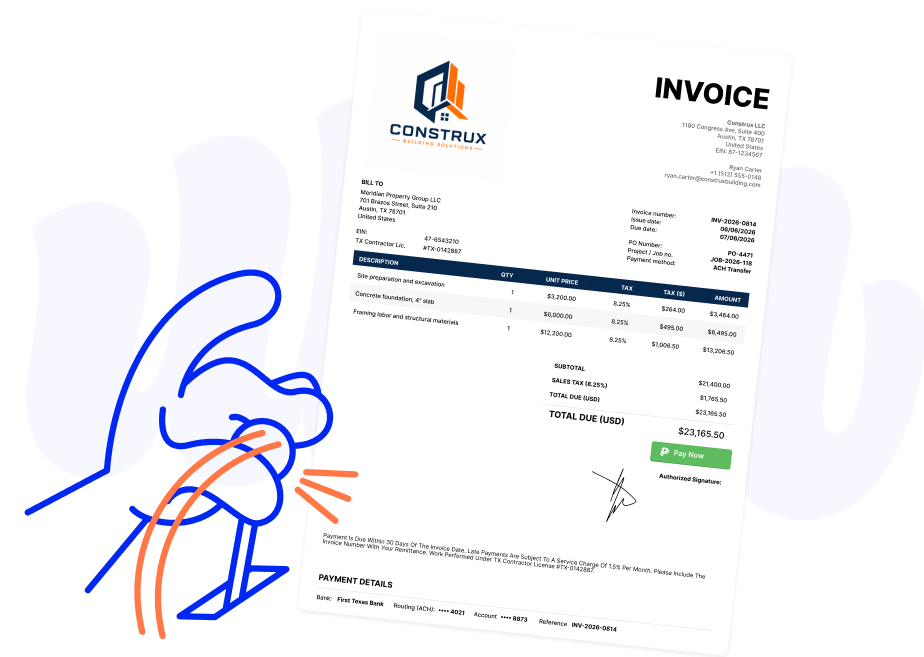
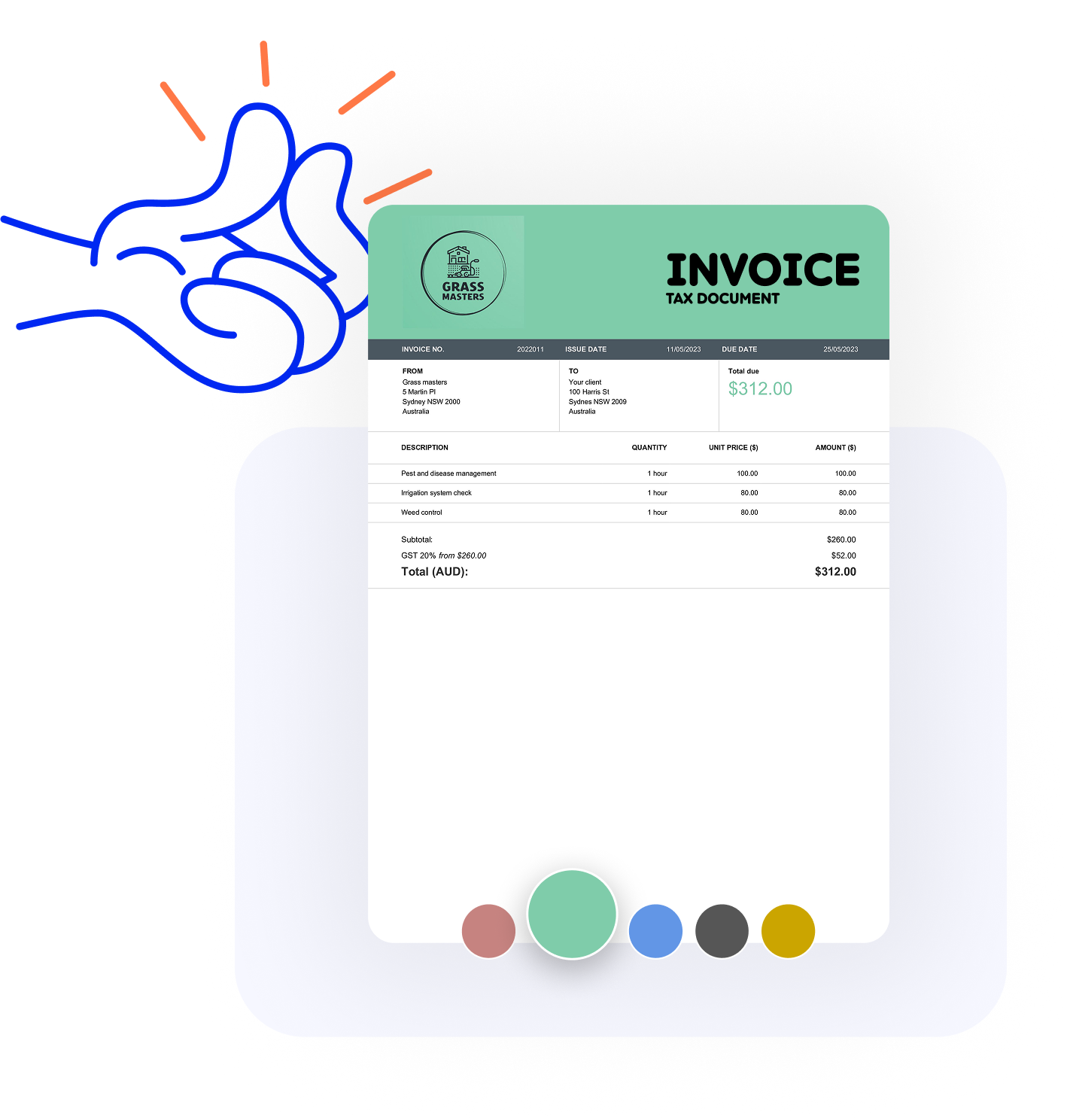
Sole trader and self-employed invoices in Australia
A sole trader operates a business as an individual. Freelance work and contracting describe the work arrangement; self-employed is a broader description of working for yourself. Your invoice should use the business identity and tax registration that actually apply to you.
Start with one of the Australian designs above. Add your trading details, client, work description, agreed rate, invoice dates and payment terms. Use a standard invoice for a completed job, an agreed stage invoice for a longer project, or recurring invoices for regular services. For time-based work, show the hours and rate or attach a timesheet.
If a deposit has been paid, identify it and deduct it from the remaining balance. Use a credit note for an appropriate reduction or correction to an existing invoice; a proforma can set out proposed charges before the final invoice. Choose the document for the purpose rather than changing the heading on an unrelated form.
Keep your invoices organised, use consistent numbering and offer the payment methods you accept. Confirm the terms before the job and follow up professionally on overdue balances. A logo and a short note can make the invoice recognisable without making the payment details harder to find.
For an illustrative fully taxable sale by a GST-registered business, A$500 before GST plus A$50 GST gives a total of A$550. If the customer has already paid A$150 toward that total, the outstanding balance is A$400. Apply the correct treatment to the actual sale and show the deposit consistently in your records.
Save the invoice, supporting documents and payment record together so you can reconcile what was billed and received. Most Australian business records need to be kept for at least five years. Keep the information needed for your business activity statement and income tax records, and follow the filing schedule that applies to your business. Read the recordkeeping guidance.
Creating an invoice is only part of the process. Check the figures and reconcile the records before preparing a return; a template does not file a BAS or decide your tax obligations.
New Zealand invoice templates
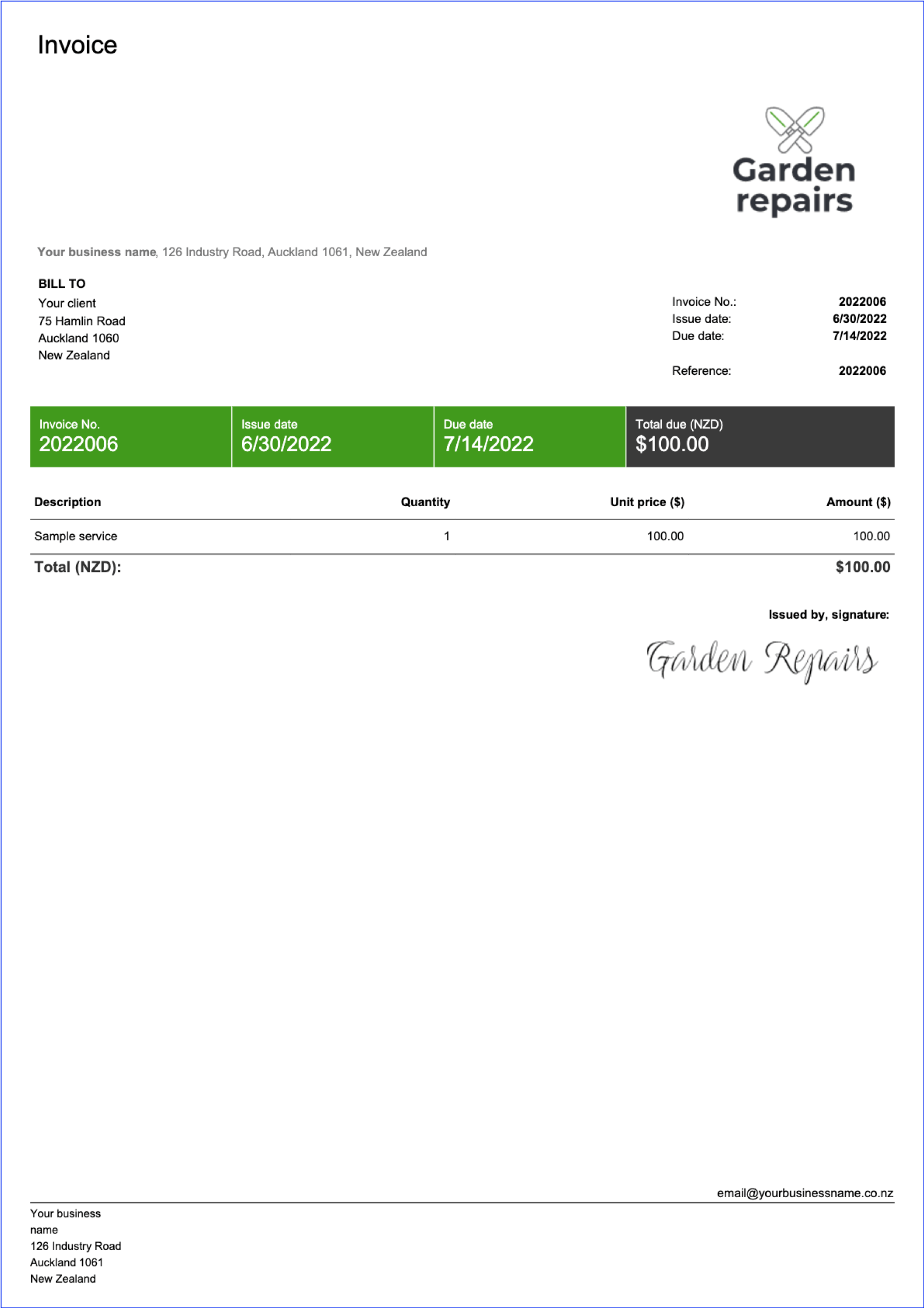
Choose a free New Zealand invoice template for your business, freelance work or self-employed services. Add your details and the work you have provided, then check the GST information before sending it to your customer.
Use Word for a document you can edit, Excel or Google Sheets for a spreadsheet layout, or the online generator for a PDF. Whichever format you use, replace the sample details and keep a copy of the finished invoice.
Stripe Template
Download template for free:
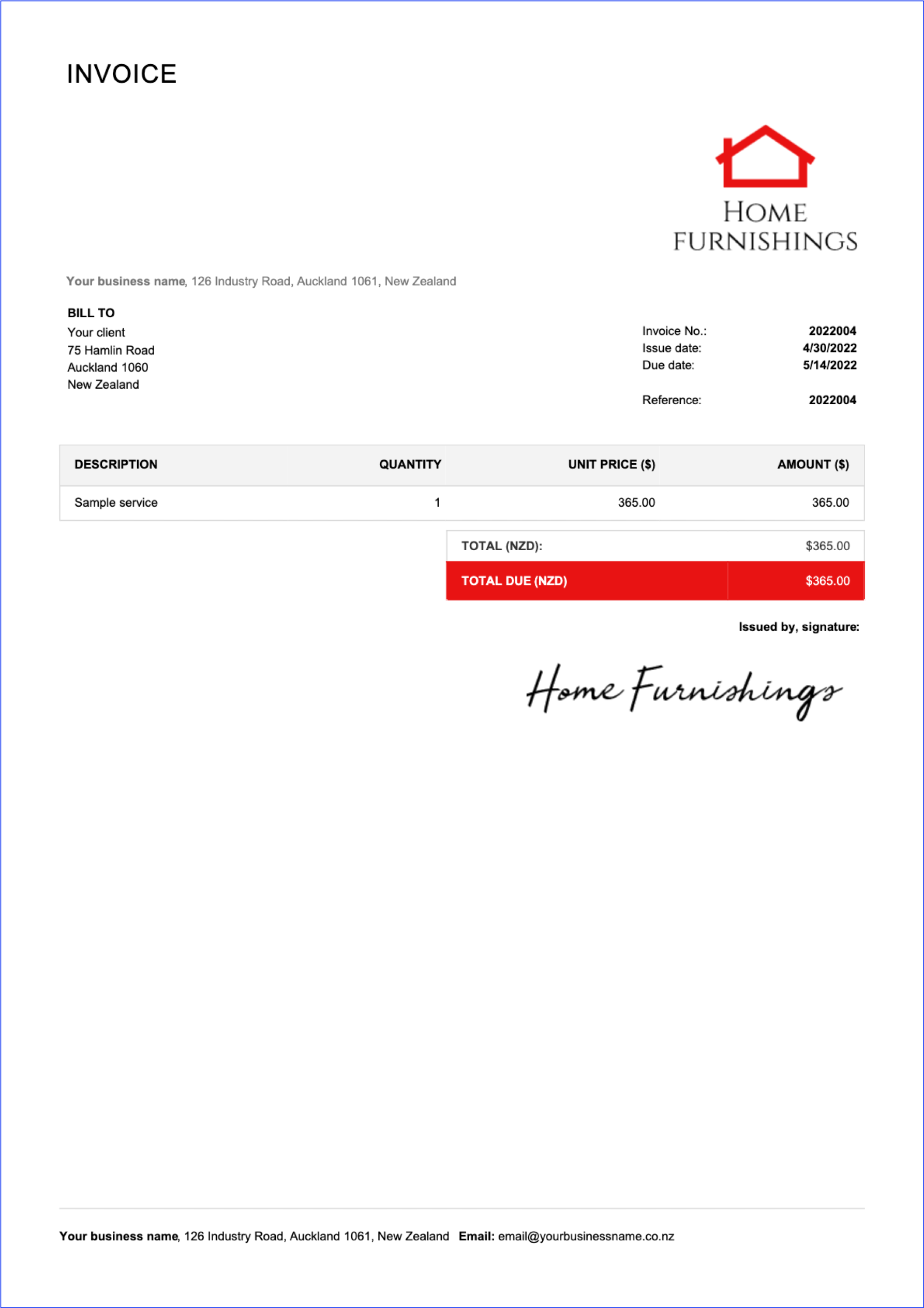
Classic Template
Download template for free:
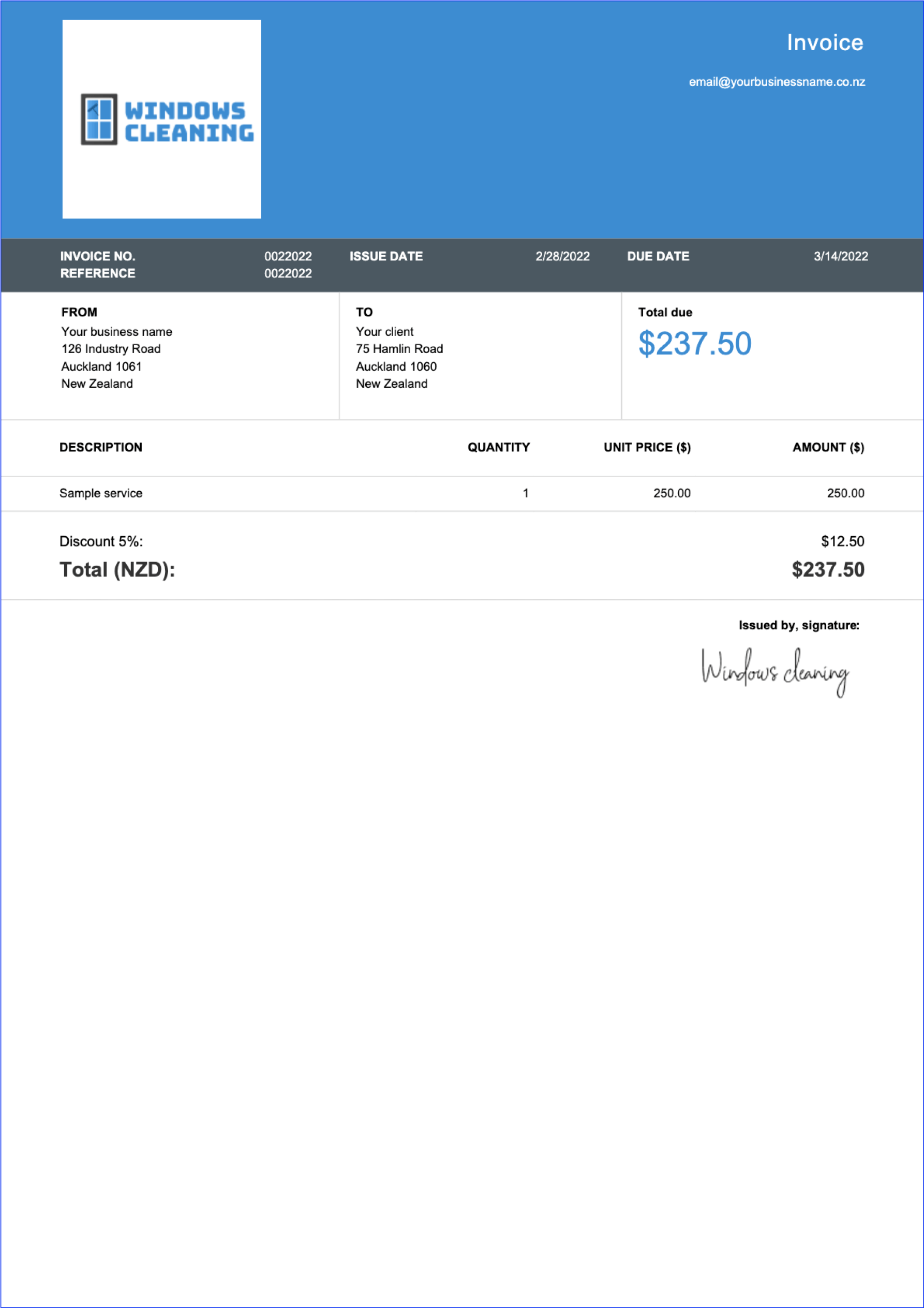
Modern Template
Download template for free:
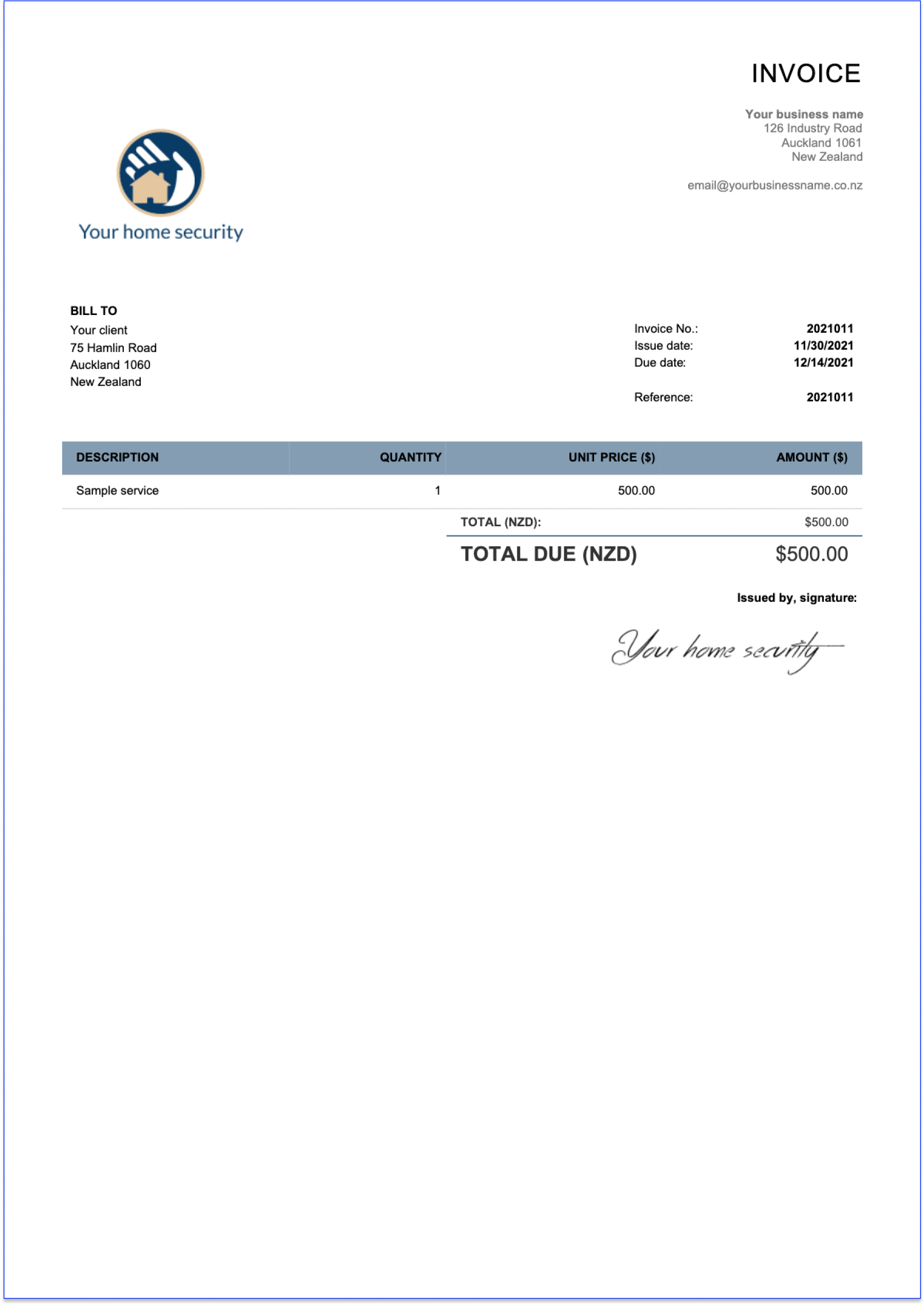
Simple Template
Download template for free:
Registration is generally required when turnover from a taxable activity was at least NZ$60,000 in the previous 12 months or is expected to reach that amount in the next 12 months. Carrying on a taxable activity and adding GST to prices also creates a registration requirement. Businesses below the threshold may be able to register voluntarily. Check Inland Revenue’s registration guidance.
The standard GST rate is 15%, although some supplies are zero-rated or exempt. Do not add GST simply because it appears in the sample template. Confirm your registration and the treatment of the actual goods or services. Read Inland Revenue’s GST overview.
Since 1 April 2023, New Zealand’s rules use the term “taxable supply information”. You can still put that information in a document headed “Tax invoice”; the terminology change does not require you to discard a suitable invoice layout. Read the explanation from Inland Revenue.
For a practical invoice, record the seller’s name, GST number where relevant, date, description, price and GST information. Add the customer’s name and contact details, invoice reference and payment terms. Required information varies with the value and type of supply. A New Zealand Business Number can help identify a business, but it is not a universal substitute for the relevant GST details. Use Inland Revenue’s taxable supply information tool to check the transaction.
Creating a self-employed invoice in New Zealand
Choose a design and save your own copy.
Add your business or trading name, contact details and the customer information.
Enter the invoice number, issue date, service date or billing period, and due date.
Describe each service and add the agreed hours, rate or fixed fee.
Include the correct GST information and any approved discount or payment already received.
Show the balance due and the payment method and reference.
Check the finished invoice, export it to PDF if needed and keep it with the job and payment records.
For regular work, reuse the layout but update the number, period and amounts. For a longer assignment, follow the agreed billing milestones. A self-employed template does not need a different version for every occupation: tailor the line items to your actual services, using the profession examples when helpful.
For an illustrative standard-rated sale by a GST-registered supplier, NZ$200 before GST plus NZ$30 GST gives a total of NZ$230. If the price is already GST inclusive, do not add 15% again. Check how the template treats the entered price and use the correct method for the sale.
When registering, choose an eligible accounting basis and filing frequency. The payments, invoice and hybrid bases treat timing differently. Filing may be monthly, two-monthly or six-monthly depending on eligibility. Most businesses have a 31 March balance date, but follow the schedule that applies to yours. Check the current Inland Revenue options.
Keep your sales and purchase records organised and reconcile them before filing through the appropriate process, such as myIR. An invoice template provides a document; you still need the records and calculations for your GST return.
Keep your invoicing organised with Billdu
Create invoices from mobile and web and keep your documents and customer information together. Billdu also offers related documents such as estimates, quotes and credit notes.
Use the payment and reminder options available for your plan and setup, and keep an accurate record of what has been billed and paid. Try Billdu with a 7-day free trial.
7-Day Free Trial
Cancel Anytime
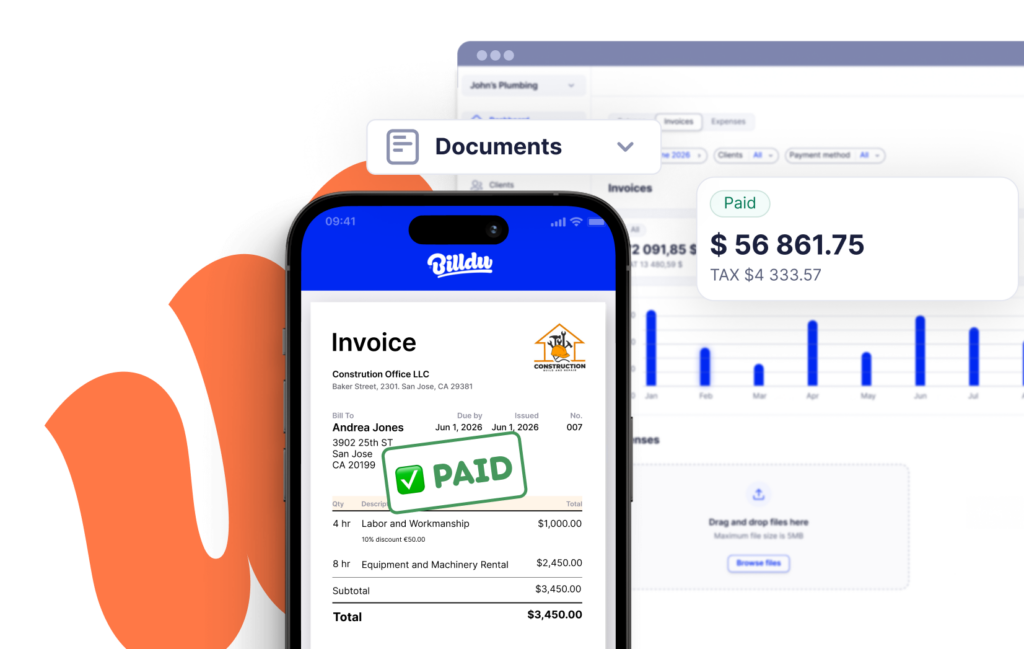
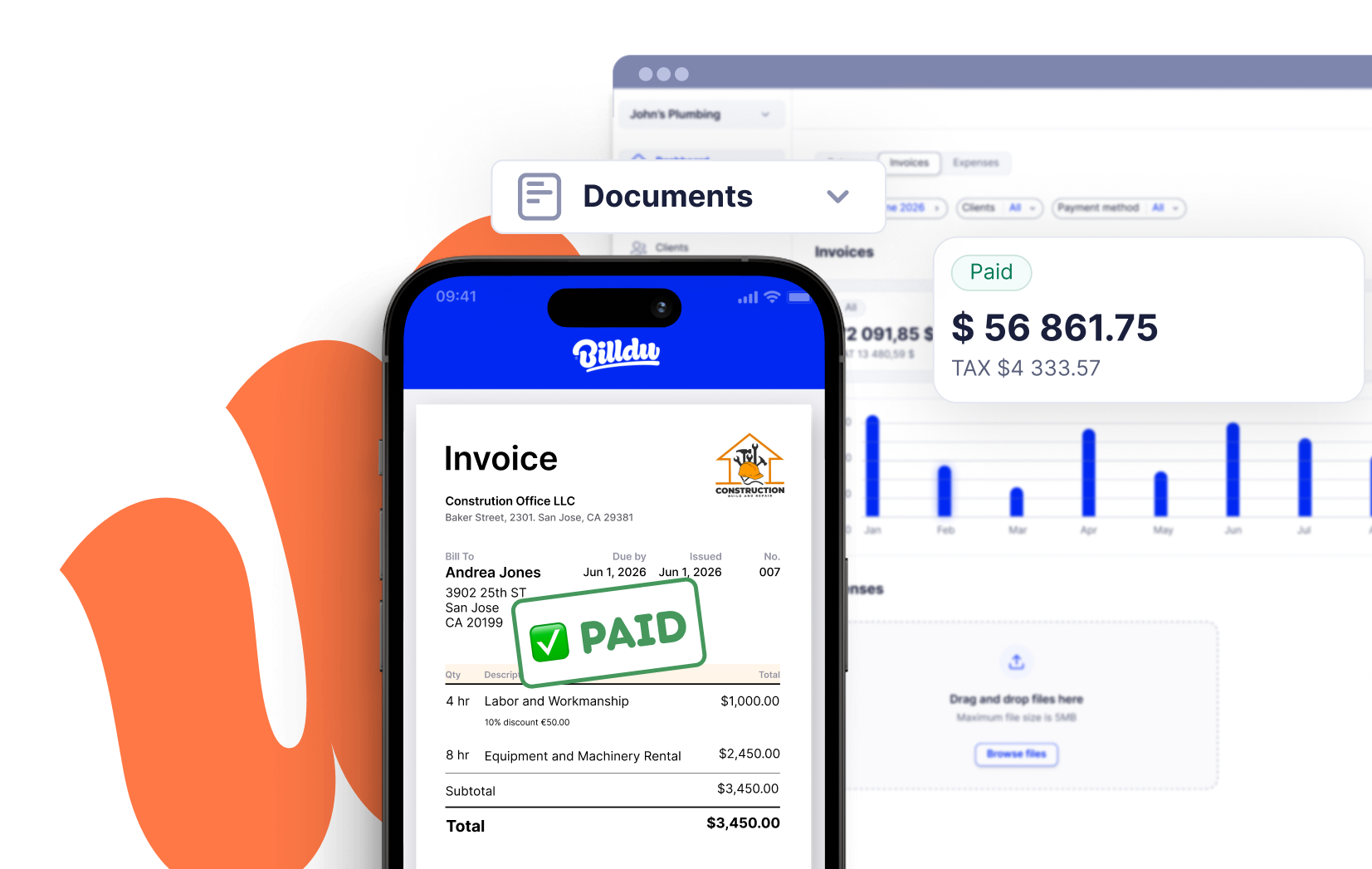
Keep your invoicing organised with Billdu
Create invoices from mobile and web and keep your documents and customer information together. Billdu also offers related documents such as estimates, quotes and credit notes.
Use the payment and reminder options available for your plan and setup, and keep an accurate record of what has been billed and paid. Try Billdu with a 7-day free trial.
7-Day Free Trial
Cancel Anytime
Canadian invoice templates
Looking for an invoice template for Canada? Choose a design in Word, Excel or Google Sheets and customise it for your business. Use clear service descriptions, the agreed currency and the tax treatment relevant to the sale.
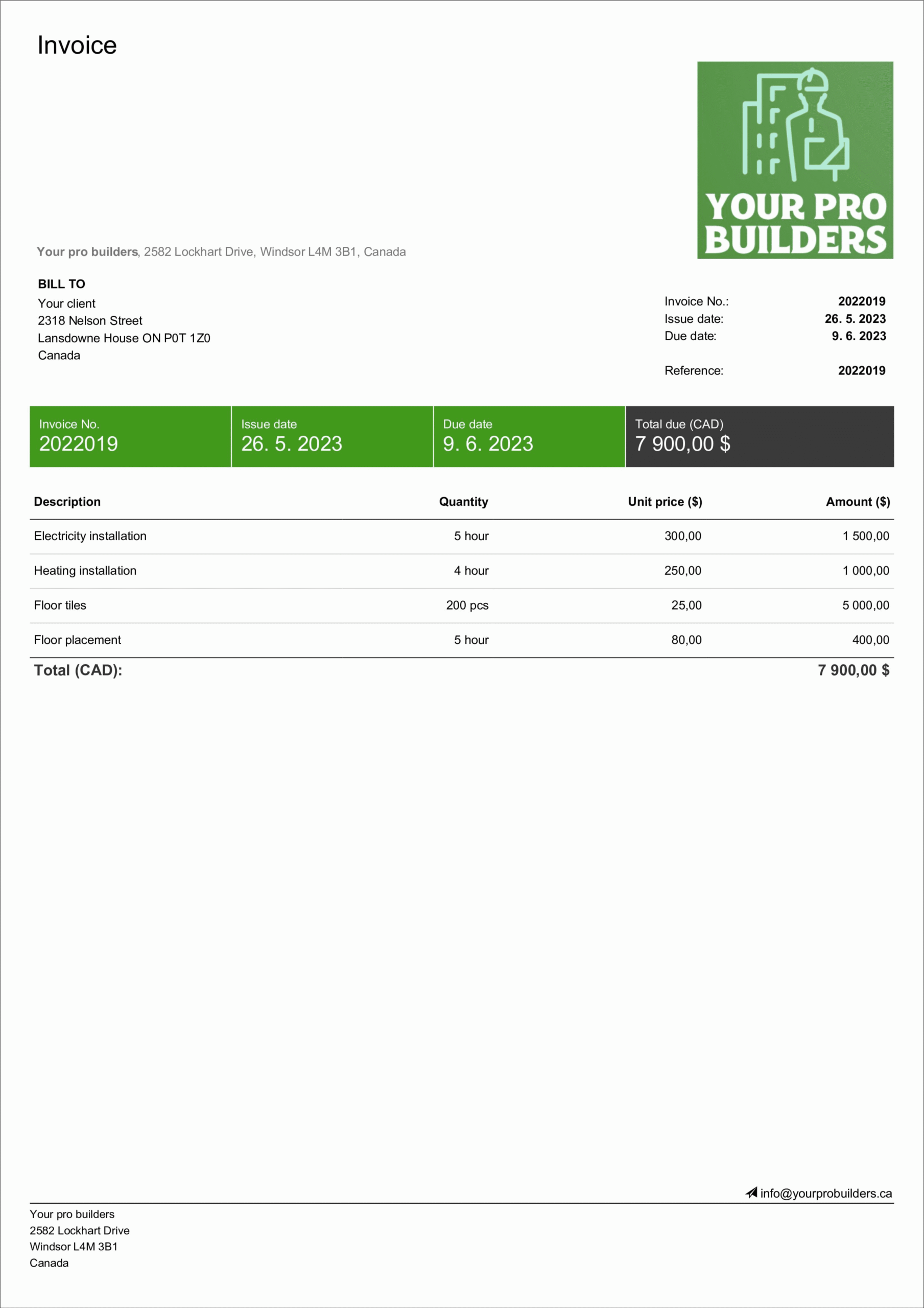
Stripe Template
Download template for free:

Classic Template
Download template for free:
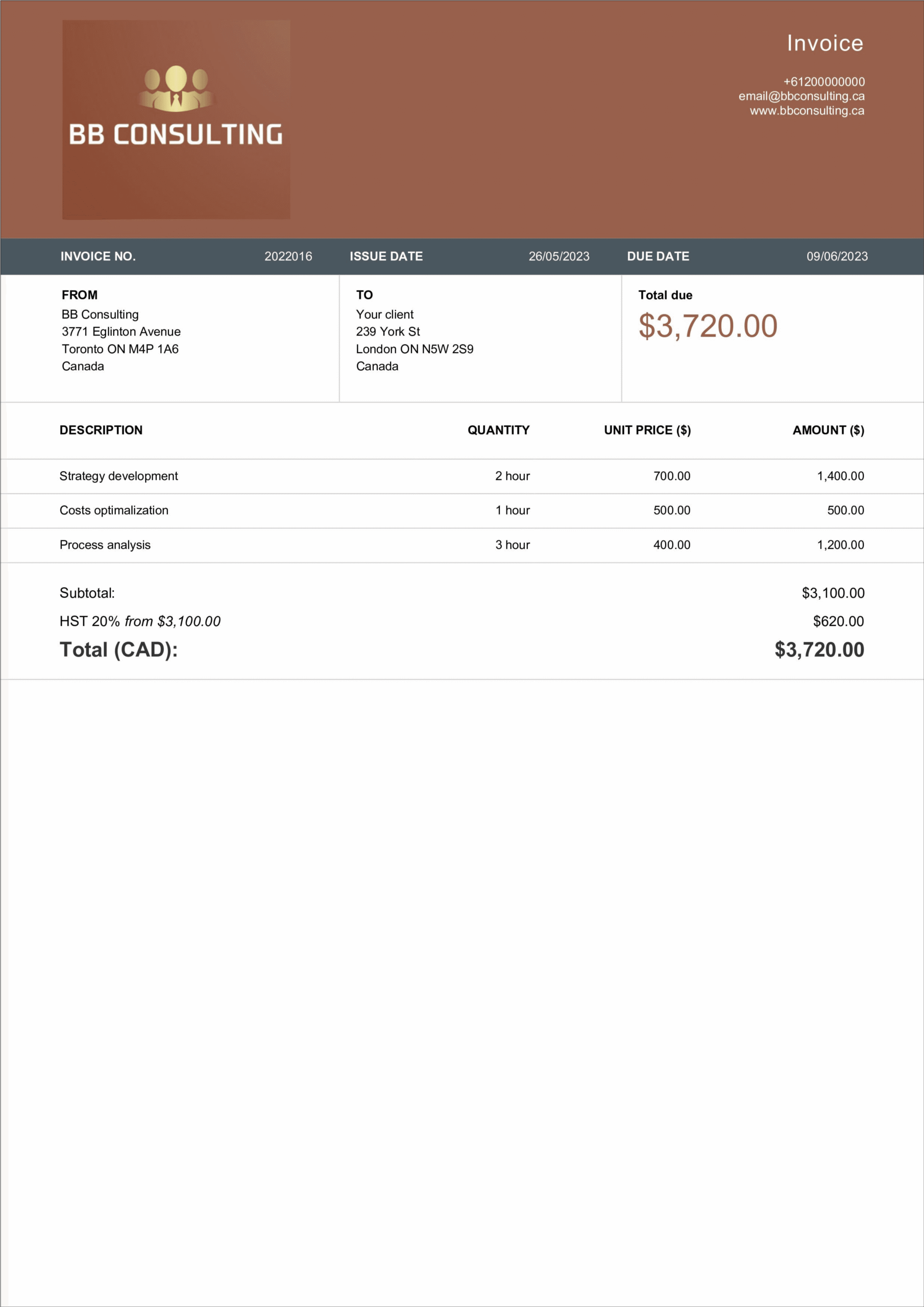
Modern Template
Download template for free:
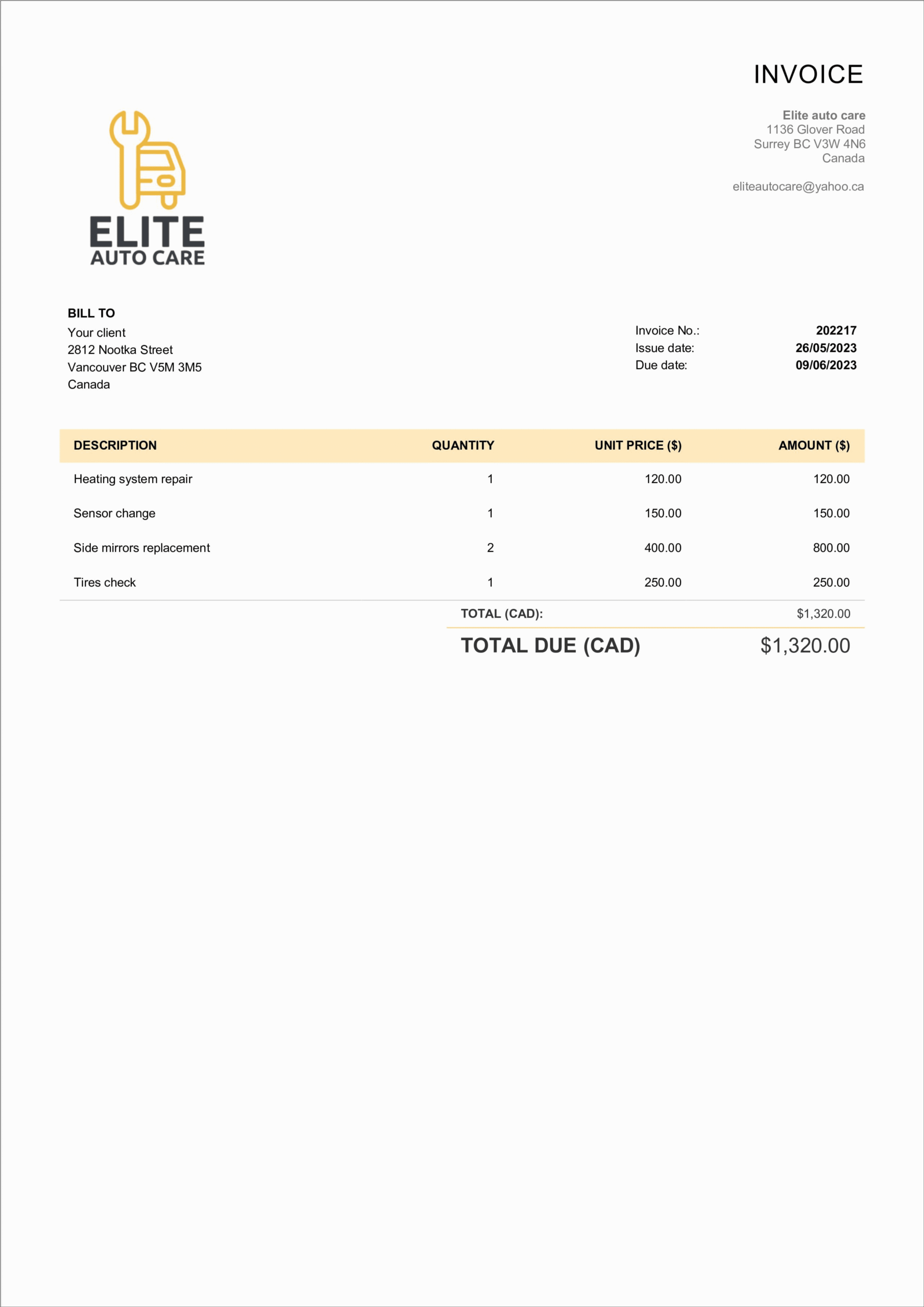
Simple Template
Download template for free:
Word and Excel invoices for Canada
For Word, download a design, save a master and create a separate copy for each invoice. Replace the business, client and transaction details, check your totals and export the finished document to PDF.
For Excel, enter quantities and rates in the relevant rows and check the formulas for line totals, tax and balance due. Make sure every added row is included in the calculation. Google Sheets provides a cloud spreadsheet option; make your own copy and check the formatting before use.
For a PDF invoice, export the completed file or use the online generator. Preview the document so all items, dates and payment details remain visible.
For most businesses, the small-supplier test uses a C$30,000 threshold for relevant taxable revenues. The timing differs depending on whether it is exceeded in one calendar quarter or over consecutive quarters. Special rules and voluntary registration also apply. A business number alone is not the same as an active GST/HST account. Check when to register and start charging GST/HST.
The GST/HST rate depends on the place of supply and type of sale. Standard HST is 13% in Ontario and 14% in Nova Scotia; GST is 5% in non-HST provinces and territories, with provincial taxes potentially applying as well. Zero-rated and exempt supplies need different treatment. Use the CRA’s current rate guidance for the transaction instead of assuming the seller’s address determines the rate.
Identify GST/HST clearly, and show HST as a combined rate. Review PST or QST separately where relevant. Do not use “VAT” as a generic replacement for the Canadian tax names.
Include the supplier and customer details, invoice date and number, a description of the goods or services, prices, payment terms and amount due. Add the GST/HST registration number and tax information where required.
For customers claiming input tax credits, the CRA’s published documentation table uses sale-value bands below C$100, C$100-499.99 and C$500 or more. More information is needed for higher-value sales. Completing the customer details, description, payment terms and relevant tax fields consistently helps avoid omissions. Check the CRA’s documentation requirements.
For an illustrative standard-rated Ontario supply priced at C$1,000 before tax, 13% HST is C$130 and the total is C$1,130. This example does not establish the rate for another province or type of supply. Choose the correct place-of-supply treatment before entering the tax.
If the customer has already paid a deposit, show it separately and calculate the remaining balance. Keep discounts, additional charges and any tax adjustment visible so the customer can follow the calculation.
GST/HST collected or collectible must be accounted for and held in trust for the CRA. Keep the invoice and supporting records for your returns; the usual retention period is six years from the end of the last year to which they relate, with exceptions. See the CRA’s collection and record guidance.
Keep an organised record of the invoices you issue, the payments you receive and the documents supporting your purchases. Reconcile those records before preparing your return.
UK invoice templates
For UK invoices, use the dedicated United Kingdom invoice template page. It brings together the UK designs and guidance for different work and file formats, including sole traders and self-employed businesses.
Choose the template for the relevant jurisdiction and review its tax and business fields. A country-specific design still needs to be completed for the actual supplier, customer and sale.
How to create a country-specific invoice
Step 1
Choose the country and format
Start with the collection that fits your business and transaction. Choose Word for document editing, Excel or Sheets for a spreadsheet, or a generator for online creation and PDF output. Check that the sample currency and tax labels are appropriate.
Step 2
Add your details and describe the work
Replace the example supplier and customer information. Enter the invoice number, dates and any reference the customer requires. Describe each item or service clearly with the quantity, hours, rate or fixed price.
Step 3
Check tax totals and prior payments
Use the correct registration details and tax treatment. Check the subtotal and total, then show approved discounts and any deposit already paid. Confirm the final balance and make sure spreadsheet formulas include all the relevant lines.
Step 4
Add payment instructions and send
Include the due date, accepted payment methods and reference. Review the final layout, save a copy and send the invoice to the agreed billing contact. Keep the editable master and customer invoice separate.
Frequently asked questions
Yes. Enter your actual business identity and registration details, and tailor the lines to your work. The layout can be shared across occupations; tax and invoice requirements depend on your situation and location.
You can use an editable invoice layout, but remove sample GST charges and use the correct heading and wording for a non-registered business. Check the country guidance before issuing it. Do not collect GST simply because the template includes a tax field.
Yes. Complete an editable file and export it to PDF, or use the relevant invoice generator. Review the resulting document before sending it. A PDF download is not necessarily a fillable PDF form.
The country galleries include Google Sheets options. For Google Docs, including the Australian cloud designs, visit the Google Docs invoice templates. Make your own copy and check the country-specific fields.
You can reuse a suitable layout, but review the business identifiers, tax treatment, currency and any customer requirements for each transaction. The profession guide can help with service descriptions without replacing the country-specific checks.
Follow the payment schedule agreed with the customer and any applicable local issue deadlines. You may invoice at completion, at a milestone or for a regular billing period. Show what the invoice covers and any amount already paid.