Spain · E-invoicing compliance
VeriFactu-Compliant Invoicing in Billdu
Billdu is fully compliant with Spain’s VeriFactu requirements. Create invoices as usual, while the app generates secure, traceable invoice records and supports AEAT reporting in VeriFactu mode – so you can prepare early without changing your day-to-day workflow.
7-Day Free Trial
Cancel Anytime
Spain · E-invoicing compliance
VeriFactu-Compliant Invoicing in Billdu
Billdu is fully compliant with Spain’s VeriFactu requirements. Create invoices as usual, while the app generates secure, traceable invoice records and supports AEAT reporting in VeriFactu mode – so you can prepare early without changing your day-to-day workflow.
7-Day Free Trial
Cancel Anytime
4.9
★★★★★
70,000+ ratings
1.5M+
Small businesses
use Billdu daily
End-to-end
Compliance standard for invoicing software in Spain
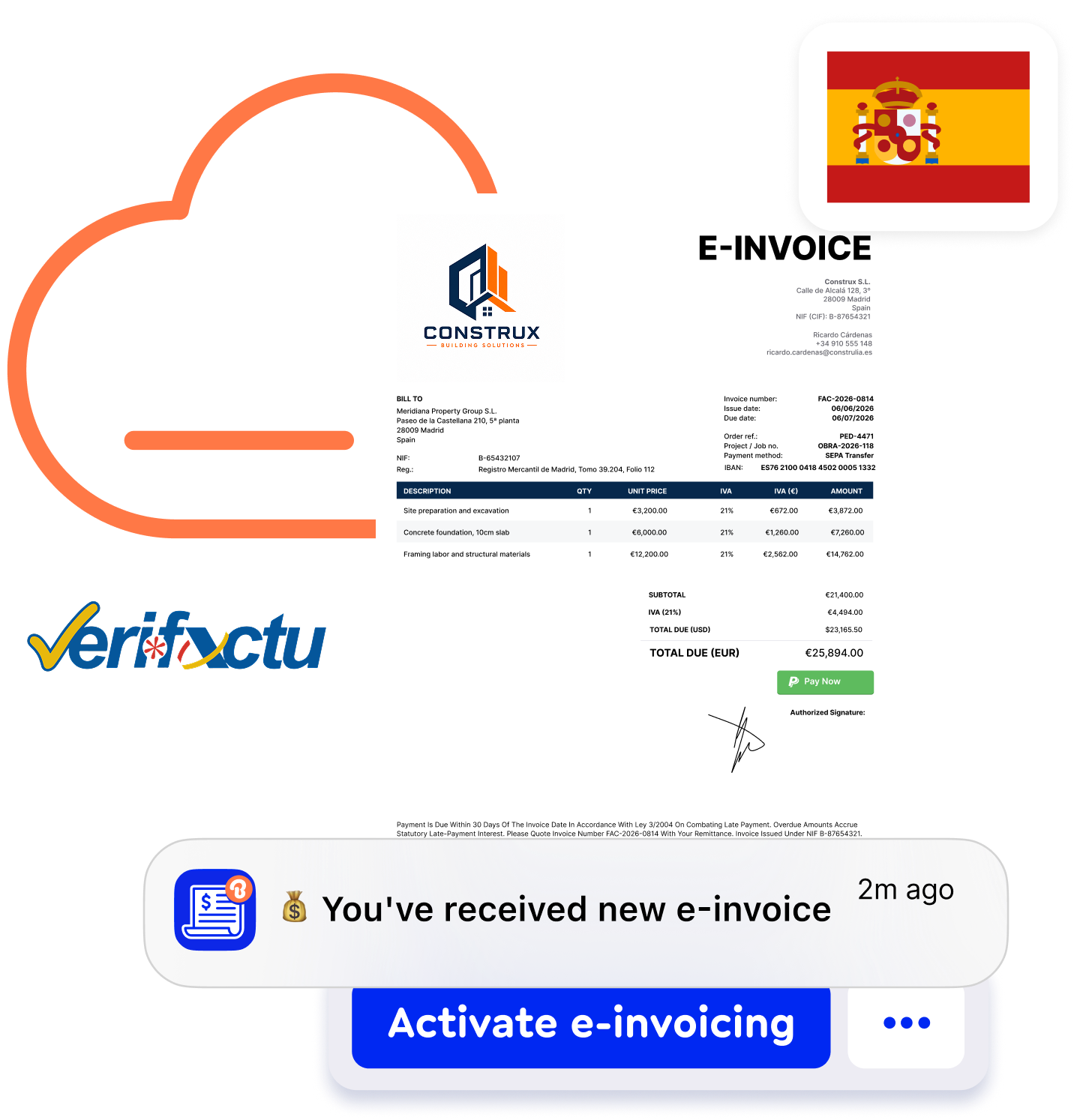
VeriFactu is a compliance framework from Spain’s Tax Agency (AEAT) that changes how invoicing software must create invoices behind the scenes. Each issued invoice must generate a standardized, traceable, tamper-resistant record – and in VeriFactu mode, that record can be reported to AEAT. Your invoice can still look the same, but the software must keep a secure audit trail so invoices can’t be quietly edited after they’re issued.
Ready-to-use VeriFactu solution in Billdu
Billdu handles all VeriFactu requirements behind the scenes, so your invoices stay fully compliant from day one.
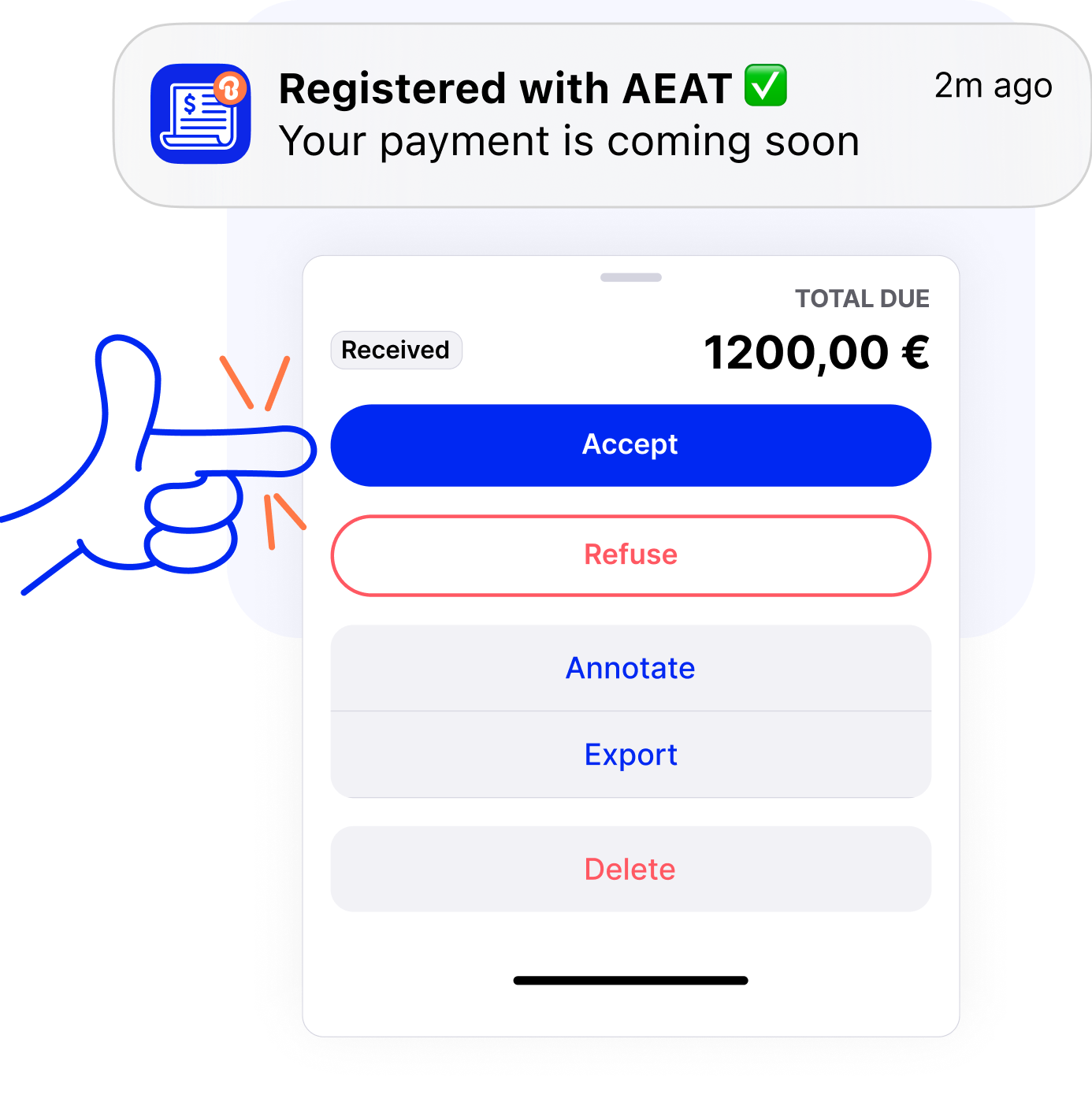
VeriFactu-ready workflow – Billdu supports the VeriFactu process for submitting invoice records to AEAT.
Clear statuses – You always see where the invoice stands (e.g., Draft → Processing → final result).
QR code when successfully registered – QR appears only after the invoice is Registered.
No “silent edits” – Once you submit an invoice to VeriFactu, it becomes locked – corrections are handled the compliant way (by reissuing with corrected details).
Keep sending simple PDFs – Your customers still receive a readable PDF invoice, with VeriFactu verification data when applicable.
How Billdu helps with VeriFactu

Activate VeriFactu in Billdu mobile app
Turn it on from the Billdu mobile app (Settings → VeriFactu). Activation requires an active paid plan, and once enabled for your company, it can’t be switched off.

Billdu validates your business details before you start
Before activation, Billdu checks your Business Profile (company identity fields like address + NIF + email) so your invoices don’t get blocked later during reporting.

Create an invoice as usual (it starts as a Draft)
You add items, VAT, totals, and customer details like you do today. When you save, the invoice stays as a Draft – editable, with no QR code yet.

Optional: use guided fields for cleaner VeriFactu reporting
If needed, Billdu helps you fine-tune invoice data with prefilled options (units, IVA/VAT, exempt/not-subject categories, and reason codes) to match the VeriFactu classifications.
Upload to VeriFactu (we handle the background record + AEAT flow)
When you submit, Billdu generates the secure, traceable invoice record in the background and reports it to AEAT in VeriFactu mode – no extra steps on your side.

Get a clear status + QR code when registered
Billdu shows the outcome with simple statuses. QR code appears only when the invoice is successfully Registered. If there’s an issue, you fix the data and reissue correctly (instead of “editing history”).
Who needs to comply & when
VeriFactu applies to businesses and professionals (including autónomos) who use invoicing software under Spain’s state rules in “territorio común.” Under the current schedule (Royal Decree-Law 15/2025), it becomes mandatory in two phases. On 5 October 2026, Spain’s Ministry of Finance announced plans to postpone both dates to October 2028, but the change hasn’t been published in the BOE yet. The current dates are:
- 1 January 2027 – businesses subject to Corporate Income Tax
- 1 July 2027 – most other affected businesses and professionals (including many autónomos)
If you’re under foral tax rules (Navarra or the Basque Country: Álava, Bizkaia, Gipuzkoa), this state regulation generally doesn’t apply – follow your local invoicing requirements instead.
Get ready for VeriFactu in minutes
Confirm your tax territory – Make sure you’re in territorio común (not Navarra or the Basque Country foral system).
Complete your business profile in Billdu app – Add your company name, full address, NIF, and email so invoices don’t fail reporting.
Keep client details clean – Save the customer name + identifier (NIF for Spanish clients / CIN for non-Spanish) plus email and postal code.
Create invoices as Draft first – Double-check everything before submitting, because VeriFactu is built to prevent “quiet edits.”
Submit to VeriFactu and check the status – Aim for Registered (that’s when the invoice is final and the QR code appears).
Fix errors (if any) the compliant way – Correct the details and reissue the invoice properly (don’t try to edit past invoices).
Stay consistent with numbering – Clean series/numbering and organized records make ongoing compliance much easier.

Try the Billdu App
Pick the plan that provides you with VeriFactu-compliant invoicing
The VeriFactu feature is included in both Standard and Premium plans, whether you choose monthly or annual billing. VeriFactu can’t be activated during the 7-day free trial – choose a paid plan to make your invoicing VeriFactu-compliant before it becomes mandatory.
7-Day Free Trial
Cancel Anytime
Try the Billdu App
Pick the plan that provides you with VeriFactu-compliant invoicing
The VeriFactu feature is included in both Standard and Premium plans, whether you choose monthly or annual billing. VeriFactu can’t be activated during the 7-day free trial – choose a paid plan to make your invoicing VeriFactu-compliant before it becomes mandatory.
7-Day Free Trial
Cancel Anytime

Featured by Apple
#1 Invoice Maker

4.9
★★★★★
70,000+ ratings


Featured by Apple
#1 Invoice Maker
4.9
★★★★★
70,000+ ratings
“The only invoicing app you should consider! Billdu helped me get invoices out when my other invoicing app failed me miserably.”
★★★★★

Shane,
Electrician
“Get paid way quicker now. Clients tap once and it’s done. Best app I’ve used for my plumbing business!”
★★★★★

Dandy,
Plumber
“This is probably one of the easiest apps to create invoices!”
★★★★★

Sergey,
Photographer
“Turned an estimate into an invoice in one tap, immediately sent to client. So easy, looks great, saves me loads of time.”
★★★★★

Martina,
Designer
Featured by Apple
#1 Invoice Maker
4.9
★★★★★
70,000+ ratings
Featured by Apple
#1 Invoice Maker
4.9
★★★★★
70,000+ ratings
“The only invoicing app you should consider! Billdu helped me get invoices out when my other invoicing app failed me miserably.”
★★★★★
Shane,
Electrician
“Get paid way quicker now. Clients tap once and it’s done. Best app I’ve used for my plumbing business!”
★★★★★
Dandy,
Plumber
“This is probably one of the easiest apps to create invoices!”
★★★★★
Sergey,
Photographer
“Turned an estimate into an invoice in one tap, immediately sent to client. So easy, looks great, saves me loads of time.”
★★★★★
Martina,
Designer
Related Articles
-

What Is Peppol? A Plain-English Guide for Small Businesses (2026)
Peppol is an international network that lets businesses and governments exchange invoices and other documents as structured electronic data, in one standard format,…
-

Belgium’s B2B E-Invoicing Mandate 2026: Deadlines, Penalties & Who Must Comply
Belgium’s B2B e-invoicing mandate requires every VAT-registered business established in Belgium to send and receive structured electronic invoices for domestic business-to-business transactions. The…
-
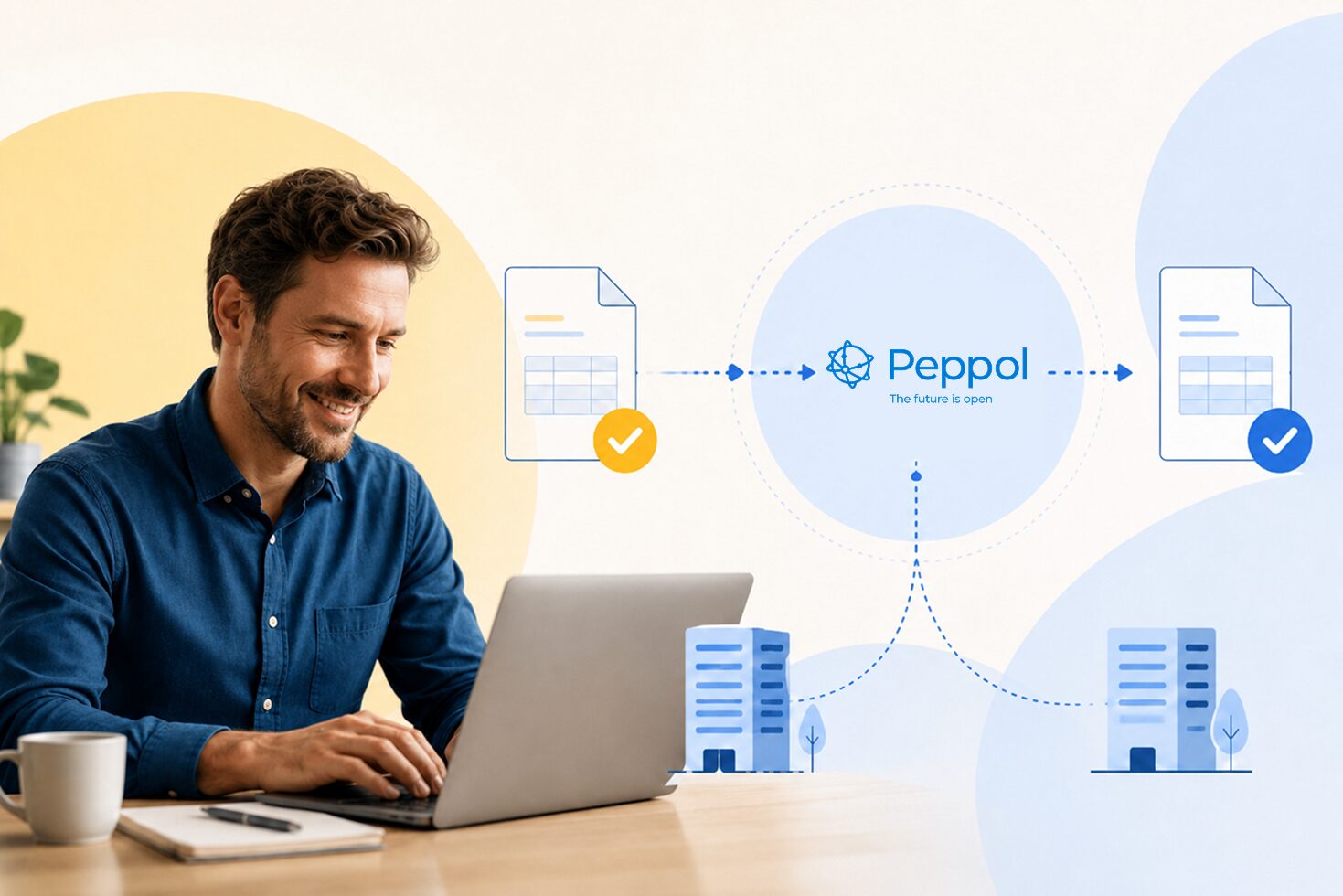
How to Send a Peppol Invoice: A Step-by-Step Guide (2026)
To send a Peppol invoice, you create the invoice as structured data, register a Peppol ID through a certified Access Point, and let…
Got questions?
VeriFactu is an AEAT compliance framework for invoicing software (SIF) that requires standardized, traceable, tamper-resistant invoice records – and, in VeriFactu mode, electronic reporting of those records to AEAT.
Not exactly. VeriFactu is about how your software creates and protects invoice records (and can send them to AEAT), while “e-invoicing” usually refers to sending invoices electronically to customers.
It applies to businesses/professionals using invoicing software under Spain’s state rules in territorio común. If you’re under foral rules (Navarra or the Basque Country: Álava, Bizkaia, Gipuzkoa), this state regulation generally doesn’t apply.
Under the current schedule (Royal Decree-Law 15/2025): 1 January 2027 for entities subject to Corporate Income Tax and 1 July 2027 for everyone else in scope, including autónomos. On 5 October 2026, the Ministry of Finance announced plans to postpone both dates to October 2028; the change hasn’t been published in the BOE yet.
Yes – Billdu supports the VeriFactu reporting flow and shows clear statuses so you know when an invoice is successfully registered.
VeriFactu can be activated only in the Billdu mobile app (web shows status only) and requires an active Standard or Premium plan (Trial/Free can’t activate).
No – once enabled in Billdu, VeriFactu is a permanent setup for that company (not something you can switch off later).