

Free download
Free UK Invoice Templates
Create a professional UK invoice with a free template in Word, Excel, Google Docs or Google Sheets, or use our invoice generator to download a finished PDF. Choose a design, add your business and customer details, and itemise the work you have completed. Our UK invoice examples give you a starting point for everyday billing, including VAT invoices and invoices for self-employed businesses.
Choose a UK invoice template
Start with one of our Stripe, Classic, Modern or Simple invoice designs. Choose an available download beneath the design, customize the document for your business and review the details before sending it. Keep a blank master copy so you can prepare the next invoice without overwriting a previous customer’s document.
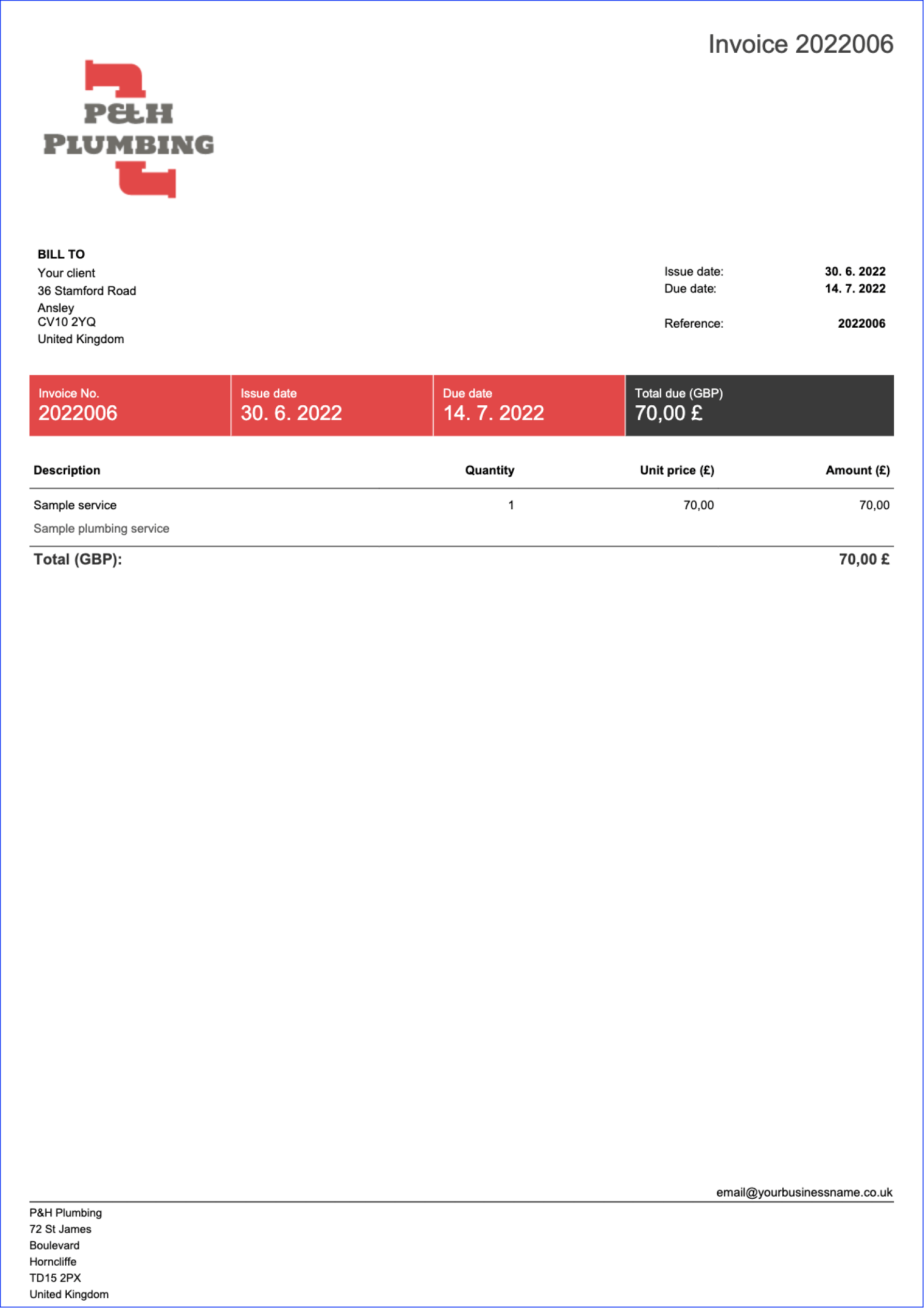
Stripe Template
Download template for free:
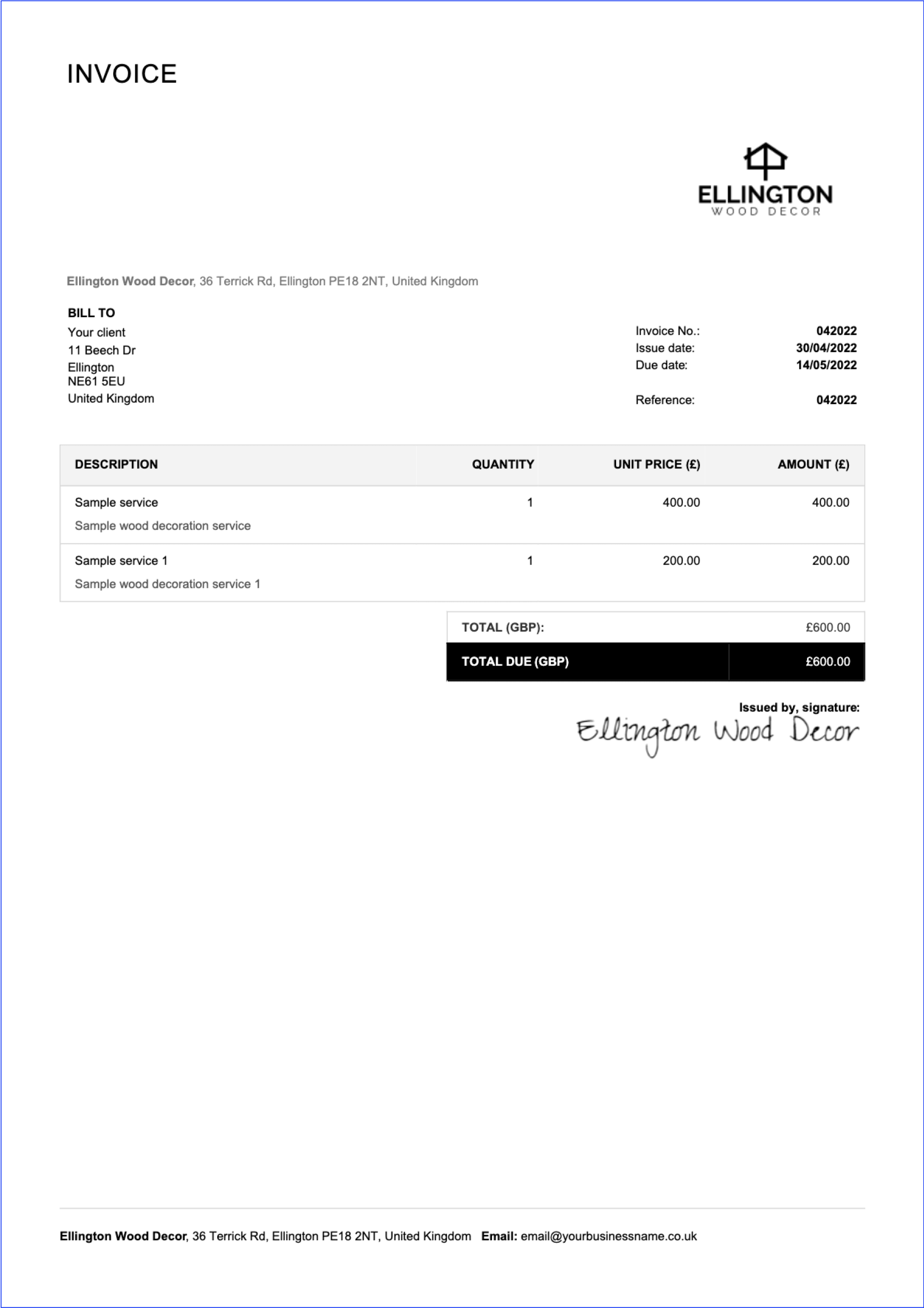
Classic Template
Download template for free:
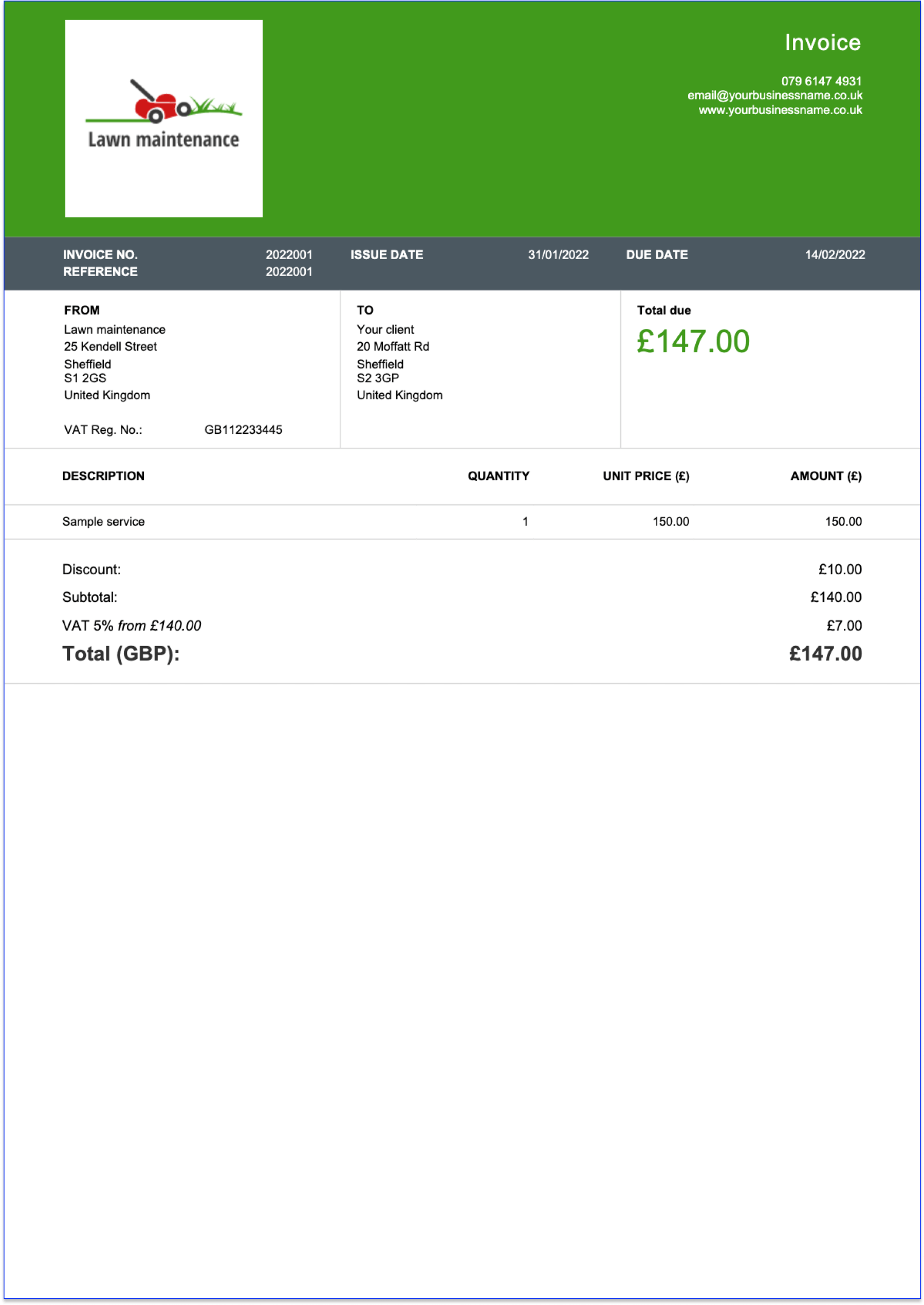
Modern Template
Download template for free:
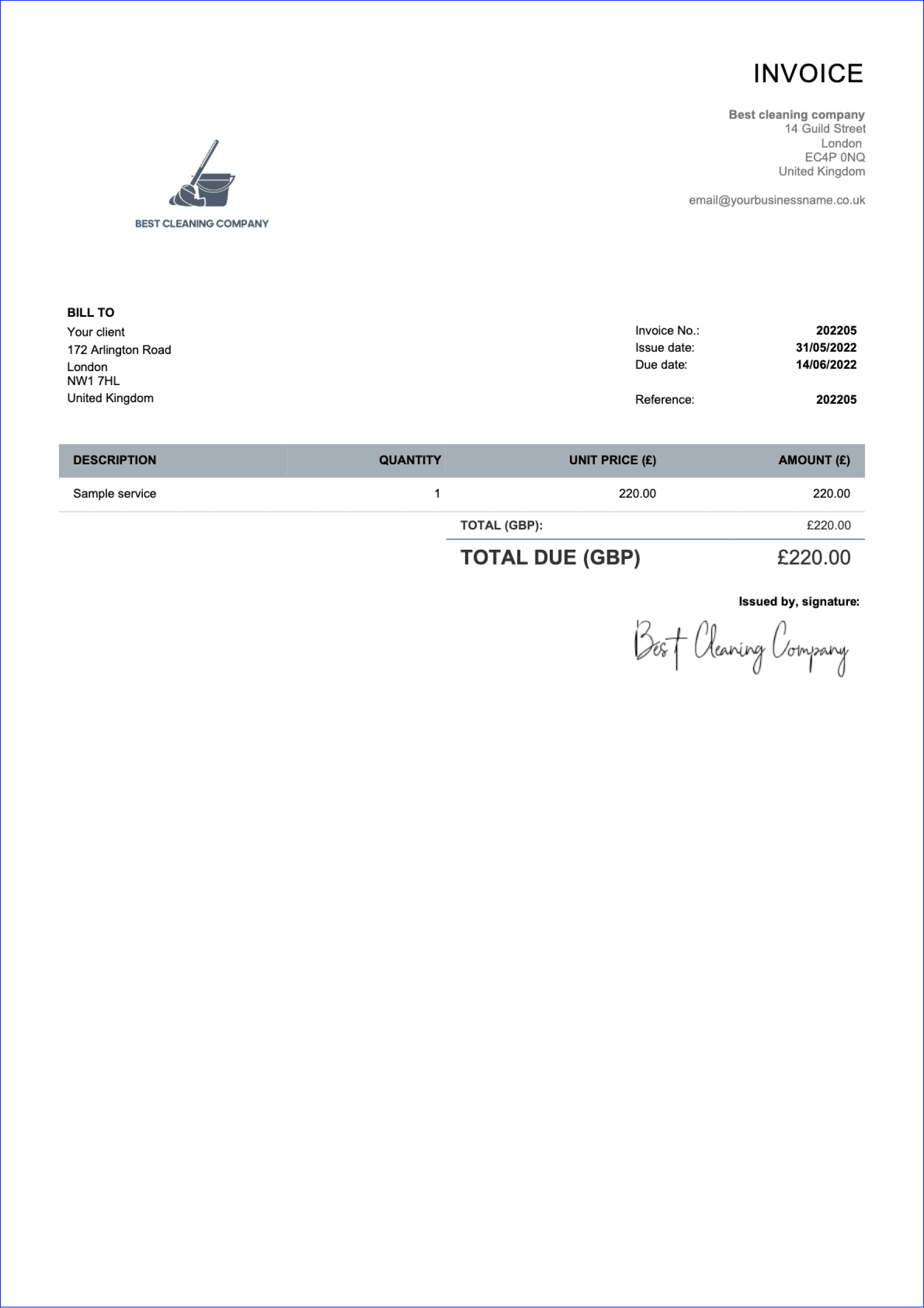
Simple Template
Download template for free:
UK invoice template in Word
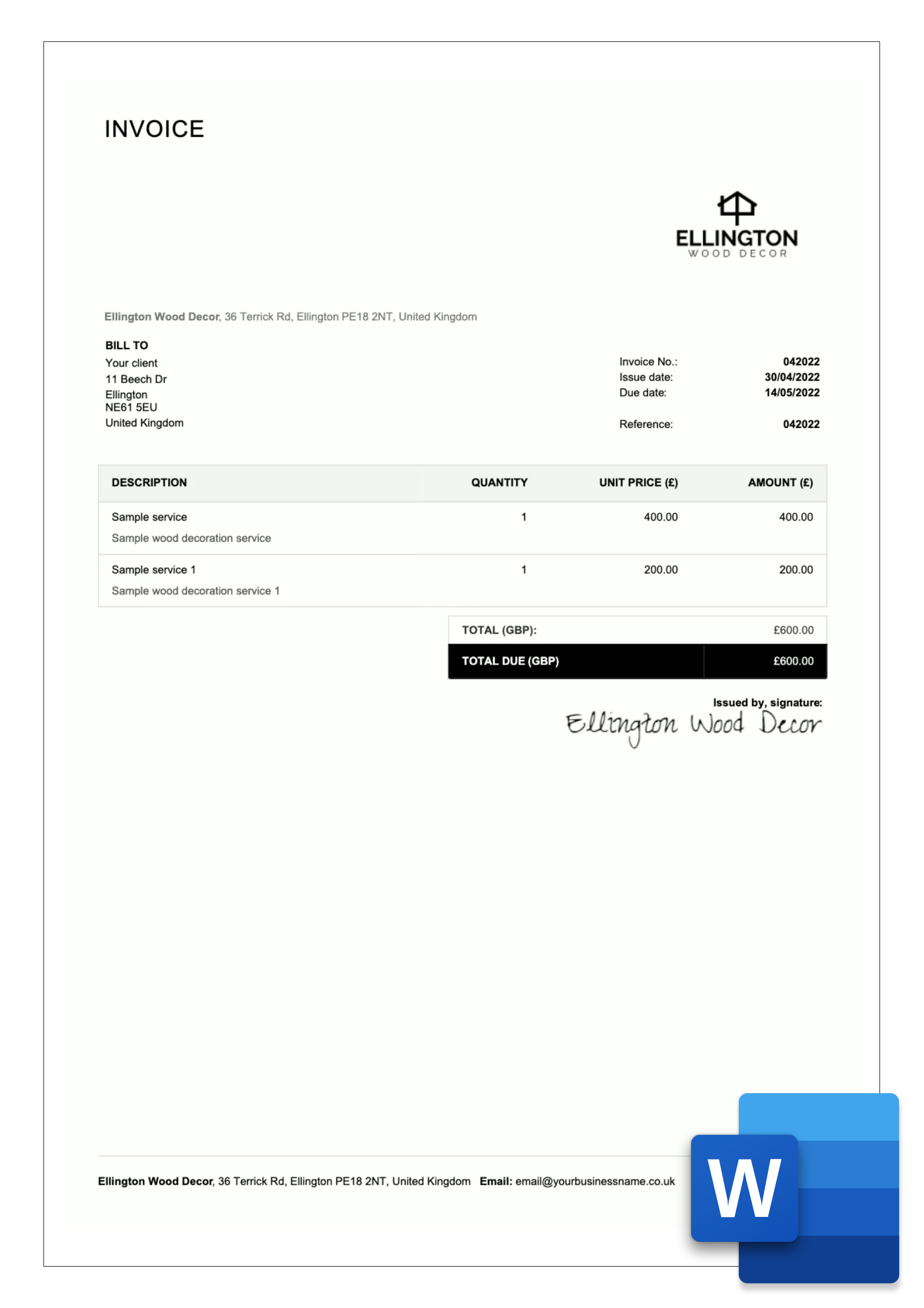
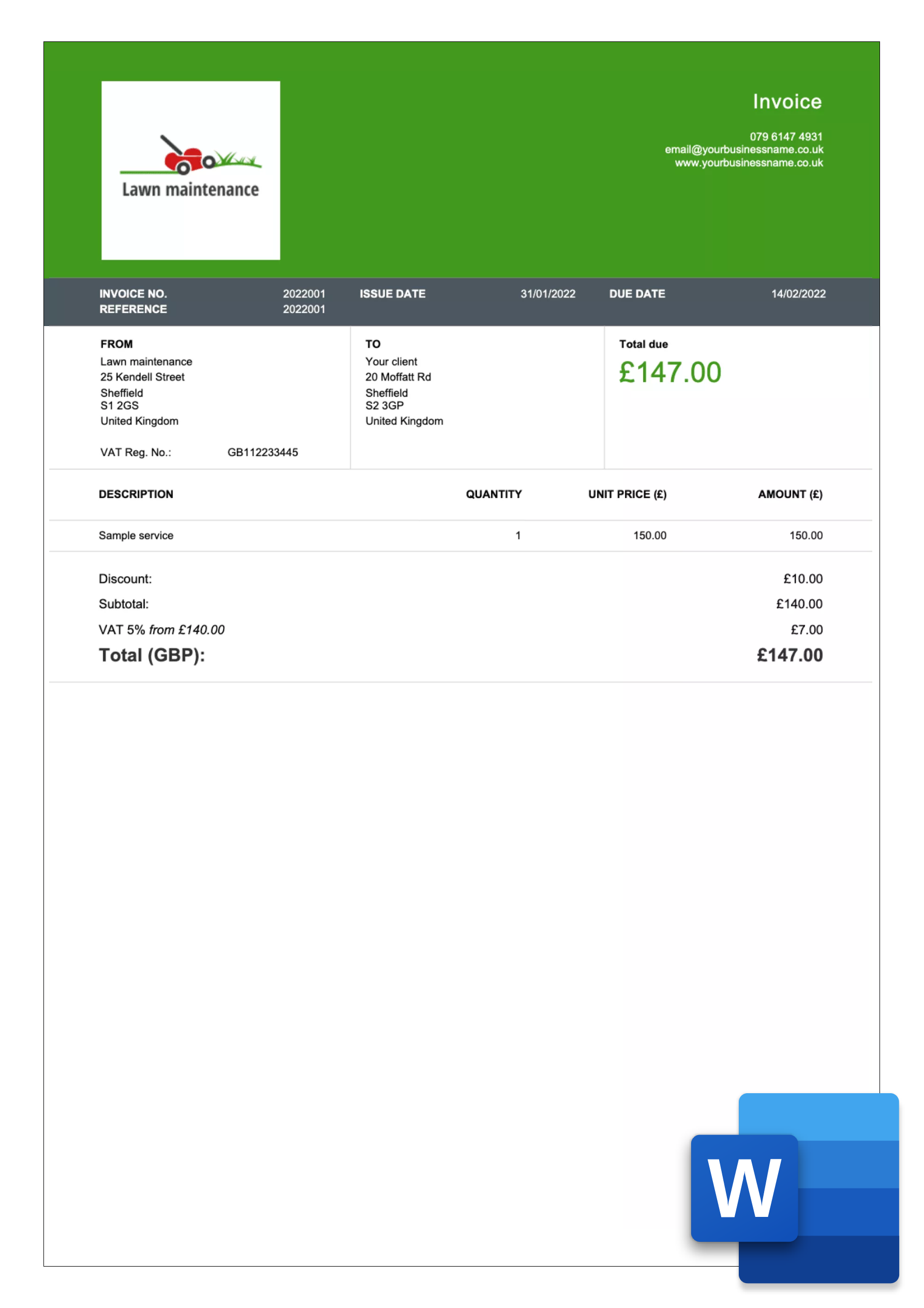
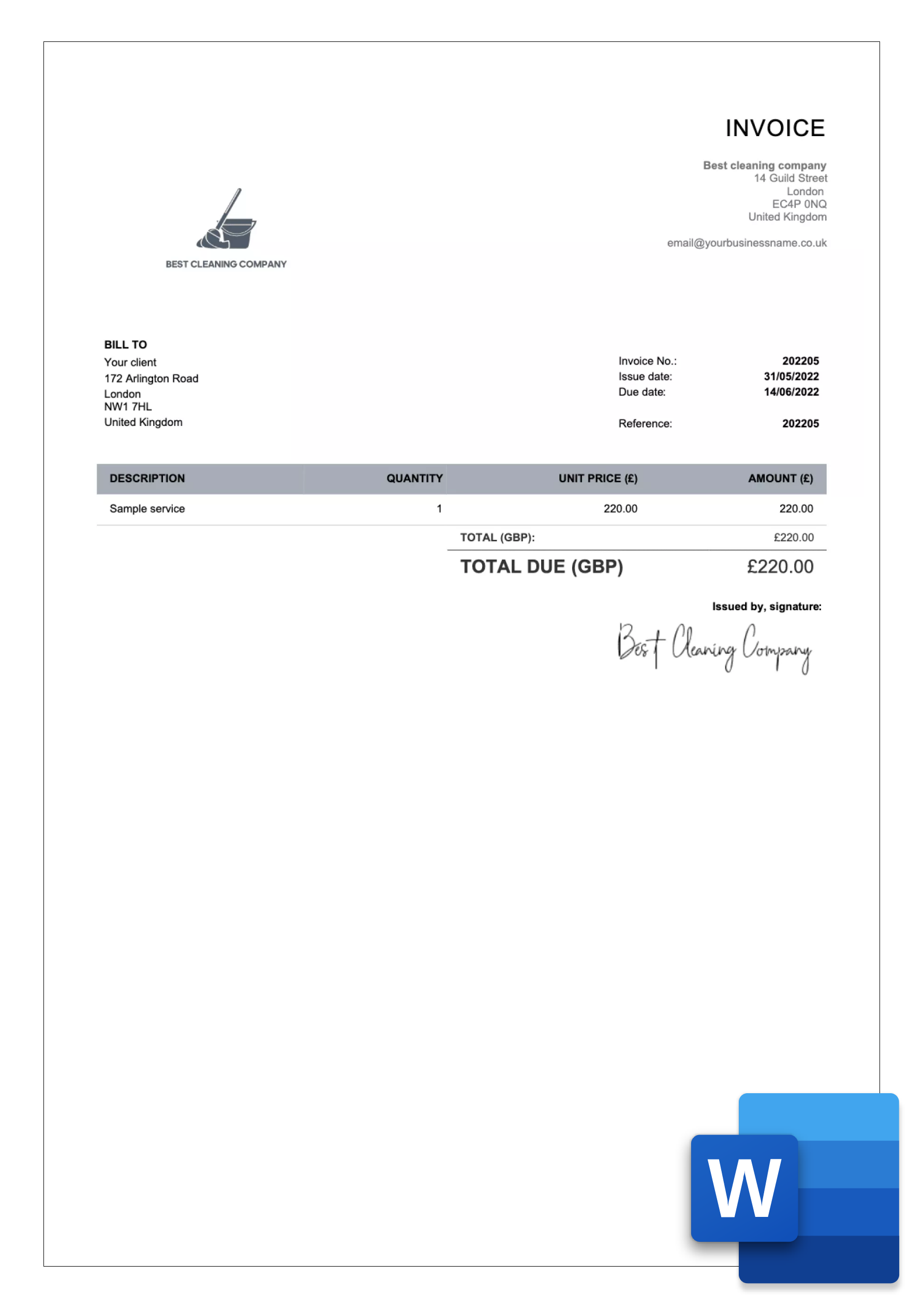
Download a Word invoice template for the UK when you want a document you can edit freely. Add your business name, address and contact details, then personalize the layout with your logo. Replace the example customer information, enter an invoice number and dates, and describe each product or service with its price.
Keep payment terms clear and show VAT only when it applies to your business and the sale. Check the calculations in the Word file; an ordinary document table does not automatically work out VAT or totals unless you have configured formulas. Save the editable file for your records, then export a PDF and review its layout before emailing it to your customer.

Stripe Template
Download template for free:
Classic Template
Download template for free:
Modern Template
Download template for free:
Simple Template
Download template for free:
Stripe Template
Download template for free:
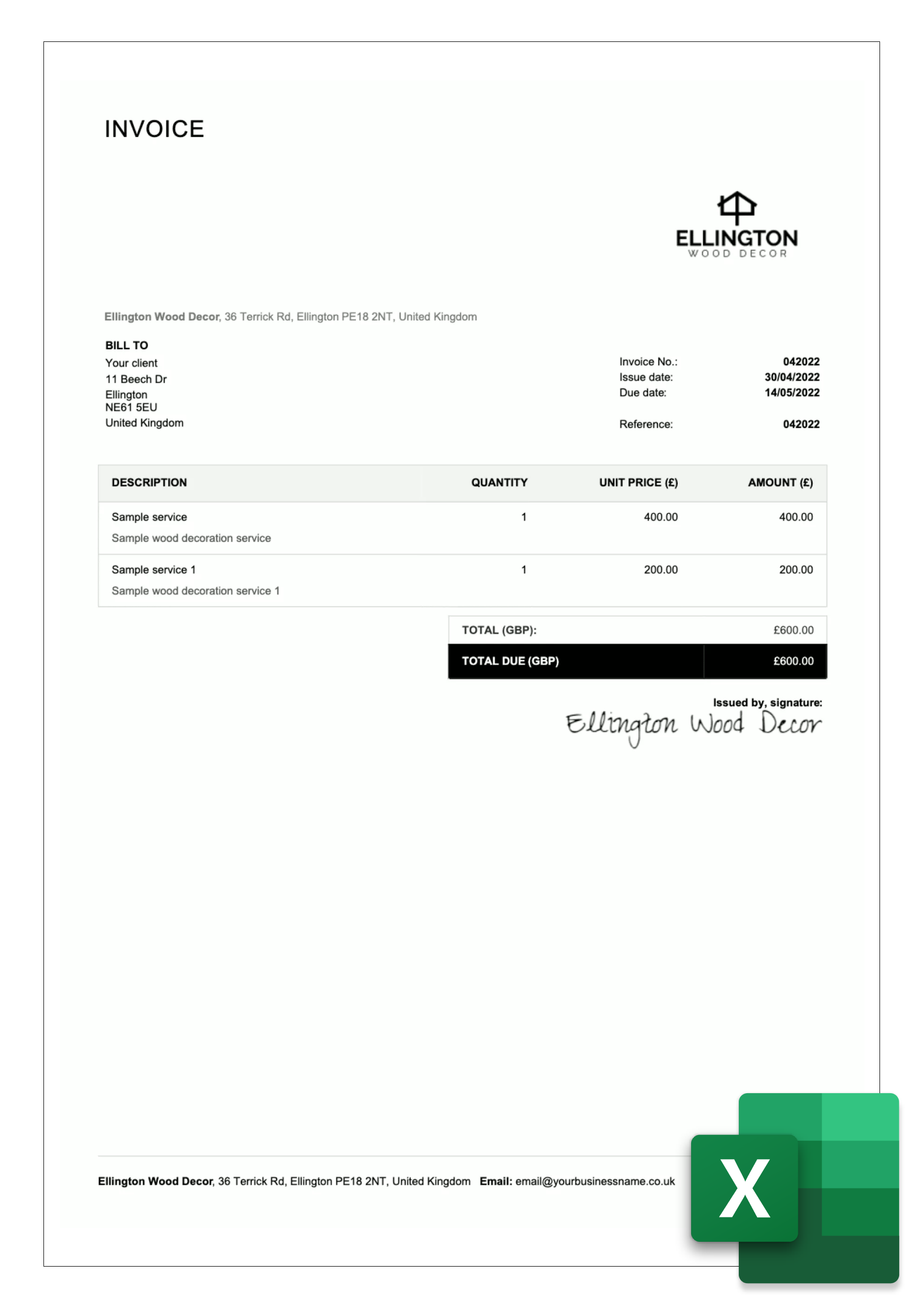
Classic Template
Download template for free:
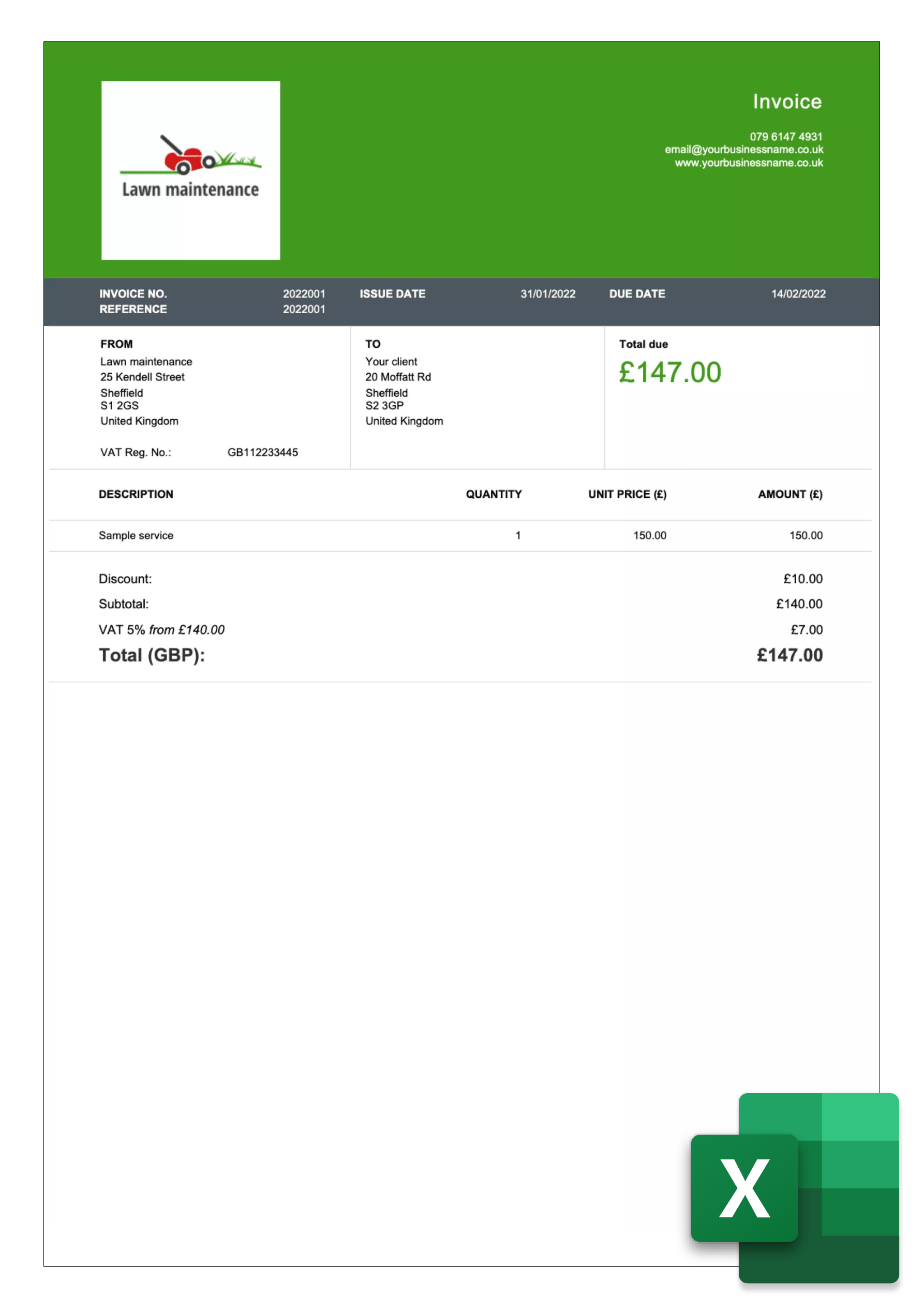
Modern Template
Download template for free:

Simple Template
Download template for free:
UK invoice template in Excel
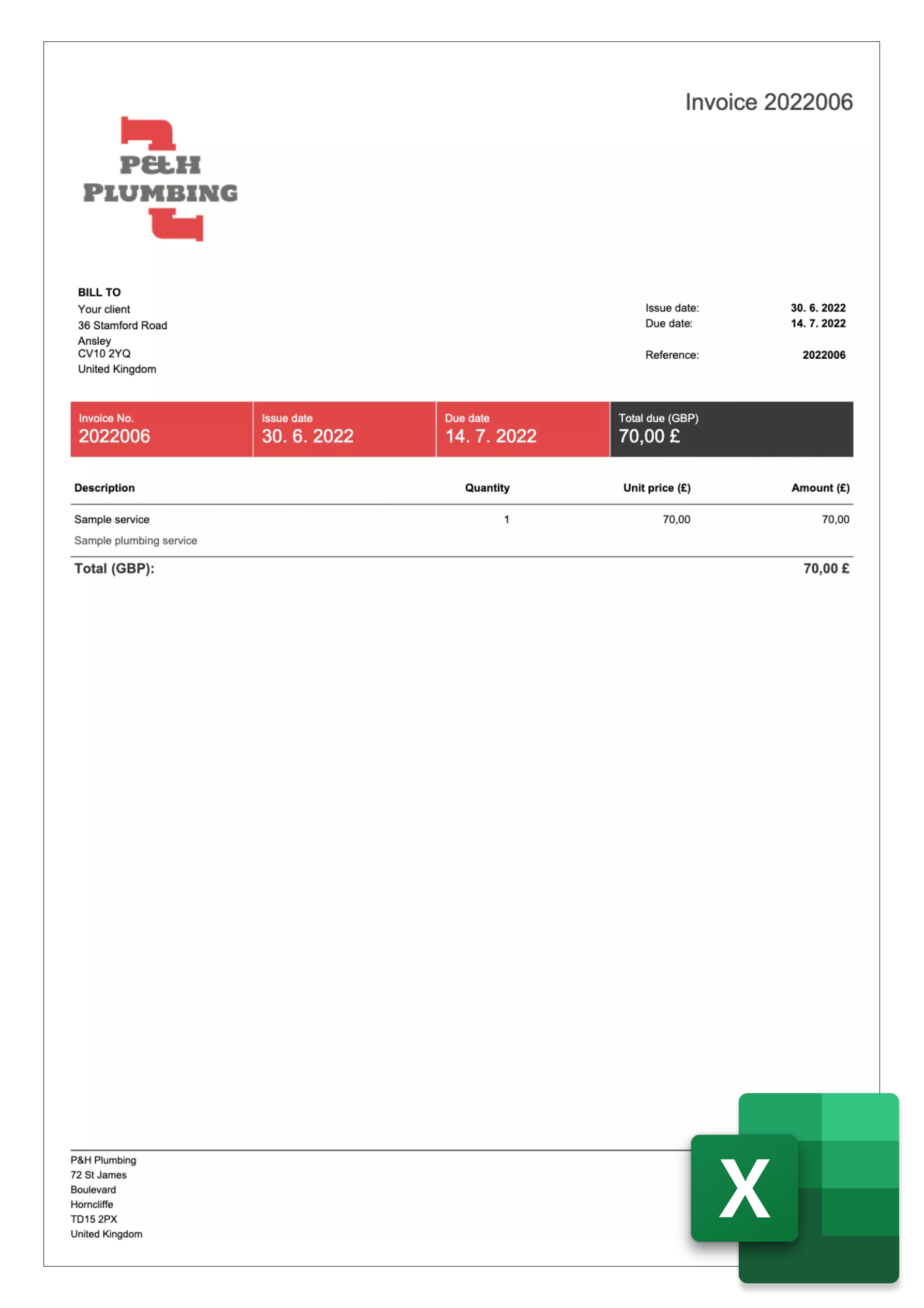
Use an Excel invoice template when a spreadsheet suits the way you work with quantities, rates and totals. Enter your company and customer information, list each item or service, and check the unit prices, subtotal, any applicable VAT and the amount due. You can customise the document with your business details and preferred design.
Keep formula cells intact and check that the calculations include every item. If you add or remove rows, review the formula ranges and the final amount. Save your working spreadsheet, set a suitable print area and export a PDF when the invoice is ready to send. Preview the PDF so the item table and totals are readable and nothing is cut off.
UK invoice templates in Google Docs
Create and edit your UK invoice online with our Google Docs templates. Choose a design and customise it with your business details, branding and payment terms.
Sign in to your Google account, open the template and make your own copy. Fill in your business and customer details, add the invoice number and dates, and enter the work and charges. Review the item table and check all totals before sending. Keep your editable copy in your account and download a PDF to send to the customer.
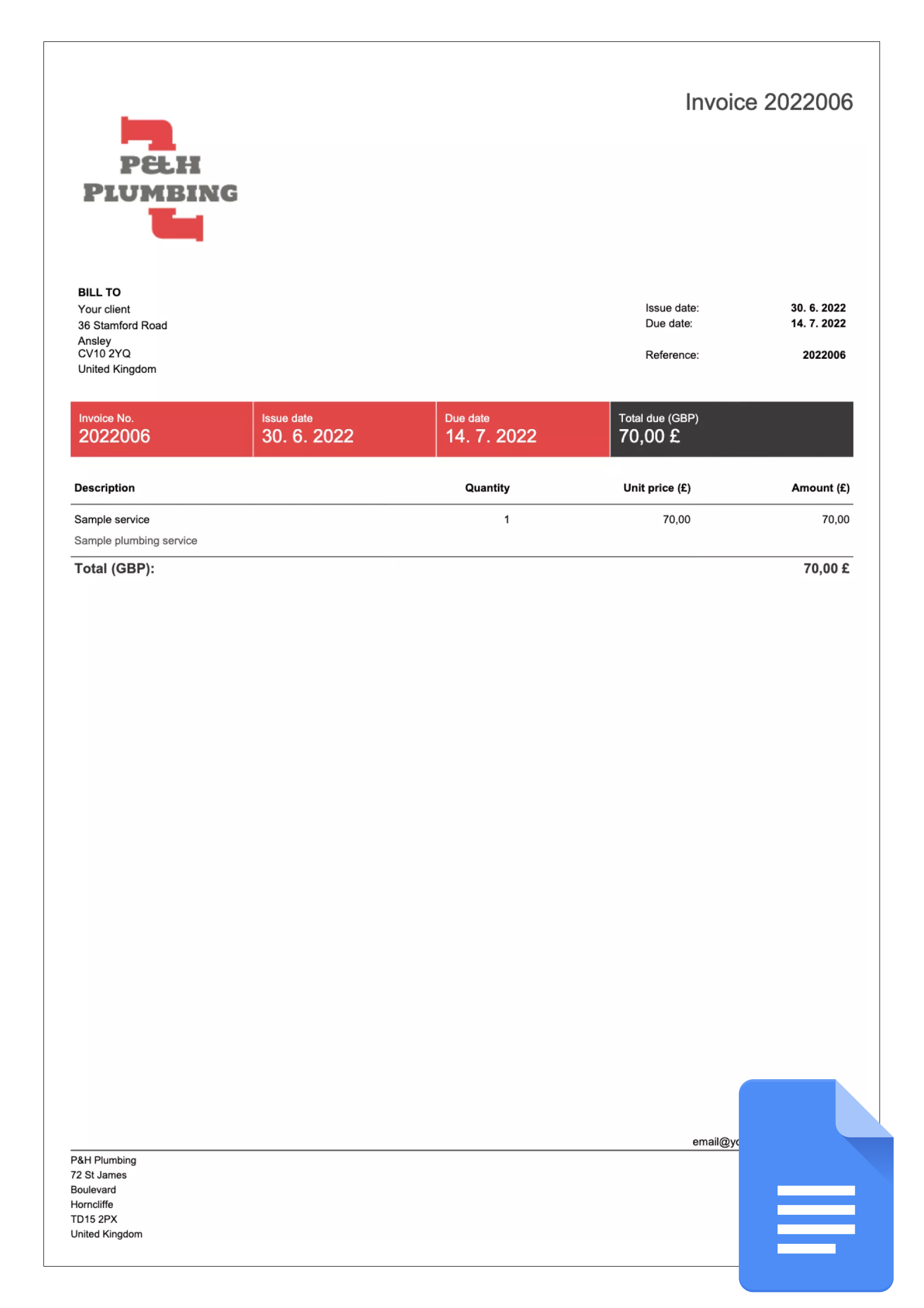
Stripe Template
Use template for free:
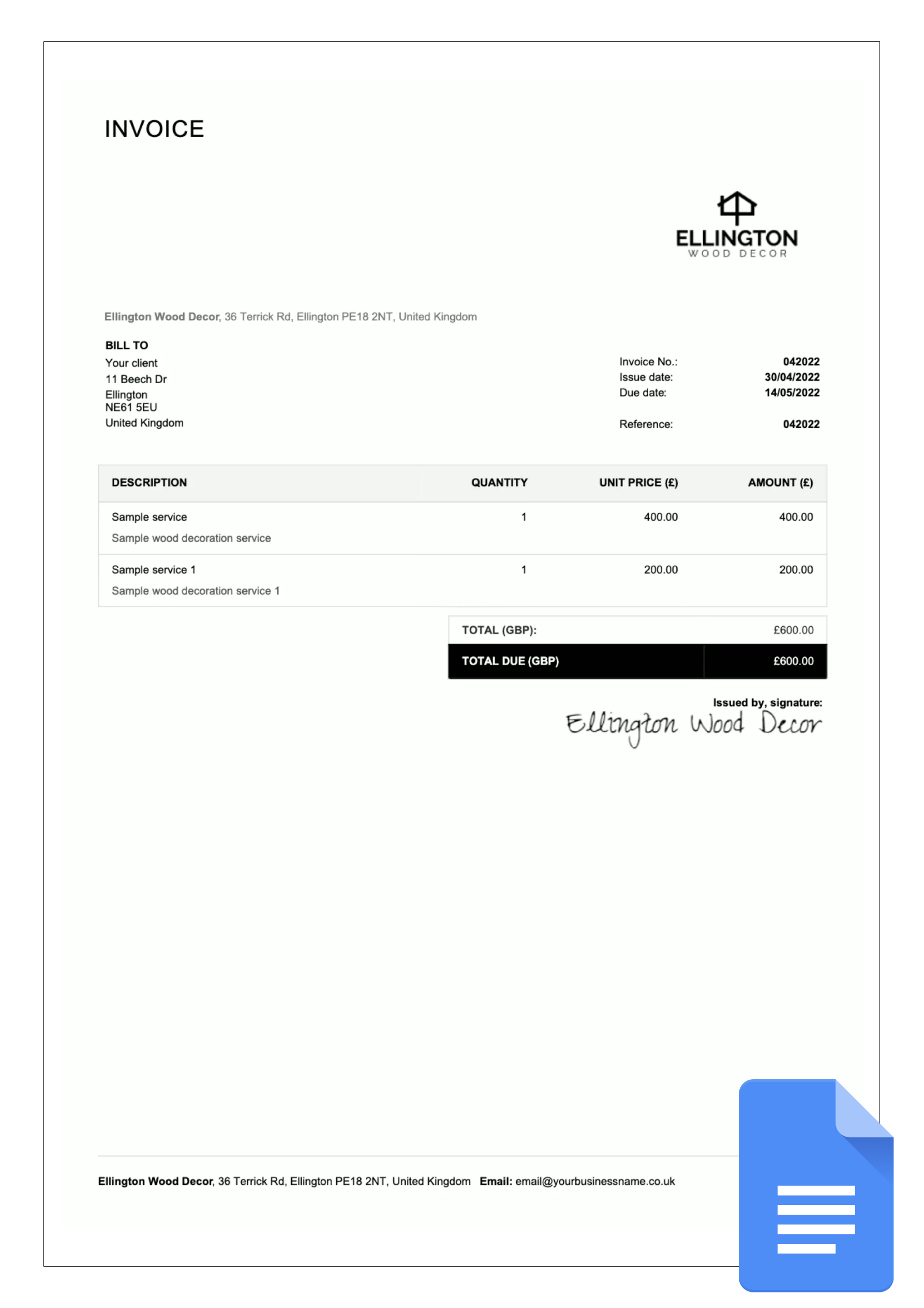
Classic Template
Use template for free:
Quick and Easy
Create a UK PDF invoice
Use the free invoice generator when you want to enter your details online and download a finished PDF. Choose a template and colour, add your business logo and, where appropriate, a signature. Enter the customer details, line items, payment terms and any applicable VAT, then review the document before downloading it.
You can also complete a UK Word, Excel, Google Docs or Google Sheets invoice and export it as a PDF. PDF is useful for sending a consistent layout, while the original editable file remains your working copy. A standard PDF is not necessarily a fillable form, so make layout changes in the original document or generator and export a new version.
MADE FOR YOUR BUSINESS
UK invoice templates for the work you do
Find templates for self-employed professionals, cleaning businesses and photographers. Open a section below to choose your design, download a template and see which details to include for your work.
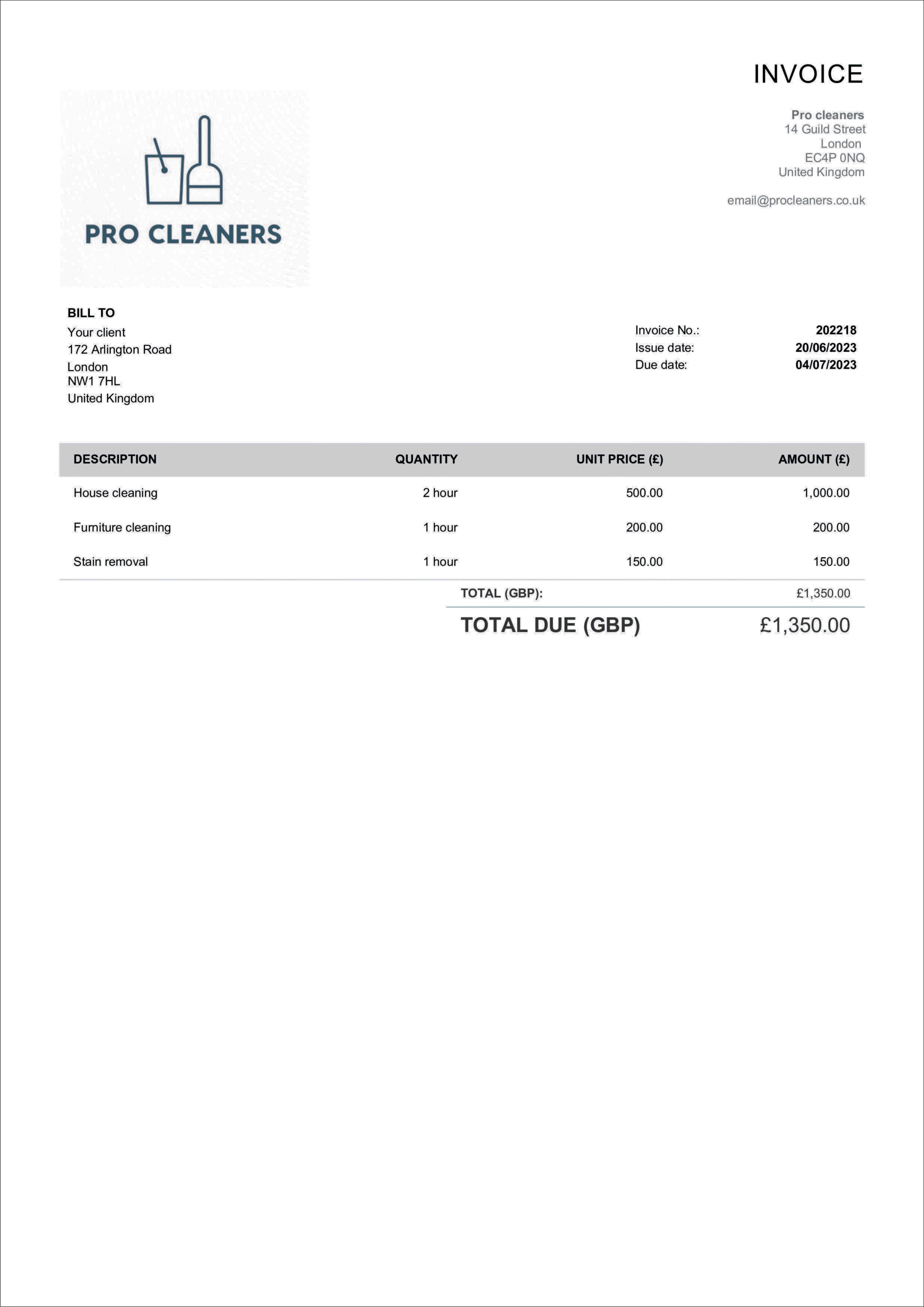
Use these templates for domestic, office, end-of-tenancy or other agreed cleaning services. Add the property address and service date so your customer can identify the job.
Details to include for cleaning work
- The agreed fixed service price, or the hours worked and hourly rate.
- A description of the areas cleaned and tasks completed.
- Cleaning supplies charged separately, with quantities and prices where relevant.
- Approved extras, such as deep cleaning or stain removal, with their additional charges.
- A property or job reference if your customer manages several locations.
For recurring work, state the billing period and identify the visits covered. For longer jobs, attach a timesheet or service breakdown if it helps explain the charges. Send the invoice after the clean or on the billing schedule agreed with your customer.
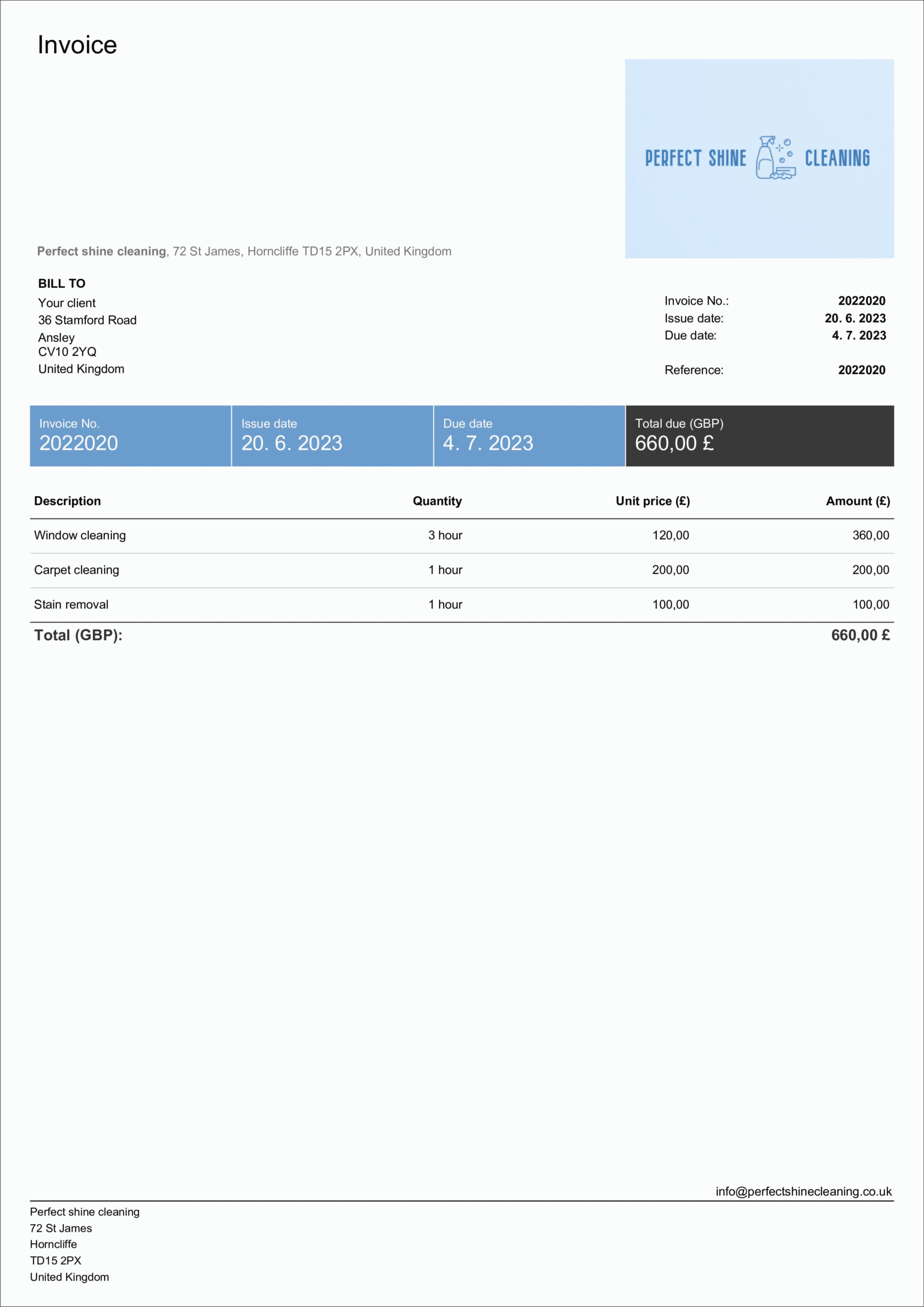
Stripe Template
Download template for free:
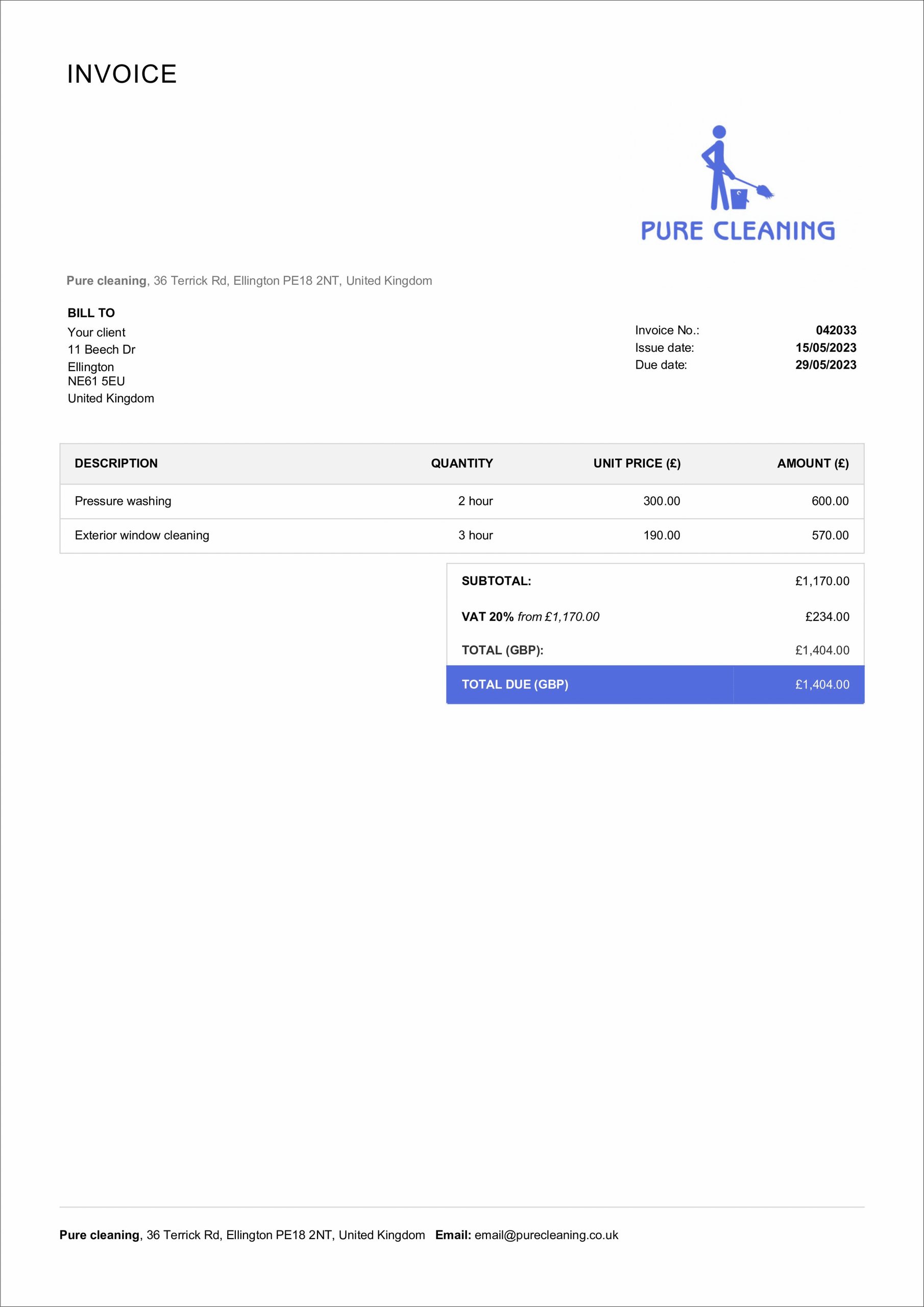
Classic Template
Download template for free:
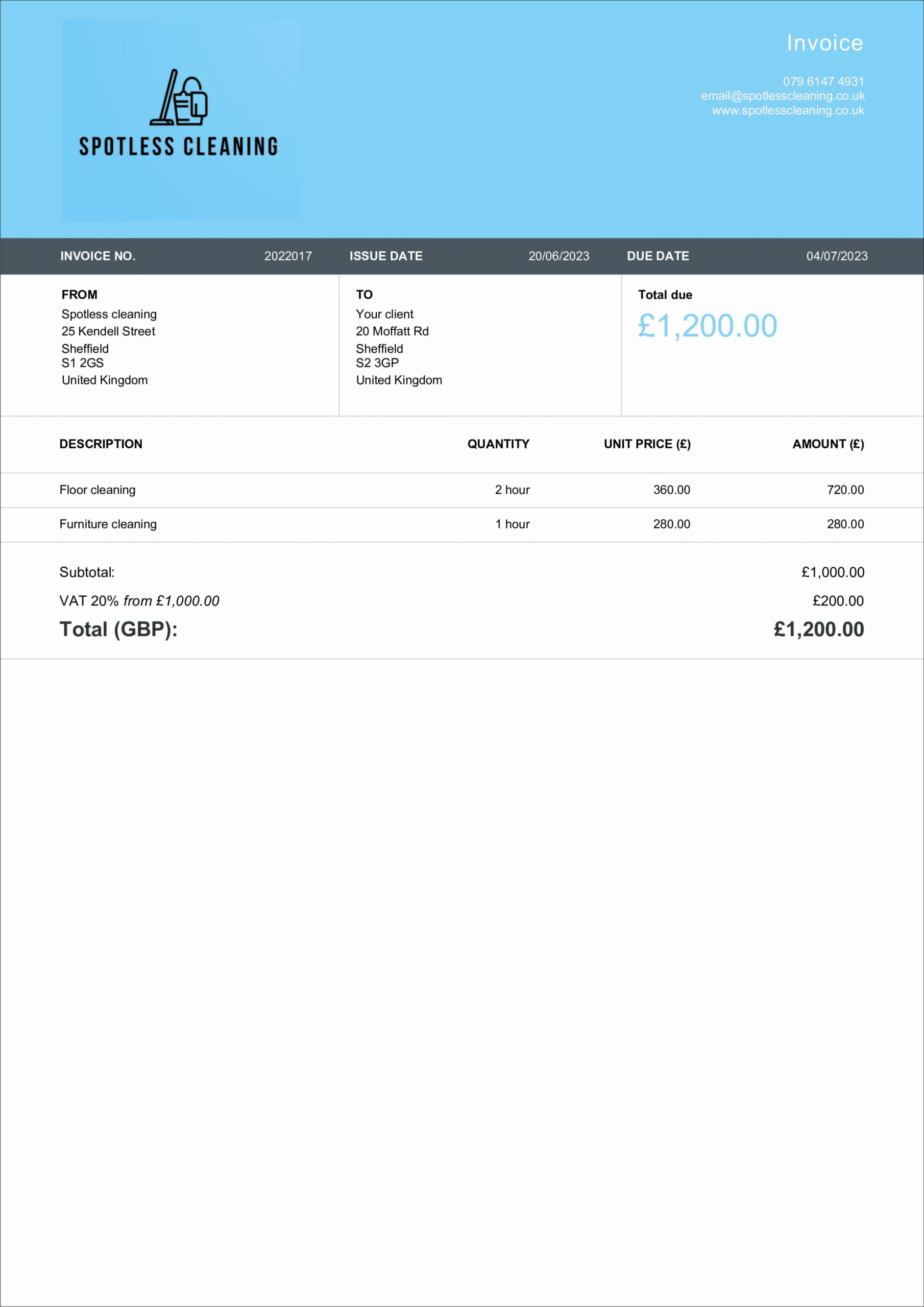
Modern Template
Download template for free:
Simple Template
Download template for free:
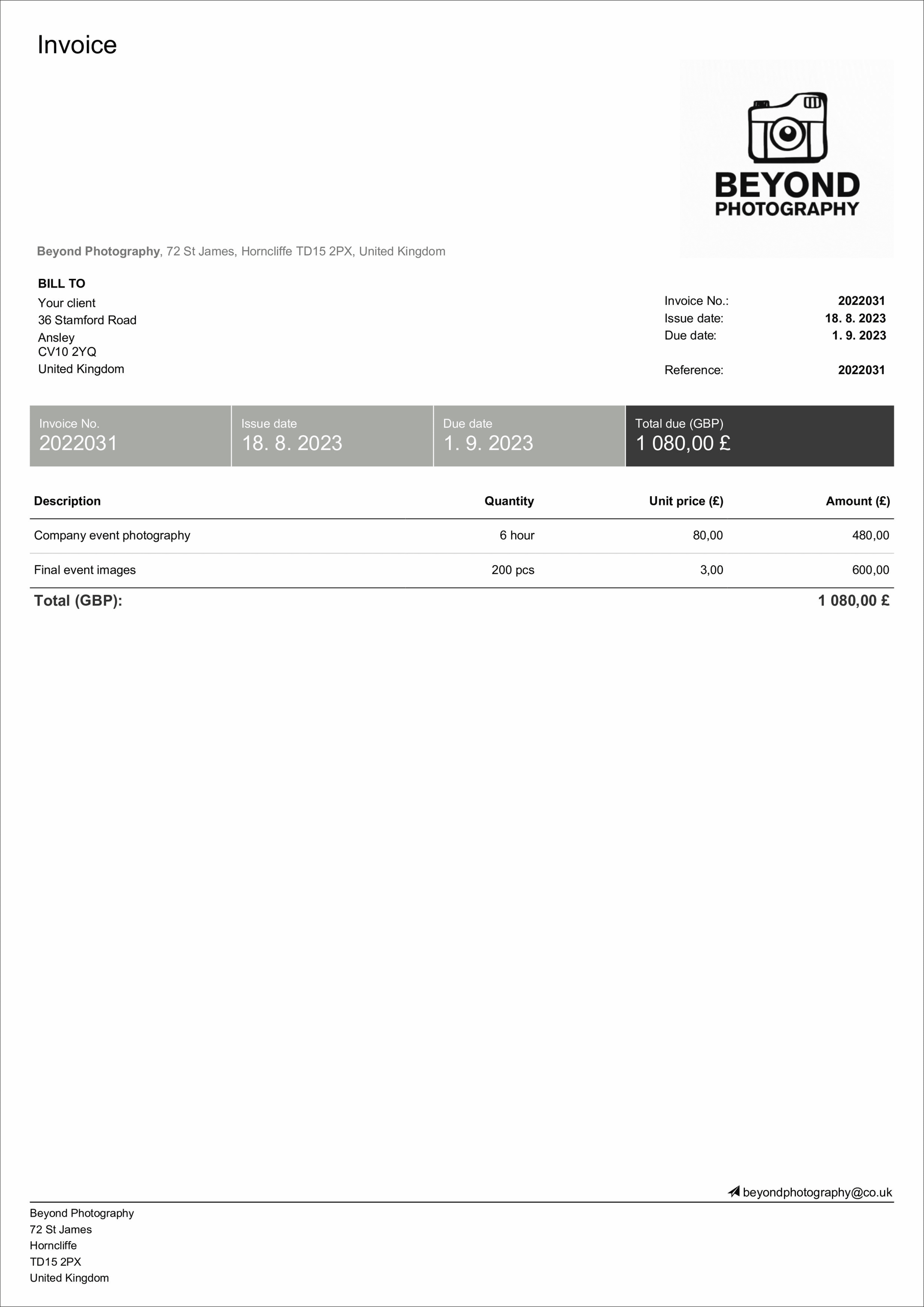
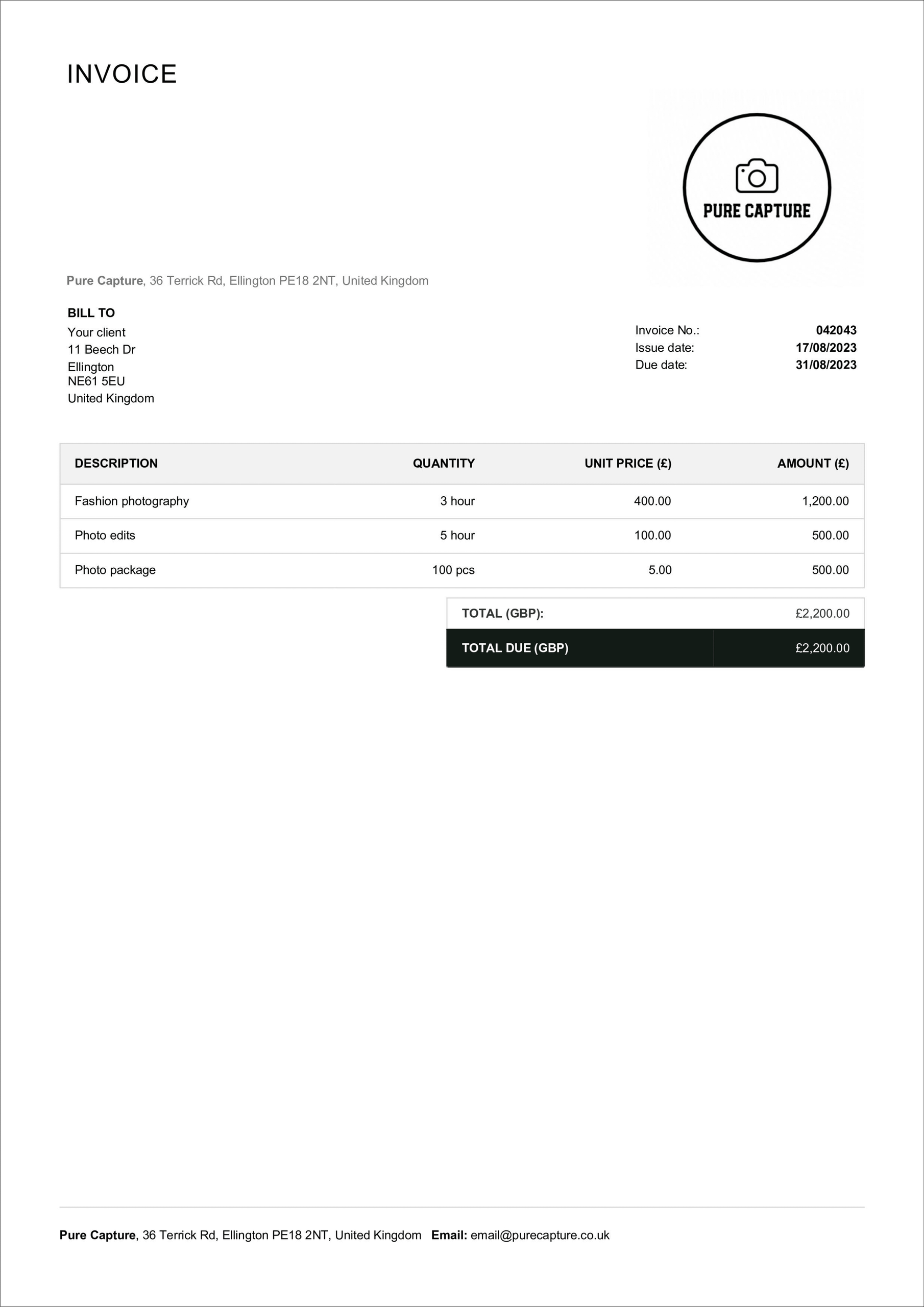
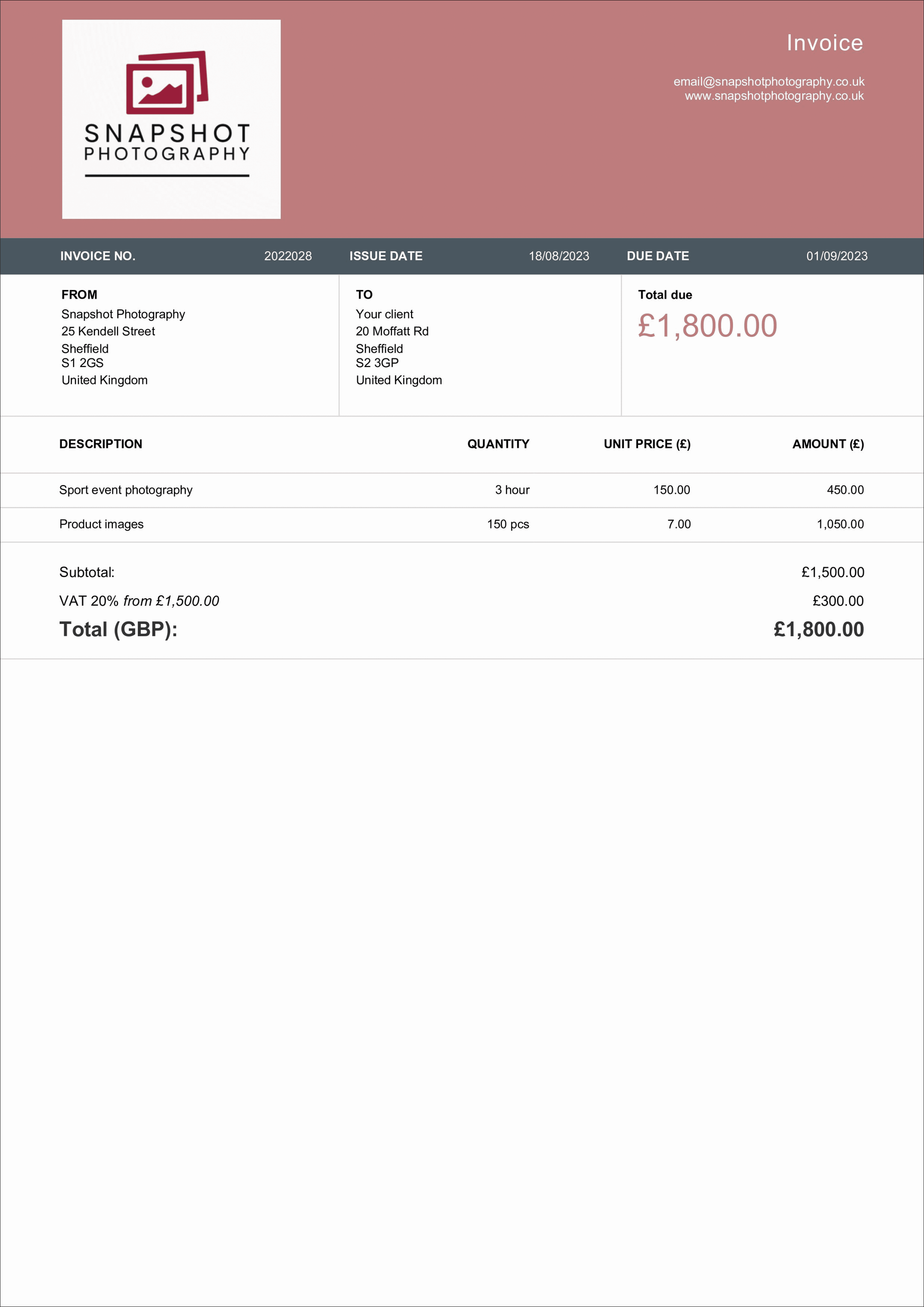
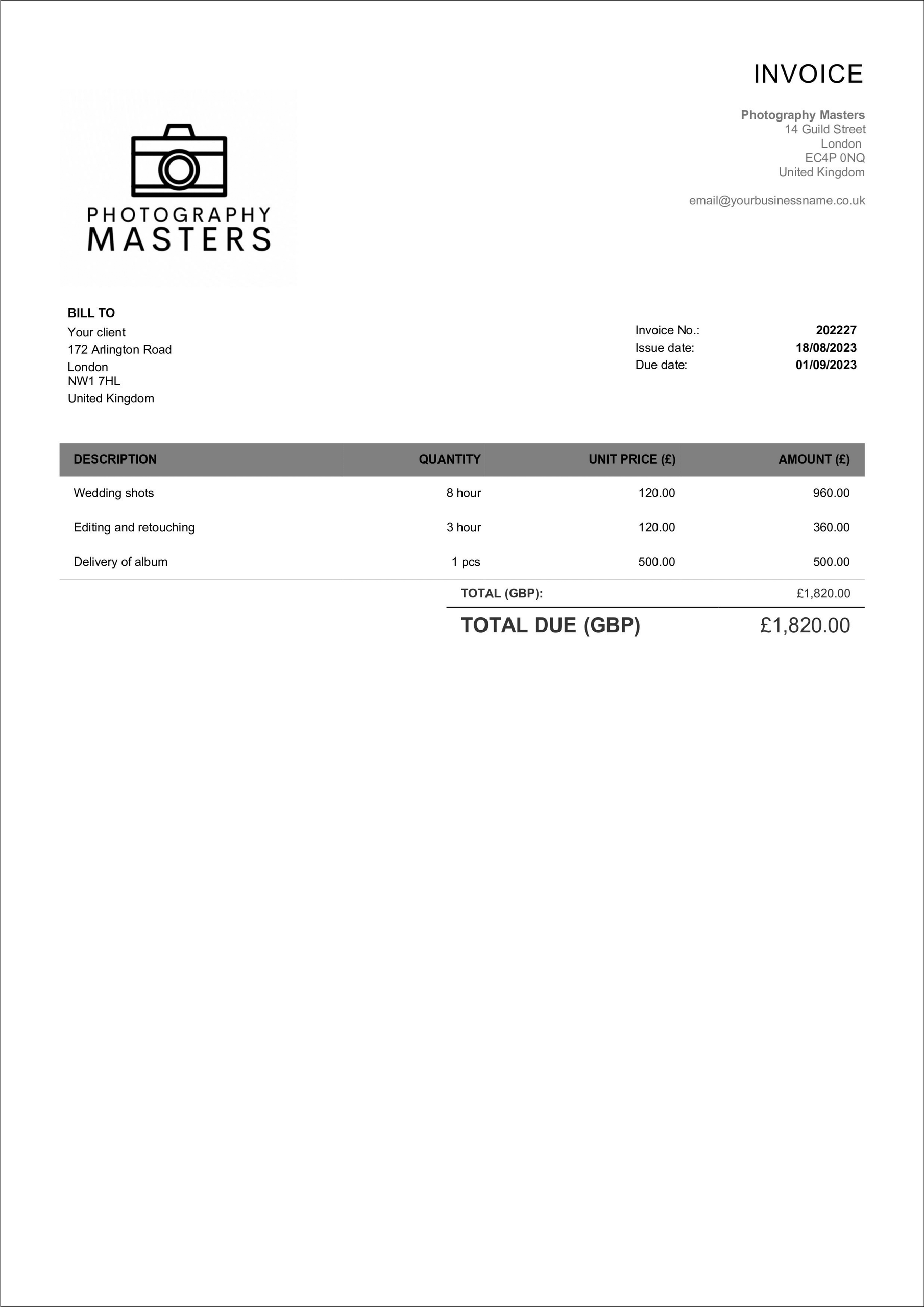
Use these templates to invoice photography sessions, events and client projects. Describe the agreed package and any approved extras so your customer can understand the charges.
Details to include for photography work
- The shoot or event date, with the package price, session fee or hourly rate.
- Editing and retouching charges when these are outside the package.
- Prints, albums or other products, with their quantities and prices.
- Studio or equipment rental costs the customer has agreed to pay.
- Any deposit or installments already paid, with the remaining balance clearly shown.
For wedding photography, include the customer’s name, wedding date and agreed coverage. Keep the package description and extras consistent with the booking agreement. If you invoice in stages, identify each payment clearly and account for earlier payments on the final invoice. Follow the agreed billing schedule.
Stripe Template
Download template for free:
Classic Template
Download template for free:
Modern Template
Download template for free:
Simple Template
Download template for free:
Use the templates on this page to invoice freelance assignments, contract work or other services you provide as a sole trader. Describe the work clearly and include a project reference where it helps your customer match the invoice to the agreed job.
Details to check before sending
- If you operate as a sole trader, include your own name and any business name you use. If you use a business name, also include an address where legal documents can be delivered to you.
- Describe each service and show the agreed fixed fee, or the hours or days worked and your rate.
- Identify the project or billing period, particularly when you complete several assignments for the same customer.
- Make any agreed expenses and payments already received clear, so the customer can see the remaining balance.
Keep an editable copy for your records and review the final PDF before sending it.
What to include on a UK invoice
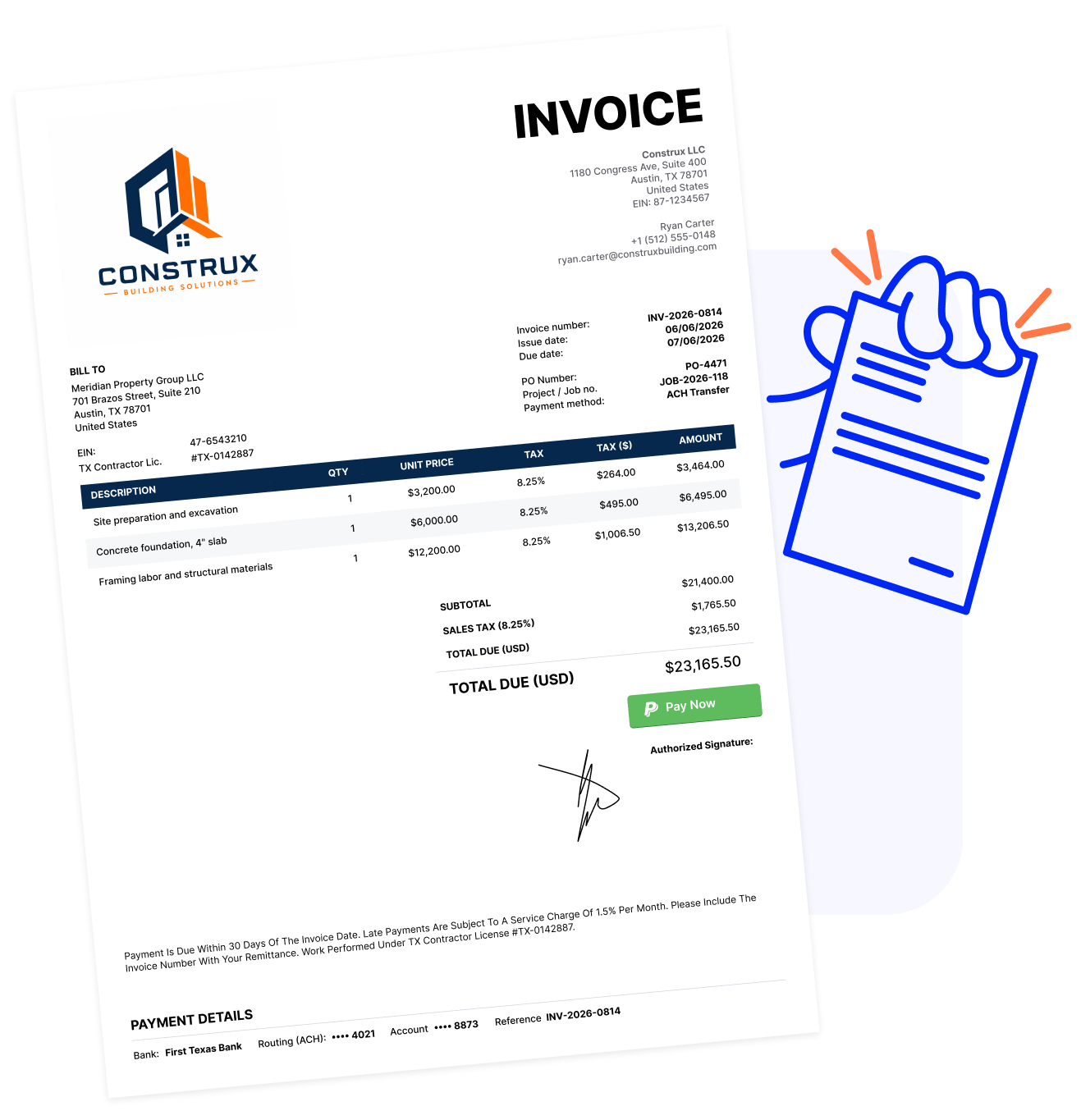
A useful invoice makes it clear who supplied the goods or services, what the customer is paying for and how much is due. Start with these details and add the fields required for your business and the transaction:
A unique invoice number that you can use to identify the document.
Your business name, address and contact details, and the customer’s name and address.
The invoice date and the date the goods or services were supplied.
A clear description of the work or goods, with quantities, rates and individual amounts where relevant.
Any agreed discount and VAT that applies, with a clear total amount due.
The payment due date, accepted payment methods and any reference the customer should use.
Sole traders should include their own name and any trading name. If they use a business name, they must provide an address where legal documents can be delivered. A limited company must use its full registered company name. Check the official UK invoice requirements for the details that apply to your business.
Try the Billdu App
Manage your invoicing with Billdu
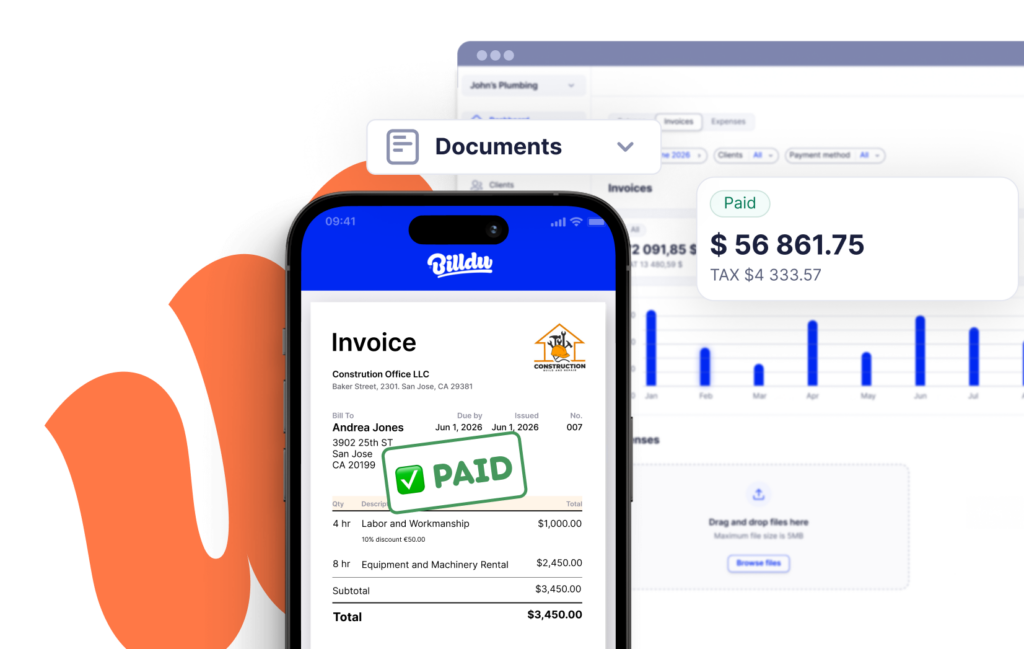
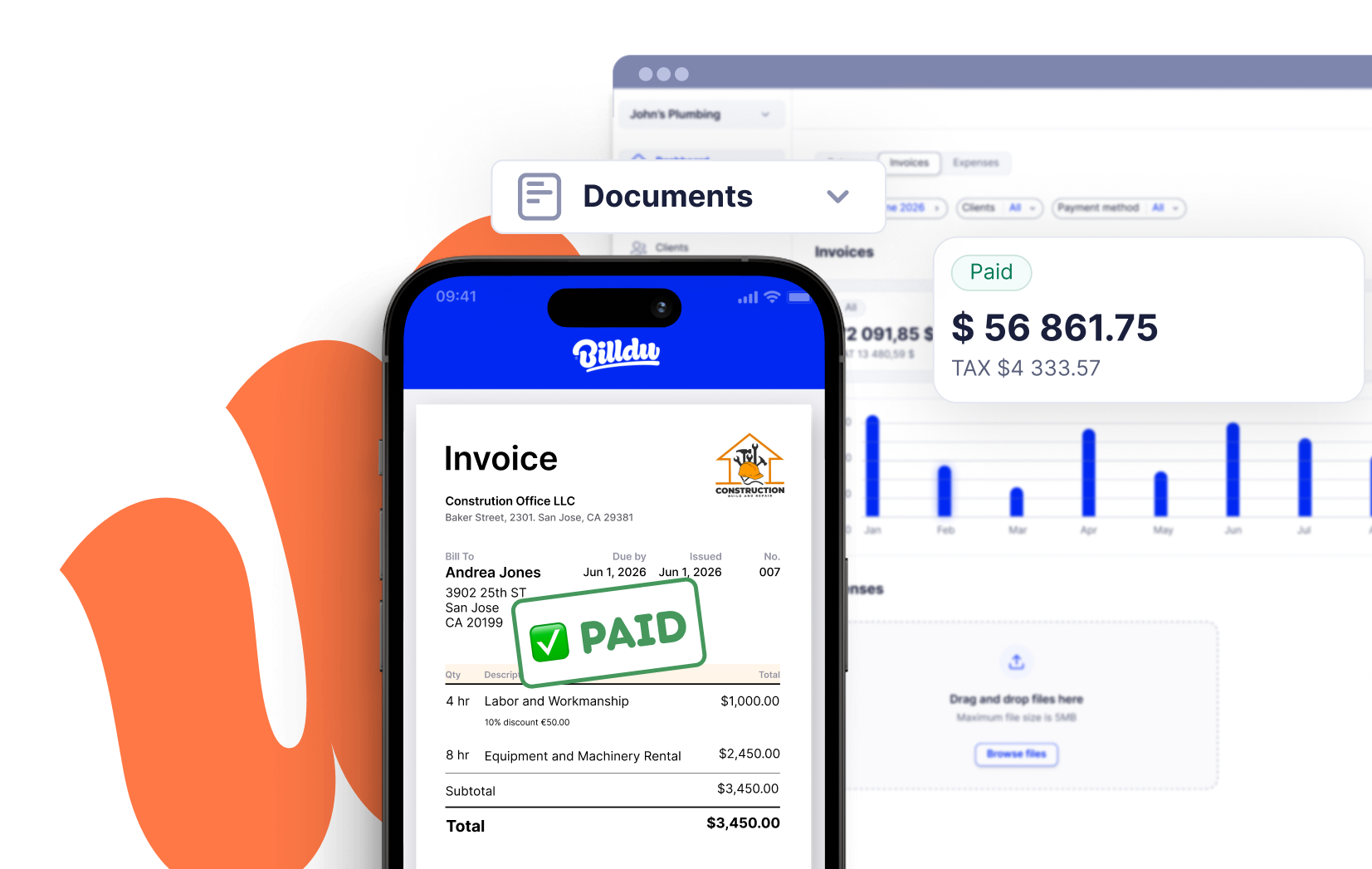
Free templates are a practical starting point. If your invoicing becomes more frequent, Billdu helps you create documents in the mobile and web app, keep customer details in one place and follow your business activity from the dashboard. You can work with invoices, estimates, quotes and other documents using the tools available in your chosen plan.
Online invoices can offer customers the payment options available to your business. Invoice status information and reminders can help you follow up on outstanding documents, depending on the features in your plan. Start with a 7-day free trial to see how Billdu fits your workflow, and keep the document format that works best for each customer.
7-Day Free Trial
Cancel Anytime
Try the Billdu App
Manage your invoicing with Billdu
Free templates are a practical starting point. If your invoicing becomes more frequent, Billdu helps you create documents in the mobile and web app, keep customer details in one place and follow your business activity from the dashboard. You can work with invoices, estimates, quotes and other documents using the tools available in your chosen plan.
Online invoices can offer customers the payment options available to your business. Invoice status information and reminders can help you follow up on outstanding documents, depending on the features in your plan. Start with a 7-day free trial to see how Billdu fits your workflow, and keep the document format that works best for each customer.
7-Day Free Trial
Cancel Anytime
VAT invoice templates and UK VAT guidance
A regular invoice requests payment and records the sale. A VAT invoice also records the VAT information needed for the transaction. If you are not VAT registered, do not charge VAT or present your document as a VAT invoice. If you are registered, use the treatment appropriate to the goods or services you supply.
UK VAT rates
The standard VAT rate is 20%. A reduced 5% rate applies to some supplies, such as certain home energy and children’s car seats, while some goods and services are zero-rated. Zero-rated and VAT-exempt supplies are different categories. Check the current VAT rates and examples rather than applying the same rate to every invoice item.
What to include on a VAT invoice
For a full VAT invoice, include a unique sequential number, the tax point and issue date, your VAT-registered name, address and VAT number, and the customer’s name and address. Describe each supply with its quantity or extent, applicable unit price, net amount and VAT rate. Show the total excluding VAT, any cash discount rate and the total VAT in sterling. Distinguish differently rated items and any zero-rated or exempt amounts. Simplified invoices have different rules; see HMRC’s VAT invoice guidance.
Keep a clear record of invoices, credit notes and payments. VAT invoices help support your records and, where the rules allow it, a customer’s claim to recover VAT. A template helps organise the information; the accuracy of the amounts and VAT treatment still depends on how you complete it.
When to register for VAT
UK businesses generally have to register when taxable turnover exceeds £90,000 over a rolling 12-month period, or is expected to exceed that threshold in the next 30 days alone. Voluntary registration may be possible below the threshold, and separate rules can apply to businesses based outside the UK. Check HMRC’s registration guidance for your circumstances and the required timing.
After registration, keep your VAT number and effective registration date with your business records and confirm your first VAT reporting period. If your circumstances change and you want to cancel registration, check HMRC’s current eligibility rules before you stop charging VAT. A fall in turnover does not by itself mean registration has ended.
VAT returns and record keeping
VAT returns usually cover a three-month accounting period. They report the sales, purchases and VAT amounts relevant to that period and establish what is payable or reclaimable. You normally still need to submit a return when there is no VAT to pay or recover. If registration ends, follow HMRC’s instructions for any final return. See how to submit a VAT return.
Keep sales invoices, purchase records, credit notes and payment records organised so you or your accountant can reconcile the return. Billdu can help you organise invoicing records; using an invoice template or creating a document in Billdu does not itself complete a VAT return or confirm that your filing process meets Making Tax Digital requirements.
Making Tax Digital
Making Tax Digital for VAT generally requires VAT-registered businesses to keep specified digital records and use compatible software, unless an exemption applies. Keep this filing requirement separate from the format you use to send a customer an invoice.
Making Tax Digital for Income Tax is being introduced in phases for qualifying sole traders and landlords. The published thresholds are over £50,000 of qualifying income for an April 2026 start, over £30,000 for April 2027 and over £20,000 for April 2028, each assessed using the relevant earlier tax year. Qualifying income is not the same as profit. Check HMRC’s start-date guidance for the relevant tax year, conditions and exemptions.
Payment terms and late invoices in the UK
State the due date and agreed payment terms clearly before sending the invoice. Include the payment methods you accept, the account or payment details the customer needs and a reference that helps you match the money received to the right invoice.
For qualifying late business-to-business payments, statutory interest can be 8% above the Bank of England base rate. Contractual terms can affect what you may charge. Where no payment date has been agreed, the statutory late-payment timing generally runs 30 days from receipt of the invoice or delivery of the goods or services, whichever is later. These rules should not be presented as applying automatically to every customer or consumer invoice. See the official guidance on when a commercial payment becomes late and charging interest.
Qualifying debts may also allow a fixed recovery charge of £40 for debts below £1,000, £70 for debts from £1,000 to £9,999.99, or £100 for debts of £10,000 or more. Check the debt recovery cost rules before adding a charge. Keep reminders professional and make it easy for the customer to identify and settle the outstanding invoice.
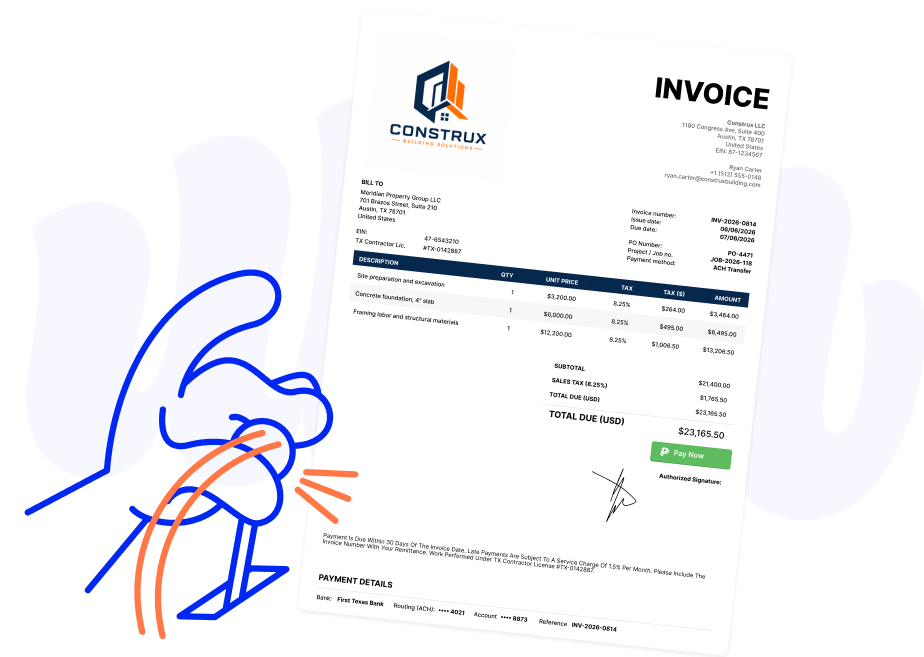
Practical tips for a professional UK invoice
Personalize the document with your business identity, customer details and the particular job or project.
Use a consistent invoice numbering system and include the invoice, supply and payment due dates.
Make the descriptions, quantities, rates and totals easy to check.
Add relevant supporting information, such as a timesheet, agreed expense breakdown or project reference, when it explains the charge.
Offer the payment methods your business accepts and state how the customer should use them.
Preview the completed PDF, keep the editable source file and retain a copy of the document you sent.
Manage your business documents with Billdu
Professional invoice templates are a useful starting point. Billdu also gives you tools to create business documents, keep records organised and manage your invoicing as your business grows.

Mobile and web app
Create invoices directly in the Billdu mobile and web app, keep your documents in one place and access them when you need them. Start with a 7-day free trial and choose the plan that fits your business.

Make payment easier
Add a Pay Now button to invoices created in Billdu so customers can use the online payment options available to your business. Clear payment instructions make the next step easier for customers and help you follow up on outstanding invoices.

Dashboard and documents
Keep invoices, estimates, quotes, delivery notes and other business documents organised in one place. Use the Billdu dashboard to follow your invoicing activity and choose the document tools included in the plan that suits your business.
Manage your business documents with Billdu
Professional invoice templates are a useful starting point. Billdu also gives you tools to create business documents, keep records organised and manage your invoicing as your business grows.
Mobile and web app
Create invoices directly in the Billdu mobile and web app, keep your documents in one place and access them when you need them. Start with a 7-day free trial and choose the plan that fits your business.
Make payment easier
Add a Pay Now button to invoices created in Billdu so customers can use the online payment options available to your business. Clear payment instructions make the next step easier for customers and help you follow up on outstanding invoices.

Dashboard and documents
Keep invoices, estimates, quotes, delivery notes and other business documents organised in one place. Use the Billdu dashboard to follow your invoicing activity and choose the document tools included in the plan that suits your business.
More invoice resources
Explore our Word invoice templates, PDF invoice options and invoice template library. If you invoice customers in other countries, check the local requirements instead of assuming a UK example covers every situation. Our UK invoice generator provides an online alternative to filling in a file.
Related Articles
-

What Is Peppol? A Plain-English Guide for Small Businesses (2026)
Peppol is an international network that lets businesses and governments exchange invoices and other documents as structured electronic…
-

Belgium’s B2B E-Invoicing Mandate 2026: Deadlines, Penalties & Who Must Comply
Belgium’s B2B e-invoicing mandate requires every VAT-registered business established in Belgium to send and receive structured electronic invoices…
-
How to Send a Peppol Invoice: A Step-by-Step Guide (2026)
To send a Peppol invoice, you create the invoice as structured data, register a Peppol ID through a…
Got questions?
Choose a UK template or open the invoice generator. Add your business and customer details, a unique invoice number, the invoice and supply dates, an itemised description and the amount due. Include the tax information that applies to the transaction, explain the payment terms and check the document before sending it.
Yes. Use your own business identity and the information required for your situation. Keep the invoice with your business records and show VAT only where you are registered and it applies. You can adapt the same structure for freelance work, sole trader services or independent contracting.
Word and Google Docs suit an editable document layout. Excel and Google Sheets are useful when you want a spreadsheet workflow for quantities and calculations. PDF is a convenient finished format to send to the customer. Keep the original editable copy for changes and records.
Yes. Personalise an editable template with your business details and logo, then check the layout. In the invoice generator, choose an available design and colour and add your information before downloading the PDF. Make sure the written business identity remains clear.
Identify the customer, property, service date and tasks completed. Show the agreed labour charge, any separately charged supplies or additional services, applicable VAT and the total due. Send it after the service or on the regular schedule agreed with the customer, and make the due date clear.
Identify the shoot or event and list the agreed photography services, editing, products and chargeable rental costs. Show the price and any payments already received. For a wedding or a project with staged payments, invoice according to the booking agreement and make the outstanding balance clear.
Registration depends on taxable turnover and the other conditions HMRC sets out. If you are not VAT registered, do not charge VAT. If you think registration is required, check the effective date and invoicing rules with HMRC or your accountant before issuing affected invoices.
A template gives you fields and a layout, but you must enter the correct business, transaction and tax details. Check the invoice requirements for your business and use the VAT format appropriate to the supply. The document’s appearance alone does not establish that it meets every applicable requirement.
Billdu lets you create and organise invoices and other business documents in its mobile and web app. Keep your records complete and reconcile payments and adjustments. Confirm the tools you need in your chosen plan and use a suitable process for your accounting and tax submissions.