

Free download
Free PDF Invoice Template
Create a free PDF invoice using our invoice templates, fill in your business and customer details online, and download the finished document. You can also complete an editable Word, Excel or Google Docs template and export it as a PDF before sending it to your customer.
Free PDF invoice templates and samples
Choose a PDF invoice design below and use it as the starting point for your document. The generator provides a structured layout for your business details, customer information, item table, applicable tax and total. Enter the details, review the preview and download your completed PDF invoice.
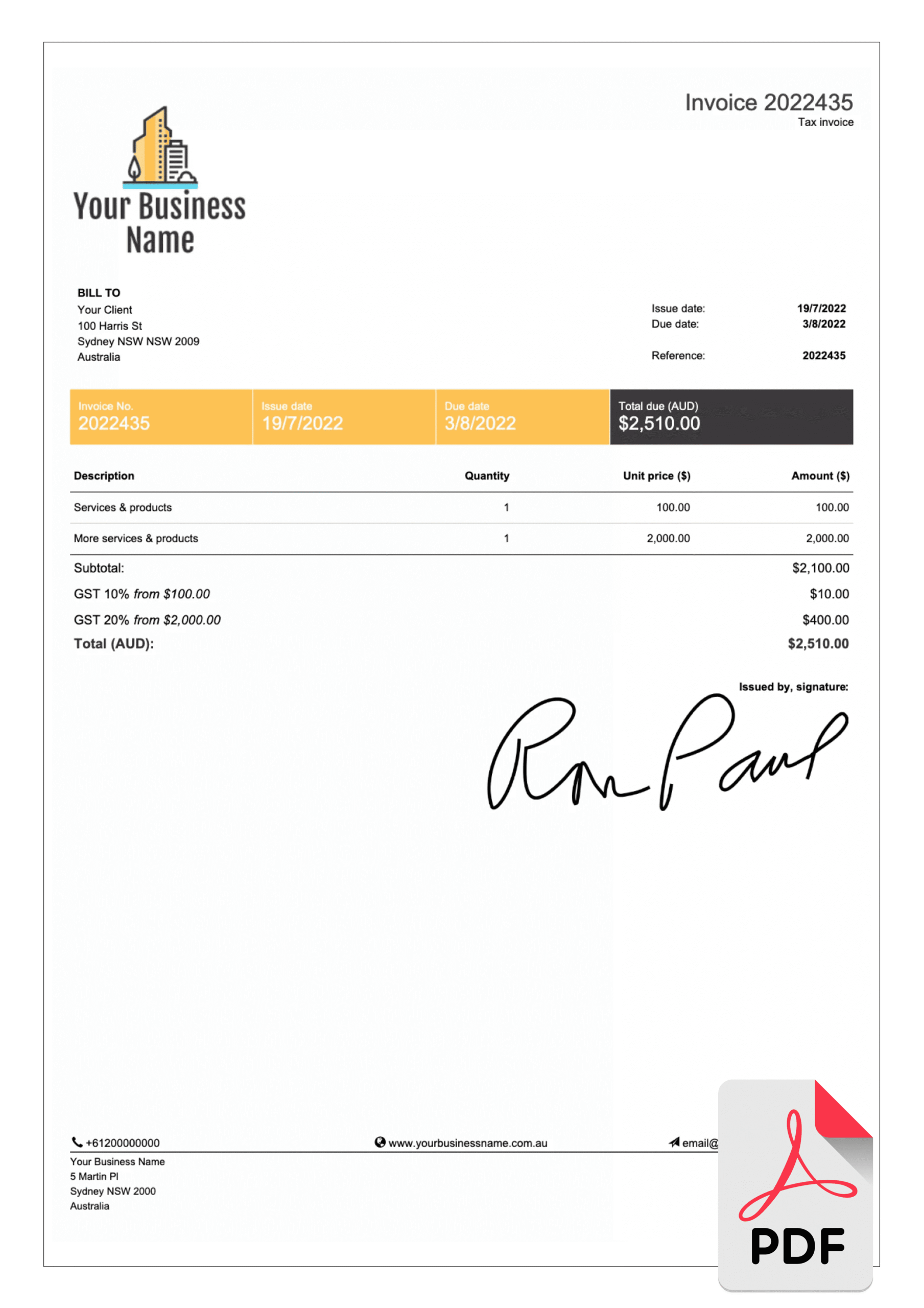
Stripe Template
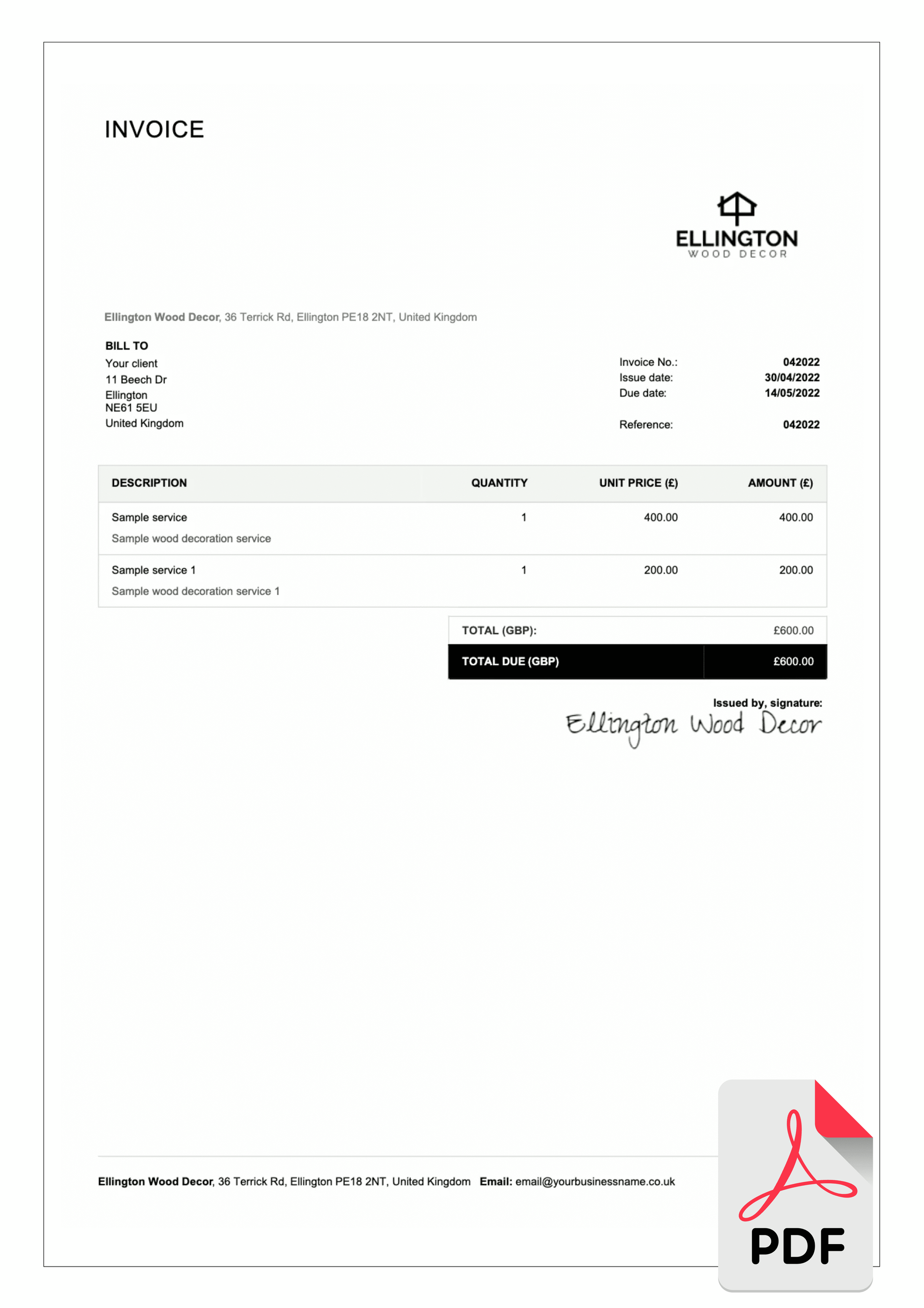
Classic Template
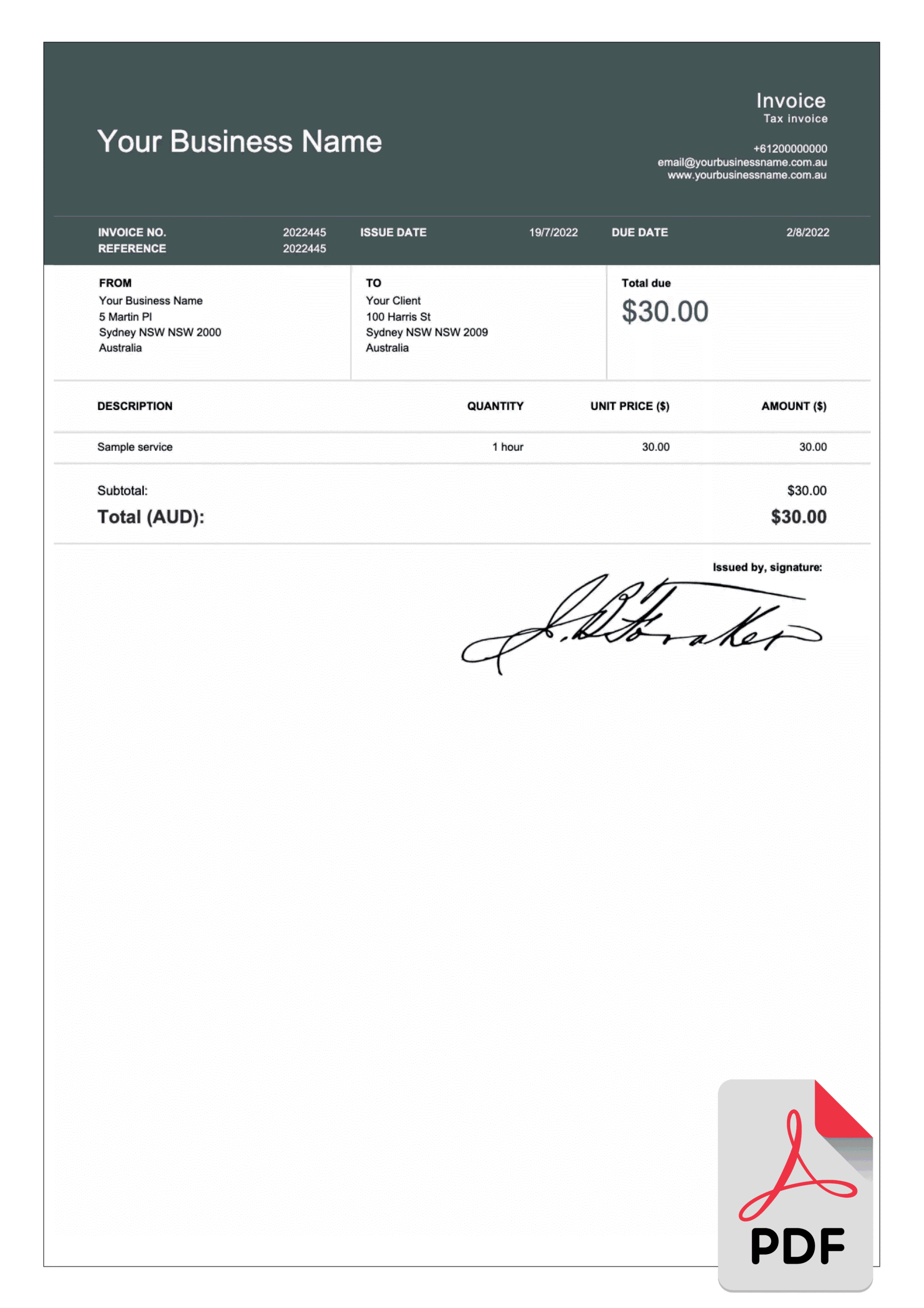
Modern Template
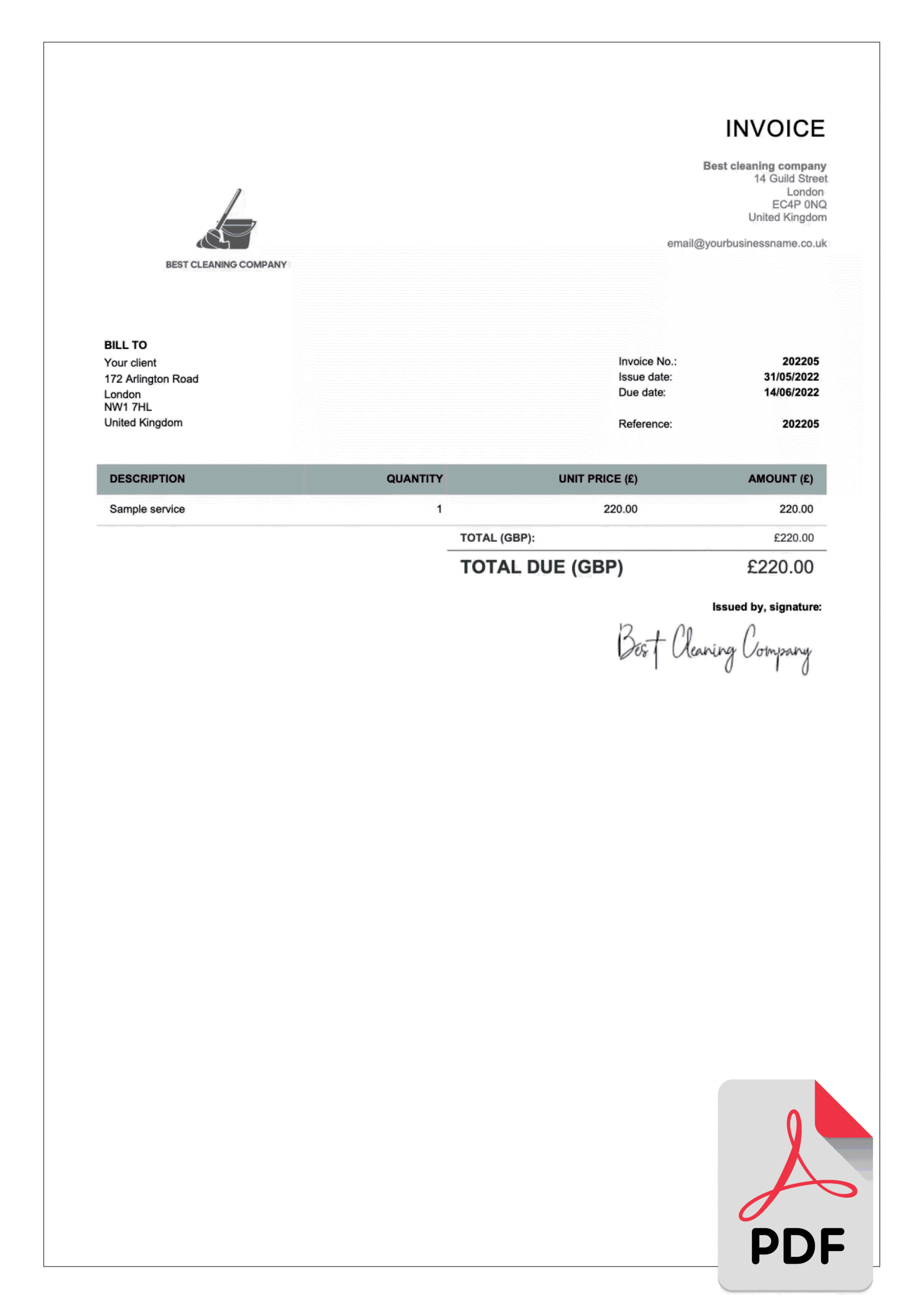
Simple Template
Try the Billdu App
Start invoicing for free
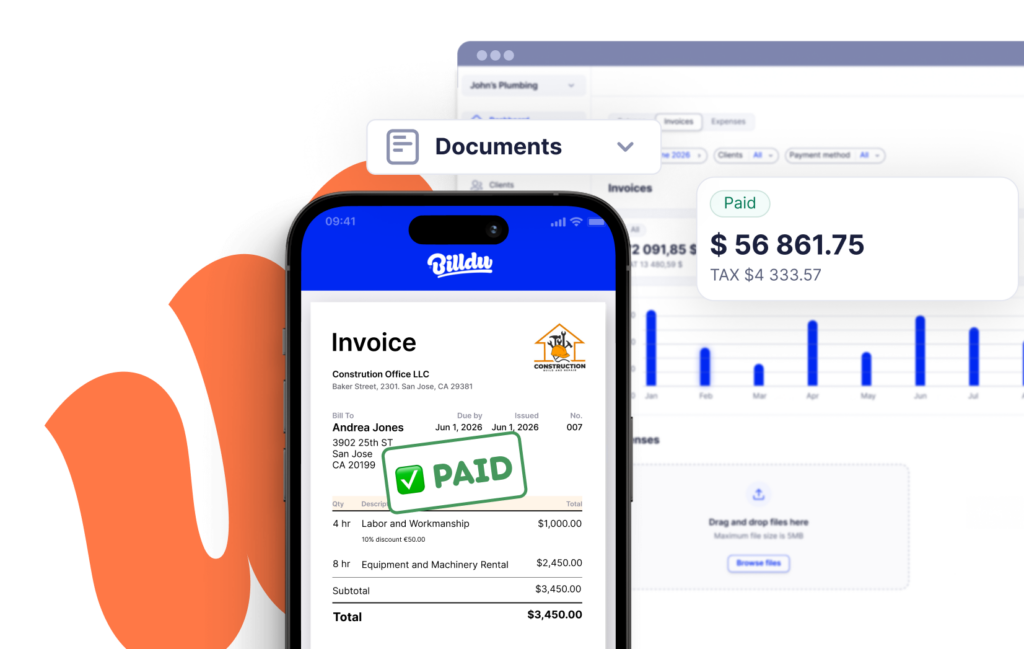
Create professional PDF invoices in seconds and take them anywhere with the Billdu app.
7-Day Free Trial
Cancel Anytime
Try the Billdu App
Start invoicing for free
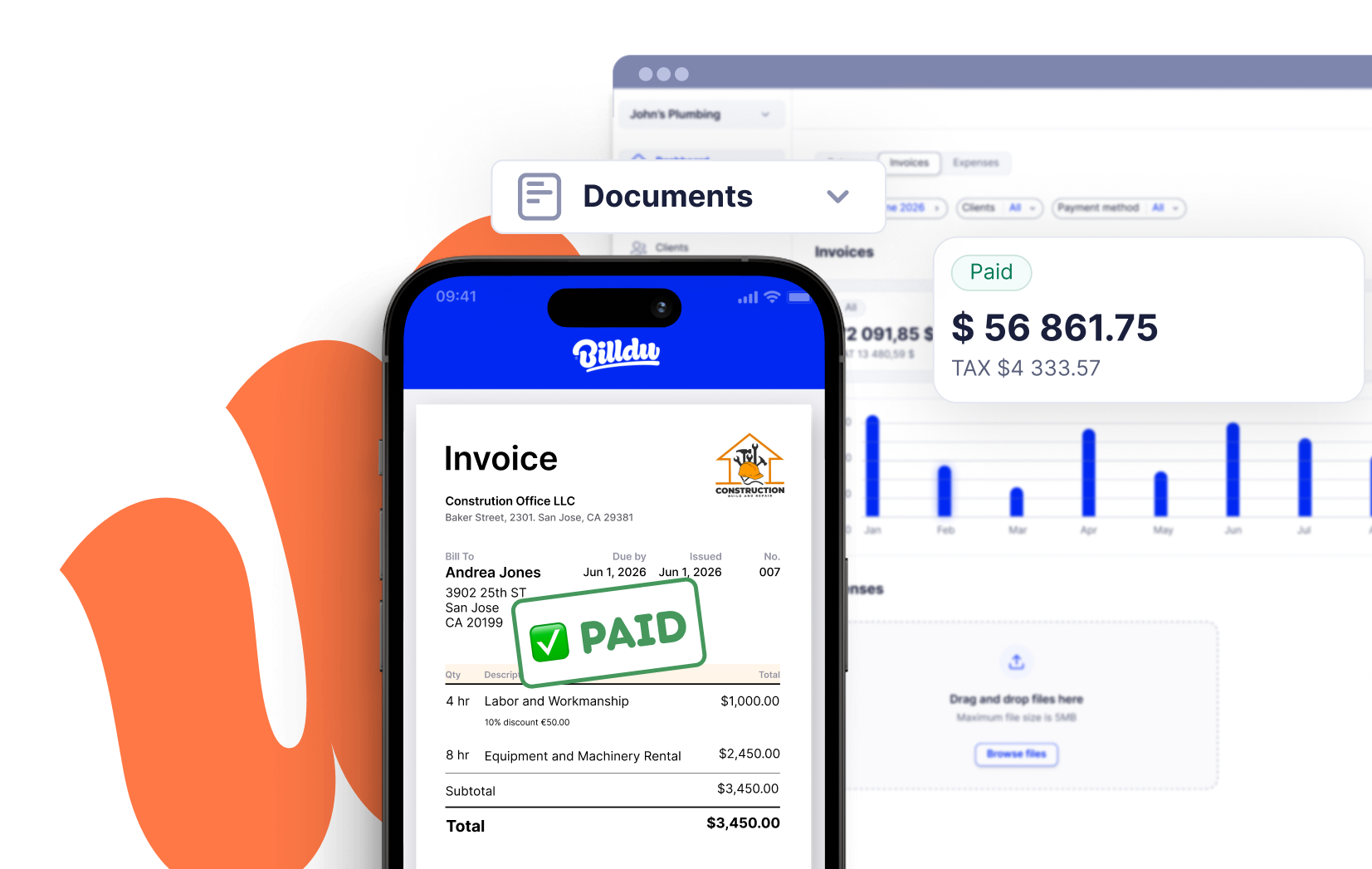
Create professional PDF invoices in seconds and take them anywhere with the Billdu app.
7-Day Free Trial
Cancel Anytime
Customize PDF designs in our free generator
Use the free invoice generator to customize a PDF invoice for your business. Choose a design that suits your document and enter your information before creating the finished file.
Billdu’s invoice generator lets you choose a template and adjust the colors for your business. Add your logo, itemized charges and payment information, then review the invoice before downloading it. You make these changes in the generator; the downloaded PDF is the finished version you send to the customer.
Professional invoice templates
With Billdu, you’re not limited to only PDF templates. We have a variety of templates to choose from, including Excel, Word, Google Docs, and Pages. Just choose the format that works for you and give it a go!
Check out our Billdu Templates to download templates directly to your device and start customising them to your needs. They are flexible, easy to handle, and come in a variety of styles to fit your unique brand.
Free online invoice generator
Reduce the time you spend entering repeated details and calculating totals with our free online invoice generator. Choose a design, add the invoice number, your business and customer details, the goods or services, and any applicable tax or discount. Review the totals before you download the finished invoice.
You can also choose any color for your template and add your custom signature. Try it for yourself and create your invoice with our free online generator.
Step by step
How to fill and edit a PDF invoice without Acrobat
You do not need a paid PDF editor to create an invoice as a PDF. The simplest route is to enter your details in the invoice generator and download the finished document. You can also complete a Word, Excel or Google Docs invoice template and export it as a PDF. If you already have a fillable PDF with interactive form fields, a compatible PDF reader may let you enter information directly. An ordinary PDF sample may not contain those fields, so opening it in a browser does not automatically make it editable. To add rows, move fields or change a logo, edit the original document or return to the generator. Before sending the invoice, check the unique invoice number, customer details, item totals, tax and amount due. Review the exported pages to make sure nothing is cut off. Keep the source file and the PDF you sent as your records. A standard PDF preserves the layout for normal viewing, but it is not a guarantee that nobody can alter the file.
Why PDF is the sending format for invoices
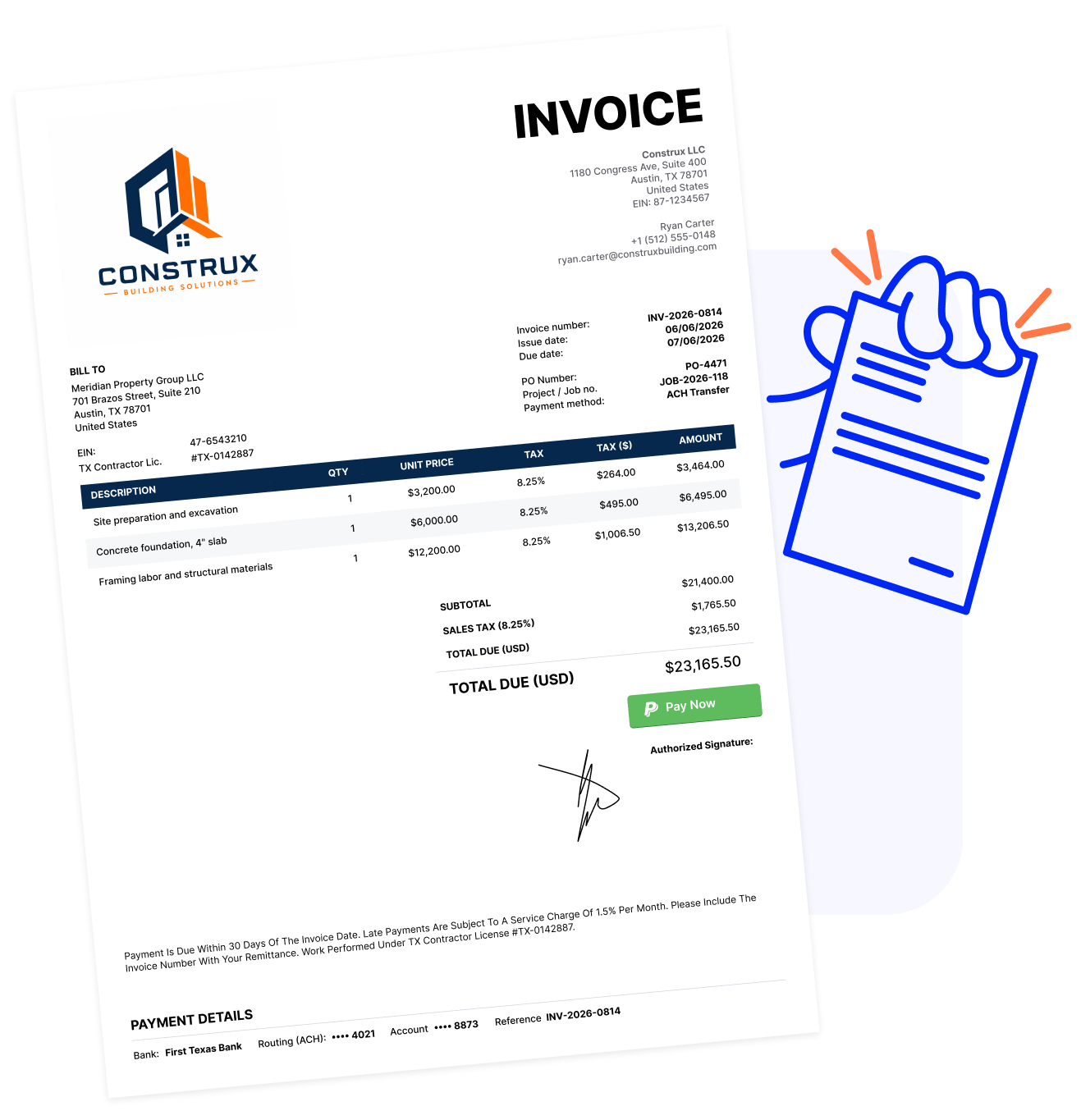
PDF is a practical sending format because it preserves the layout you prepared and is widely supported on computers, phones and tablets. It also makes it easier to print an invoice without moving tables or changing fonts. The usual workflow is simple: create the invoice in an editable file or a generator, check the details, export the finished version as a PDF and keep a copy of what you sent. Always preview the file before sharing it; a PDF is a document format, not a security control or a guarantee of acceptance by every accounting system. Practical tips for improving your PDF invoice:
Offer the payment methods your business accepts, such as bank transfer or available online payment options, and explain clearly how the customer should pay.
Personalise each invoice with the customer and project details so the document is easy to recognise and match to the work you completed.
Include the invoice date, the date the goods or services were supplied, and the agreed payment due date.
Use the notes section for important details the customer needs to understand, such as a job reference, agreed adjustment or payment instruction.
Attach a timesheet or expense breakdown when it helps the customer understand the charges. Keep supporting documents relevant to the work being invoiced.
Add your company logo and, where appropriate, a signature so the invoice is recognisable as a document from your business.
Manage your business documents with Billdu
Professional invoice templates are a useful starting point. Billdu also gives you tools to create business documents, keep records organised and manage your invoicing as your business grows.

Mobile and web app
Create invoices directly in the Billdu mobile and web app, keep your documents in one place and access them when you need them. Start with a 7-day free trial and choose the plan that fits your business.

Make payment easier
Add a Pay Now button to invoices created in Billdu so customers can use the online payment options available to your business. Clear payment instructions make the next step easier for customers and help you follow up on outstanding invoices.

Dashboard and documents
Keep invoices, estimates, quotes, delivery notes and other business documents organised in one place. Use the Billdu dashboard to follow your invoicing activity and choose the document tools included in the plan that suits your business.
Manage your business documents with Billdu
Professional invoice templates are a useful starting point. Billdu also gives you tools to create business documents, keep records organised and manage your invoicing as your business grows.
Mobile and web app
Create invoices directly in the Billdu mobile and web app, keep your documents in one place and access them when you need them. Start with a 7-day free trial and choose the plan that fits your business.
Make payment easier
Add a Pay Now button to invoices created in Billdu so customers can use the online payment options available to your business. Clear payment instructions make the next step easier for customers and help you follow up on outstanding invoices.

Dashboard and documents
Keep invoices, estimates, quotes, delivery notes and other business documents organised in one place. Use the Billdu dashboard to follow your invoicing activity and choose the document tools included in the plan that suits your business.
Invoice templates in different formats by country
Related Articles
-

What Is Peppol? A Plain-English Guide for Small Businesses (2026)
Peppol is an international network that lets businesses and governments exchange invoices and other documents as structured electronic…
-

Belgium’s B2B E-Invoicing Mandate 2026: Deadlines, Penalties & Who Must Comply
Belgium’s B2B e-invoicing mandate requires every VAT-registered business established in Belgium to send and receive structured electronic invoices…
-
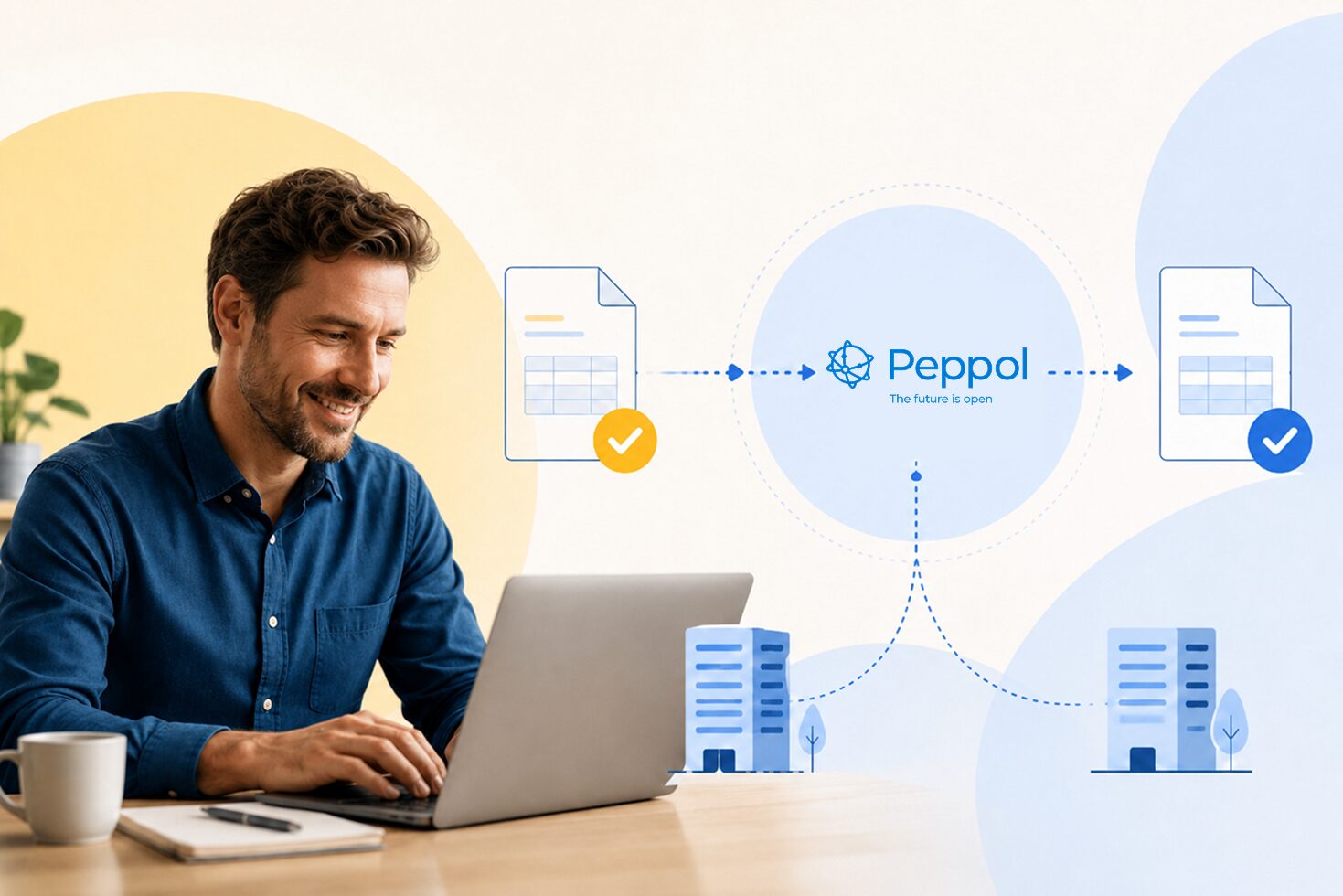
How to Send a Peppol Invoice: A Step-by-Step Guide (2026)
To send a Peppol invoice, you create the invoice as structured data, register a Peppol ID through a…
Got questions?
It depends on the file. A fillable PDF can contain interactive form fields; an ordinary PDF may not. To change the layout, add rows or replace a logo, edit the Word or Excel source file and export it again, or update the invoice in the generator and download a new PDF.
You can use the free invoice generator to create an invoice from the designs on this page and download the finished PDF. Editable Word, Excel and cloud templates are also available through the linked template pages. Choose the workflow that matches how you want to prepare the invoice.
PDF usually preserves the layout, fonts and table arrangement better when the recipient opens your invoice on another device. It also gives you a stable record of the document you sent. It is still possible to alter a PDF with suitable tools, so check the file and retain your original records.
In Word or Excel, use Save As or Export and choose PDF. In Google Docs or Google Sheets, use File, Download, then PDF. Review the page size, print area and page breaks before sending. The free invoice generator produces the finished PDF directly.