SET IT ONCE, NEVER FOLLOW UP AGAIN
Payment Reminders
Billdu nudges your client before the due date, on the day, and after – politely, automatically, so you never have to send that awkward email.
7-Day Free Trial
Cancel Anytime
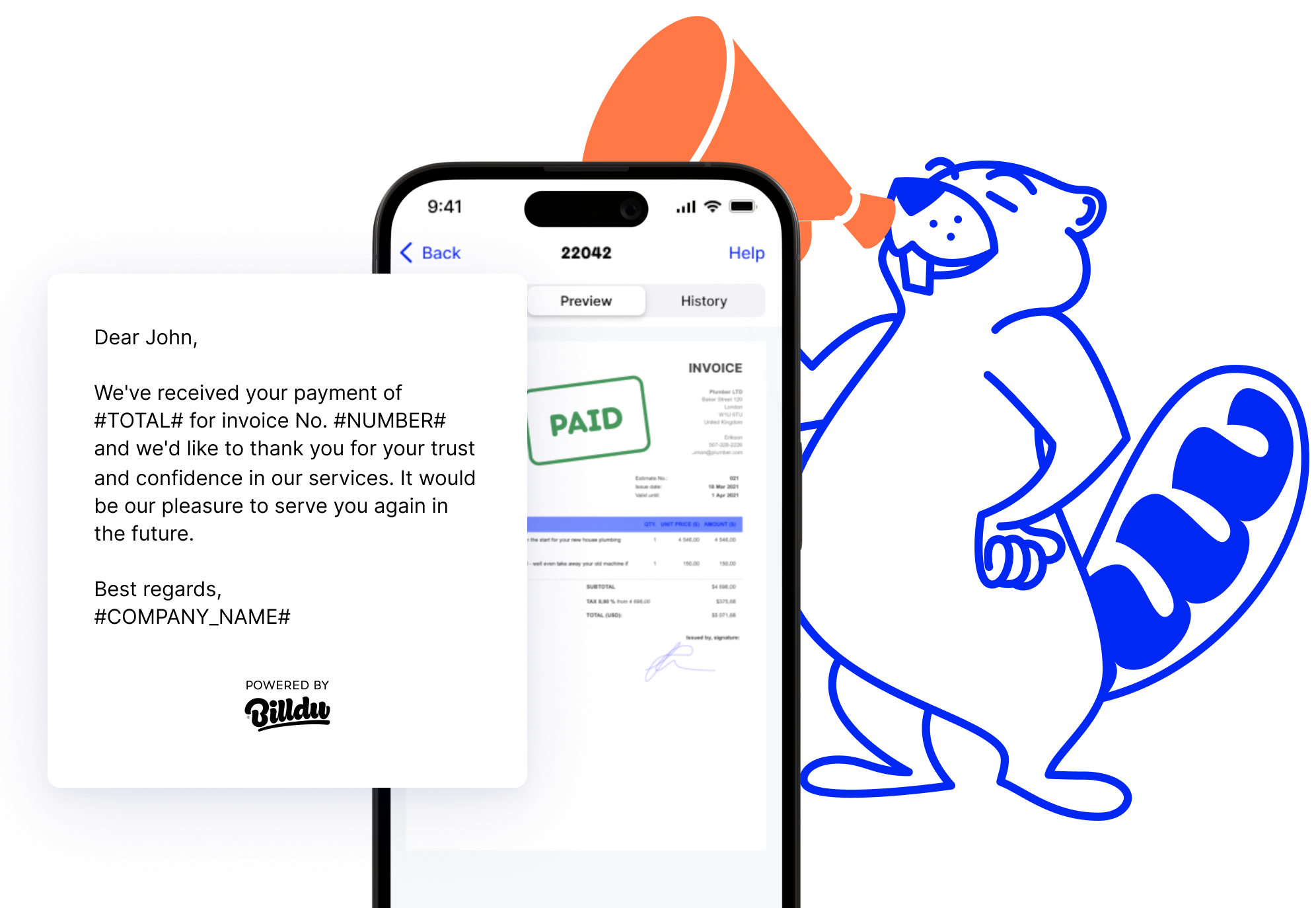
SET IT ONCE, NEVER FOLLOW UP AGAIN
Payment Reminders
Billdu nudges your client before the due date, on the day, and after – politely, automatically, so you never have to send that awkward email.
7-Day Free Trial
Cancel Anytime
4.9
★★★★★
70,000+ ratings
1.5M+
Small businesses
use Billdu daily
Fast & simple
Get Paid Faster with Automated Payment Reminders
Late payments are a common headache for small businesses. Whether you’re a contractor, electrician, or plumber, unpaid invoices can disrupt your cash flow and add unnecessary stress. That’s where late payment reminders come in. These gentle, automated notifications help you remind clients about upcoming or overdue payments – so you don’t have to.
With Billdu’s payment reminder feature, you stay on top of your invoices without awkward follow-ups or wasted time. Set reminders before, on, or after the due date, and let Billdu handle the rest. You’ll get paid faster, maintain a professional image, and focus on your work instead of chasing payments.
Send friendly payment reminders with Billdu! No stress, no awkward emails.
Get paid faster
Automatic Payment Reminders
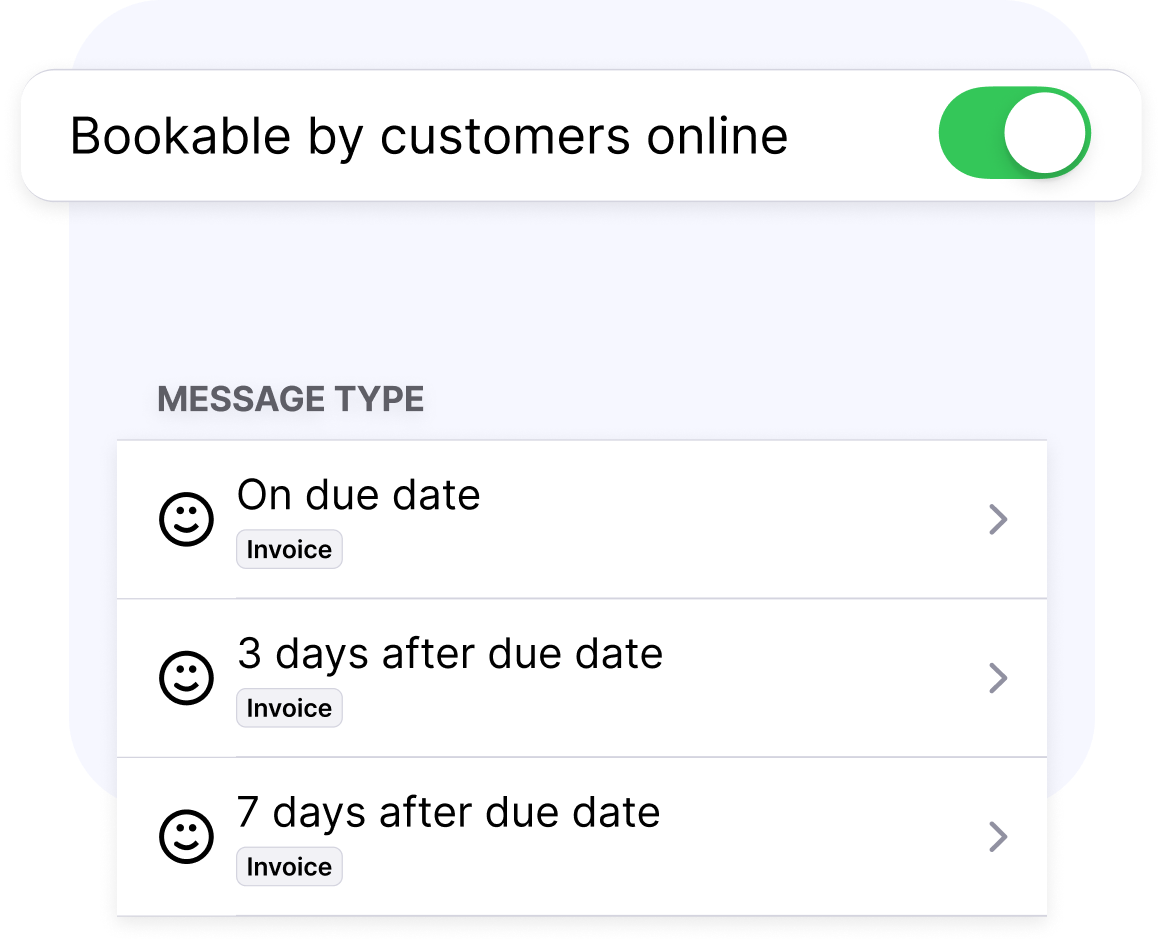
Need help getting paid on time? Set up payment reminders in a minute, notify your clients, and ensure you never miss a payment again!
New invoice message
Thank you message
Late payment message
Try the Billdu App
More than just an invoicing app
Tired of chasing unpaid invoices? You’re not alone. Late payments can hurt your cash flow, waste your time, and stress you out.
Billdu’s automatic payment reminders help you get paid on time, every time. Once you send an invoice, Billdu takes care of the follow-up. It gently nudges your clients with reminders before, on, and after the due date – without lifting a finger.
7-Day Free Trial
Cancel Anytime
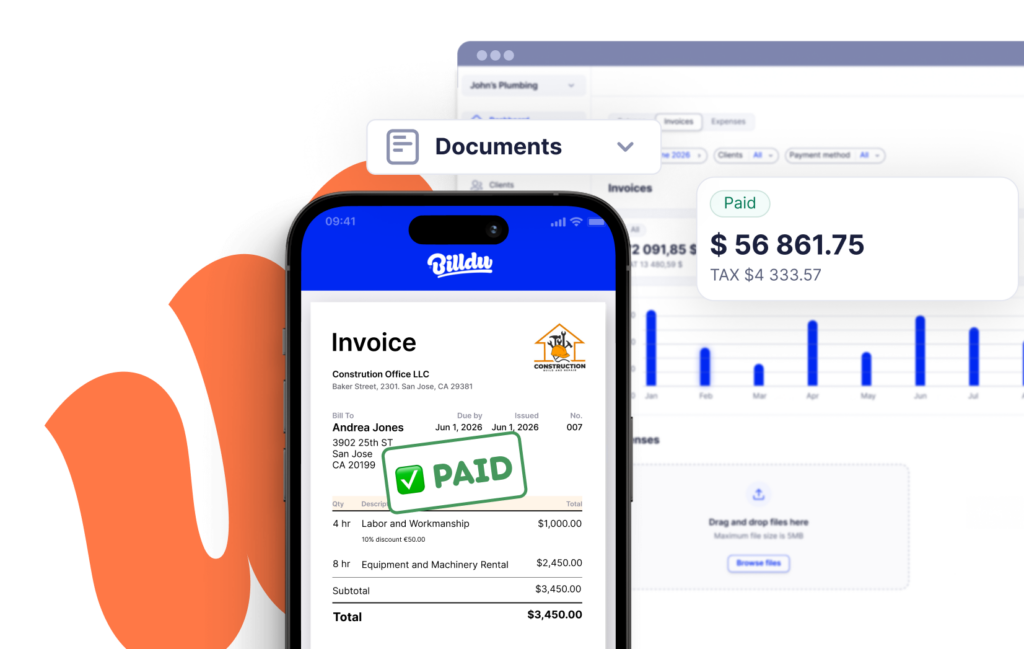
Try the Billdu App
More than just an invoicing app
Tired of chasing unpaid invoices? You’re not alone. Late payments can hurt your cash flow, waste your time, and stress you out.
Billdu’s automatic payment reminders help you get paid on time, every time. Once you send an invoice, Billdu takes care of the follow-up. It gently nudges your clients with reminders before, on, and after the due date – without lifting a finger.
7-Day Free Trial
Cancel Anytime
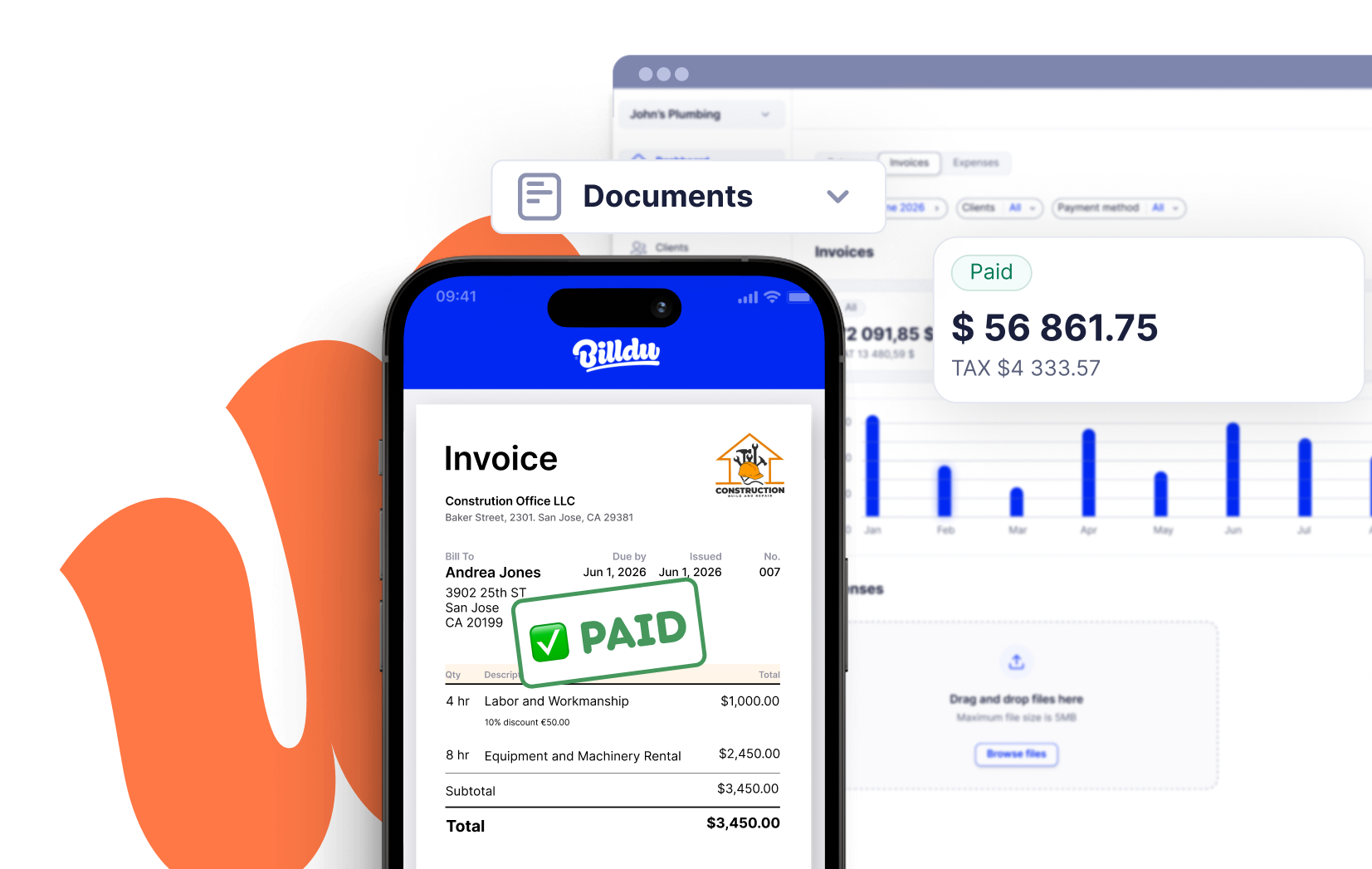
Set up professional reminders in a few clicks!
Not sure if automatic reminders are right for you? Let us give you more reasons.

Save 5+ hours a week
Templates, saved clients, and recurring invoices – the busywork builds itself.

2x faster payments
Add a “Pay now” button to every invoice. Card, Apple Pay, or Google Pay – clients pay in two taps.

Available on all devices
Work where you work. Switch between phone, tablet, and web without losing a beat.
E-invoice compliant
E-invoicing ready for Belgium and Spain: Peppol and VeriFactu – out of the box.
Set up professional reminders in a few clicks!
Not sure if automatic reminders are right for you? Let us give you more reasons.
Save 5+ hours a week
Templates, saved clients, and recurring invoices – the busywork builds itself.
2x faster payments
Add a “Pay now” button to every invoice. Card, Apple Pay, or Google Pay – clients pay in two taps.
Available on all devices
Work where you work. Switch between phone, tablet, and web without losing a beat.
E-invoice compliant
E-invoicing ready for Belgium and Spain: Peppol and VeriFactu – out of the box.
Start invoicing
- Unlimited invoices
- 10 clients
- Expense tracking
- Invoice status tracking
- Image attachments
- Client signature
- Unlimited invoices
- 50 clients
- All Lite features
- 2 team members
- Payment reminders
- Payment receipts
- Unlimited invoices
- Unlimited clients
- All Standard features
- 10 team members
- Recurring invoices
- High priority support
- API
Fast & Simple
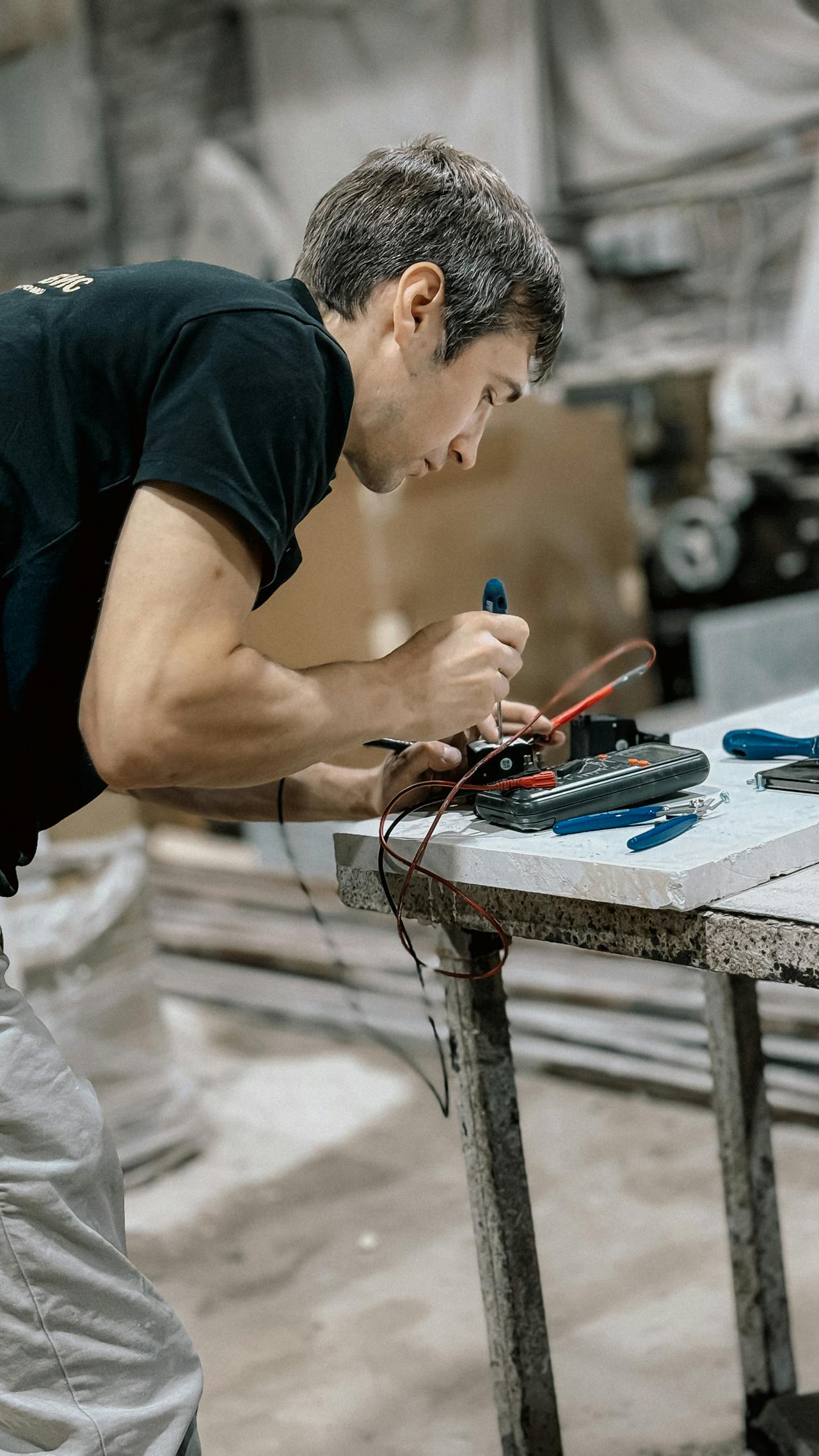
Built for small business owners like you
Made with love for small business owners like contractors, electricians, plumbers, cleaners, HVAC specialists, gardeners, freelancers and more.







Featured by Apple
#1 Invoice Maker

4.9
★★★★★
70,000+ ratings


Featured by Apple
#1 Invoice Maker
4.9
★★★★★
70,000+ ratings
“The only invoicing app you should consider! Billdu helped me get invoices out when my other invoicing app failed me miserably.”
★★★★★

Shane,
Electrician
“Get paid way quicker now. Clients tap once and it’s done. Best app I’ve used for my plumbing business!”
★★★★★

Dandy,
Plumber
“This is probably one of the easiest apps to create invoices!”
★★★★★

Sergey,
Photographer
“Turned an estimate into an invoice in one tap, immediately sent to client. So easy, looks great, saves me loads of time.”
★★★★★

Martina,
Designer
Featured by Apple
#1 Invoice Maker
4.9
★★★★★
70,000+ ratings
Featured by Apple
#1 Invoice Maker
4.9
★★★★★
70,000+ ratings
“The only invoicing app you should consider! Billdu helped me get invoices out when my other invoicing app failed me miserably.”
★★★★★
Shane,
Electrician
“Get paid way quicker now. Clients tap once and it’s done. Best app I’ve used for my plumbing business!”
★★★★★
Dandy,
Plumber
“This is probably one of the easiest apps to create invoices!”
★★★★★
Sergey,
Photographer
“Turned an estimate into an invoice in one tap, immediately sent to client. So easy, looks great, saves me loads of time.”
★★★★★
Martina,
Designer
Got questions?
Payment reminders are automated messages that remind your clients to pay their invoices. For example, if an invoice is due in 3 days, a reminder will be sent to nudge them to make the payment on time.
An automated payment system is a tool that simplifies the process of managing and receiving payments. It automatically sends payment reminders to clients, tracks due dates, and processes payments securely. This eliminates the need for manual follow-ups, saving time and reducing the chances of missed payments.
To automate payment reminders, use an invoicing tool with this feature. It ensures clients are notified of upcoming or overdue payments without manual effort. Here’s how to set it up:
- Choose the Right Invoicing Software – Select a tool that supports automated reminders and integrates seamlessly with your workflow.
- Create and Send an Invoice – Add all necessary details like client information, services provided, payment terms, and due dates. Make sure the information is accurate to avoid confusion.
- Enable the Reminder Feature – In the settings, activate the payment reminder option. Many tools allow you to customize the message tone and content to suit your style.
- Schedule Reminder Intervals – Set when the reminders will be sent, such as a week before the due date, on the due date, or after it has passed. You can often send multiple reminders for maximum effectiveness.
- Monitor and Track Payments – Once set up, the system will handle the reminders, and you can track responses or payments in real time.
To send an automatic reminder, use an invoicing tool for small businesses that supports email or SMS notifications. Create your invoice, include the due date, and enable automated reminders in the tool.
Set your preferred method – email, SMS, or both – and schedule when reminders should be sent (e.g., before, on, or after the due date). The system will automatically notify your clients, keeping payments on track without manual effort.
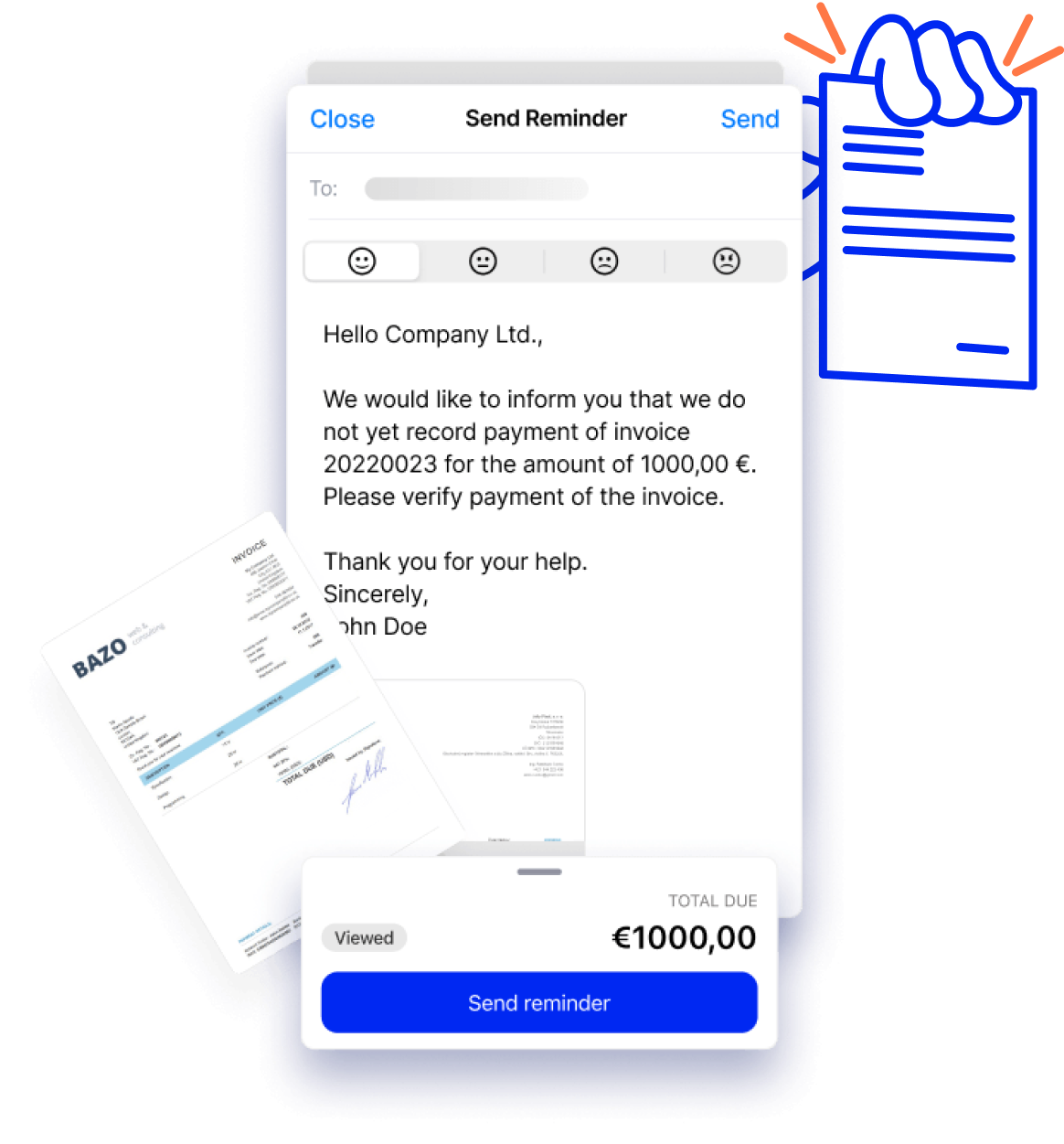
Here’s an example of a payment reminder message:
Hi [Client’s Name],
This is a quick reminder that Invoice #12345 for [amount] is due on [due date]. You can make your payment securely using the link below:
[Payment Link]
If you’ve already made the payment, please ignore this message. Feel free to reach out if you have any questions.
Thank you!
[Your Name/Business Name]
You should send 2-3 payment reminders to ensure timely payments without overwhelming your clients. Here’s a good schedule to follow:
- First Reminder – Send a polite reminder 3-5 days before the due date to give your client time to prepare.
- Second Reminder – On the due date, send a gentle nudge with a payment link for convenience.
- Final Reminder – If payment is overdue, send a follow-up 3-7 days after the due date, reinforcing the importance of settling the invoice.
Adjust the timing based on your payment terms and client relationships to maintain professionalism and trust.
Yes, Billdu provides its own payment reminder templates. These templates are ready to use and can be customized with your preferred message.