Top-rated iPad invoicing app
Best Invoice App for iPad
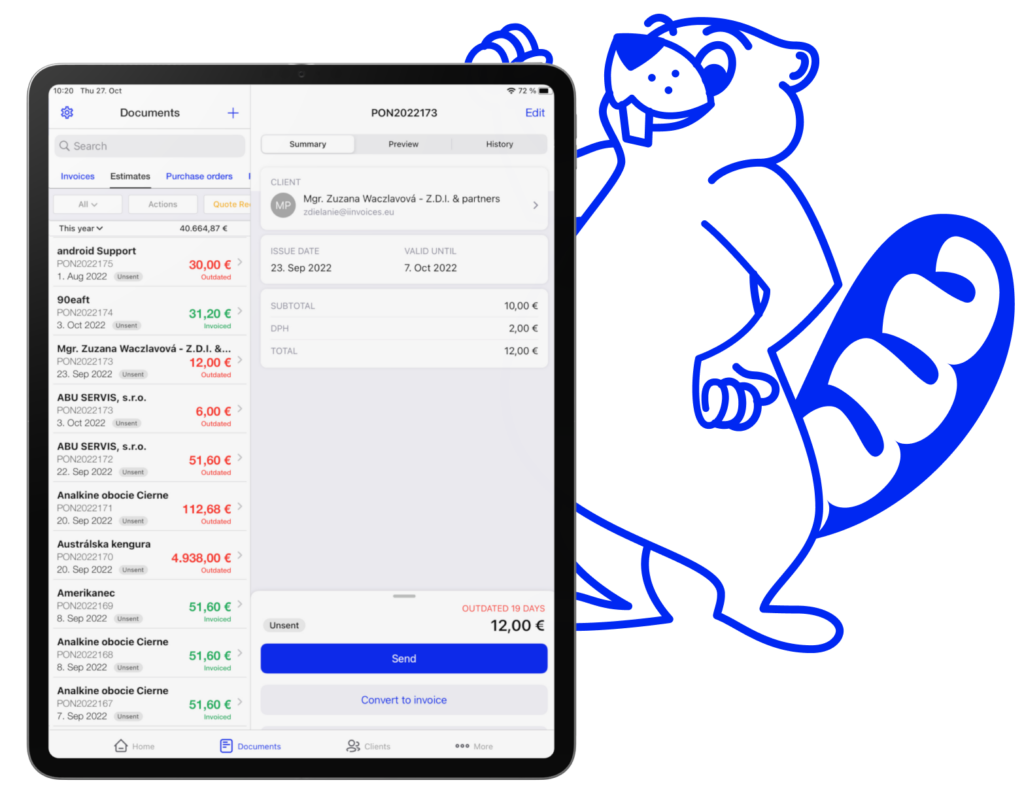
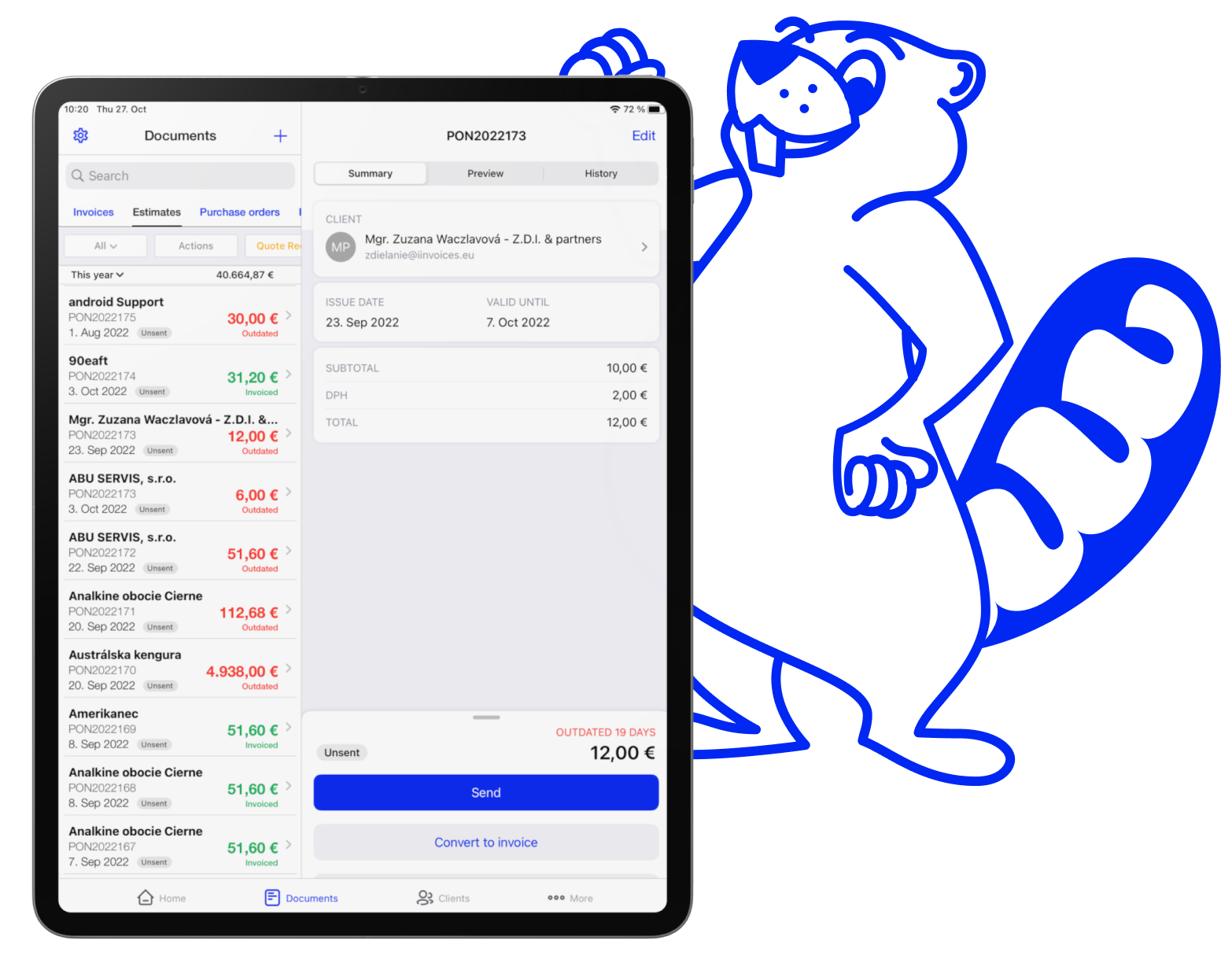
A full-size screen shows the whole invoice at once, so you can walk a client through every line, take their signature on screen, and send before you leave.
7-Day Free Trial
Cancel Anytime
Top-rated iPad invoicing app
Best Invoice App for iPad
A full-size screen shows the whole invoice at once, so you can walk a client through every line, take their signature on screen, and send before you leave.
7-Day Free Trial
Cancel Anytime
4.9
★★★★★
70,000+ ratings
1.5M+
Small businesses
use Billdu daily
Invoices in a few clicks
Invoice on the go
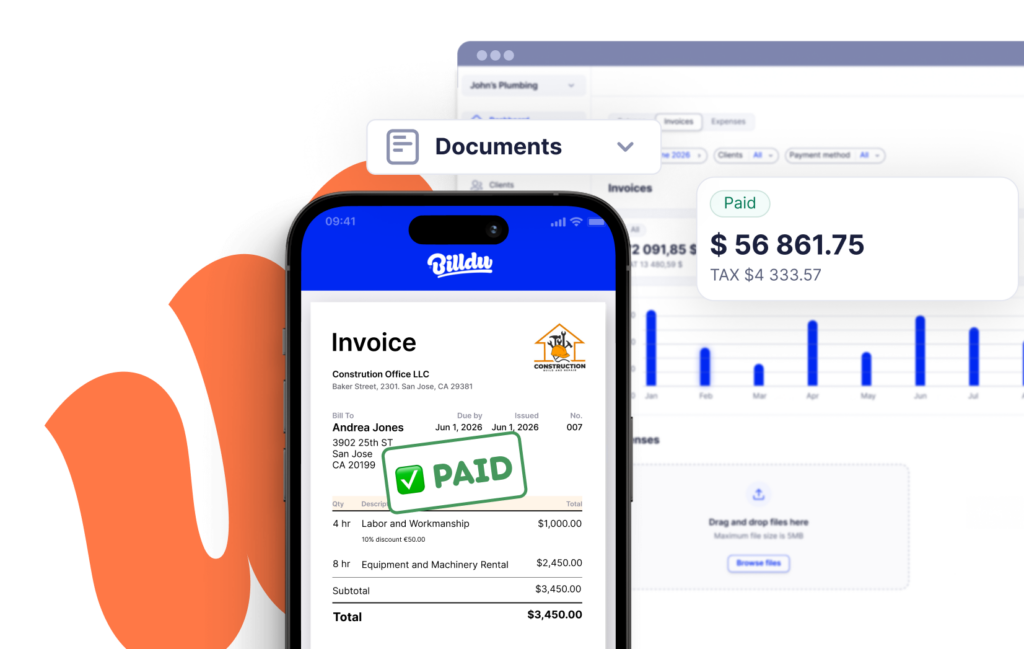
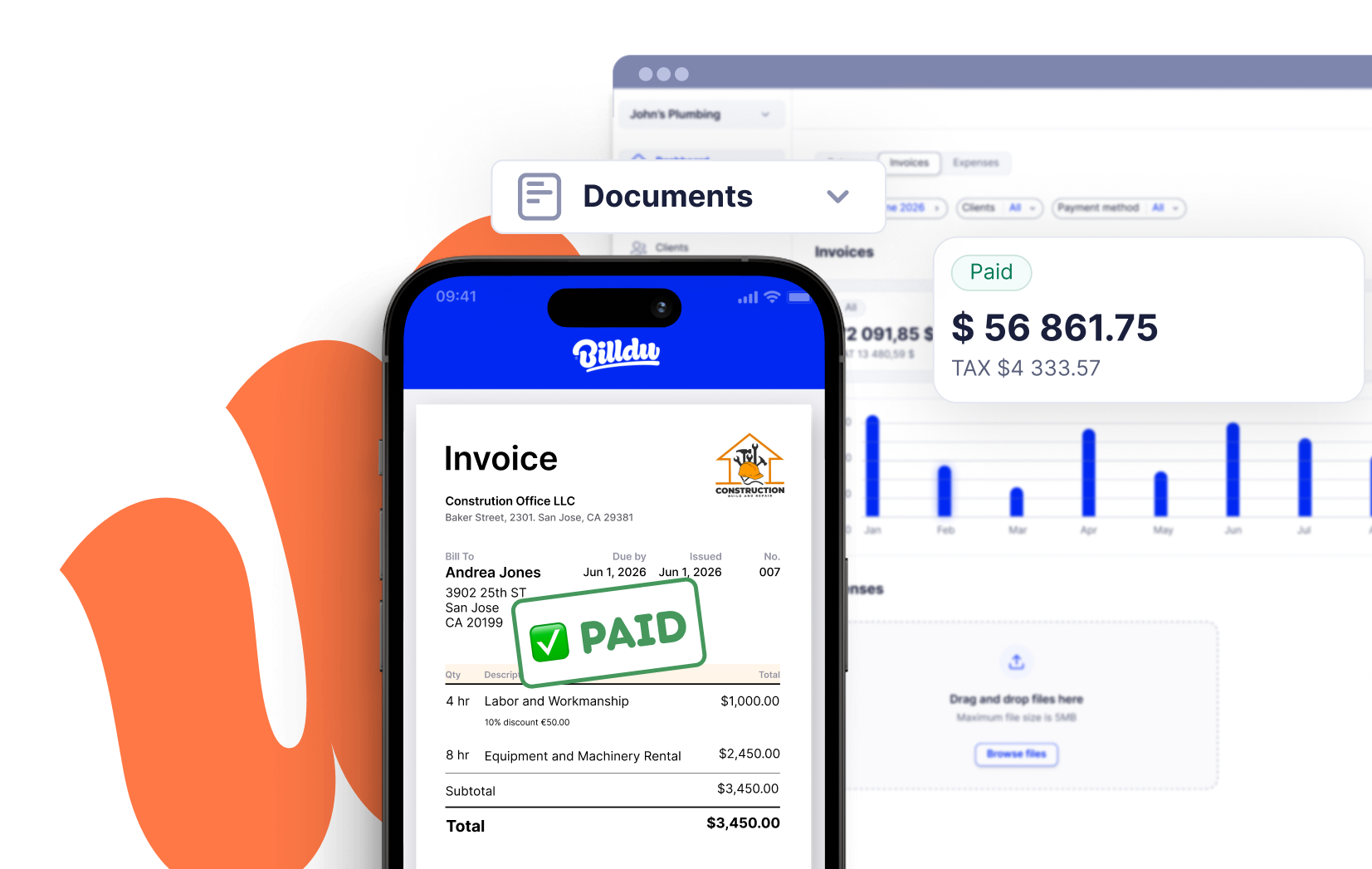
Create and send invoices on the go – right after the job’s done. Whether you’re at the client’s place, or anywhere else, send invoices with a tap and get paid fast. With Billdu’s iPad app, you can easily track expenses and stay on top of your finances anywhere.
But it doesn’t stop there. Create quotes, delivery notes, purchase orders, receipts – all in one app, even offline.
Unlimited invoices with all plans
Professional-looking and customizable templates
Invoicing on your iPad with the mobile app

Get paid in seconds
Accept online payments
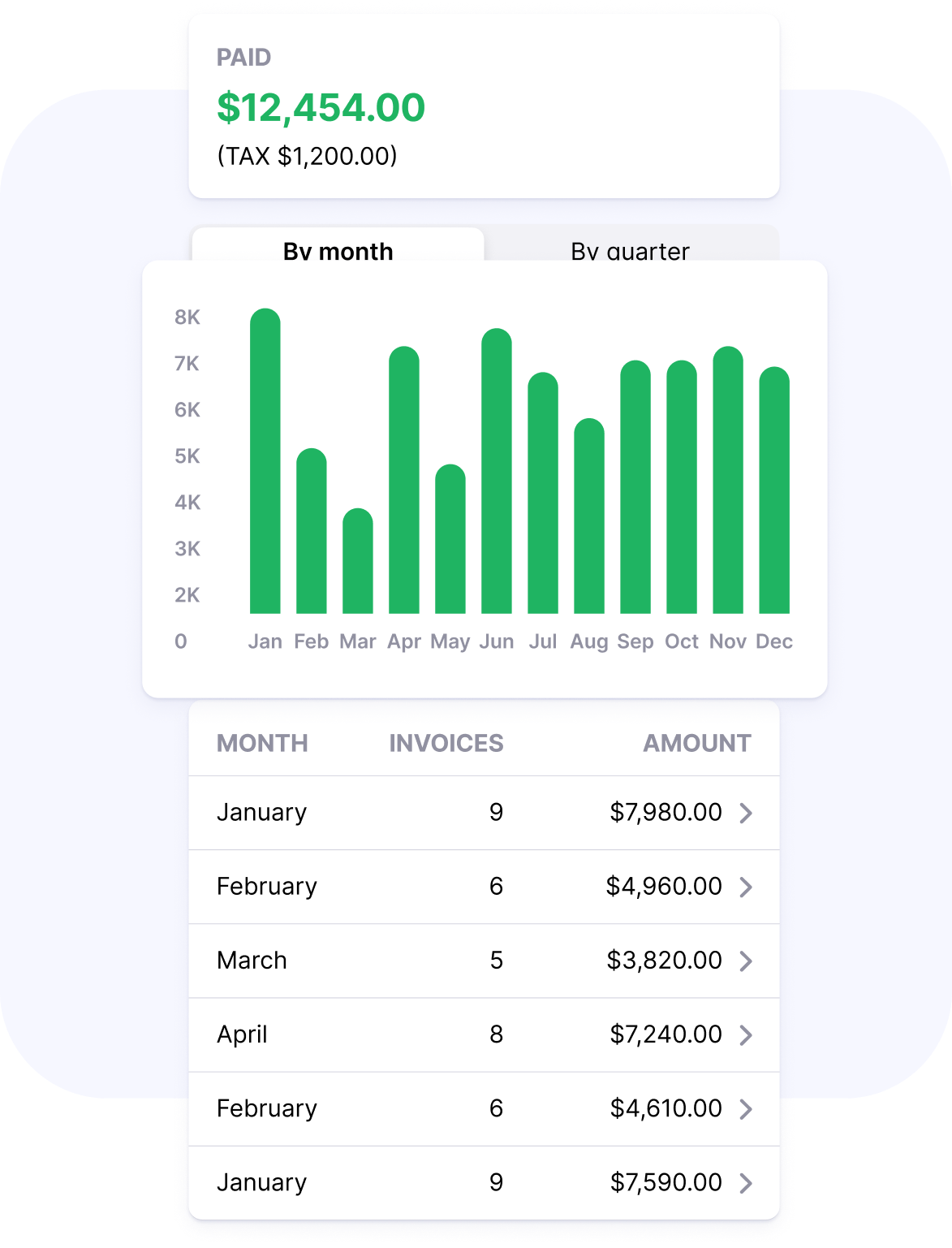
Make it easy for your clients to pay you online. Put a Pay button on your online invoices and you can get your money up to 9 days faster. Pay button payment options: credit card and debit card.
Our mobile invoicing solutions are powered by Stripe. You can rest assured that both the payments and your data are secured at all times.
Fast and secure payments
Integrated with leading payment providers
Simple communication
Automatic Payment Reminders
On average, it takes a company 16 days to pay an invoice. But only 4% report paying on time. As a consequence, more than 70% of small businesses receive late payments.
Stop chasing late payers and start using Billdu’s text automation instead.
Fewer late payments
Improve client relationships
Try the Billdu App
Start your 7-day free trial with Billdu
Create professional invoices in seconds and take them anywhere with the Invoice Maker App for iPad – try it free for 7 days!
7-Day Free Trial
Cancel Anytime
Try the Billdu App
Start your 7-day free trial with Billdu
Create professional invoices in seconds and take them anywhere with the Invoice Maker App for iPad – try it free for 7 days!
7-Day Free Trial
Cancel Anytime
Why Billdu invoicing app for iPad?
Not sure if mobile invoicing is for you? Let us give you more reasons.

Save 5+ hours a week
Templates, saved clients, and recurring invoices – the busywork builds itself.

2x faster payments
Add a “Pay now” button to every invoice. Card, Apple Pay, or Google Pay – clients pay in two taps.

Available on all devices
Work where you work. Switch between phone, tablet, and web without losing a beat.

E-invoice compliant
E-invoicing ready for Belgium and Spain: Peppol and VeriFactu – out of the box.
Why Billdu invoicing app for iPad?
Not sure if mobile invoicing is for you? Let us give you more reasons.
Save 5+ hours a week
Templates, saved clients, and recurring invoices – the busywork builds itself.
2x faster payments
Add a “Pay now” button to every invoice. Card, Apple Pay, or Google Pay – clients pay in two taps.
Available on all devices
Work where you work. Switch between phone, tablet, and web without losing a beat.
E-invoice compliant
E-invoicing ready for Belgium and Spain: Peppol and VeriFactu – out of the box.
Start invoicing
- Unlimited invoices
- 10 clients
- Expense tracking
- Invoice status tracking
- Image attachments
- Client signature
- Unlimited invoices
- 50 clients
- All Lite features
- 2 team members
- Payment reminders
- Payment receipts
- Unlimited invoices
- Unlimited clients
- All Standard features
- 10 team members
- Recurring invoices
- High priority support
- API
Fast & Simple
Built for small business owners like you
Made with love for small business owners like contractors, electricians, plumbers, cleaners, HVAC specialists, gardeners, freelancers and more.







Featured by Apple
#1 Invoice Maker

4.9
★★★★★
70,000+ ratings


Featured by Apple
#1 Invoice Maker
4.9
★★★★★
70,000+ ratings
“The only invoicing app you should consider! Billdu helped me get invoices out when my other invoicing app failed me miserably.”
★★★★★

Shane,
Electrician
“Get paid way quicker now. Clients tap once and it’s done. Best app I’ve used for my plumbing business!”
★★★★★

Dandy,
Plumber
“This is probably one of the easiest apps to create invoices!”
★★★★★

Sergey,
Photographer
“Turned an estimate into an invoice in one tap, immediately sent to client. So easy, looks great, saves me loads of time.”
★★★★★

Martina,
Designer
Featured by Apple
#1 Invoice Maker
4.9
★★★★★
70,000+ ratings
Featured by Apple
#1 Invoice Maker
4.9
★★★★★
70,000+ ratings
“The only invoicing app you should consider! Billdu helped me get invoices out when my other invoicing app failed me miserably.”
★★★★★
Shane,
Electrician
“Get paid way quicker now. Clients tap once and it’s done. Best app I’ve used for my plumbing business!”
★★★★★
Dandy,
Plumber
“This is probably one of the easiest apps to create invoices!”
★★★★★
Sergey,
Photographer
“Turned an estimate into an invoice in one tap, immediately sent to client. So easy, looks great, saves me loads of time.”
★★★★★
Martina,
Designer
Apple or Android user? Choose the invoice app that suits your device
Got questions?
It’s a tool that lets you create, send, and manage invoices right from your iPad. Perfect for contractors, electricians, or anyone on the go. Quickly send invoices, track payments, and even handle taxes – all in one app.
Here’s a quick and simple guide to creating invoices on your iPad.
Step 1: Download an invoicing app – Choose one designed for businesses like yours.
Step 2: Set up your account – Add your company details, logo, and payment methods.
Step 3: Create your invoice – Enter client details, services provided, and amounts.
Step 4: Send it – Email the invoice directly from your iPad.
It’s that easy. Ready to get started? Sign up for an invoicing app today!
Finding the right invoicing app for your iPad can save you time. While there are free apps available, they often come with limitations like watermarked invoices or restricted features. For a more professional and seamless experience, Billdu is a top choice.
Billdu is a paid app with a 7-day free trial, and it’s highly affordable at just $4.99 a month with annual billing. It offers everything you need to create and manage invoices on your iPad – customized templates, payment tracking, instant payments, and automatic reminders.
Creating an invoice in Pages on your iPad is straightforward with a few simple steps.
1. Open the Pages App: Launch Pages on your iPad and select “Create Document.”
2. Choose a Template: Browse the available templates and pick one suitable for invoices, such as a blank or professional layout.
3. Add Business Details: Include your company name, address, and contact information at the top of the document.
4. Enter Client Information: Add your client’s name, address, and other details needed for the invoice.
5. List Services or Products: Create a table or list to include items, descriptions, quantities, and prices.
6. Calculate Totals: Add a row for subtotals, taxes, and the final total amount due.
7. Include Payment Terms: Mention the payment due date, methods accepted, and any other terms.
8. Save and Send: Save the invoice as a PDF and send it via email or print it directly from your iPad.
If this feels like too much work, you can save time by using the Free Invoice Generator from Billdu!
An iPad invoicing app is a great tool for professionals who need to create and manage invoices on the go. Billdu is trusted by businesses in a variety of industries, including:
– Contractors and construction professionals
– Electricians and plumbers
– Freelancers and creative professionals
– Small business owners and consultants
– Handymen in various fields
It’s designed to meet the needs of busy professionals who value simplicity and efficiency.