PURCHASE ORDER READY IN 2 MINUTES
Online purchase order generator
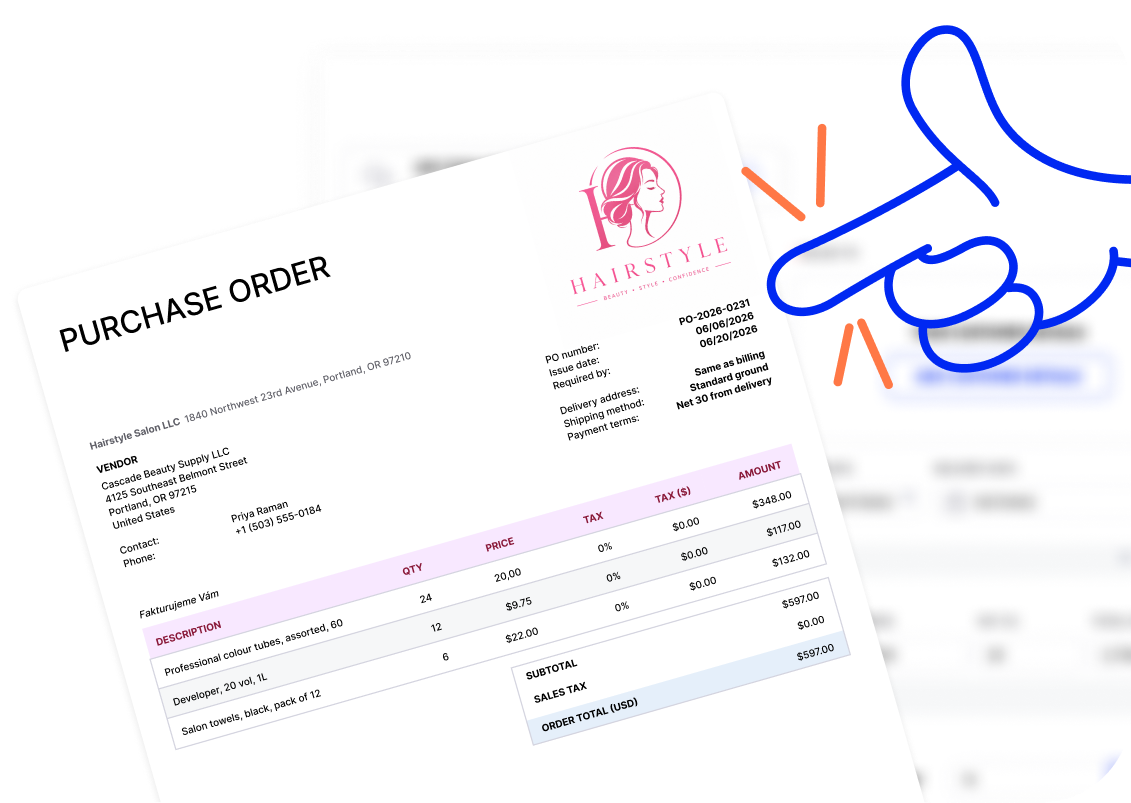
If you buy anything, you’ll send a purchase order to the supplier with the products you need outlined. Ordering inventory for a restaurant or store is a common example of when you would use purchase orders. Creating and sending purchase orders using software is simple and can save you a lot of time, hassle, and money while streamlining your operations. Try our simple and free purchase order generator app for small businesses.
Start here by entering your business details
- Address:
- Business ID:
- Tax/VAT ID:
- VAT ID:
Continue with entering your customer details
- Address:
- Business ID:
- Tax/VAT ID:
- VAT ID:
Click to see more options
Enter your first item here
Fast & simple
HOW TO CREATE A CUSTOM PURCHASE ORDER USING BILLDU’S ONLINE PURCHASE ORDER GENERATOR
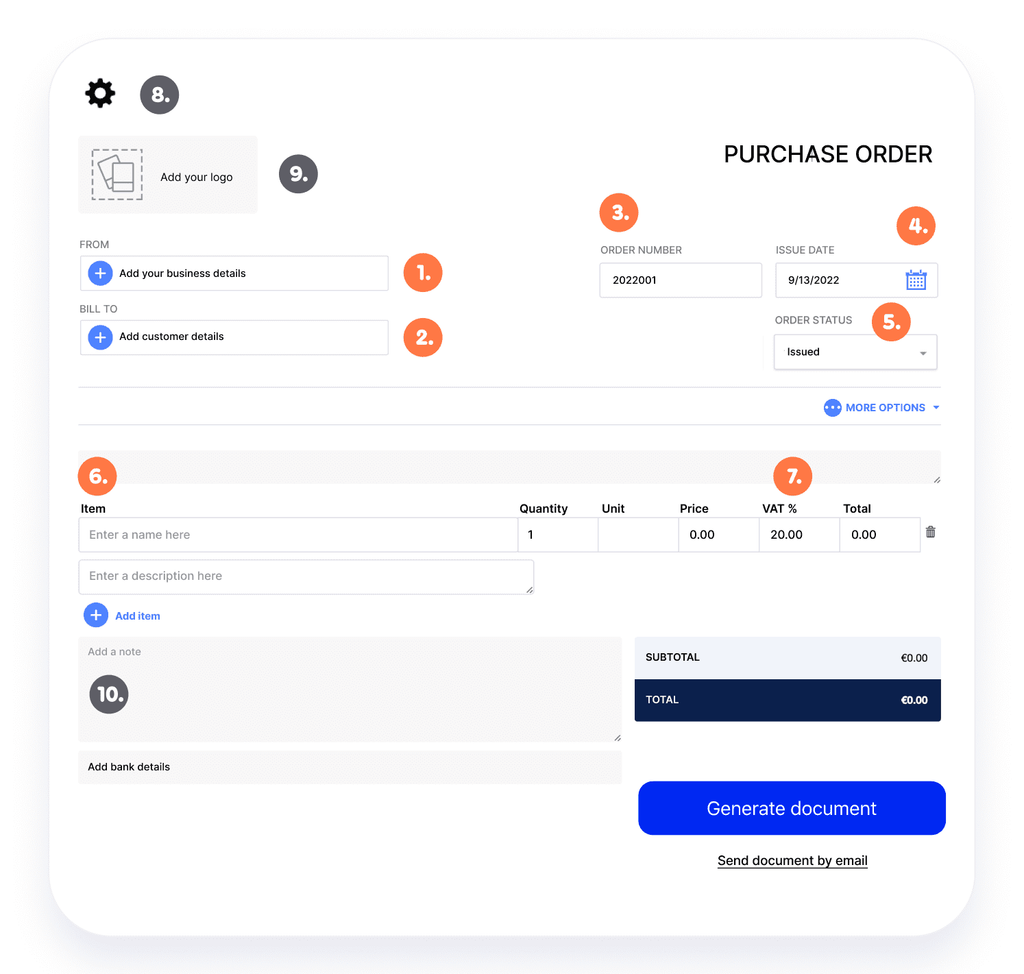
Creating a custom purchase order with Billdu’s free purchase order generator takes mere moments. Just fill in the required fields, including your and your supplier’s business details, the issue date, the ordered items and their quantity and price, and the purchase order number. Then, spice up the purchase order with a logo or colorful template. Finally, you can email this document, or download the PDF completely free.
1. Your Business Details: Add your business name, address or any other details.
2. Supplier’s Business Details: Add your supplier’s business name, address or any other details.
3. Purchase Order Number: Serves as an identification of a particular order and helps catalog purchase orders for future reference.
4. Issue Date: Clarify the issue date as a reference when the PO was issued.
5. Order Status: Specify the order status that serves as an indication of stages in the procurement process.
6. Item, Quantity & Price Breakdown: Detail the products ordered, amount, and price.
7. Tax Rate: If applicable, include this to clarify how much tax is imposed on ordered products.
Optional:
8. Purchase Order Template & Color: Customize your purchase order to create a professional and unique design.
9. Logo: Add your company logo to boost your purchase order’s professionalism and improve brand recognition.
10. Note: Attach any relevant notes regarding the products, or just the purchase order itself.
All features
Switch to the Billdu app
Free templates and generators are perfect when you need a document right now. But they don’t remember you – every time, you start from scratch. The Billdu app saves your business and client details, your templates and presets, and lets you get paid faster with a Pay Now button, chase late payers automatically, track what’s paid and overdue, scan expenses, and send compliant e-invoices with Peppol and VeriFactu. Same simple feel, on web, iOS and Android.
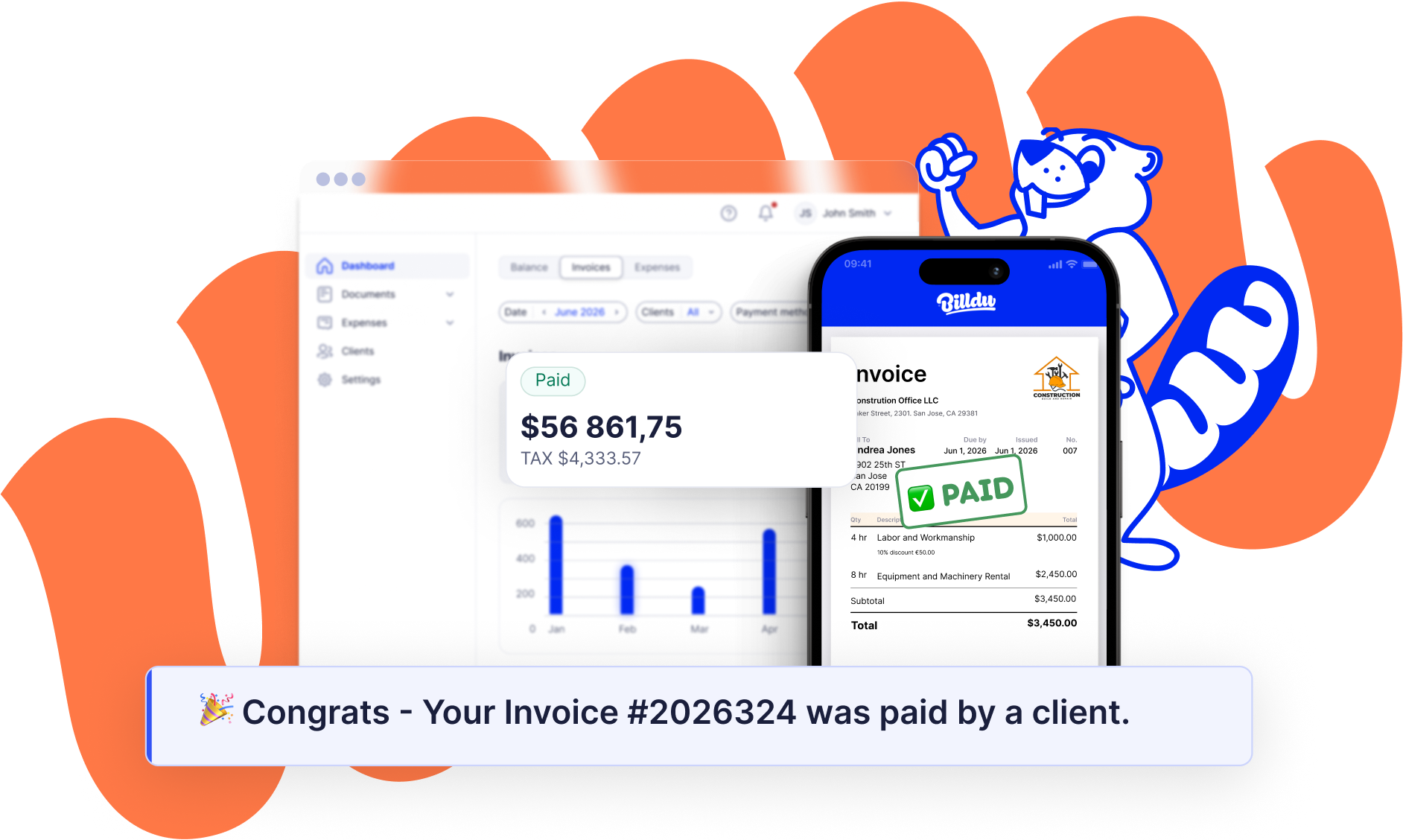

Get paid faster
Add card and pay-by-link options to every invoice, so clients can pay in seconds instead of days.

Stop chasing payments
Automatic reminders and recurring invoices do the follow-up for you – no more awkward “just checking in” emails.

Your whole business, one app
Track invoices, expenses and estimates in one place, all ready to hand to your accountant.
Compare all features & plan details |
Free templates & generators |
Recommended Billdu app |
|---|---|---|
|
Creating documents | ||
|
Customizing documents | ||
|
Sending documents | ||
|
Online payments | ||
|
Payment reminders | ||
|
Expense management | ||
|
Recurring invoices | ||
|
Accountant connection |
THE BEST PURCHASE ORDER TEMPLATES FOR YOUR BUSINESS
Take advantage of our Free Purchase Order Generator to quickly create professional purchase orders that’ll impress your suppliers. Choose from 5 stunning templates directly in the generator via the color and template settings.
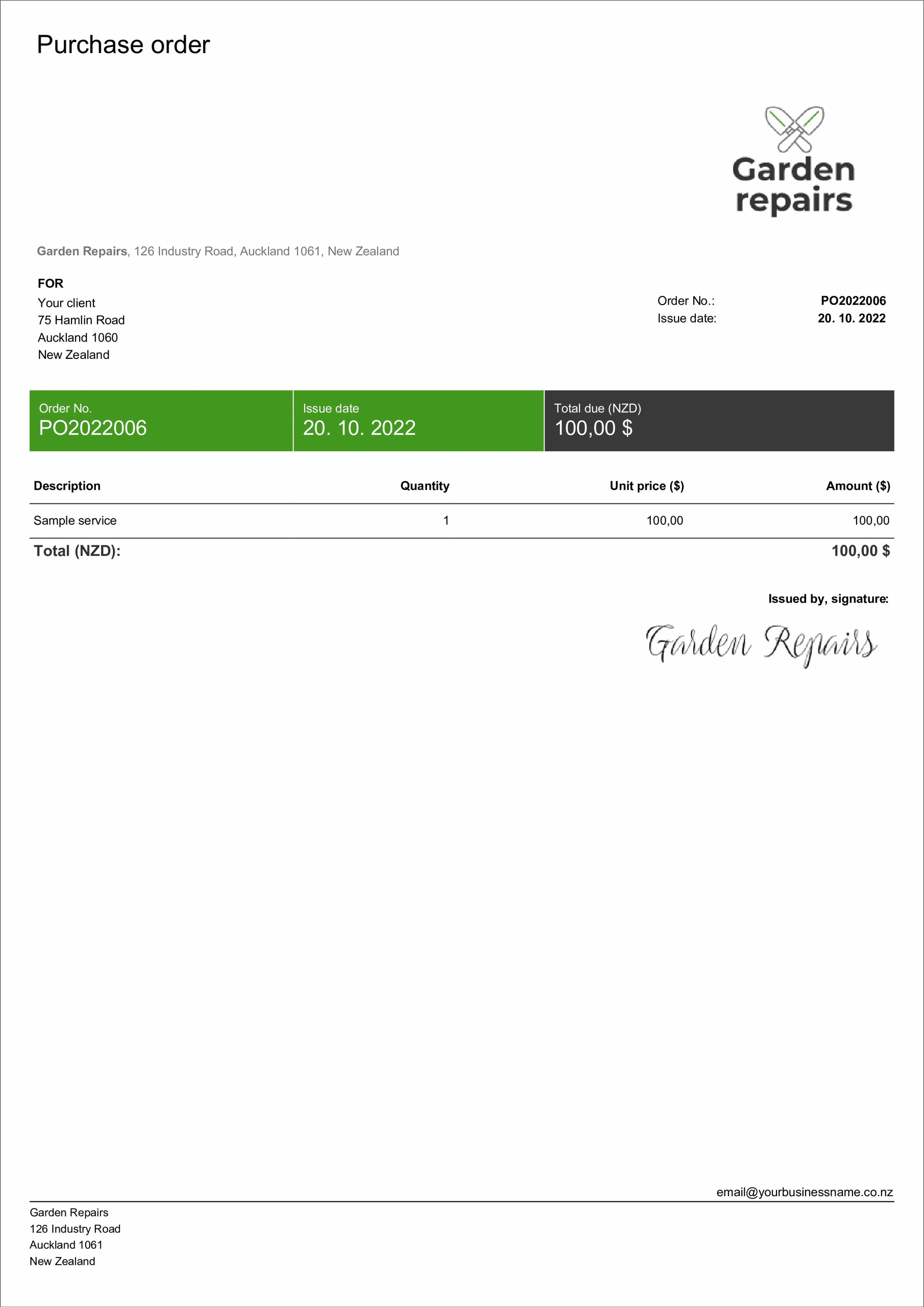
Stripe Template
A clean, modern purchase order template. Create it online, or download the example in:
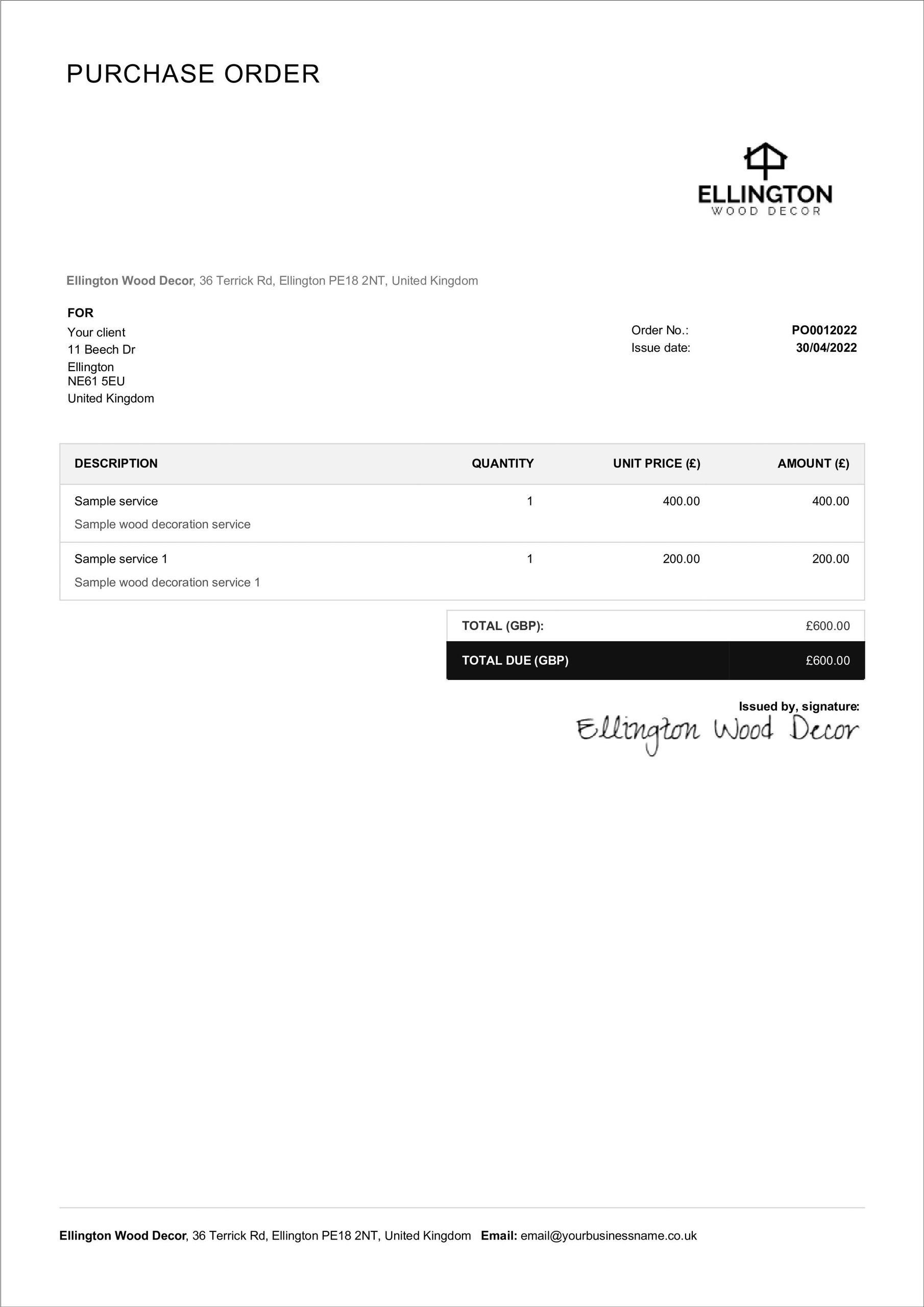
Classic Template
A timeless, professional purchase order template. Create it online, or download the example in:
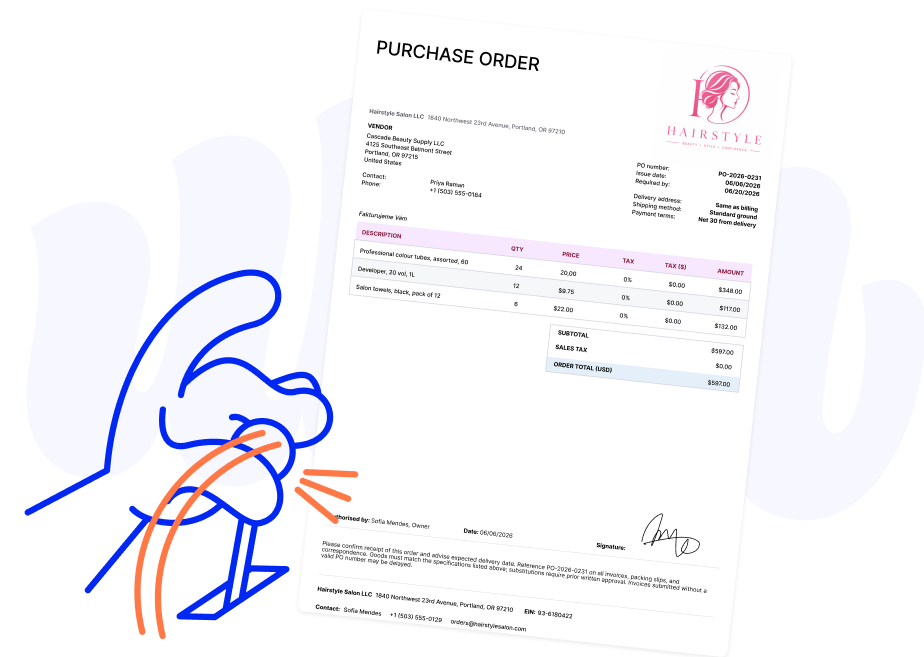
BENEFITS OF USING A PURCHASE ORDER GENERATOR
Purchase orders come with several benefits for anyone who uses them to order their supplies. A purchase order (PO) generator can give you a paper trail to track your purchases. Other benefits include:
Avoid Duplicate Orders – Accidentally sending out duplicate orders can easily set your business back hundreds or thousands of dollars. Purchase orders help you track exactly what you ordered and what manufacturers you ordered your products or services from.
Simplify Inventory – You can use your purchase orders to track what you have coming into your business for inventory. This simplifies the inventory process and helps you keep everything stocked.
Avoid Disputes – Purchase orders help avoid future disputes because they serve as a legal document once the supplier accepts them. The seller can’t come back and charge you extra for your items over what they had in the purchase order.
FEATURES YOUR PURCHASE ORDER NEEDS TO LOOK PROFESSIONAL
Along with everything we highlighted above, there are several important features you want to have in your purchase order. The goal is to make it as thorough as possible so there is no confusion down the line with the supplier.
Name of the Company – It’s essential that you clearly spell out which company or supplier you want to use. This is especially important if you use multiple suppliers.
PO Number – Every purchase order should have a unique number. This lets you match your purchase order to each load that comes in to ensure you get everything you listed. It also helps you track what you bought, what you paid, and dates.
Issue Date – The date will act as an official record of when you placed the order.
Description and Quantity – The item description and quantity will ensure you don’t double-up on your purchases. It also makes sure you don’t order incorrectly, and it includes all of your technical specifications.
Agreed Prices – The price point is going to be one of the biggest factors in your purchase order. This leaves no room for the seller to raise the prices mid-order because it’s legally binding once the supplier accepts it.
Consider
CREATE PURCHASE ORDERS EFFORTLESSLY WITH THE BILLDU APP
Once you create your purchase order, consider upgrading to get the Billdu App that was designed for small businesses. This app will allow you to create and track your purchase orders on the go with your smartphone or another mobile device. The app is simple to use and will save all of your settings once you create an account. Billdu supports iOS and Android devices using cloud-based software. Along with creating various documents such as invoices, proforma invoices, estimates and others, you can use purchase orders to track the incoming orders. When a client places an order for your products, Billdu streamlines the process. With just a few clicks, you can swiftly create an order and make adjustments to its status, payment method, or delivery preferences. You can later turn the order into a proforma invoice or final invoice that serves as an agreement for payment.
Got questions?
A purchase order is a commercial document issued by a buyer to a seller, outlining the details of goods or services to be purchased, including quantity, price, VAT or discount. Its purpose is to formalize the procurement process, establish clear expectations, and provide a legal record of the transaction. Benefits of using purchase orders include enhanced organization, transparency, and dispute resolution facilitation between parties involved in the transaction.
A purchase order number is a unique identifier assigned to a specific purchase order, used to track and manage procurement transactions between a buyer and a supplier. It helps streamline communication and record-keeping between the two parties, as well as aids in tracking the status of the order, invoicing, and reconciling any discrepancies that may arise.
Creating a purchase order with Billdu’s online purchase order generator is simple and efficient. You can select from pre-designed templates, choose your preferred color scheme, add your company logo, and fill in your supplier, item and price details. The result is a professional-looking purchase order that accurately reflects your business and helps to streamline your purchasing process.
The purchase order usually comes first in a business transaction. It’s like a request from a buyer to a seller, saying what they want to purchase and the terms of such a purchase. Once the seller agrees and provides the goods or services, they send an invoice to the buyer, which is like a bill for what was provided based on the details in the purchase order. So, the purchase order precedes the invoice in the typical order of business transactions.
A purchase order should include must-have elements such as the buyer and supplier details, item or service descriptions, quantities, prices, delivery date, payment terms, and a unique purchase order number for effective transaction tracking.
Standard Purchase Order: This is the most common type of purchase order. It’s used for one-time purchases, specifying the details of a single transaction, such as quantity, price, and delivery date of a purchase order.
Planned Purchase Order: This type of purchase order is also known as “scheduled” purchase order, it’s used to forecast future requirements. It doesn’t commit to an actual purchase, but it rather serves as a projection of expected needs.
Blanket Purchase Order: This type of purchase order covers multiple deliveries over a specified period, consolidating smaller orders into one agreement. It’s helpful for repeated or routine purchases, ensuring consistent terms and potentially securing better pricing.
Contract Purchase Order: Usually used for long-term agreements, it establishes terms and conditions for future transactions. It’s suitable for ongoing relationships, defining overarching terms while allowing flexibility for specific orders.
Yes, our online purchase order generator is completely free of charge. You create the document in your browser, and downloading or saving it needs a free Billdu account. If you want to use all Billdu features, you can select a plan starting from $4.99/month billed annually, which will enable you to create an unlimited number of purchase orders and the purchase orders you generated will be all accessible online or via our mobile app.