
ESTIMATE READY IN 2 MINUTES
Free estimate generator
A free estimate generator is an online tool that lets you create a professional cost estimate in minutes – no spreadsheets, no design skills, and just a free Billdu account to download it. Billdu’s estimate maker is built for freelancers, contractors and small business owners who need to send an accurate, good-looking estimate fast and win the job. Fill in your business and client details, add your line items, tax and a validity date, then download the estimate as a PDF or email it straight to your client. When the estimate is accepted, turn it into an invoice in one click. Use the online estimate generator below to get started for free.

Start here by entering your business details
- Address:
- Business ID:
- Tax/VAT ID:
- VAT ID:
Continue with entering your customer details
- Address:
- Business ID:
- Tax/VAT ID:
- VAT ID:
Click to see more options
Enter your first item here
Fast & simple
HOW TO MAKE A CUSTOM ESTIMATE USING BILLDU’S ONLINE ESTIMATE GENERATOR
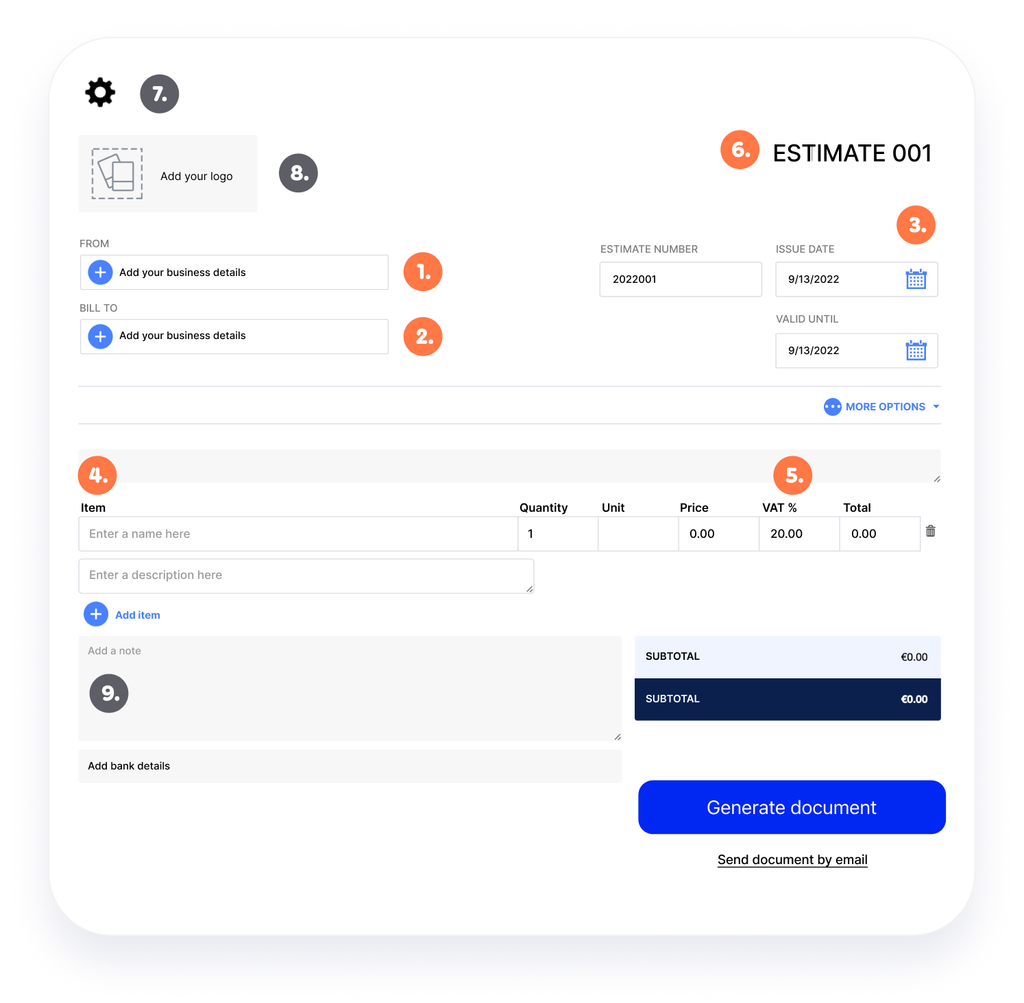
Creating a custom estimate with Billdu takes about a minute. Fill in the fields above – your business and client details, the issue date and how long the estimate stays valid, your itemized line items and prices, and the tax rate. Then personalize the estimate with your logo and a template, and email it to your client or download it as a PDF, completely free.
1. Your Business Details: Show who’s issuing the estimate: business name, address and contact info.
2. Client’s Business Details: Identify who the estimate is for.
3. Issue Date & Valid-Until Date: State when the estimate was issued and how long it’s valid, so clients know the deadline to accept.
4. Itemized line items & prices: Break down each product or service, quantity and price, including labor, materials and any permits.
5. Tax Rate: Add any applicable tax so the total is clear and accurate.
6. Estimate Number: A unique number that helps you and your client catalog and track estimates.
Optional:
7. Template & Color: Pick a template and brand color your clients will recognize.
8. Logo: Add your company logo to boost professionalism and brand recognition.
9. Note: Add any notes about the products, services, terms or the estimate itself.
All features
Switch to the Billdu app
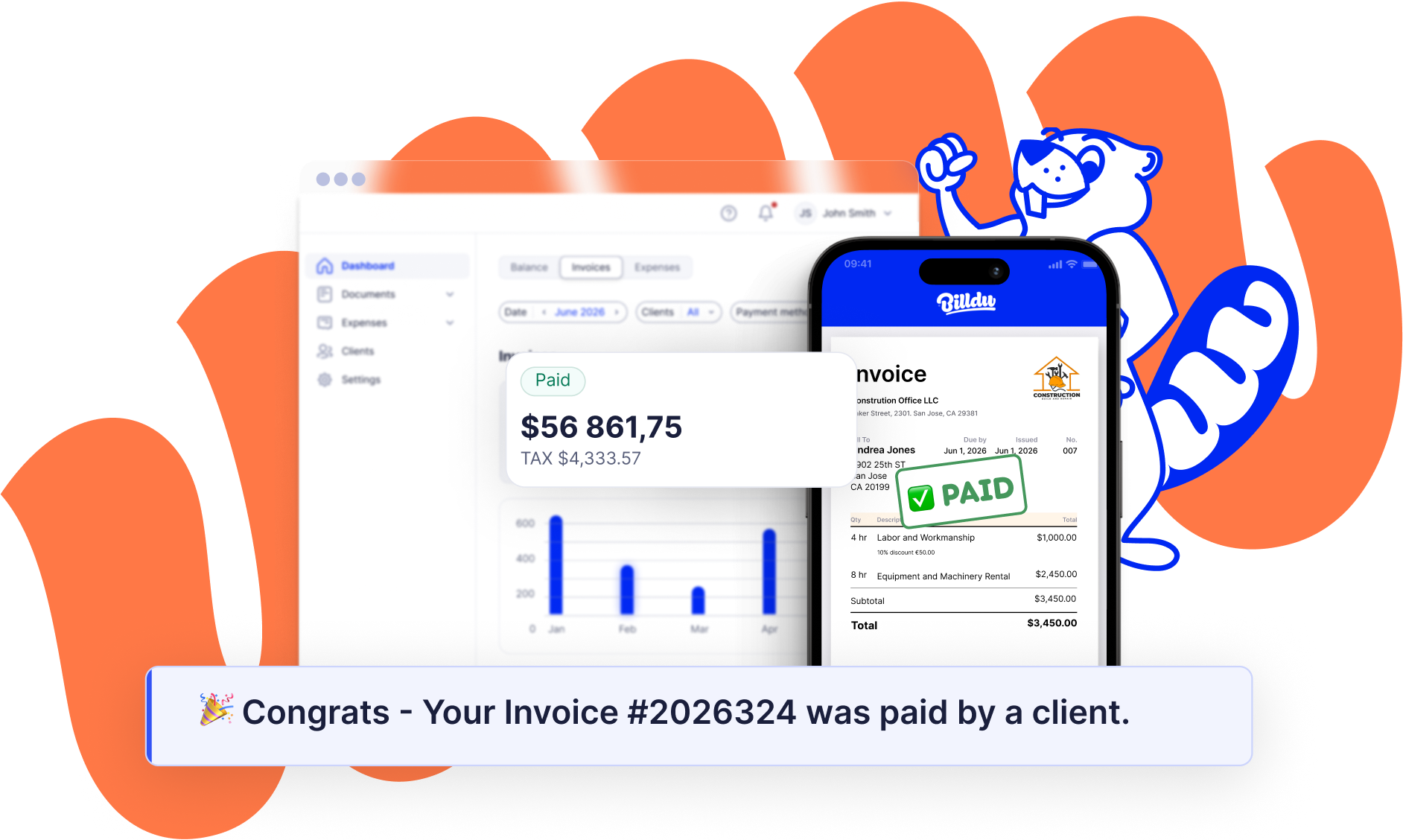
The free generators are perfect when you need a document right now. But they don’t remember you – every time, you start from scratch. The Billdu app saves your business and client details, your templates and presets, and lets you get paid faster with a Pay Now button, chase late payers automatically, track what’s paid and overdue, and scan expenses. Same simple feel, on web, iOS and Android.

Get paid faster
Add card and pay-by-link options to every invoice, so clients can pay in seconds instead of days.

Stop chasing payments
Automatic reminders and recurring invoices do the follow-up for you – no more awkward “just checking in” emails.

Your whole business, one app
Track invoices, expenses and estimates in one place, all ready to hand to your accountant.
Compare all features & plan details |
Free online generator |
Recommended Billdu app |
|---|---|---|
|
Creating invoices | ||
|
Customising invoices | ||
|
Sending invoices | ||
|
Online payments | ||
|
Payment reminders | ||
|
Expense management | ||
|
Recurring invoices | ||
|
Accountant connection |
TEMPLATES YOU CAN CREATE WITH ONLINE FREE ESTIMATE GENERATOR
Tired of plain black-on-white estimates? Billdu’s free estimate generator lets you create professional, branded estimates that impress clients and help you win work. Pick a ready-made estimate template, then customize the color and layout right inside the tool – no design skills needed. Prefer to start from a file? Download a free estimate template in Word, Excel or Google Sheets.
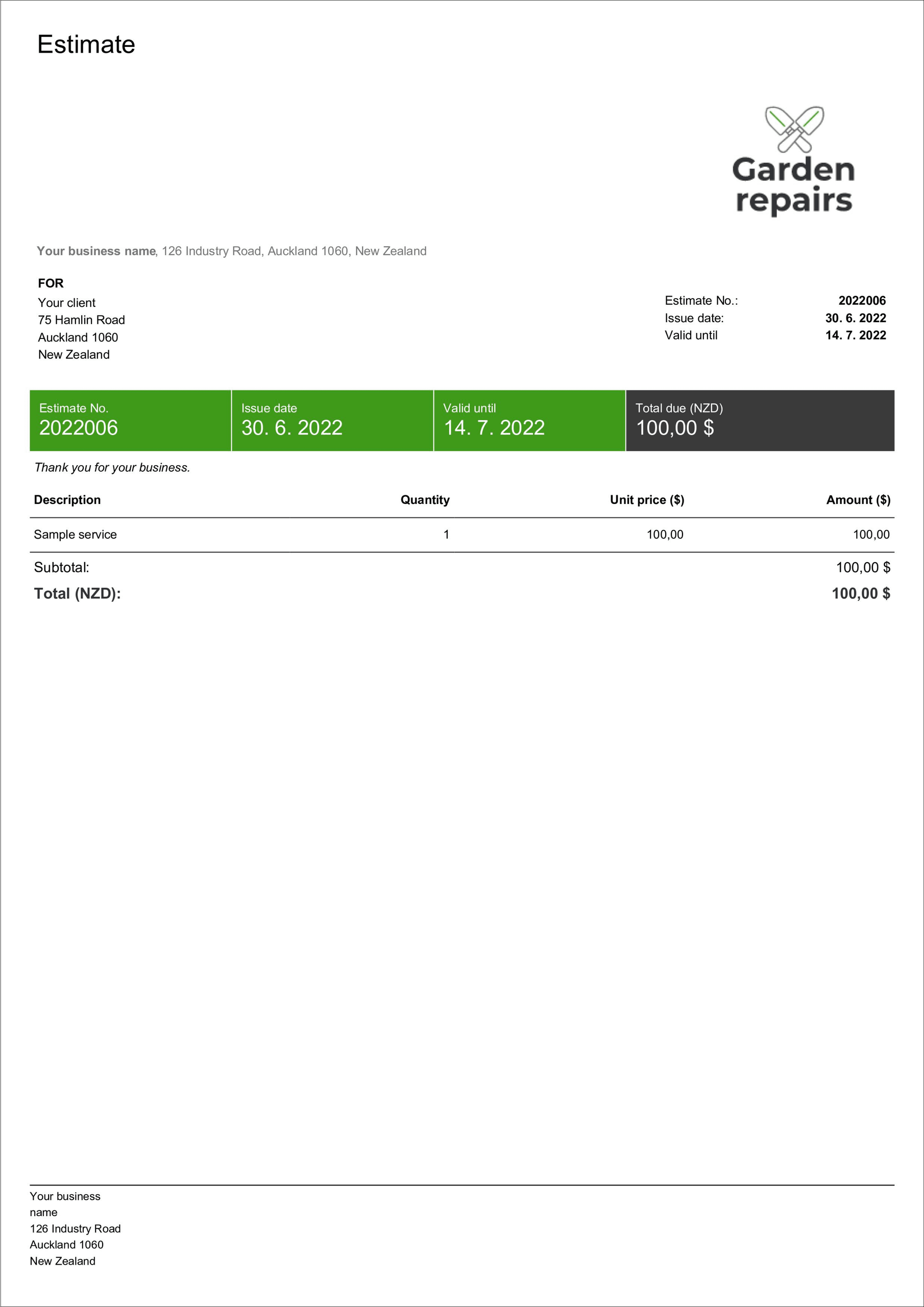
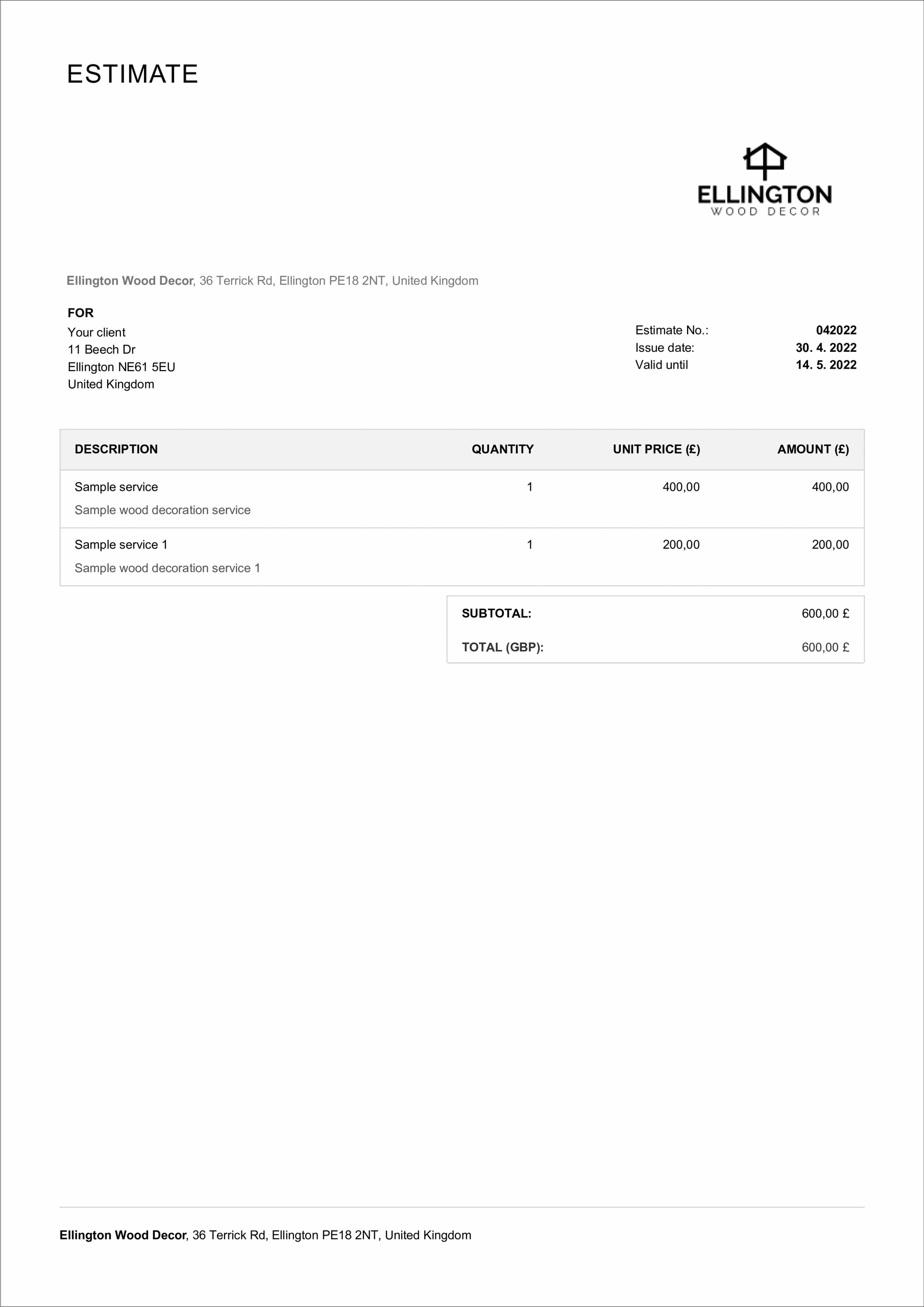
Stripe Template
A clean, modern estimate template. Create it online, or download the example in:
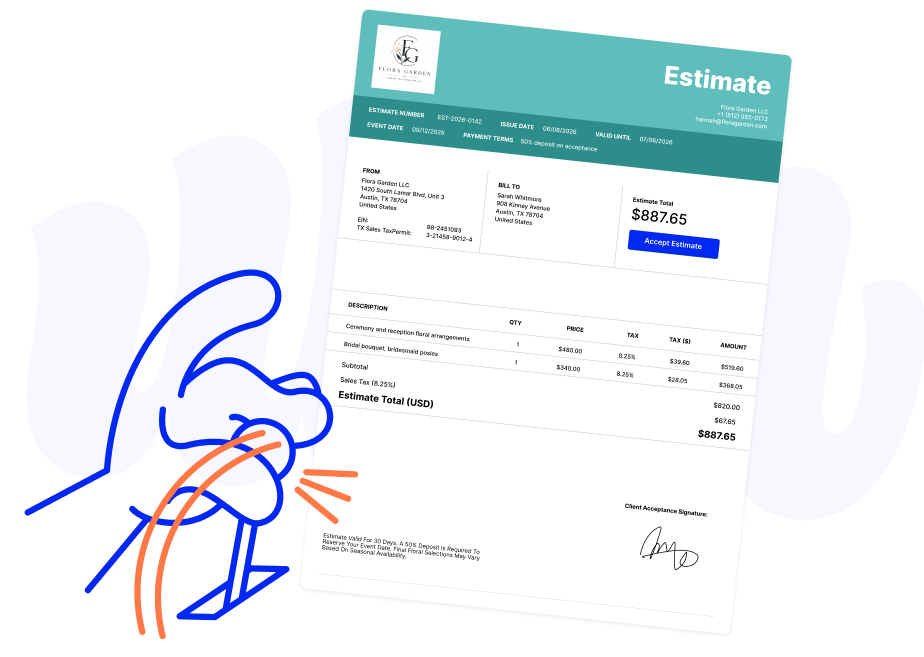
Classic Template
A timeless, professional estimate template. Create it online, or download the example in:
BENEFITS OF USING AN ESTIMATE GENERATOR
A good estimate does more than list a price – it helps you look professional, win the job and get to invoicing faster. Billdu’s estimate generator gives you:
Faster, more professional estimates – Create accurate, branded estimates in minutes and respond to new leads before your competitors do.
One-click estimate-to-invoice – When a client accepts, convert the estimate into an invoice in a single click – no re-typing, nothing lost.
Estimate tracking & notifications – See which estimates are sent, viewed, accepted or expired, and get notified the moment a client opens or approves yours, so you follow up at the right time.
Consistent branding – Add your logo, colors and template so every estimate reinforces your brand and builds trust.
FEATURES YOU MUST INCLUDE ON YOUR ESTIMATE
A clear, complete estimate helps clients say yes and protects you if the scope changes. Whatever you’re quoting, make sure your estimate includes these essentials:
Business & client details – Your business name, address and contact details (including your tax or company registration number where required), plus your client’s details.
Itemized price breakdown – List every cost – labor, materials, inspections or permits – so the estimate reflects the real project total as closely as possible.
Project scope & additional costs – Note what’s included and any materials to be ordered, with expected order or delivery dates, so clients understand duration and cost.
Validity & terms – State how long the estimate is valid and any terms and conditions, so both sides are clear before work begins.
Got questions?
Use an estimate when a client wants a general price for your products or services before committing, or when the exact scope of the job isn’t final yet. It gives a realistic, good-faith figure that can be adjusted if the scope changes.
An estimate is a document you give a client before a purchase that approximates the cost of the goods or services. Estimates aren’t final and can change – they’re a preliminary calculation of costs, timelines and scope that helps clients decide and budget.
An estimate is an approximate, good-faith figure that can change if the scope or conditions change. A quote is a fixed price the client can rely on for a set period. Use an estimate when the scope is uncertain and a quote once you can commit to the number.
An estimate is sent before work begins to show expected prices and scope; an invoice is sent afterwards to request payment and is legally binding. Once your estimate is accepted, you can turn it into an invoice in one click.
Yes, once you finish creating your estimate via our estimate generator, you can download it as a PDF with a single click.
Yes. Create a free Billdu account to save your business and client details and reuse them on your next estimate, so nothing has to be re-entered.
Not to create one. You can build an estimate for free without registering; to download or send the finished PDF, you’ll need a free Billdu account, which also saves your business and client details for next time.