

Free download
Free delivery note templates
Download a free delivery note template for your next shipment. Choose an editable Word or Excel file, use Google Sheets, or create a delivery note online and save it as a PDF. Add the goods and quantities so your customer can check what arrives.
Free download
Free delivery note templates
Download a free delivery note template for your next shipment. Choose an editable Word or Excel file, use Google Sheets, or create a delivery note online and save it as a PDF. Add the goods and quantities so your customer can check what arrives.
Choose your delivery note template
Browse the delivery note samples below and choose a layout for your business. Customize the details, add your logo and leave room for the recipient to record receipt or delivery issues. Keep a blank copy for future shipments.
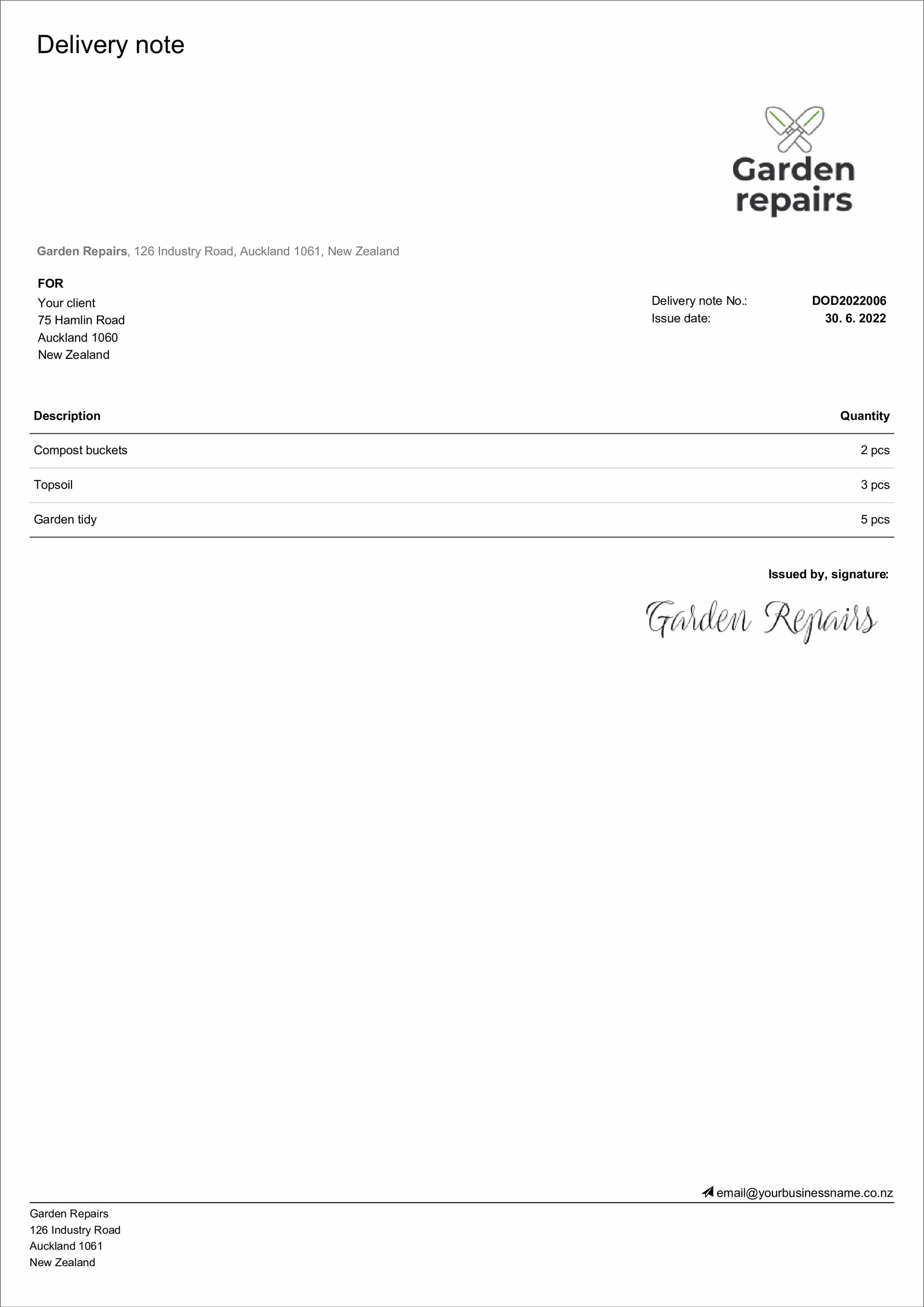
Stripe Template
Download template for free:
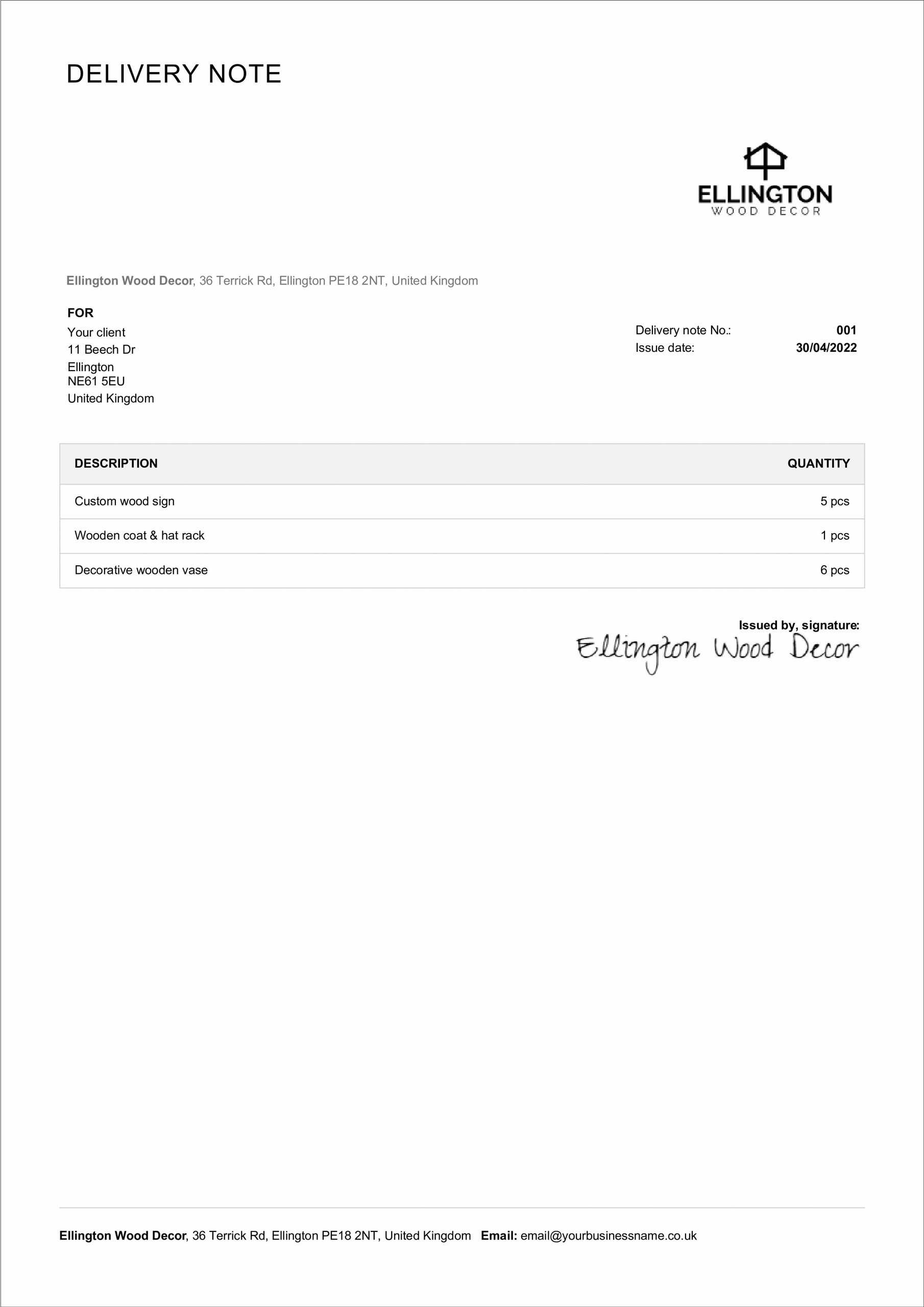
Classic Template
Download template for free:
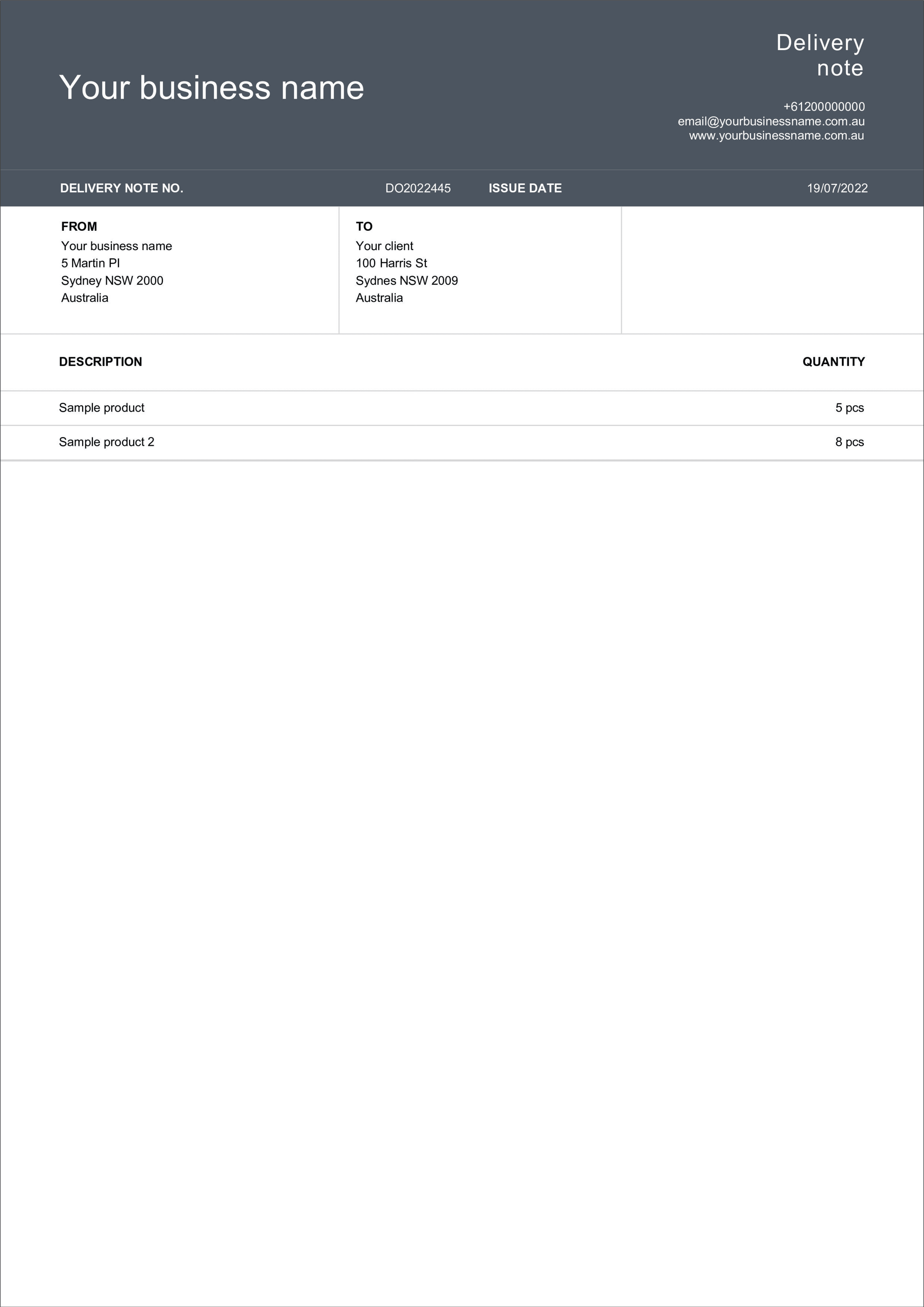
Modern Template
Download template for free:
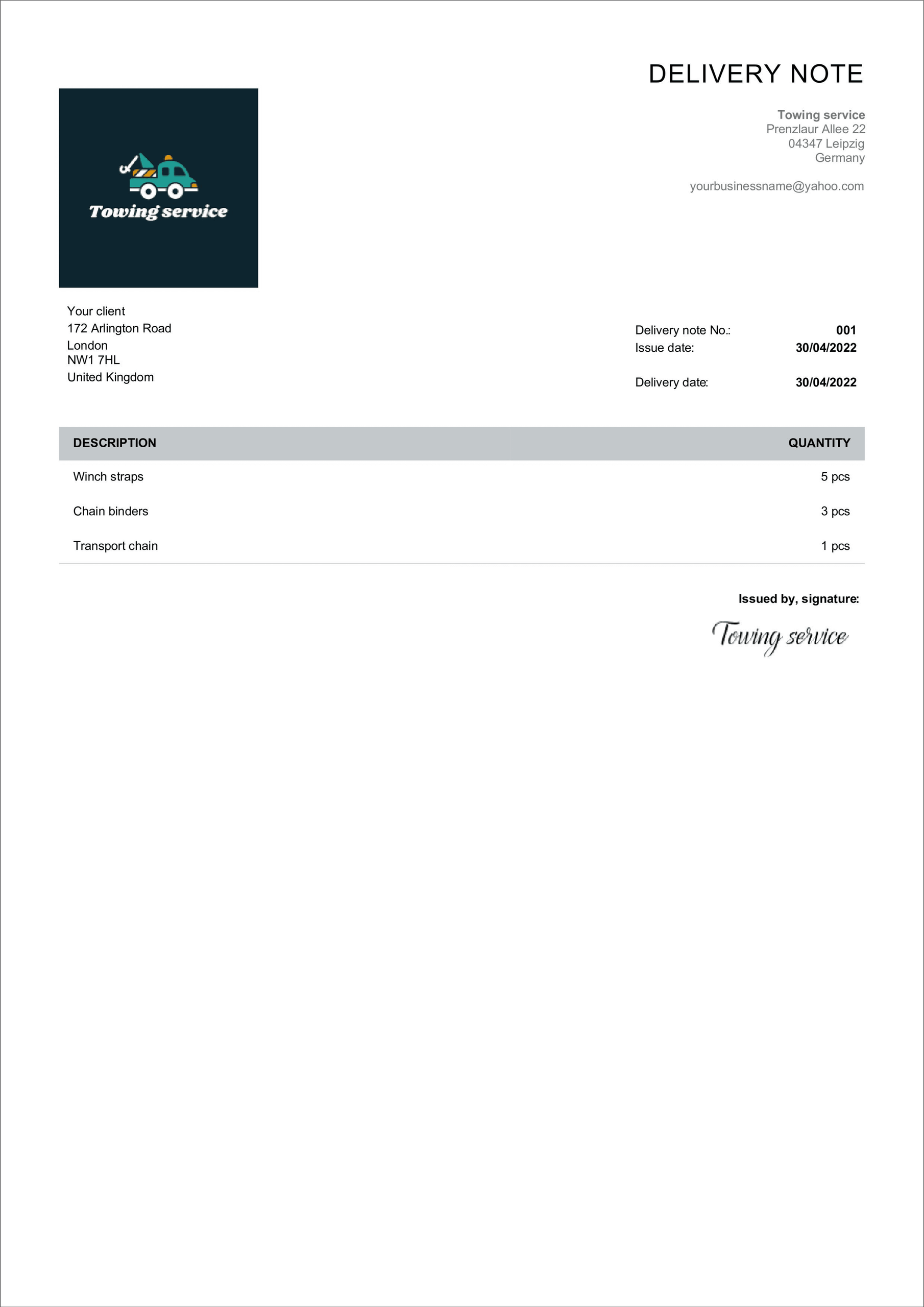
Simple Template
Download template for free:
Quick & easy
Delivery note templates in Word, Excel and PDF
Delivery note template in Word
Download a Word delivery note template for a simple document you can edit and print. Fill in the shipment details and item table, then check the page layout and signature area. Export the completed document as a PDF when you are ready to send it.
Delivery note template in Excel
Choose Excel for a structured list of goods and quantities. Keep one row per item and show the units clearly. After adding rows, check the print area so the full item list and receipt section appear on the printed or exported document.
Delivery note template in Google Sheets
Open a Google Sheets version and make your own copy to edit in your browser. Enter the shipment information, review the layout and download a PDF or print the completed note.
Delivery note PDF
To create a delivery note PDF, complete an editable template and export it, or use our online delivery note generator. Review all pages before emailing or printing. A PDF prepared before dispatch describes the shipment; keep the recipient’s actual confirmation separately after delivery.
Try the Billdu App
Create delivery notes online with Billdu
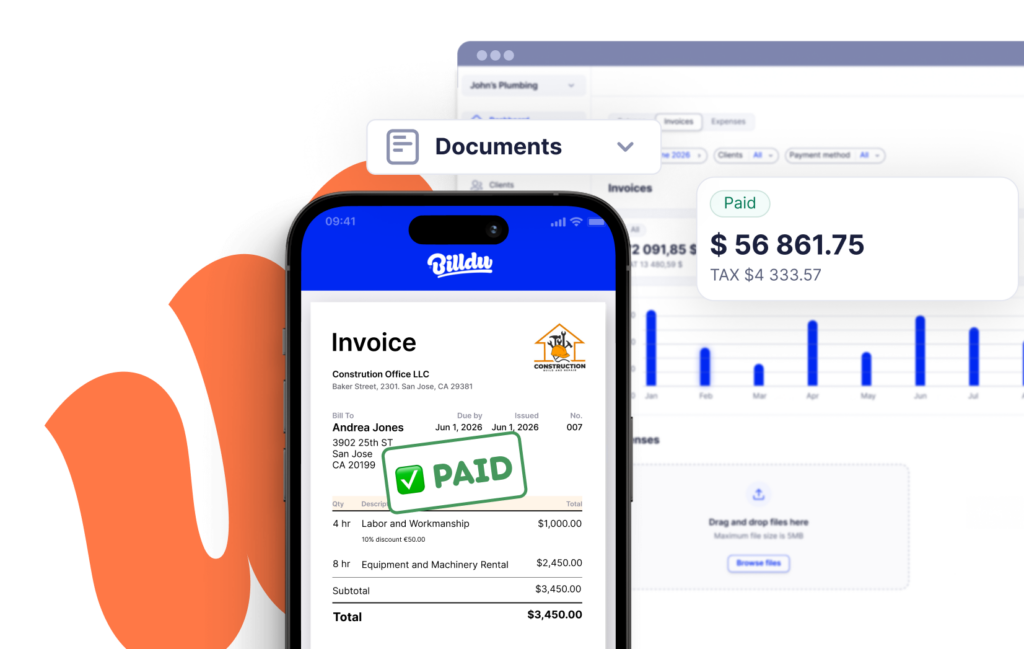
Use the Billdu delivery note generator to enter shipment details and create a PDF online. For regular document creation, explore the mobile and web app to manage delivery notes alongside invoices, estimates and quotes.
7-Day Free Trial
Cancel Anytime
Try the Billdu App
Create delivery notes online with Billdu
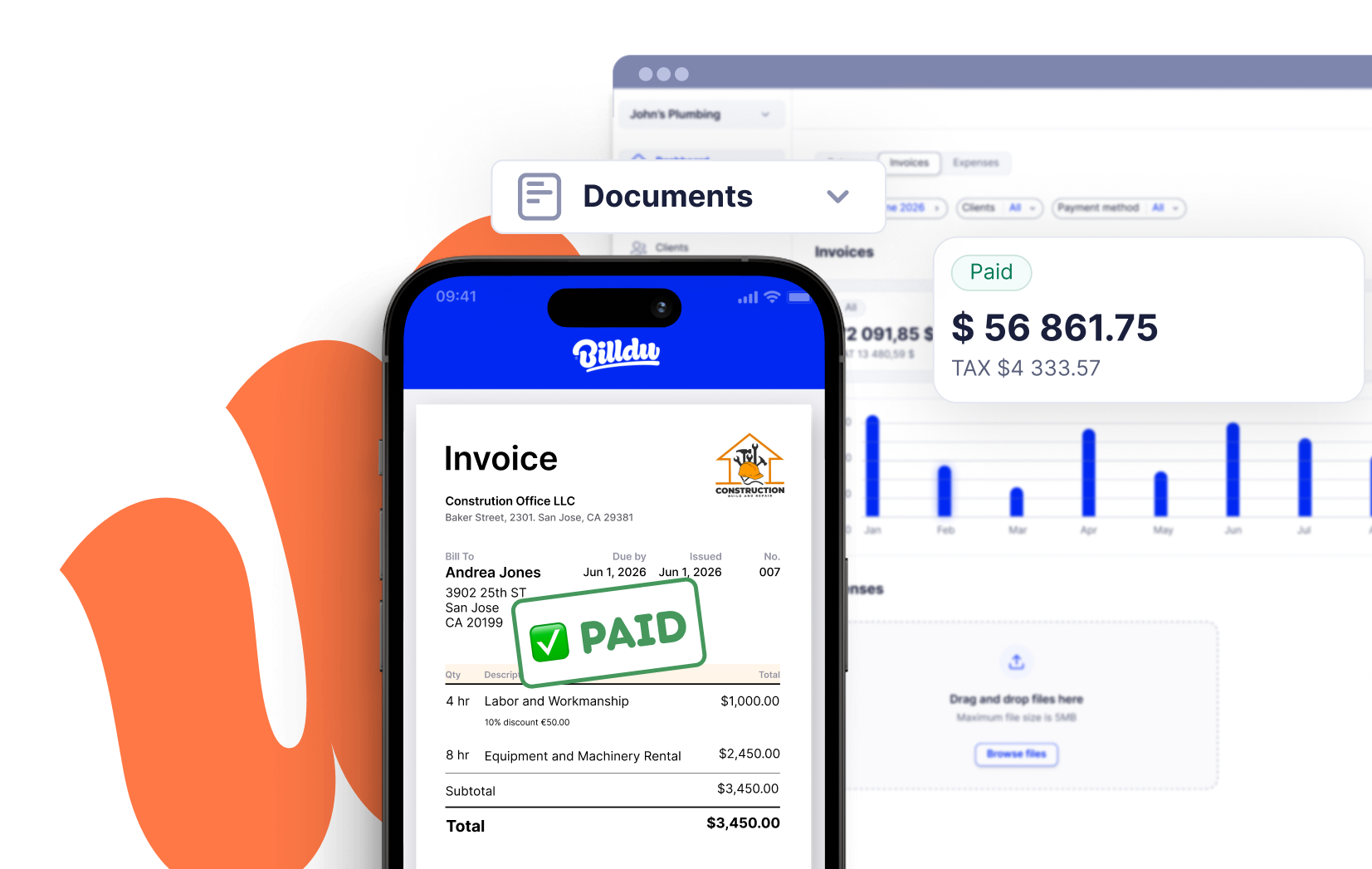
Use the Billdu delivery note generator to enter shipment details and create a PDF online. For regular document creation, explore the mobile and web app to manage delivery notes alongside invoices, estimates and quotes.
7-Day Free Trial
Cancel Anytime
What is a delivery note?
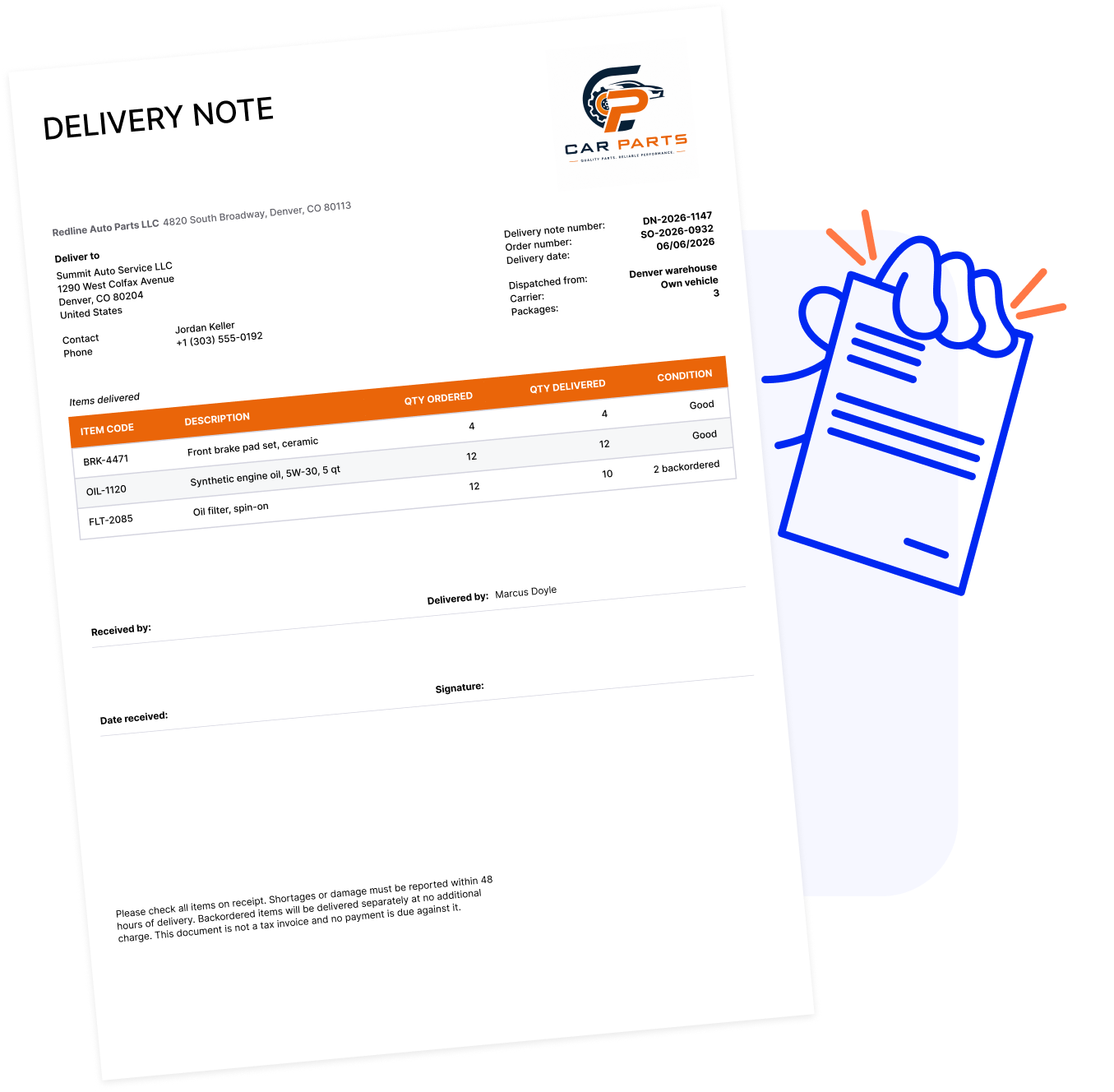
A delivery note accompanies a shipment and lists the goods and quantities being delivered. It helps the recipient check the items and record shortages or damage. A signed copy can provide evidence of receipt. The supplier keeps it with the related order and invoice to trace the delivery.
How to fill out a delivery note
Use the same essential details whether you choose Word, Excel or Google Sheets.
Identify the shipment. Add the heading “Delivery Note”, a unique document number and clearly labelled issue, dispatch or delivery dates.
Add the parties and address. Enter the supplier and customer contact details, the actual delivery address and a site contact where needed.
Reference the order. Include the purchase order or sales order reference so the shipment can be matched to the correct transaction.
List the goods. Record each item, quantity and unit in this shipment. Add product codes, package counts or tracking references where useful.
Record exceptions. Identify items still to follow and leave space for the recipient to note shortages, damage or other delivery comments.
Confirm receipt. Provide space for the recipient’s name, actual receipt date and signature. Check the packed goods against the note before sending it.
For paper handover, you can print two copies so the customer keeps one and returns a signed copy. Save the editable file and maintain a numbering log for separate template files.
Delivery note example with a partial shipment
Purchase order PO 1048 requests 12 cartons of fittings. Delivery note DN 0064 accompanies the first shipment of 10 cartons.
|
Goods |
Ordered |
This shipment |
Still to follow |
|---|---|---|---|
|
Cartons of fittings |
12 |
10 |
2 |
After checking the goods, the recipient records: “Received 10 cartons. Two cartons remain outstanding against PO 1048.” They add their name, receipt date and confirmation. Record the later shipment on a separate delivery note linked to the same order.

Got questions?
Prices are usually left off because the recipient needs to check the goods and quantities. Keep prices, tax and payment terms on the invoice unless your customer or delivery process specifically needs a priced document.
The person receiving the goods can sign after checking the shipment. Record their name and receipt date, and note any missing or damaged items before confirmation. Keep the confirmed copy with your delivery records.
No. A delivery note records the shipment and supports checking receipt. An invoice requests payment. Match the documents through the order reference while keeping each document’s own number.
A packing list describes the contents of a shipment and may include package details. A goods received note is the buyer’s record of what actually arrived. Some businesses use a signed delivery note as part of that receiving process.
Record the affected items, quantities and condition when checking the delivery. Keep that record with the shipment details and contact the supplier to resolve the discrepancy. Do not confirm receipt of items that have not arrived.
You can import the Word file into Google Docs or open it in Pages. Check table widths, page breaks and the receipt area after import. Use the Google Sheets options on the cards if you prefer a spreadsheet in your browser.