

Free download
Free quote templates and samples
Download a free quotation template, choose a quote sample that suits your business, and add your prices and terms. Use Word, Excel or Google Sheets, or create your quote online and download the finished document as a PDF.
Free download
Free quote templates and samples
Download a free quotation template, choose a quote sample that suits your business, and add your prices and terms. Use Word, Excel or Google Sheets, or create your quote online and download the finished document as a PDF.
Quote samples for your business
Each quotation sample gives you a layout for itemized prices, quantities, totals, a validity date and terms. Choose Stripe for a bold header, Classic for a traditional layout, Modern for a contemporary style, or Simple for a straightforward document. Replace the example information with your own before sending it.
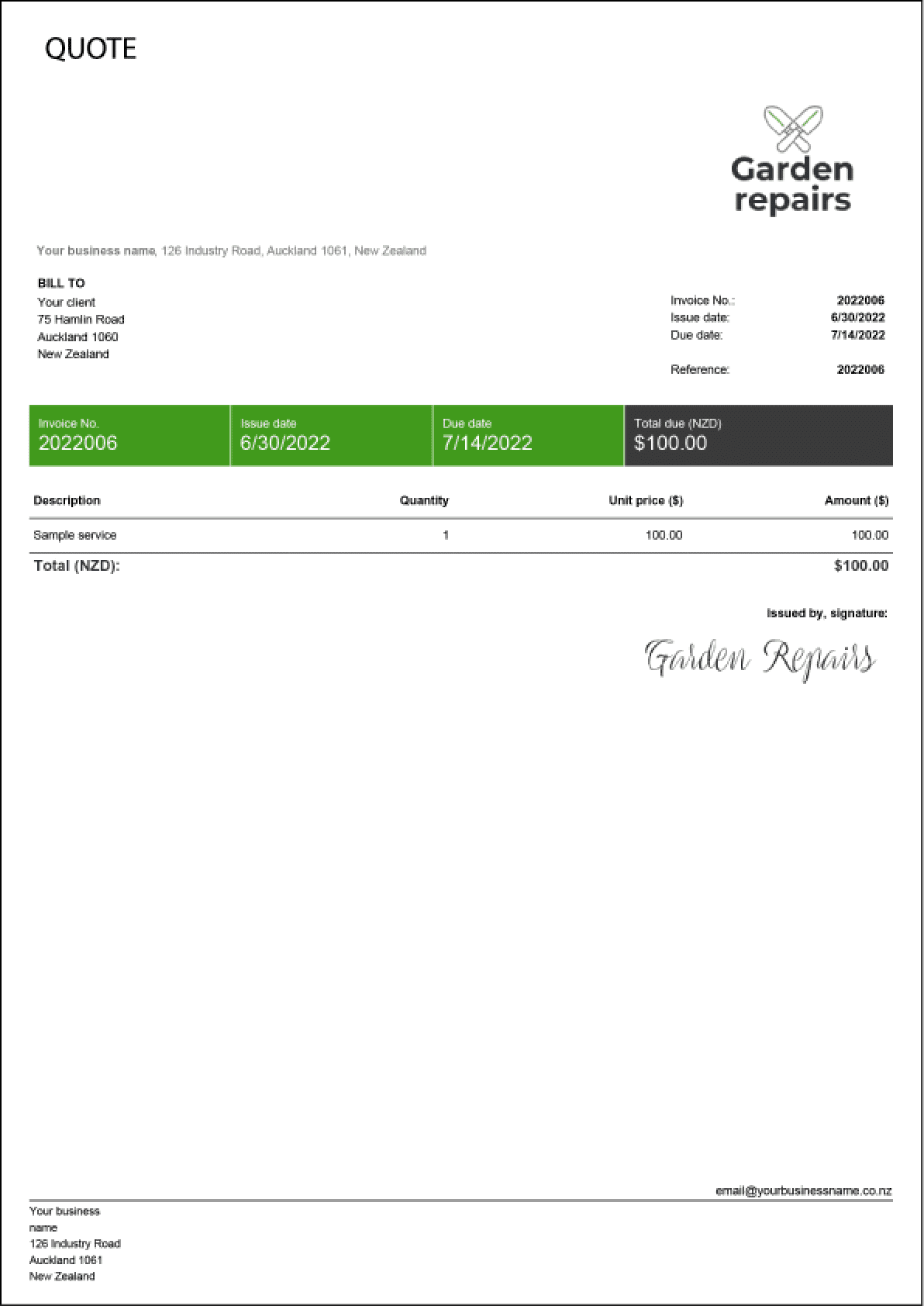
Stripe Template
Download template for free:
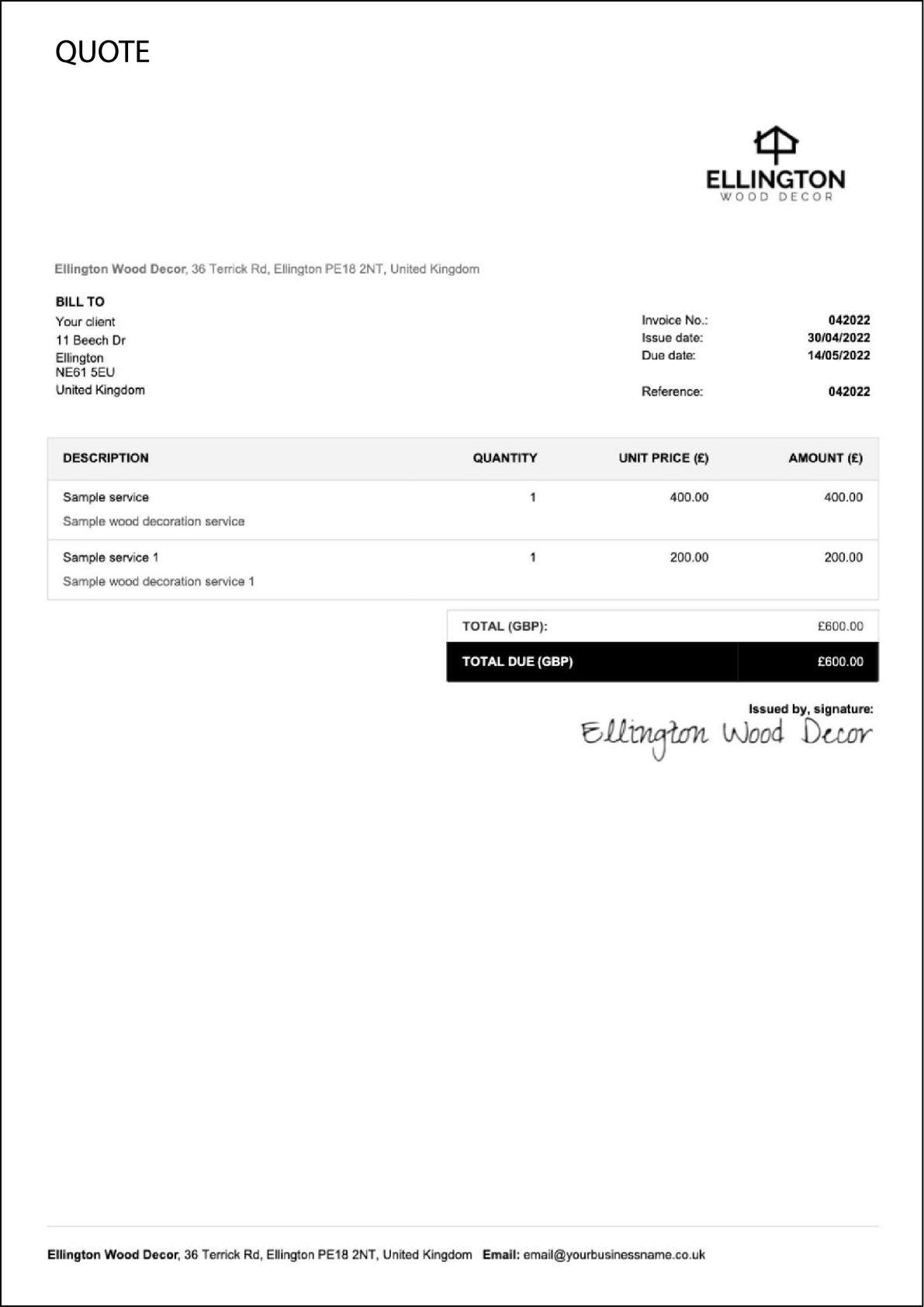
Classic Template
Download template for free:
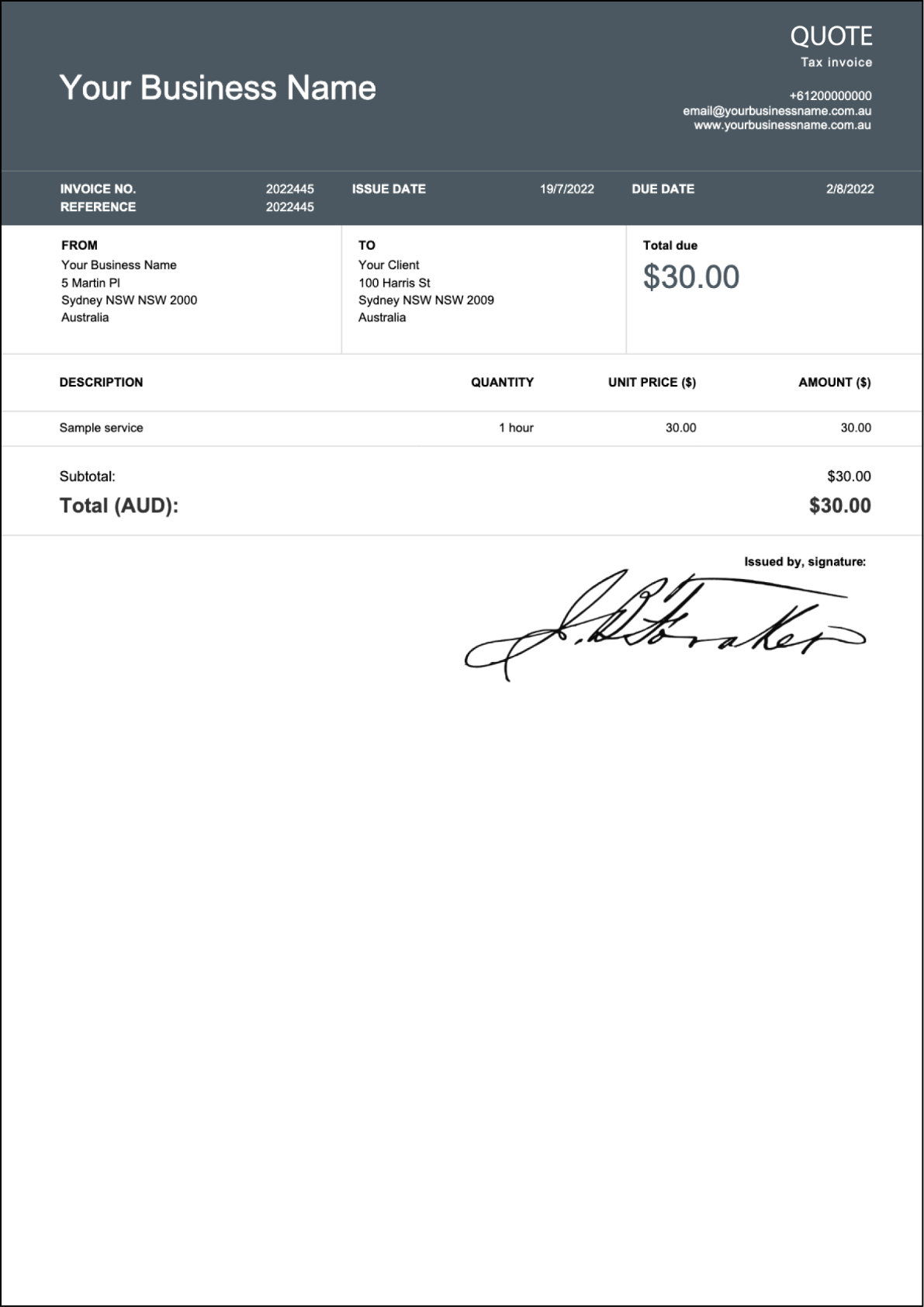
Modern Template
Download template for free:

Simple Template
Download template for free:
Contractor quote templates
A contractor quote sets out the price for a specific job or service. Use it for trade work, consulting or another assignment where you can describe the scope and the basis of the charge. Contractors may work for a fixed fee, an hourly rate or a combination, so make the pricing arrangement clear.
Start with the customer’s requirements, then list each service and the amount quoted. Include the quote reference, business and customer details, dates, payment method and terms. Add the proposed delivery or completion date, materials and additional charges where relevant.
For hourly work, state the rate and how the hours will be agreed or charged. If you include an estimated number of hours, identify it as an estimate rather than presenting an uncertain total as a fixed project price. For a fixed fee, describe what the fee includes and what would require a separate agreement.
Choose a contractor quotation design below, personalize the scope and check the completed document before sending it to your client.

Stripe Template
Download template for free:
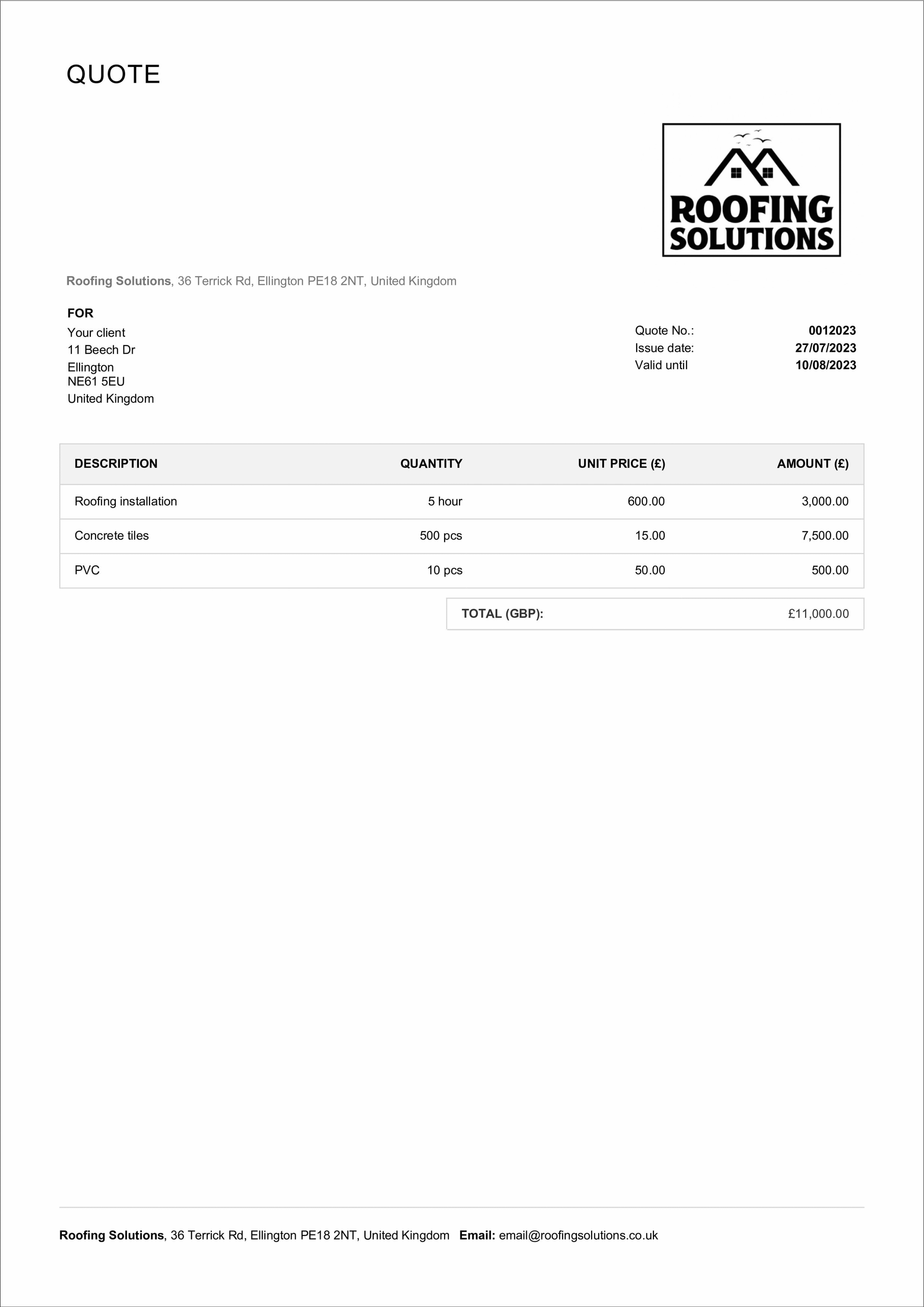
Classic Template
Download template for free:
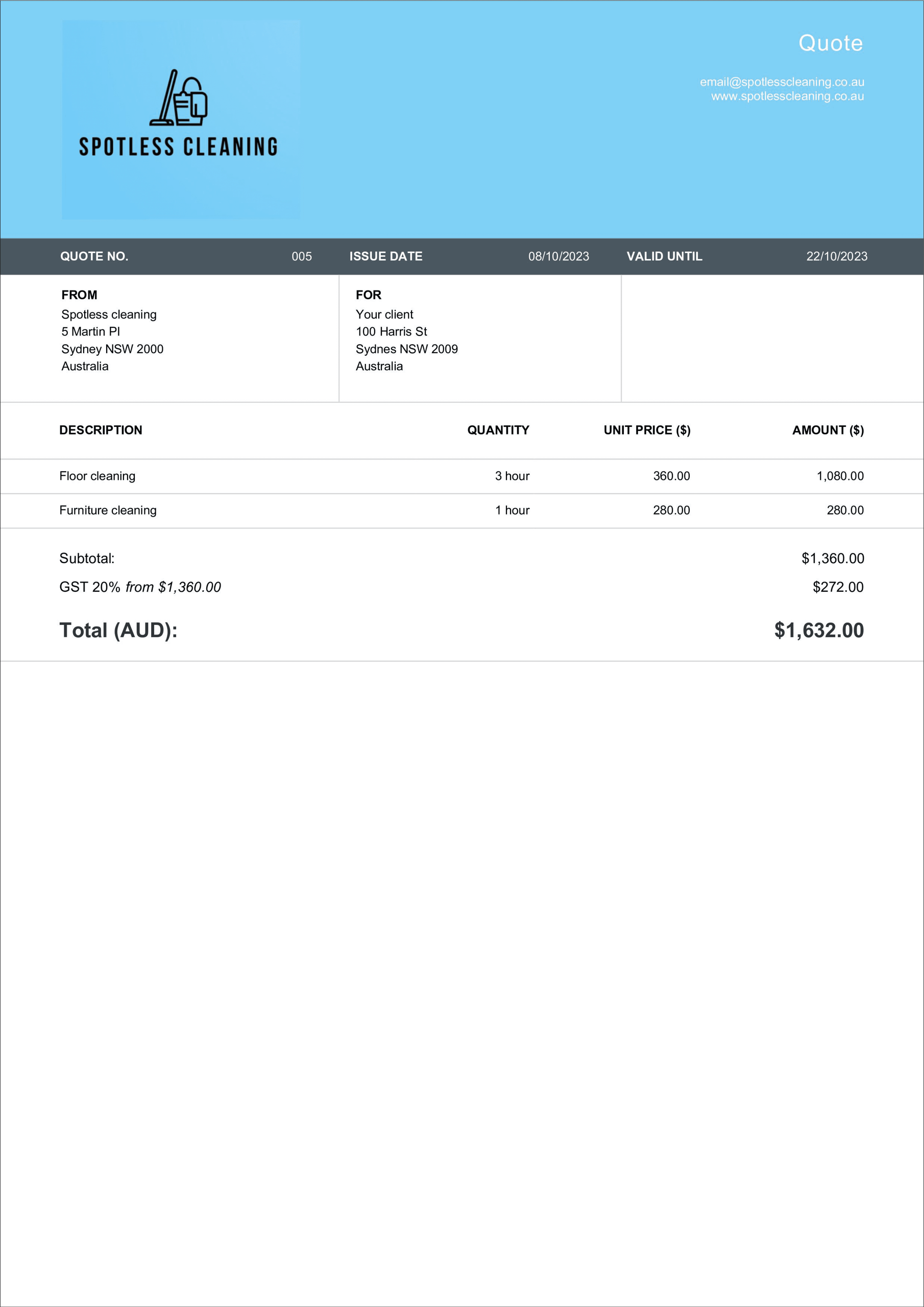
Modern Template
Download template for free:
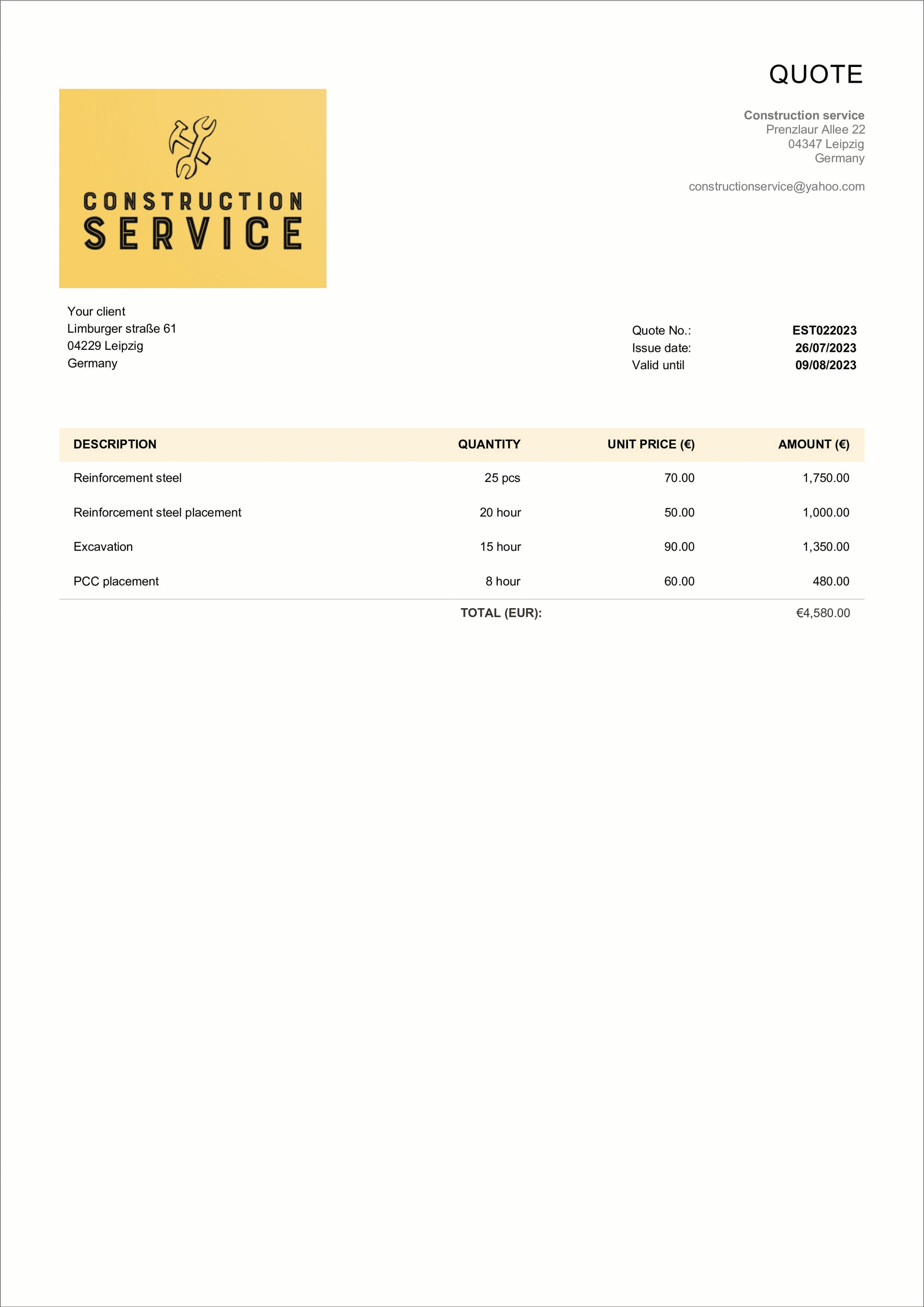
Simple Template
Download template for free:
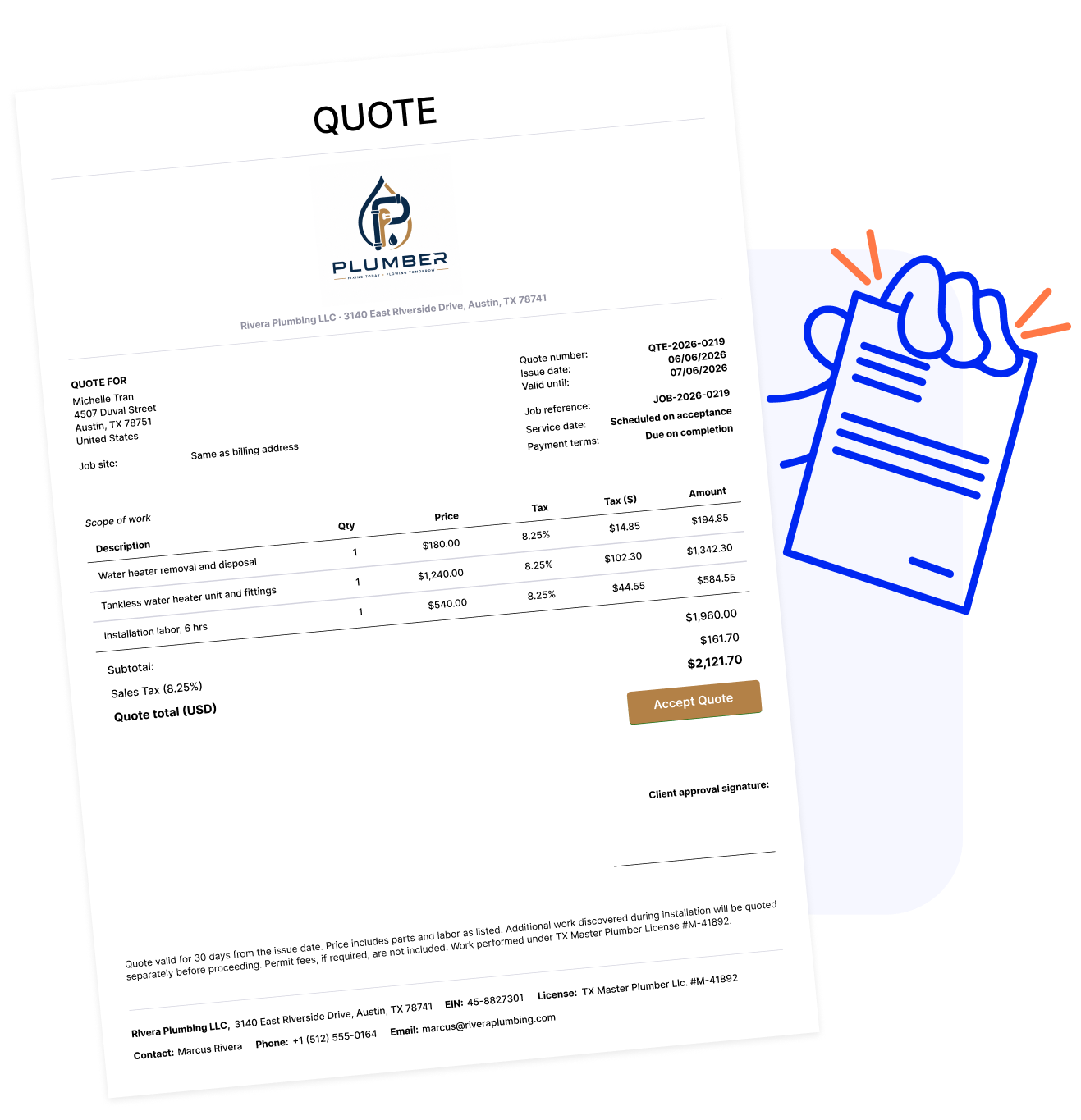
Choose the right quotation format
Choose Word when you want an editable quote with room for service descriptions and terms. It is useful for a short quote you can adjust, print or email. Keep a master file, save a separate copy for each customer and check the totals before exporting.
For the complete Word workflow and dedicated designs, visit Word quotation templates.
Choose Excel when your quotes contain many line items, quantities, discounts or tax calculations. A spreadsheet makes it easier to organize the figures. Review the formulas and total after adding rows or changing the layout, and check the print area before sending.
For detailed spreadsheet instructions, visit Excel quotation templates.
Use the linked Google Sheets samples when you prefer to work in your browser. Make a separate copy for the customer, update the details and check sharing permissions. You can also import a Word template into Google Docs; review the formatting after import. Google Docs and Google Sheets are different formats, so choose the one that fits the way you prepare prices.
How to create a free quote
Start with the customer’s requirements and define exactly what you are offering. Then choose a quotation template or open Billdu’s Free Quote Generator.
- Add your business name, logo and contact details, followed by the customer’s details.
- Enter a unique quote number, issue date and validity date.
- Describe the goods or services and the scope included in the price.
- Enter quantities, unit prices, line amounts, discounts and applicable tax. Confirm the currency and total.
- Set out delivery or completion timing, payment terms and any exclusions or conditions.
- Check the quote and send it to the customer, explaining how to accept it or ask for changes.
In the Billdu app, you can also customize document labels and use saved business, customer and item details. Check automatically supplied fields before sending. A downloaded template requires its own numbering, date and calculation checks.
Quick and Easy
PDF quotations
PDF is a useful format for sending a completed quotation with a consistent layout. Export your finished Word or spreadsheet file, or create the quote in our Free Quote Generator and download it as a PDF. Keep the editable version for agreed revisions.
Try the Billdu App
Create and manage quotes with Billdu
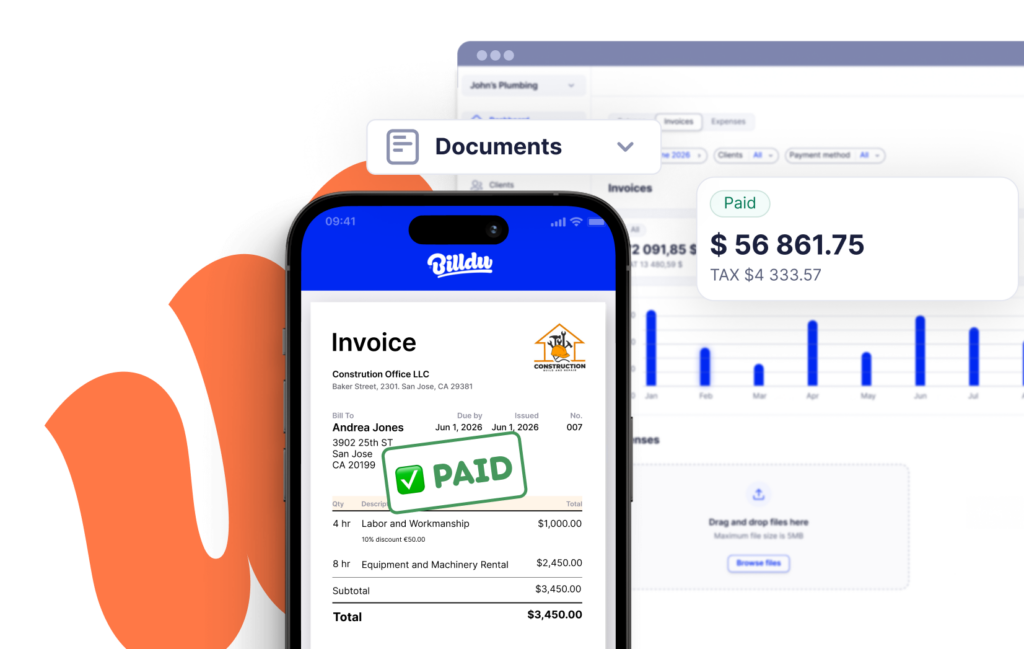
Create quotes in the mobile and web app and keep your customer details and business documents together. Use Billdu for estimates, quotes, invoices and delivery notes as the job moves forward. When payment becomes due, prepare the invoice with the agreed items and terms.
7-Day Free Trial
Cancel Anytime
Try the Billdu App
Create and manage quotes with Billdu
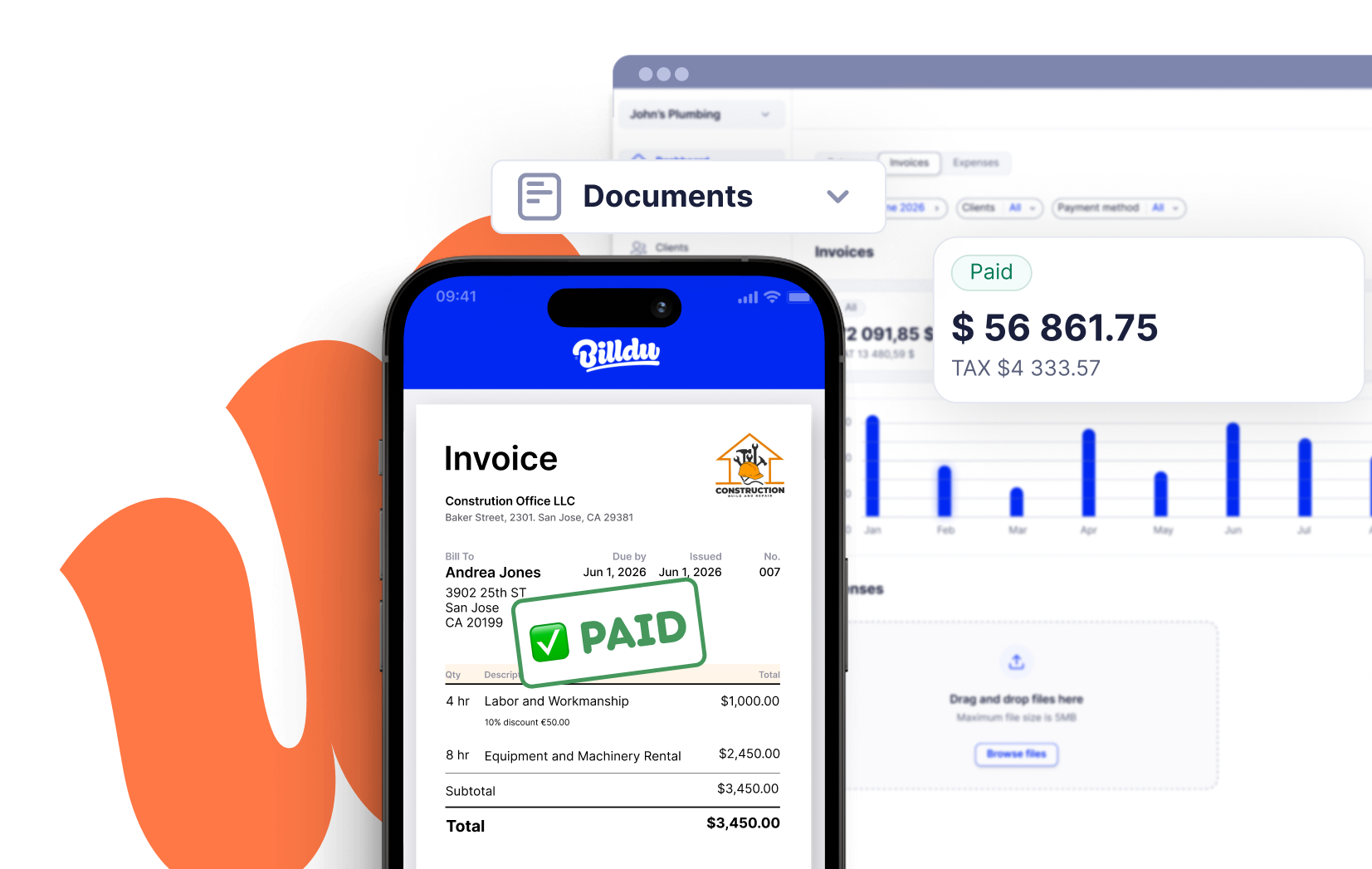
Create quotes in the mobile and web app and keep your customer details and business documents together. Use Billdu for estimates, quotes, invoices and delivery notes as the job moves forward. When payment becomes due, prepare the invoice with the agreed items and terms.
7-Day Free Trial
Cancel Anytime
What a professional quote should include
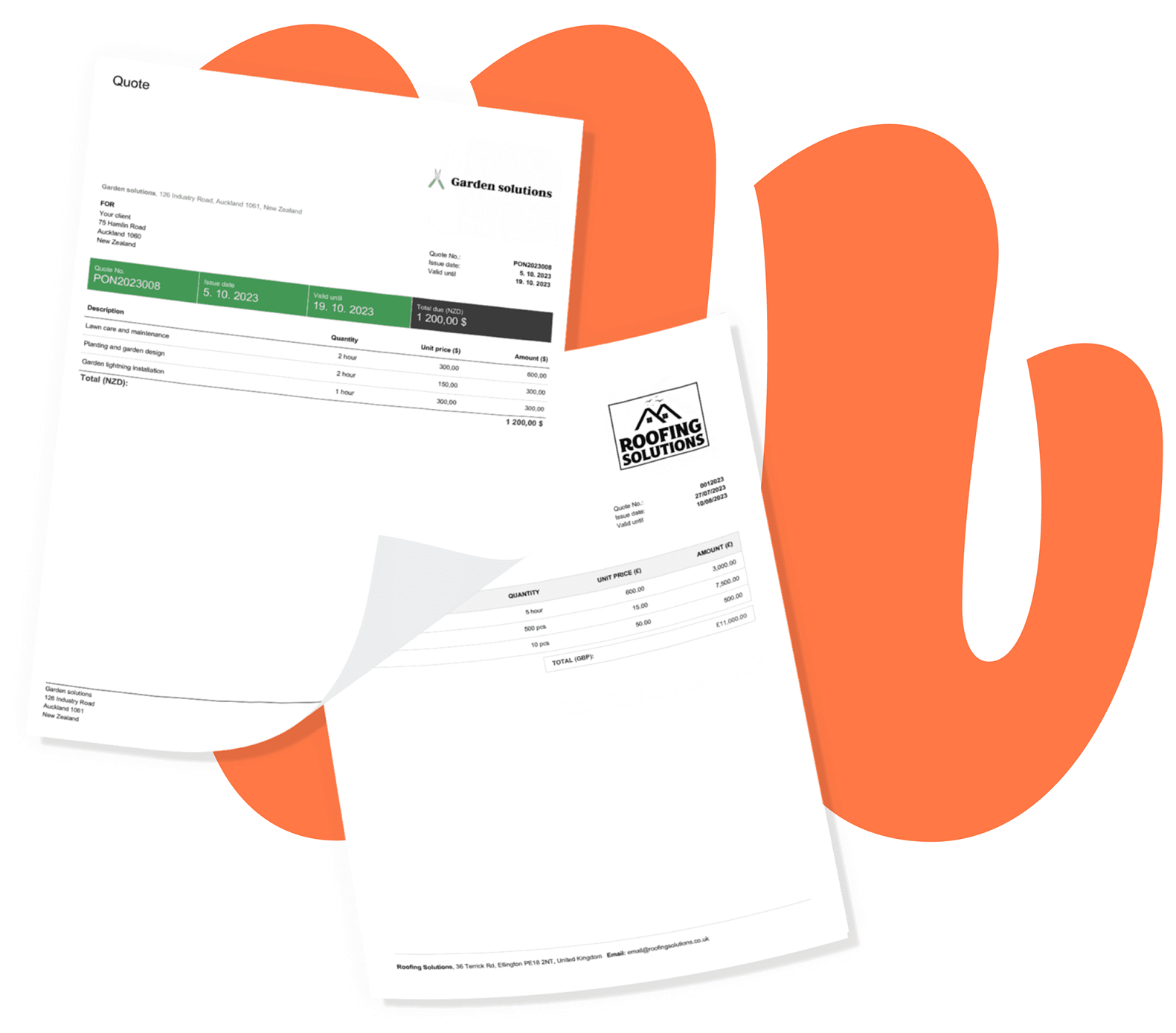
Quote number – Use a unique reference so both parties can identify the offer. Record revisions clearly and keep the accepted version with the related order and invoice.
Your details and customer details – Include your business name, address, city, postcode or ZIP code, country, email and phone number. Add the customer’s name and corresponding contact details. Include the project or delivery address if it differs, and payment details where relevant to your terms.
Issue date and validity – State when you prepared the quote and how long the offer remains available. Distinguish the validity date from the proposed delivery date or work schedule.
Quoted items and scope – List the goods or services, quantities and units clearly. Explain what the work includes and identify optional items or exclusions separately. A customer should be able to compare the offer with the work they requested.
Prices, discounts and additional charges – Show unit prices, line totals, discounts, applicable tax and the overall amount. Include delivery, equipment or other charges that affect the price. State whether the price is fixed for the described scope or whether particular items remain provisional.
Terms and acceptance – Set out payment terms, any deposit, the delivery or completion arrangements and how the customer can accept the quote. If the scope changes, agree the revised price and terms and retain a record of the change.
Contractor quotation example
For a small installation job, you might quote a fixed price for the specified installation, list materials as separate items, and include a disposal charge if it applies. State the site address, work included, expected completion date and whether access or preparation is the customer’s responsibility.
Use real quantities and agreed prices for the job. The value of the quote comes from the clear scope and terms, not just the total at the bottom.
Working as an independent contractor
An independent contractor supplies services to clients under an agreed arrangement. The work can range from consulting to completing a specific trade assignment. Employment status depends on the actual working relationship and local rules.
If you are becoming a contractor, identify your services and relevant experience, prepare a portfolio or examples, and check the registration, licensing and insurance requirements that apply. Use a written quote to communicate what you will deliver and on what terms.
If the project is still too uncertain for a defined offer, start with an estimate template and explain the pricing assumptions.
Quote, estimate, proforma or invoice
A quote offers a specified price for a defined scope of goods or services. It helps the customer decide whether to proceed and can form part of the agreement once accepted.
An estimate gives an informed approximation when the scope or some costs are still uncertain. Explain what could change and discuss revisions with the customer.
A proforma invoice presents proposed goods, prices and terms in an invoice-style document. It can support approvals or arrangements for advance payment, but it does not replace the required sales or tax invoice.
An invoice requests payment under the agreed terms. Depending on the job, it may cover a deposit, a completed stage or the final balance. Use the accepted quote as a reference and check any agreed changes before preparing the invoice.
Manage your business documents with Billdu
Professional templates are a useful starting point. Billdu also gives you tools to create business documents, keep records organised and manage your invoicing as your business grows.

Mobile and web app
Create invoices directly in the Billdu mobile and web app, keep your documents in one place and access them when you need them. Start with a 7-day free trial and choose the plan that fits your business.

Make payment easier
Add a Pay Now button to invoices created in Billdu so customers can use the online payment options available to your business. Clear payment instructions make the next step easier for customers and help you follow up on outstanding invoices.

Dashboard and documents
Keep invoices, estimates, quotes, delivery notes and other business documents organised in one place. Use the Billdu dashboard to follow your invoicing activity and choose the document tools included in the plan that suits your business.
Manage your business documents with Billdu
Professional templates are a useful starting point. Billdu also gives you tools to create business documents, keep records organised and manage your invoicing as your business grows.
Mobile and web app
Create invoices directly in the Billdu mobile and web app, keep your documents in one place and access them when you need them. Start with a 7-day free trial and choose the plan that fits your business.
Make payment easier
Add a Pay Now button to invoices created in Billdu so customers can use the online payment options available to your business. Clear payment instructions make the next step easier for customers and help you follow up on outstanding invoices.

Dashboard and documents
Keep invoices, estimates, quotes, delivery notes and other business documents organised in one place. Use the Billdu dashboard to follow your invoicing activity and choose the document tools included in the plan that suits your business.
Alternative sources
Got questions?
Download a sample, replace the example information and add your scope, prices, dates and terms. Alternatively, enter the details in our Free Quote Generator and download the completed quotation. Review the document before sending it to the customer.
A price quote is an offer setting out what a seller or service provider will supply and the price and terms for doing so. It usually answers a customer’s request for pricing. Clear descriptions, quantities and conditions help the customer understand the offer.
A quote is used to agree the proposed work and price. An invoice requests payment according to the agreement. They may share customer and item details, but they serve different purposes. A quote does not become a payable invoice simply because it has been accepted; prepare the appropriate invoice when payment is due.
An accepted quote can form a binding agreement. Its effect depends on the wording, how it is accepted, other agreed terms and the applicable law. Keep the scope, price, validity and acceptance process clear, and agree changes with the customer. Calling a document an estimate does not automatically remove contractual or consumer obligations.
A quotation sample is an example showing how a quote is arranged and where its information belongs. You can use a sample as the starting point for your own quote, but replace example names, descriptions, prices and dates before use.
A good contractor quote identifies both parties, explains the scope, itemizes the charges and sets out the total, timing and payment terms. Use a consistent design with your logo and leave enough space for important exclusions or conditions. The customer should understand both the work and the price.
Yes. Use the free Word, Excel or Google Sheets templates on this page, or create a quotation online with our Free Quote Generator. The Billdu app offers a separate 7-day free trial for ongoing document management.