

Free download
Free Pages Invoice Template
A free invoice template for Apple Pages, ready to download and edit on your Mac, iPad or iPhone – no signup and no watermark. Add your business details, logo and line items, then export the invoice as a PDF to send. Choose a design below, or create one automatically with the free invoice generator.
Best features of a Pages invoice template
Pages comes free with every Mac, iPad and iPhone, so a Pages template lets you invoice without buying extra software. The layout is easy to adjust, tables can total your line items, and with iCloud Drive the same invoice is available on all your Apple devices. When you’re done, export it as a PDF, which any customer can open on any device.
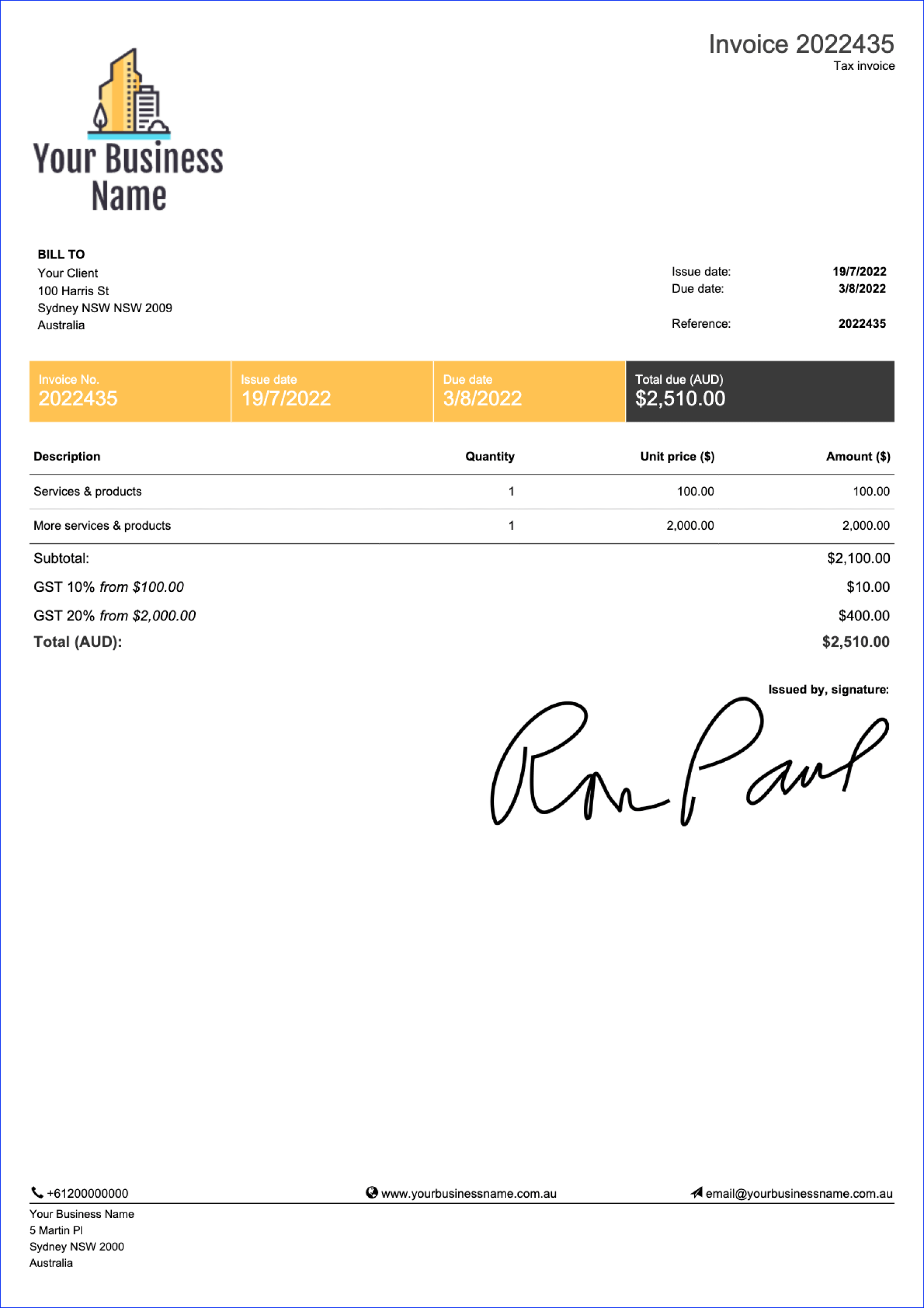
Stripe Template
Download template for free:
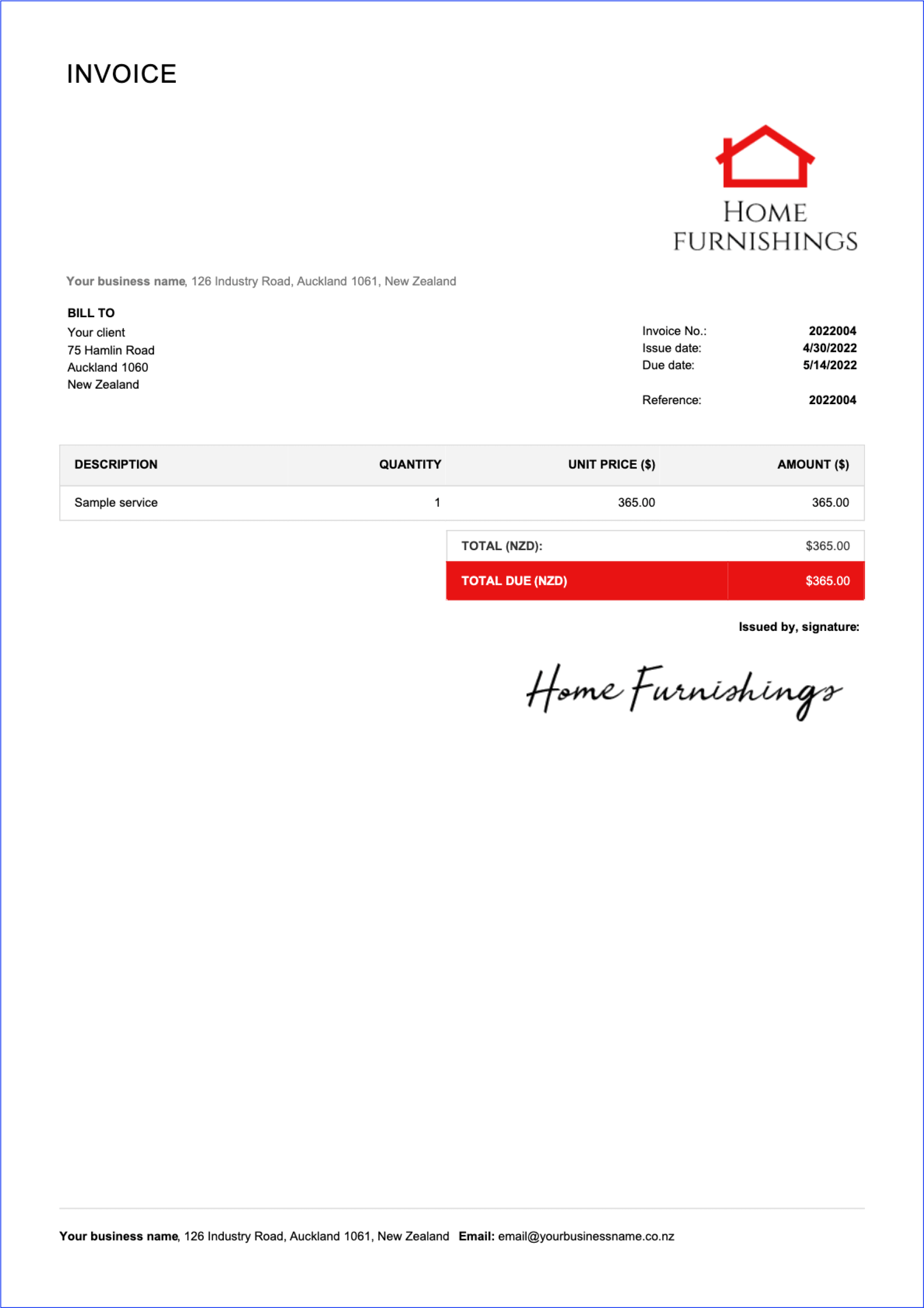
Classic Template
Download template for free:
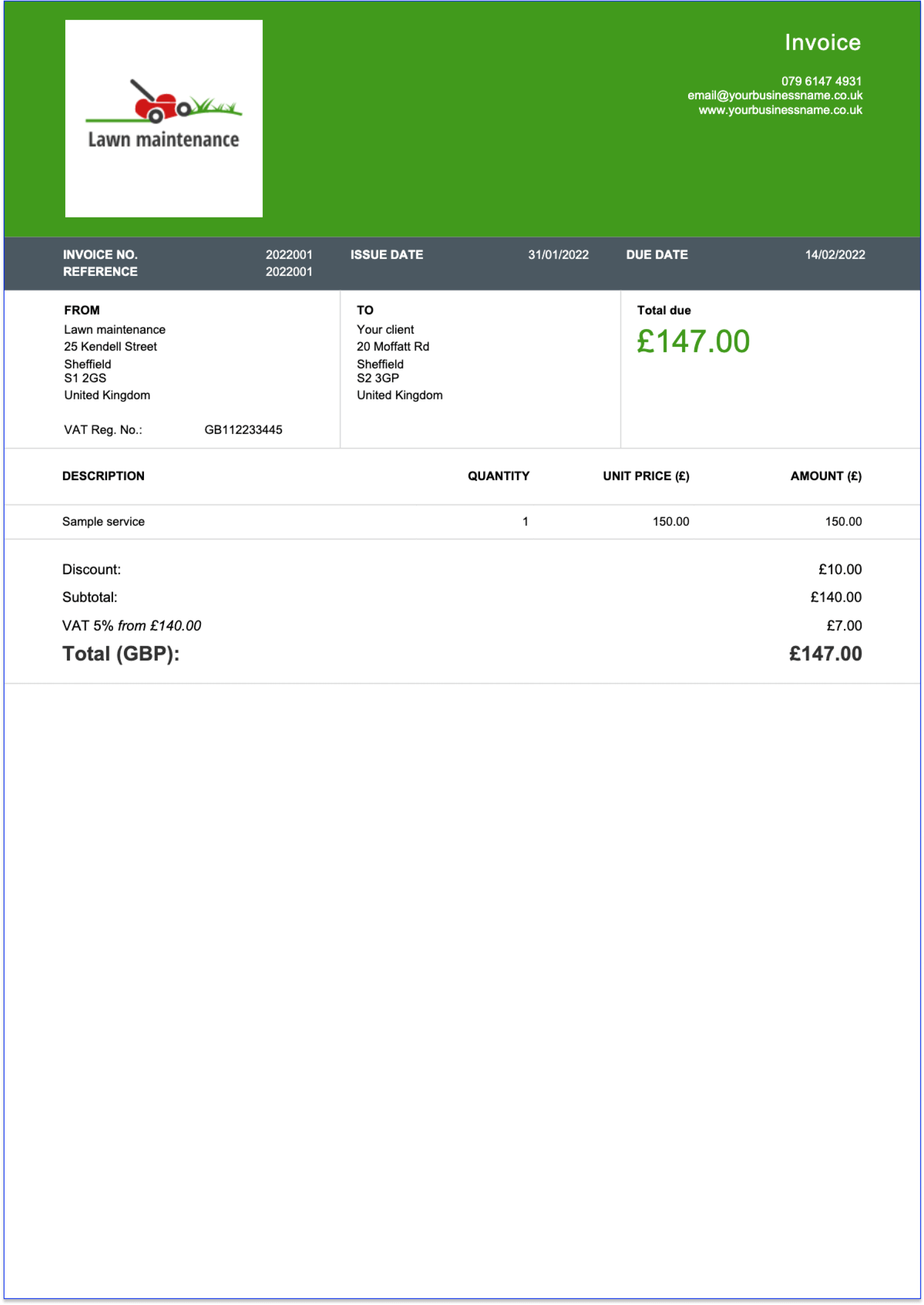
Modern Template
Download template for free:

Simple Template
Download template for free:
Try the Billdu App
Start invoicing for free
Create professional invoices in seconds and take them anywhere with the Billdu app.
7-Day Free Trial
Cancel Anytime
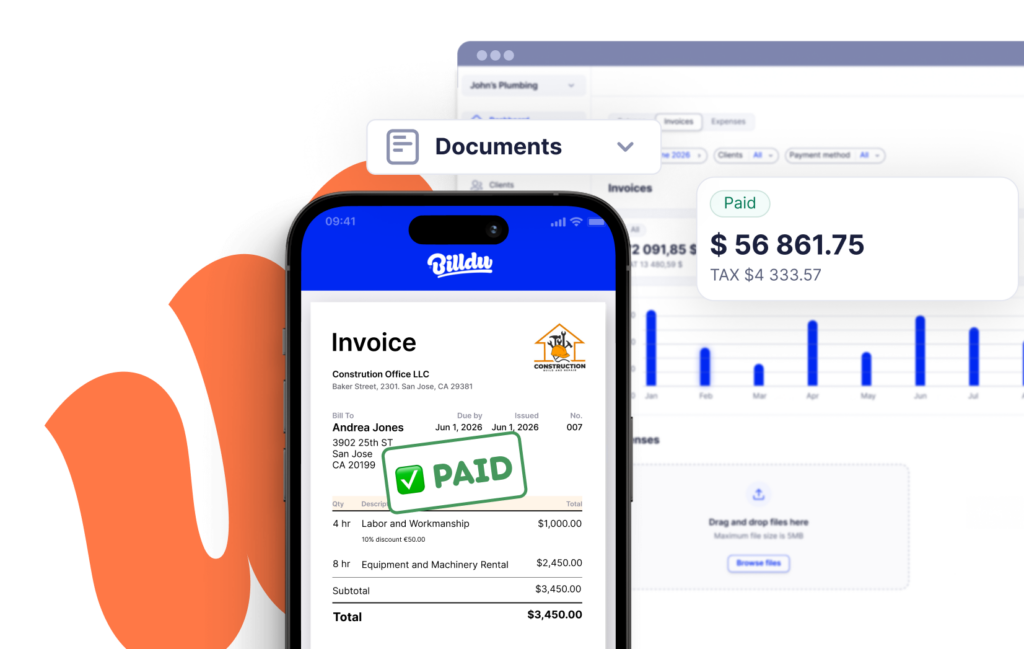
Try the Billdu App
Start invoicing for free
Create professional invoices in seconds and take them anywhere with the Billdu app.
7-Day Free Trial
Cancel Anytime
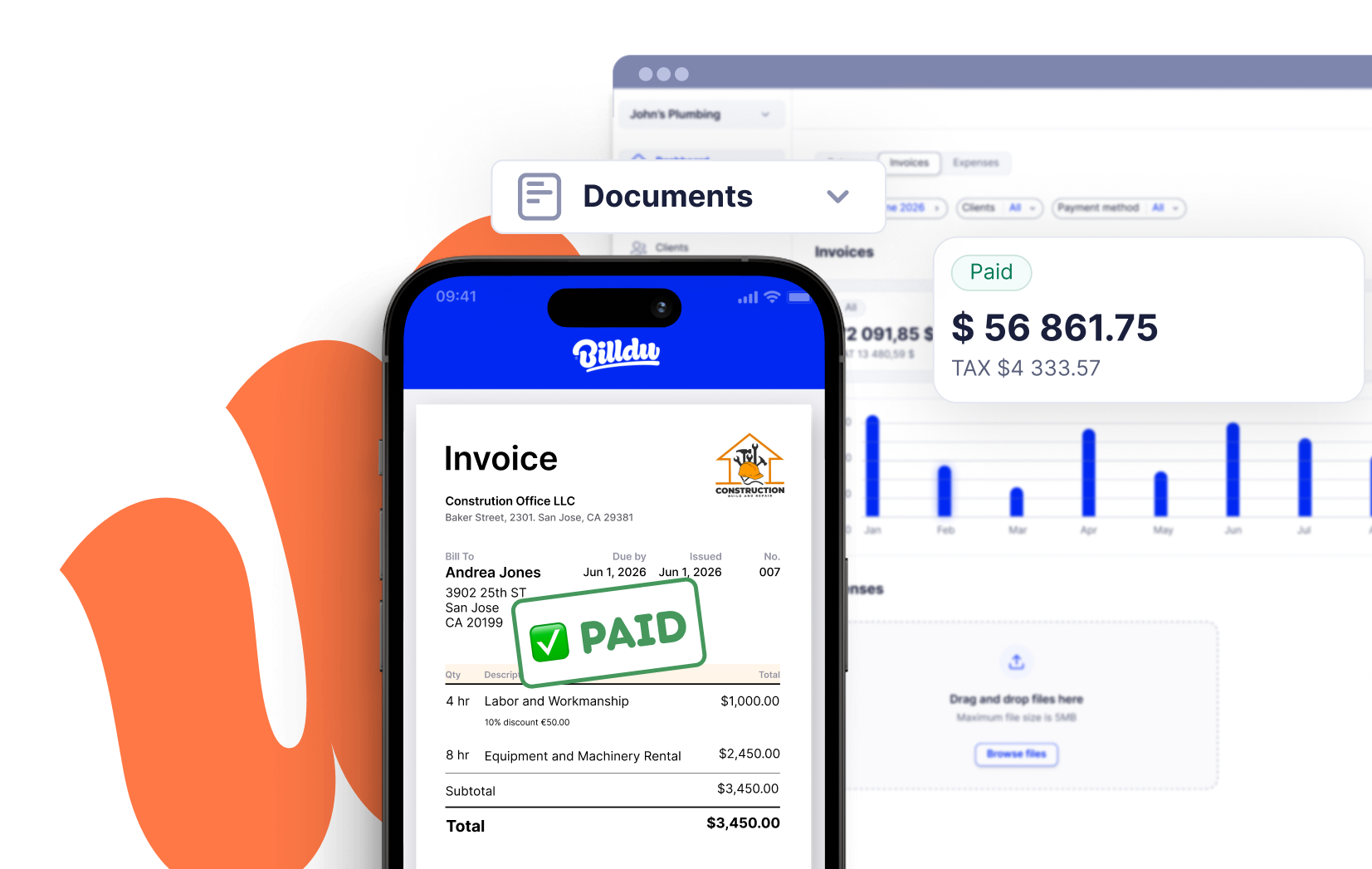
Professional invoice templates
With Billdu, you’re not limited to only Pages templates designed for Mac. We have a variety of templates to choose from, including Word, Excel, PDF and Google Docs. Just choose the format that works for you and give it a go!
Check out our Billdu Templates to download templates directly to your device and start customising them to your needs. They are flexible, easy to handle, and come in a variety of styles to fit your unique brand.
Free online invoice generator
Reduce the time you spend entering repeated details and calculating totals with our free online invoice generator. Choose a design, add the invoice number, your business and customer details, the goods or services, and any applicable tax or discount. Review the totals before you download the finished invoice.
You can also choose any color for your template and add your custom signature. Try it for yourself and create your invoice with our free online generator.
Step by step
How to customize a Pages invoice template effectively
Download the .pages file and open it in Pages on your Mac, or save it to iCloud Drive to open it on your iPad or iPhone. Replace the placeholder text with your business name, address and logo, then add the customer, a unique invoice number, the dates and each item.
Pages tables can calculate for you: select a cell, type = and build a formula that multiplies the quantity by the price or adds up the line totals. When the layout is ready, choose File > Save as Template so every new invoice starts from it, and send each finished invoice with File > Export To > PDF.

Quick & easy
Practical tips for improving your Pages invoice
Use these practical checks to make your Pages invoices clear, complete and easy for customers to pay.
Offer the payment methods your business accepts, such as bank transfer or available online payment options, and explain clearly how the customer should pay.
Save your finished layout with File > Save as Template, so it appears in the template chooser and every invoice starts the same way.
Include the invoice date, the date the goods or services were supplied, and the agreed payment due date.
Use the notes section for important details the customer needs to understand, such as a job reference, agreed adjustment or payment instruction.
Always send a PDF, not the .pages file: customers on Windows or Android can’t open Pages documents without extra steps.
Add your company logo and, where appropriate, a signature so the invoice is recognizable as a document from your business.
Who benefits most from Pages invoices (and when to use other tools)
Pages invoices suit freelancers and small businesses that work on a Mac, iPad or iPhone and send a handful of invoices a month. If your customers or accountant use Windows and need an editable file, an Excel or Word template is easier to share. Once you invoice regularly, want automatic payment reminders or need to send invoices on the go, an invoicing app such as Billdu for iPhone and iPad creates, sends and tracks invoices for you.
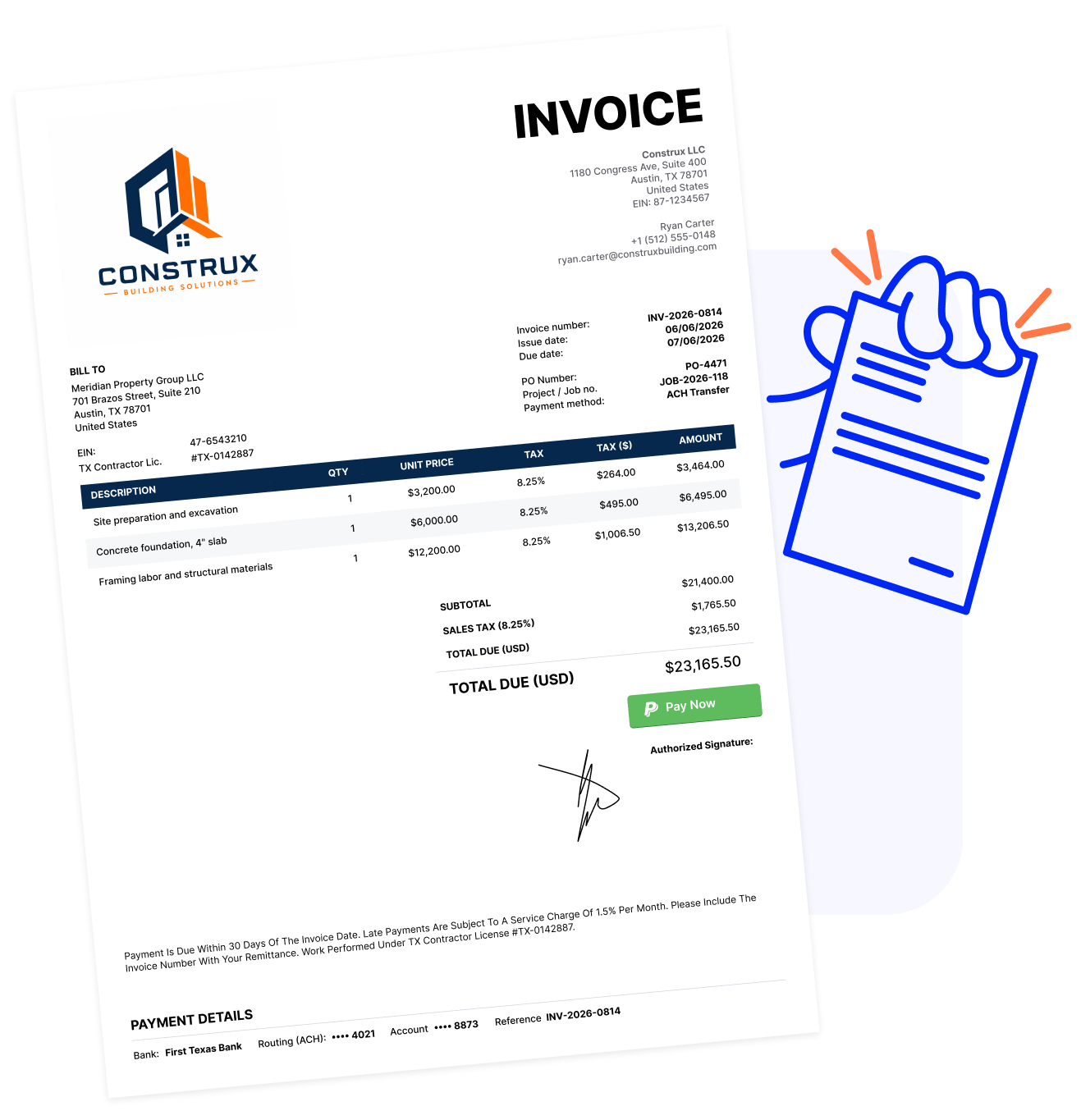
What to include in a professional invoice (quick checklist)
An invoice template gives your billing a consistent structure and helps you track what was supplied for each job. Include your business details, a unique invoice number, and the following information so the customer can understand and pay the invoice:
Issue date, due date
Customer details
A clear description of goods or services provided
Itemized line items
Tax, discounts, and the total cost
Add your bank and account information for transfers, and make payment terms clear so clients know exactly when and how to pay
Do more with the Billdu app
Do you want to do more than just generate documents with simple invoice templates? Is your business growing and do you want to keep it organized? The Billdu mobile and web app can help you with all of that.

Mobile and web app
Create invoices directly in the Billdu mobile and web app, keep your documents in one place and access them when you need them. Start with a 7-day free trial and choose the plan that fits your business.

Make payment easier
Add a Pay Now button to invoices created in Billdu so customers can use the online payment options available to your business. Clear payment instructions make the next step easier for customers and help you follow up on outstanding invoices.

Dashboard and documents
Keep invoices, estimates, quotes, delivery notes and other business documents organised in one place. Use the Billdu dashboard to follow your invoicing activity and choose the document tools included in the plan that suits your business.
Do more with the Billdu app
Do you want to do more than just generate documents with simple invoice templates? Is your business growing and do you want to keep it organized? The Billdu mobile and web app can help you with all of that.
Mobile and web app
Create invoices directly in the Billdu mobile and web app, keep your documents in one place and access them when you need them. Start with a 7-day free trial and choose the plan that fits your business.
Make payment easier
Add a Pay Now button to invoices created in Billdu so customers can use the online payment options available to your business. Clear payment instructions make the next step easier for customers and help you follow up on outstanding invoices.

Dashboard and documents
Keep invoices, estimates, quotes, delivery notes and other business documents organised in one place. Use the Billdu dashboard to follow your invoicing activity and choose the document tools included in the plan that suits your business.
Other invoice template formats
Other template examples
Related Articles
-

What Does a Professional Invoice Look Like?
A professional invoice looks like a one-page document containing nine required fields: invoice number, business and customer details,…
-

7 Top Invoicing Apps for Australian Tradies in 2026
Want to know what the best invoicing apps for tradies in Australia are? For a manual worker, you’ll…
-

How to Start a Used Car Dealership
Thinking about turning your passion for cars into a business? Wondering how to start a used car dealership…
Got questions?
Pages only runs on Apple devices, but you can open and edit a Pages file in a web browser on Windows with Pages for iCloud at iCloud.com, using a free Apple Account. To send an invoice to a Windows user, export it as a PDF first. If you need an editable file on Windows, use our Word or Excel invoice templates.
On a Mac, choose File > Export To > PDF. On an iPad or iPhone, tap the More button, then Export, and choose PDF. A PDF keeps your layout and opens on any device.
Yes. Choose File > Export To > Word and save the .docx file. Check the layout afterwards, as some fonts and spacing can change. You can also start from our Word invoice template.
Yes. Save the .pages file to iCloud Drive or the Files app, and it opens in Pages for iPad and iPhone, which is free on the App Store.
Add a row below the subtotal for each tax rate and use a formula to calculate it, for example the subtotal multiplied by your tax rate. Add the tax to the subtotal to get the total amount due.
Use Pages if you want a designed document with a few line items, and Numbers if your invoices are mostly calculations. Numbers can also open our Excel invoice templates.