

Free download
Free purchase order templates
Download a free purchase order template and tell your supplier what you want to buy. Choose a simple, editable PO format in Word or Excel, use Google Sheets, or create a purchase order online and download it as a PDF.
Free download
Free purchase order templates
Download a free purchase order template and tell your supplier what you want to buy. Choose a simple, editable PO format in Word or Excel, use Google Sheets, or create a purchase order online and download it as a PDF.
Choose your purchase order template
Browse the purchase order samples below and choose a design. Add your business and supplier details, list the items and prices, and enter the delivery requirements. Keep a blank master so you can create a separate order for each purchase.
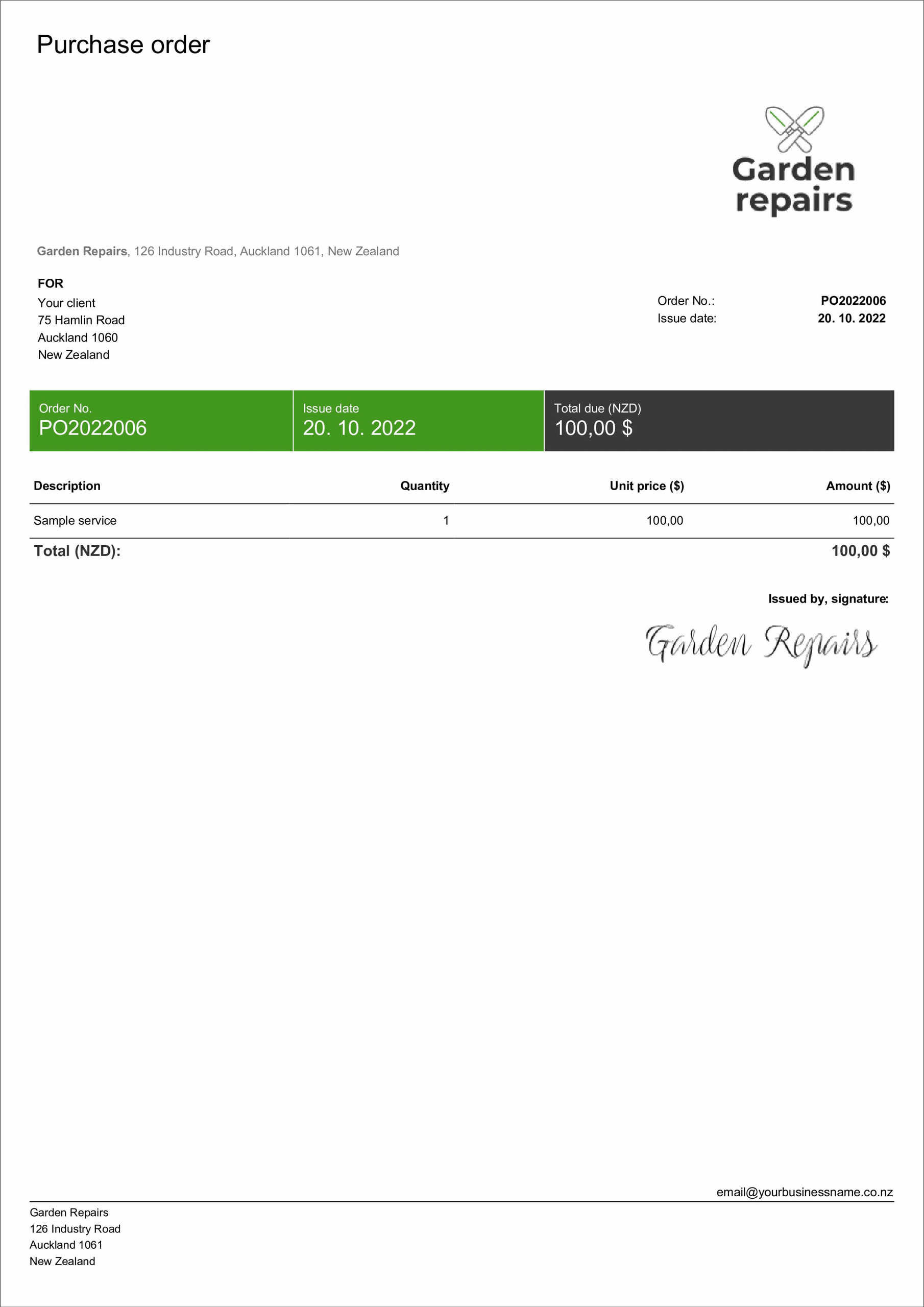
Stripe Template
Download template for free:
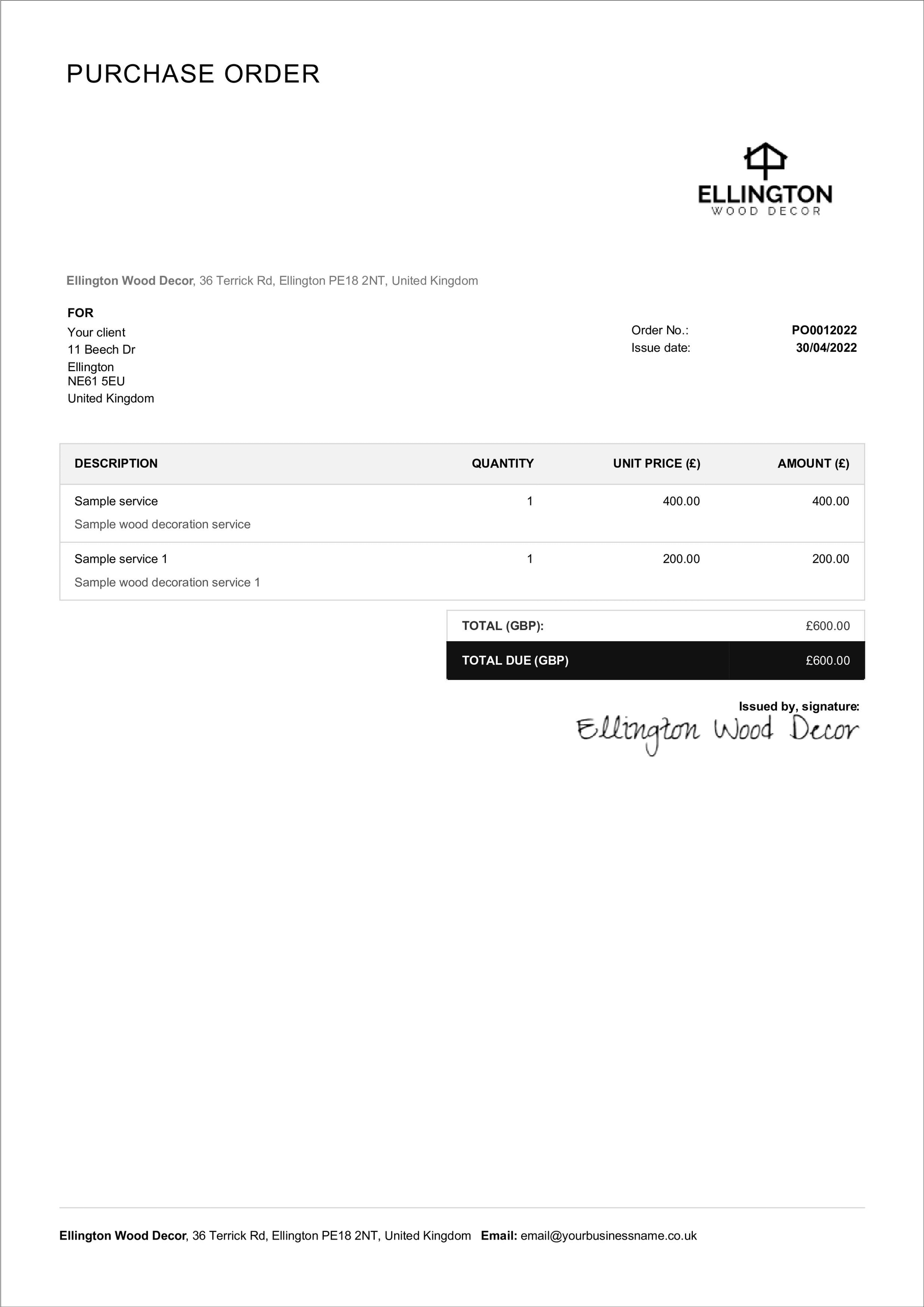
Classic Template
Download template for free:
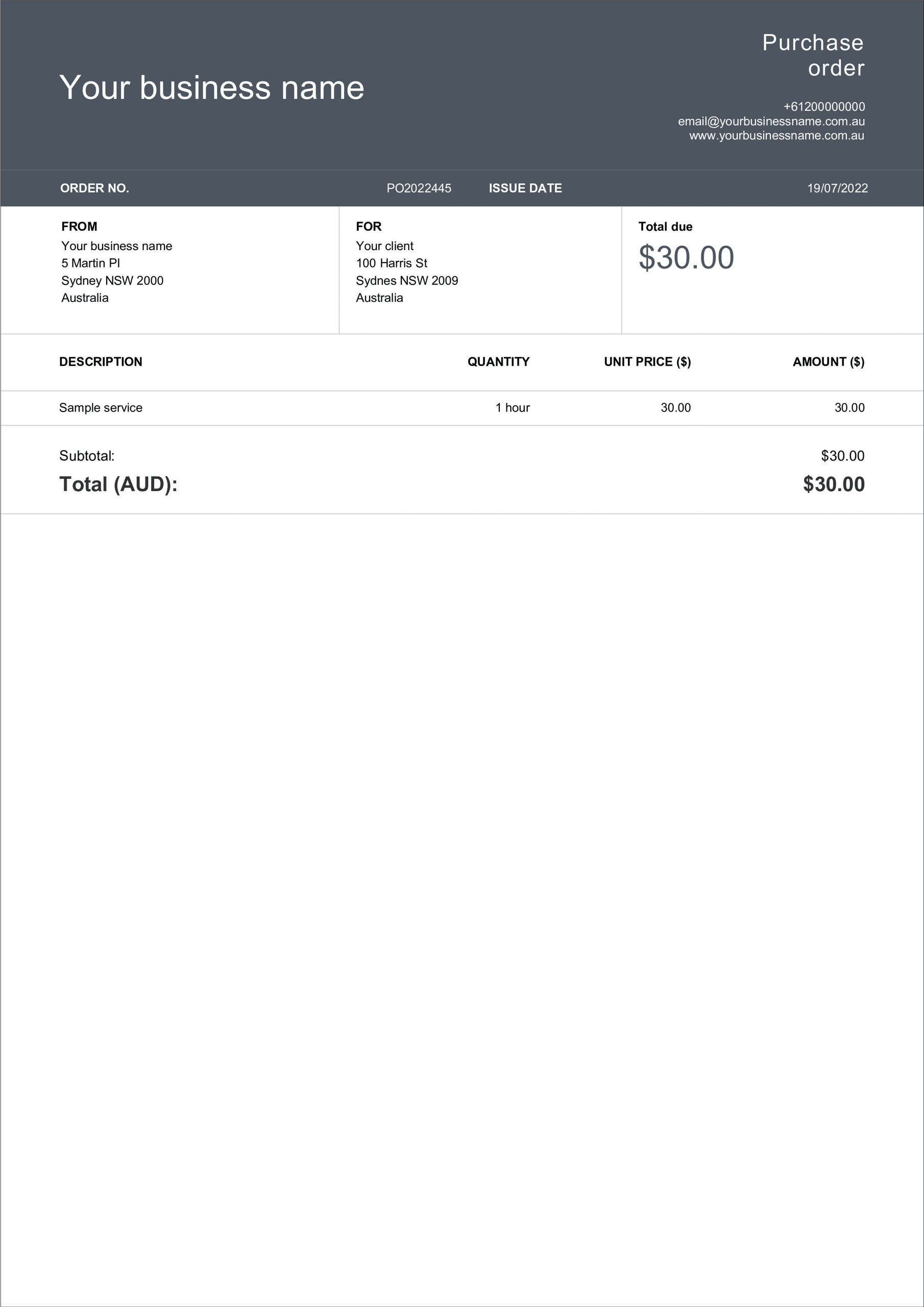
Modern Template
Download template for free:
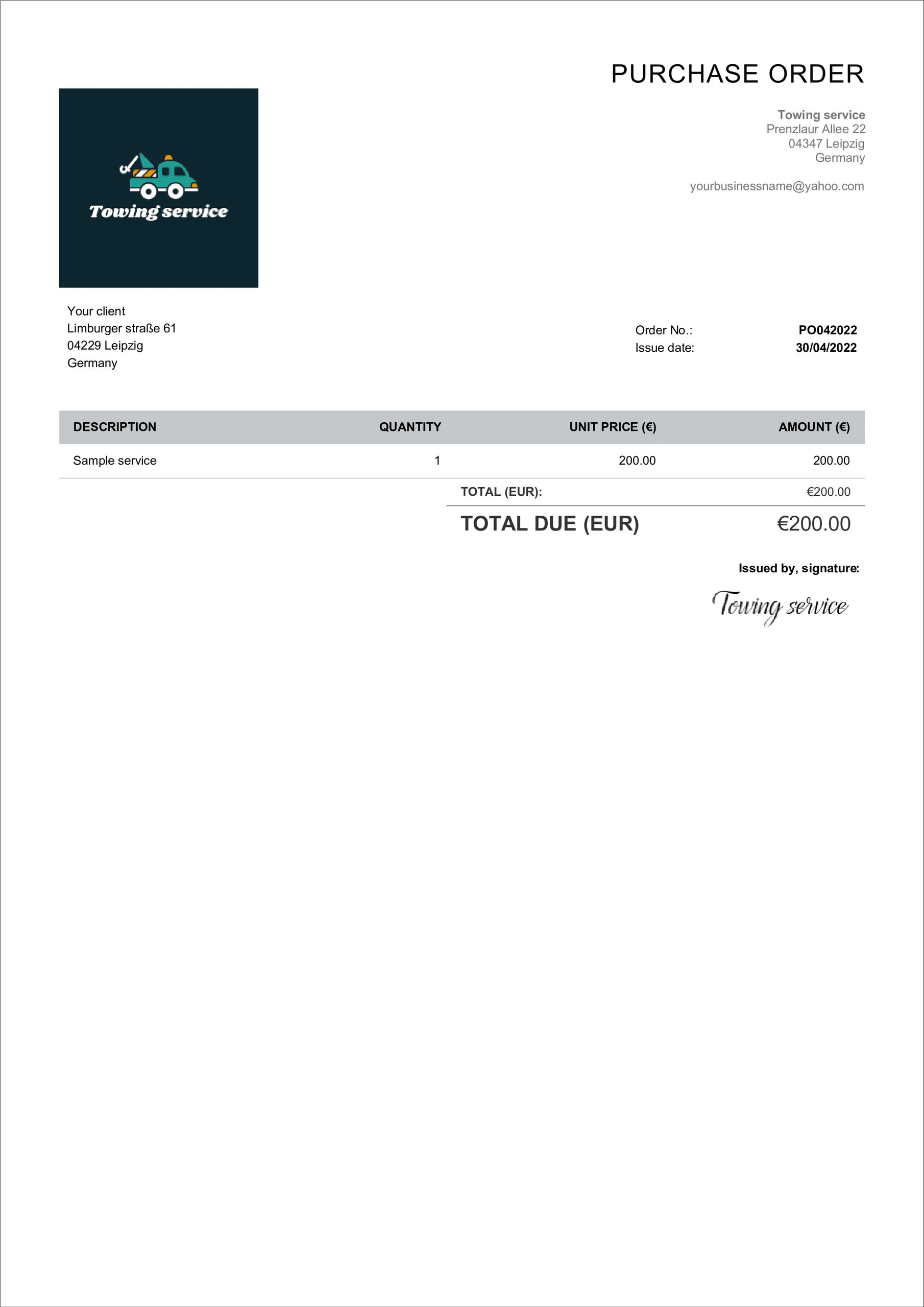
Simple Template
Download template for free:
Purchase order templates in Word, Excel and PDF
Download a free purchase order template in Word when you need a simple form to edit, print or email. Open the .docx file, replace the sample details and adjust the item descriptions. Calculate and check the totals yourself, then export the completed PO as a PDF.
Use Excel to organize quantities, unit prices and totals across several line items. Check any formulas after adding or removing rows, including discounts, delivery charges and applicable tax. Review the print area before exporting or printing.
Make a copy of a Google Sheets template to work in your browser. Enter the order details, review the calculations and download a PDF for your supplier. Keep your blank template separate from completed orders.
Create a purchase order PDF by exporting your Word or spreadsheet file, or by using our online generator. Check that all items, totals and terms are visible. Keep the editable version and the copy you sent so you can track later changes.
Try the Billdu App
Create purchase orders online with Billdu
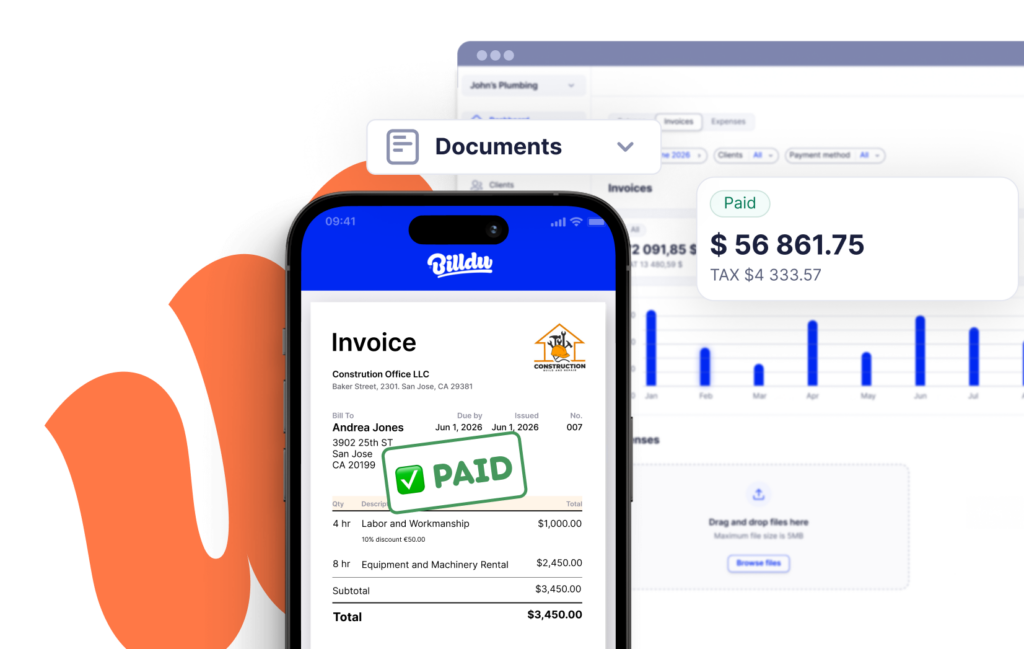
Use the Billdu purchase order generator to prepare an order and download a PDF. For regular document creation, explore the mobile and web app for purchase orders, invoices, estimates, quotes and delivery notes.
7-Day Free Trial
Cancel Anytime
Try the Billdu App
Create purchase orders online with Billdu
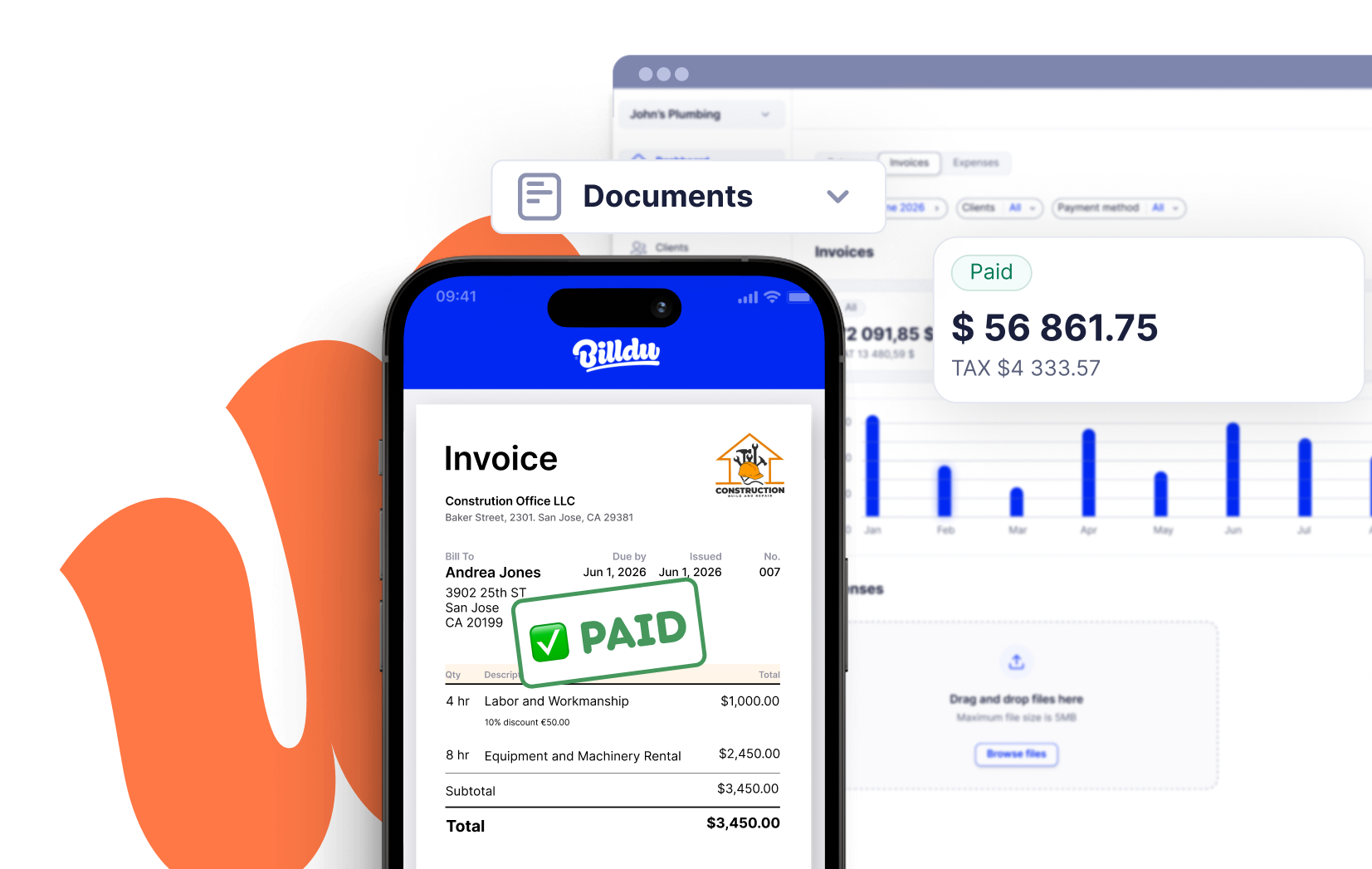
Use the Billdu purchase order generator to prepare an order and download a PDF. For regular document creation, explore the mobile and web app for purchase orders, invoices, estimates, quotes and delivery notes.
7-Day Free Trial
Cancel Anytime
What is a purchase order
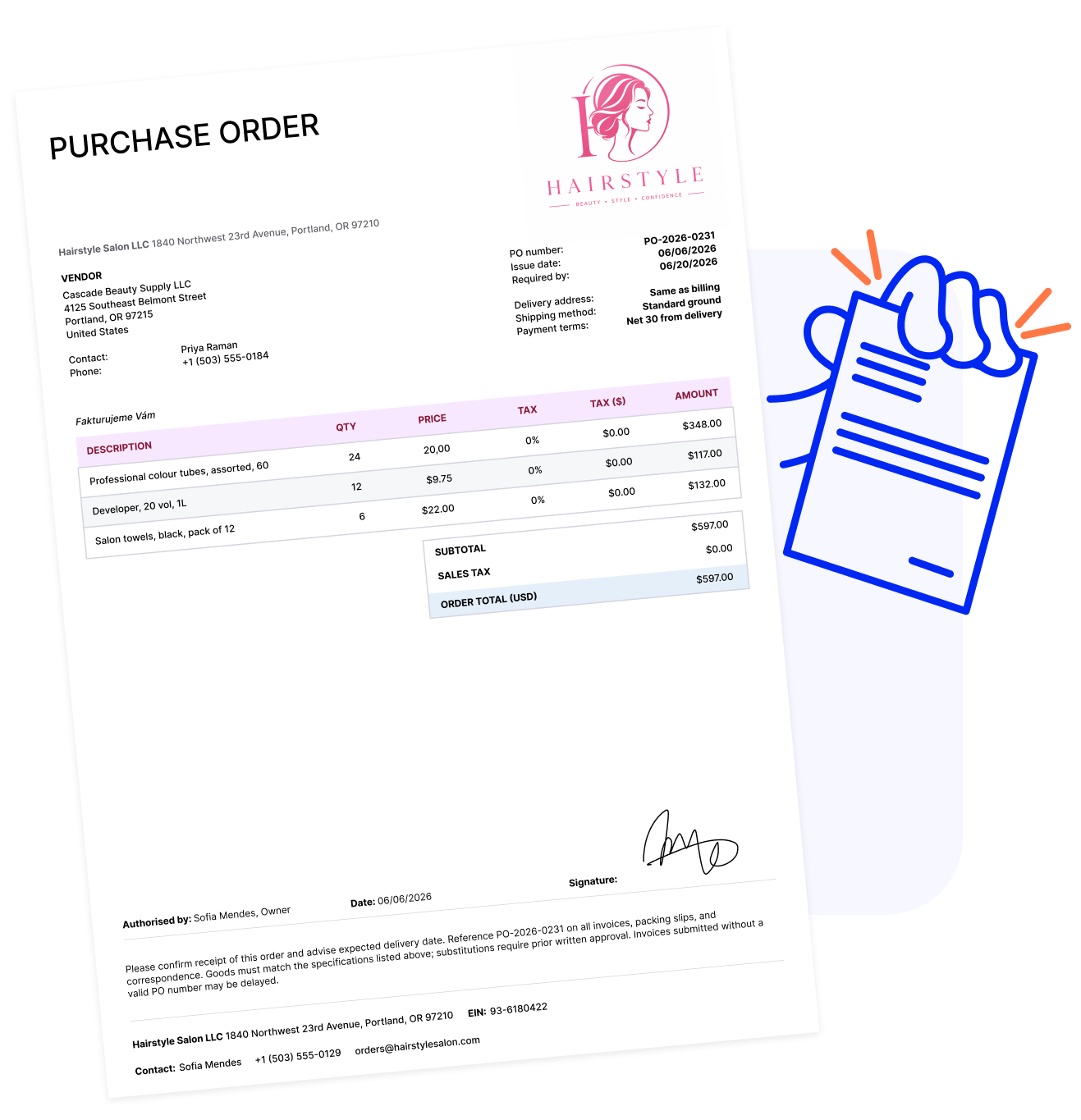
A purchase order, or PO, is a document a buyer sends to a supplier to order goods or services. It records the items, quantities, prices and terms. A unique PO number helps both parties match the order with deliveries, correspondence and invoices.
How to fill out a purchase order
Use this checklist with any of the editable formats above.
- Add buyer and supplier details. Include business names, addresses and contact information, identifying your business as the buyer.
- Identify the order. Enter a unique PO number, the issue date and any related supplier quote, project or contract reference.
- List the purchase. Describe each product or service with its quantity, unit and agreed unit price. Include specifications the supplier needs.
- Check the total. Calculate line amounts, discounts, delivery charges and applicable tax. State the currency and check the final amount.
- Set out delivery and payment details. Add the required delivery date, delivery address, billing address if different, and agreed payment terms.
- Review and send. Obtain any internal approval your business requires, then send the PO and ask the supplier to confirm the order and delivery arrangements.
Save a separate file for each order and keep a numbering log. Retain the supplier’s confirmation and clearly identify any revised version so both parties know which order applies.

Purchase order example
This sample PO lists office supplies. The illustrative prices are in USD before tax and delivery charges; use the actual currency and agreed terms for your order.
|
Item |
Quantity |
Unit price |
Line total |
|---|---|---|---|
|
Notebooks |
20 |
$4.00 |
$80.00 |
|
Pens |
50 |
$1.00 |
$50.00 |
|
Subtotal before tax and delivery |
$130.00 |
Use a reference such as PO 1048. Add the buyer, supplier, required delivery date, delivery address and payment terms. Include any additional charges before calculating the final total.
After you send the purchase order
Confirm availability and delivery arrangements with the supplier. When the goods arrive, check quantities and record any shortages or damage. Compare the supplier’s invoice with the purchase order and the delivery record, resolve differences and pay according to the agreed terms.
Alternative sources
Related Articles
-

What Is Peppol? A Plain-English Guide for Small Businesses (2026)
Peppol is an international network that lets businesses and governments exchange invoices and other documents as structured electronic…
-

Belgium’s B2B E-Invoicing Mandate 2026: Deadlines, Penalties & Who Must Comply
Belgium’s B2B e-invoicing mandate requires every VAT-registered business established in Belgium to send and receive structured electronic invoices…
-

How to Send a Peppol Invoice: A Step-by-Step Guide (2026)
To send a Peppol invoice, you create the invoice as structured data, register a Peppol ID through a…
Got questions?
The buyer issues the purchase order to the supplier. The supplier confirms the order and sends the relevant invoice under the agreed payment terms. Ask the supplier to include your PO number on related documents.
A purchase order places an order for goods or services. An invoice requests payment. The documents may contain similar items and prices, but they have different purposes and should retain their own document numbers.
A quote comes from the supplier and sets out proposed prices and terms. A purchase order comes from the buyer and states what they want to order. Reference the agreed quote and confirm any differences before supply.
You can import the Word file into Google Docs or open it in Pages. Check the item table and page breaks before sending. The Google Sheets versions on the download cards provide a spreadsheet option for browser editing.
Do not assume that it does. Multiply each quantity by its unit price and check the subtotal, discounts, charges and tax before entering the total. Excel can help organize calculations, but review the formulas and final figures.
Discuss the change with the supplier and confirm the revised quantities, prices or delivery terms. Mark the updated version clearly, retain the earlier record and keep the supplier’s confirmation with the order.
They provide a starting point for a standard individual order. Repeated or scheduled purchasing may use planned, blanket or contract arrangements. Record the applicable limits, dates and release instructions clearly rather than relying on the template heading alone.