

Free download
Free invoice templates
Looking for an invoice template you can edit and send to a client? Browse our designs, choose the format that works for you, and create a professional invoice for your business. Use a blank invoice, add an itemized breakdown, or bill for the hours you have worked. Download a template in Word or Excel, work in Google Sheets, or create your invoice online and save the finished document as a PDF.
Free download
Free invoice templates
Looking for an invoice template you can edit and send to a client? Browse our designs, choose the format that works for you, and create a professional invoice for your business. Use a blank invoice, add an itemized breakdown, or bill for the hours you have worked.
Download a template in Word or Excel, work in Google Sheets, or create your invoice online and save the finished document as a PDF.
Choose a free invoice template
Select a design, save your own copy and replace the example information with your business and client details. Keep an untouched master so you can use the same layout for your next invoice.
An invoice template gives you a starting layout. Check the wording, currency, tax fields and calculations before sending it. You can change the colors, add your logo and adjust the line items to match what you sell.
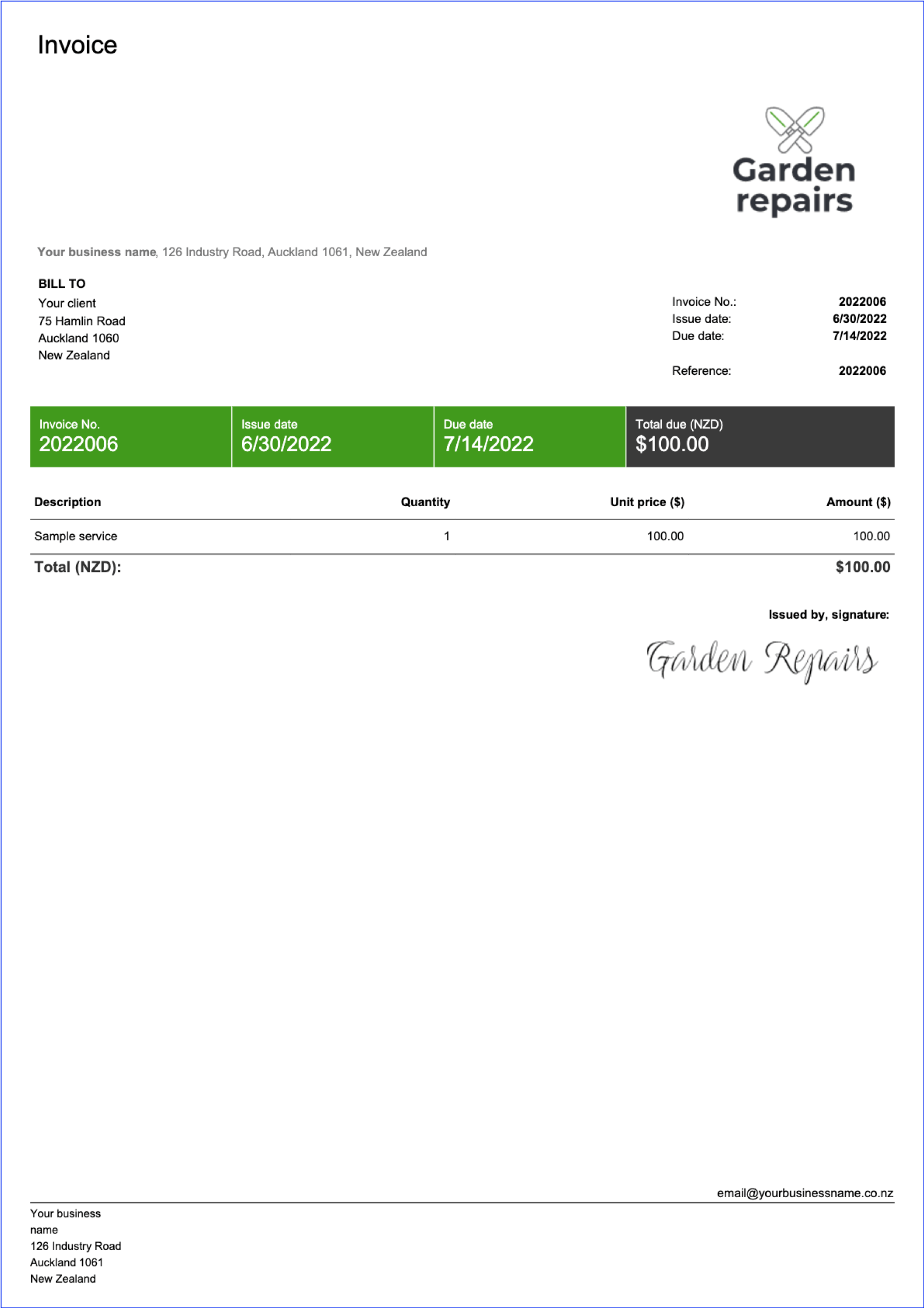
Stripe Template
Download template for free:
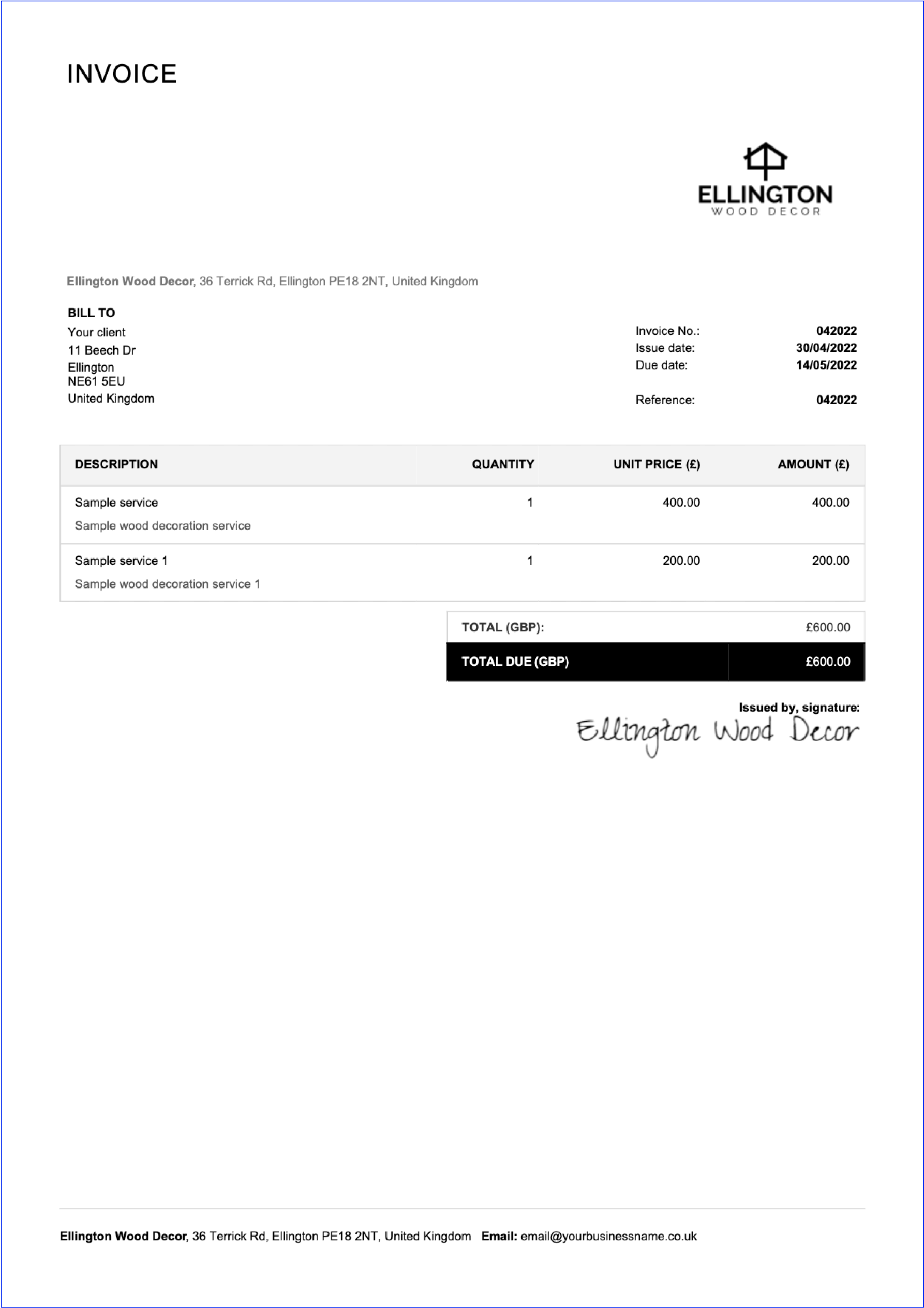
Classic Template
Download template for free:
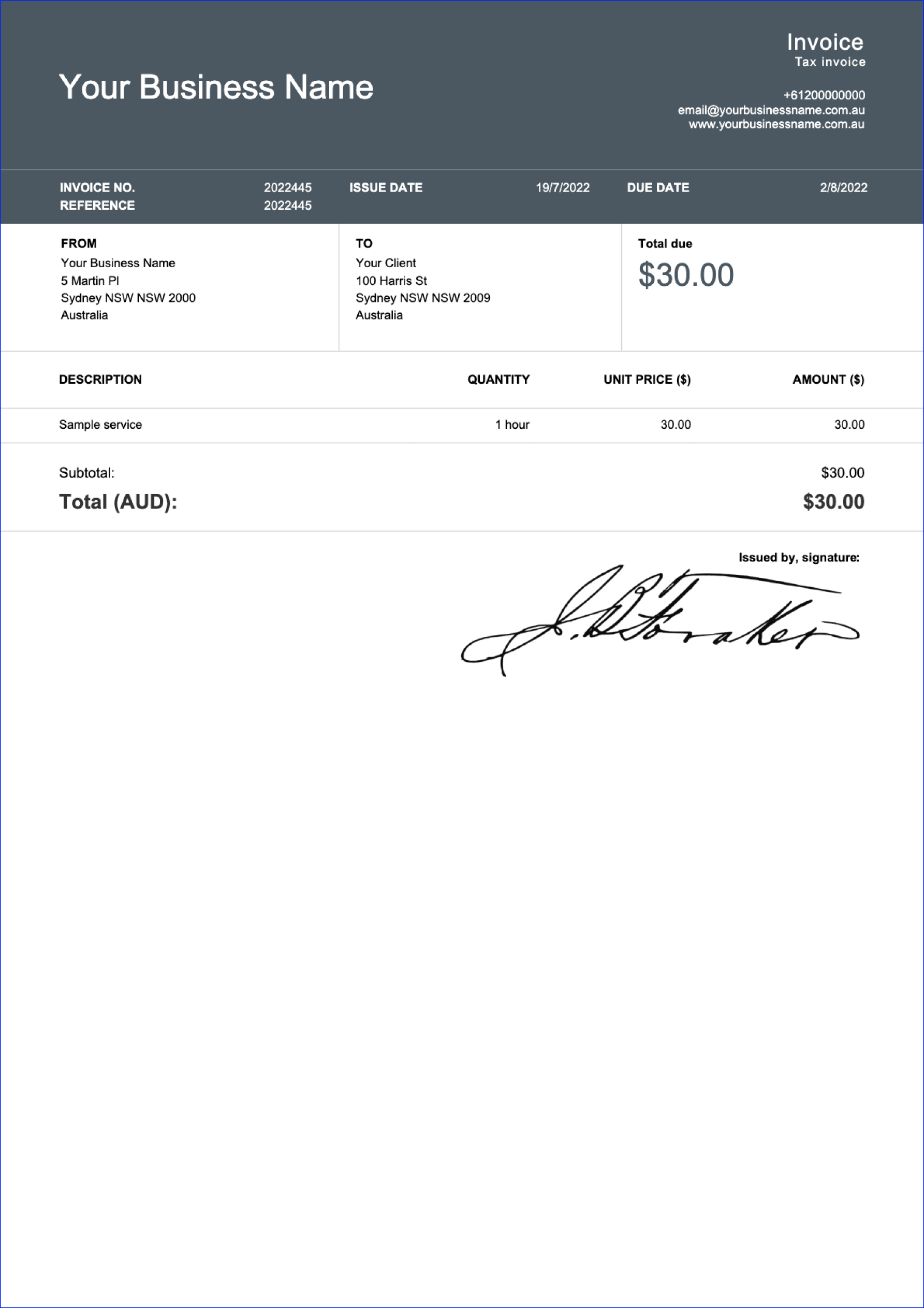
Modern Template
Download template for free:
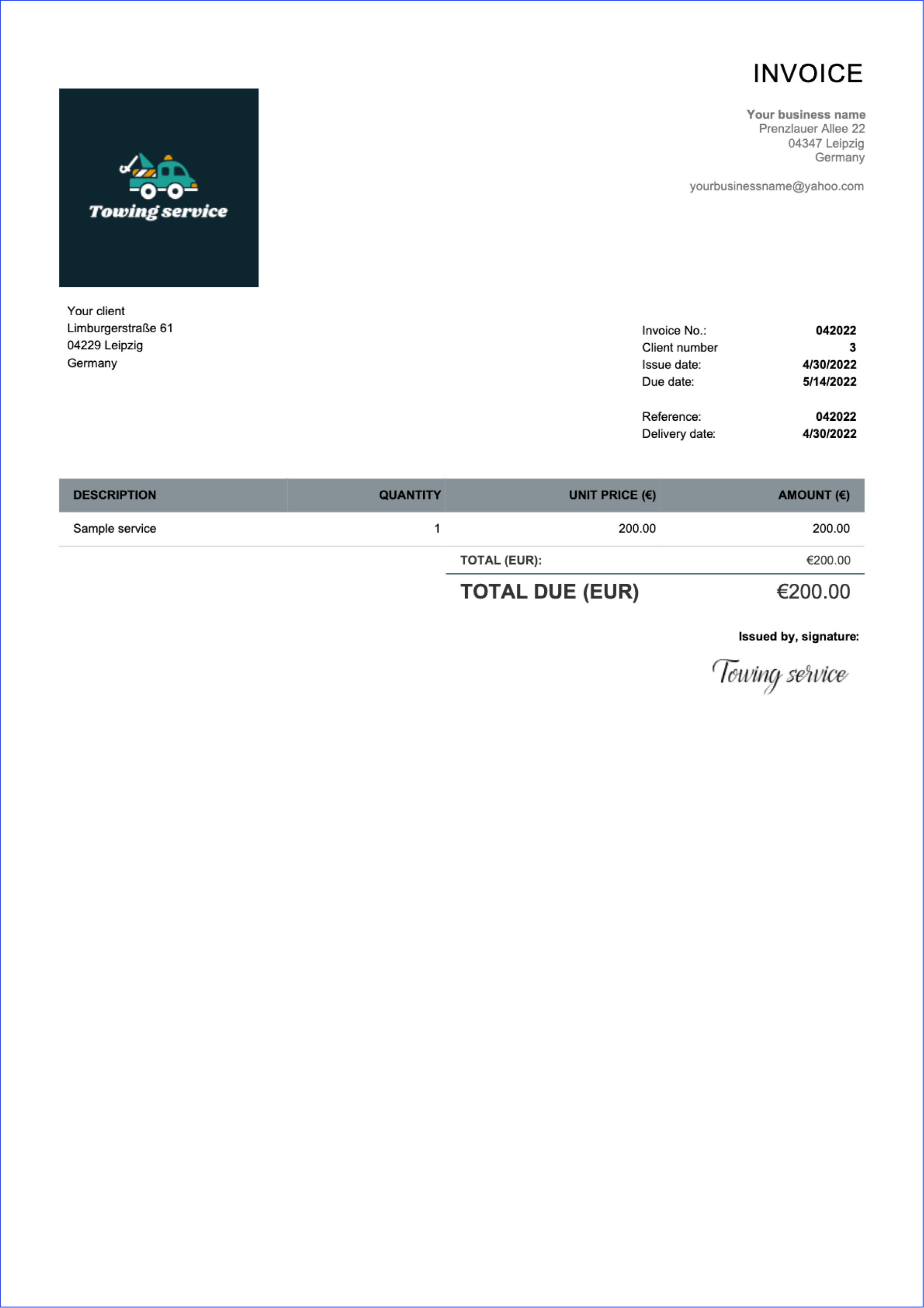
Simple Template
Download template for free:
Find the right invoice for your business
|
What you need |
Where to start |
|---|---|
|
A blank or simple invoice |
Use the blank templates below and add your own products or services. |
|
A detailed cost breakdown |
Use the itemized invoice examples below. |
|
An invoice for time worked |
Use the hourly invoice section below. |
|
A particular editor or file type |
Compare invoice templates by format, including Excel, Google Docs, Google Sheets and Apple Pages. |
|
Word or PDF |
Open the dedicated Word invoice templates or PDF invoice templates page. |
|
Examples for your trade |
Browse invoice templates by profession. |
|
Country-specific details |
See invoice templates by country or our UK invoice templates. |
Blank and simple invoice templates
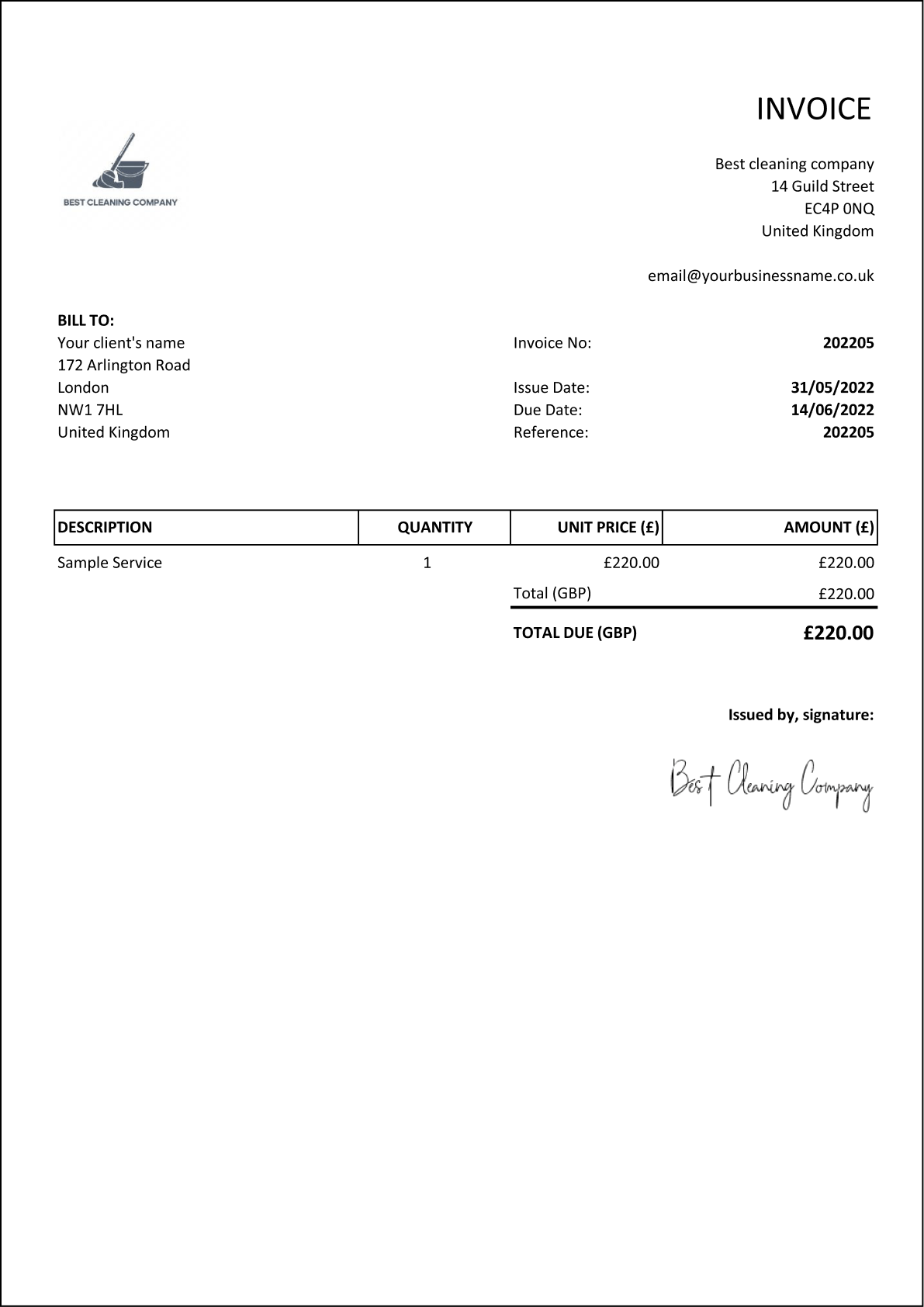
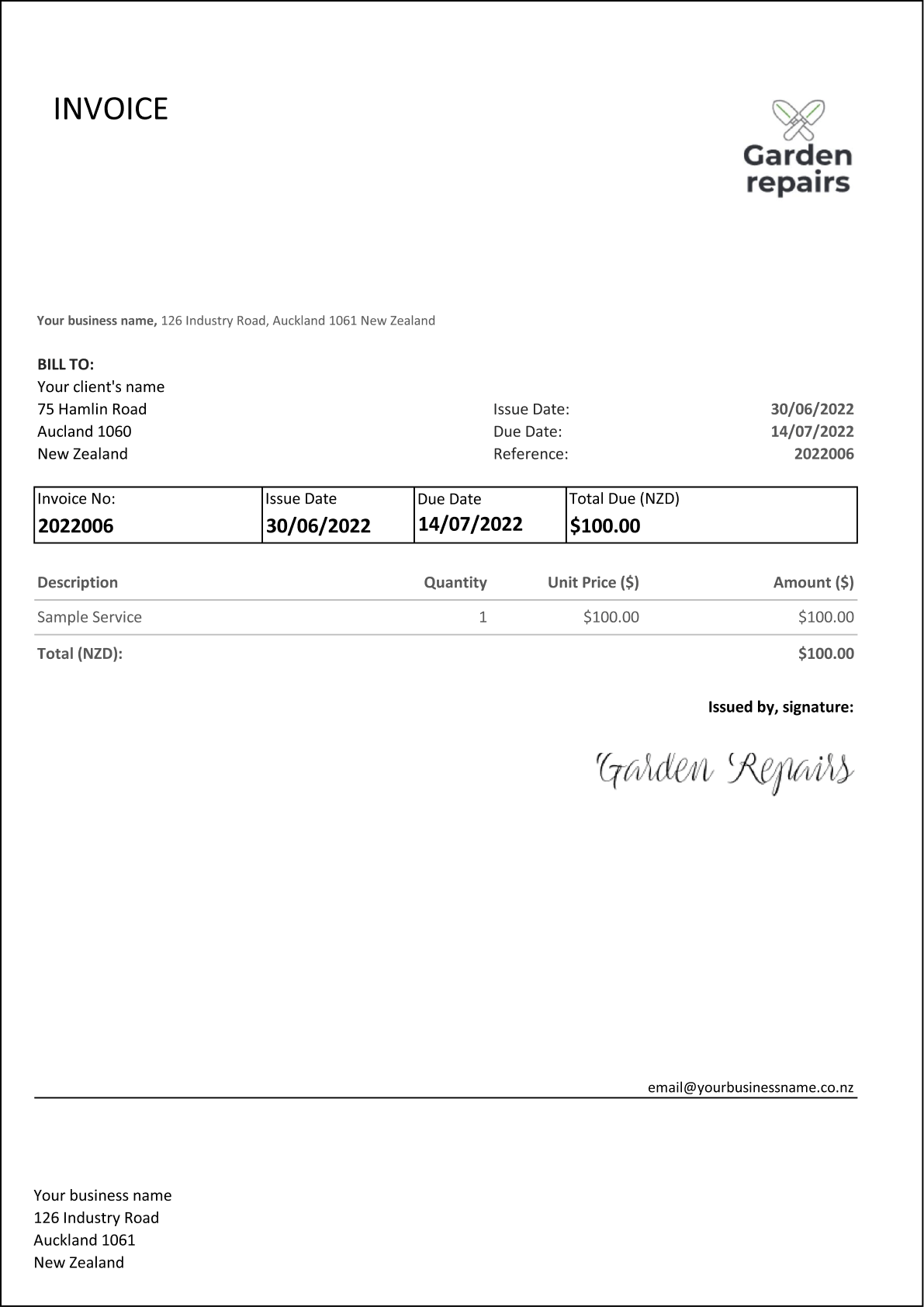
A blank invoice leaves space for your own information without tying the document to a particular profession. It is useful for a first invoice, occasional work, or a business that sells different products and services.
Choose a blank layout in Word, Excel or Google Sheets. Add your name or business name, contact details, customer information, invoice number, dates, line items and payment instructions. Remove example information before you send the document.
A simple invoice can still be complete. Use clear descriptions and show the total prominently, but keep the details your customer needs to understand the charge. Even a one-line invoice should explain what was supplied, the amount due and how and when to pay.
For a printed invoice, preview the page first and leave enough space for the information you need to enter. For an electronic invoice, save a copy of the final document alongside the editable original.
Blank Template 1
Download template for free:
Blank Template 2
Download template for free:
Stripe Template
Download template for free:
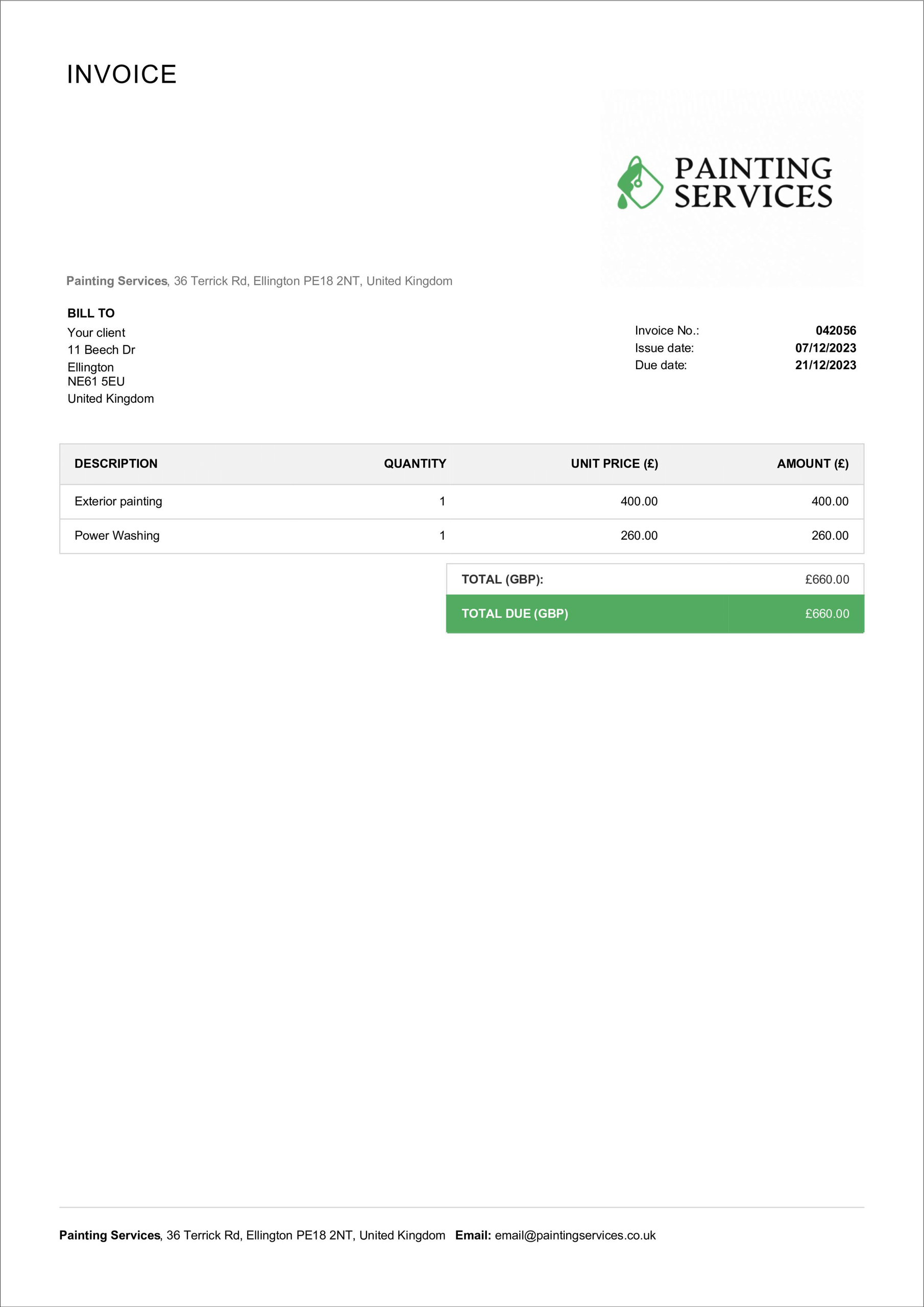
Classic Template
Download template for free:
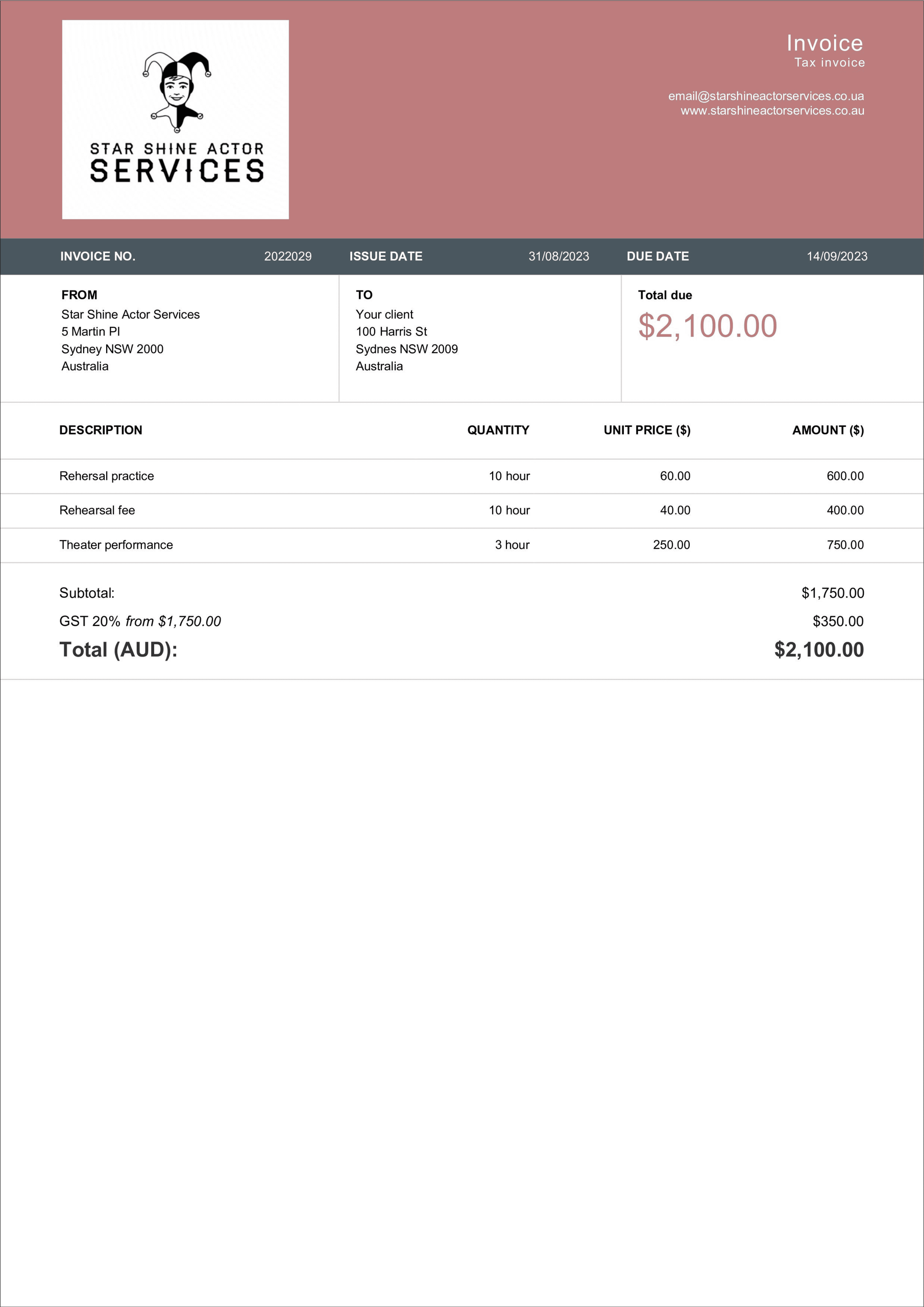
Modern Template
Download template for free:
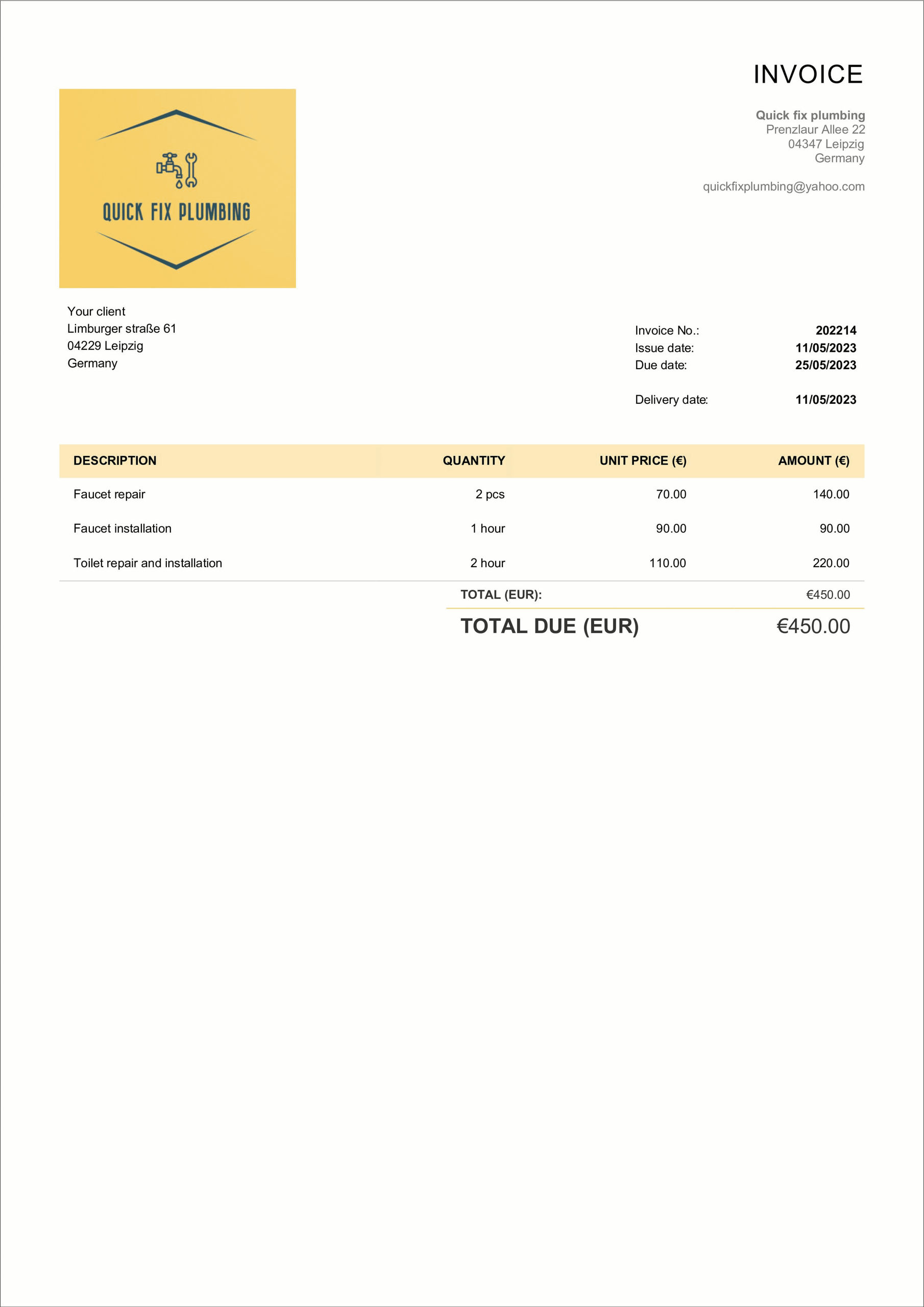
Simple Template
Download template for free:
Itemized invoice templates
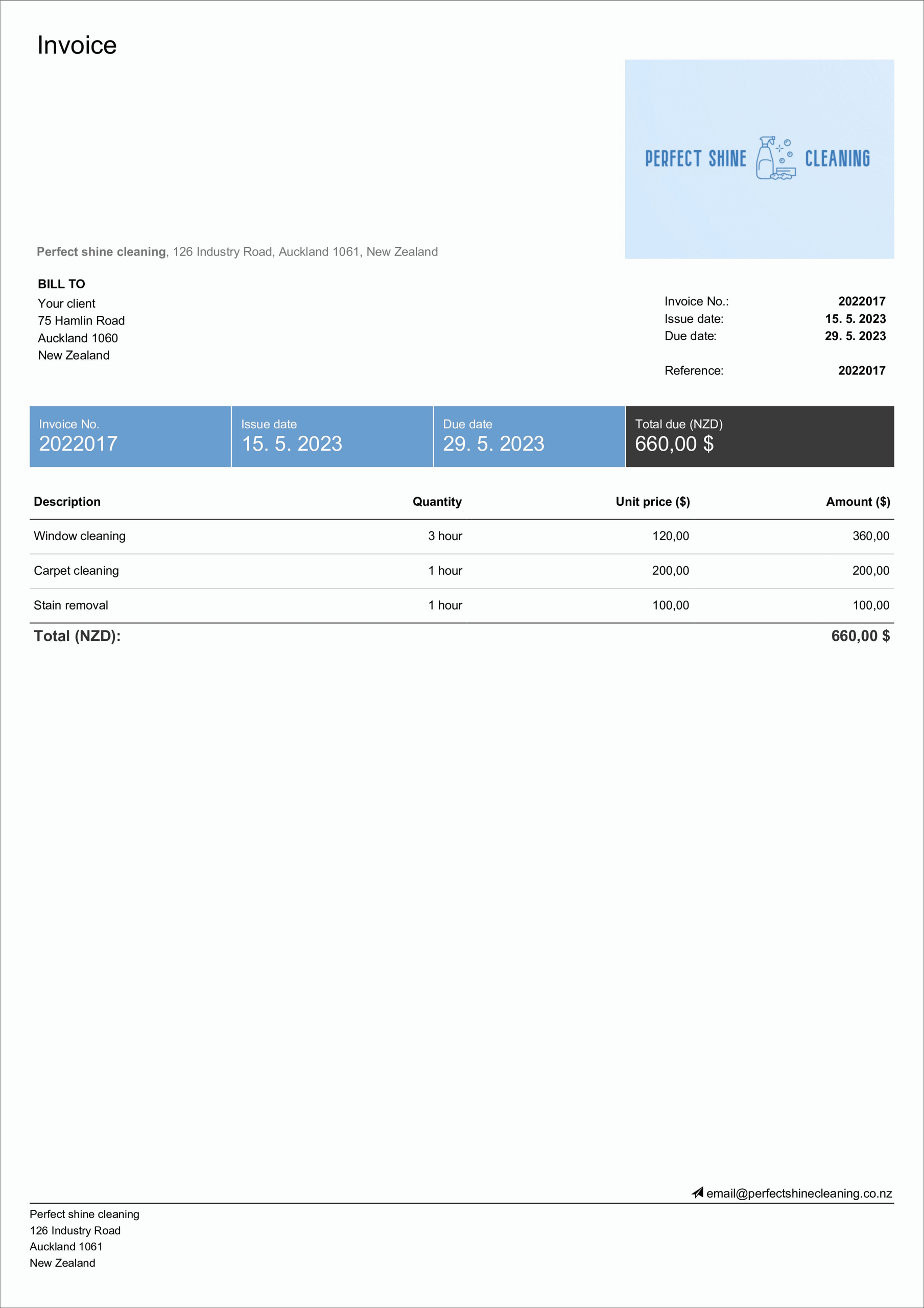
An itemized invoice breaks the bill into separate products, services or expenses. Instead of one unexplained total, your client can see each charge and how the amount was calculated.
Use a separate row for each item. Include a description, quantity or hours, unit price or rate, and line total. Show applicable tax and discounts clearly, then calculate the balance due. If a job includes both time and materials, keep those charges separate.
Attach a timesheet, expense report or other supporting detail when the invoice alone does not explain the work. The total on the attachment should agree with the invoice. Keep any reimbursable expenses consistent with what the client approved.
Hourly invoice templates
An hourly invoice records the time you spent on a job and the rate you agreed with the client. It works for consultants, freelancers, contractors and other businesses that charge by time.
Include the service dates, task descriptions, hours worked and hourly rate. If different tasks have different rates, use separate lines. For ongoing work, state the billing period so the client can match the invoice to the correct week or month.
For time recorded in hours and minutes, convert minutes correctly before multiplying by the hourly rate: 30 minutes is 0.5 hours. Check the hours against your timesheet and identify any additional expenses separately.
You can use the same layout for recurring work. Update the invoice number, issue date, billing period and hours each time, and make sure previous payments are not charged again.
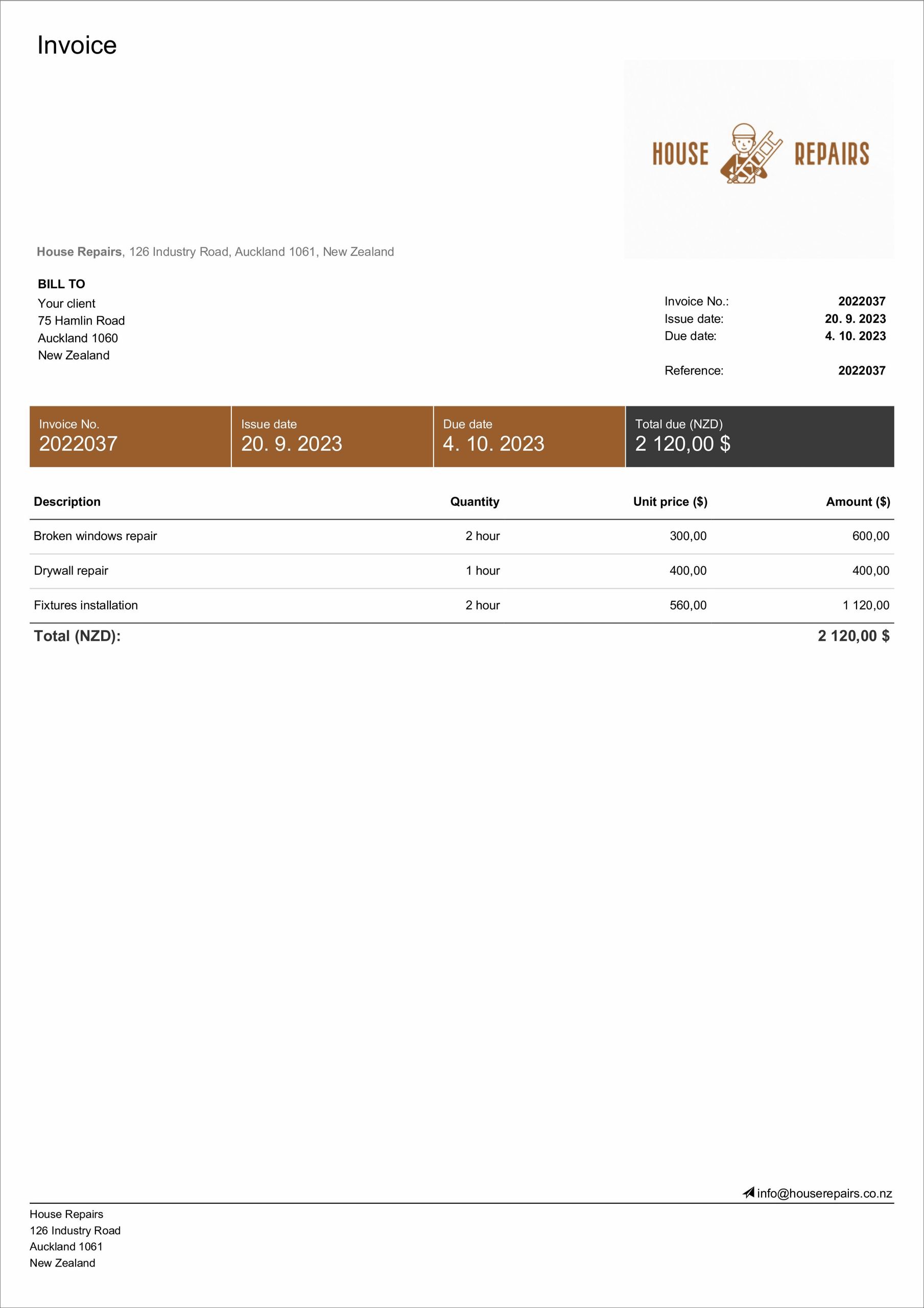
Stripe Template
Download template for free:
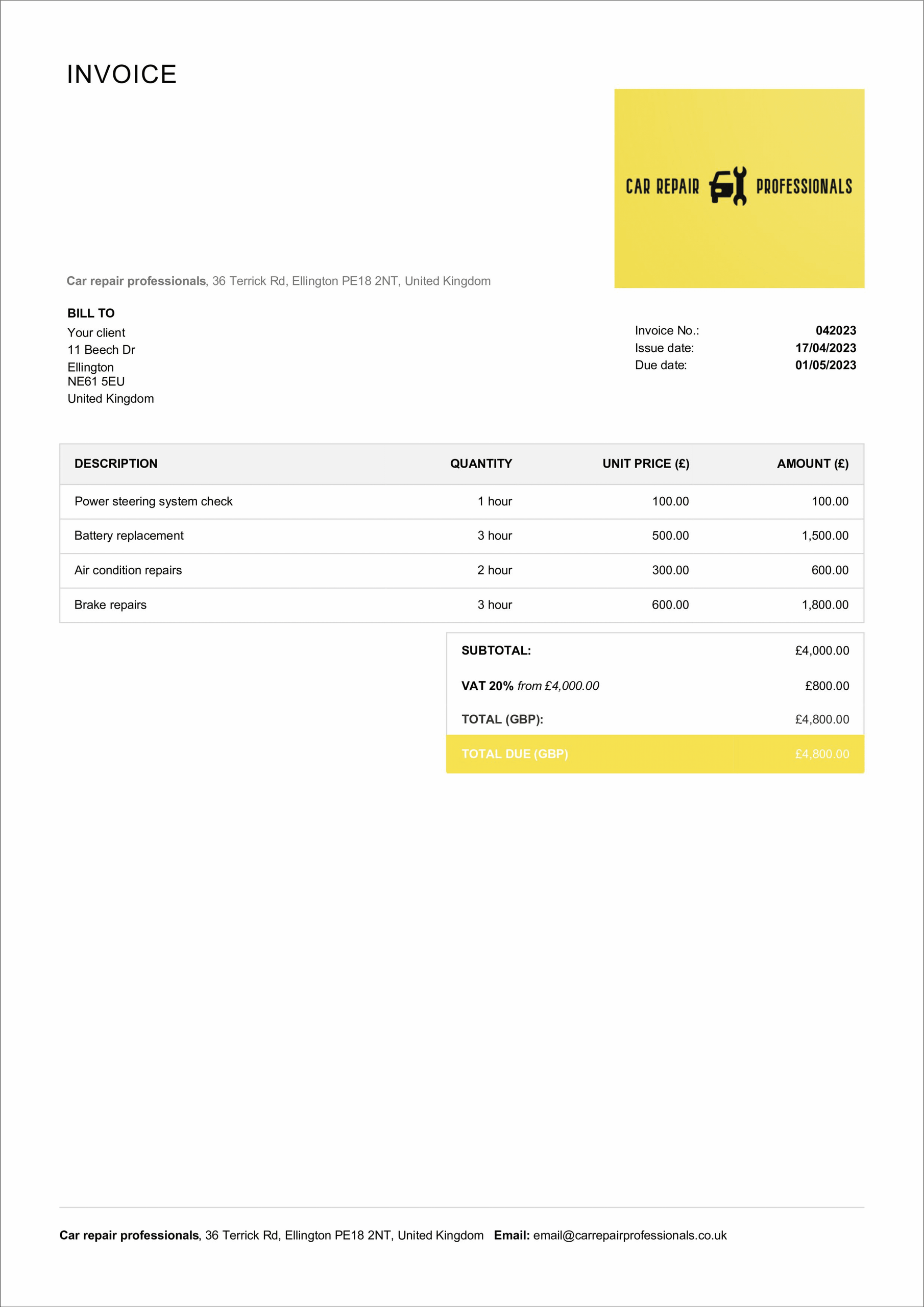
Classic Template
Download template for free:
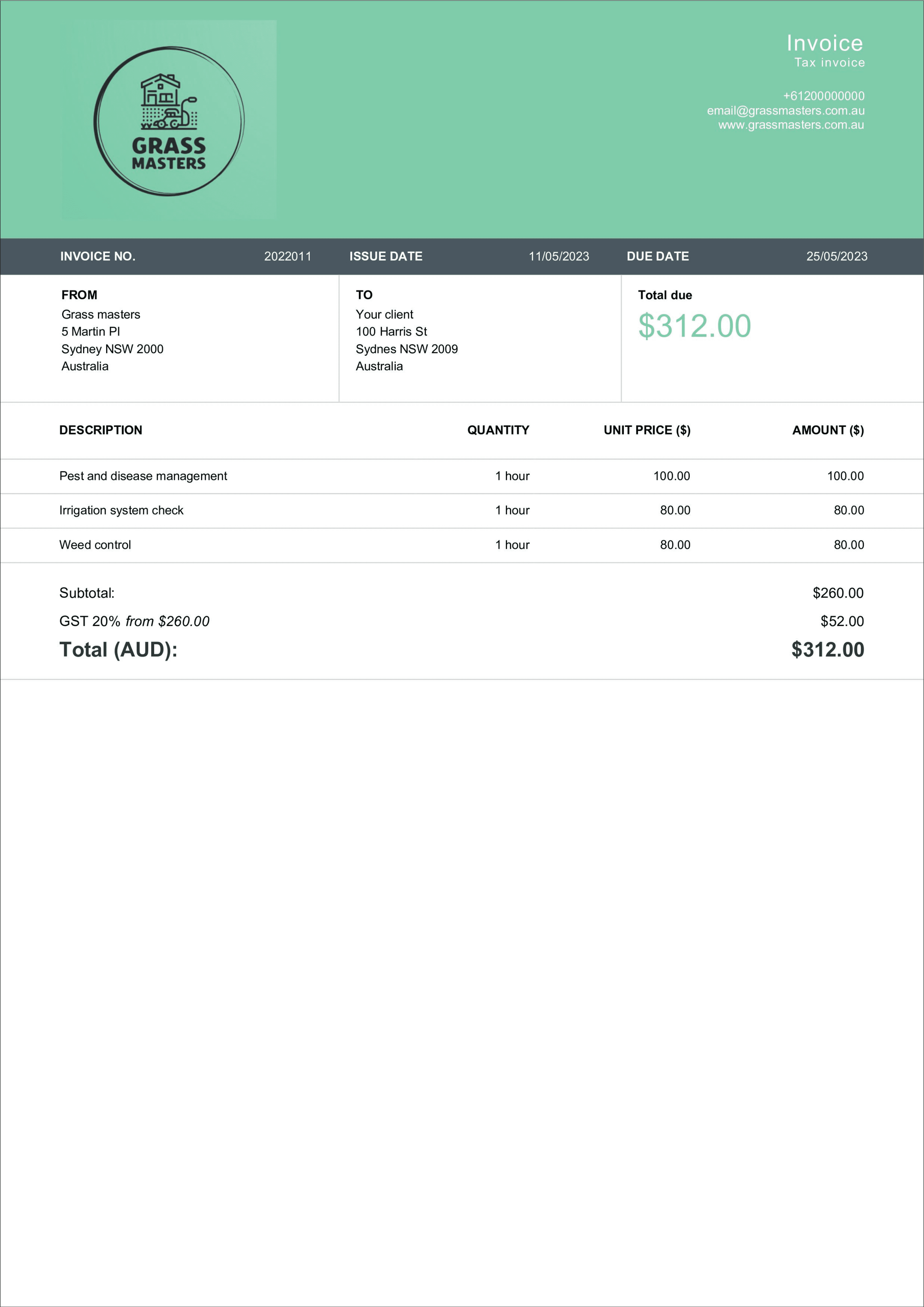
Modern Template
Download template for free:
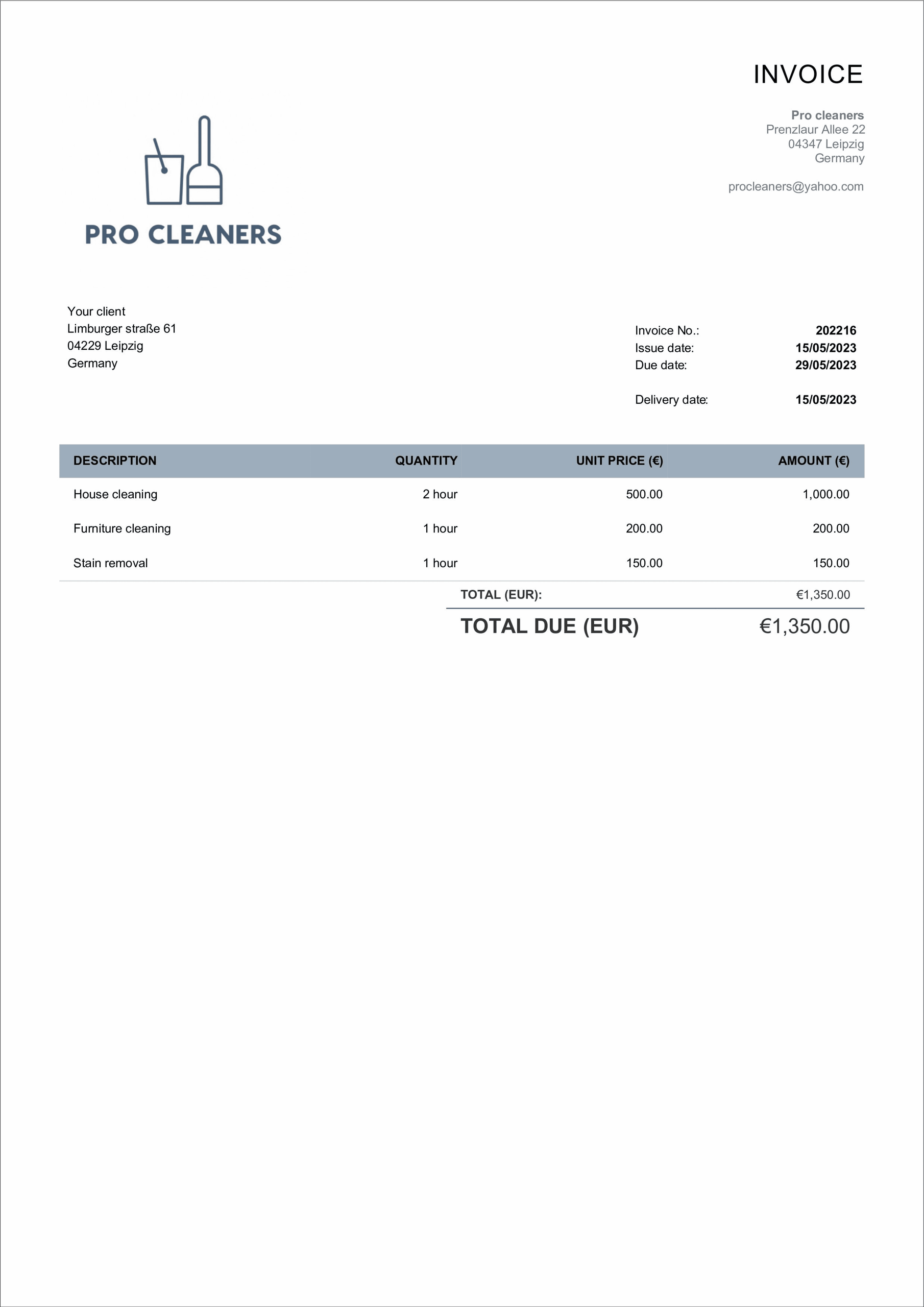
Simple Template
Download template for free:
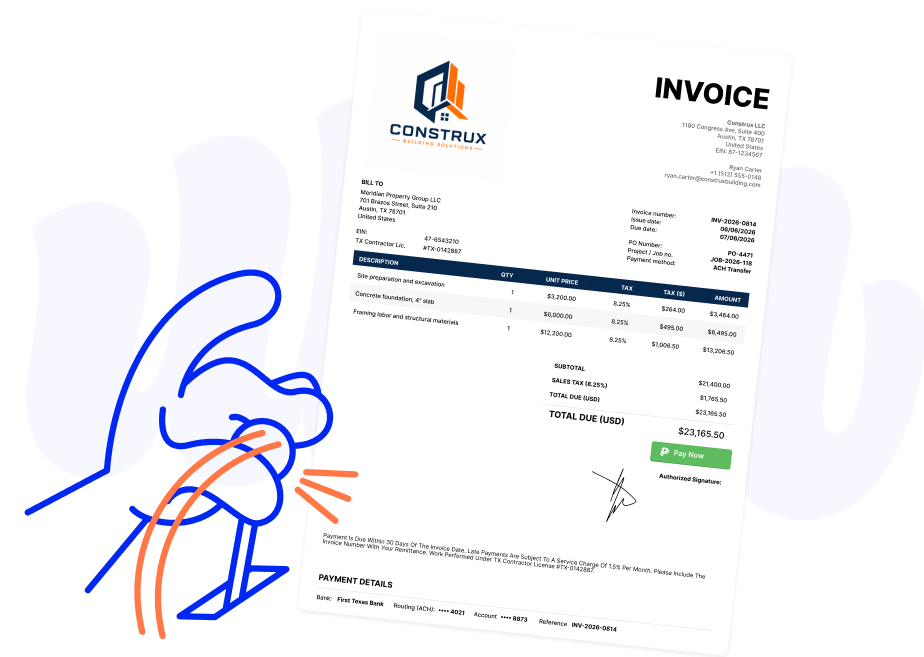
What to include on an invoice
A professional invoice should make the charge easy to understand and the payment instructions easy to find. Use this checklist when filling in your template.
Invoice heading and unique number – give every invoice a reference you can use in your records and payment reminders.
Your business details – include your business or trading name, address and useful contact information.
Client details – add the correct person or business name and billing address, plus any purchase order reference they require.
Important dates – show the issue date, payment due date and the date or period the goods or services relate to.
Products or services – describe each item clearly and include quantities, hours, rates or unit prices as appropriate.
Tax and discounts – apply the treatment relevant to your business and customer, and show the amounts clearly.
Total and balance due – show the subtotal, adjustments, any deposit already paid and the amount left to pay.
Payment terms and methods – state the due date, payment reference and the methods you accept.
Supporting notes – add a project reference, agreed terms, a short thank-you message or an attachment when it helps the client.
Tax invoice requirements differ by country and registration status. Use the country guidance to check the fields for Australia, New Zealand or Canada, or use our UK invoice page.
How to create and send an invoice
Step 1
Choose your template or use the online generator
Download the file you want to edit, make your own cloud copy, or open the free invoice generator. Word is useful for adjusting the layout; Excel and Google Sheets are useful when working with quantities, rates and totals. PDF is a convenient final format for sending or printing.
Step 2
Add your business and customer details
Replace all sample names, addresses and contact details. Add your logo if you have one. Check that the customer name matches the person or business responsible for paying you.
Step 3
Set the invoice number and dates
Use a unique number and record it in your invoice log. For example, a sequence such as INV-2026-001, INV-2026-002 and INV-2026-003 is easy to follow. Keep your numbering consistent and follow any local rules that apply to your business.
Step 4
List the work and calculate the amount
Enter your products or services, quantities, rates and prices. Add applicable taxes, agreed discounts and any payment already received. Check spreadsheet formulas after adding or removing rows, and confirm that the final amount is correct.
Step 5
Add payment instructions and review
State the due date and accepted payment methods. Include the account or payment reference the client needs. Check the spelling, dates, currency, total and any attachments, then preview the document to make sure nothing is cut off.
Step 6
Send the invoice and keep a record
Export the finished document to PDF or use the available sending options in your invoicing tool. Send it to the agreed billing contact and keep the final version. Record payments against the invoice number and follow up on overdue balances using the terms you agreed.
Make your invoices clear and professional
Keep the layout consistent across your business. Use readable text, a recognisable logo and enough space around important information. A signature can be included where it is useful, but it does not replace the required business and transaction details.
Offer the payment methods you actually accept, and make the due date easy to see. Use the notes area for information that is specific to this job. If a client needs a detailed breakdown, attach the timesheet or expense record instead of squeezing everything into a small description box.
Try the Billdu App
Manage your invoicing with Billdu
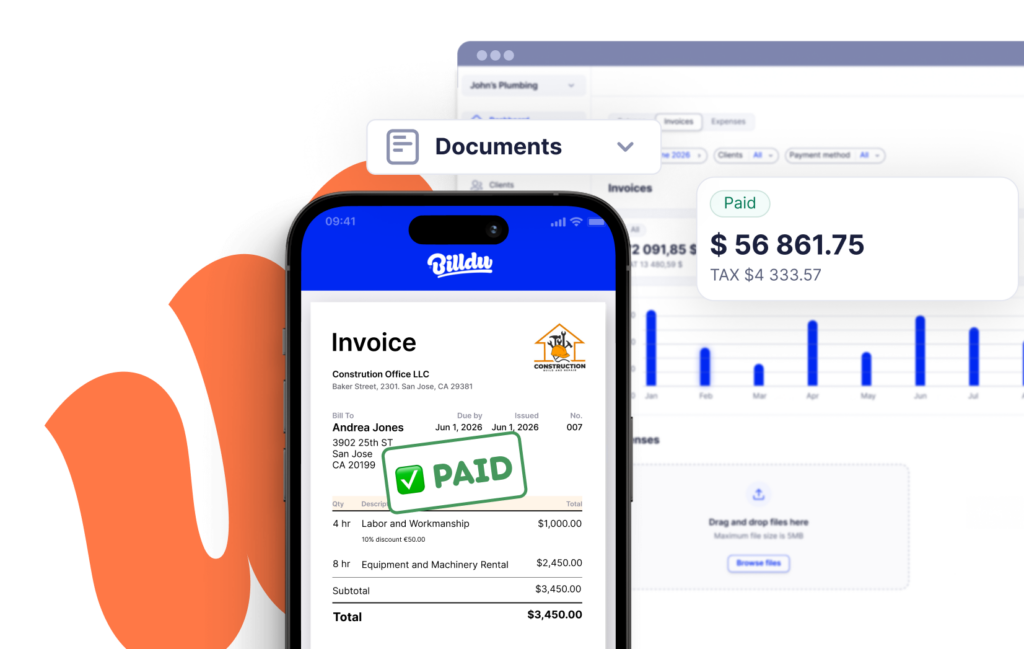
A template is useful when you need a document you can edit yourself. Billdu adds tools for creating and organising invoices, working from mobile and web, following up on payments and keeping customer information together.
You can also create related documents such as estimates, quotes, credit notes and delivery notes. Use payment and reminder features available in your plan and setup to reduce manual follow-up.
Try Billdu with a 7-day free trial and see how it fits your invoicing process.
7-Day Free Trial
Cancel Anytime
Try the Billdu App
Manage your invoicing with Billdu
A template is useful when you need a document you can edit yourself. Billdu adds tools for creating and organising invoices, working from mobile and web, following up on payments and keeping customer information together.
You can also create related documents such as estimates, quotes, credit notes and delivery notes. Use payment and reminder features available in your plan and setup to reduce manual follow-up.
Try Billdu with a 7-day free trial and see how it fits your invoicing process.
7-Day Free Trial
Cancel Anytime
Manage your business documents with Billdu
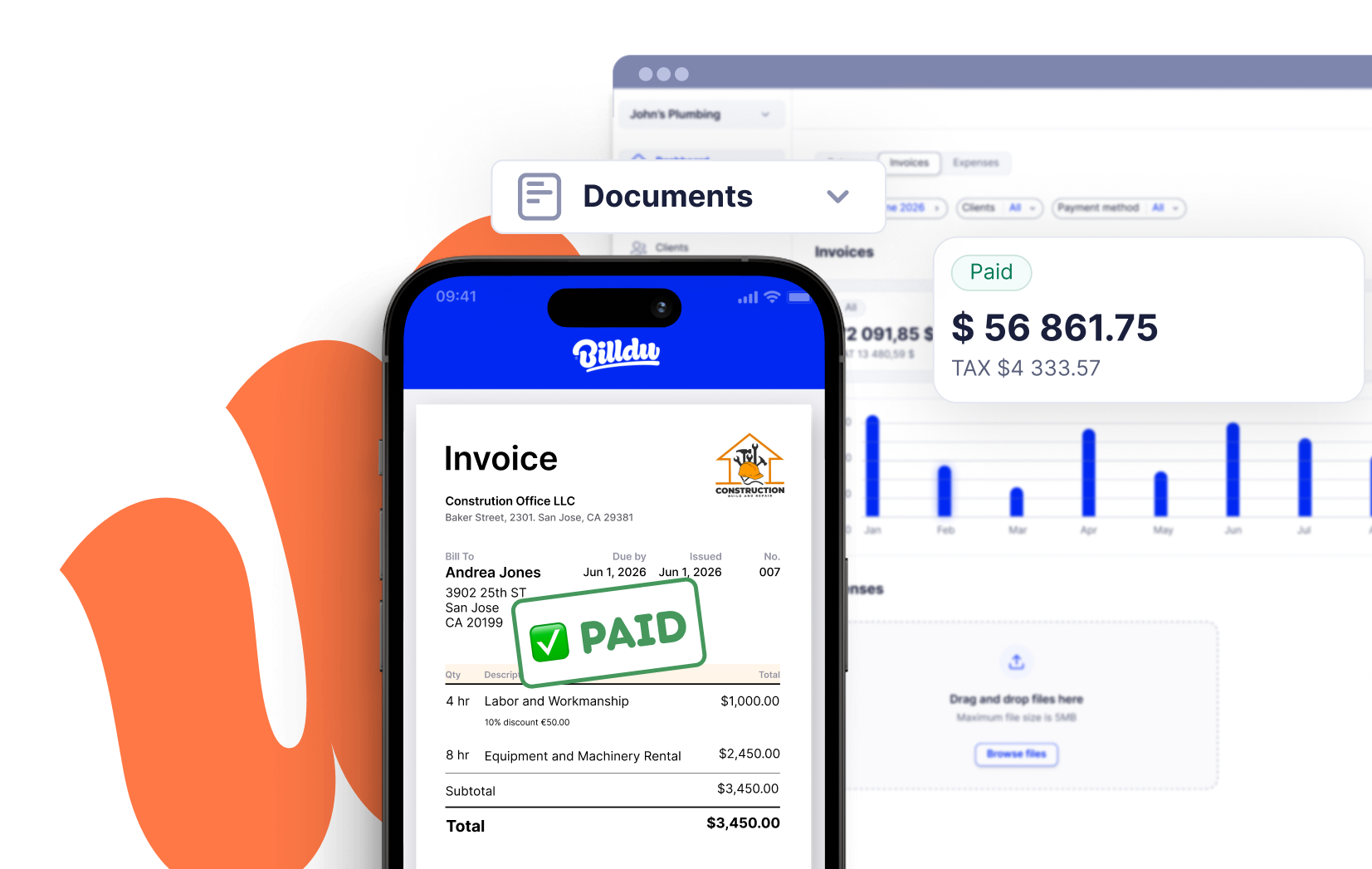
Professional invoice templates are a useful starting point. Billdu also gives you tools to create business documents, keep records organised and manage your invoicing as your business grows.

Mobile and web app
Create invoices directly in the Billdu mobile and web app, keep your documents in one place and access them when you need them. Start with a 7-day free trial and choose the plan that fits your business.

Make payment easier
Add a Pay Now button to invoices created in Billdu so customers can use the online payment options available to your business. Clear payment instructions make the next step easier for customers and help you follow up on outstanding invoices.

Dashboard and documents
Keep invoices, estimates, quotes, delivery notes and other business documents organised in one place. Use the Billdu dashboard to follow your invoicing activity and choose the document tools included in the plan that suits your business.
Manage your business documents with Billdu
Professional invoice templates are a useful starting point. Billdu also gives you tools to create business documents, keep records organised and manage your invoicing as your business grows.
Mobile and web app
Create invoices directly in the Billdu mobile and web app, keep your documents in one place and access them when you need them. Start with a 7-day free trial and choose the plan that fits your business.
Make payment easier
Add a Pay Now button to invoices created in Billdu so customers can use the online payment options available to your business. Clear payment instructions make the next step easier for customers and help you follow up on outstanding invoices.

Dashboard and documents
Keep invoices, estimates, quotes, delivery notes and other business documents organised in one place. Use the Billdu dashboard to follow your invoicing activity and choose the document tools included in the plan that suits your business.
Related Articles
-

What Is Peppol? A Plain-English Guide for Small Businesses (2026)
Peppol is an international network that lets businesses and governments exchange invoices and other documents as structured electronic…
-

Belgium’s B2B E-Invoicing Mandate 2026: Deadlines, Penalties & Who Must Comply
Belgium’s B2B e-invoicing mandate requires every VAT-registered business established in Belgium to send and receive structured electronic invoices…
-
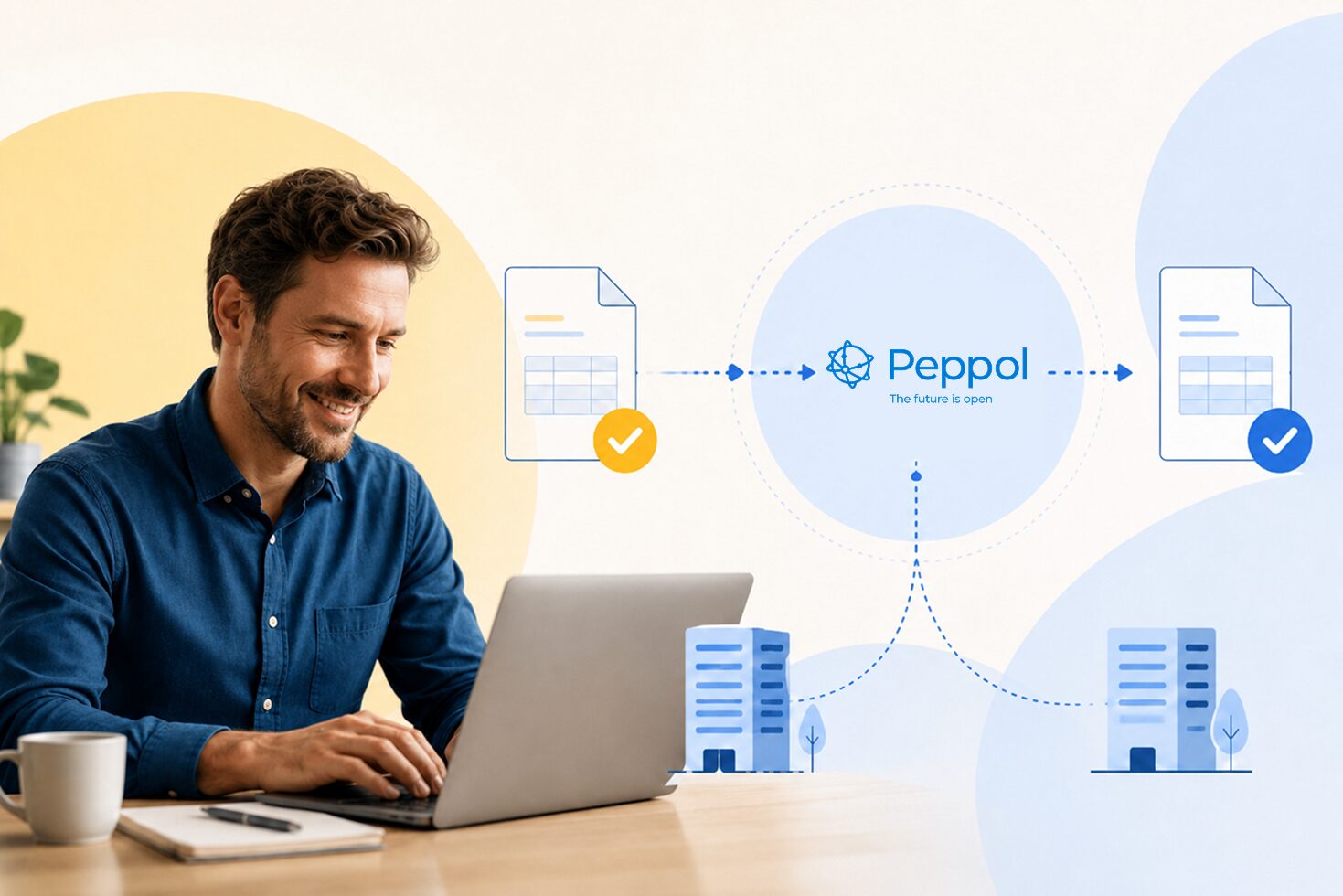
How to Send a Peppol Invoice: A Step-by-Step Guide (2026)
To send a Peppol invoice, you create the invoice as structured data, register a Peppol ID through a…
Got questions?
An invoice is a document a business sends to request payment for goods or services. It identifies the supplier and customer, explains the charge and shows the amount due, relevant dates and payment terms. You can also issue invoices at agreed stages or for an advance payment where appropriate.
Yes. Start with an editable template or create the document yourself. Include the necessary information, check your calculations and tax treatment, and keep a record of the invoice you send. A downloaded template needs to be completed and reviewed for each transaction.
It is the unique reference for a particular invoice. You and your customer can use it to match a payment, ask a question or follow up on a balance. Keep a consistent numbering system and avoid assigning the same number to different invoices.
Choose Word or Pages when layout editing is your priority. Use Excel or Google Sheets for spreadsheet calculations, and Google Docs for editing a document in your browser. Export a PDF when you want to send a finished version.
Yes, the downloadable templates and the free invoice generator are free and give you a starting point for creating an invoice. The Billdu invoicing app is a separate product with a free trial and paid plans. Choose the option that fits how often you invoice and how much tracking you need.
You can save and send a PDF or print the completed invoice. Confirm which format and delivery method your customer accepts. An emailed PDF is an electronic document; structured e-invoicing exchanges invoice data between systems and may involve different requirements.
Use an itemized invoice when the customer needs to see separate charges. Use an hourly invoice when you bill for time. You can combine both approaches by listing tasks, hours, rates and materials on separate lines in one invoice.