

Free download
Free invoice templates by profession
Choose an invoice template for the work you do, from freelance projects and consulting to plumbing, photography and rentals. Find your profession, pick a format and replace the sample details with your own.
Download a Word or Excel file, or make a copy of an available Google template. To send a PDF, export your completed invoice or create one online.
Made for your business
Independent and professional services
Find templates for freelancers, contractors, consultants, accountants and service businesses. Open a section below to choose your design, download a template and see which details to include for your work.

Freelance and contractor invoice templates
Describe the client project and the work delivered, whether you bill by the hour, charge a fixed project fee or invoice at agreed milestones. For freelance writing, development or ongoing support, identify the deliverable or work period instead of using a vague description such as “services”.
Self-employed professionals and sole traders can adapt the same layout with their business or trading details. For contractor stage payments, name the completed stage and show any advance already paid against it.
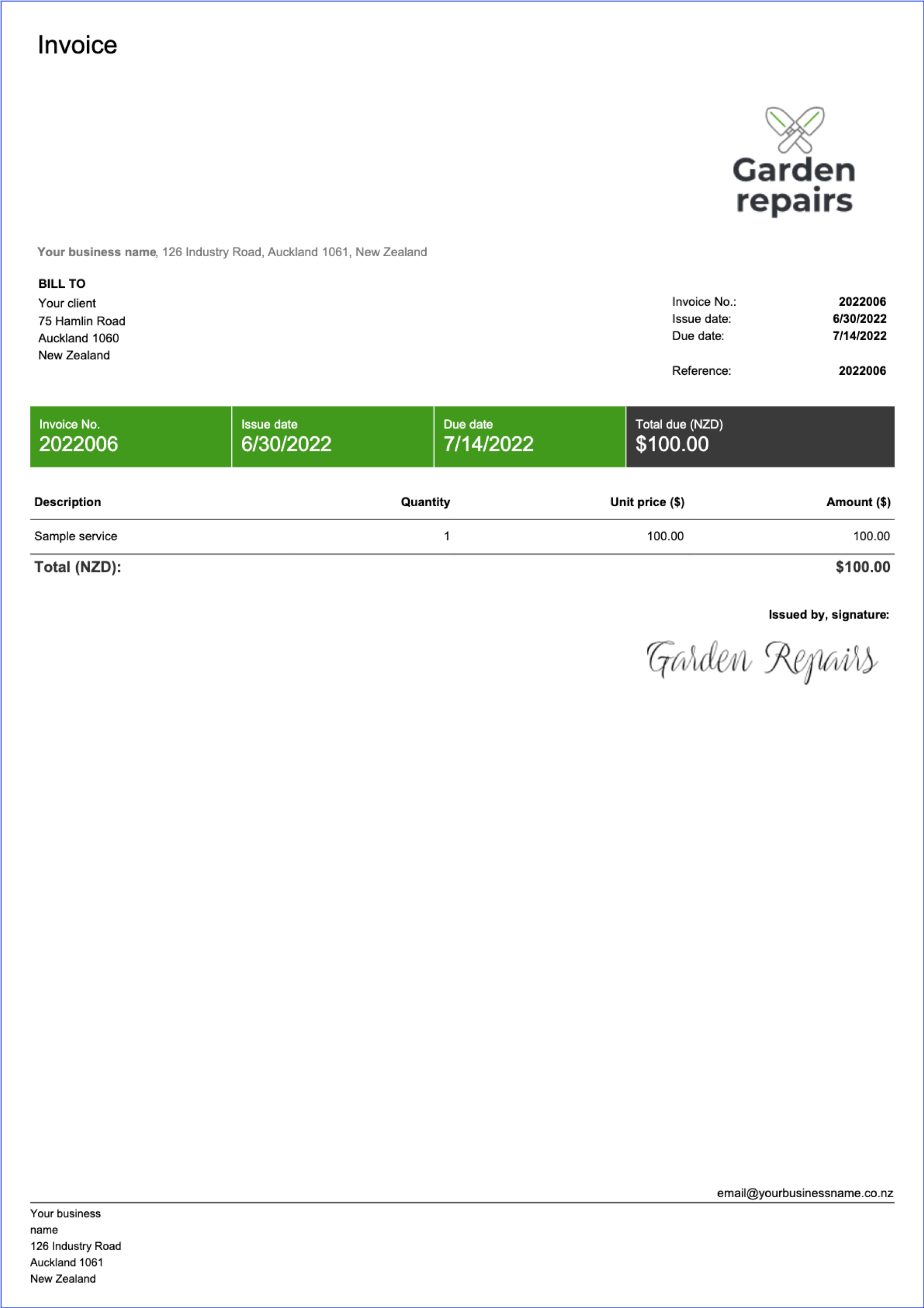
Stripe Template
Download template for free:
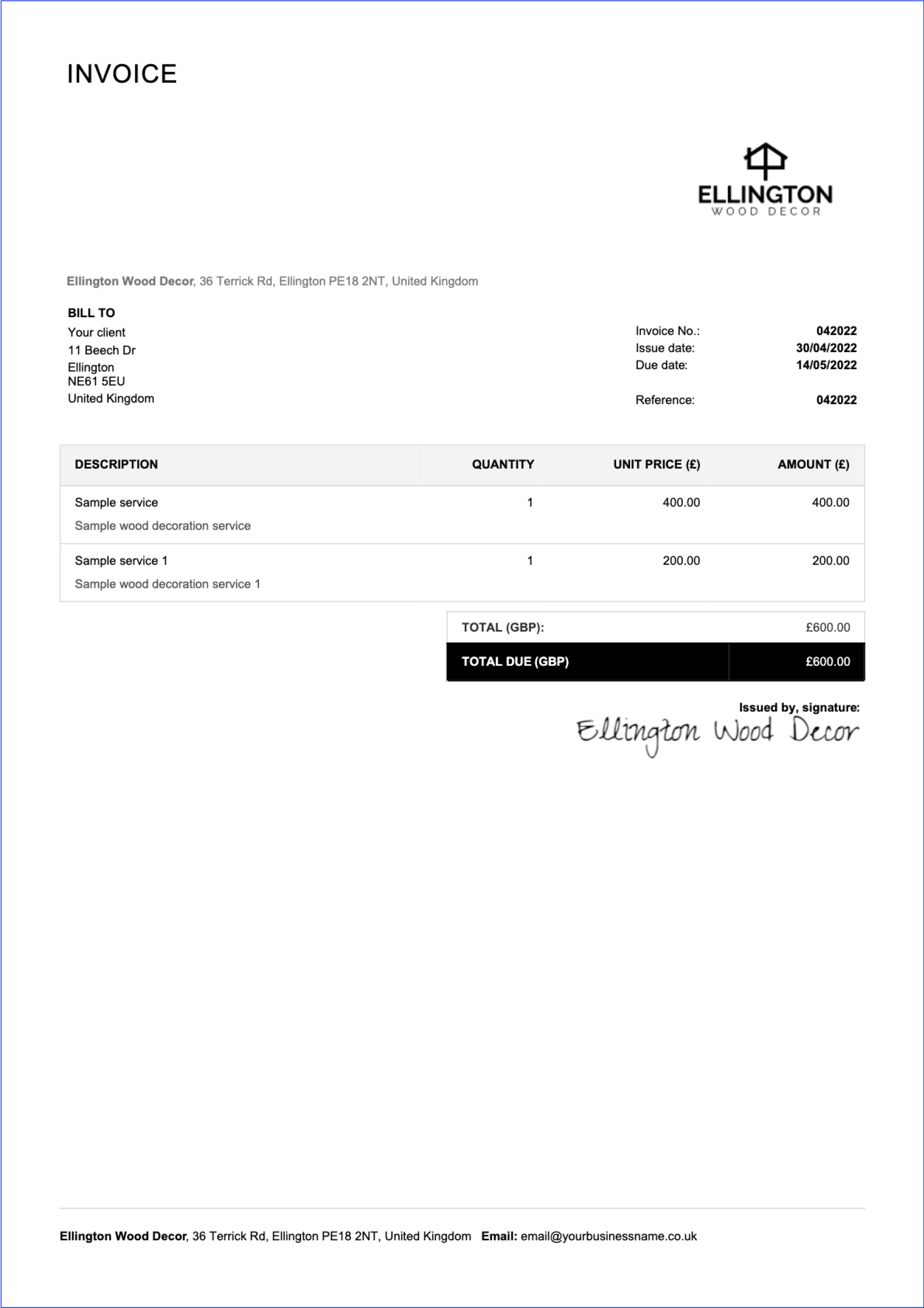
Classic Template
Download template for free:
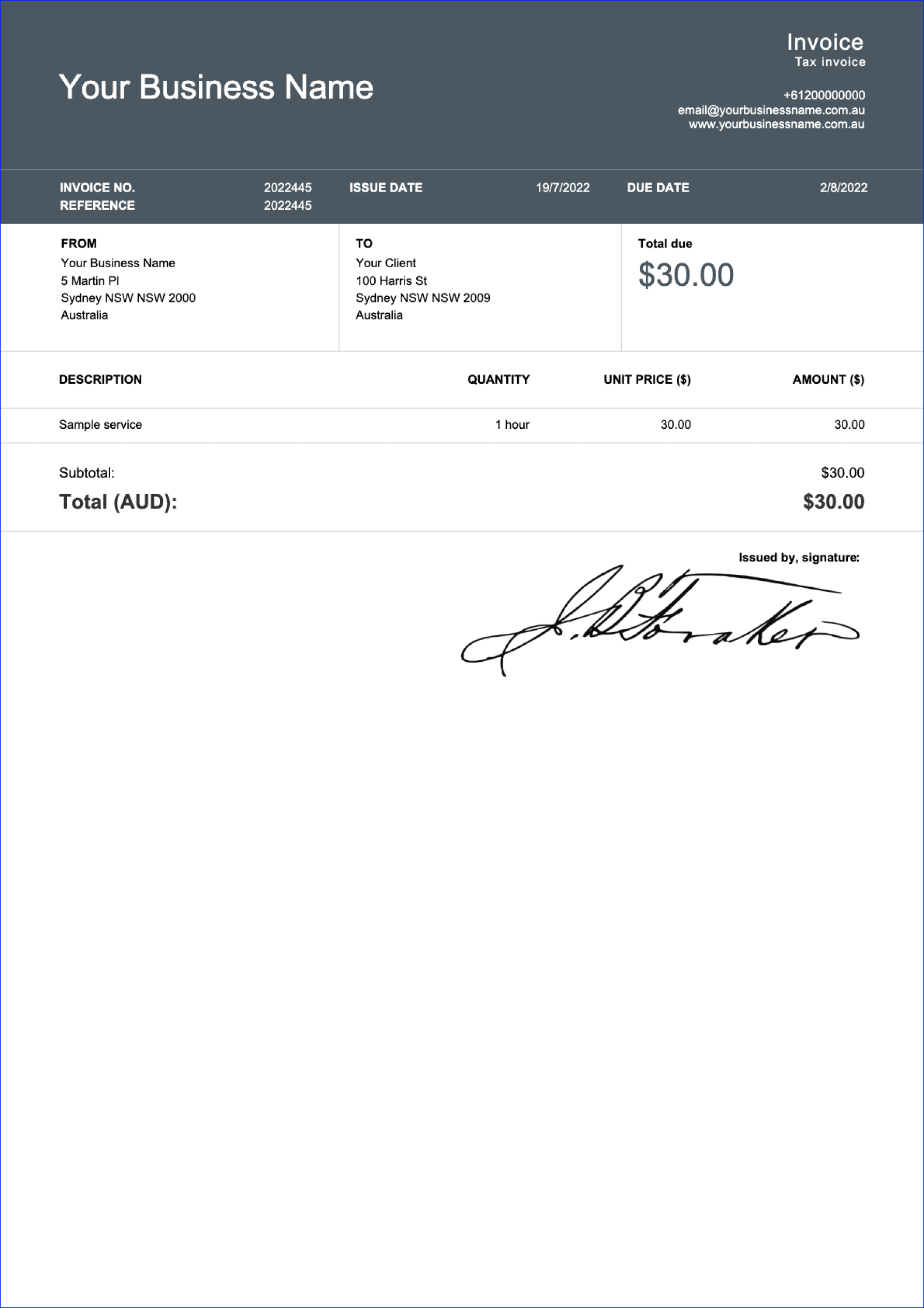
Modern Template
Download template for free:
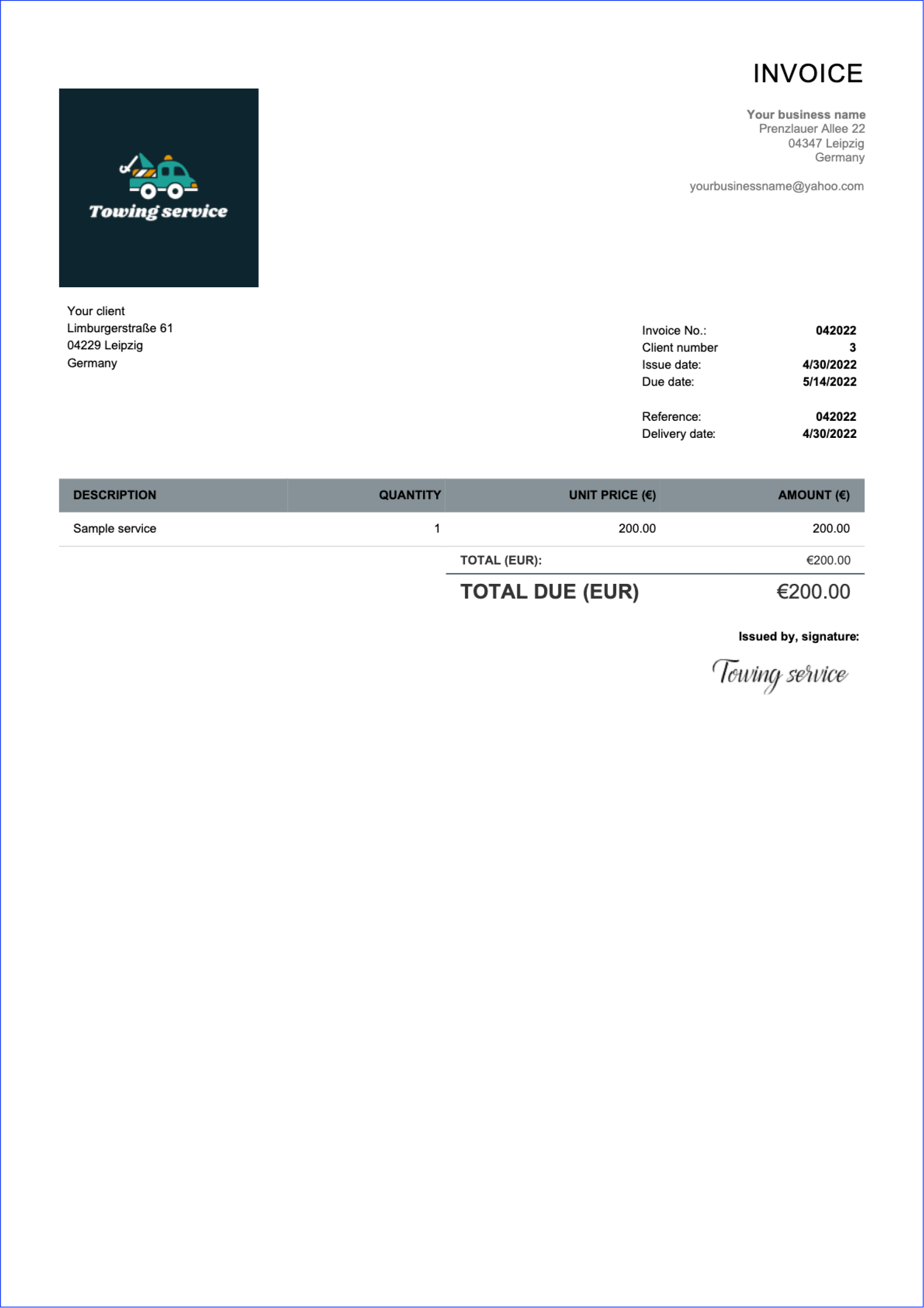
Simple Template
Download template for free:
Consulting invoice templates
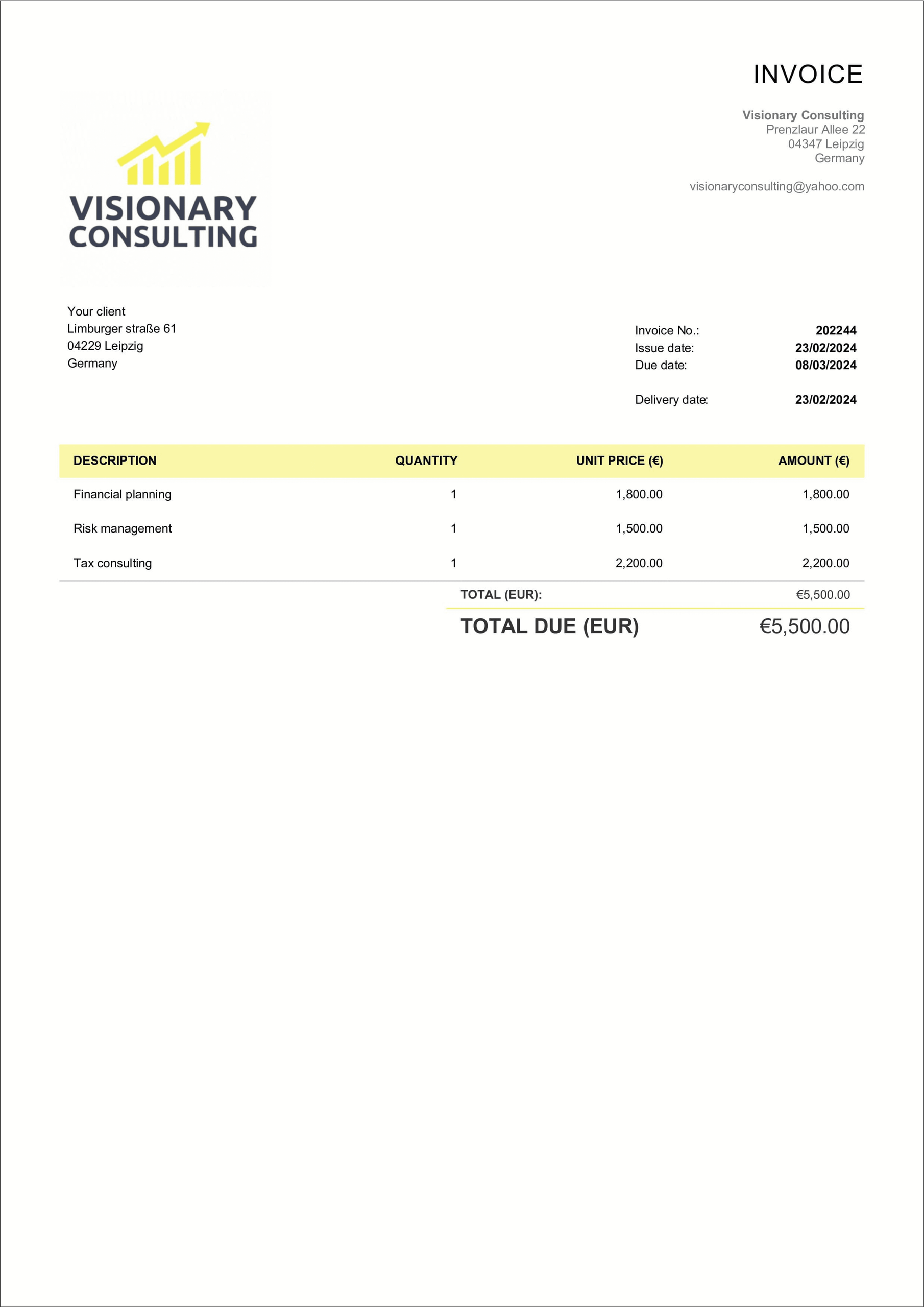
A consulting invoice should connect the fee to a clear assignment: a workshop, review, report or other agreed deliverable. For hourly consultancy, show time by task and attach a timesheet when needed; for a fixed project fee, identify the milestone being billed.
For a retainer, state the month and services or hours included. List approved work beyond that scope, travel or project-management fees separately so the client can reconcile them with the agreement.
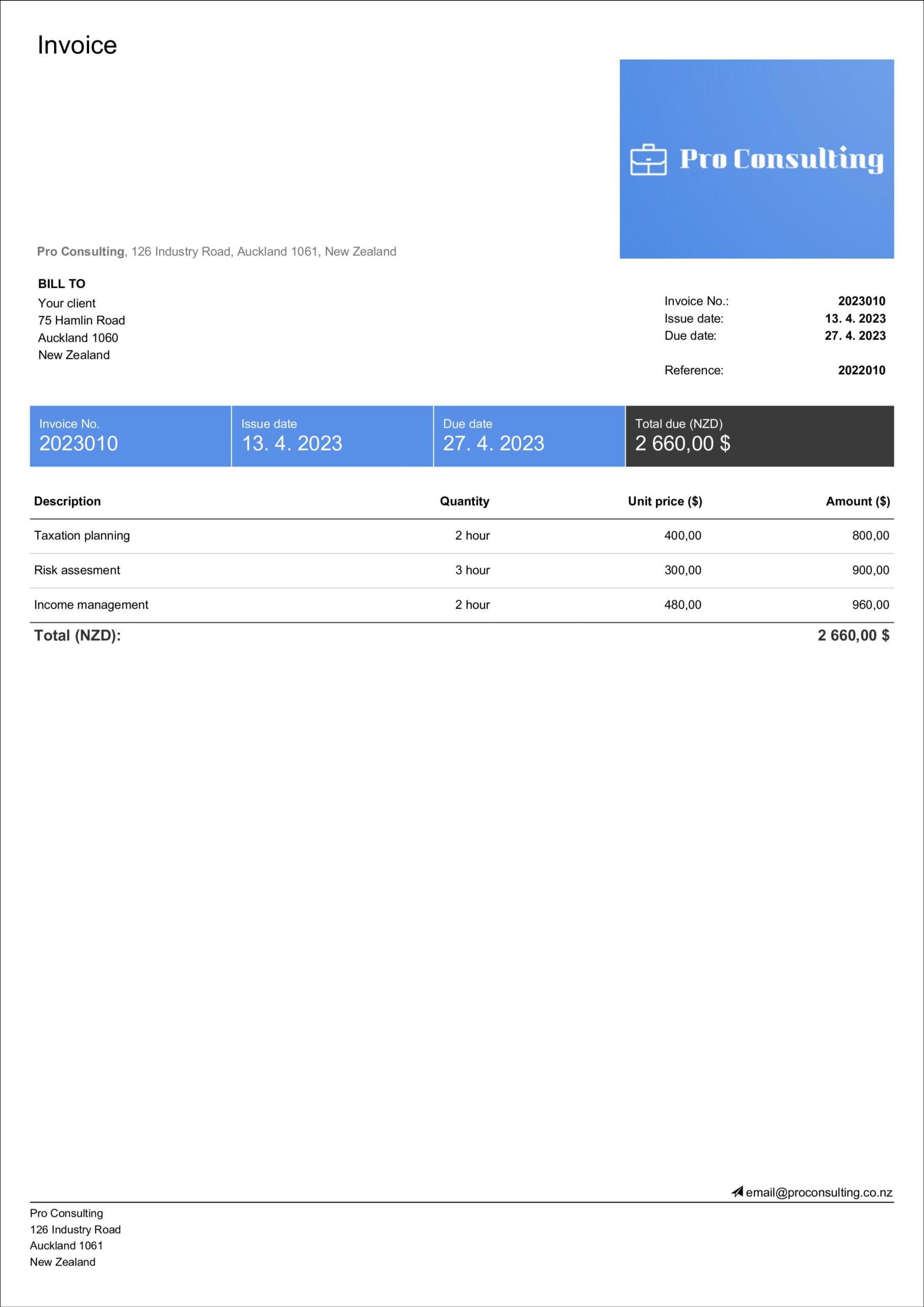
Stripe Template
Download template for free:
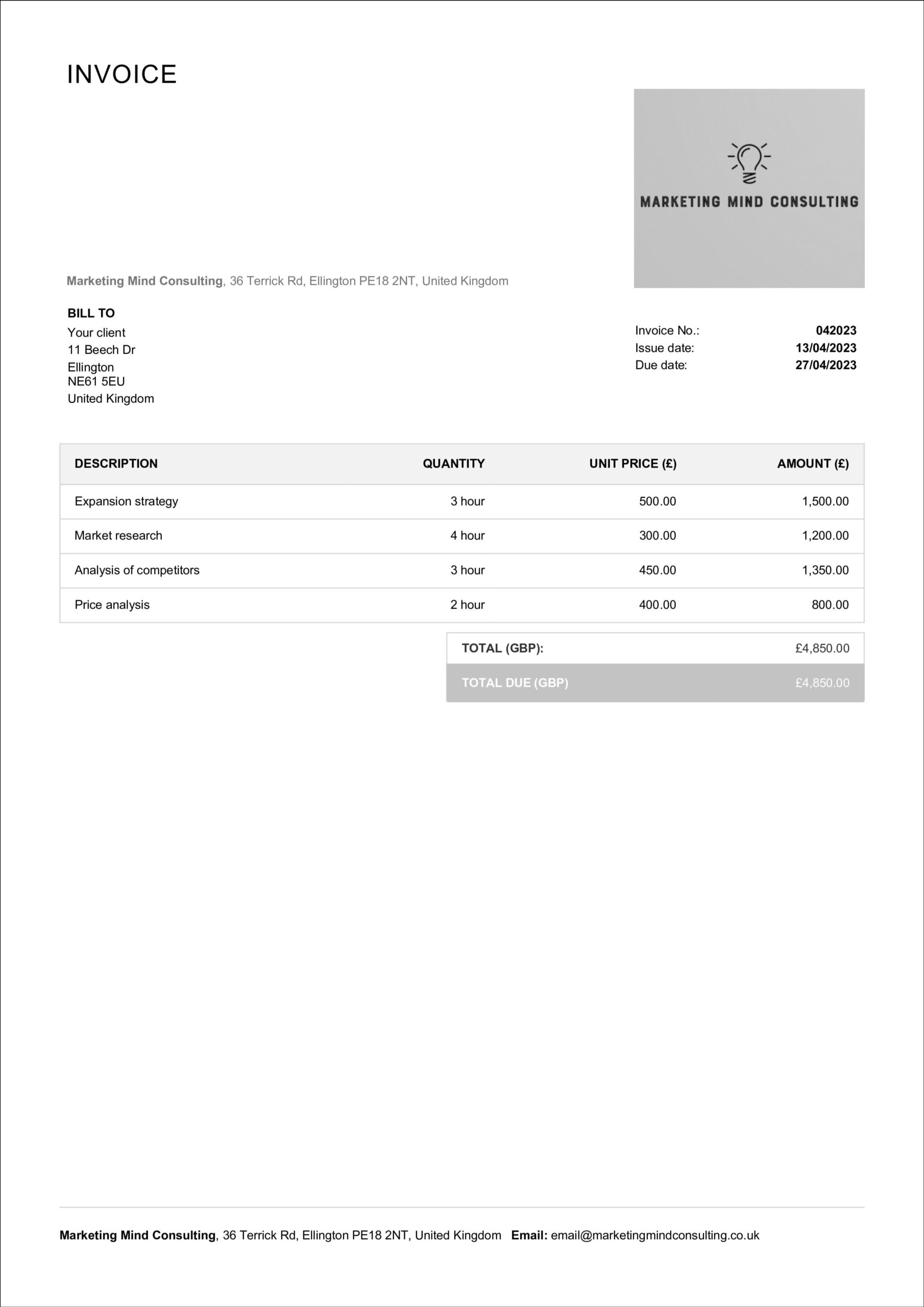
Classic Template
Download template for free:
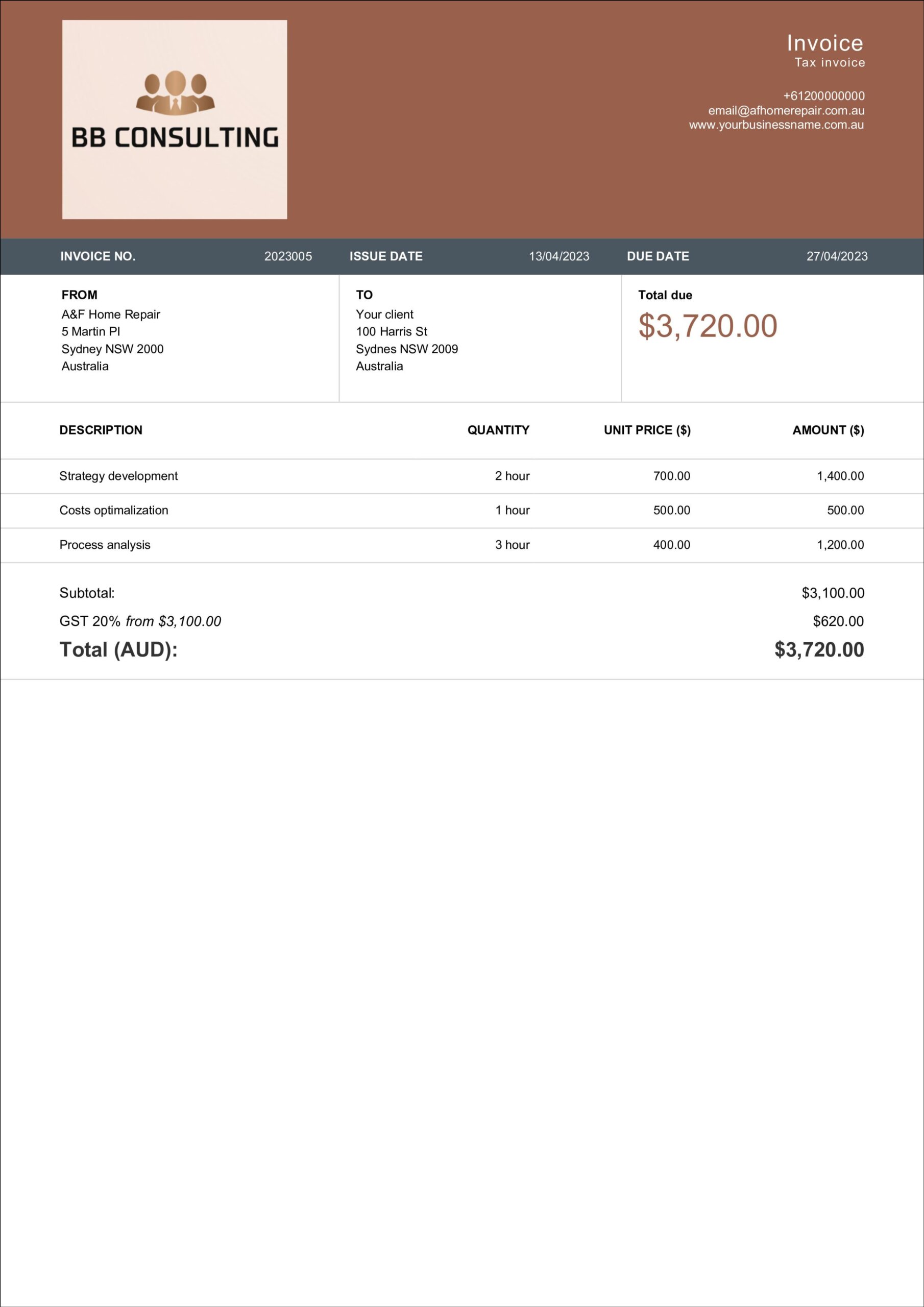
Modern Template
Download template for free:

Simple Template
Download template for free:
Accounting and bookkeeping invoice templates
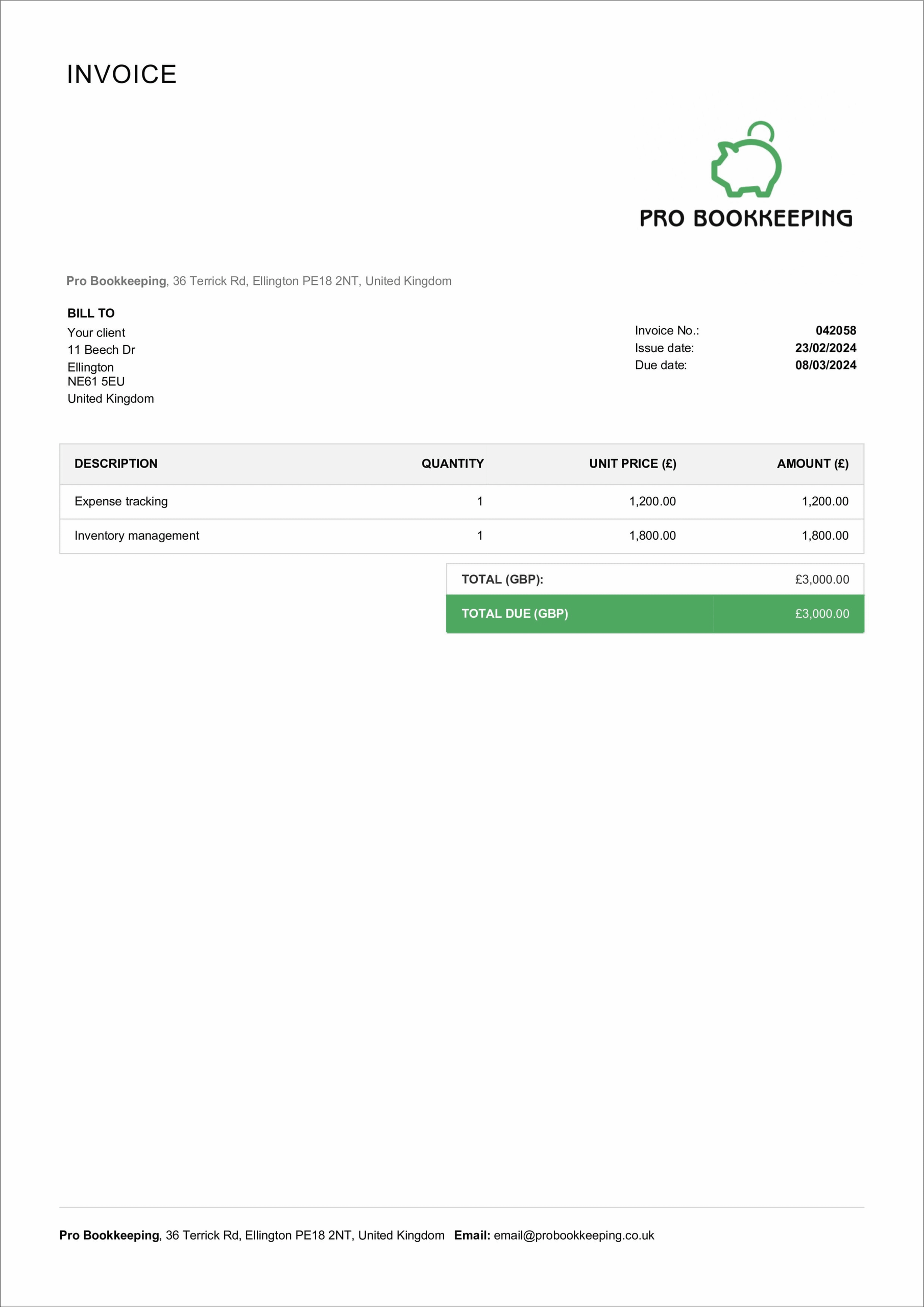
Make the accounting period as clear as the service: monthly bookkeeping, quarterly accounts preparation or a one-off review. Split assignments into separate lines when their fees differ, and describe what an ongoing package includes.
For time-based accounting work, identify the task and hours rather than listing only a total fee. Keep detailed financial records in a separate attachment when they are needed to support the invoice.
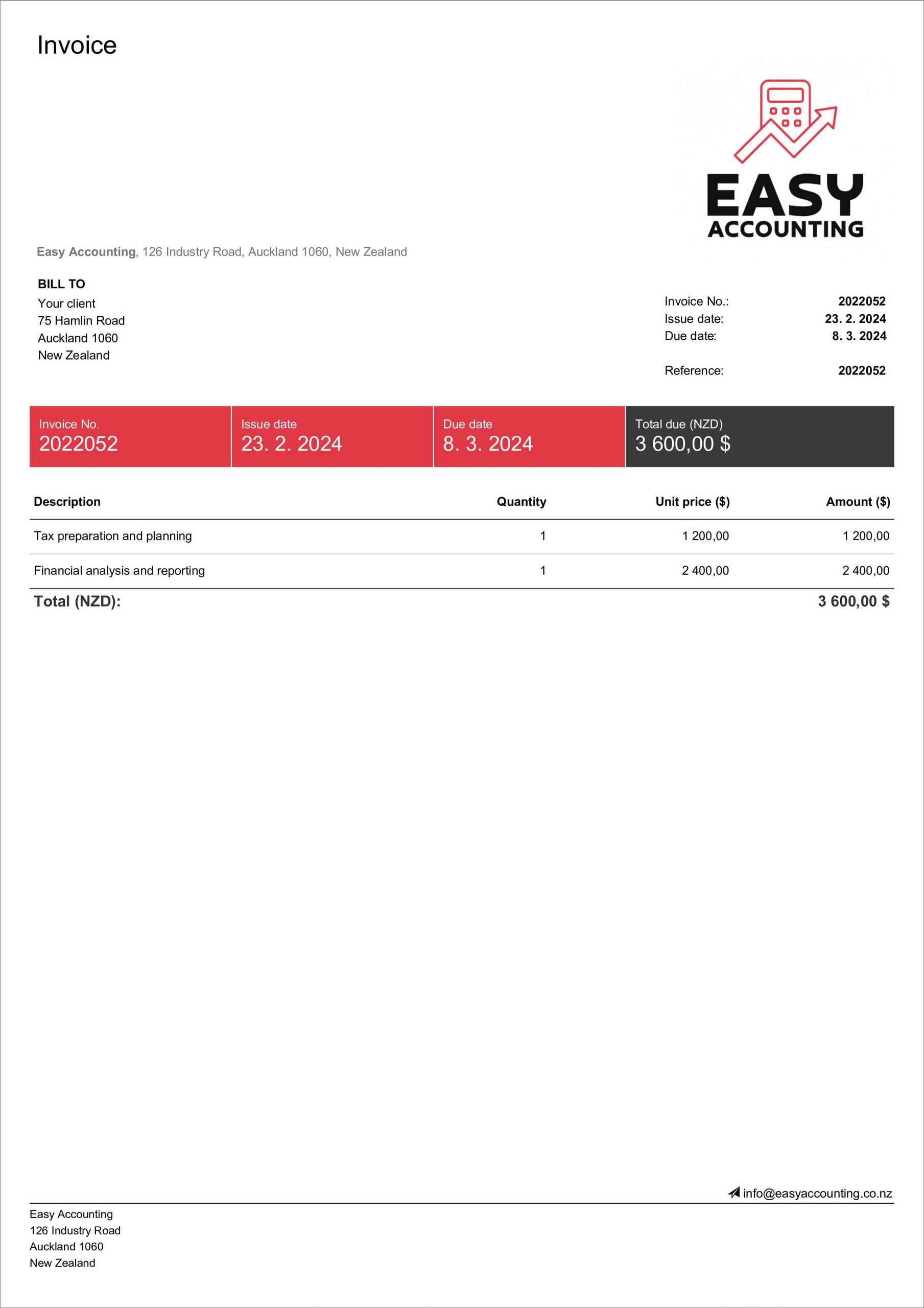
Stripe Template
Download template for free:
Classic Template
Download template for free:

Modern Template
Download template for free:
Simple Template
Download template for free:
Service invoice templates
Use a service invoice when your work spans several tasks or does not fit a specialist collection. Describe the service delivered and the period it covers, then distinguish an agreed package fee from additional work.
If a job includes physical goods as well as services, itemise the goods separately. This helps a client understand, for example, which part of a support bill covers your time and which part covers replacement equipment.

Stripe Template
Download template for free:
Classic Template
Download template for free:
Modern Template
Download template for free:
Simple Template
Download template for free:

Built for hands-on work
Trades and repairs
Find invoice templates for electrical work, plumbing, HVAC, painting, handyman services and repairs. Choose your trade below to download a template and clearly itemize labour, materials and completed work.
Electrical invoice templates
Identify the property and the circuit, fitting or equipment worked on. An electrical contractor’s invoice should distinguish installation or fault-finding labour from supplied cables, switches and other parts, with quantities where relevant.
List an agreed testing or certification charge separately and reference the supporting report. If several areas were serviced, name each location so the customer can match the electrical work to the charge.
Stripe Template
Download template for free:
Classic Template
Download template for free:
Modern Template
Download template for free:
Simple Template
Download template for free:
Plumbing invoice templates
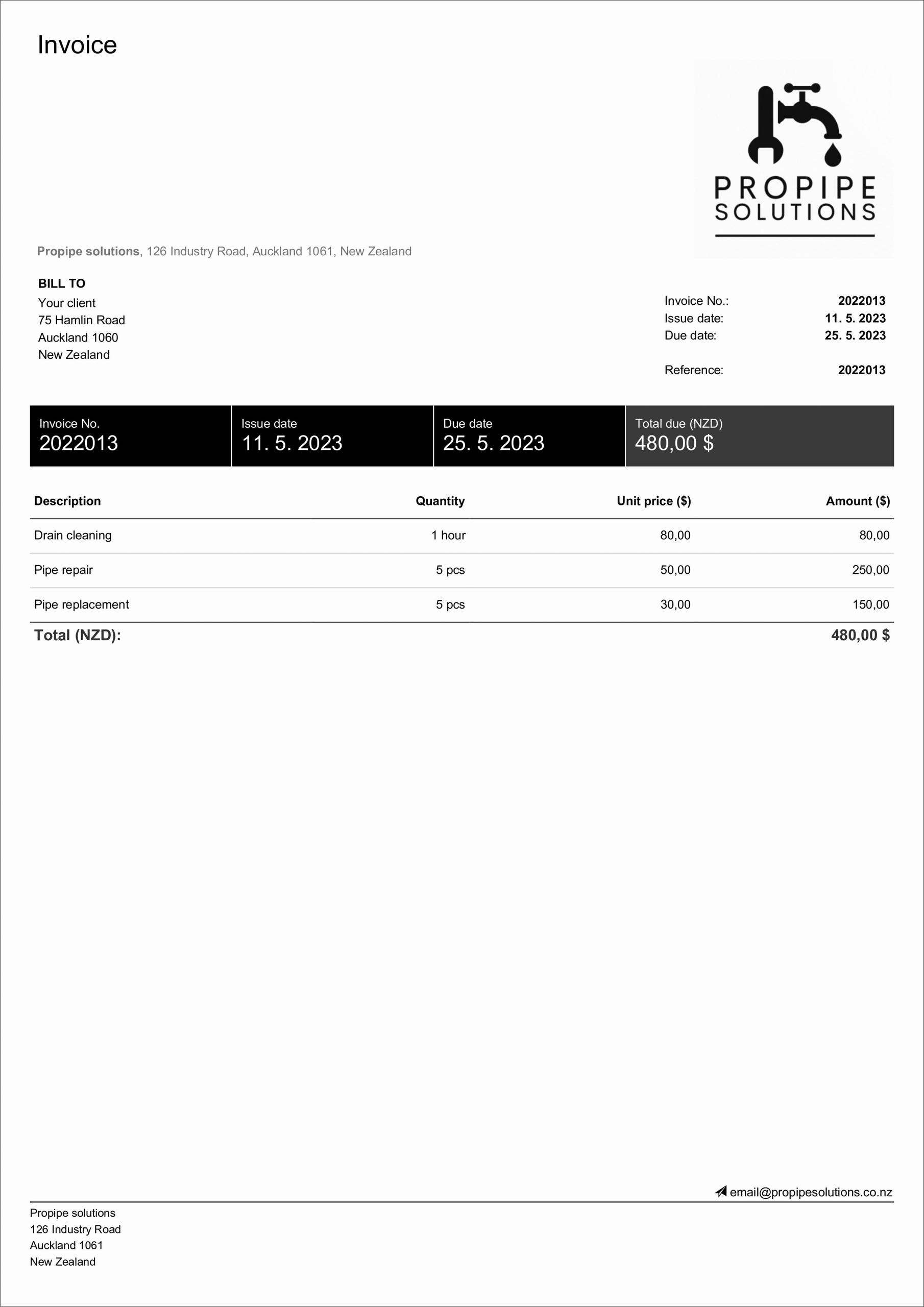
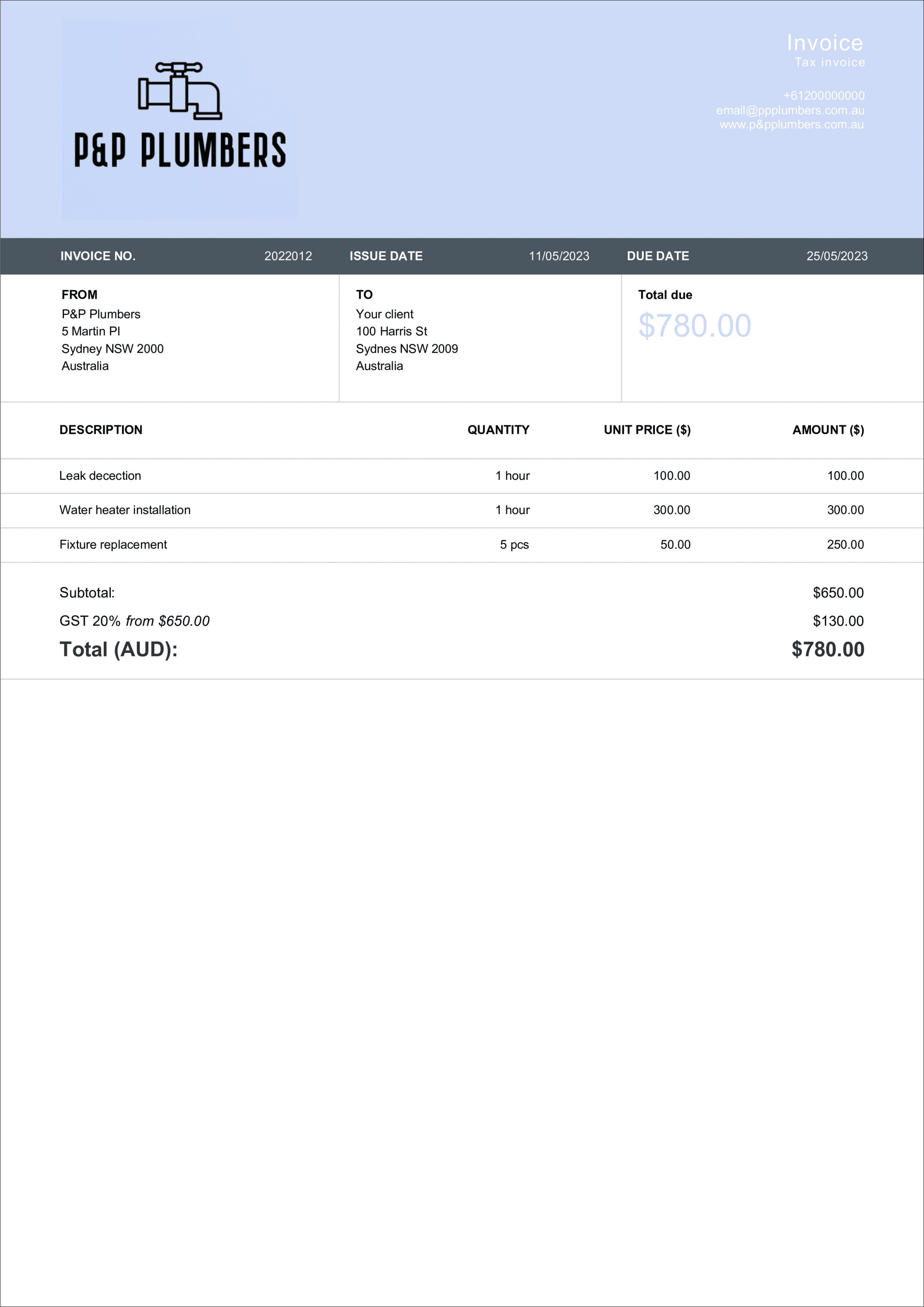
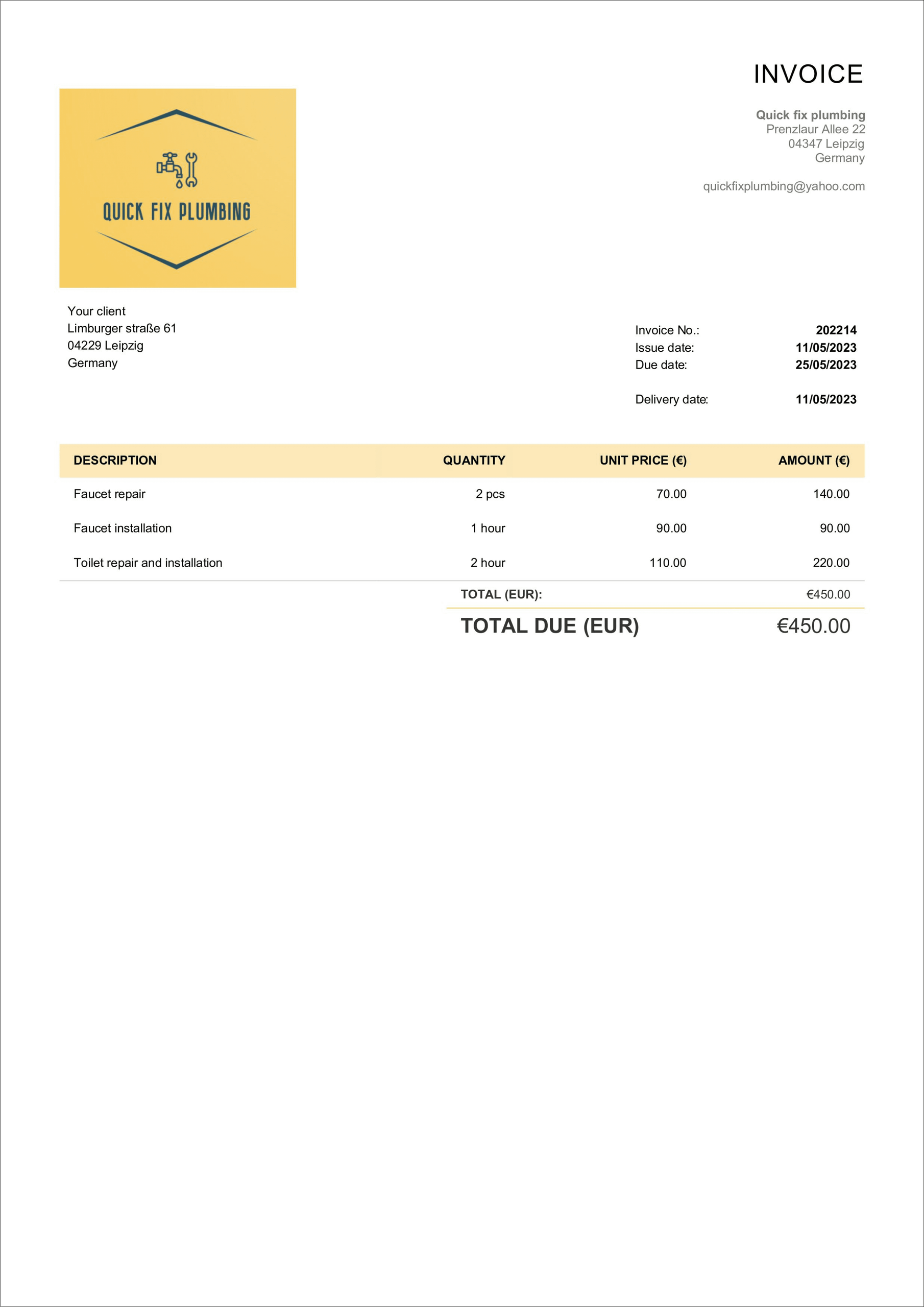
Name the property and the fixture or system serviced, such as a sink, toilet or water supply. Break plumbing work into the repair or installation performed, labour and supplied pipes, fittings or replacement parts.
Distinguish any agreed call-out or inspection fee from the repair itself. If the diagnosis led to extra work, describe the approved change so the final bill is easy to compare with the original job.
Stripe Template
Download template for free:

Classic Template
Download template for free:
Modern Template
Download template for free:
Simple Template
Download template for free:
HVAC invoice templates
Identify the heating or air-conditioning unit, including its model or location when a property has several systems. Describe whether the visit covered installation, scheduled servicing or a fault repair.
For an AC service bill, separate labour from filters and other replacement parts. Note the maintenance or performance checks completed, and reference the service report so the invoice can be matched to that particular unit.
Stripe Template
Download template for free:
Classic Template
Download template for free:
Modern Template
Download template for free:
Simple Template
Download template for free:
Handyman invoice templates
Turn a list of small jobs into a clear record of the visit: repairing a hinge, fitting a shelf or resealing a bath. Show whether your handyman fee covers the whole visit or is based on hours worked.
Add purchased parts and agreed travel charges separately where they are outside the fee. For ongoing property maintenance, identify the room or area for each task so the customer can check what was completed.
Stripe Template
Download template for free:
Classic Template
Download template for free:
Modern Template
Download template for free:
Simple Template
Download template for free:
Painting invoice templates
Describe the rooms or exterior surfaces painted, the preparation completed and the agreed number of coats. A house painting invoice can also identify the paint type, colour or finish so the customer has a useful record of the job.
Make clear whether paint and supplies are included in the project price or charged separately. List approved preparation, cleanup or disposal extras individually, rather than charging again for work already included in the quote.
Stripe Template
Download template for free:
Classic Template
Download template for free:
Modern Template
Download template for free:
Simple Template
Download template for free:
Labour and material invoice templates
Build a labour bill around the work performed, dates, hours or days and the agreed rate. Use separate lines for workers or tasks with different rates, and state the completed scope when charging a fixed labour fee.
For a labour-only job, identify materials supplied by the customer where useful. If you supplied materials too, list their quantities and unit prices separately from the labour charge. A timesheet can support the hours billed.
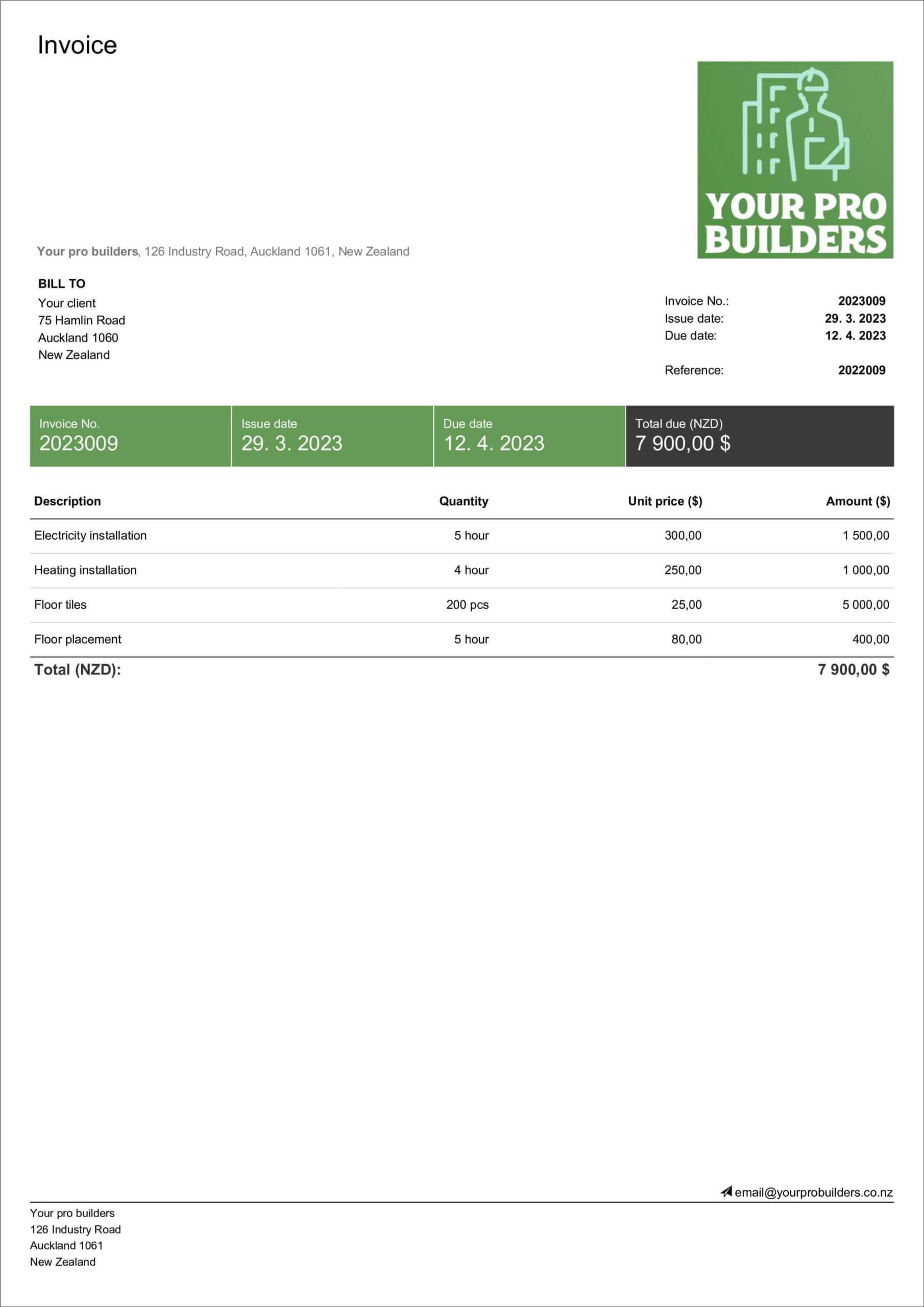
Stripe Template
Download template for free:
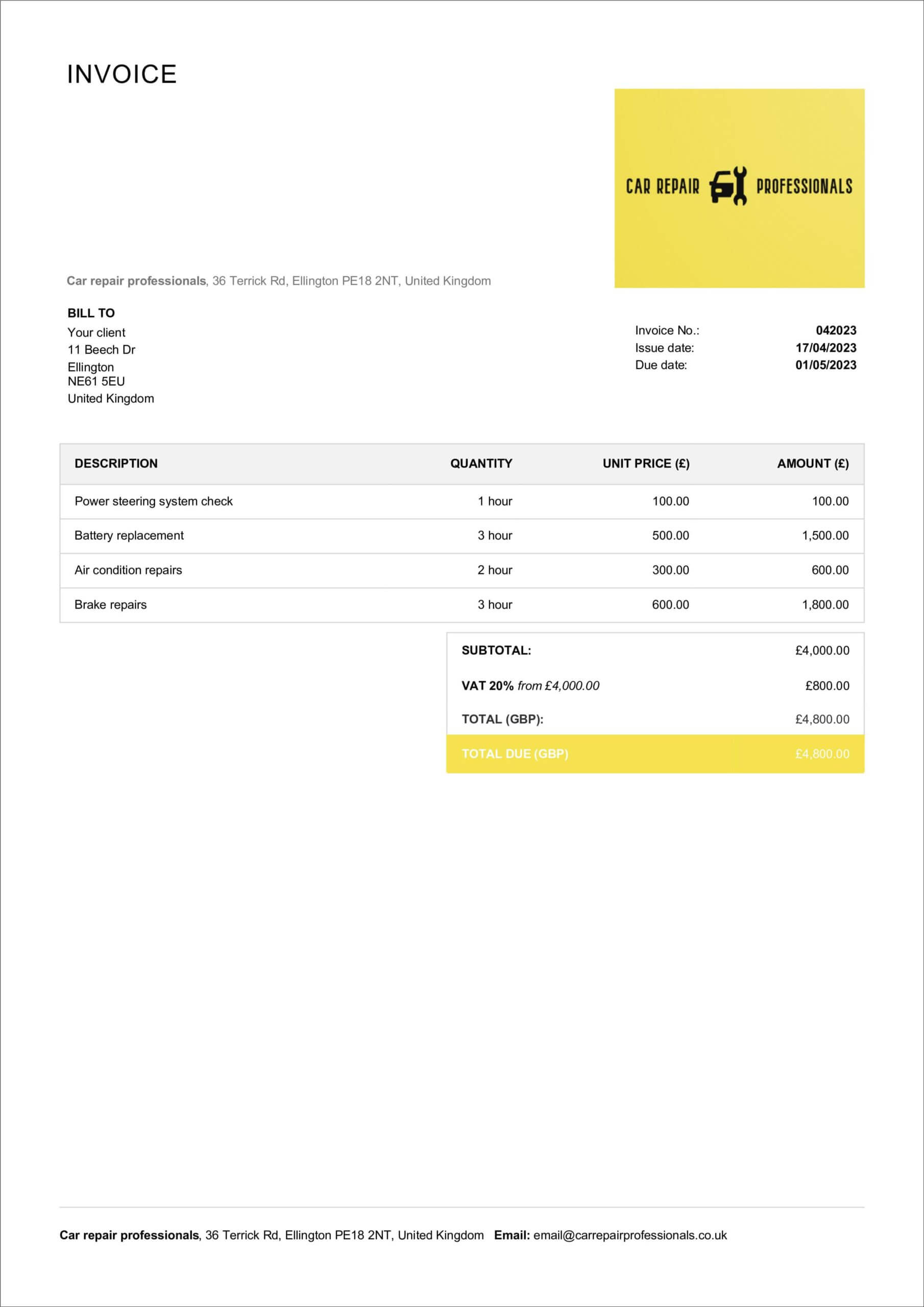
Classic Template
Download template for free:
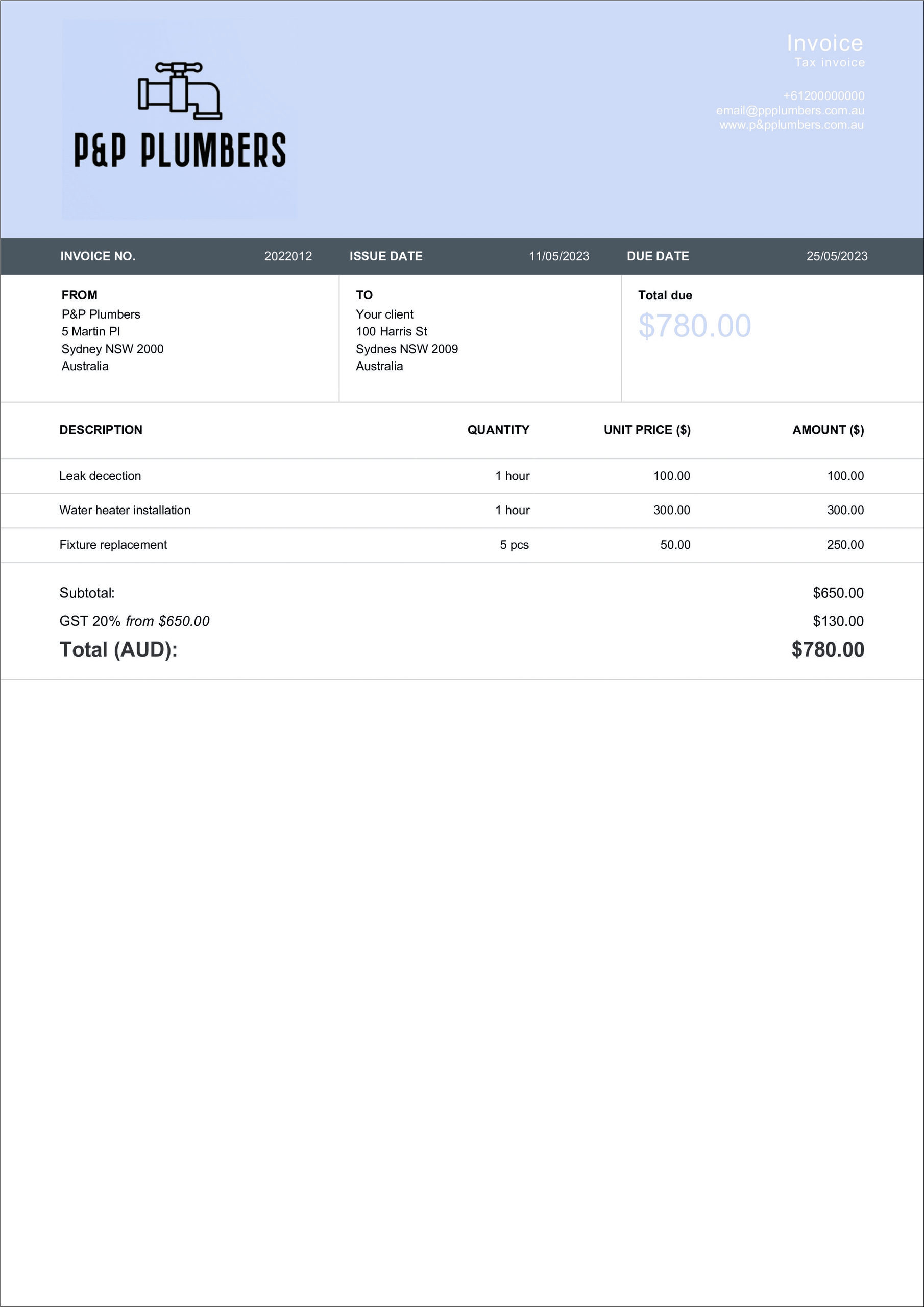
Modern Template
Download template for free:
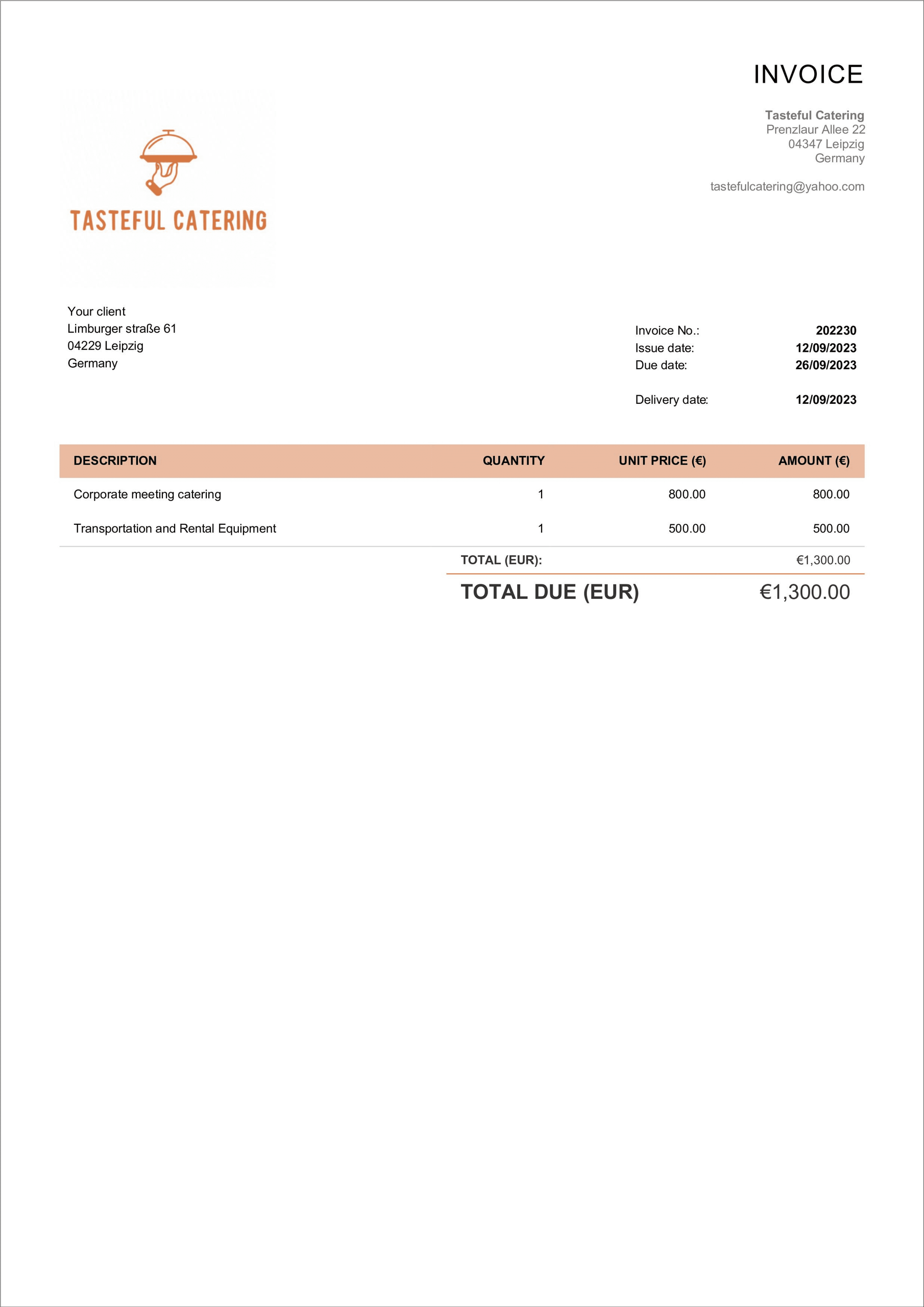
Simple Template
Download template for free:
Repair invoice templates
Identify the item being repaired, with a model or serial number where useful. Describe the reported fault and the repair completed, so the bill records more than a generic “repair service”.
Separate diagnosis, labour and replacement parts, and show whether a diagnostic charge has been credited towards the repair. For computer or appliance work, reference the job number and any agreed warranty on the completed work.
Stripe Template
Download template for free:
Classic Template
Download template for free:
Modern Template
Download template for free:
Simple Template
Download template for free:
Try the Billdu App
Create your next invoice with Billdu
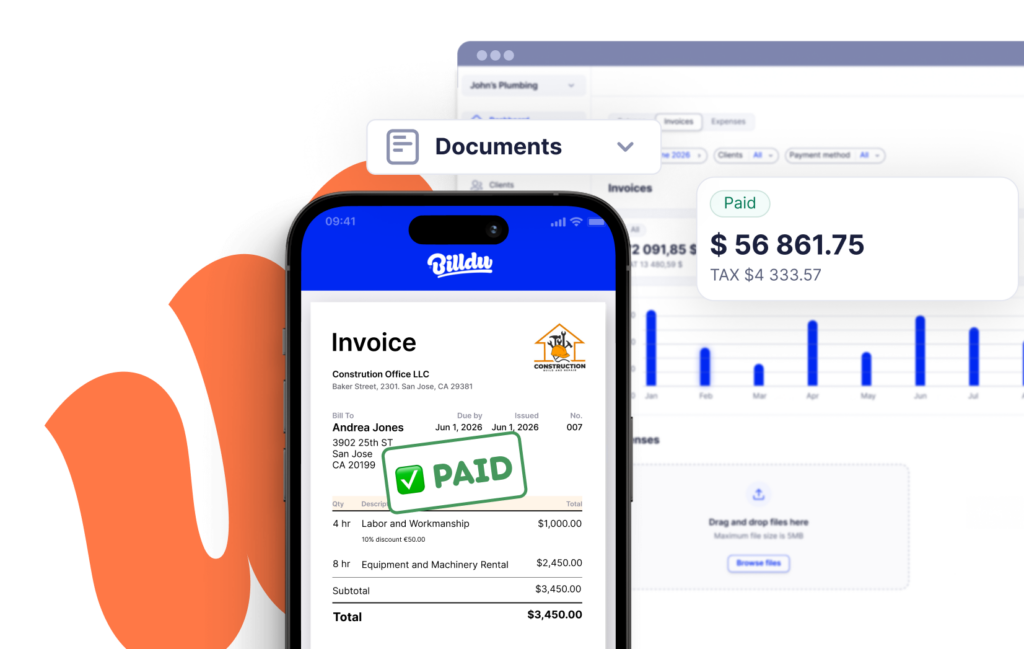
Create invoices on mobile or web and keep your customer details and documents together. Start online for a single invoice, or explore Billdu for your regular invoicing.
7-Day Free Trial
Cancel Anytime
Try the Billdu App
Create your next invoice with Billdu
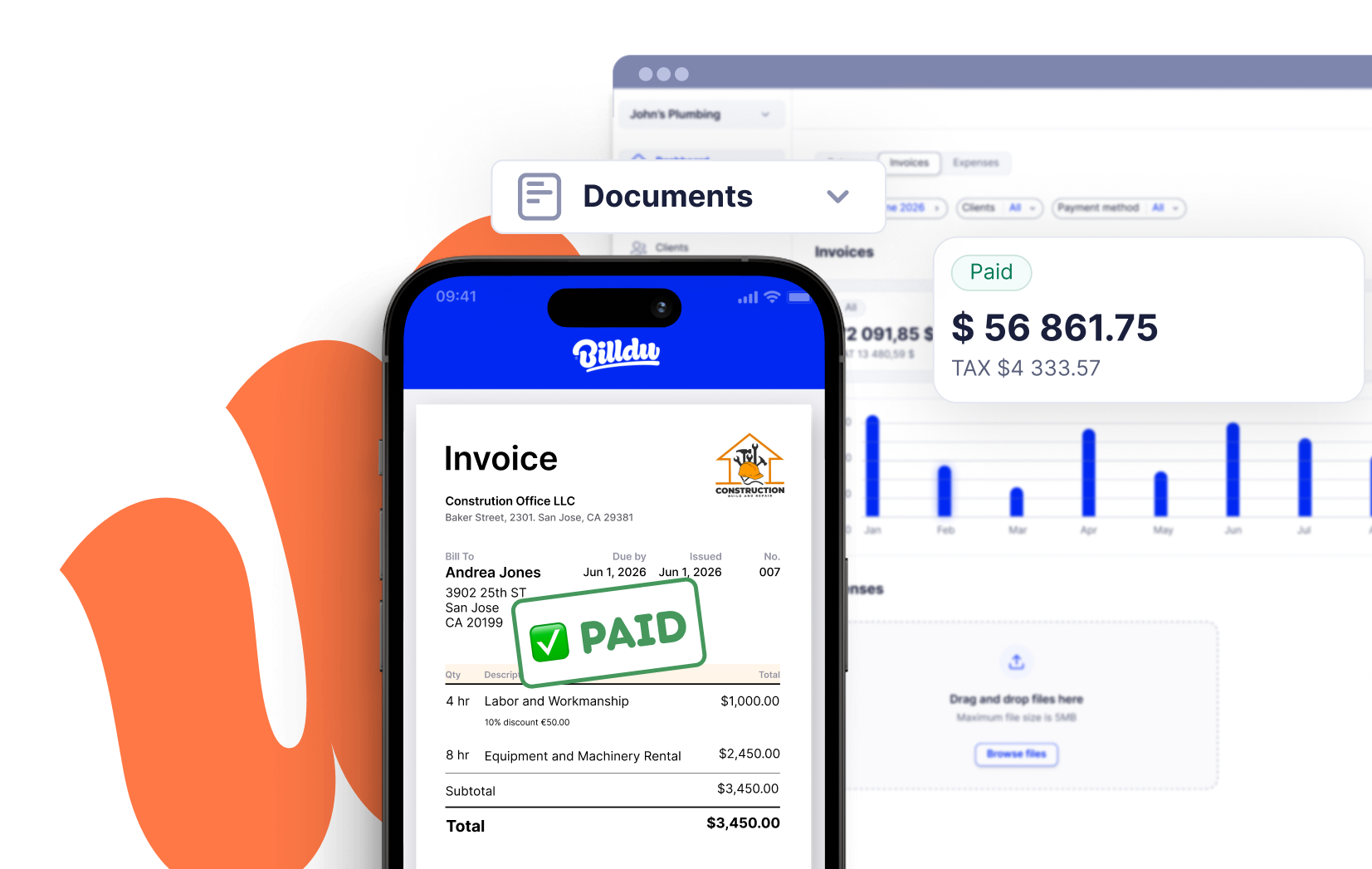
Create invoices on mobile or web and keep your customer details and documents together. Start online for a single invoice, or explore Billdu for your regular invoicing.
7-Day Free Trial
Cancel Anytime
Ready for every visit
Cleaning and outdoor services
Find invoice templates for house and office cleaning, carpet and window care, landscaping and lawn maintenance. Choose your service to bill for one-off jobs, regular visits or a larger outdoor project.

Cleaning invoice templates
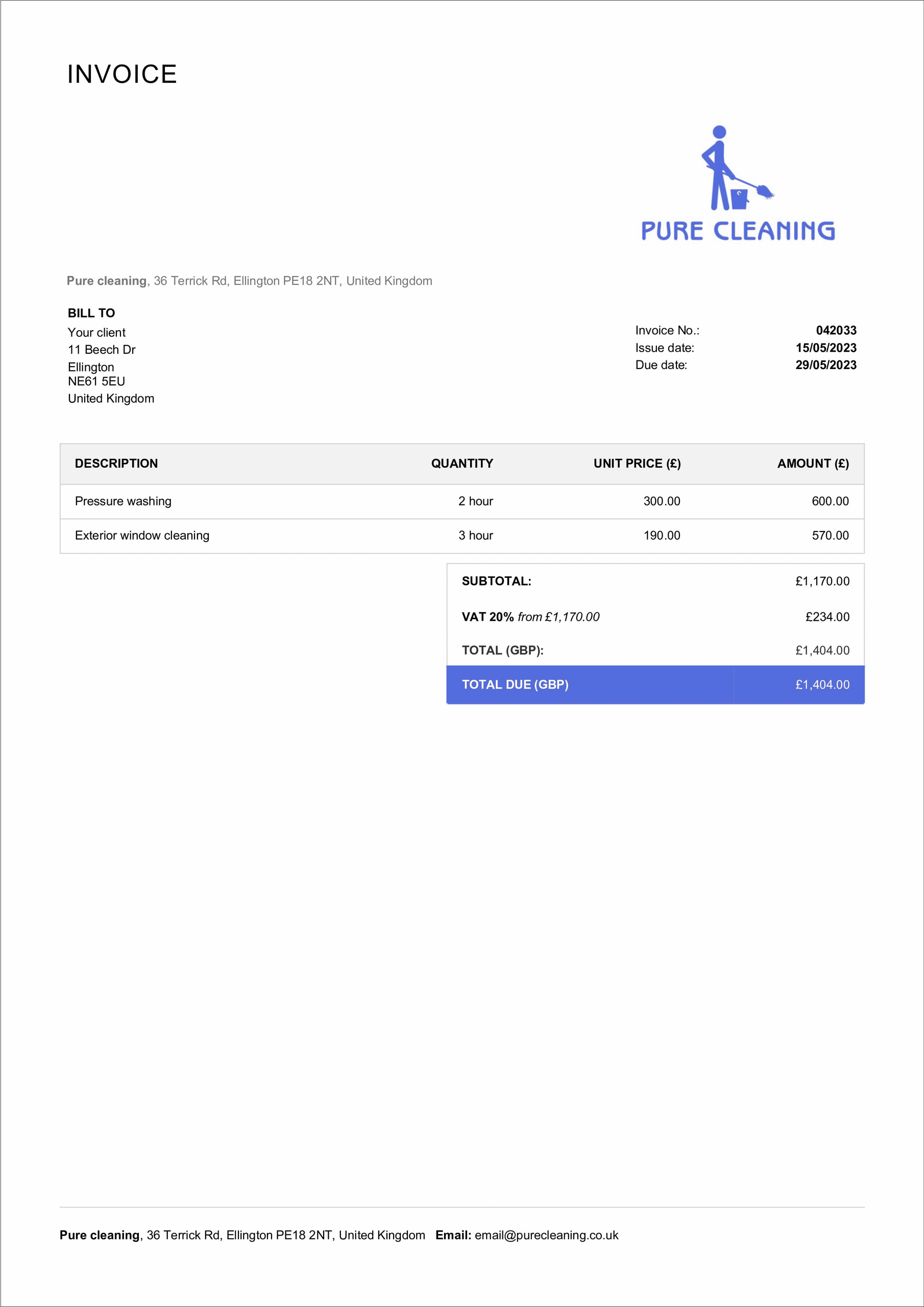
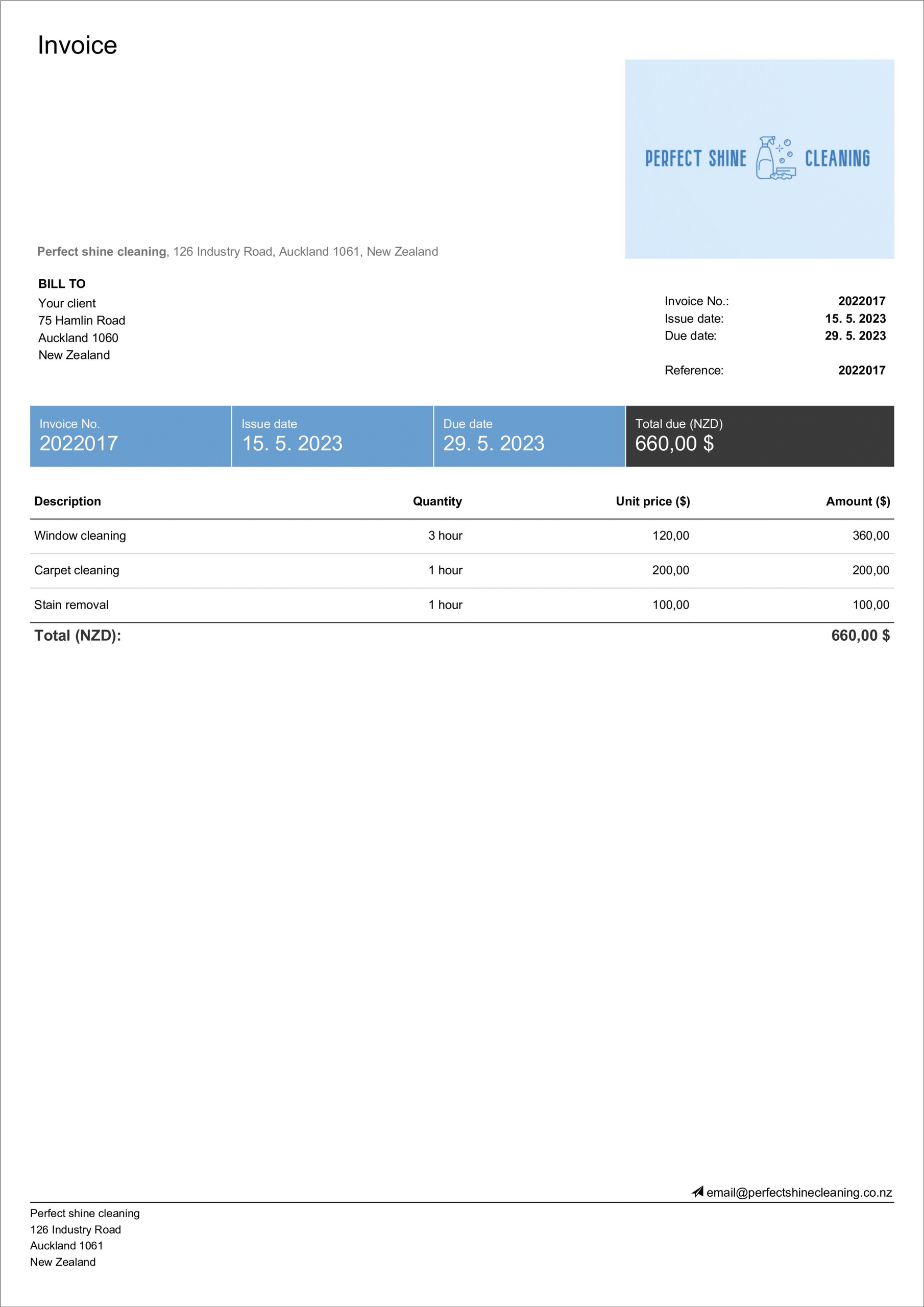
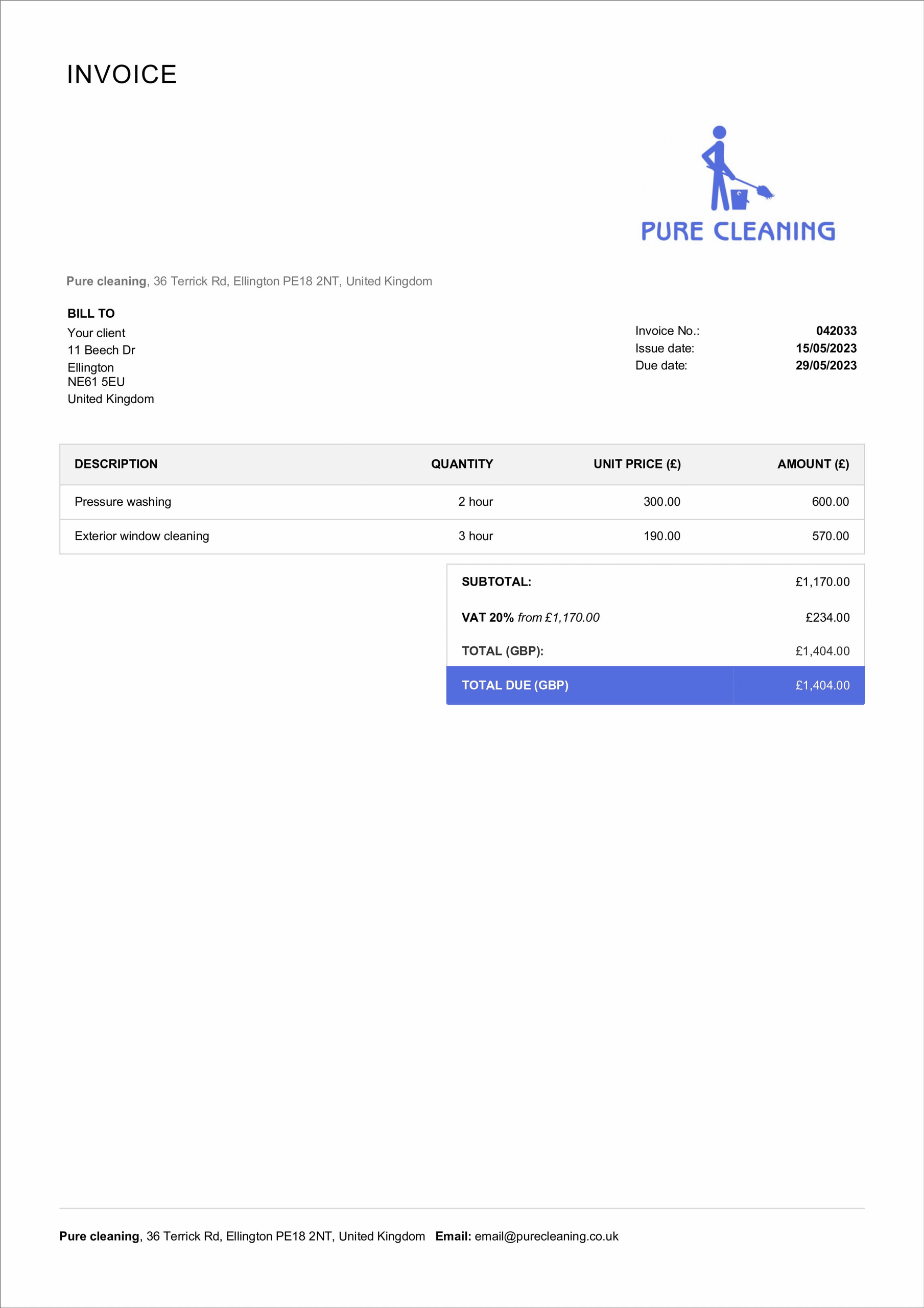
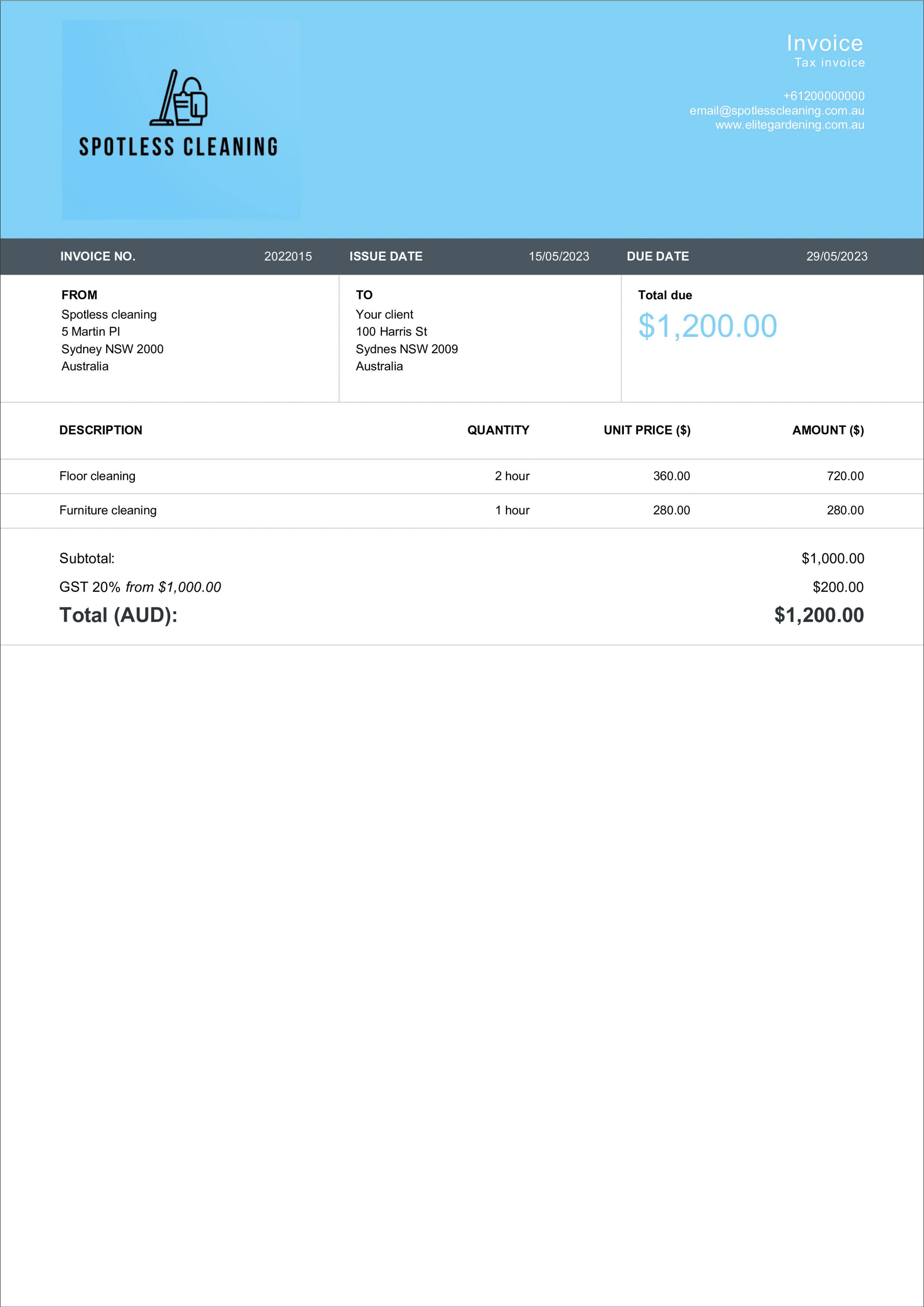
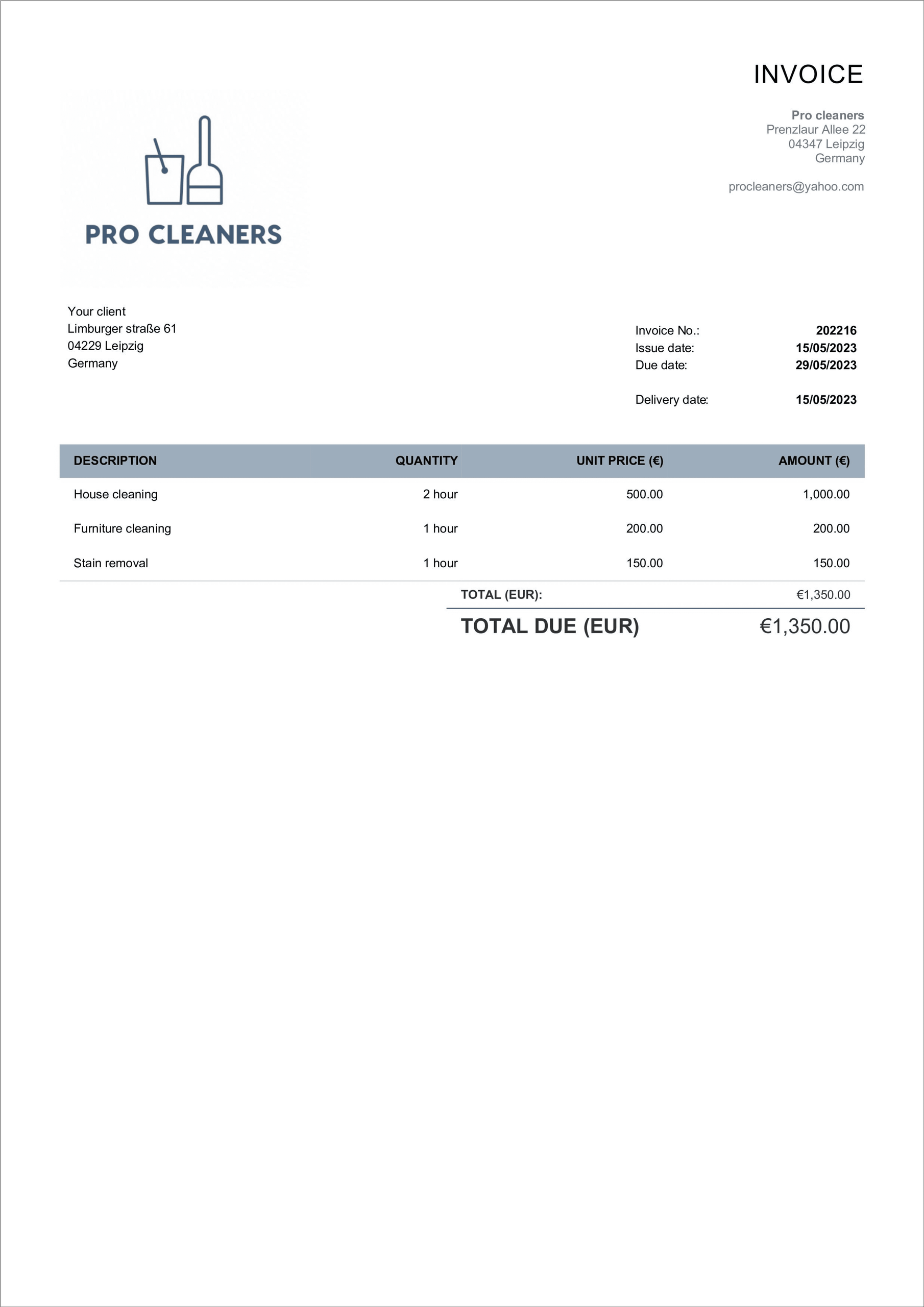
Identify the property, service dates and whether the work was a routine clean, deep clean or end-of-tenancy clean. Show the agreed price per visit, hours worked or fixed job fee; for regular office or house cleaning, list the visits covered by the bill.
For carpet cleaning, specify the rooms or area treated and any separately priced stain treatment. For window cleaning, state whether the job covered internal glass, external glass or both, with agreed access charges shown separately.
Stripe Template
Download template for free:
Classic Template
Download template for free:
Modern Template
Download template for free:
Simple Template
Download template for free:
Landscaping and lawn care invoice templates
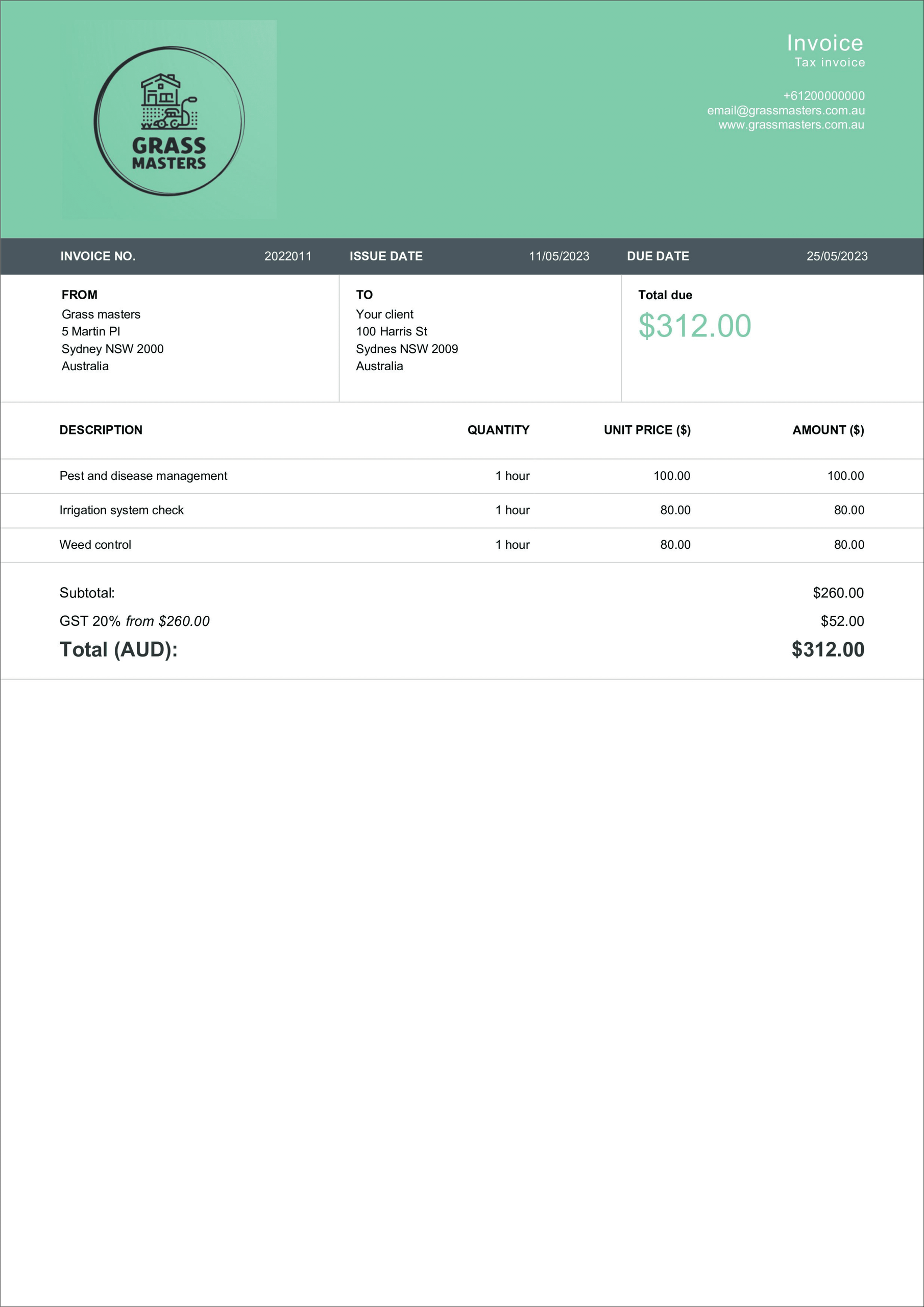
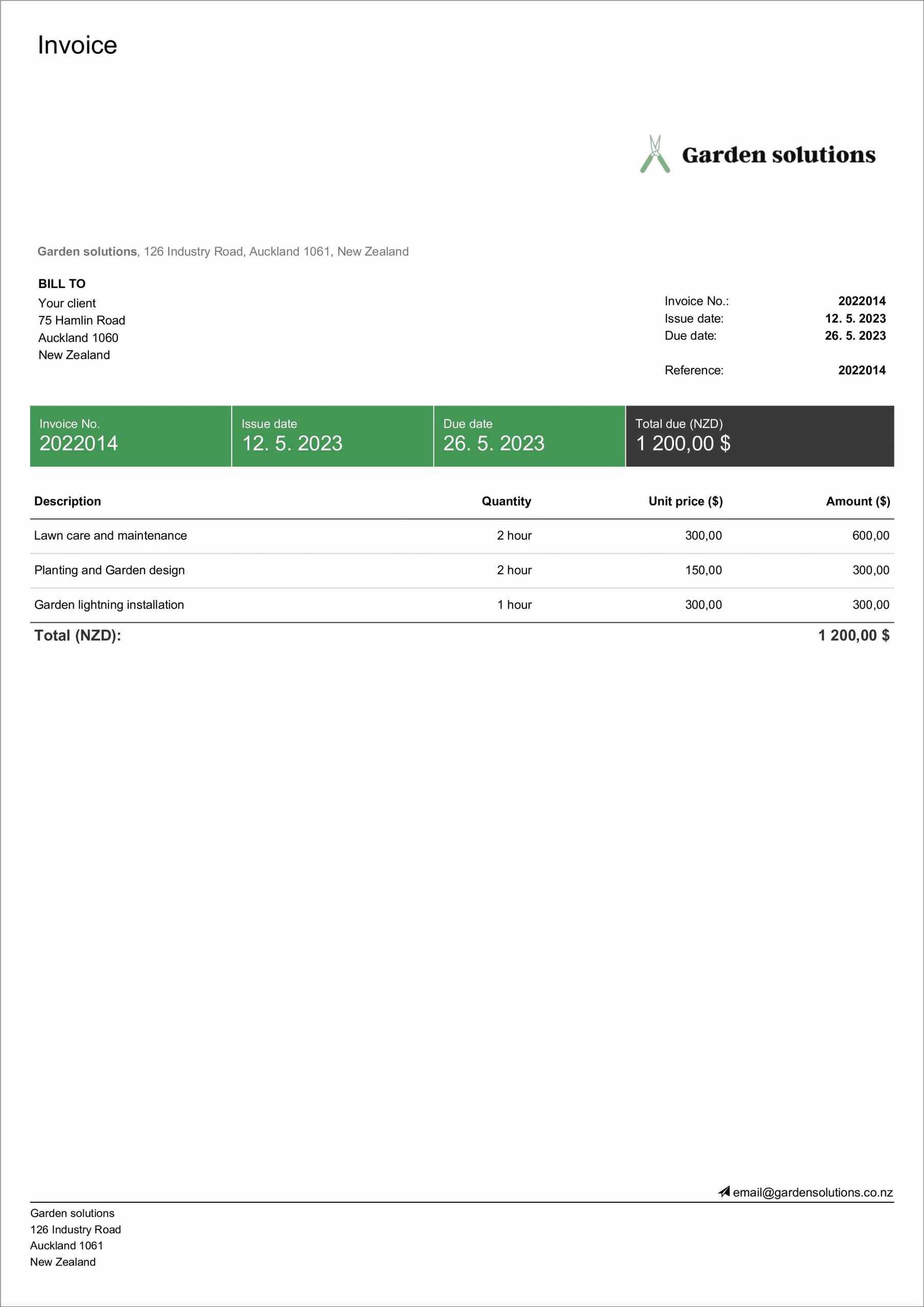
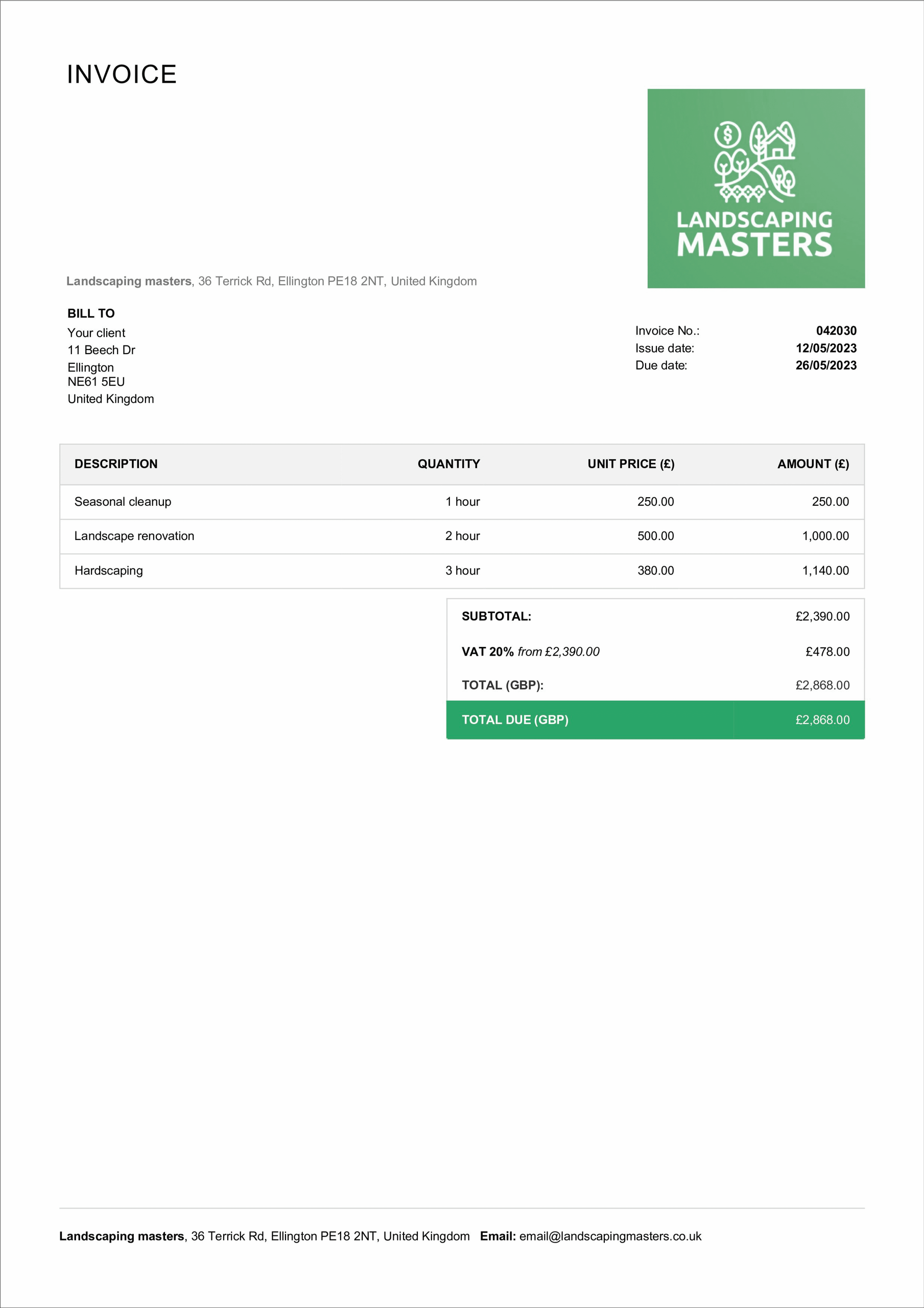
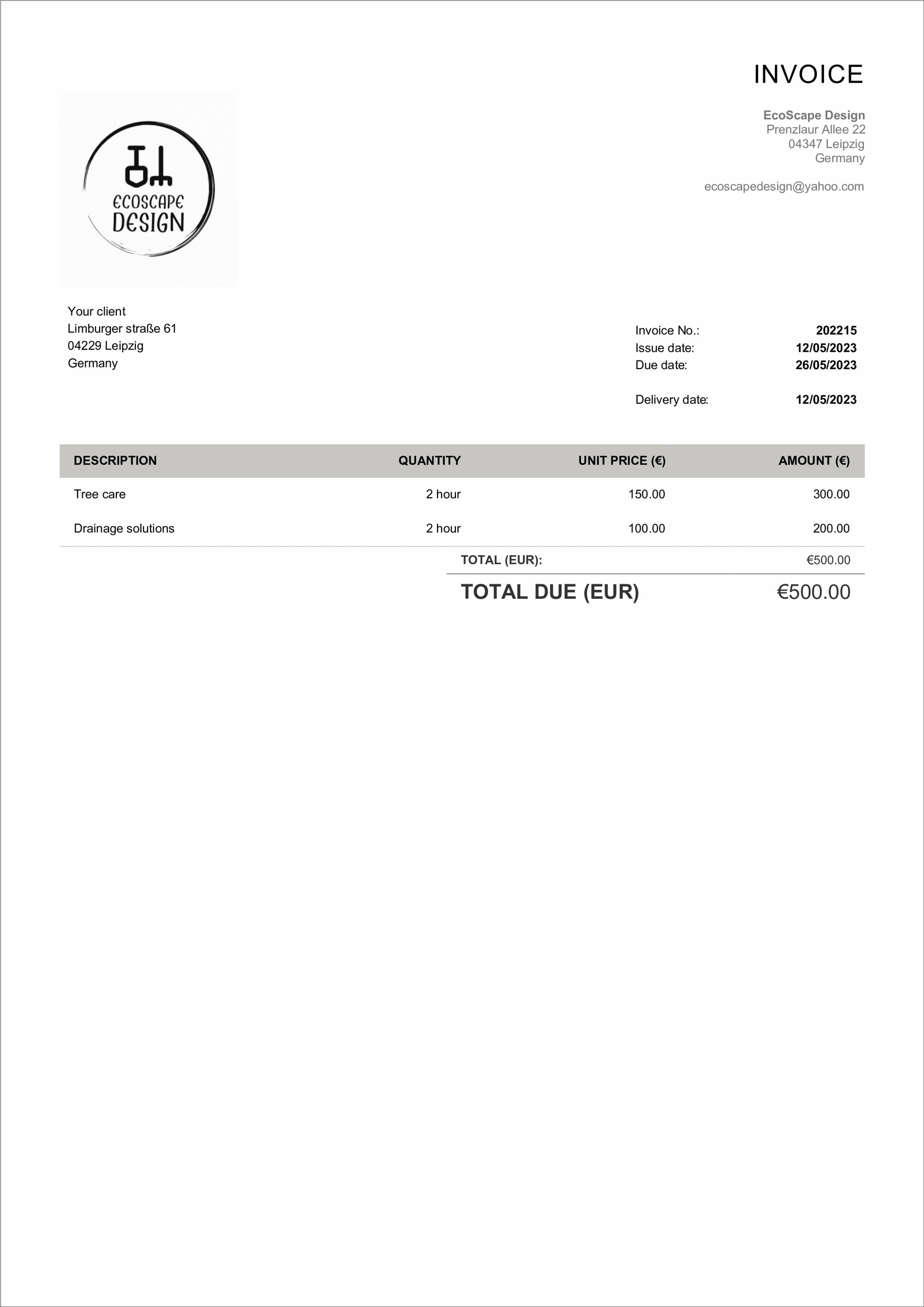
For landscaping and gardening projects, identify the site and work completed. Separate planting or preparation labour from plants, soil and other materials, with quantities and unit prices. Add equipment hire or design fees where agreed; for staged work, name the stage and account for earlier payments.
For lawn care, describe mowing, grass cutting, edging or treatments. List the service dates and charge per visit or agreed monthly fee, so the customer can see which maintenance visits the invoice covers.
Stripe Template
Download template for free:
Classic Template
Download template for free:

Modern Template
Download template for free:
Simple Template
Download template for free:

Your creativity, clearly billed
Creative work
Find invoice templates for photographers, graphic and logo designers, artists and actors. Describe the finished work, agreed deliverables and any extras, from image editing to additional rehearsal sessions.
Photography invoice templates
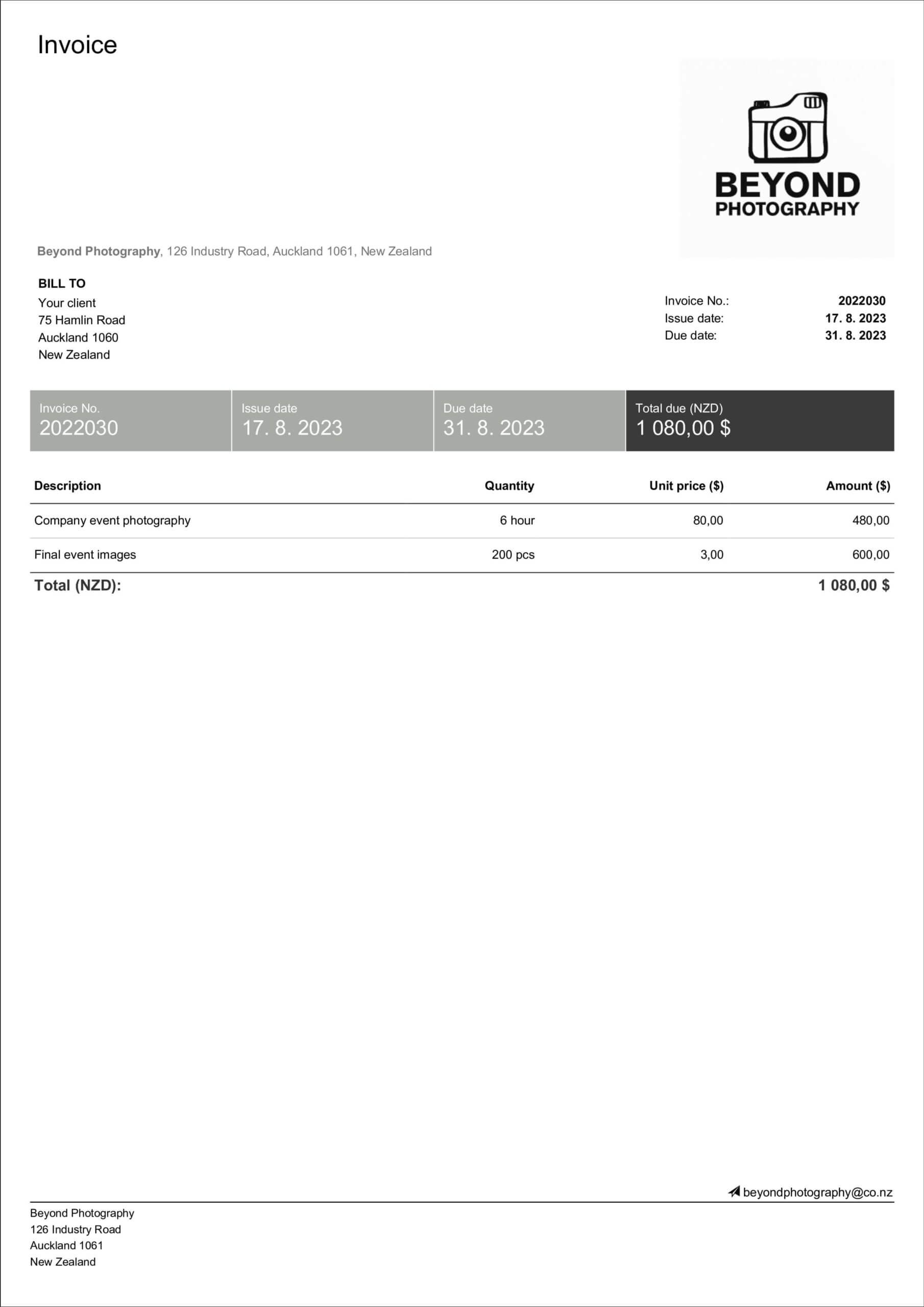
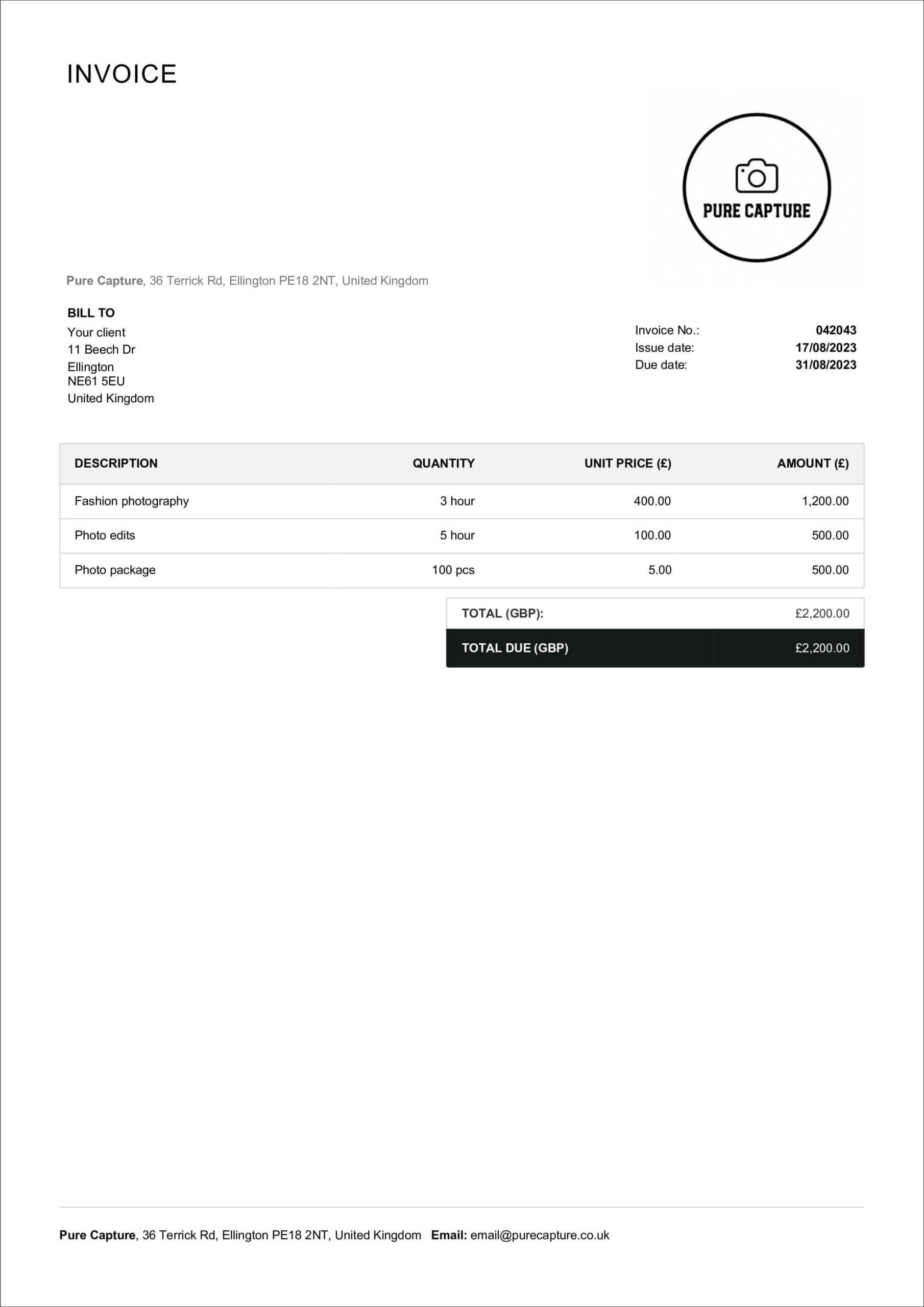
Name the shoot, event date and photography package, including the booked hours and images or products to be delivered. For a photo-studio invoice, distinguish the session fee from separately priced retouching, prints, albums or equipment hire.
For wedding photography, show the coverage period and deduct the booking payment from the final balance. For commercial work, reference the agreed image usage and identify extra editing or deliverables outside the original package.
Stripe Template
Download template for free:
Classic Template
Download template for free:

Modern Template
Download template for free:

Simple Template
Download template for free:
Graphic design and logo design invoice templates
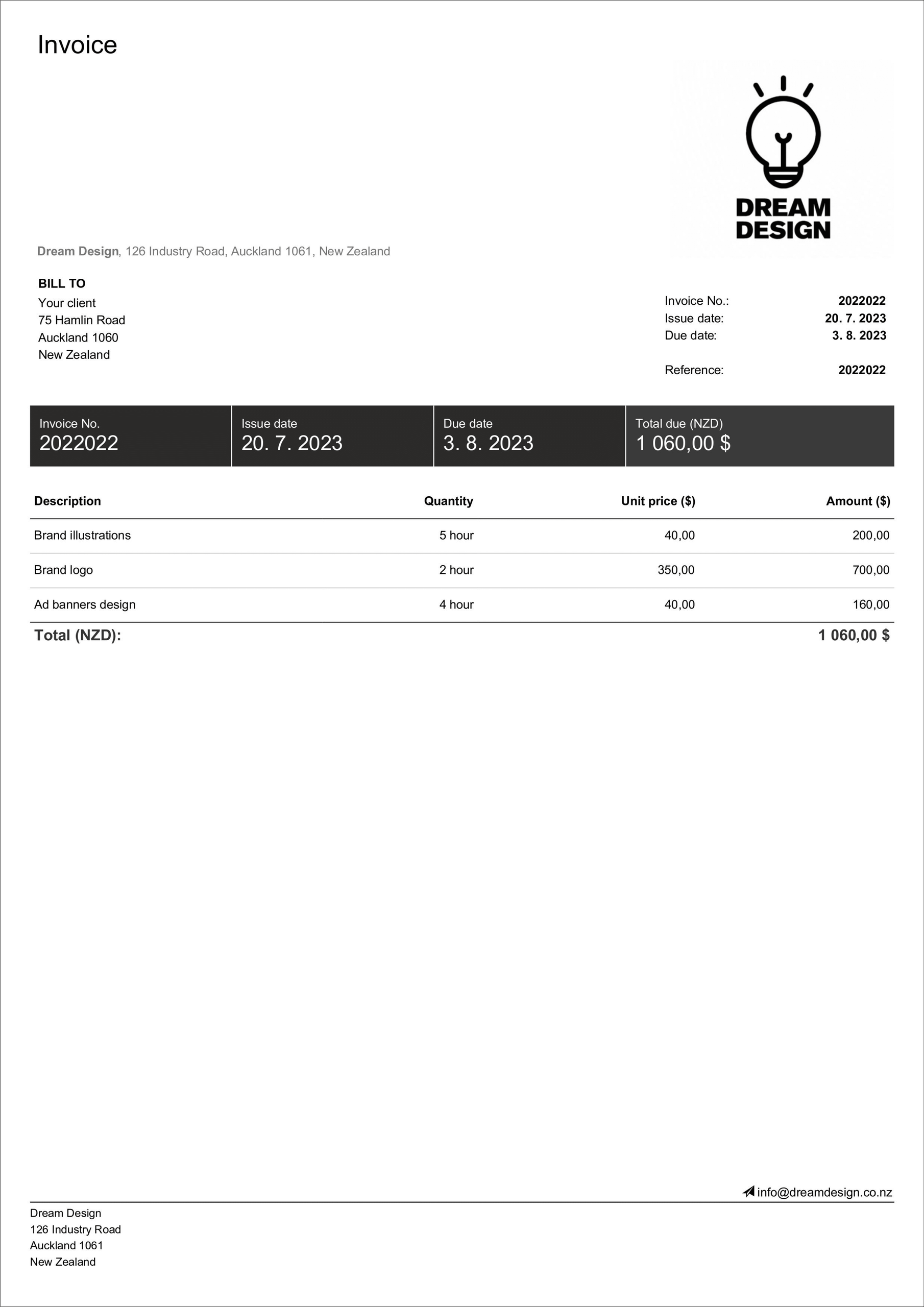
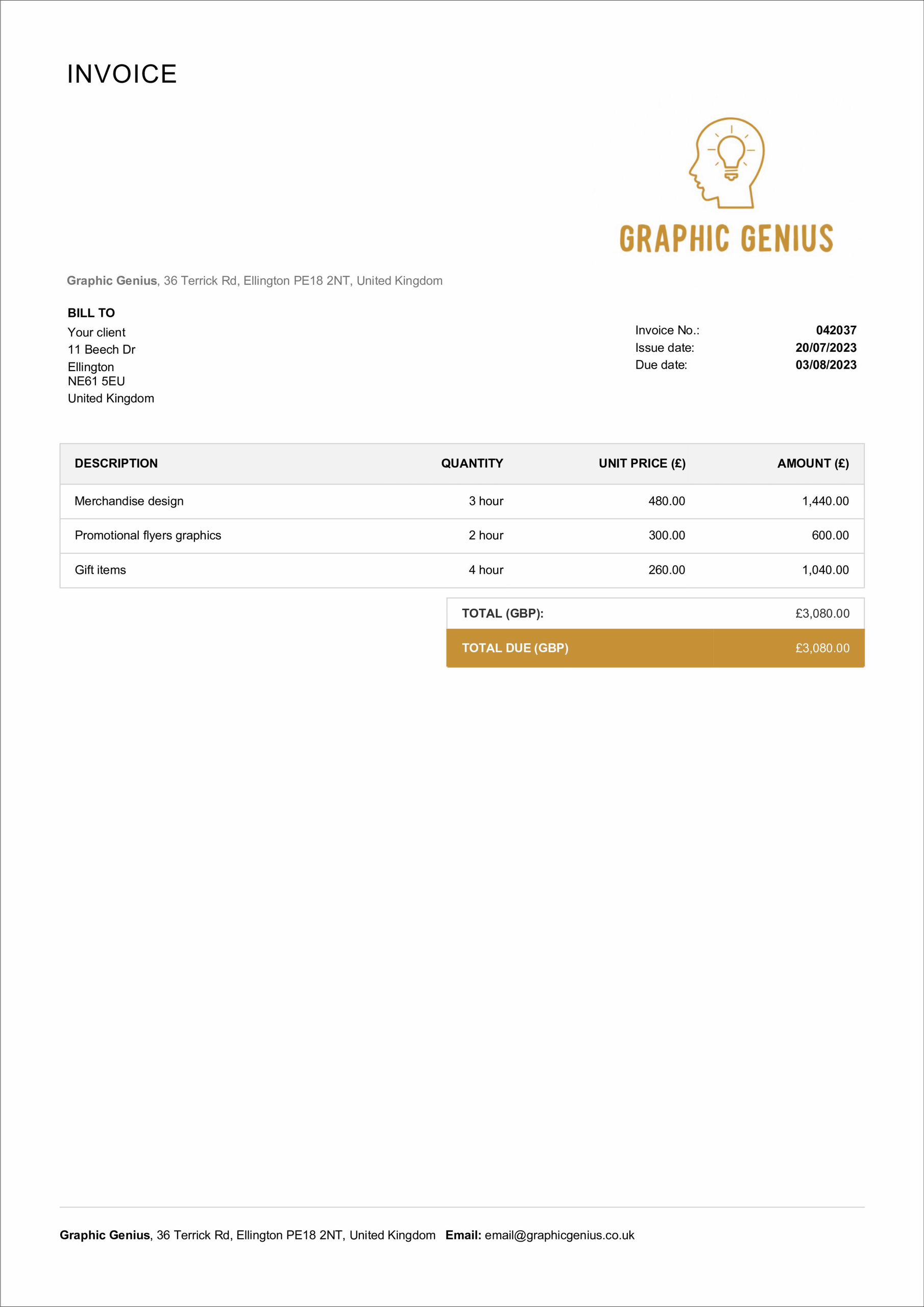
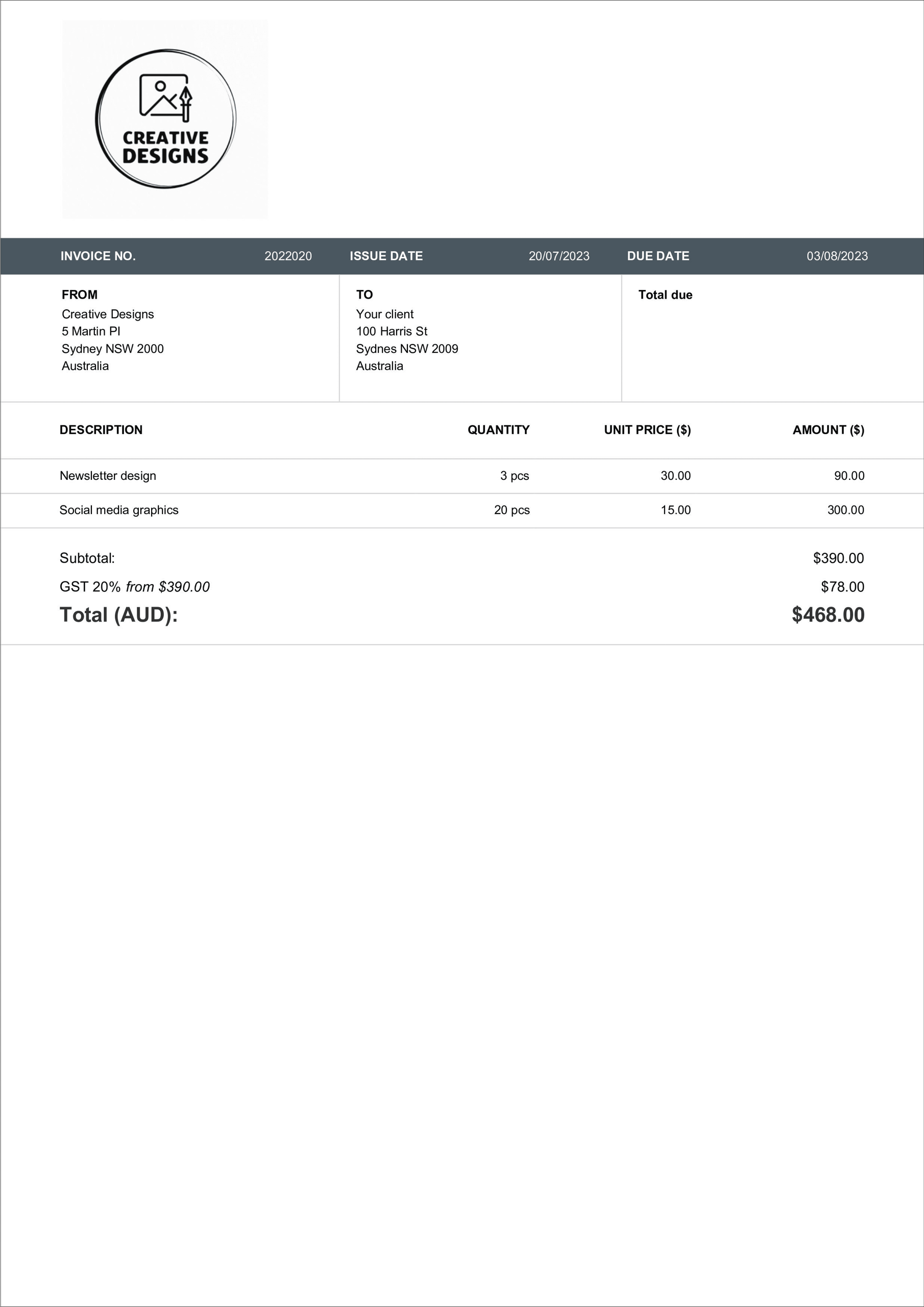
Name the design project and the finished deliverables, such as campaign graphics, a brochure or web assets. Distinguish the agreed design fee from additional revision rounds and approved stock images or fonts.
For logo design, specify the final logo files and any brand guidelines included. Reference the agreed usage or ownership terms, and identify the project stage if you are invoicing before final delivery.
Stripe Template
Download template for free:
Classic Template
Download template for free:
Modern Template
Download template for free:

Simple Template
Download template for free:
Artist invoice templates
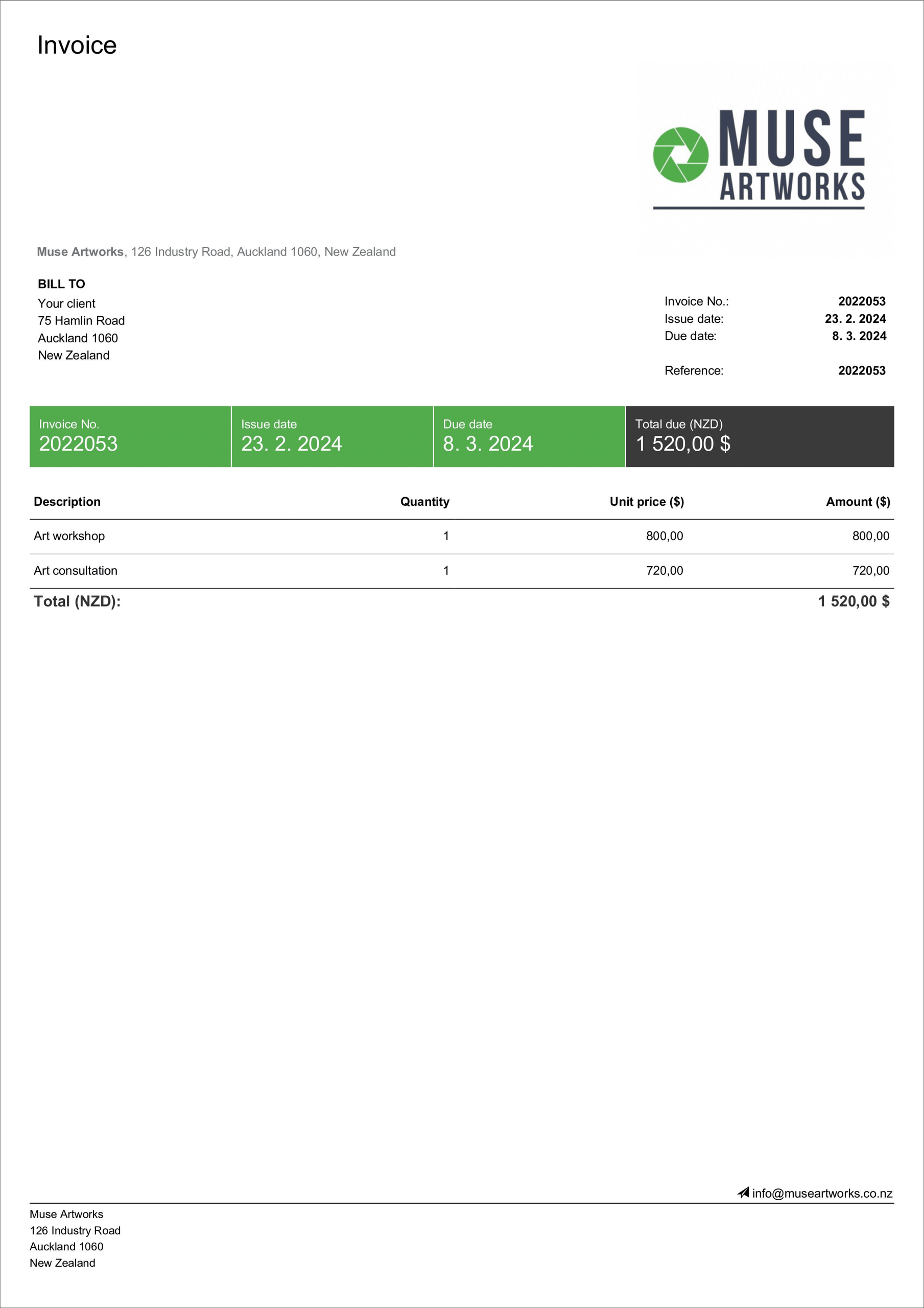
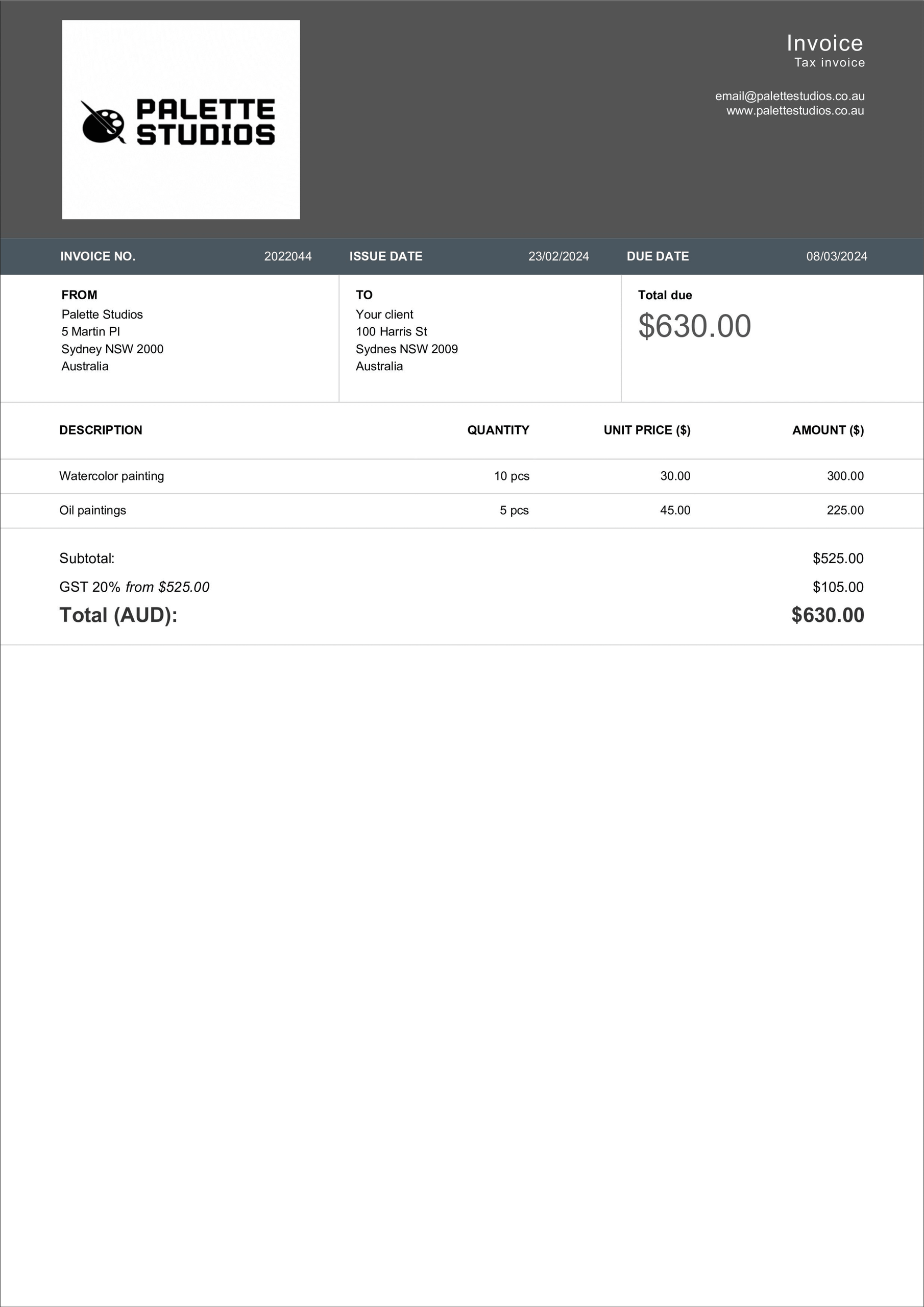
Identify the artwork by title or description, with its size, medium and quantity where relevant. For a commissioned piece, state whether you are billing an agreed stage or the finished work, and account for any deposit already paid.
Separate framing, delivery or other agreed extras from the artwork price. For illustration or licensed artwork, reference the agreed reproduction or usage terms so the client can distinguish the creative fee from rights granted.
Stripe Template
Download template for free:
Classic Template
Download template for free:
Modern Template
Download template for free:
Simple Template
Download template for free:
Actor invoice templates
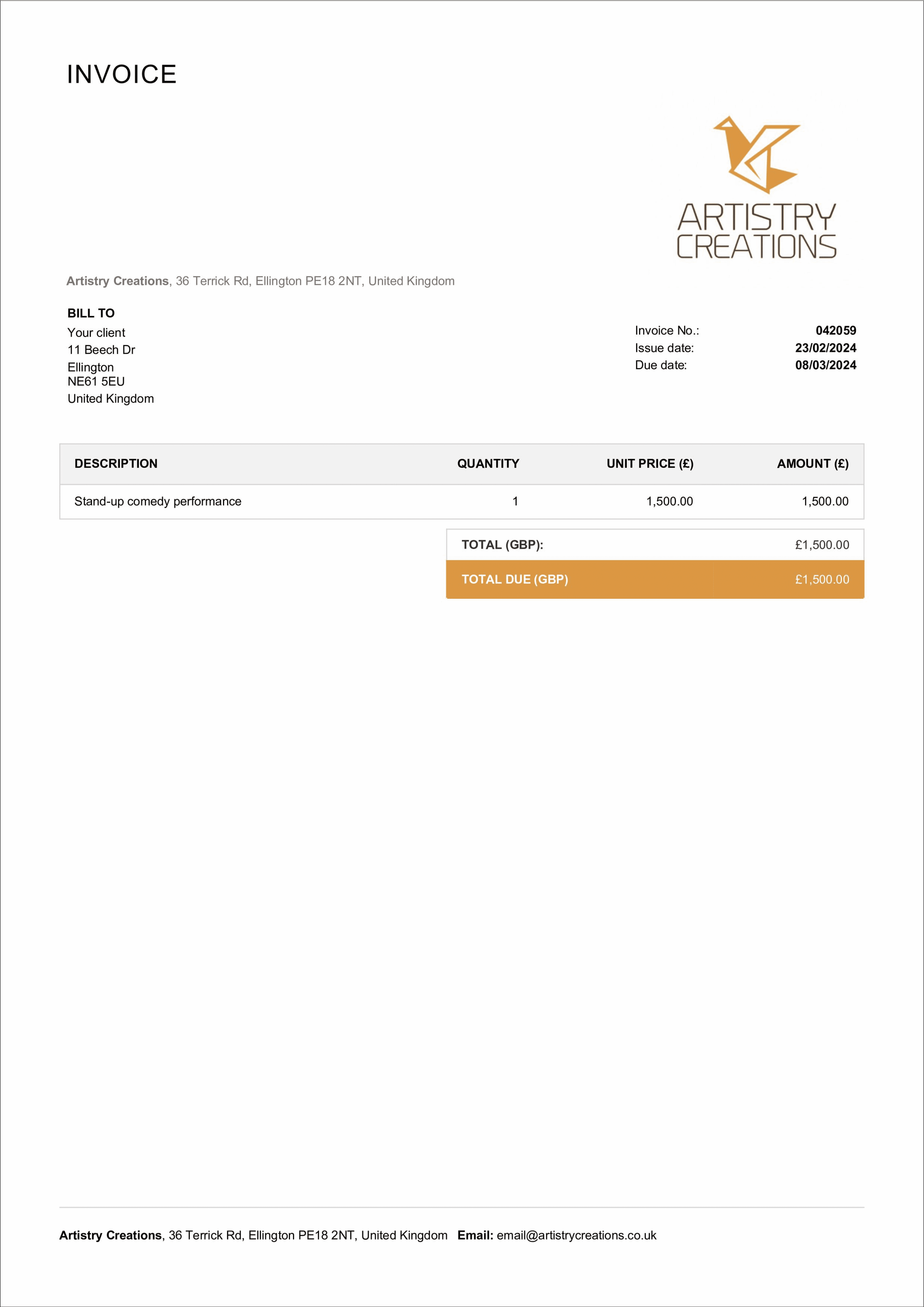
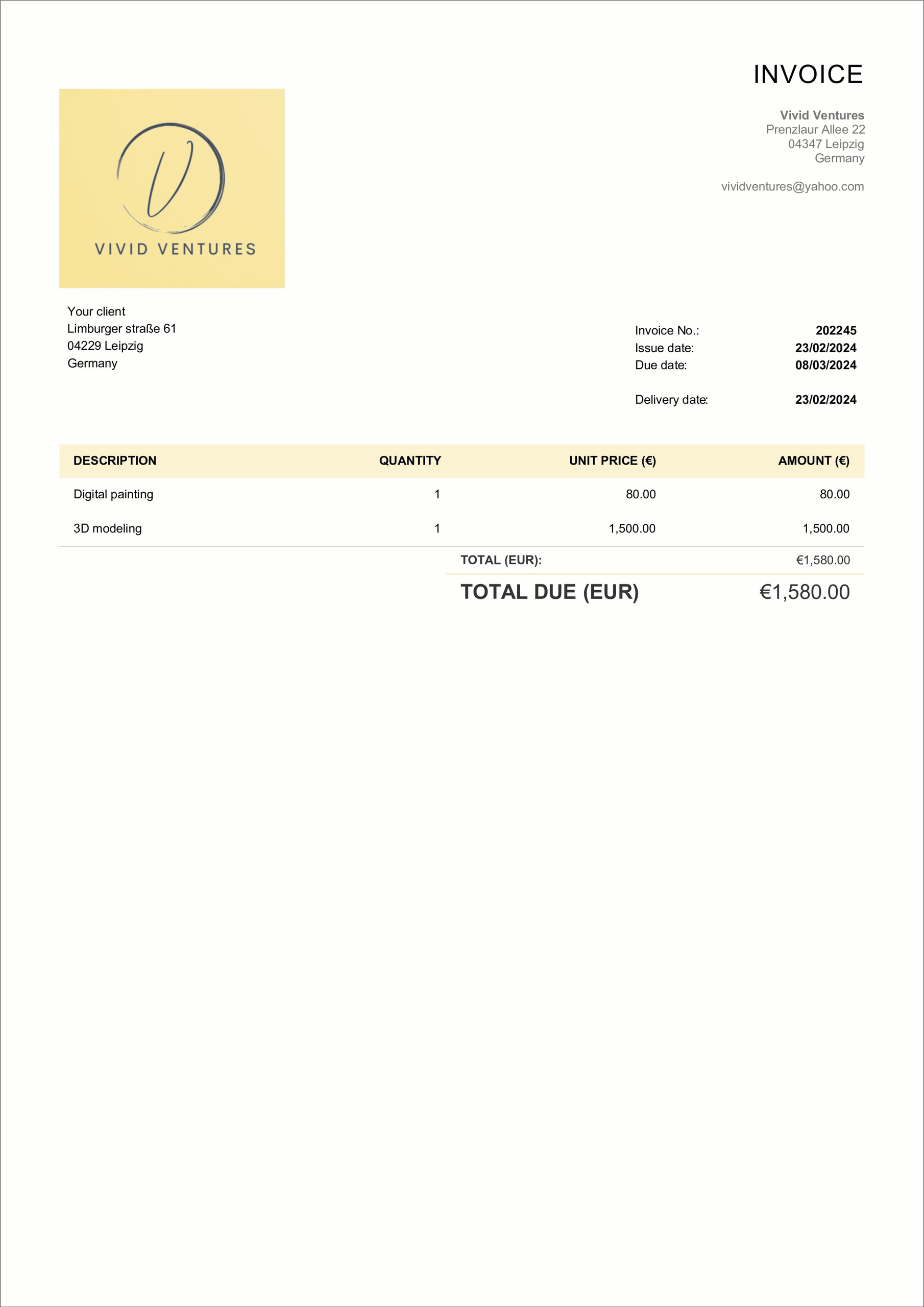
Name the production and the performance, shoot or recording dates. Show the agreed day, session or project rate, with rehearsals and additional sessions on separate lines when billed separately.
For voice-over work, identify the recording and reference the agreed usage terms. List approved travel, per diem or wardrobe expenses clearly. Handle any agent deduction in line with the booking agreement, rather than automatically adding it to the client’s bill.
Stripe Template
Download template for free:
Classic Template
Download template for free:
Modern Template
Download template for free:
Simple Template
Download template for free:
Made for every booking
Events and rentals
Find invoice templates for catering, property rentals and equipment hire. Keep event details, guest numbers, rental periods and booking payments clear, so customers can match each charge to their agreement.

Catering invoice templates
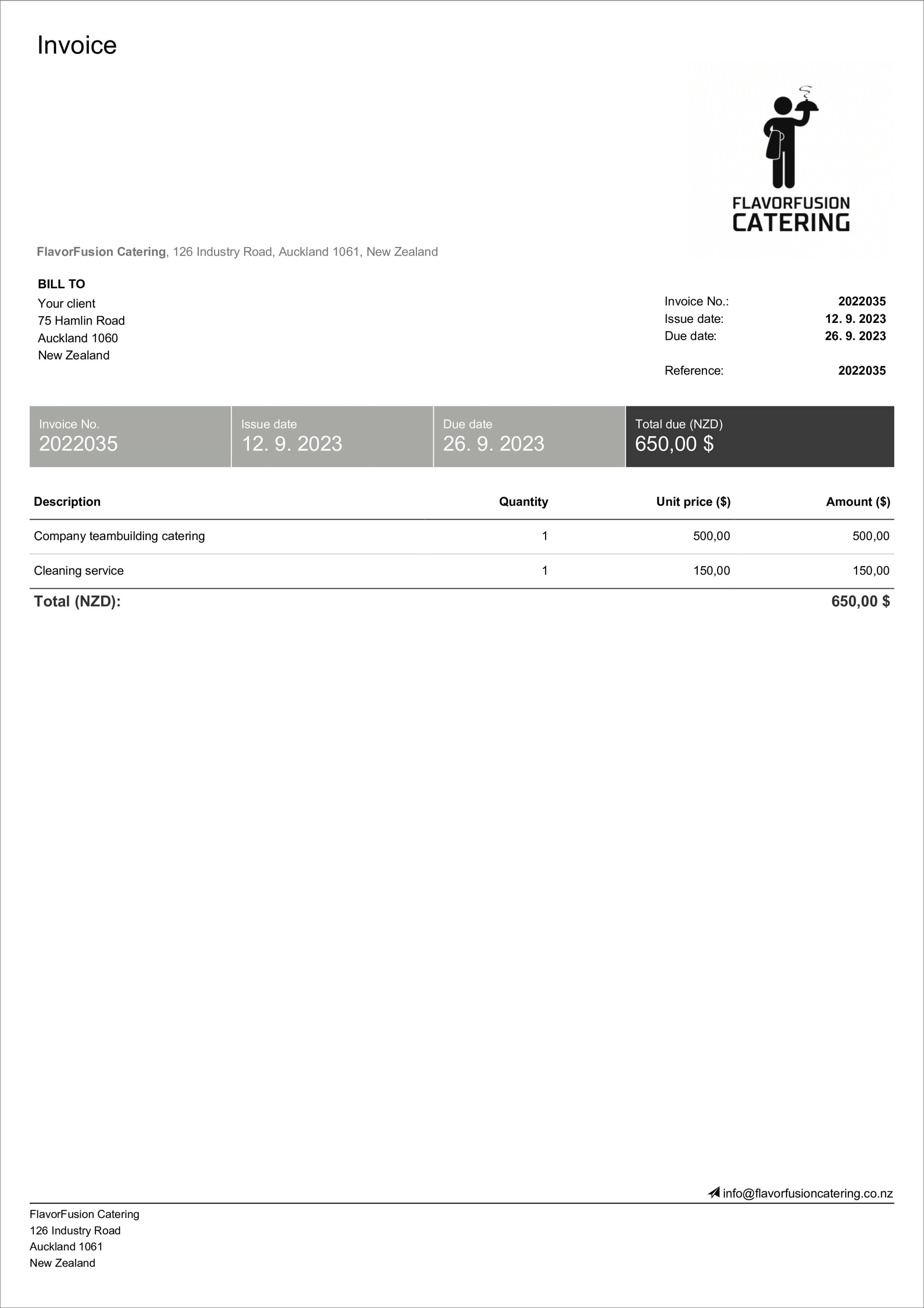
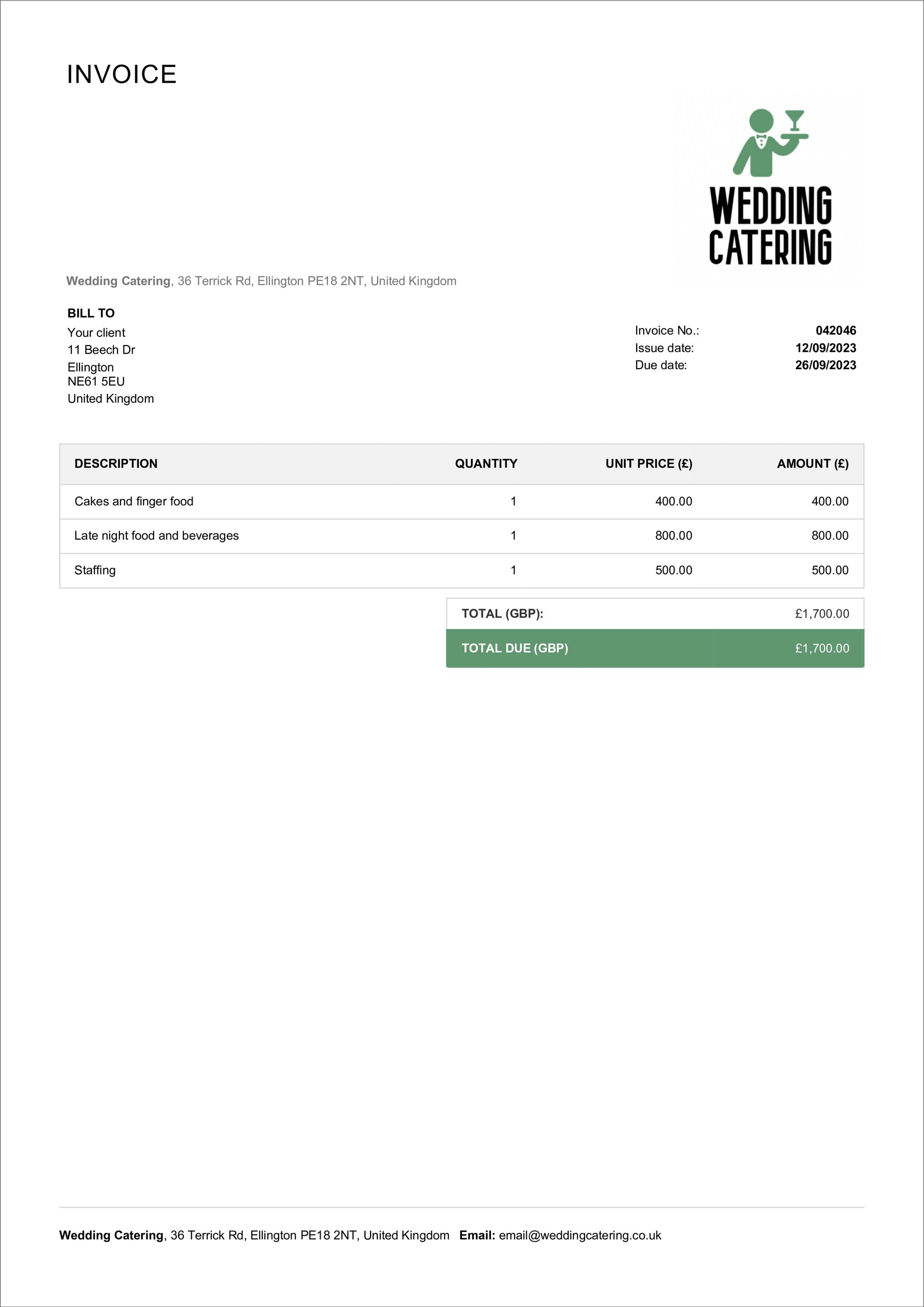
Identify the event date and venue, then show the confirmed guest count or food and drink quantities with the agreed prices. Separate staff, equipment hire, delivery and setup when charged outside the menu package.
Deduct the booking deposit already paid from the final balance. Describe what any service charge covers and keep it separate from gratuity. If the guest count or menu changed, use the final agreed quantities so the invoice matches the booking.
Stripe Template
Download template for free:
Classic Template
Download template for free:
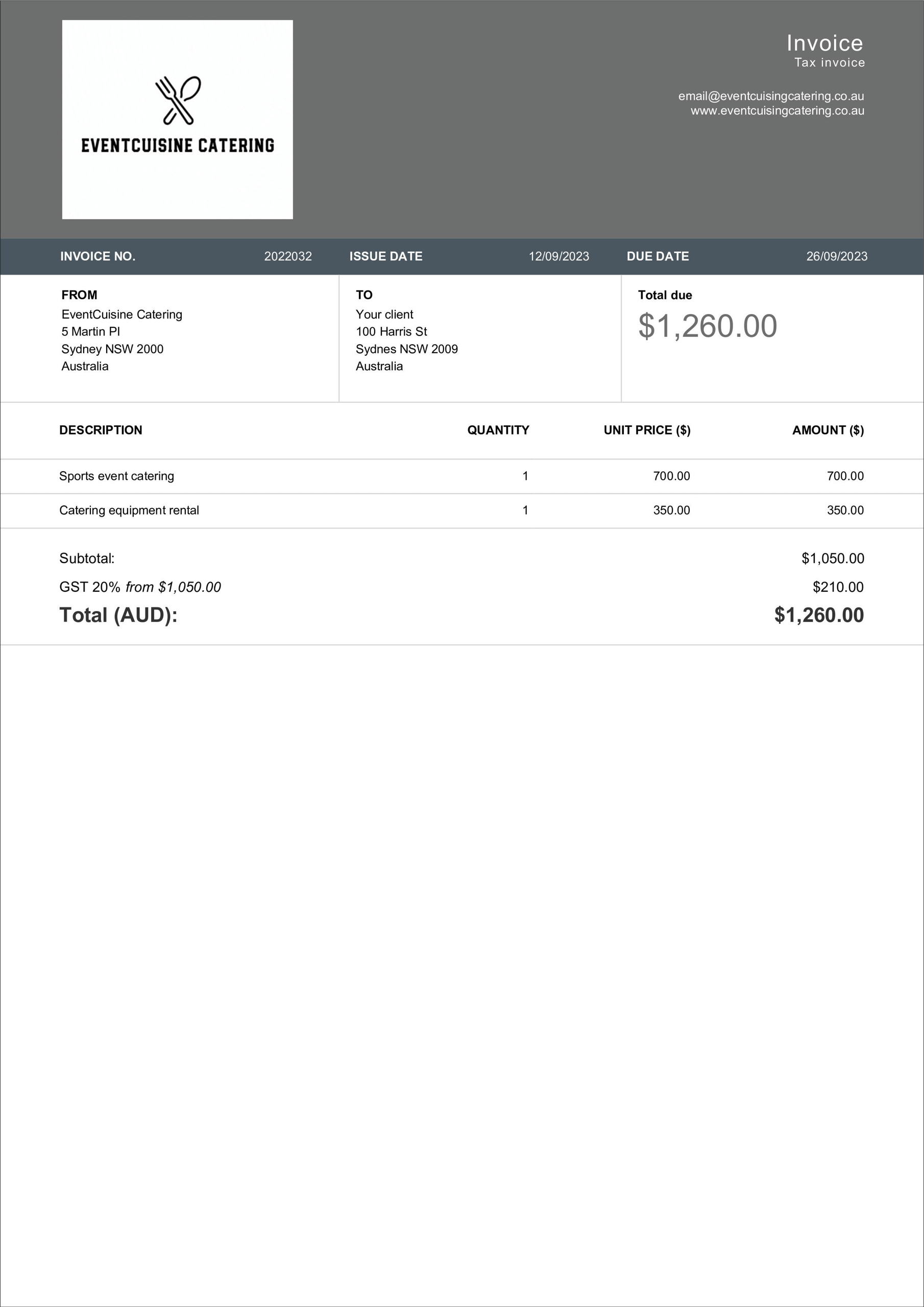
Modern Template
Download template for free:
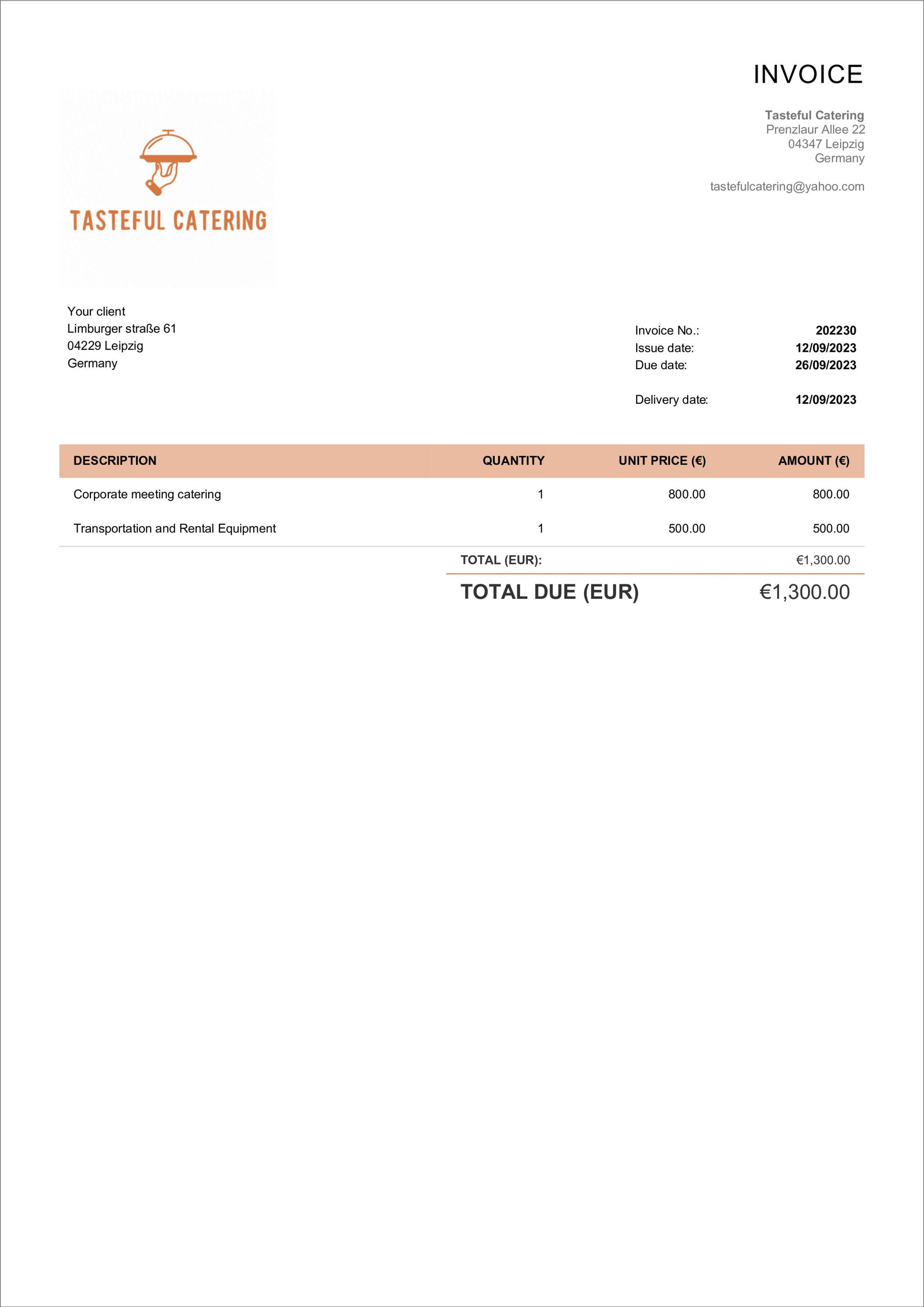
Simple Template
Download template for free:
Rental invoice templates
For a property rent invoice, identify the landlord, tenant, property address and exact rental period. State the agreed weekly or monthly rent and itemise separately charged utilities or other agreed costs.
For equipment hire, identify the item or model, hire dates, rate and any agreed usage or delivery charges. Keep refundable security deposits distinct from rental charges. An invoice requests payment; record a receipt or paid status only once the payment has actually been received.
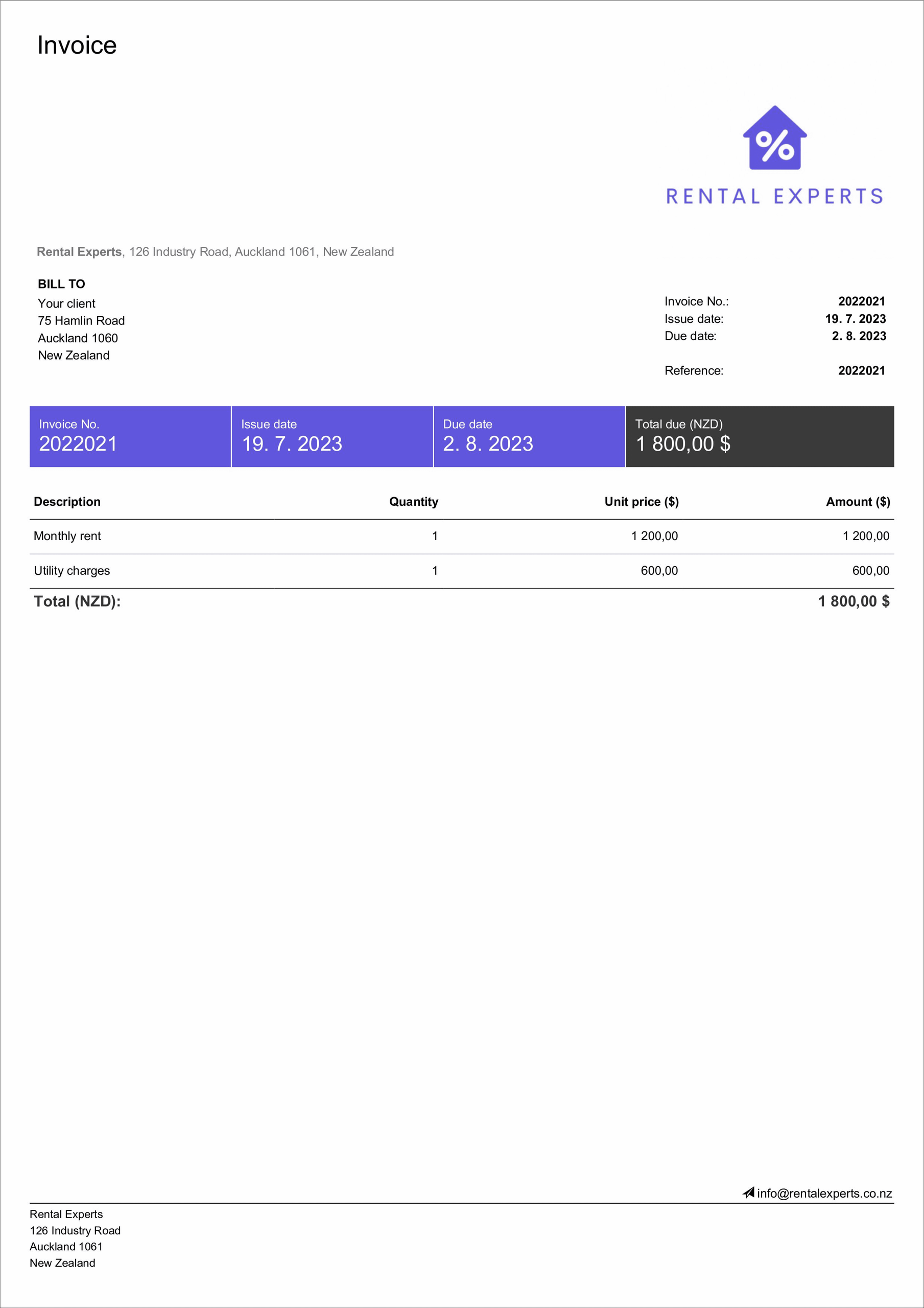
Stripe Template
Download template for free:
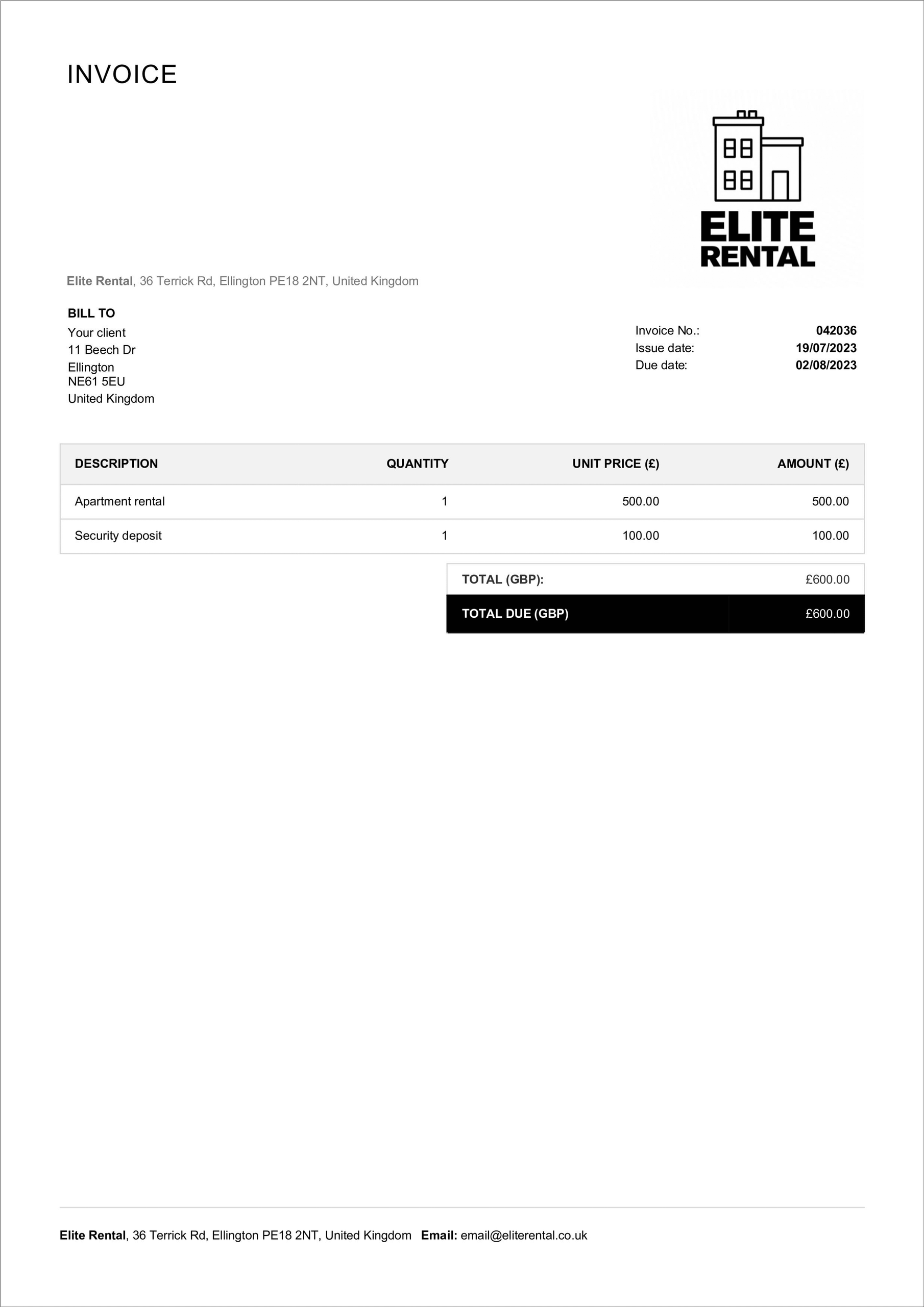
Classic Template
Download template for free:
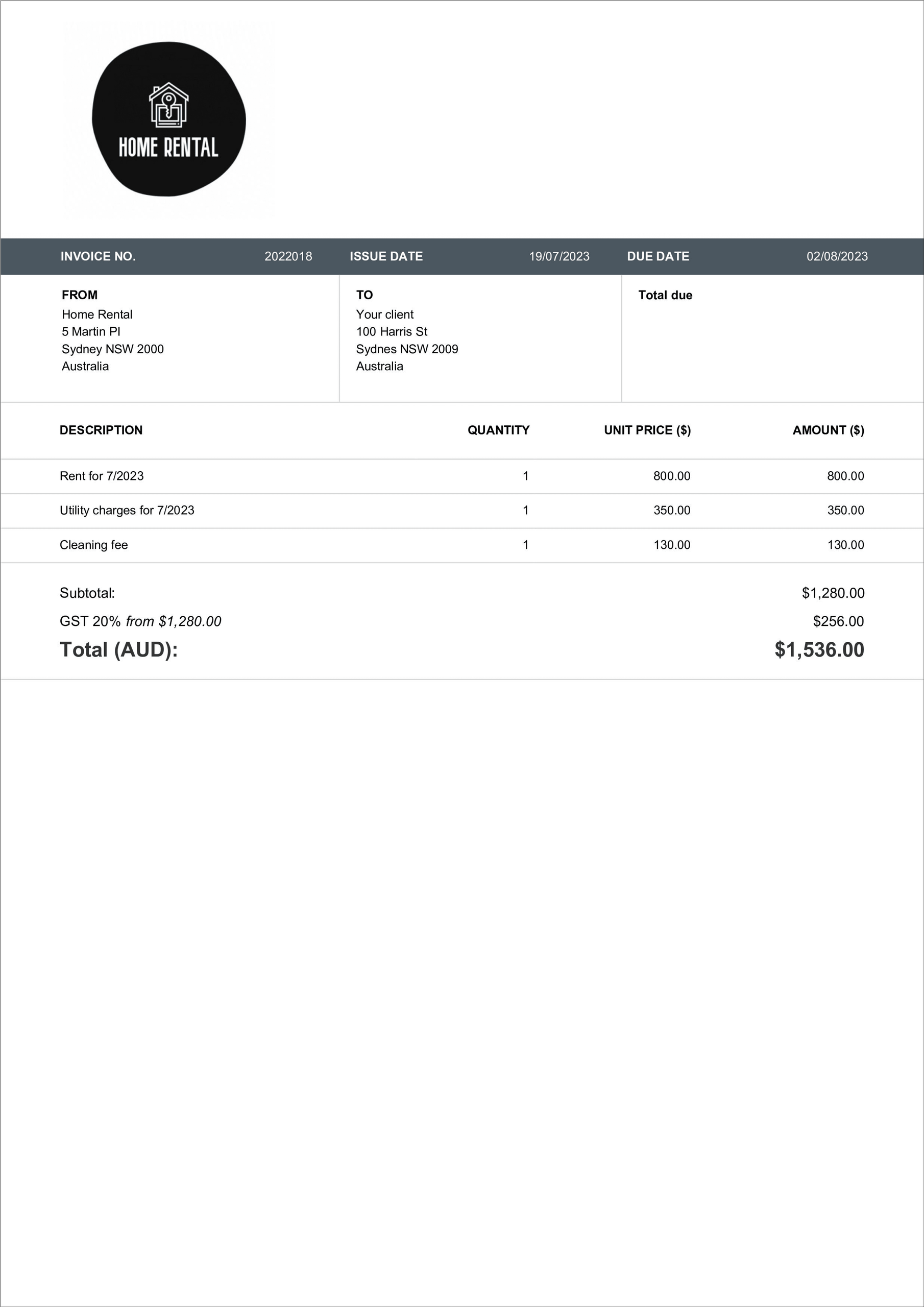
Modern Template
Download template for free:
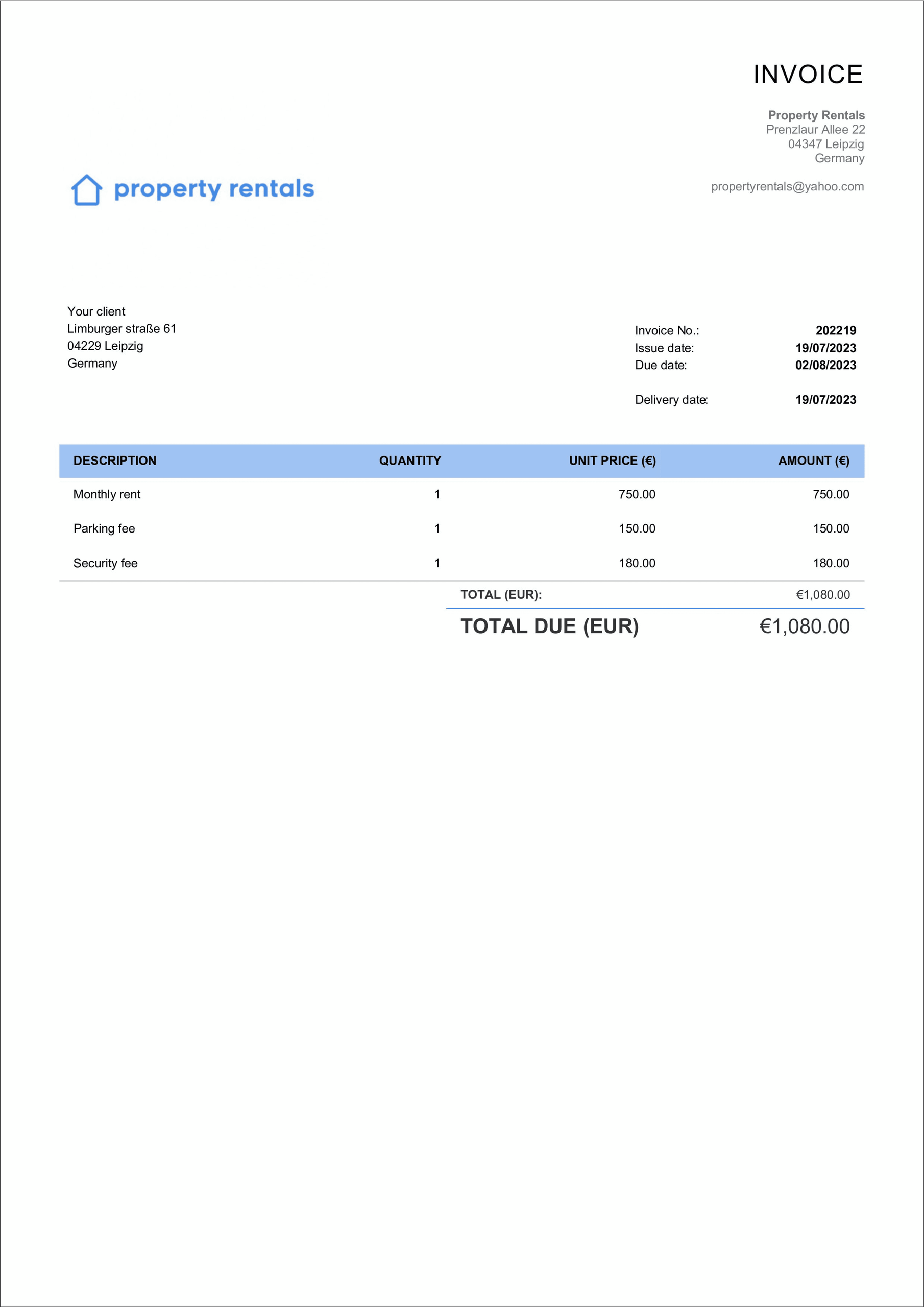
Simple Template
Download template for free:
Try the Billdu App
Create your next invoice with Billdu
Create invoices on mobile or web and keep your customer details and documents together. Start online for a single invoice, or explore Billdu for your regular invoicing.
7-Day Free Trial
Cancel Anytime
Try the Billdu App
Create your next invoice with Billdu
Create invoices on mobile or web and keep your customer details and documents together. Start online for a single invoice, or explore Billdu for your regular invoicing.
7-Day Free Trial
Cancel Anytime
Quick and easy
Choose your invoice format
Word
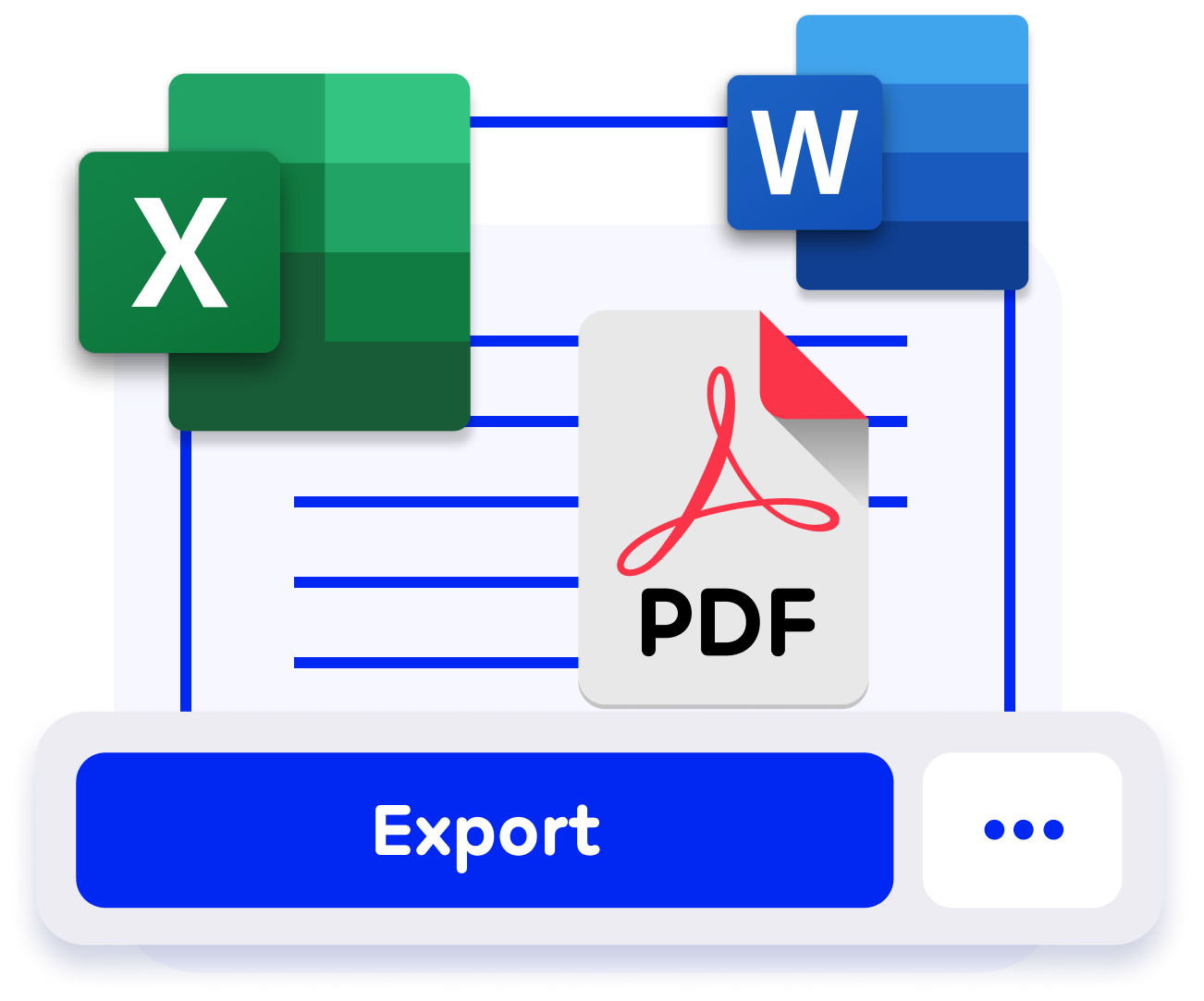
Choose Word for an editable document. Change the sample wording, add your logo and adjust the layout. Check calculations manually before sending.
Excel and Google Sheets
Choose Excel for a downloadable spreadsheet or Google Sheets to work in your browser. Make your own copy of a Google template and check quantities, rates and formulas after editing.
Google Docs
The designs on this page come in Word, Excel or Google Sheets, not Google Docs. Google Docs and Google Sheets are different formats; use the option shown beside your chosen design.
PDF and printing
To create a PDF for any profession, complete an editable template and export or save it as a PDF, or use the free invoice generator. Preview the finished document before emailing or printing it. The download buttons show which source formats are available.
What to include on an invoice
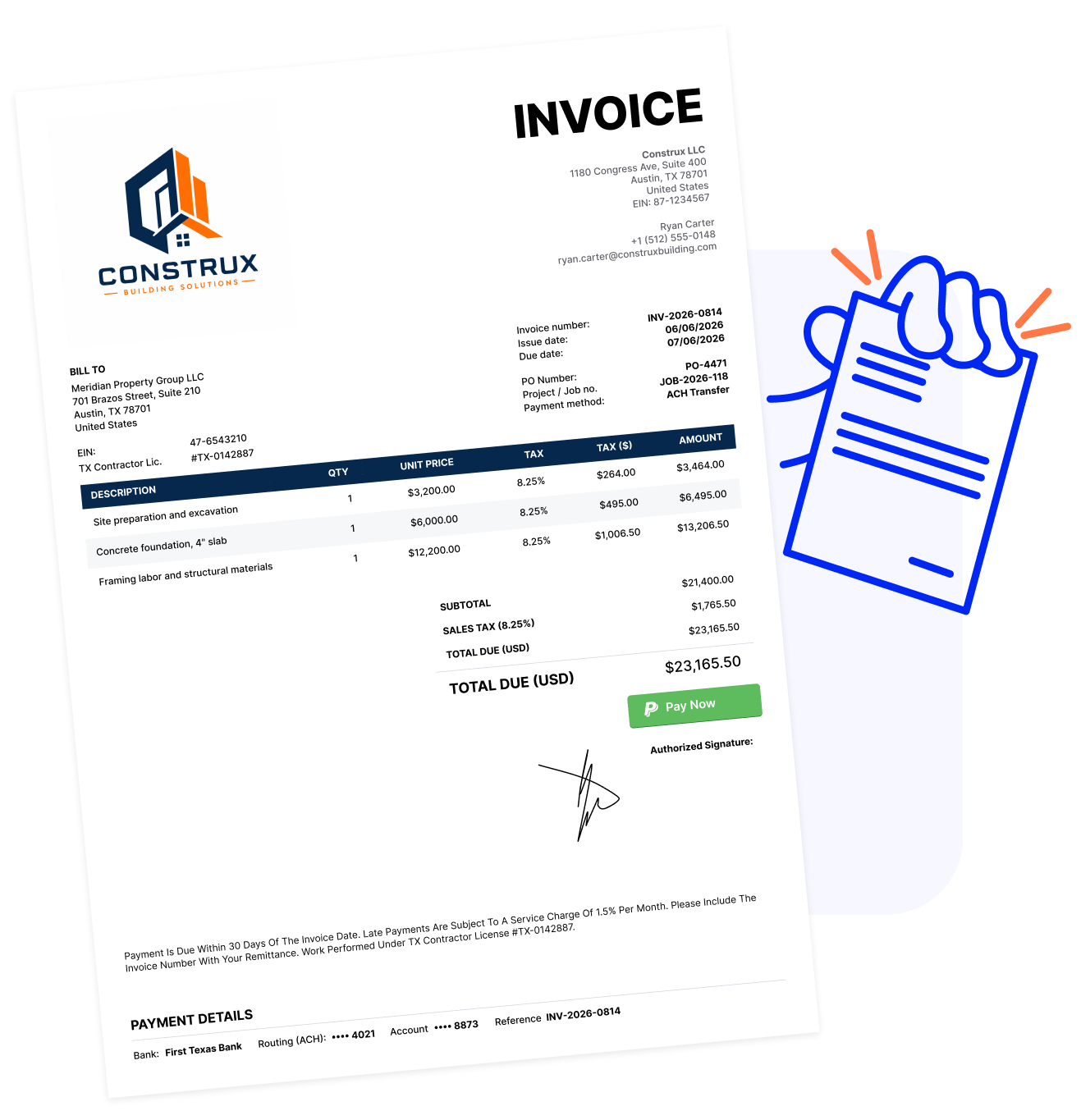
A useful invoice makes it clear who supplied the goods or services, what the customer is paying for and how much is due. Start with these details and add the fields required for your business and the transaction:
A unique invoice number that you can use to identify the document.
Your business name, address and contact details, and the customer’s name and address.
The invoice date and the date the goods or services were supplied.
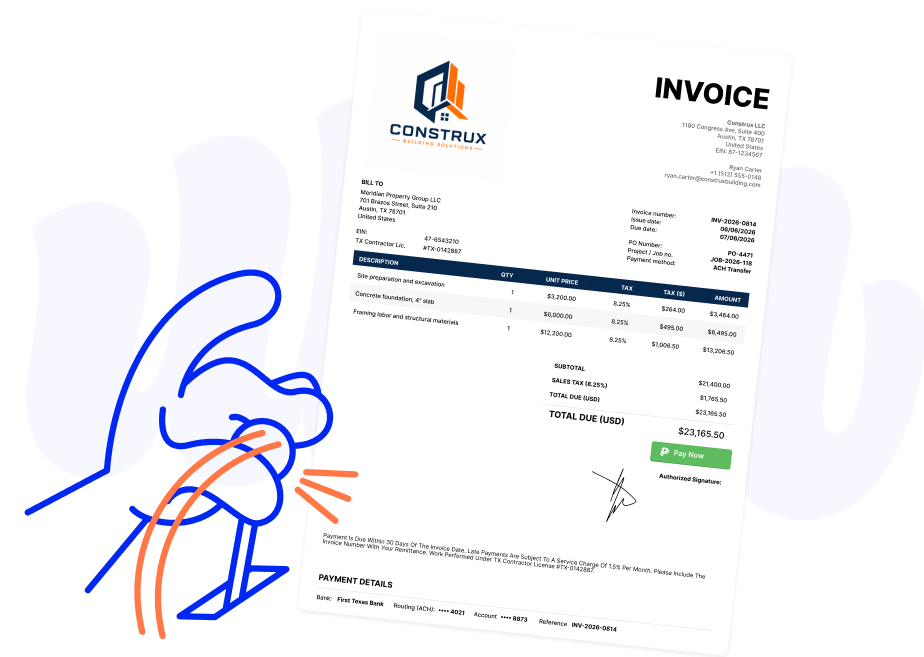
A clear description of the work or goods, with quantities, rates and individual amounts where relevant.
Any agreed discount and tax that applies, with a clear total amount due.
The payment due date, accepted payment methods and any reference the customer should use.
The business details your invoice must show depend on your country and legal form. Check the invoice requirements for your location, for example the official UK invoice requirements, for the details that apply to your business.
How to complete your invoice
Add your business and customer details
Replace the sample names and contact details. Add a unique invoice number, issue date, service date or billing period, payment due date and the business registration details that apply to you.
Describe and price the work
Use the guidance and example for your profession to describe what you delivered. Enter quantities, hours, rates or agreed fees, and check any applicable tax or discount. Deduct advance payments already received and show the remaining balance.
Check, send and record payment
Add payment instructions and a reference the customer can use. Review the completed invoice against the agreed work, send it to the billing contact and keep a copy. Record full or partial payments against that invoice.
Practical tips for a professional invoice
Personalize the document with your business identity, customer details and the particular job or project.
Use a consistent invoice numbering system and include the invoice, supply and payment due dates.
Make the descriptions, quantities, rates and totals easy to check.
Add relevant supporting information, such as a timesheet, agreed expense breakdown or project reference, when it explains the charge.
Offer the payment methods your business accepts and state how the customer should use them.
Preview the completed PDF, keep the editable source file and retain a copy of the document you sent.
Manage your business documents with Billdu
Professional invoice templates are a useful starting point. Billdu also gives you tools to create business documents, keep records organised and manage your invoicing as your business grows.

Mobile and web app
Create invoices directly in the Billdu mobile and web app, keep your documents in one place and access them when you need them. Start with a 7-day free trial and choose the plan that fits your business.

Make payment easier
Add a Pay Now button to invoices created in Billdu so customers can use the online payment options available to your business. Clear payment instructions make the next step easier for customers and help you follow up on outstanding invoices.

Dashboard and documents
Keep invoices, estimates, quotes, delivery notes and other business documents organised in one place. Use the Billdu dashboard to follow your invoicing activity and choose the document tools included in the plan that suits your business.
Manage your business documents with Billdu
Professional invoice templates are a useful starting point. Billdu also gives you tools to create business documents, keep records organised and manage your invoicing as your business grows.
Mobile and web app
Create invoices directly in the Billdu mobile and web app, keep your documents in one place and access them when you need them. Start with a 7-day free trial and choose the plan that fits your business.
Make payment easier
Add a Pay Now button to invoices created in Billdu so customers can use the online payment options available to your business. Clear payment instructions make the next step easier for customers and help you follow up on outstanding invoices.

Dashboard and documents
Keep invoices, estimates, quotes, delivery notes and other business documents organised in one place. Use the Billdu dashboard to follow your invoicing activity and choose the document tools included in the plan that suits your business.
Other templates
Related Articles
-

What Is Peppol? A Plain-English Guide for Small Businesses (2026)
Peppol is an international network that lets businesses and governments exchange invoices and other documents as structured electronic…
-

Belgium’s B2B E-Invoicing Mandate 2026: Deadlines, Penalties & Who Must Comply
Belgium’s B2B e-invoicing mandate requires every VAT-registered business established in Belgium to send and receive structured electronic invoices…
-

How to Send a Peppol Invoice: A Step-by-Step Guide (2026)
To send a Peppol invoice, you create the invoice as structured data, register a Peppol ID through a…
Got questions?
Yes. The template files linked in these collections are free to download or copy and customise. Choose the design and available format that fit your work.
Yes. Start with the service or freelance collection and replace the sample descriptions with your own work. Add or remove line items to match the job.
The layouts are editable, but a profession template does not determine local invoice requirements. Check the currency, tax treatment, business details and wording for your location. Use the invoice templates by country collection above for local guidance.
Follow the schedule agreed with the customer: after the work, at a project milestone or for a regular billing period. For a deposit request, describe the booking or future work it relates to; show the payment against the later balance once received.
An unpaid invoice requests payment. After payment arrives, record the amount and date received and any outstanding balance. Send a receipt or an invoice accurately marked as paid when the customer needs confirmation.
Use a quote or estimate to set out proposed work and prices. Use an invoice to request an agreed payment, including a deposit or milestone payment where appropriate. Keep later changes consistent with what the customer approved.