

Free download
Free Medical Invoice Templates
Looking for a medical invoice template? Choose a design, add the provider and customer details, and itemize the services and charges. Download an editable medical invoice in Word, Excel or Google Sheets, or use the invoice generator to create a finished PDF. Review the information and totals before sharing the document with the person or organisation responsible for payment.
Medical invoice templates for your practice
Choose from our free invoice forms and customize a layout for the services you provide. A template gives you a starting point for business details, invoice references, itemized charges and payment information without building the document from scratch. Use the design and format that suit your billing workflow.
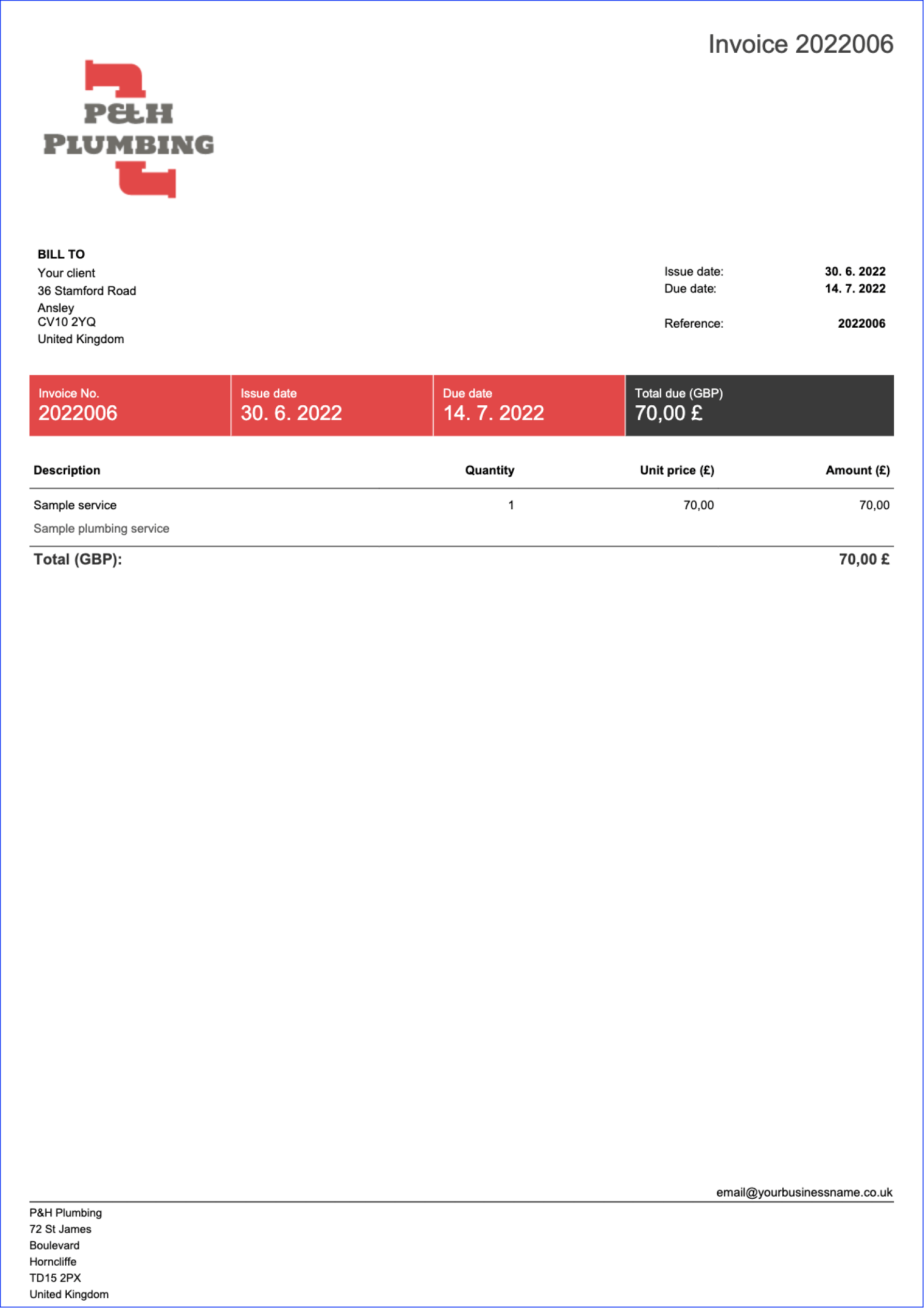
Stripe Template
Download template for free:
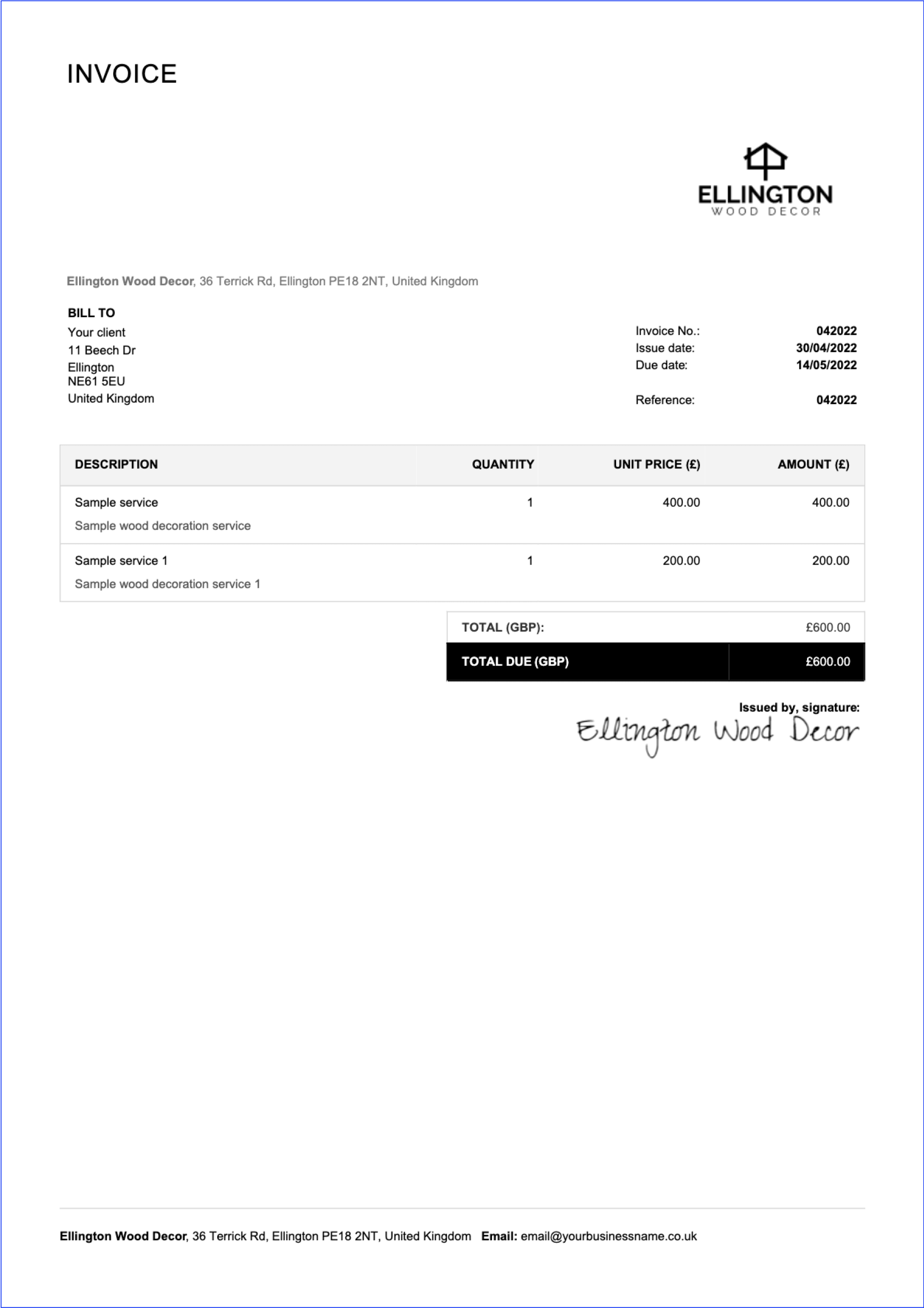
Classic Template
Download template for free:
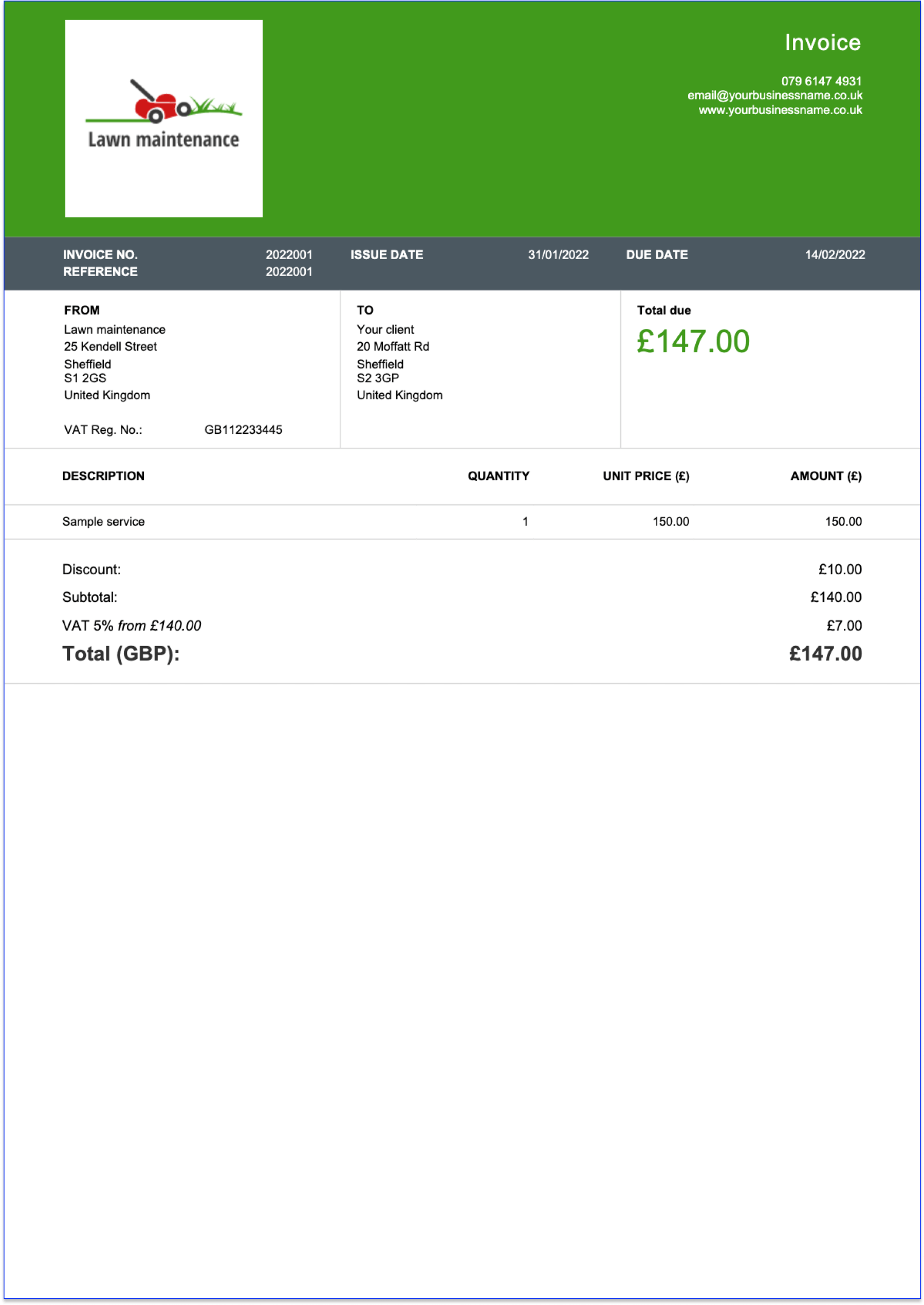
Modern Template
Download template for free:
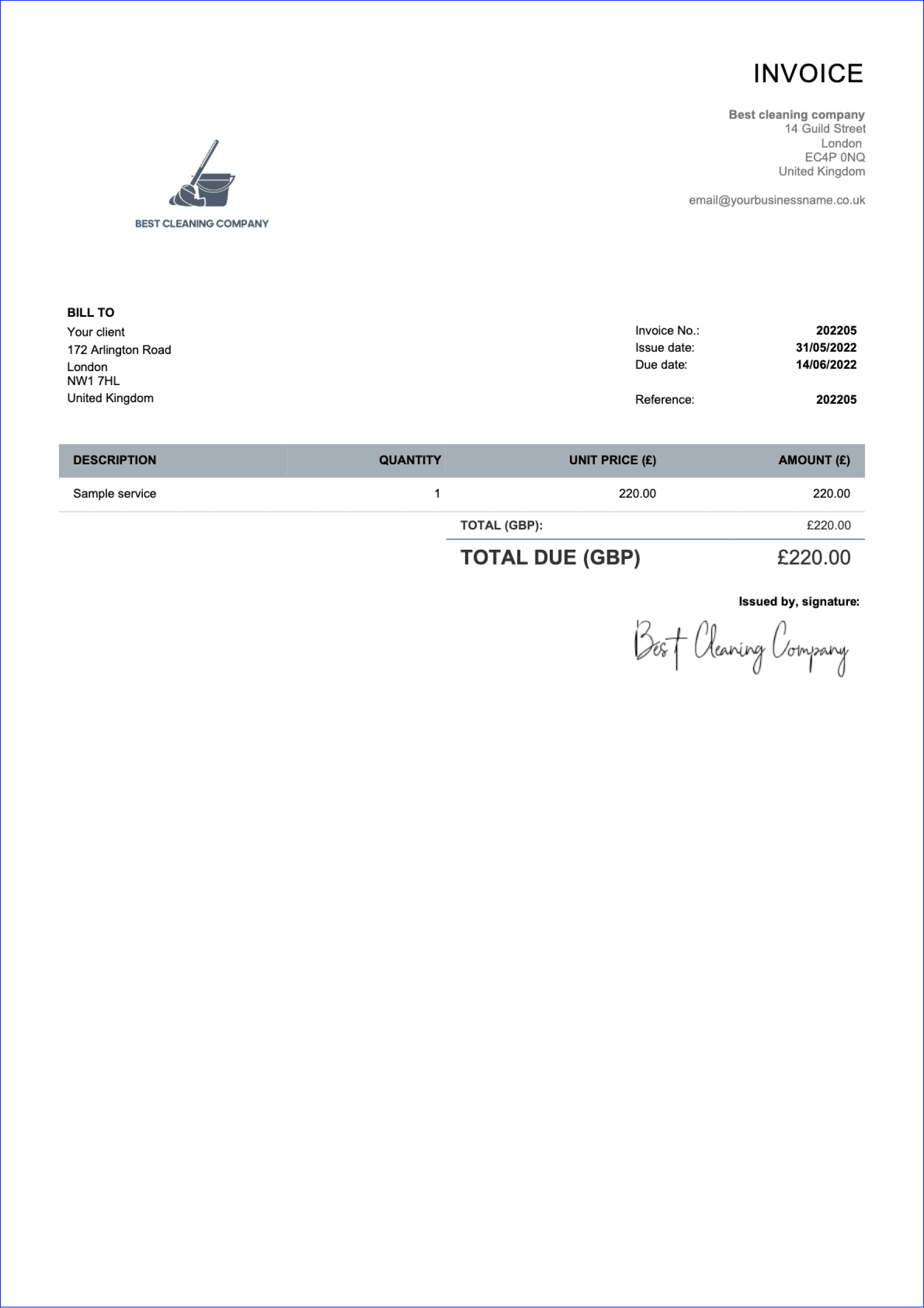
Simple Template
Download template for free:
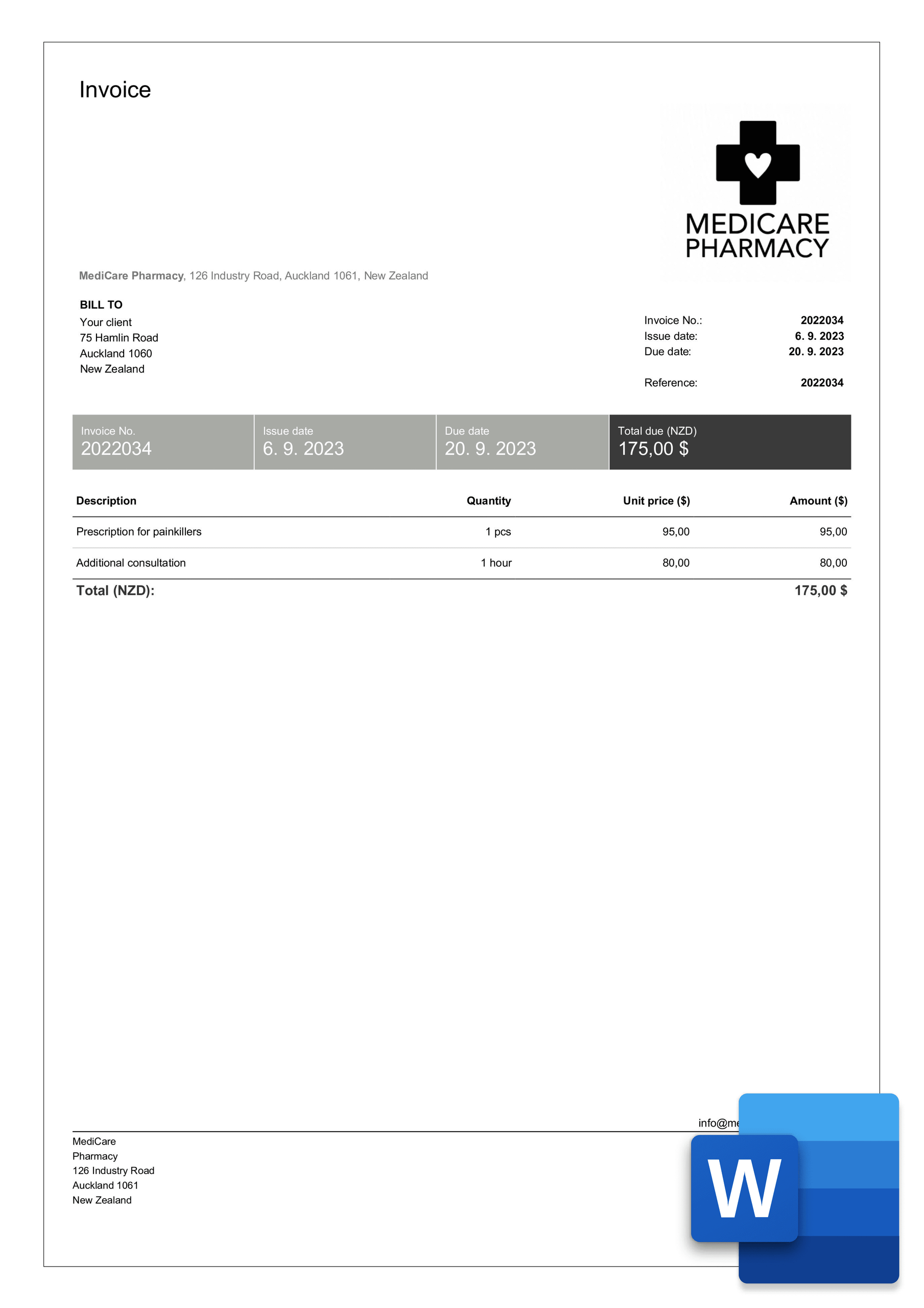
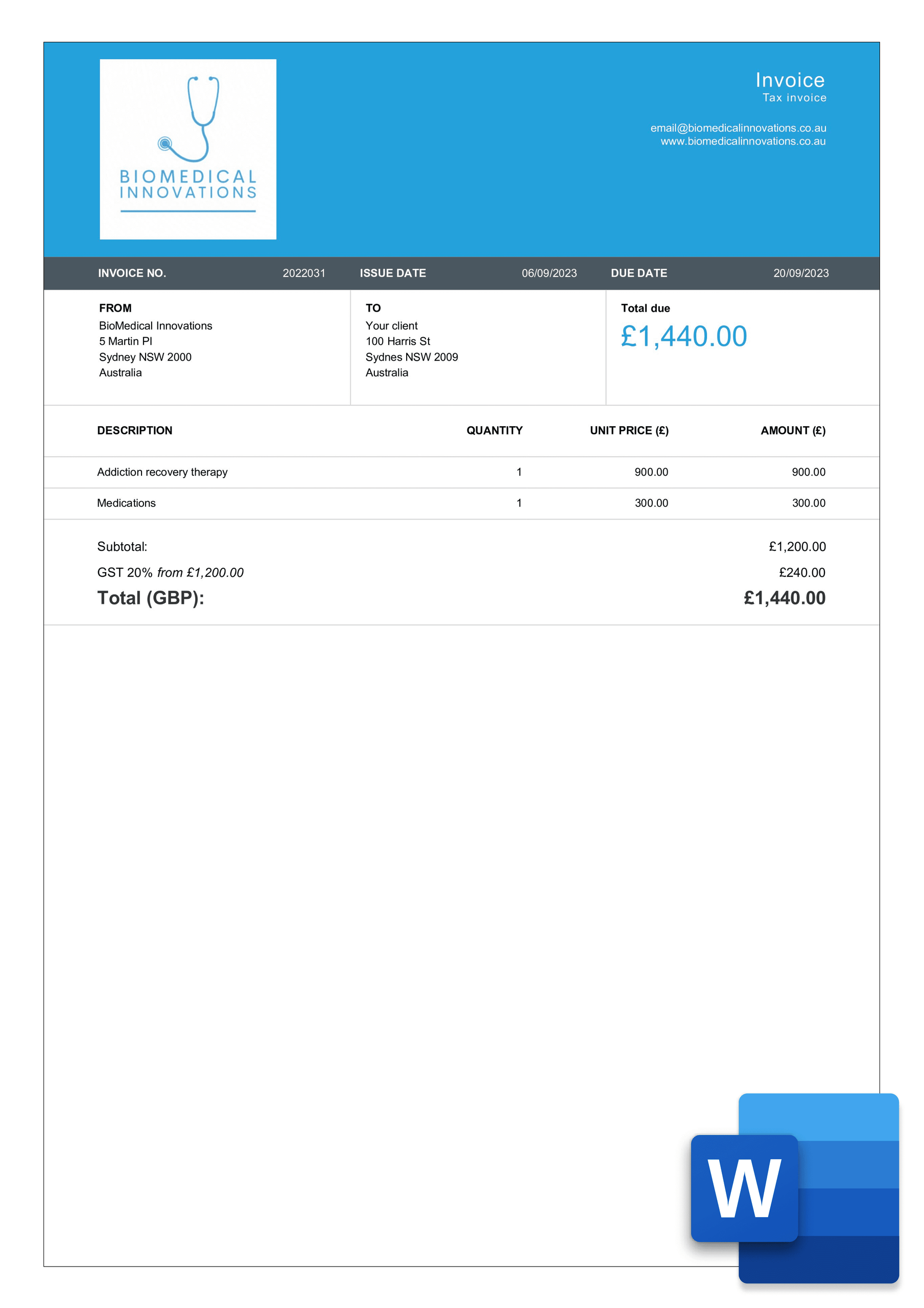
Medical invoice template in Word
A Word medical invoice template is useful when you want to edit the wording and layout freely. Download the design you prefer, fill in the provider’s business details and add the customer or payer information. Enter a unique invoice number and the relevant dates, then describe each service with its charge.
Use separate rows for distinct services or supplied items so the recipient can follow the total. Add any applicable tax, discount and payments already received. Check the calculations yourself unless you have deliberately configured formulas in the document. Save the editable Word file, export a PDF and review the pages before sending it through the channel appropriate to your business.
Stripe Template
Download template for free:

Classic Template
Download template for free:
Modern Template
Download template for free:

Simple Template
Download template for free:
Quick and Easy
Create a medical invoice as a PDF
Use the free invoice generator to enter your billing details online and download a completed PDF. Choose a design, add the business and payer details, and list the services and charges. Review the invoice number, dates, totals and payment terms before downloading the document.
You can also fill in a Word, Excel or Google Sheets template and export it as a PDF. Keep the editable source for your records. A standard PDF is not necessarily a fillable form; make changes in the original file or generator and create a new PDF when needed.
What to include on a medical invoice
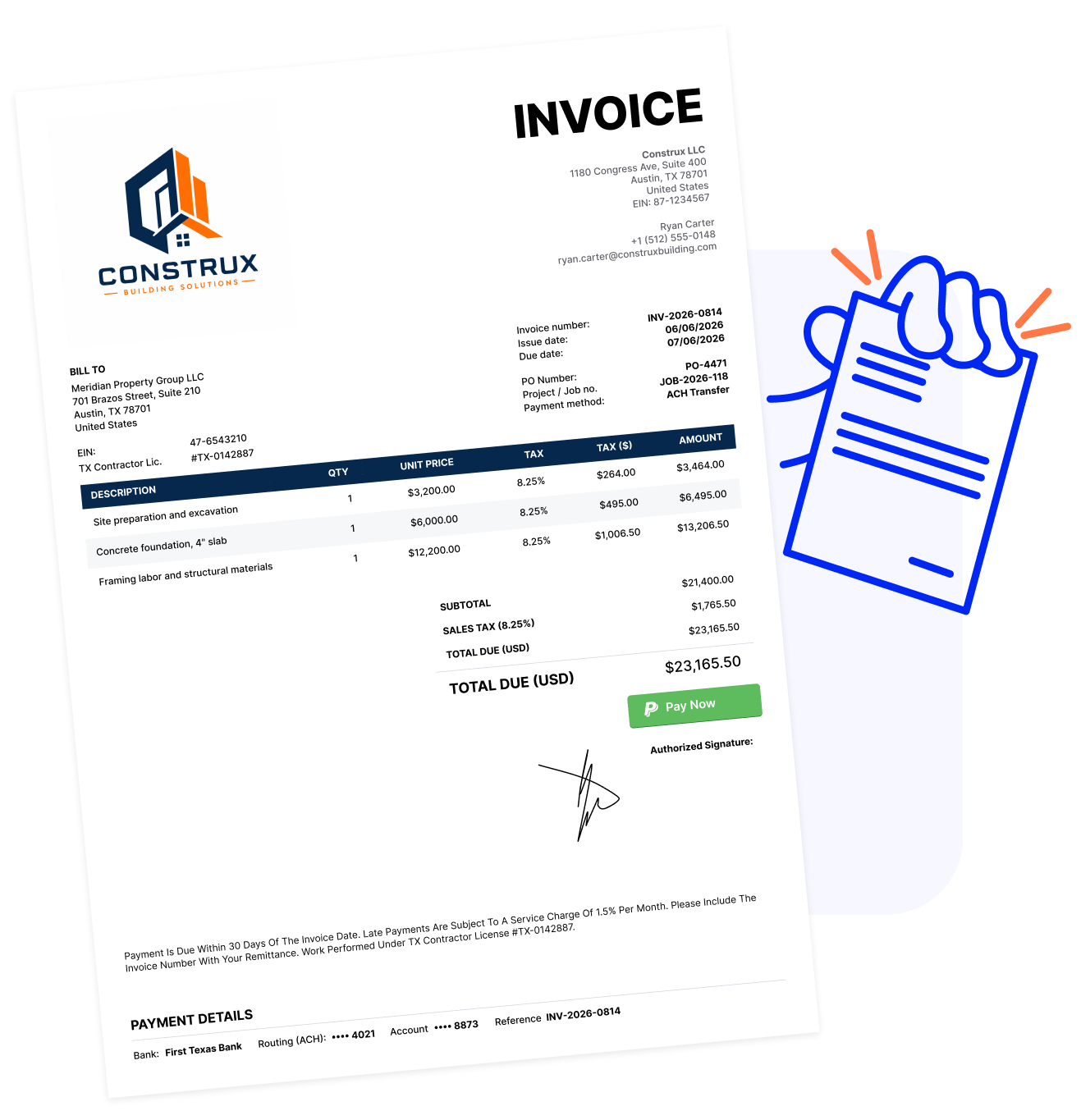
A medical invoice records the services a provider is billing for and the amount the recipient is being asked to pay. Tailor the document to the service, payer and billing requirements rather than including every possible field on every invoice.
Provider details, including the business name, address and contact information.
The customer or payer details needed to identify who is responsible for the bill.
A unique invoice number, the invoice date and the relevant service dates.
An itemized description of the services or items supplied, with quantities, rates and charges as appropriate.
Any applicable tax, agreed discount, payments already received and the remaining amount due.
The due date, payment instructions and a contact for questions about the bill.
Insurance information
If an insurer is involved, confirm which billing details are needed and who should receive them. Relevant information may include the insurer’s name, a policy reference, or an applicable claim or authorization number. Do not assume that every patient invoice needs all of these details. Keep an ordinary invoice separate from any insurer-specific claim form or submission process.
Prescription medication details
Where medication is part of the charge, identify the billed item and amount clearly. Include further details, such as dosage, only when they are needed for the billing purpose and appropriate for the recipient. The invoice should explain the charge without reproducing unrelated information from a clinical record.
Diagnosis and treatment details
Describe the billed services clearly enough for the intended payer to understand them. A full medical history or detailed treatment plan should not be added to every invoice by default. If an insurer requires clinical details or codes, use the appropriate approved process for that information and check what the recipient actually needs.
Patient acknowledgment and billing authorization
Some workflows require a patient to acknowledge services or authorize billing to an insurer. Use the appropriate form and process for your practice. A note or signature field on an invoice is not automatically a substitute for a required consent or authorization document.
Try the Billdu App
Manage your invoicing with Billdu
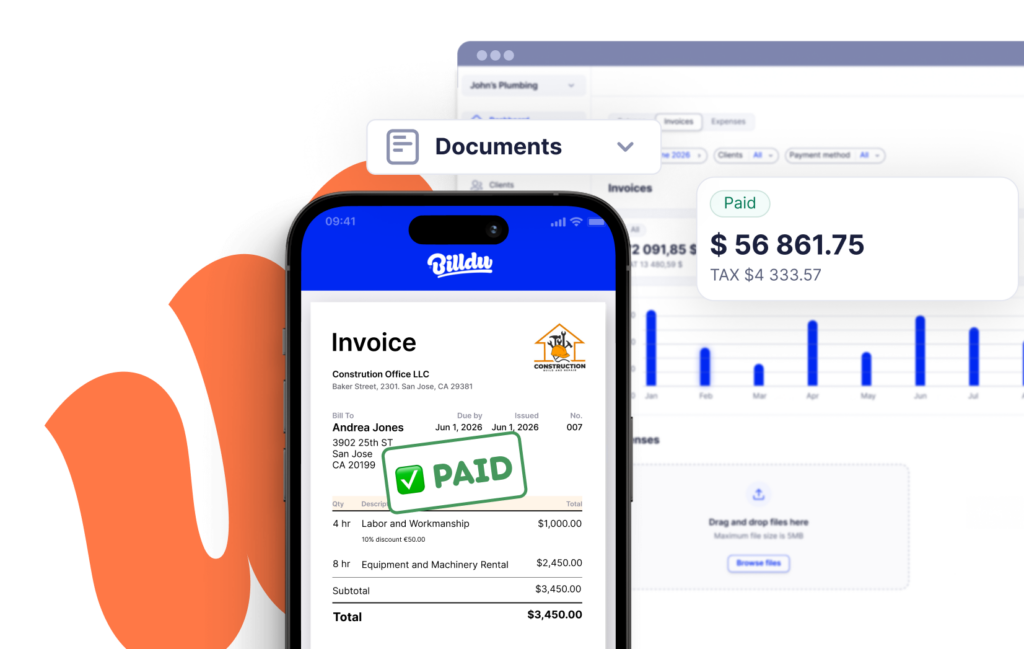
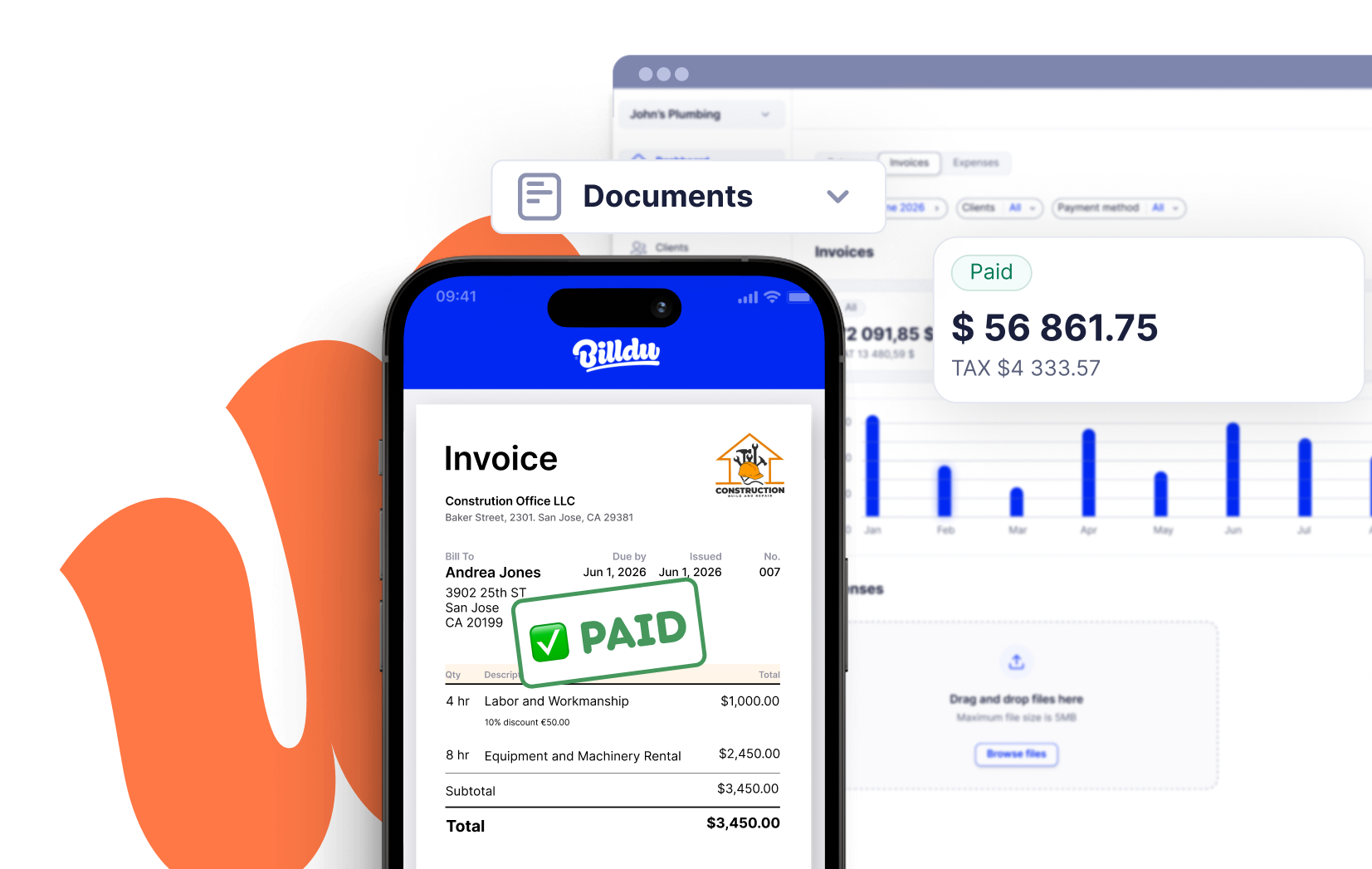
Professional invoice templates are a starting point. Billdu also helps you create invoices and other business documents in its mobile and web app, keep customer details organised and follow your invoicing activity from the dashboard. Start with a 7-day free trial and choose a plan with the tools your business needs.
For invoices created in Billdu, the online payment options available to your business can give customers a convenient way to pay. You can also work with estimates, quotes, delivery notes and other documents using the features included in your plan. Confirm your requirements before using any general invoicing tool for sensitive billing information.
7-Day Free Trial
Cancel Anytime
Try the Billdu App
Manage your invoicing with Billdu
Professional invoice templates are a starting point. Billdu also helps you create invoices and other business documents in its mobile and web app, keep customer details organised and follow your invoicing activity from the dashboard. Start with a 7-day free trial and choose a plan with the tools your business needs.
For invoices created in Billdu, the online payment options available to your business can give customers a convenient way to pay. You can also work with estimates, quotes, delivery notes and other documents using the features included in your plan. Confirm your requirements before using any general invoicing tool for sensitive billing information.
7-Day Free Trial
Cancel Anytime
How to make and fill in a medical invoice
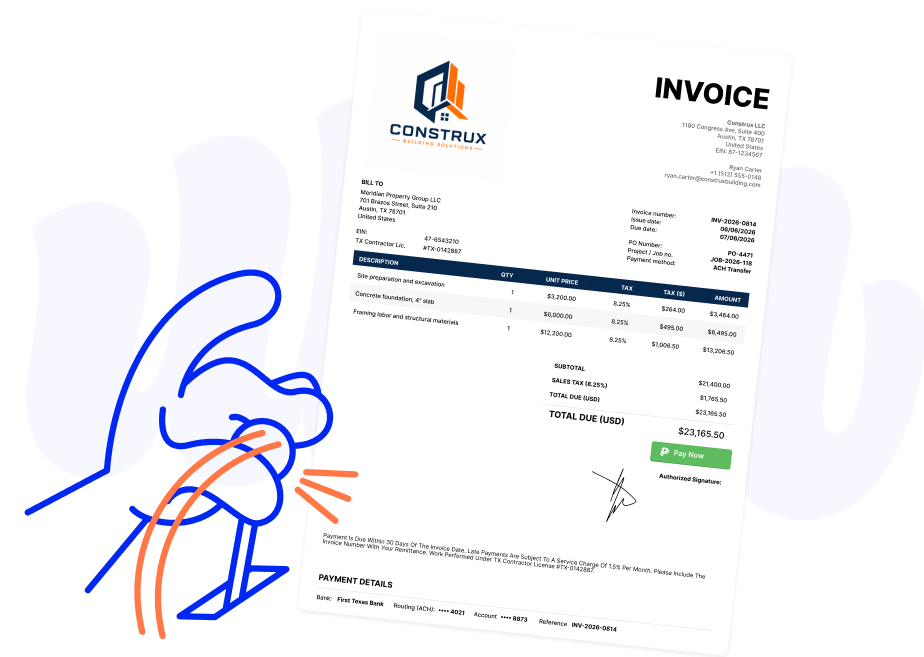
Start with one of the medical invoice examples and adapt it to the services you have provided. Enter the provider and payer details first, followed by the invoice number and dates. Use a clear line for each service or item and add its quantity or unit where relevant and its price.
Check the charges against your billing records. Add tax or a discount only when it applies, account for any payments already received and show the balance due. Explain how to pay and who to contact with a billing question. Review both the information included and the recipient before sharing the finished document.
If you prefer a guided layout, use the invoice generator to prepare the document and download a PDF. Choose a billing system and handling process that meet your practice’s requirements; a general invoice template does not by itself establish suitability for every medical or insurance workflow.
Practical tips for a clear medical invoice
Offer the payment methods your business accepts and make the payment instructions easy to follow.
Personalize the billing details so the invoice is addressed to the correct customer or payer.
Include the invoice date, relevant service dates and agreed payment due date.
Use the notes section for a useful billing reference or explanation, keeping the information relevant to its purpose.
Provide an appropriate service or expense breakdown when it explains the charges; do not attach unrelated clinical records.
Add your business logo and, where appropriate, a signature so the document is recognizable.
Manage your business documents with Billdu
Professional invoice templates are a useful starting point. Billdu also gives you tools to create business documents, keep records organised and manage your invoicing as your business grows.

Mobile and web app
Create invoices directly in the Billdu mobile and web app, keep your documents in one place and access them when you need them. Start with a 7-day free trial and choose the plan that fits your business.

Make payment easier
Add a Pay Now button to invoices created in Billdu so customers can use the online payment options available to your business. Clear payment instructions make the next step easier for customers and help you follow up on outstanding invoices.

Dashboard and documents
Keep invoices, estimates, quotes, delivery notes and other business documents organised in one place. Use the Billdu dashboard to follow your invoicing activity and choose the document tools included in the plan that suits your business.
Manage your business documents with Billdu
Professional invoice templates are a useful starting point. Billdu also gives you tools to create business documents, keep records organised and manage your invoicing as your business grows.
Mobile and web app
Create invoices directly in the Billdu mobile and web app, keep your documents in one place and access them when you need them. Start with a 7-day free trial and choose the plan that fits your business.
Make payment easier
Add a Pay Now button to invoices created in Billdu so customers can use the online payment options available to your business. Clear payment instructions make the next step easier for customers and help you follow up on outstanding invoices.

Dashboard and documents
Keep invoices, estimates, quotes, delivery notes and other business documents organised in one place. Use the Billdu dashboard to follow your invoicing activity and choose the document tools included in the plan that suits your business.
More invoice resources
Explore our Word invoice templates, PDF invoice options and invoice template library. If you invoice customers in other countries, check the local requirements instead of assuming one example covers every situation. Our invoice generator provides an online alternative to filling in a file.
Related Articles
-

What Is Peppol? A Plain-English Guide for Small Businesses (2026)
Peppol is an international network that lets businesses and governments exchange invoices and other documents as structured electronic…
-

Belgium’s B2B E-Invoicing Mandate 2026: Deadlines, Penalties & Who Must Comply
Belgium’s B2B e-invoicing mandate requires every VAT-registered business established in Belgium to send and receive structured electronic invoices…
-

How to Send a Peppol Invoice: A Step-by-Step Guide (2026)
To send a Peppol invoice, you create the invoice as structured data, register a Peppol ID through a…
Got questions?
A medical invoice is a document a healthcare provider uses to bill for services or supplied items. It can be addressed to a patient or another payer, depending on the arrangement. It records the services, charges, relevant dates and payment terms. It is not automatically an insurance claim form or a complete clinical record.
Choose a template or open the invoice generator. Add your business and payer details, a unique invoice number, the dates and an itemized list of services with their prices. Include applicable tax or discounts, show the amount due and provide payment instructions. Review the contents and recipient before sending it.
Replace the example information with the details of the actual services supplied. Check the names, references, descriptions, rates and totals, and remove fields that do not apply. Keep only the information needed for the billing purpose. Save the editable source and a copy of the finished document you send.
Yes. Choose a Word template, complete it in your document editor and use Save As or Export to create a PDF. Review the layout and totals in the exported file. You can also prepare the invoice in Excel or Google Sheets, or use the invoice generator to create the PDF online.