

Free download
Free Quote Template for Word
Download a free, editable quotation template in Word (.docx). Fill in your items, prices and validity date, then print it or save it as a PDF to send.
Free download
Free Quote Template for Word
Download a free, editable quotation template in Word (.docx). Fill in your items, prices and validity date, then print it or save it as a PDF to send.
Choose your free Word quotation template
Pick one of the four quote templates below and download it as a Word file. Open the document in Microsoft Word, or import it into a compatible editor such as Google Docs, then check the layout. The quotation fields are already in place, ready for your business details, prices and terms.
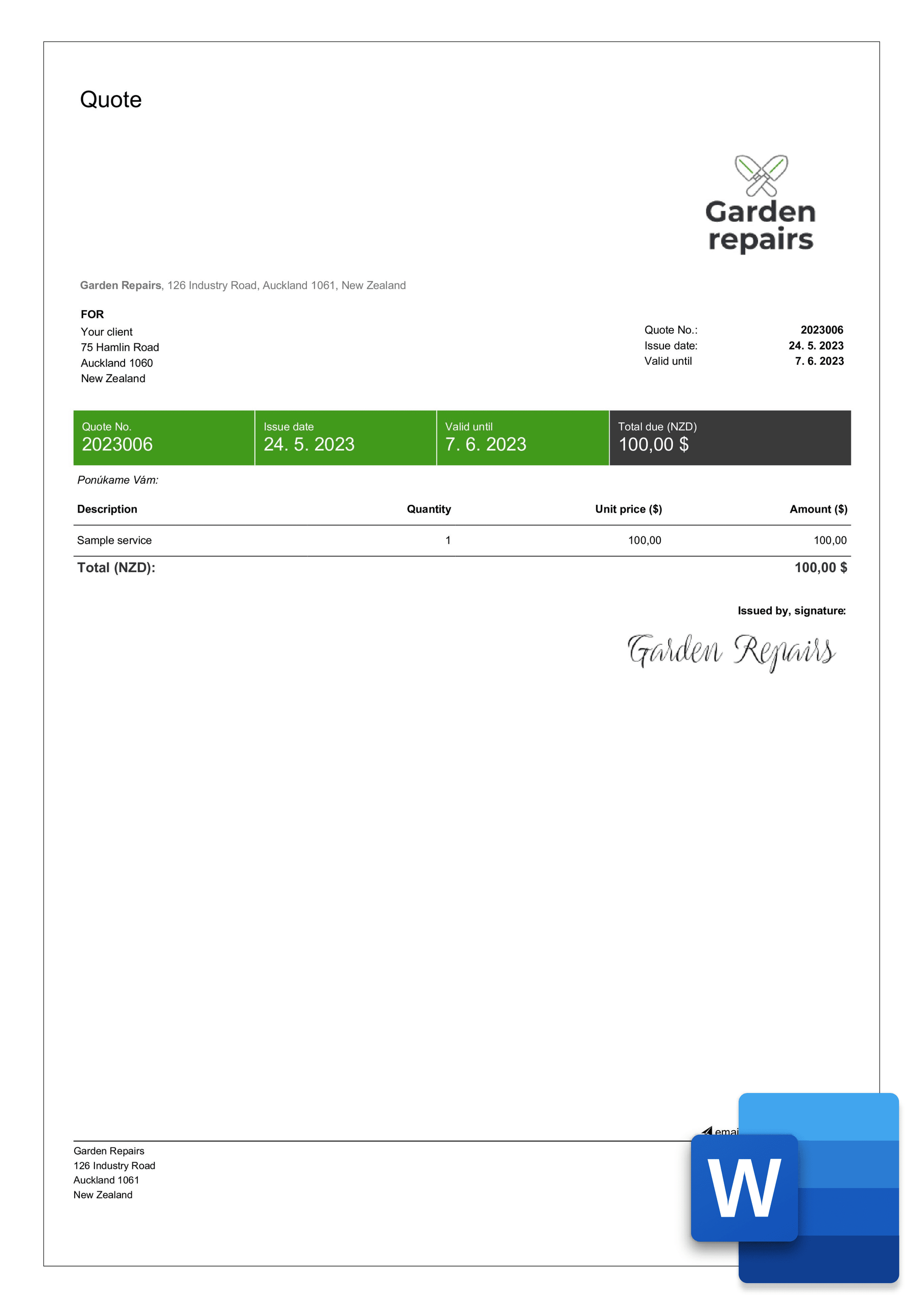
Stripe Template
Download template for free:
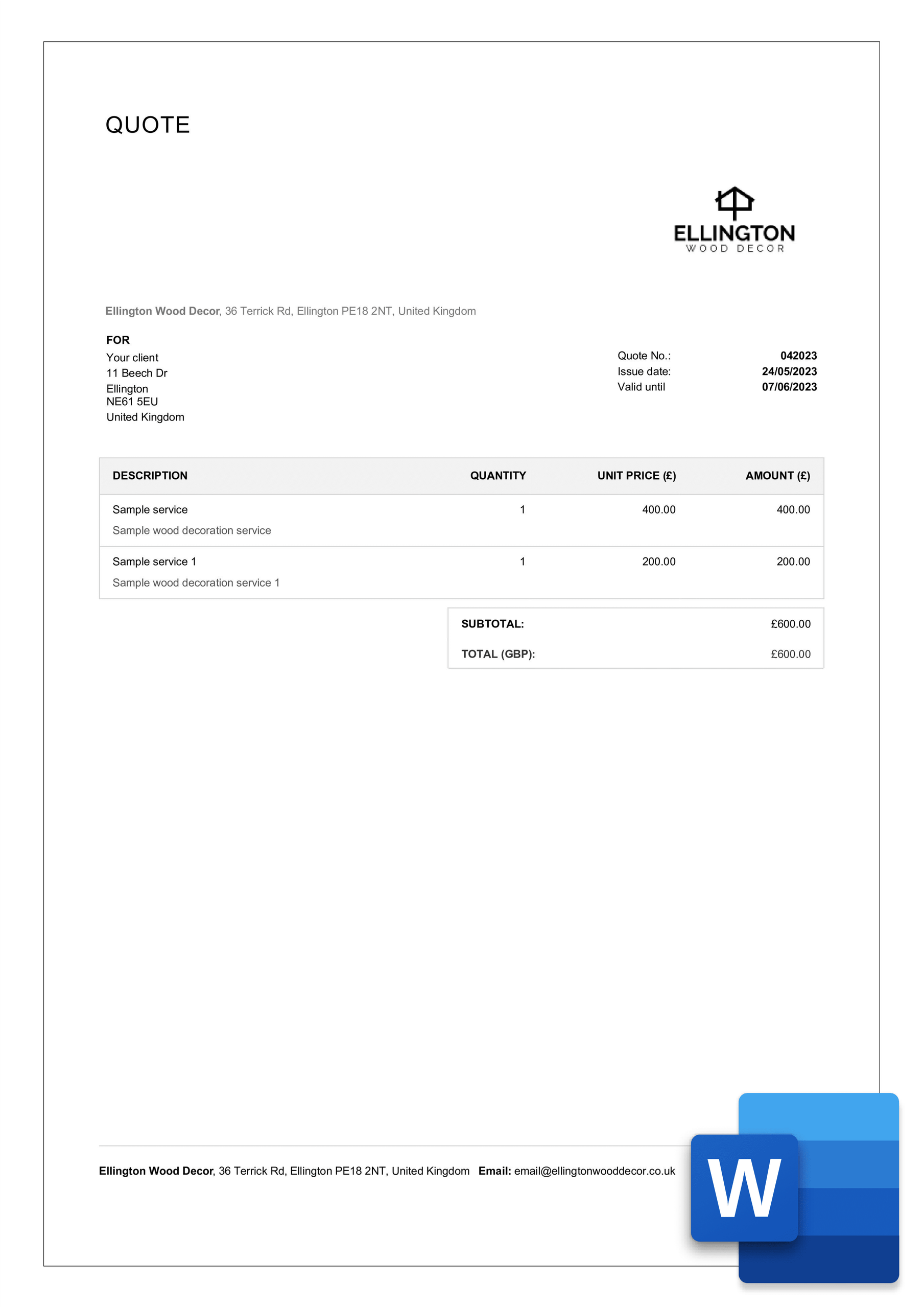
Classic Template
Download template for free:
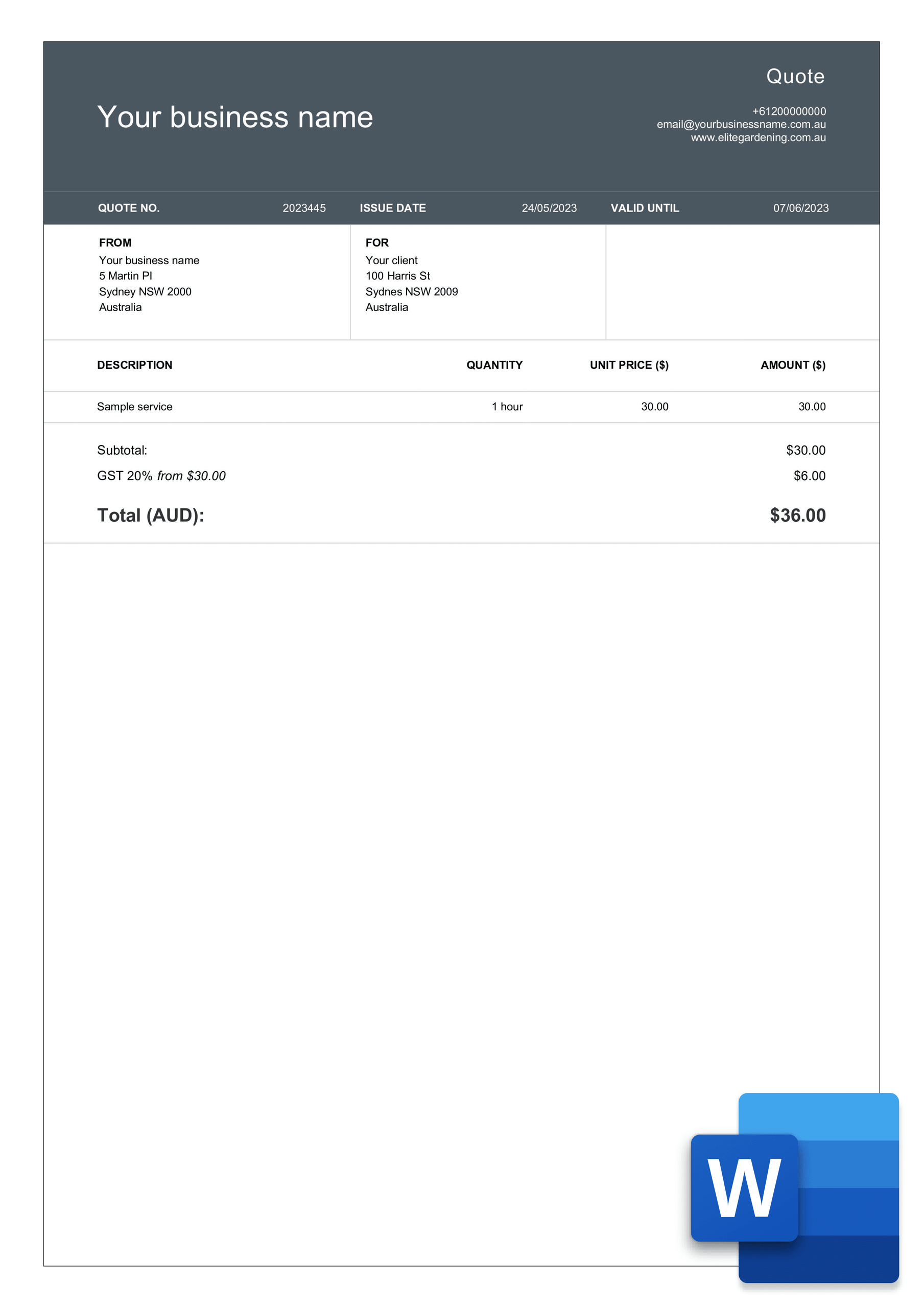
Modern Template
Download template for free:
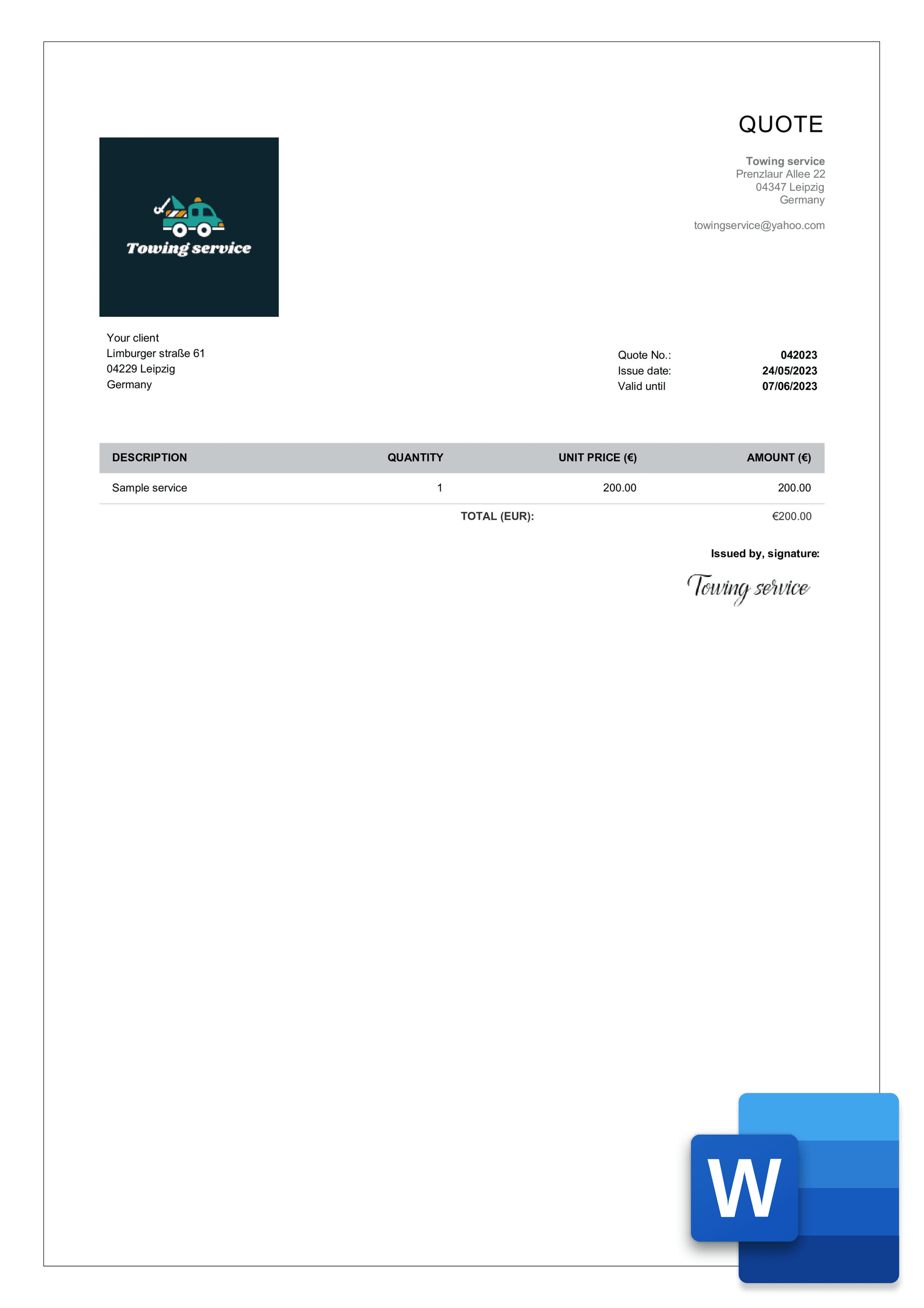
Simple Template
Download template for free:
Why create quotes in Word
Word is a practical option when you need a clean quote with wording you can edit freely. Adjust the scope, fonts and colours to suit your business, then keep one master file to duplicate for each client. When the quote is ready, export it as a PDF and review the layout before sending it. If your quotes contain many line items or changing quantities, our Excel quotation template offers a spreadsheet workflow for the calculations.
Elements of a professional Word quotation
Use the fields below to prepare a complete quotation in Word. Enter the information yourself in the downloaded file and review it before sending. If you prefer to manage quotations in an app, Billdu’s 7-day free trial lets you explore its document workflow and template options.
Give every quote a unique number and use a numbering style you can continue. Keep the reference with any later revision or invoice so you and the customer can identify the agreed document.
Insert your business name, your address, city, zip/postcode, country, email, phone and your bank details.
Fill in the customer’s name, business name where relevant, address and contact details. Check that the quotation is addressed to the person or organisation making the purchasing decision.
Enter the issue date and the date until which the quoted prices remain valid. Check these dates each time you reuse the Word template; a downloaded document does not automatically decide the validity of your offer.
List the products or services you are quoting, with a clear description, quantity or unit where relevant, and the scope the price covers.
Enter the unit prices and line totals, then show any agreed discount and applicable tax. Check the calculations in your Word file. If you use Billdu instead, saved items can help you reuse product details and prices.
Try the Billdu App
From quotation to invoice
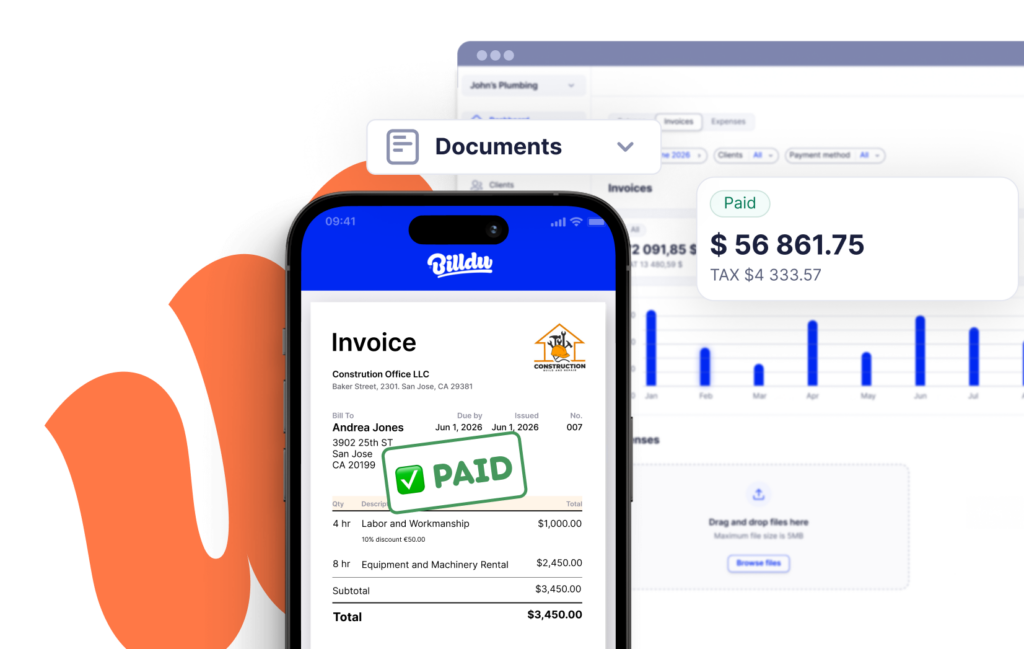
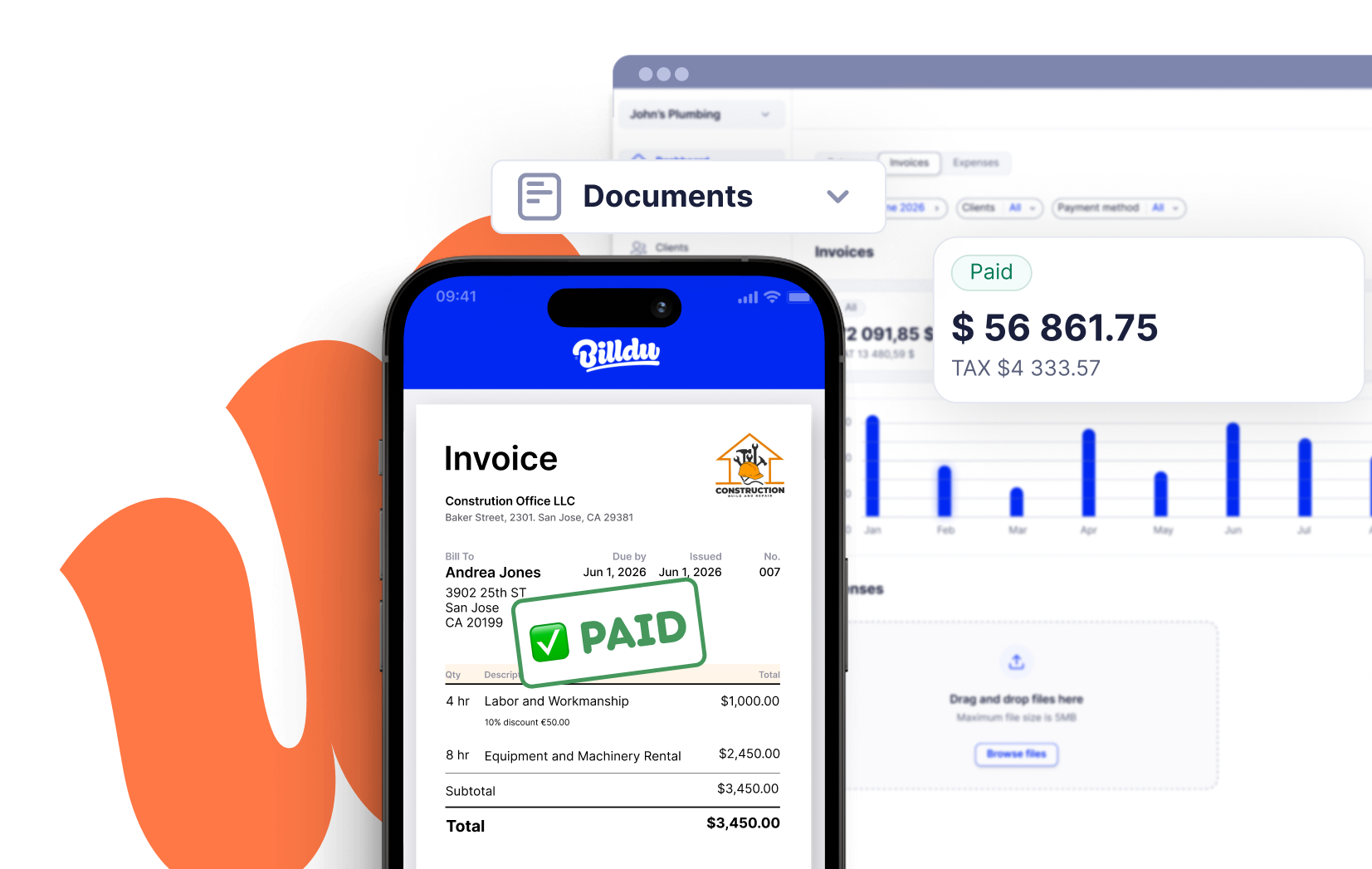
Once the client accepts your quotation, use the agreed details to prepare the invoice at the appropriate stage of the work. With a Word file, copy the accepted items into your invoice template, give the invoice its own number and dates, and account for any approved changes or deposits. In Billdu, you can convert a quote to an invoice and review the resulting document before sending it.
7-Day Free Trial
Cancel Anytime
Try the Billdu App
From quotation to invoice
Once the client accepts your quotation, use the agreed details to prepare the invoice at the appropriate stage of the work. With a Word file, copy the accepted items into your invoice template, give the invoice its own number and dates, and account for any approved changes or deposits. In Billdu, you can convert a quote to an invoice and review the resulting document before sending it.
7-Day Free Trial
Cancel Anytime
All you need to know about quotations
How quotation templates help you respond to enquiries
A consistent quotation template helps you respond to inquiries with a clear, complete document. Because the structure stays familiar, you spend less time formatting and can check that each quote includes the scope, prices, terms, validity and payment details. Clients can review the costs and decide whether to accept the proposal. If you manage several quotes at once, the shared format also makes them easier to compare and organise.
How to create free quotes in Billdu
Create and customize a quotation with Billdu’s quote generator, or use the estimate generator when you need an approximate price for work that is not fully defined. Add your business and customer details, describe the items and check the total before sharing the document. In the Billdu app, the template design settings also let you customize document labels where that option is available, so the wording fits your business.
What a quotation format in Word should include
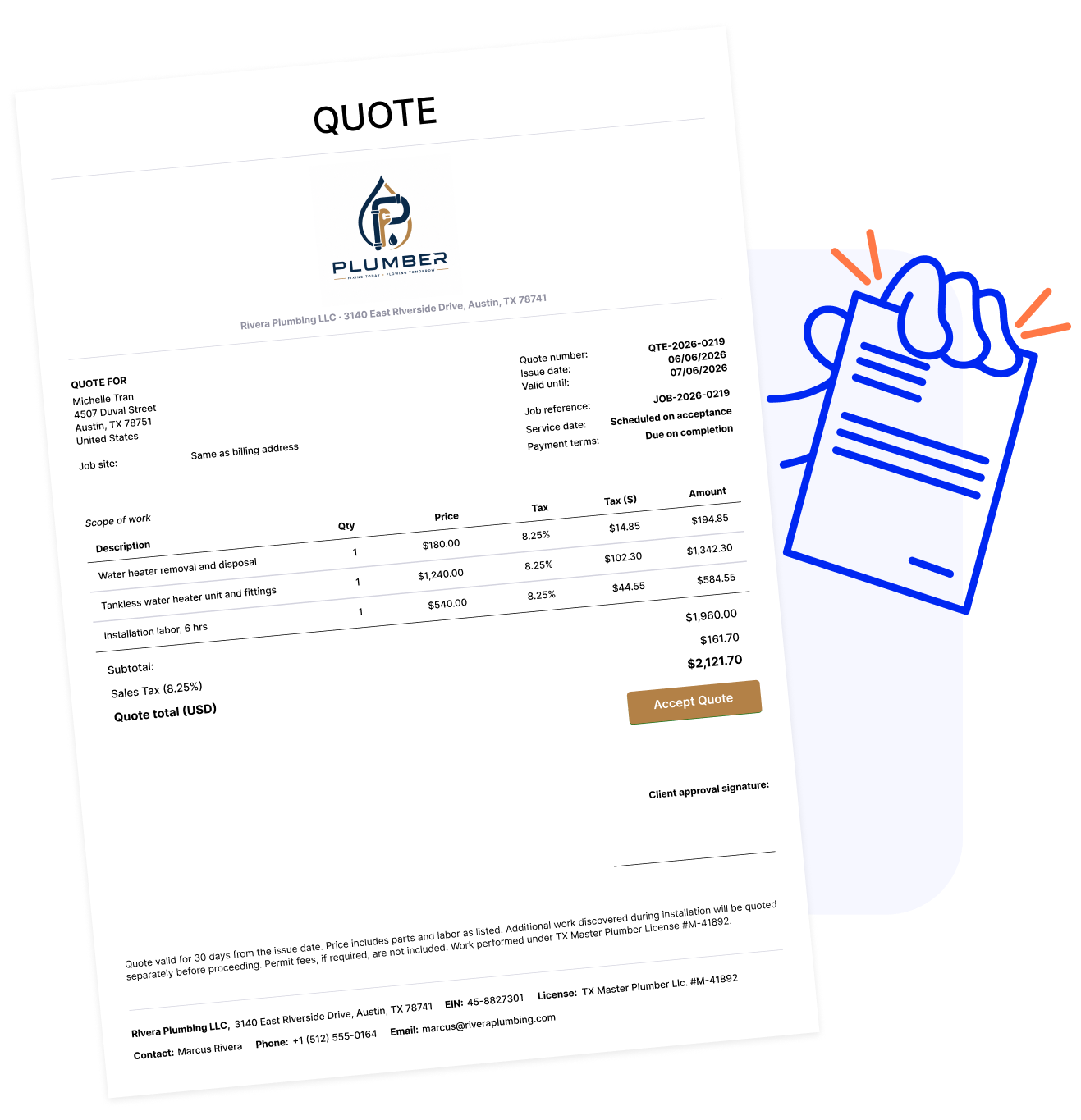
A standard quotation format has three parts. The header carries your business name, address, contact details and logo, plus the client’s details, a quote number and the issue date. The body is an itemized table listing each product or service with quantity, unit price and line total, followed by any discount, the tax rate and the final amount. The footer states the validity period (how long the price holds), your payment terms and space for notes or conditions. In Word, this structure is built with a simple table, which is why a ready-made template saves the most time – the rows, totals and terms are already laid out, and you only replace the placeholder text.
Construction and service quotation examples
For construction contractors, a quotation should list materials, labor, and project phases as separate line items, with a clear cost per line and the total at the bottom. For a service quote, include a brief description of the deliverables, the time estimate, and the payment schedule.
Using the same layout for every client keeps your quotations consistent and makes them easier to compare across jobs. You can reuse the structure while adjusting the scope, prices and conditions for each enquiry, which is useful when a customer needs a prompt response.
Manage your business documents with Billdu
Professional templates are a useful starting point. Billdu also gives you tools to create business documents, keep records organised and manage your invoicing as your business grows.

Mobile and web app
Create invoices directly in the Billdu mobile and web app, keep your documents in one place and access them when you need them. Start with a 7-day free trial and choose the plan that fits your business.

Make payment easier
Add a Pay Now button to invoices created in Billdu so customers can use the online payment options available to your business. Clear payment instructions make the next step easier for customers and help you follow up on outstanding invoices.

Dashboard and documents
Keep invoices, estimates, quotes, delivery notes and other business documents organised in one place. Use the Billdu dashboard to follow your invoicing activity and choose the document tools included in the plan that suits your business.
Manage your business documents with Billdu
Professional templates are a useful starting point. Billdu also gives you tools to create business documents, keep records organised and manage your invoicing as your business grows.
Mobile and web app
Create invoices directly in the Billdu mobile and web app, keep your documents in one place and access them when you need them. Start with a 7-day free trial and choose the plan that fits your business.
Make payment easier
Add a Pay Now button to invoices created in Billdu so customers can use the online payment options available to your business. Clear payment instructions make the next step easier for customers and help you follow up on outstanding invoices.

Dashboard and documents
Keep invoices, estimates, quotes, delivery notes and other business documents organised in one place. Use the Billdu dashboard to follow your invoicing activity and choose the document tools included in the plan that suits your business.
Alternative sources
Related Articles
-

What Is Peppol? A Plain-English Guide for Small Businesses (2026)
Peppol is an international network that lets businesses and governments exchange invoices and other documents as structured electronic…
-

Belgium’s B2B E-Invoicing Mandate 2026: Deadlines, Penalties & Who Must Comply
Belgium’s B2B e-invoicing mandate requires every VAT-registered business established in Belgium to send and receive structured electronic invoices…
-

How to Send a Peppol Invoice: A Step-by-Step Guide (2026)
To send a Peppol invoice, you create the invoice as structured data, register a Peppol ID through a…
Got questions?
Download one of the Word quotation templates on this page, replace the example details and add your scope, prices, validity and terms. Review the totals and export the finished document as a PDF. You can also prepare the quote in Billdu’s free quote generator, or choose Excel if a spreadsheet suits your pricing workflow better.
Click the Word link under the design you like and the .docx downloads free. It opens in Microsoft Word, Google Docs or LibreOffice.
Yes. The Simple design uses a straightforward item table, totals and a validity field. Keep the wording concise and preview the document before printing; the final page count depends on how much information you add.
Yes. In Word, use Save As or Export and choose PDF. In Google Docs, use File, Download, then PDF. Open the exported document before sending it so you can check the layout, page breaks and totals.