

INVOICE READY IN 2 MINUTES
Free online invoice generator
Create professional PDF invoices in minutes. Our free, easy-to-use invoice generator saves you a lot of time. Create an invoice now.
INVOICE READY IN 2 MINUTES
Free online invoice generator
Create professional PDF invoices in minutes. Our free, easy-to-use invoice generator saves you a lot of time. Create an invoice now.
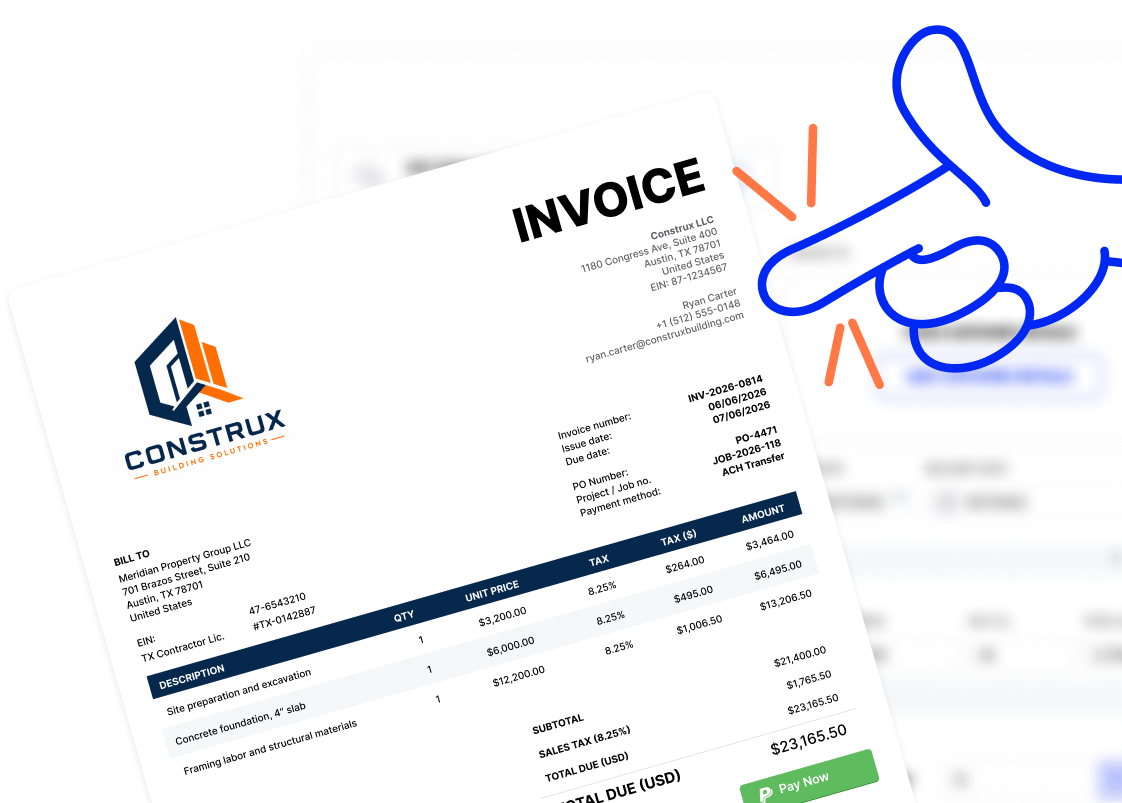
Start here by entering your business details
- Address:
- Business ID:
- Tax/VAT ID:
- VAT ID:
Continue with entering your customer details
- Address:
- Business ID:
- Tax/VAT ID:
- VAT ID:
Click to see more options
Enter your first item here
Fast & simple
How to make a custom invoice using Billdu’s online invoice generator
Generating a custom invoice with Billdu takes mere moments. Just fill in the required fields, including your and your client’s business details, the issue and delivery date, the items and price, tax rate, and invoice number.
Then, spice up the invoice with a logo or a colorful template, and email it to a client straightaway or download the PDF completely free.
All features
Switch to the Billdu app
Free templates and generators are perfect when you need a document right now. But they don’t remember you – every time, you start from scratch. The Billdu app saves your business and client details, your templates and presets, and lets you get paid faster with a Pay Now button, chase late payers automatically, track what’s paid and overdue, scan expenses, and send compliant e-invoices with Peppol and VeriFactu. Same simple feel, on web, iOS and Android.
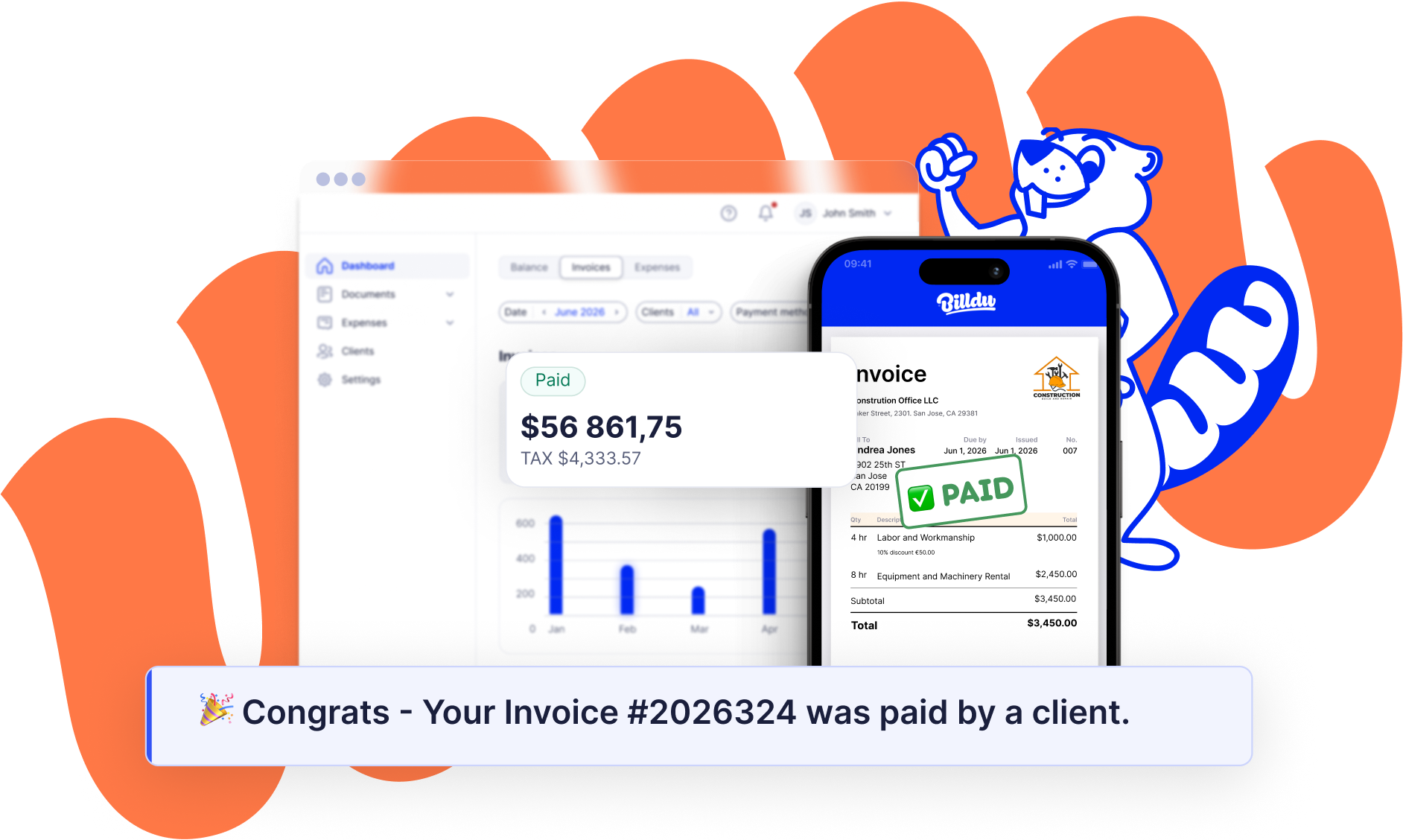

Get paid faster
Add card and pay-by-link options to every invoice, so clients can pay in seconds instead of days.

Stop chasing payments
Automatic reminders and recurring invoices do the follow-up for you – no more awkward “just checking in” emails.

Your whole business, one app
Track invoices, expenses and estimates in one place, all ready to hand to your accountant.
Compare all features & plan details |
Free templates & generators |
Recommended Billdu app |
|---|---|---|
|
Creating documents | ||
|
Customizing documents | ||
|
Sending documents | ||
|
Online payments | ||
|
Payment reminders | ||
|
Expense management | ||
|
Recurring invoices | ||
|
Accountant connection |
Best practices when creating an invoice
When is the best time to send an invoice?
The earlier you send it, the faster you will get paid. The best time to send an invoice is right after you have completed your project or provided service for your client. Deciding on how to send an invoice also plays an important role in your business. You can send your invoice by email, or through invoicing software where you can list all your clients and make your processes smoother.
How can I get paid on invoices faster?
Getting paid on invoices faster is a typical goal for businesses to maintain a healthy cash flow. Here are some common ways to do it:
- Clearly communicate payment terms on your invoices
- Always state a specific due date on your invoice
- Send invoices right after you deliver your service. If possible, set automatic payment reminders to notify your client about a due invoice. Implement penalties for late payments.
Are there different types of invoices?
There are many types of invoices depending on the nature of the industry such as sales invoice, e-commerce invoice, freelance invoice, professional invoice, subscription invoice, credit invoice, proforma invoice and many more. When discussing types of invoices, it’s important to point out the difference between a purchase order and an invoice. The key distinction lies in the timing and purpose of these documents within a business transaction. A purchase order is an initial document sent by a buyer to a seller requesting specific products or services. An invoice is issued by a seller to a buyer afterwards, requesting payment for this order.
How will someone pay my invoice?
The payment process for an invoice can vary depending on the arrangements made between you and your client. Terms & conditions for the payment are an important part that should appear on every invoice that you send. The most popular methods are bank transfer or payment via credit card. Also, a common way to get paid is through online payments such as Stripe or PayPal. Whatever method you use, always make sure that you state the invoice due date to avoid late payments or unpaid invoices.
Do invoices need to be signed?
No, invoices do not need to be signed by both parties to be legally binding. They are primarily used as a record of the transaction, detailing the goods or services provided, the agreed-upon price, and any terms and conditions. While signatures are not a strict requirement for the validity of an invoice, some businesses may choose to include a signature line or request a signed confirmation to serve as an extra layer of acknowledgment.
What are the benefits of using the invoice generator?
Our invoice generator is completely free and designed for creating invoices in a simple and effective way. You don’t have to build your invoice from scratch. Choose one of our templates, language, colours and start by filling out all the missing fields. Then, you can send your document directly to your client or download it in a PDF format.
Why is it important to add a due date to an invoice?
Adding a due date is an important part of creating an invoice. It serves as a prompt for the client’s payment and sets a clear expectation on when the payment should be done. Having a due date on the invoice may be beneficial in the event of a payment dispute.
Consider
More than just invoices
Like what you see so far? Consider giving the Billdu app a try. Our free invoice generator lets you quickly and easily create and customize invoices, but its capabilities beyond that are limited.
On the other hand, the Billdu app not only saves your settings, template presets, and business details for you and your clients to help you generate invoices faster, but also offers a variety of other helpful features for small businesses.
Thanks to its intuitive, cloud-based design, Billdu works across all devices, including desktops, iOS, and Android. Generate documents like invoices and estimates on the fly, notify your clients with payment reminders and get paid on time, enable online payments, access your expense reports anytime, free your hands by inviting an accountant to your business and save time with recurring invoices.
Give your business what it needs and focus on what matters.
Free online invoice generators by country
Free online invoice generator Australia →
Create your invoices in Word, Excel, PDF or Google Docs
Find different popular generators
Related articles
-

58 Best Software for Small Businesses
Looking for ways to optimize your small business operations? The software landscape has never been more favorable for…
-

What You Need to Know Before Hiring an Independent Contractor
Feeling unsure before hiring your first independent contractor? Unclear expectations, legal issues, lack of control, and pricing confusion…
-

How To Become A Freelance Writer in 2025
For many people, the ability to set their schedule has always been a key motivator for starting a…
Got questions?
An invoice generator is an online app that helps you create professional invoices without needing design or accounting skills. It provides a ready-made invoice template, handles calculations for totals and tax, and lets you download or send the final document to your client.
You open the tool in your browser, enter your business and client details, add line items, and set any taxes or discounts. The invoice generator automatically calculates amounts, formats the layout, and lets you preview the result. When you’re happy, you can download the invoice as a PDF or email it directly to your customer.
Reputable free invoice generators are generally safe to use, especially when they use secure HTTPS connections (look for the padlock icon in your browser). As with any online tool, avoid entering unnecessary sensitive data and always double-check the site’s security and privacy information. If you are concerned about data protection, review the service’s privacy policy and terms before using it for your business.
The “best” free invoice generator depends on your needs. For many freelancers and small businesses, the best option is an app that is fast, free to start, supports branding, and lets you create an invoice without signing up and download the PDF with a free account. This tool is built around those priorities: a straightforward way to create invoice documents and send them to clients without friction.
Yes. You can upload your logo and save your business details so every invoice matches your brand. Custom branding helps your invoices look more professional and makes them easier for clients to recognize in their inbox.
You can start creating invoices without an account. That’s ideal for one-off invoices or quick jobs. To download it as a PDF, you’ll need a free Billdu account, which also saves your invoice history, customer list and recurring invoice templates. If you later need unlimited invoices, payment reminders, and online payments, you can select a paid plan – paid plans start from $4.99/month billed annually.
Yes. After you finish creating an invoice, you can generate a PDF file and download it to your device with a free Billdu account. You can then attach the PDF to an email or use the app’s built-in sending options where available. PDF ensures your client sees the same layout and totals you do.
Some do. This tool lets you reuse invoice templates and client details so repeat billing is faster. Automatic recurring invoices are available in the Billdu app.
At minimum, a good free invoice generator should let you: create invoice documents quickly, add business and client details, list line items, calculate tax and discounts, add your branding, export PDF invoices, and record basic payment status. Extras like recurring invoices, currency options, and saved clients are valuable additions as your business grows.
Yes. This free invoice generator includes fields for tax rates and discounts. When you enter them, the app automatically updates subtotals, tax amounts, discounts, and the final total, so you don’t have to do the math yourself.
An invoice number is a unique identifier added to every invoice so you and your client can track and reference each transaction. You can create one manually in a format that suits your business, or have it generated automatically by dedicated invoice software. Learn more in our guide to what an invoice number is and how to set one up.
Yes. This free invoice generator works in multiple languages, so you can bill international clients in their preferred language – including German, Spanish, French, Italian, Slovak, and Czech. Each language version works the same way as the English version, so you can tailor every invoice to the language and country you’re invoicing.
Yes. You can customize any invoice directly in the generator to fit your trade, or start from a profession-specific template with fields and notes tailored to your work. Popular options include Construction, Auto Repair, Consulting, Cleaning, Landscaping, and Plumbing invoices, with many more professions available.
Yes. Alongside the generator, we provide country-specific invoice templates that reflect local requirements and VAT details for markets such as Australia, New Zealand, the United Kingdom, and Canada. Choose your format (Word, Excel, PDF or Google Docs), download it, and customize it for your client. For the UK, Australia and New Zealand there are also dedicated invoice generators.
Yes. Because the generator runs in your browser, you can create invoices from your laptop, tablet, or phone. For full mobile billing – online payments, payment reminders, expense tracking, and recurring invoices from your pocket – try the Billdu mobile invoicing app. You can start a free 7-day trial and manage your whole invoicing workflow in one place.