

Free download
Free Construction Invoice Templates
Create a professional construction invoice with a free template for your business. Choose a Word, Excel or cloud layout, or use the invoice generator to create a PDF. Add the project details, describe the work completed and show the labor, materials and other agreed charges clearly. You will also find roofing invoice examples for work that needs a more specific trade layout.
Construction invoice templates for your business
Choose one of our free construction invoice forms and customise it for the project. A consistent layout gives you space for your business and customer details, an invoice reference, the work being billed and the amount due. Keep a blank master copy and make a new document for each invoice so previous records are not overwritten.
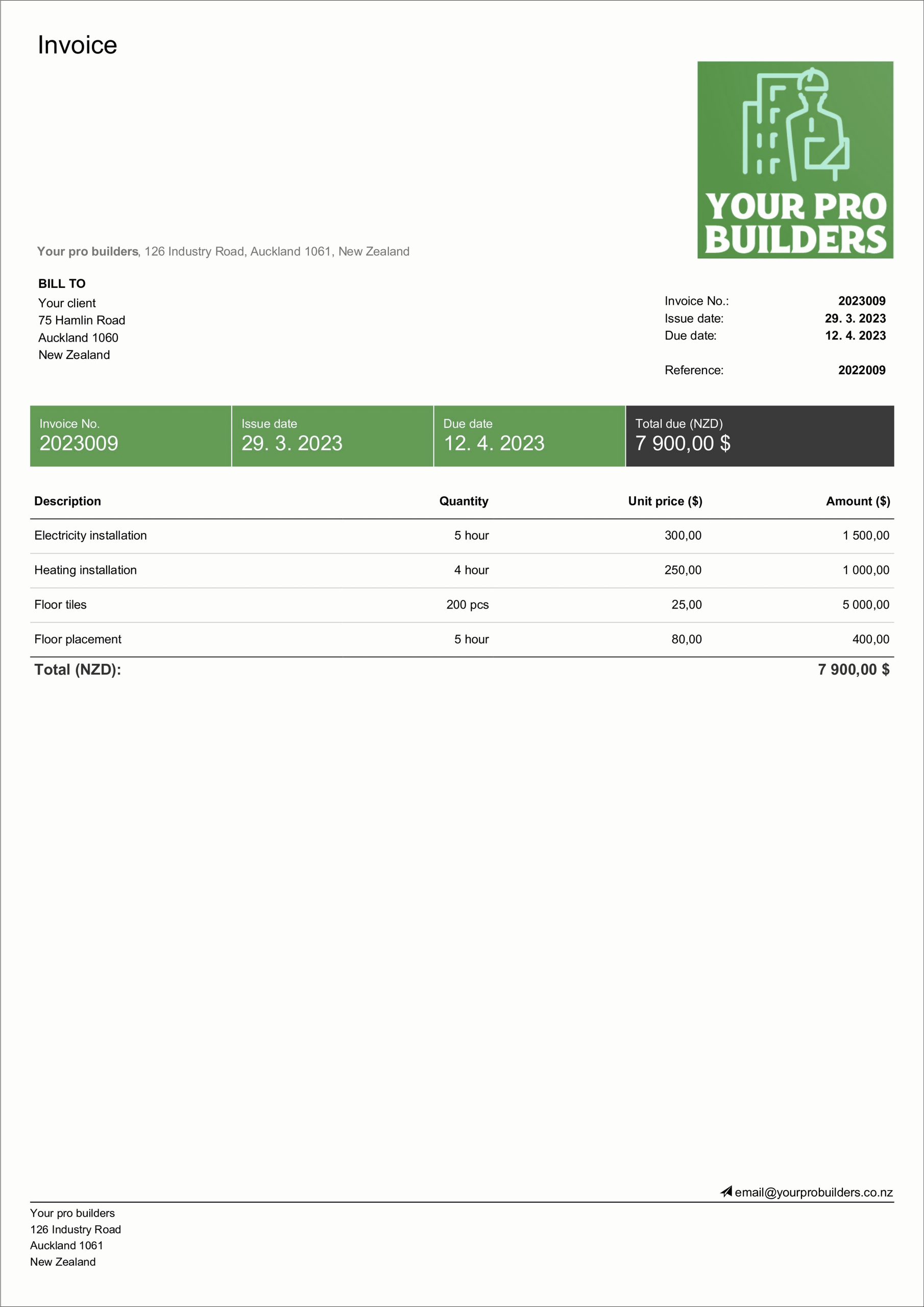
Stripe Template
Download template for free:
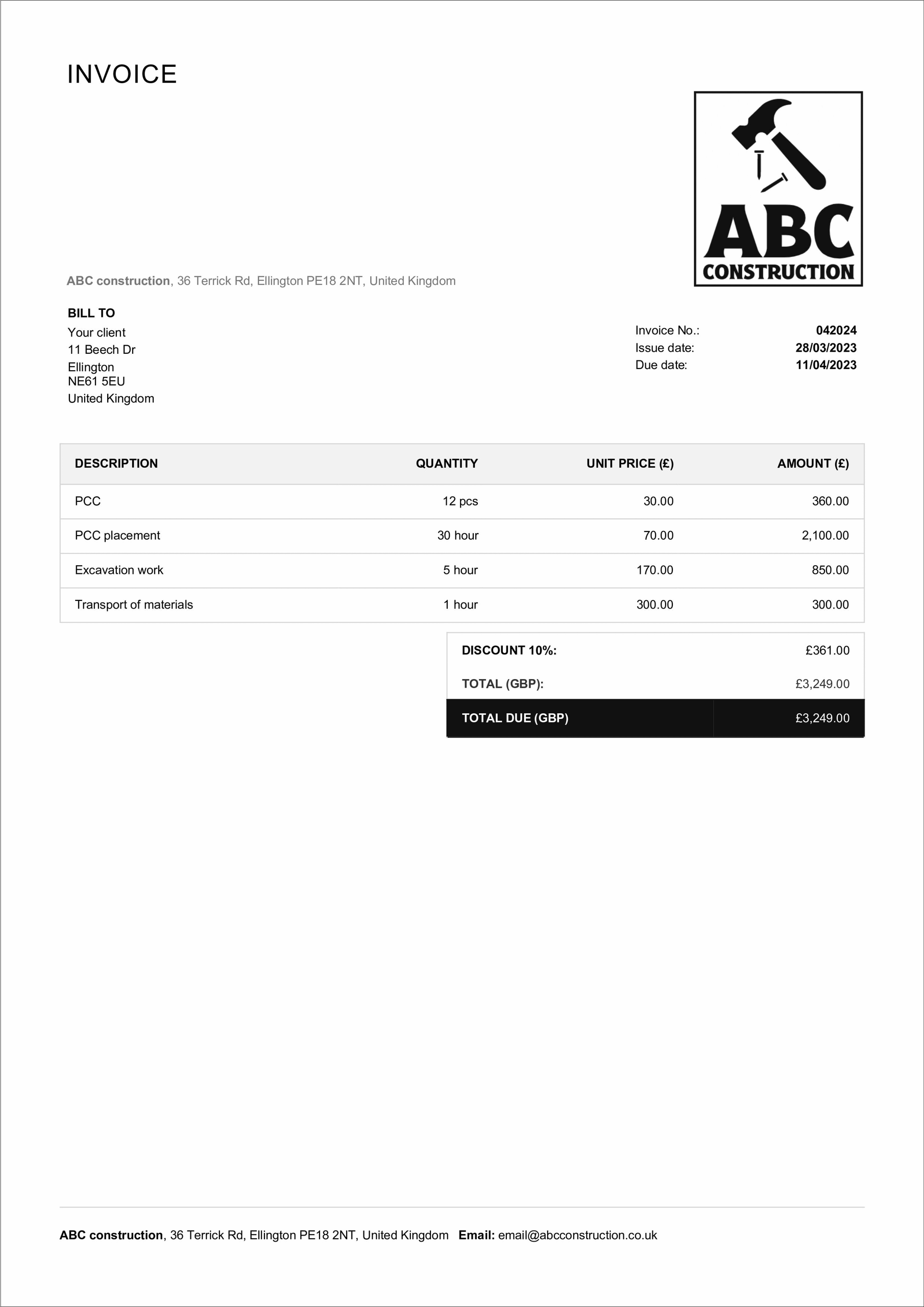
Classic Template
Download template for free:

Modern Template
Download template for free:
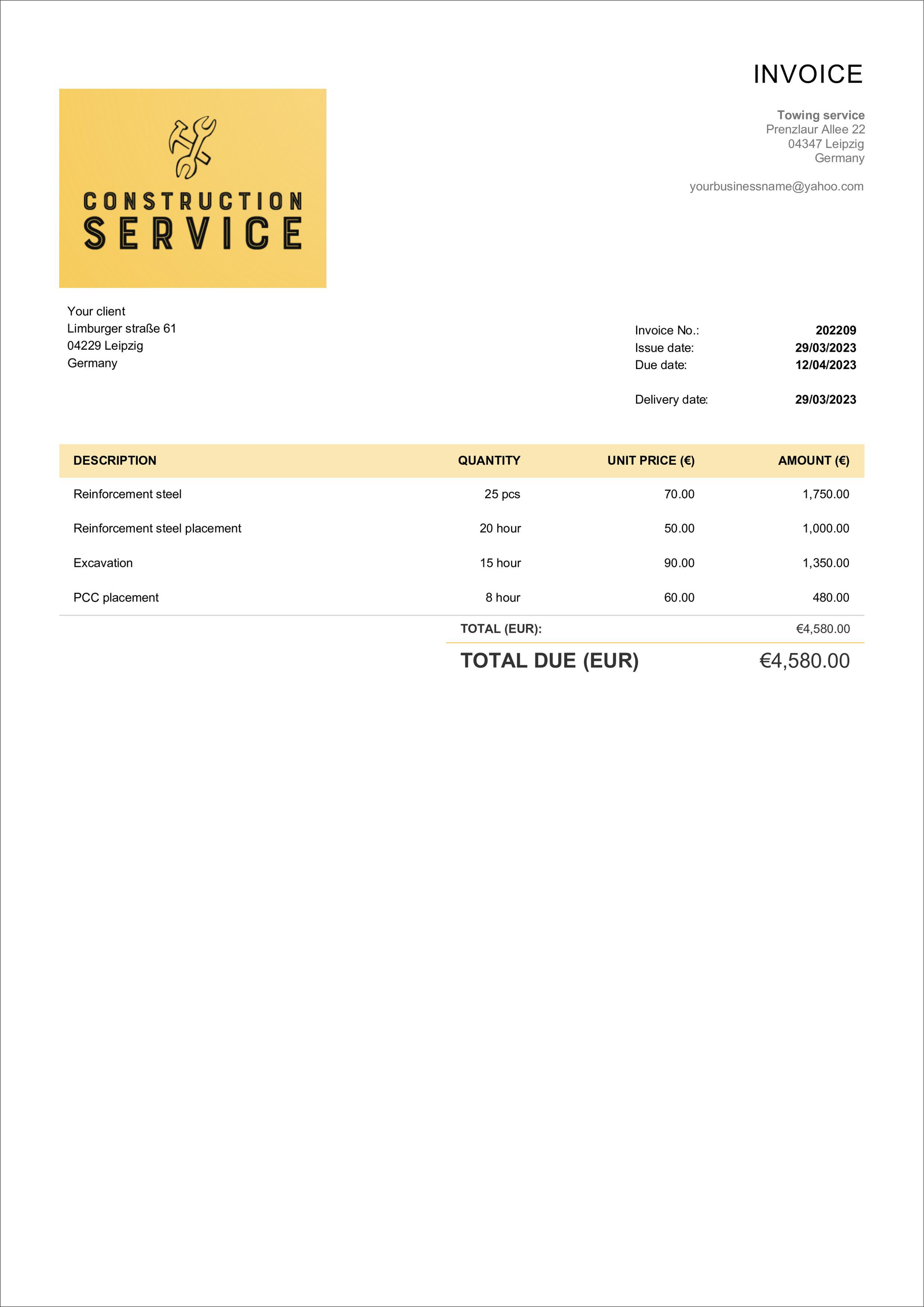
Simple Template
Download template for free:
Construction invoice template in Word
Download a construction invoice in Word when you need flexible descriptions and a layout you can edit easily. Replace the example business and customer details, add the project or site address, and give the invoice its own number and date. List the work and materials with their agreed prices, then add any applicable tax and show the total.
Word is useful for adding a clear job description and notes about the stage of work being invoiced. Check the calculations yourself unless you have deliberately configured formulas. Save the editable source file, export a PDF and review the page breaks and totals before sending it to the customer.

Stripe Template
Download template for free:
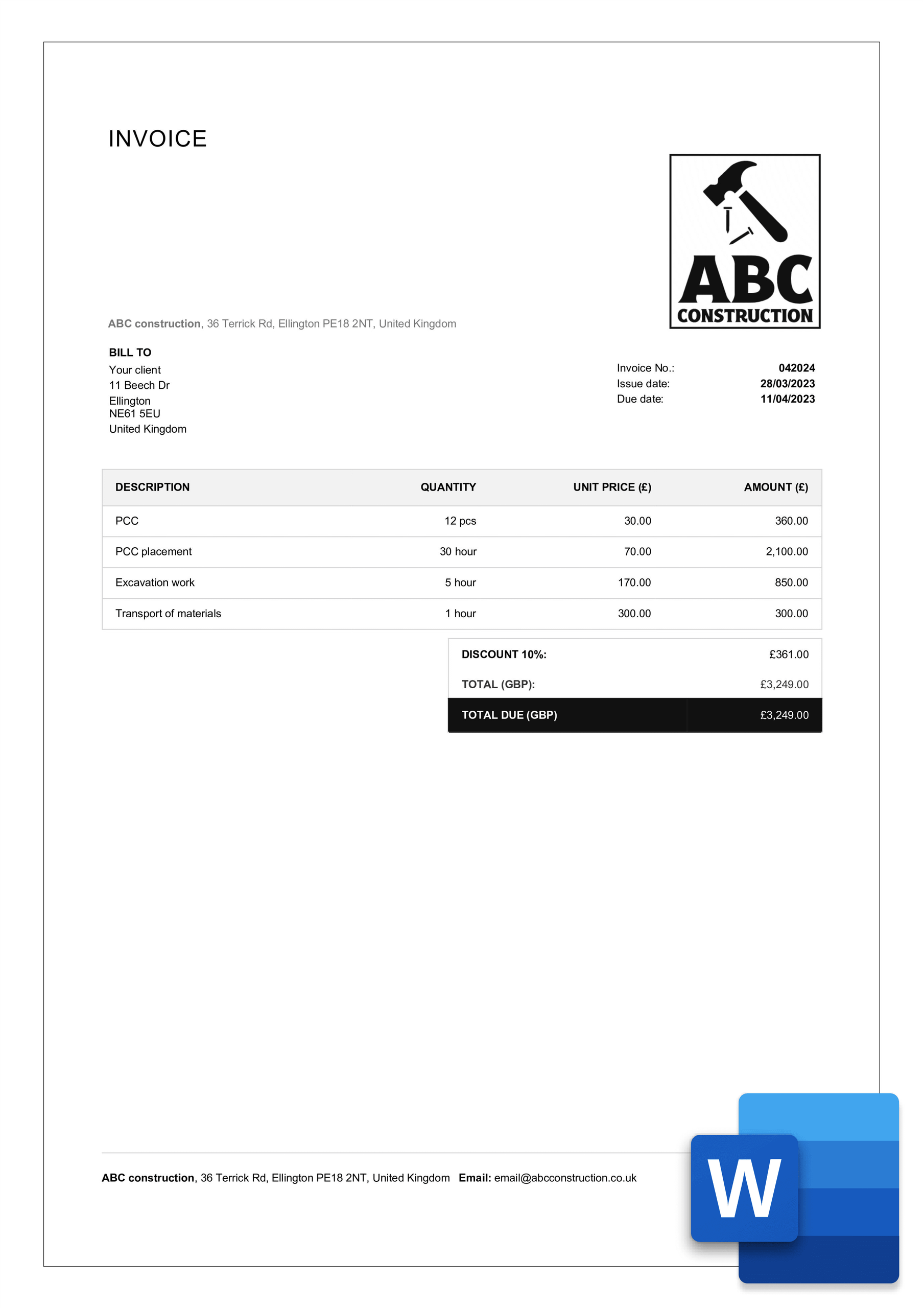
Classic Template
Download template for free:
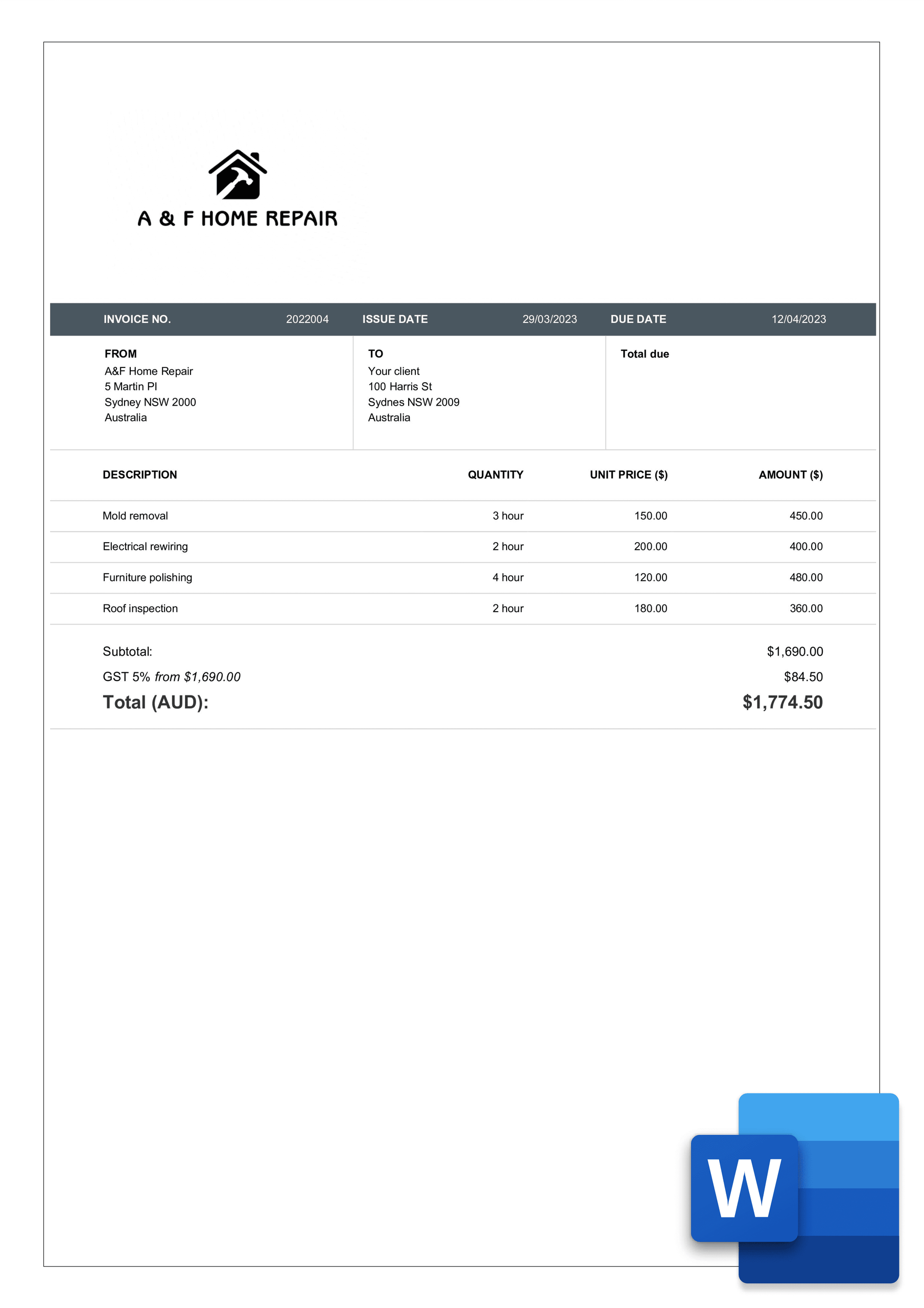
Modern Template
Download template for free:
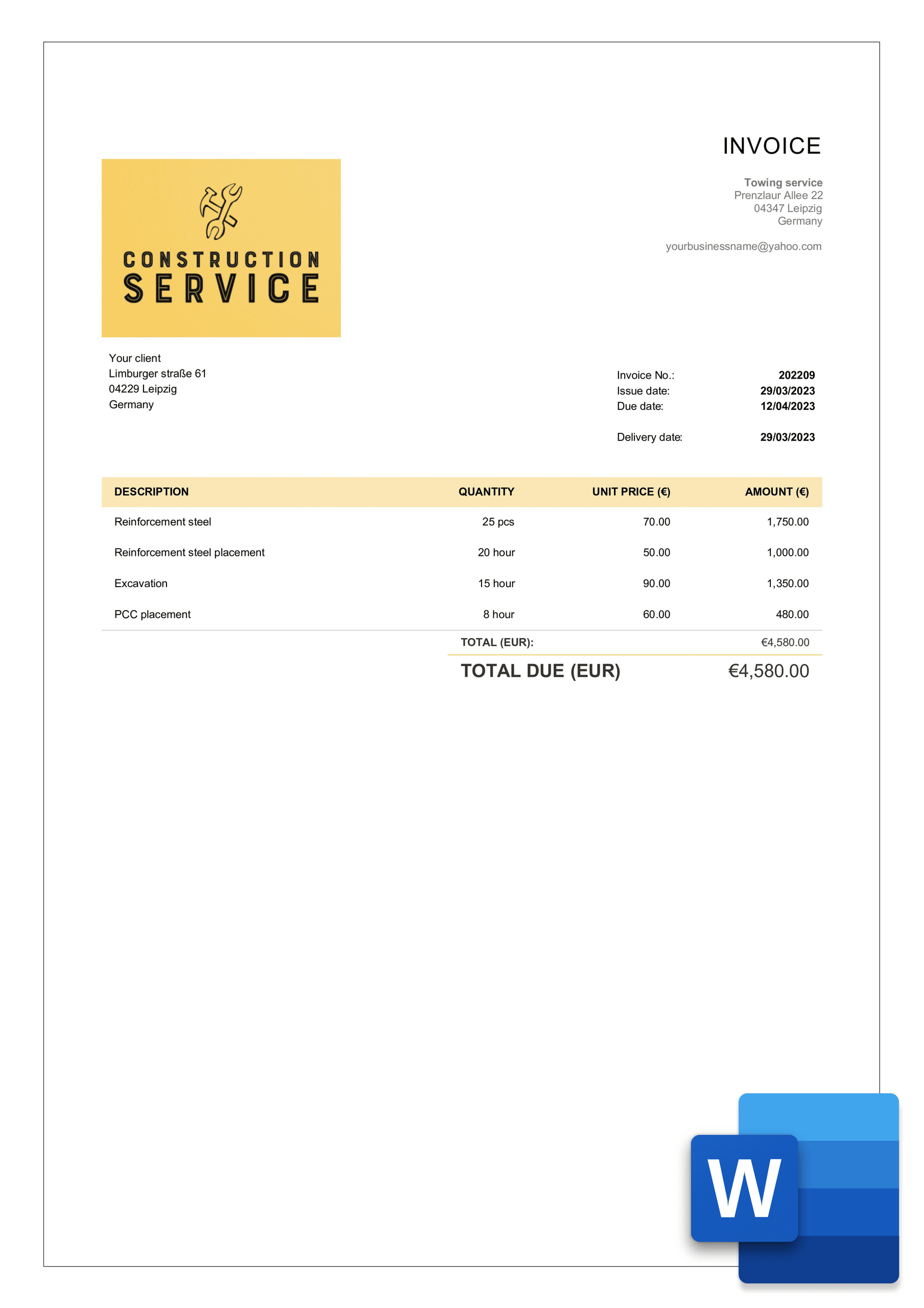
Simple Template
Download template for free:
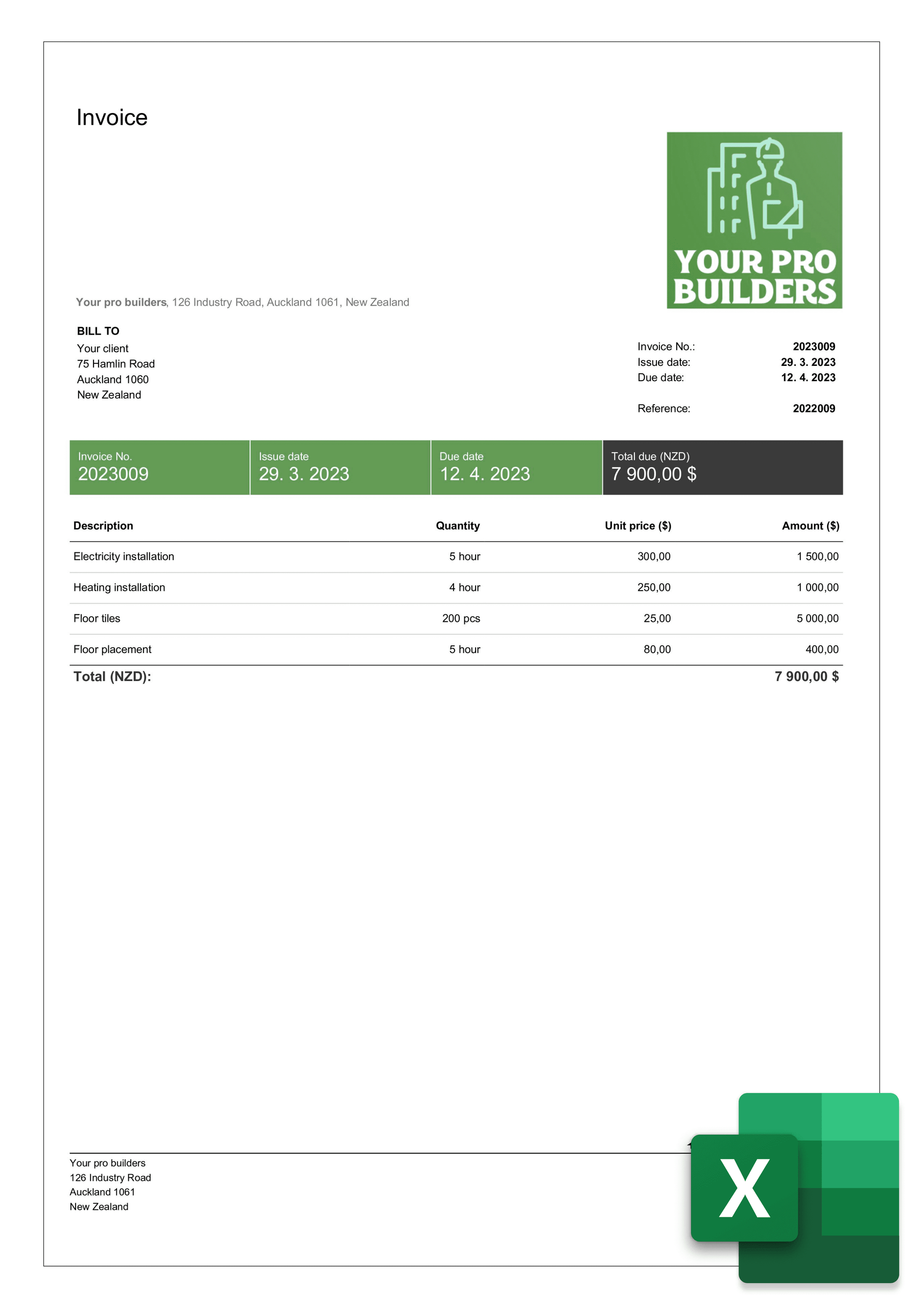
Stripe Template
Download template for free:
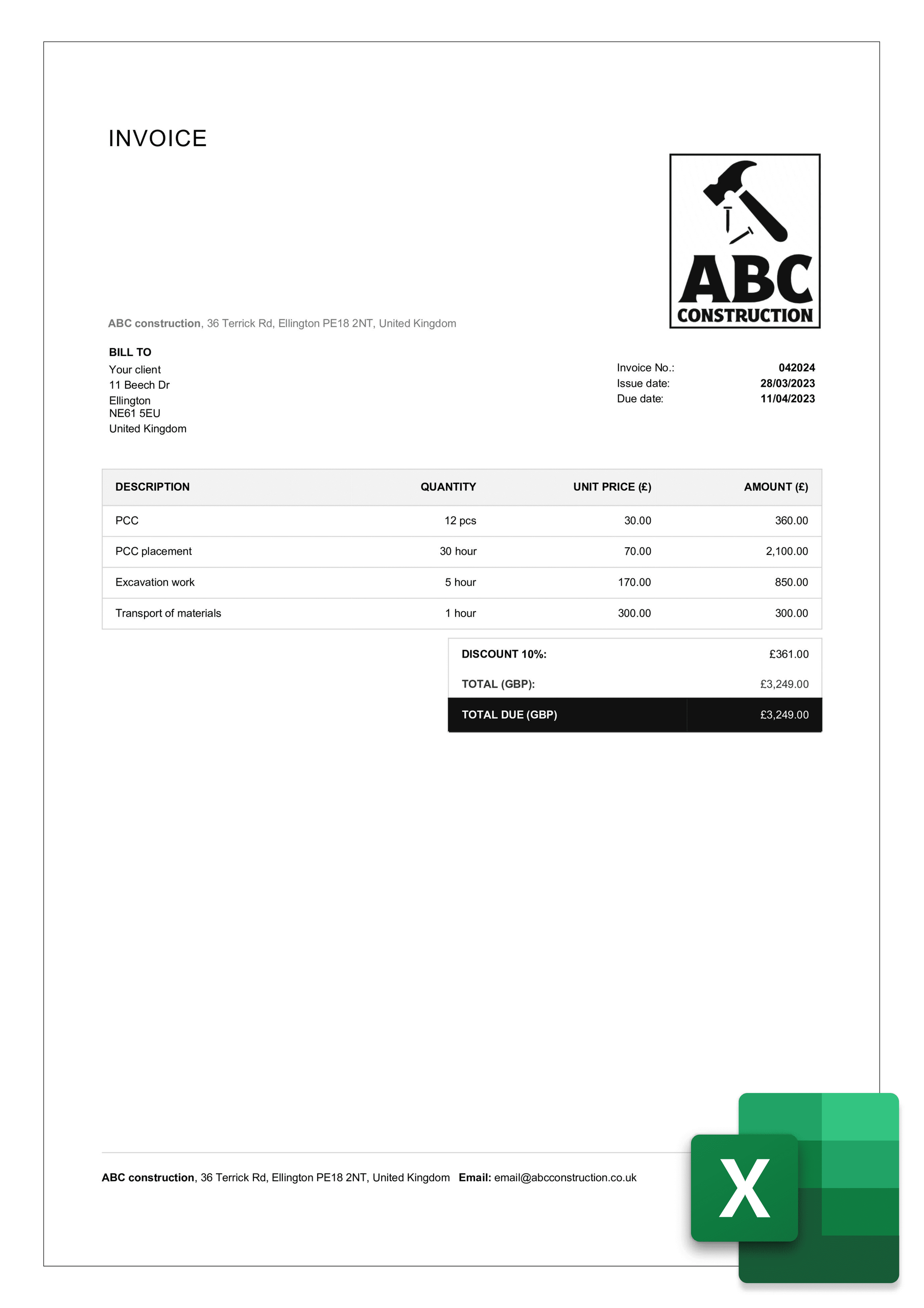
Classic Template
Download template for free:
Modern Template
Download template for free:
Simple Template
Download template for free:
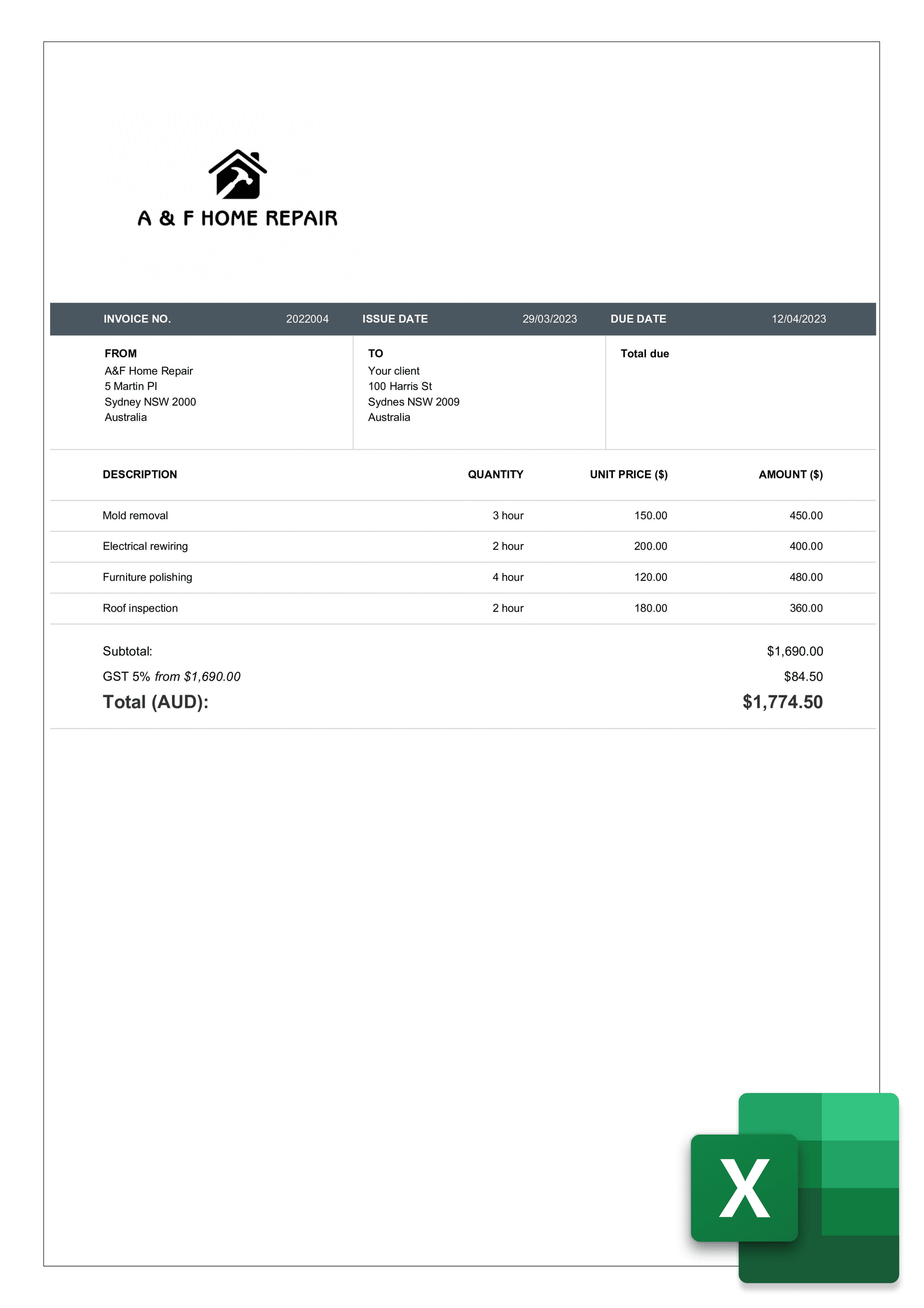
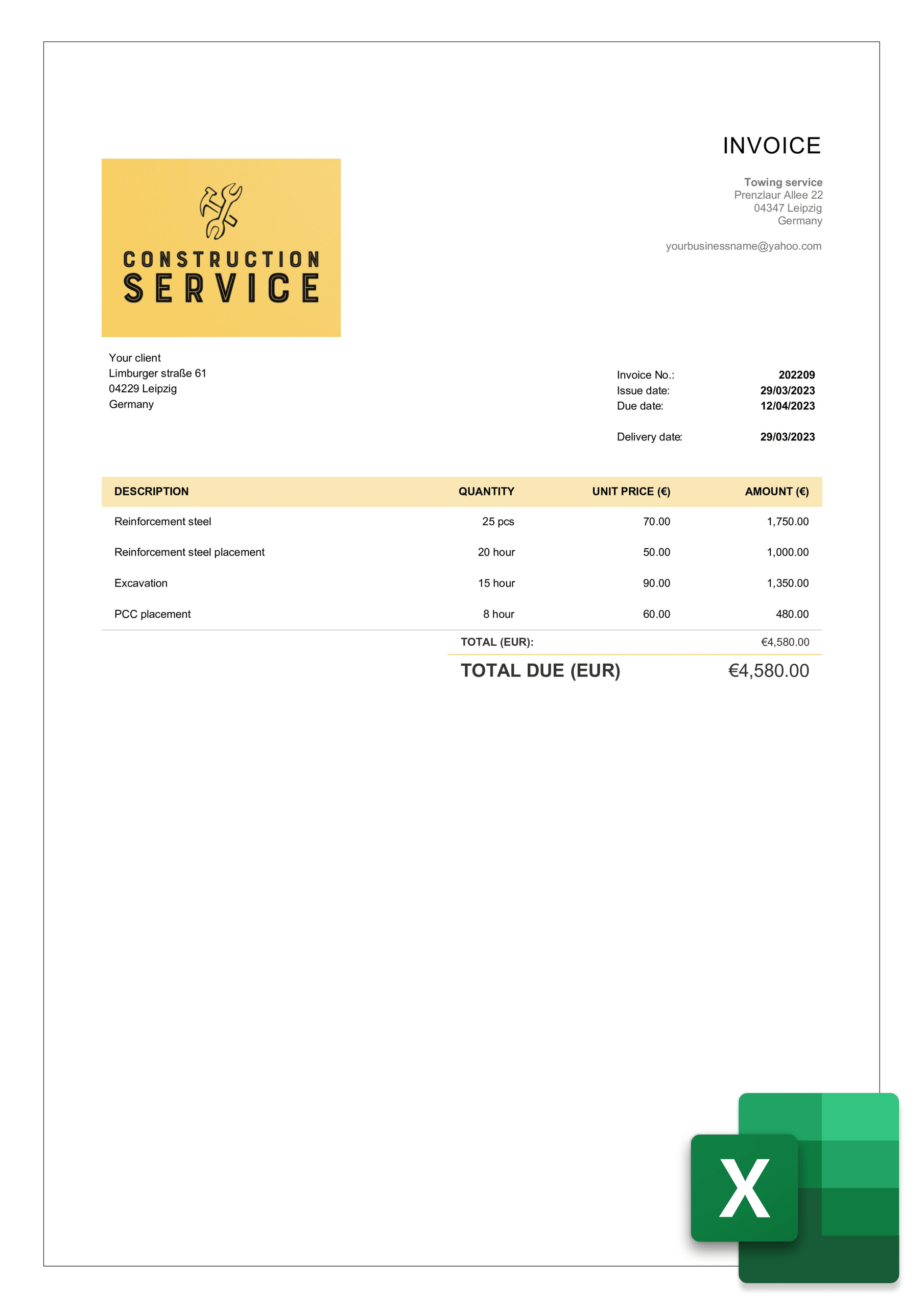
Construction invoice template in Excel
Choose Excel when your invoice has several quantities, labor rates or material prices to calculate. Enter each billed item in the appropriate row and check the line totals, subtotal, tax and final amount. Keep any formula cells intact and confirm that the total range includes all items after you insert or remove rows.
A spreadsheet can also help you check an itemised parts and labour breakdown against your job records. Keep the invoice specific to the work being billed. Save the spreadsheet, set a readable print area and review the exported PDF before sharing it with the customer.
Construction invoice templates in Google Docs
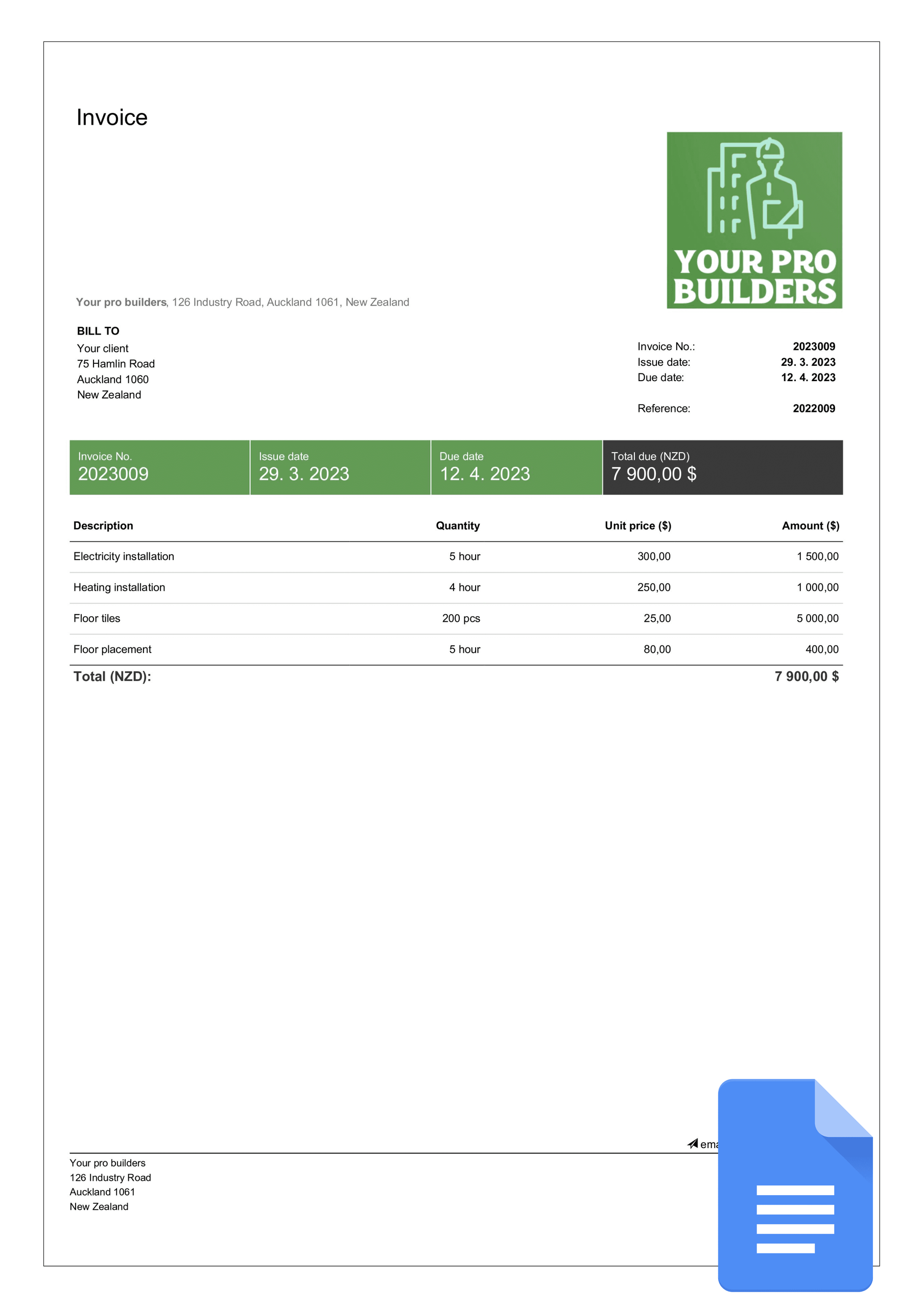
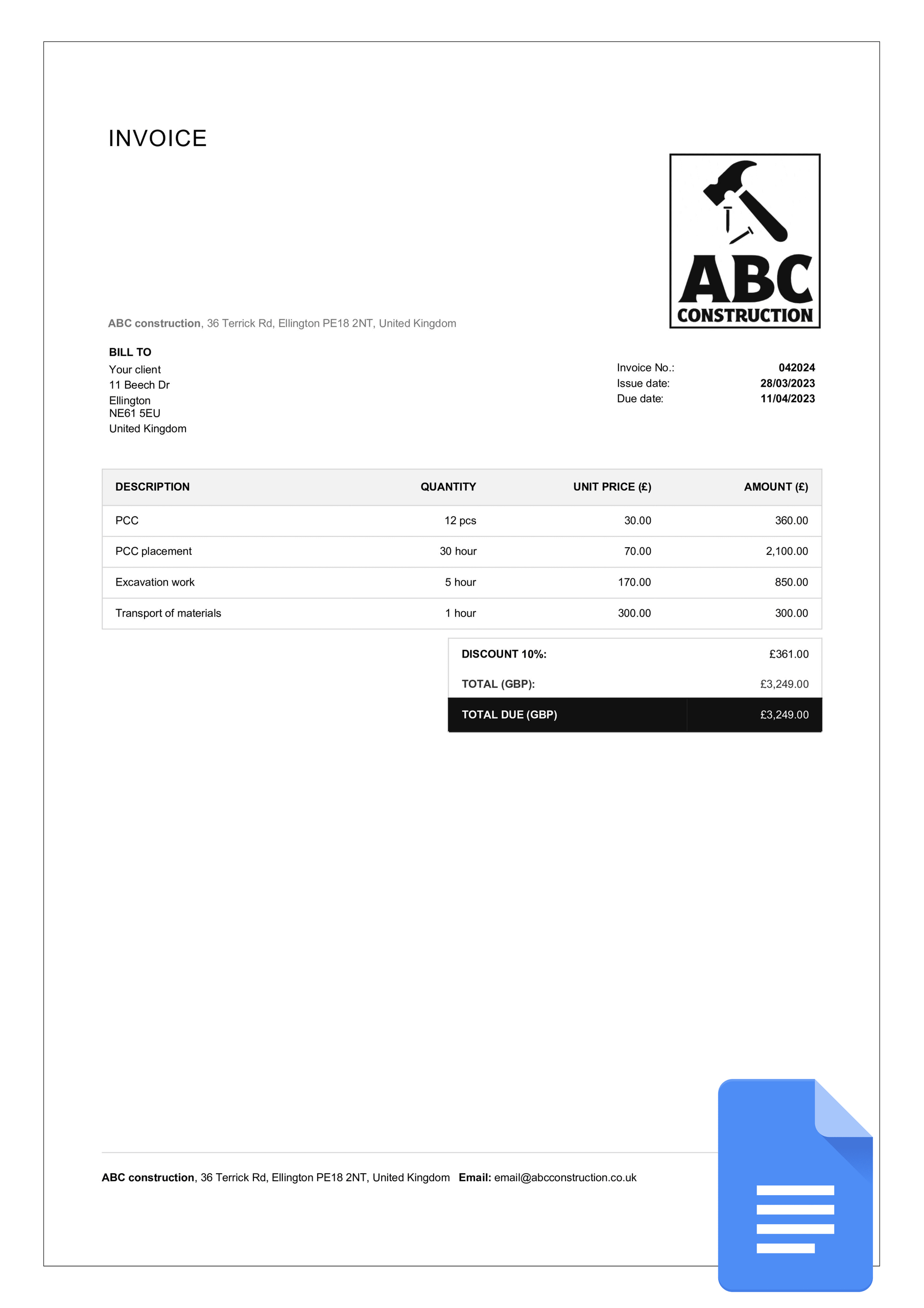
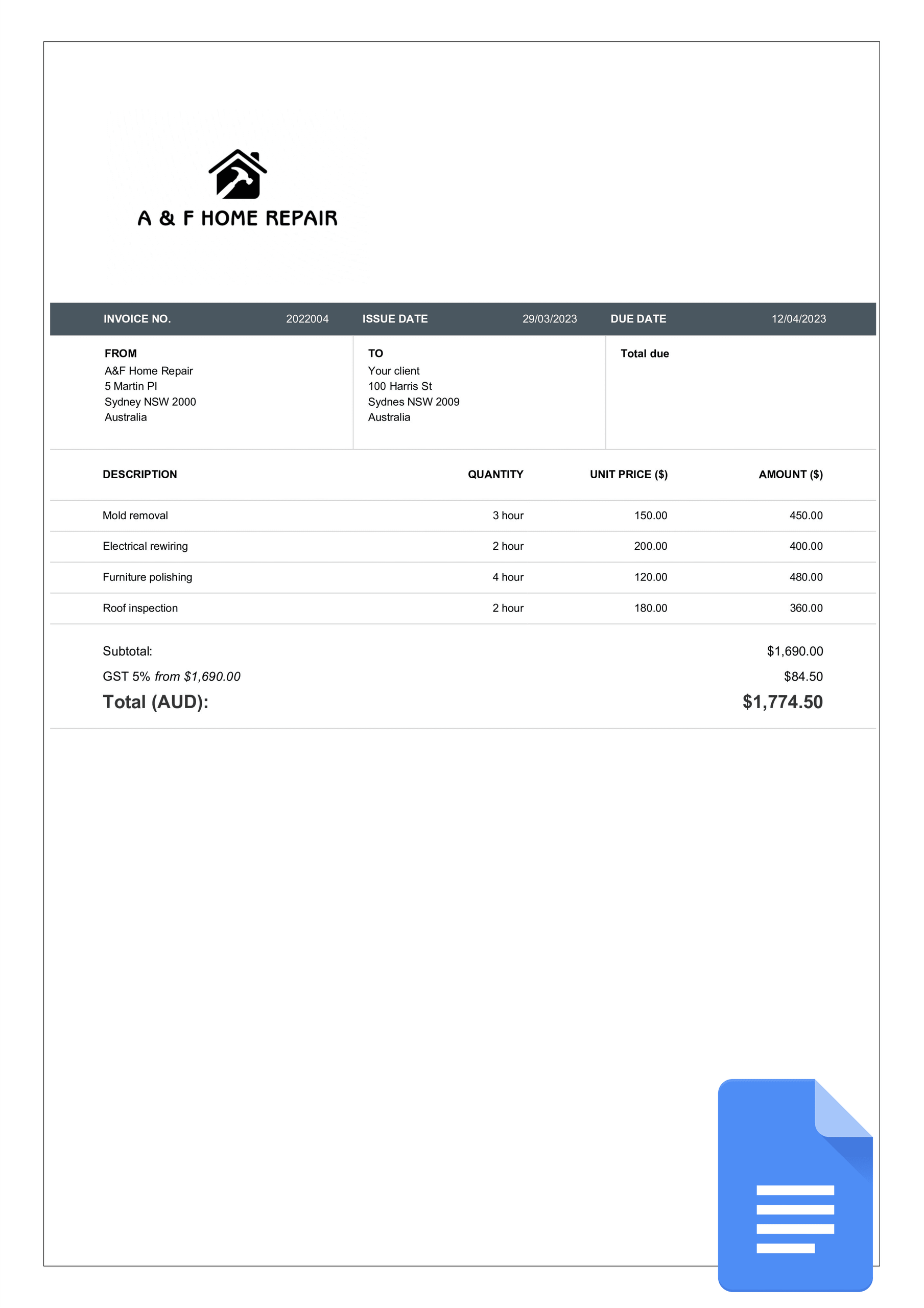
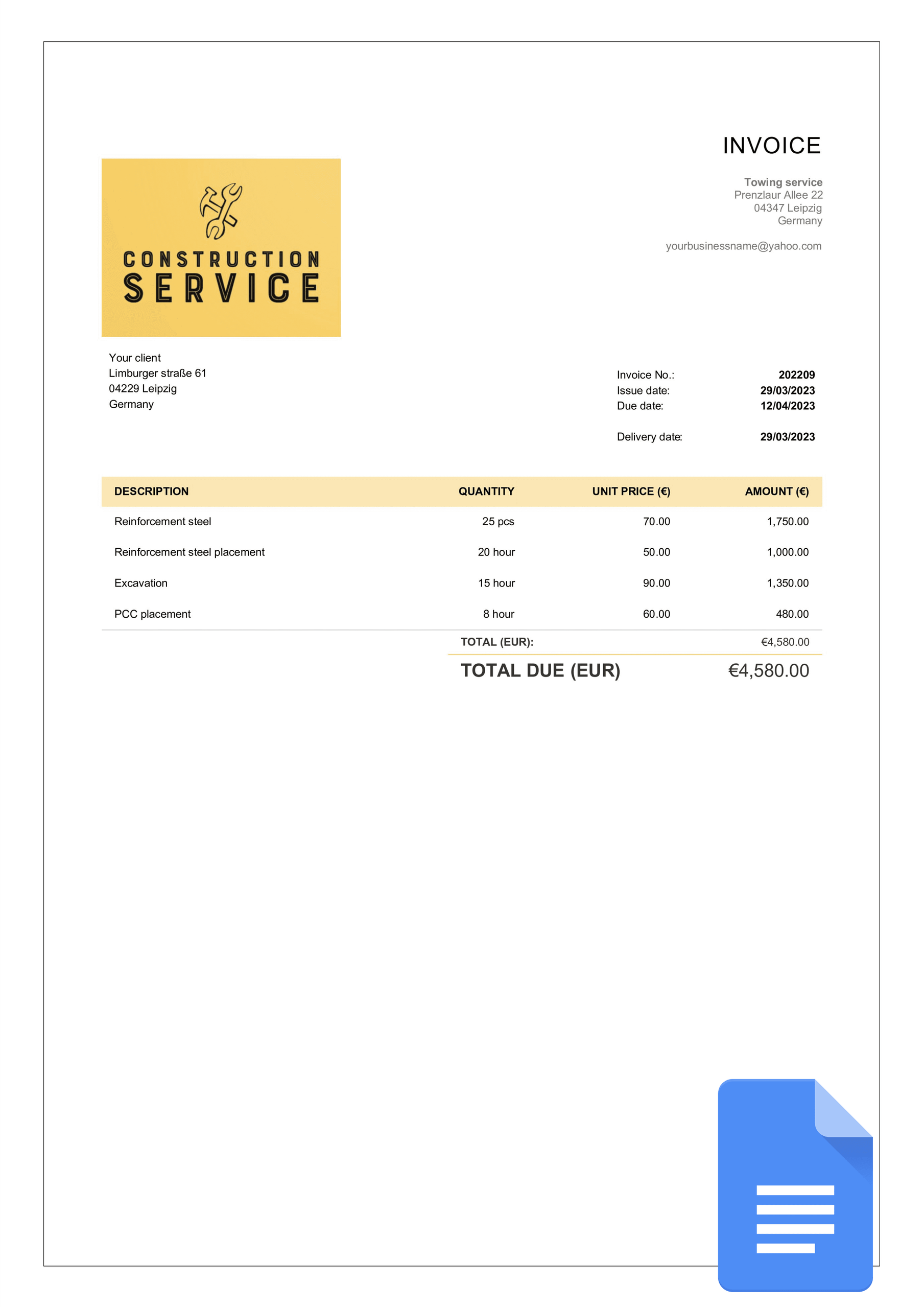
Create and edit your construction invoice online with our Google Docs templates. Choose a design and customise it with your business details, branding and payment terms.
Sign in to your Google account, open the template and make your own copy. Fill in your business and customer details, add the invoice number and dates, and enter the work and charges. Review the item table and check all totals before sending. Keep your editable copy in your account and download a PDF to send to the customer.
Stripe Template
Use template for free:
Classic Template
Use template for free:
Modern Template
Use template for free:
Simple Template
Use template for free:
Quick and Easy
Create a construction invoice as a PDF
Use the free invoice generator to choose a design, fill in the project and billing details, and download a completed PDF. Add your business logo, describe the work and review the applicable tax and total. Make the payment terms and any project reference easy to find.
You can also complete a Word, Excel or cloud invoice template and export it as a PDF. Keep the editable document as your working record. If you need to change the invoice, update the source file or generator rather than assuming every PDF contains editable form fields.
What to include on a construction invoice
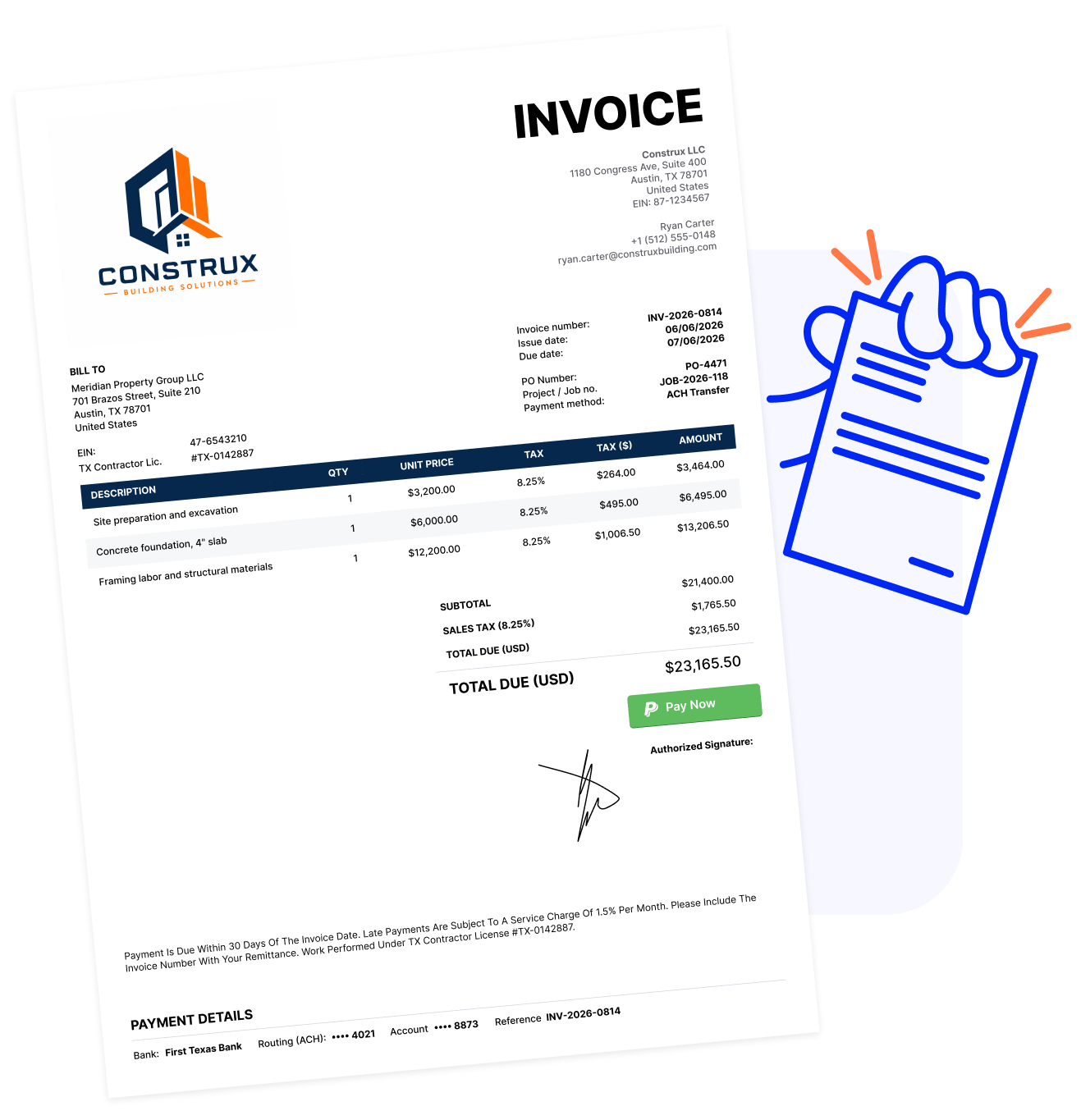
A construction invoice should explain the work you are billing for and how the charges relate to the project. Include your business and customer details, the project or site reference, a unique invoice number, the invoice date, the relevant work dates and the agreed payment due date.
Labor costs
List the labor being charged, with the hours and hourly rate for the worker or task where that is how the work was agreed. If the job uses a fixed labor price, describe the scope covered by that amount. A clear breakdown helps the customer understand which work has been completed and billed.
Material costs
Itemize the materials supplied, with descriptions, quantities and unit prices where relevant. This might include concrete, lumber, roofing materials or other supplies used on the job. Check that the materials and amounts match the agreed work and any approved changes.
Equipment rental
Show chargeable equipment rental separately when it is part of the agreement. Identify the equipment and the rental period or other basis for the charge. Keep supporting records where they help explain an amount the customer may need to review.
Transportation costs
Include agreed costs for transporting materials, equipment or workers to and from the site. Describe the charge clearly rather than adding an unexplained amount to the total. If transportation is already included in an agreed price, avoid billing it again as an extra.
Tax, discounts and the amount due
Apply the tax treatment appropriate to the work and your location. Show any agreed discount, payments already received and the amount outstanding. Review the line items and totals before sending the invoice so the customer can reconcile it with the project records.
Roofing invoice templates
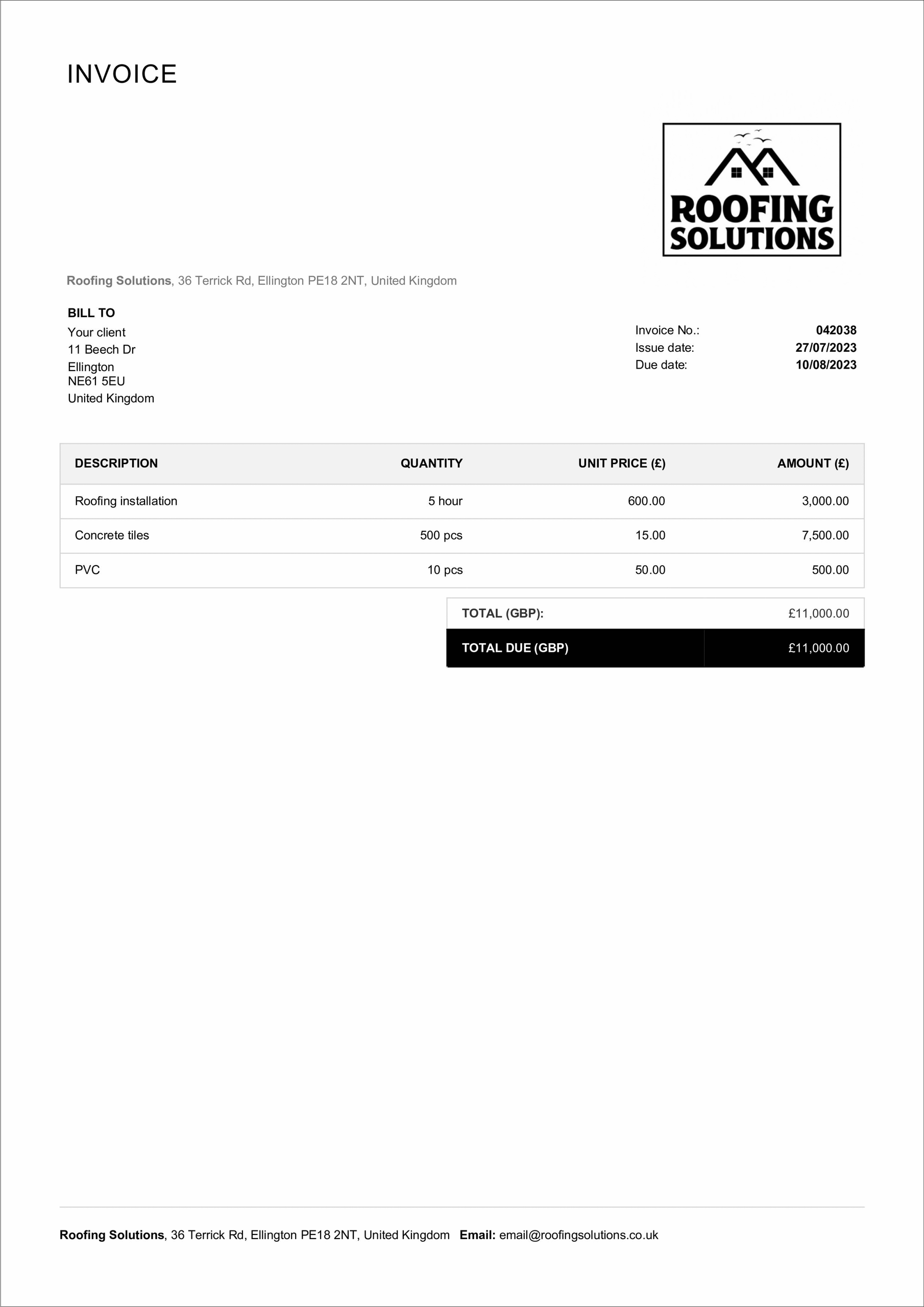
A roofing invoice is a construction invoice tailored to roofing work. Use it to request payment for an agreed roofing service or stage of a project. Choose a roofing-specific Stripe, Classic, Modern or Simple design. Select an available Word, Excel or Google Sheets format, then add the property, job and customer details.
- Your roofing business details, the customer’s details and the property or project address.
- An invoice number, issue date, the work or billing period and the payment due date.
- A description of the roofing work completed or the agreed stage being billed.
- Labour charges and itemised roofing materials, with quantities and prices where relevant.
- Agreed equipment rental, transportation and other job charges.
- Applicable tax, any payments already credited and the final amount due.
Keep the invoice readable and make it easy to connect the charges to the agreed roofing work. Use the notes section for a useful project reference or explanation of an approved extra. Include supporting information when it helps the customer understand a charge, rather than repeating an entire project specification in every invoice.
A roofing invoice and a roofing estimate serve different purposes. The estimate describes proposed work and its approximate cost, while the invoice requests an agreed payment at the appropriate stage. If you are still pricing the job, use our roofing estimate template and prepare the invoice when payment is due.

Stripe Template
Download template for free:
Classic Template
Download template for free:

Modern Template
Download template for free:

Simple Template
Download template for free:
Try the Billdu App
Manage your construction documents with Billdu
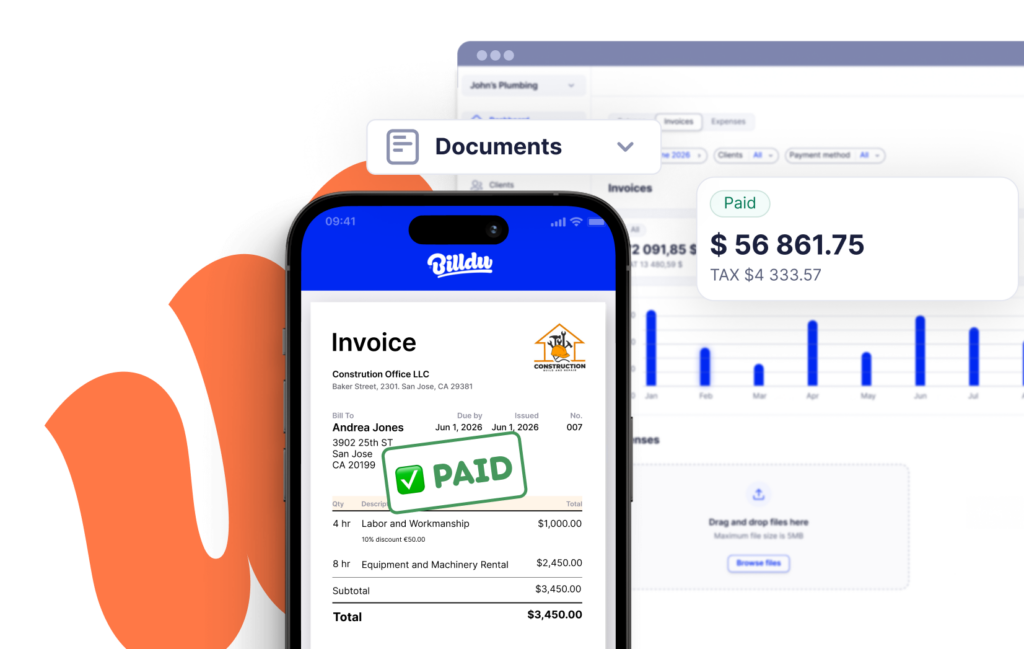
Free construction invoice templates give you a practical starting point. Billdu also helps you create invoices, estimates, quotes, delivery notes and other business documents in its mobile and web app. Keep customer details and records organised, and follow your invoicing activity from the dashboard.
For invoices created in Billdu, offer the online payment methods available to your business and keep the payment instructions clear. Document and reminder features depend on the plan you choose. Start with a 7-day free trial to see how the tools fit your contracting workflow.
7-Day Free Trial
Cancel Anytime
Try the Billdu App
Manage your construction documents with Billdu
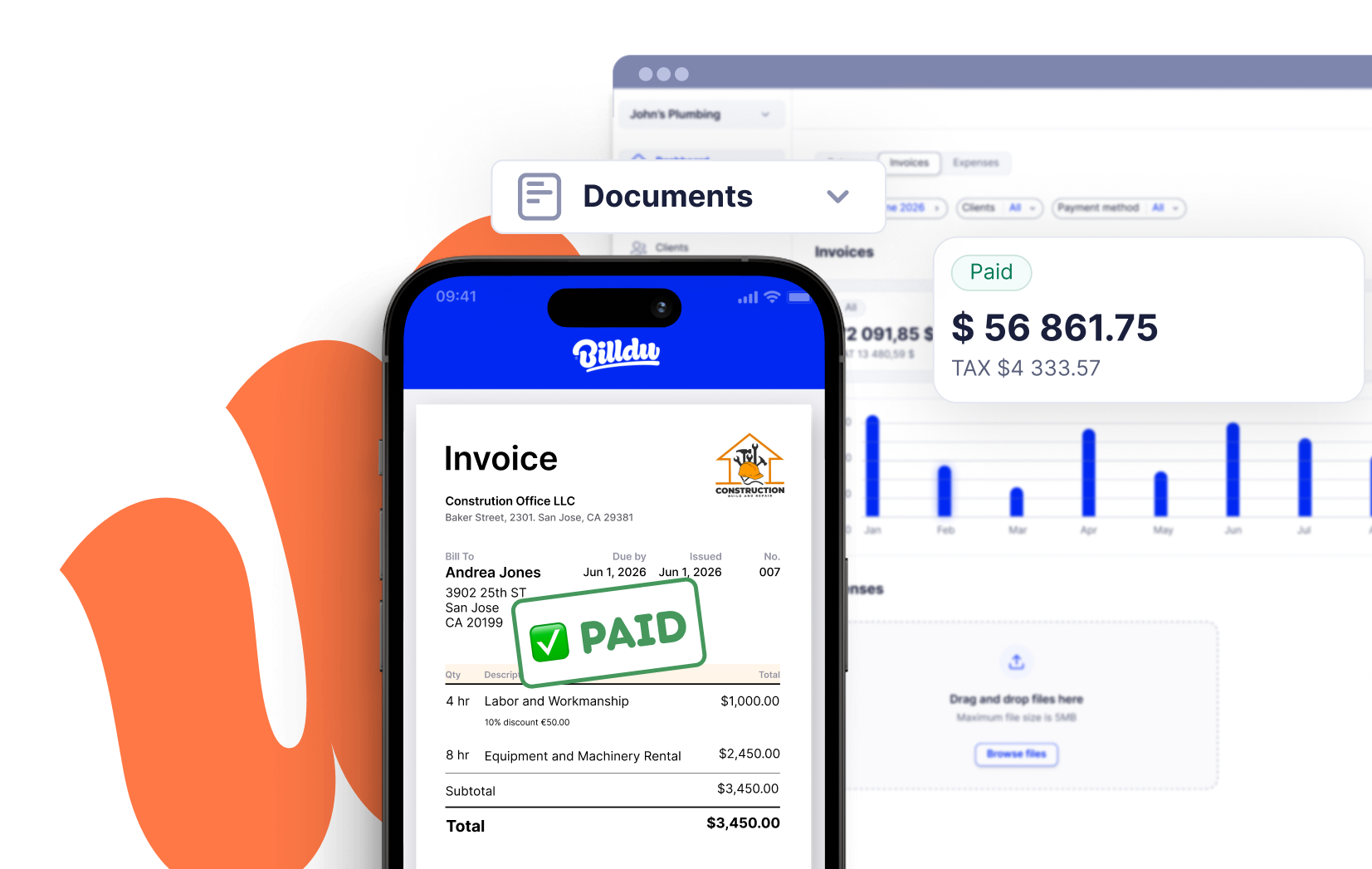
Free construction invoice templates give you a practical starting point. Billdu also helps you create invoices, estimates, quotes, delivery notes and other business documents in its mobile and web app. Keep customer details and records organised, and follow your invoicing activity from the dashboard.
For invoices created in Billdu, offer the online payment methods available to your business and keep the payment instructions clear. Document and reminder features depend on the plan you choose. Start with a 7-day free trial to see how the tools fit your contracting workflow.
7-Day Free Trial
Cancel Anytime
Progress invoices and payment terms
Construction work can be invoiced at completion or at agreed stages. Describe the stage, period or milestone covered by the invoice so the customer can distinguish it from earlier and later documents. If a deposit or previous payment needs to be credited, show how it affects the amount due and check that it is not charged again.
Agree the billing schedule and payment terms with the customer and use them consistently. Net 30 is one example of a payment term, meaning payment is due 30 days after the relevant invoice date under the agreed terms; it is not a universal rule for every construction job. Put a clear due date on the invoice and explain the payment methods your business accepts.
If the scope changes, record the approved variation and show the resulting charge clearly. Keep the accepted quote or estimate, the change record and the invoice together so you can explain the amount if the customer has a question.
Itemized parts and labor invoices
A parts and labor invoice separates the cost of supplied items from the cost of the work. Use clear rows for each material or part, followed by the relevant labor tasks, hours and rates, or fixed charges. This is useful when a customer needs to see how a repair, installation or construction job was priced.
Include a description, quantity or unit, rate and line total where these apply. Keep the terms consistent with the accepted quote or estimate and identify approved additional work separately. If a timesheet or expense breakdown makes the charges clearer, keep it with the invoice or provide a relevant supporting copy.

Practical tips for a professional contractor invoice
Offer the payment methods your business accepts and explain how the customer should pay.
Personalize each invoice with the customer, project and site details so it is easy to recognize.
Include the invoice date, relevant work dates and agreed payment due date.
Use the notes section for an important project reference, agreed adjustment or payment instruction.
Attach a relevant timesheet or expense breakdown when it explains the charges.
Add your business logo and, where appropriate, a signature, then preview the document before sending it.
Manage your business documents with Billdu
Professional invoice templates are a useful starting point. Billdu also gives you tools to create business documents, keep records organised and manage your invoicing as your business grows.

Mobile and web app
Create invoices directly in the Billdu mobile and web app, keep your documents in one place and access them when you need them. Start with a 7-day free trial and choose the plan that fits your business.

Make payment easier
Add a Pay Now button to invoices created in Billdu so customers can use the online payment options available to your business. Clear payment instructions make the next step easier for customers and help you follow up on outstanding invoices.

Dashboard and documents
Keep invoices, estimates, quotes, delivery notes and other business documents organised in one place. Use the Billdu dashboard to follow your invoicing activity and choose the document tools included in the plan that suits your business.
Manage your business documents with Billdu
Professional invoice templates are a useful starting point. Billdu also gives you tools to create business documents, keep records organised and manage your invoicing as your business grows.
Mobile and web app
Create invoices directly in the Billdu mobile and web app, keep your documents in one place and access them when you need them. Start with a 7-day free trial and choose the plan that fits your business.
Make payment easier
Add a Pay Now button to invoices created in Billdu so customers can use the online payment options available to your business. Clear payment instructions make the next step easier for customers and help you follow up on outstanding invoices.

Dashboard and documents
Keep invoices, estimates, quotes, delivery notes and other business documents organised in one place. Use the Billdu dashboard to follow your invoicing activity and choose the document tools included in the plan that suits your business.
Related Articles
-

What Is Peppol? A Plain-English Guide for Small Businesses (2026)
Peppol is an international network that lets businesses and governments exchange invoices and other documents as structured electronic…
-

Belgium’s B2B E-Invoicing Mandate 2026: Deadlines, Penalties & Who Must Comply
Belgium’s B2B e-invoicing mandate requires every VAT-registered business established in Belgium to send and receive structured electronic invoices…
-

How to Send a Peppol Invoice: A Step-by-Step Guide (2026)
To send a Peppol invoice, you create the invoice as structured data, register a Peppol ID through a…
Got questions?
A construction invoice is a document a contractor or construction business uses to request payment for goods or services. It may relate to design, preconstruction work, building work or another agreed stage of the project. It identifies the parties, the work being billed, the costs and the payment terms.
Choose a template or use the invoice generator. Add your business and customer details, the project reference, invoice number and dates. List the work and charges, apply any relevant tax or discount and check the total. Show when and how the customer should pay, then review the finished document.
Include the business and customer details, project or site reference, invoice number, dates, description of the work and the amount due. Break down labor, materials, equipment or transportation where they are separate charges. Include applicable tax, payment terms and any relevant credit for payments already received.
Send it at the time agreed with the customer. That may be after completion, at a project milestone or on a regular schedule for ongoing work. Identify the work or period covered, account for earlier payments and use the agreed due date.
List the supplied parts or materials with their quantities and prices, then show labor tasks with the hours and rates or agreed fixed amounts. Check the subtotal, applicable tax and total. Use descriptions that help the customer match the charges to the completed job.
Give different items or tasks their own rows and use a consistent basis for quantities and rates. Avoid combining unrelated charges into one unexplained total. Where a fixed price was agreed, describe what it covers and show approved extras clearly.
Terms vary by contract and project. A business might agree a deposit, milestone payments, payment on completion or a period such as Net 30. Use the terms actually agreed with your customer and state the due date clearly; do not assume one term applies to every job.
A roofing invoice requests payment for roofing work or an agreed stage of that work. Choose a roofing template, identify the property and services, and enter the labor, materials and other agreed costs. Add the invoice number, dates, applicable tax and payment details, then check the amount due.
Use a clean layout with clear business and customer details, an itemized table, a readable total and payment instructions. Keep the project reference and work description visible. Your logo can help identify the document, but the accuracy and clarity of the billing details matter more than decoration.